

Cryptomator Lite
by Skymatic GmbH · GPL-3.0-only · open source
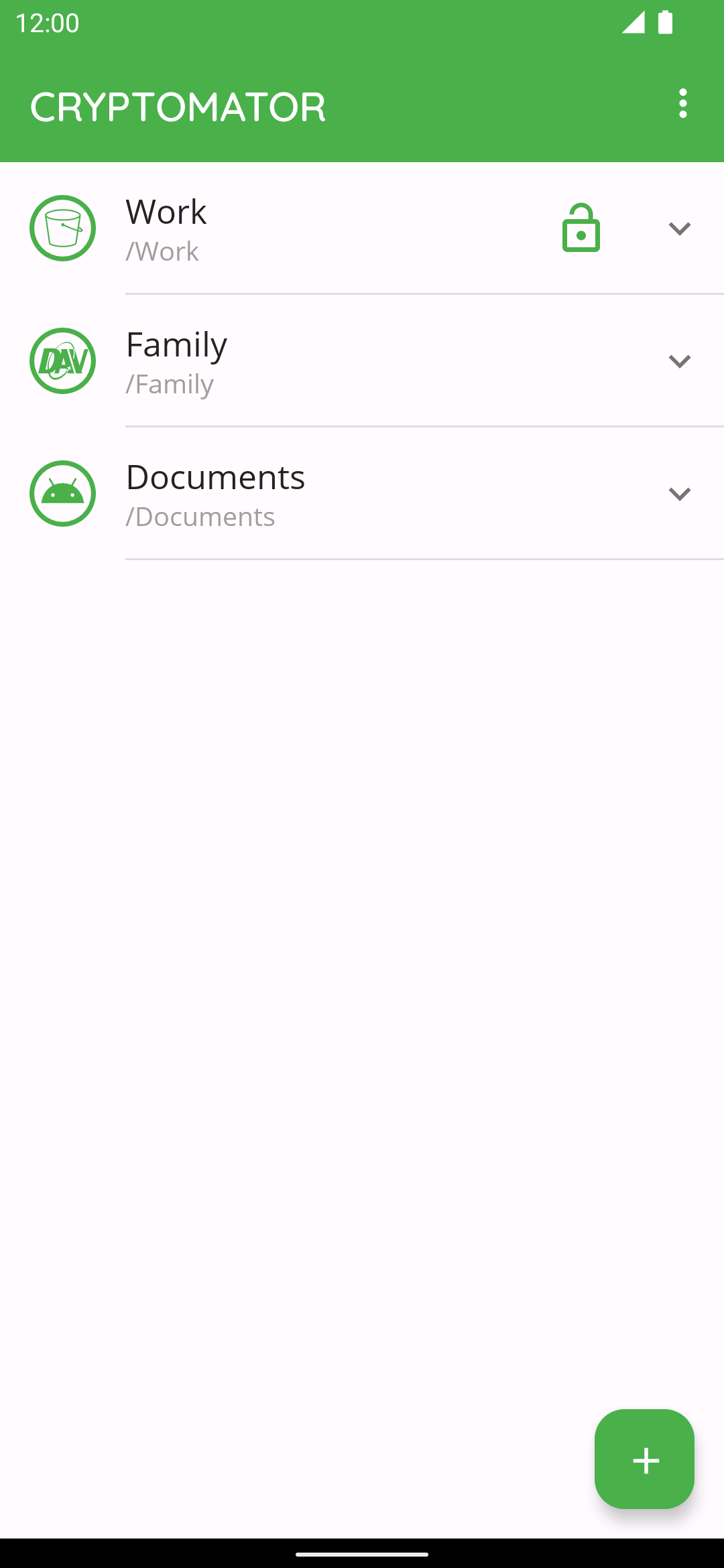
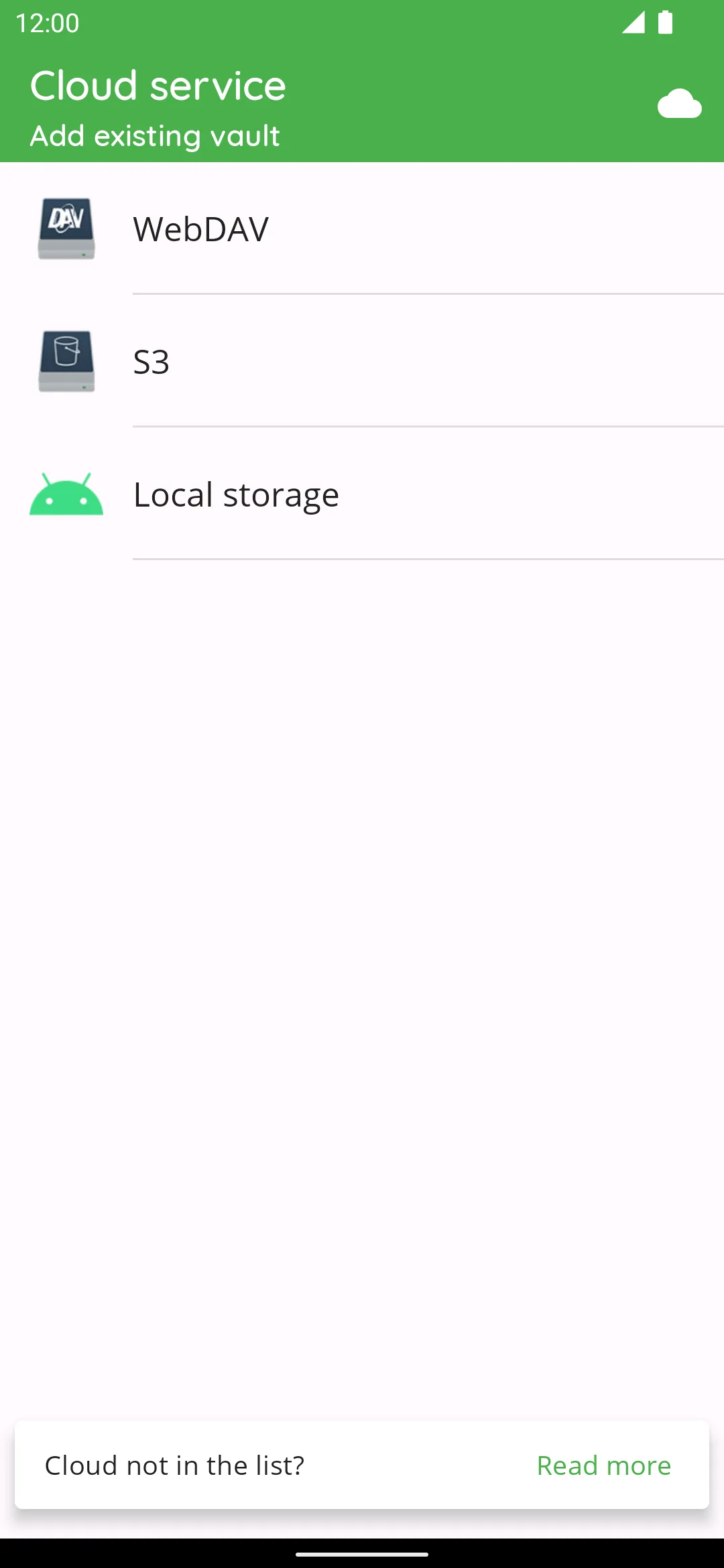
Open client-side encrypted vaults on local storage, WebDAV or S3, with system file-picker access and a licence boundary on operations that change their contents.
Needs:Android 8.0+ · vault credentials · local, S3 or WebDAV
2113 Apps is independent, not affiliated with or endorsed by Skymatic GmbH. Official sources: cryptomator.org · source code on GitHub.
- Version
- 3.0.0
- Size
- 22.3 MB
- Requires
- Android 8.0+
- Updated
- 2026-11-23
Screenshots
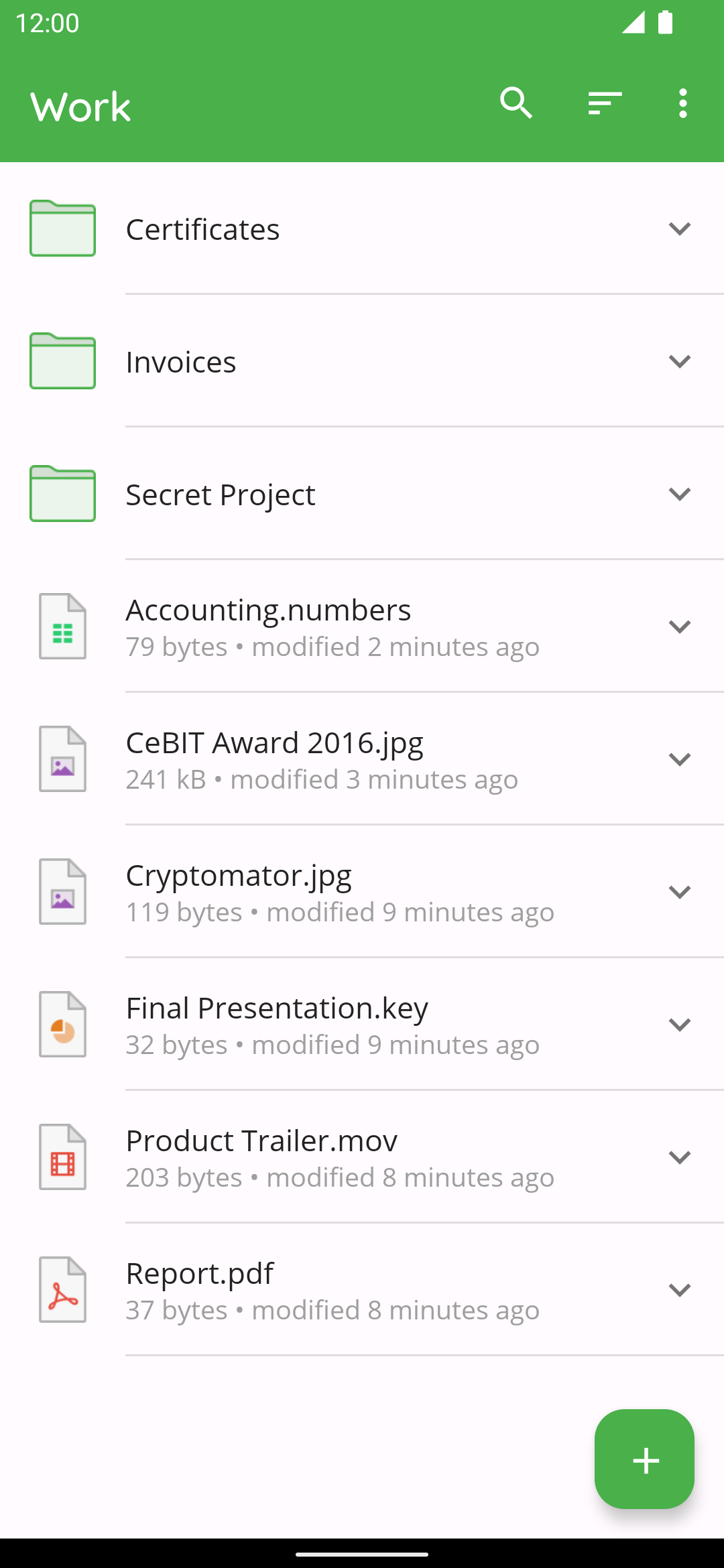
Introduction
Cryptomator Lite is the F-Droid main-repository flavour of Cryptomator for Android. It encrypts file names and contents on the device before a vault is written to local storage, an S3-compatible service or WebDAV.
The Lite storage boundary
This package is deliberately narrower than the other Cryptomator distribution. In the fixed 3.0.0 source, the Lite repository factory includes only local storage, S3, WebDAV and the encryption layer. It does not include connectors for Google Drive, Dropbox, OneDrive, SharePoint, pCloud or Box. The package name is also different, so both editions can remain installed without updating each other.
Version 3.0.0 enables Android’s document-provider integration by default. Android Files and other apps using the system picker can see every configured vault as a root, even while it is locked; entering its contents still requires an unlock. The setting can be disabled. Opened files are cached as decrypted local copies and can remain in that cache while the vault is locked; locking alone does not clear them, and the app’s cache must be cleared separately.
The Lite package is not a permanently free writer. Its 30-day trial or a valid app licence permits creating vaults and uploading, renaming, moving or deleting files; without either, ordinary existing vaults are read-only. A Cryptomator Hub vault can instead remain writable under its active Hub licence. Background saves can upload changes, but conflict-copy handling has failure cases rather than being a promise that no change can be lost. Automatic locking counts from the vault’s last use, with documented exceptions while operations or unlocked-file handling remain active. The release also fixes a Cryptomator Hub unlock issue. The broader 3.0 release added Box, but Box is explicitly unsupported in this Lite flavour.
Permissions and trust boundary
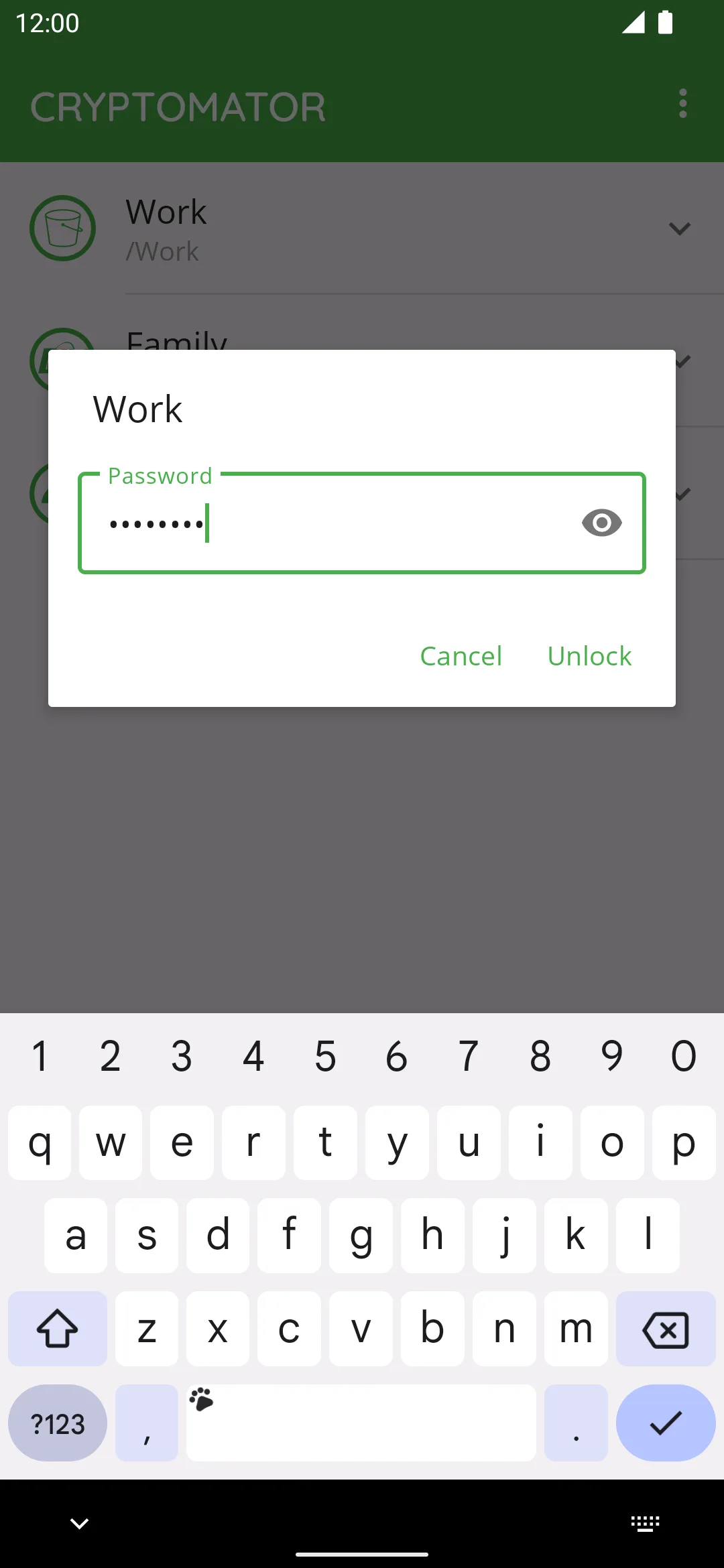
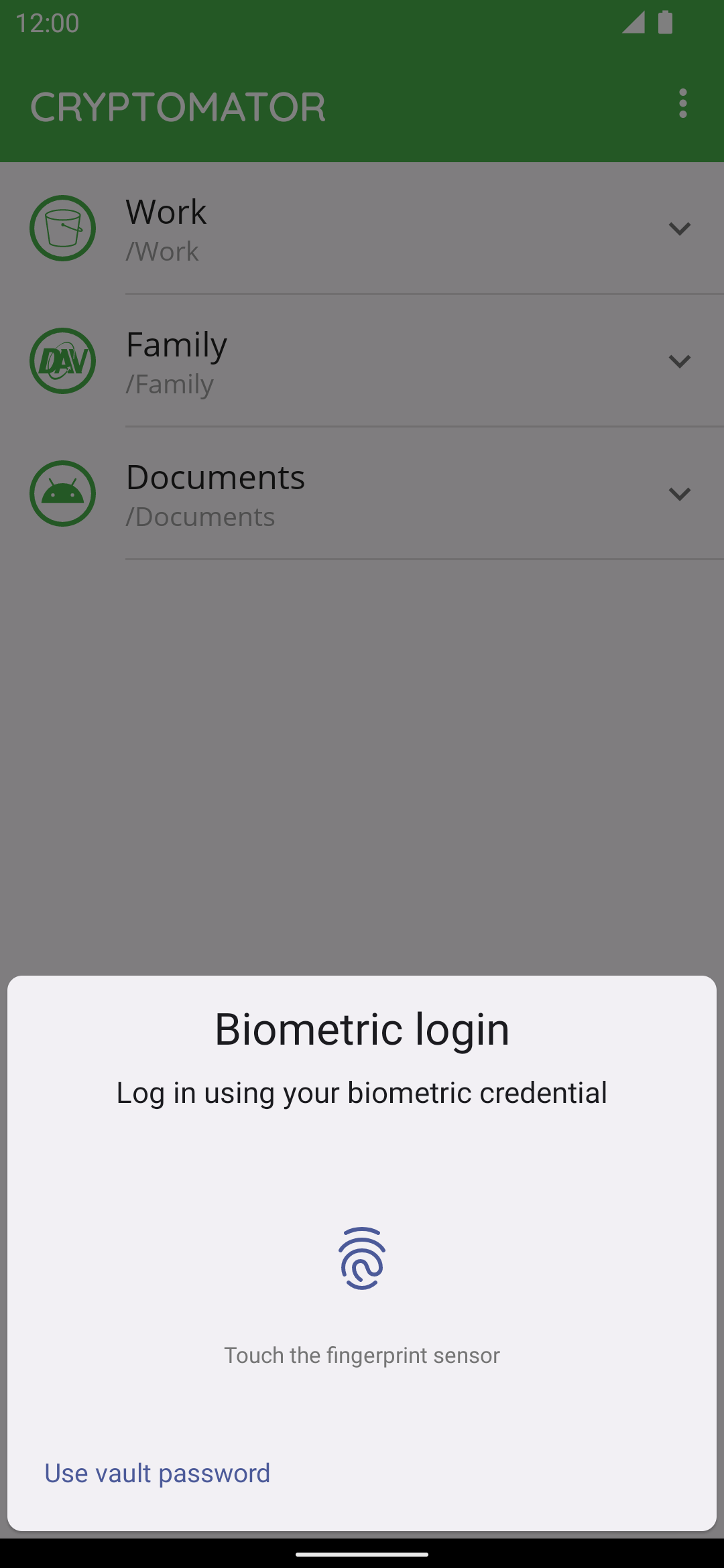
Biometric permission can protect convenient unlock material through Android’s keystore; it does not replace the vault’s credentials or change its cryptography. Media permissions are for the optional automatic photo-upload flow, rather than ordinary vault browsing. While a vault is unlocked, a special-use foreground service shows a notification and keeps its key in memory; it is not a generic transfer-progress service. REQUEST_INSTALL_PACKAGES is used by the variants screen when a user explicitly chooses the website edition; routine update checks run automatically only in the separate APK Store flavour.
The APK contains no native libraries and our scan found no recognised tracker SDK. Static inspection and a matching signature do not prove that the app, device or storage provider is safe.
About this file
- This is the developer-signed reproducible APK of Cryptomator Lite 3.0.0 distributed by F-Droid. F-Droid rebuilds the source and verifies it against the developer binary; the measured signer fingerprint matches the key allowed in its recipe.
- The 22.3 MB APK runs on Android 8.0 and later and declares 16 permissions. It contains no ABI-specific native libraries.
- Cryptomator for Android is GPL-3.0-only. The hosted file’s SHA-256 is measured and published on this page for independent comparison.
What’s inside the APK
Trackers
No code matching the tracker signatures we check, including Exodus Privacy’s list and our published supplements.
Native code
Pure Java/Kotlin, so it runs on any CPU.
Android versions
Built for Android 17 (target API 37).
Permissions
4 of them need your approval first.
Asks you first (4)
Android shows a prompt before the app can use these.
- Show notifications (Android 13+) · POST_NOTIFICATIONS
- Read shared storage (Android 12 and older) · READ_EXTERNAL_STORAGE
- Read photos · READ_MEDIA_IMAGES
- Read videos · READ_MEDIA_VIDEO
You switch these on in Settings (1)
Special app access. Nothing is granted until you turn it on yourself.
- Install unknown apps · REQUEST_INSTALL_PACKAGES
Granted at install (10)
Low-risk permissions Android grants automatically, plus any we have not classified.
- ACCESS_LOCAL_NETWORK
- ACCESS_NETWORK_STATE
- ACCESS_WIFI_STATE
- FOREGROUND_SERVICE
- FOREGROUND_SERVICE_SPECIAL_USE
- INTERNET
- RECEIVE_BOOT_COMPLETED
- REORDER_TASKS
- USE_BIOMETRIC
- USE_FINGERPRINT
Defined by other apps (1)
Permissions that belong to another app or to this app itself.
- org.cryptomator.lite.DYNAMIC_RECEIVER_NOT_EXPORTED_PERMISSION
More Information
- Package name
- org.cryptomator.lite
- Version
- 3.0.0 (build 3237)
- File size
- 22.3 MB (22,296,209 bytes)
- Requires
- Android 8.0 or later
- Category
- Cloud & Self-Hosted
- License
- GPL-3.0-only
- Developer
- Skymatic GmbH
- Source code
- github.com/cryptomator/android
- Released
- Nov 23, 2026
- Signed by
- The developer. F-Droid publishes a developer-signed APK only when its own build from the source code reproduces it.
- Signer SHA-256
- f7c3ec3b0d588d3cb52983e9eb1a7421c93d4339a286398e71d7b651e8d8ecdd
- File SHA-256
- f523e85dab8f6ec8403bbe295728bd6f39580dc5ad95799949042c0c866be288
- Checked
- , against the F-Droid index · how we check · verify it yourself
Common questions
Is this APK the official Cryptomator Lite release?
Yes. It is the developer-signed release of Cryptomator Lite 3.0.0 that F-Droid distributes, which F-Droid publishes only when its own build from the source code reproduces it. Its SHA-256 matches F-Droid’s signed index, and it is signed with the developer’s certificate (SHA-256 f7c3ec3b0d588d3cb52983e9eb1a7421c93d4339a286398e71d7b651e8d8ecdd).
What Android version does Cryptomator Lite need?
Android 8.0 or later (API level 26). Version 3.0.0 is built for Android 17 (target API 37). Pure Java/Kotlin, so it runs on any CPU.
Can Cryptomator Lite access the internet?
Yes. The APK requests Android’s internet permission. In total it declares 16 permissions, and 4 of them need your approval first.
Does Cryptomator Lite contain trackers?
No known trackers: our scan of version 3.0.0 found no code matching the tracker signatures it checks. Those include Exodus Privacy’s list and the published local supplements described on How We Check; the scan doesn’t show what data the app itself sends.
Is Cryptomator Lite open source?
Yes. Cryptomator Lite is released under the GPL-3.0-only licence, and its source code is published at https://github.com/cryptomator/android.
What is different about Cryptomator Lite?
This F-Droid main-repository flavour has a separate package name and supports local storage, S3 and WebDAV. Ordinary vault writes need an app licence or its 30-day trial; a Hub vault can use its active Hub licence. The fixed-version repository factory omits Google Drive, Dropbox, OneDrive, SharePoint, pCloud and Box connectors.
Can it update the other Cryptomator app?
No. `org.cryptomator.lite` and the broader `org.cryptomator` distribution are different Android packages. They can be installed side by side, but one does not update the other.
Does version 3.0 expose every vault all the time?
The Files integration is enabled by default and lists every configured vault, including locked ones; opening its contents still requires unlocking it. You can disable the document provider. Files already opened through it may remain as decrypted local cache copies even after the vault locks, until that cache is cleared.
Does encryption make the cloud provider trustworthy?
It encrypts file names and contents inside the vault, but the outer cloud folder used as the vault container has a visible name. Encryption does not prove the app, phone, credentials or provider is safe; the provider can still observe account, timing and encrypted-file metadata.
Recent releases
| Version | Released | Size | Requires |
|---|---|---|---|
| v3.0.0 · this download | Nov 23, 2026 | 22.3 MB | Android 8.0+ |
| v2.1.0 | Oct 29, 2026 | 22.2 MB | Android 8.0+ |
| v2.1.0-beta1 | Oct 12, 2026 | 22.2 MB | Android 8.0+ |
Versions currently kept in the F-Droid repository. We host and check only the newest one. Full changelog.
Alternatives and related apps
-
 Cryptomator The broader developer distribution adds commercial-cloud connectors such as Dropbox, OneDrive and pCloud.Download
-
 Syncthing-Fork Synchronises ordinary folders directly between devices instead of encrypting files into a vault format.Download
-
 Nextcloud Connects to a Nextcloud account for files, sharing and automatic photo upload without Cryptomator’s vault layer.Download