

Home Assistant
Apache-2.0 · open source
The official Android app for Home Assistant, in the minimal flavor that works without Google Play services. It needs a Home Assistant server that you run yourself.
Needs:Your own Home Assistant server · Android 6.0+
2113 Apps is independent, not affiliated with or endorsed by the Home Assistant developers. Official sources: companion.home-assistant.io · source code on GitHub.
- Version
- 2026.8.4-minimal
- Size
- 57.9 MB
- Requires
- Android 6.0+
- Updated
- 2026-10-01
Screenshots
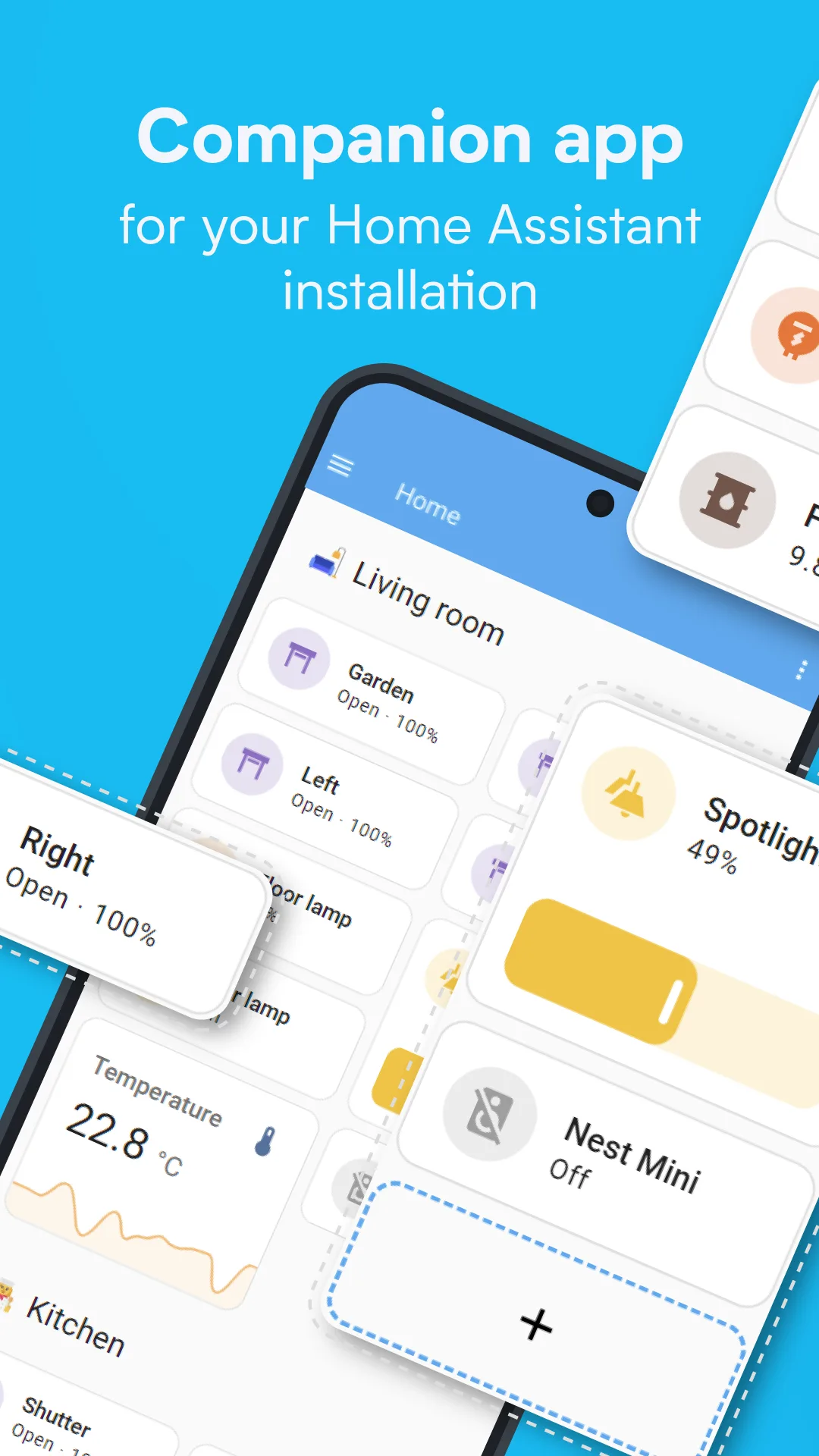
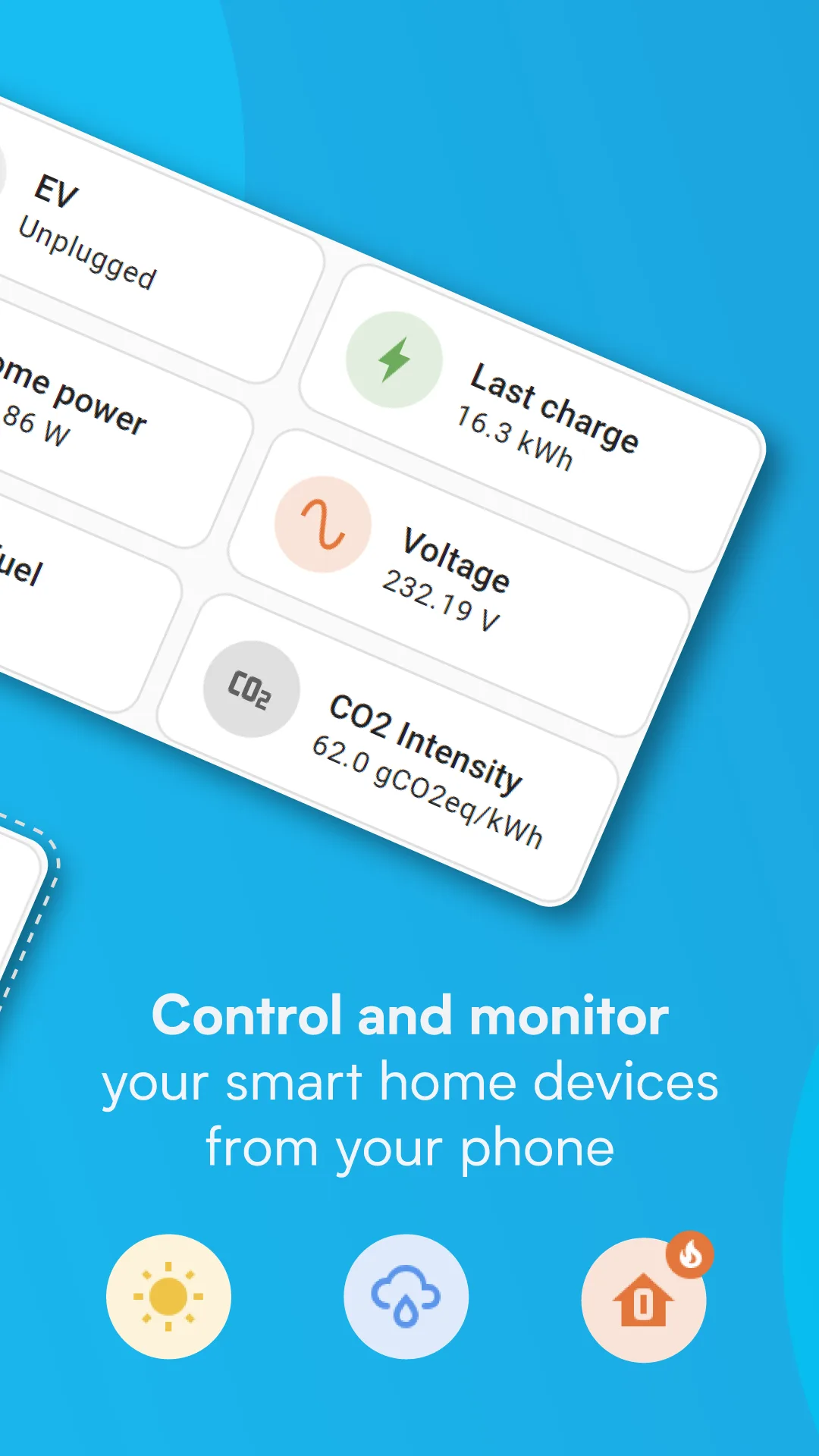
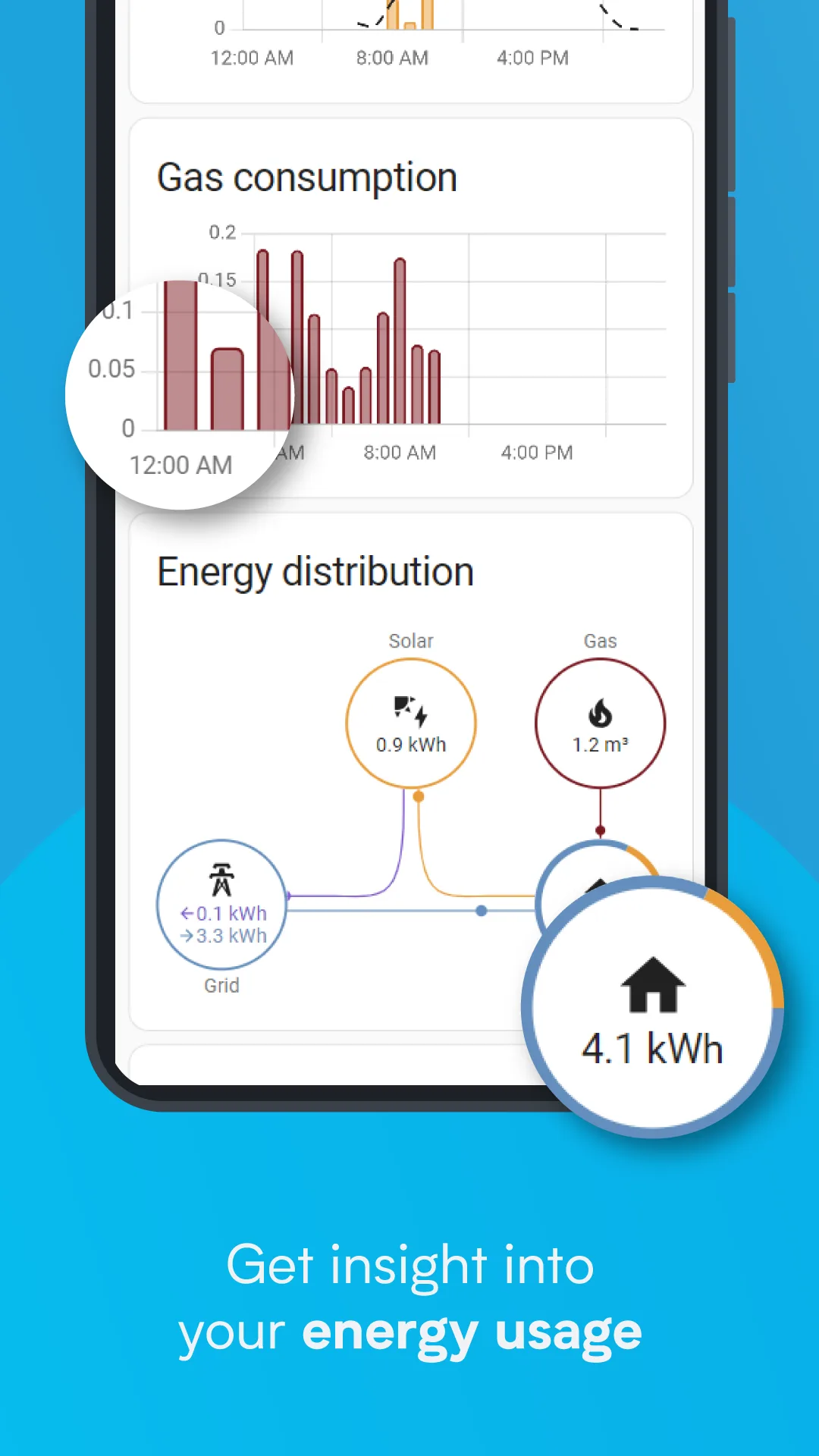
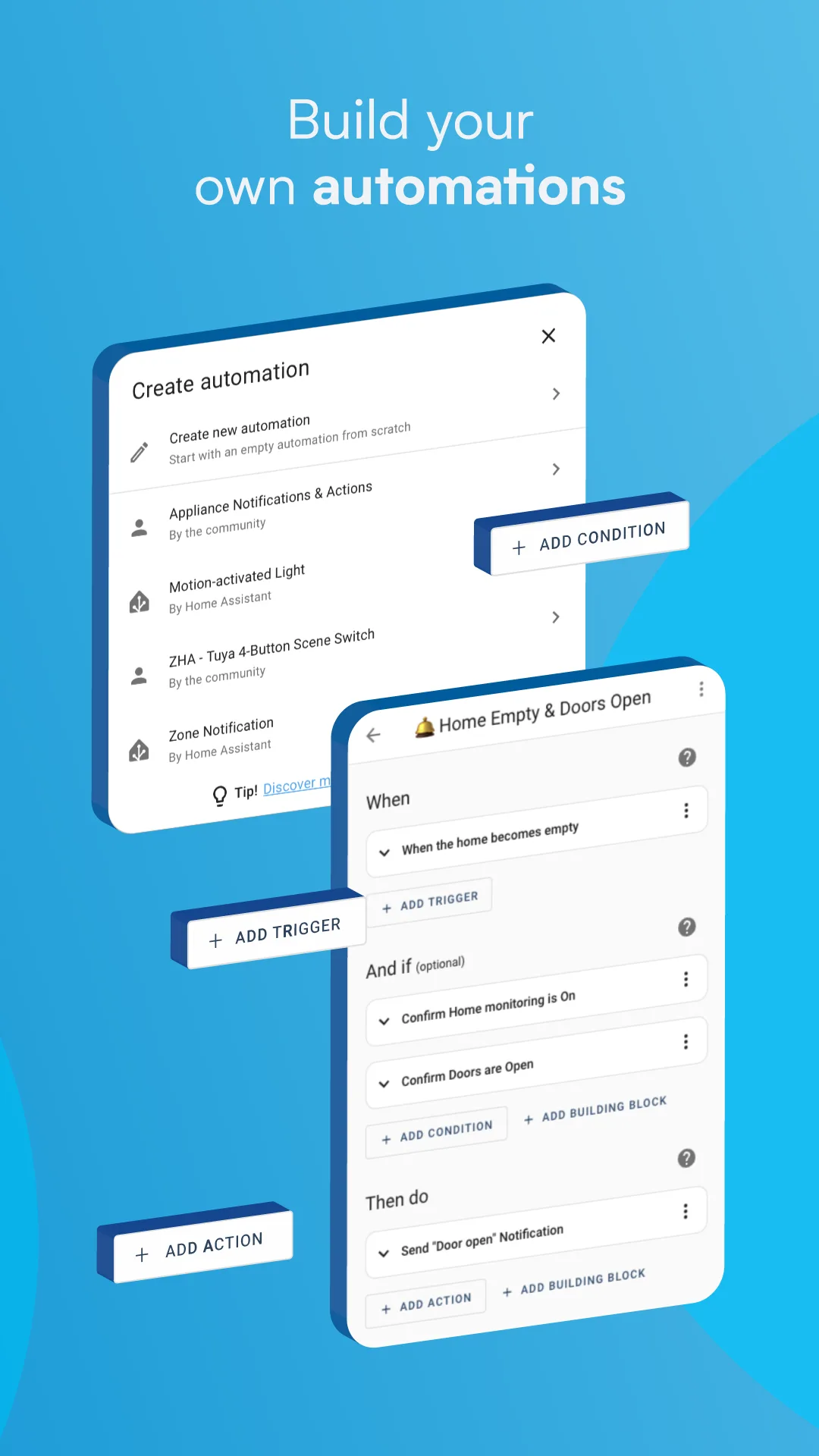
Introduction
Home Assistant is an open-source home automation platform that you run on your own hardware, such as a Raspberry Pi or a small home server. This is its official Android app, which the project calls the Companion app: it shows your dashboards, sends the phone’s own data to the server as sensors, and lets automations send notifications to the phone. On its own it does nothing; you need a Home Assistant server to connect to. During setup the app looks for servers on your local network, or you type in the address.
The app comes in two flavors. The full one, on Google Play, uses Google Play services. The minimal one, offered here, doesn’t: the docs say it “does not require Google Play Services and is available in the releases section on GitHub as an APK. It can also be installed from F-Droid.”
What the minimal flavor includes
These are part of the app’s shared code and are present in this build:
- Your dashboards, the same ones you see in a browser.
- Assist, Home Assistant’s voice and text assistant.
- Home screen widgets for a button, an entity, a camera, a media player, a template and a to-do list, plus Quick Settings tiles and Android’s device controls.
- NFC tags: write a tag with the app, then scan it to run an action.
- Sensors from the phone, such as battery, network and Bluetooth, which you can switch on or off one by one in the app’s settings.
What it leaves out
- Location tracking and Matter device commissioning, by the docs; activity sensors are unavailable too. In the code, Thread support is also tied to Google Play services and absent here.
- Wear OS and Android Auto. In the minimal flavor’s code both are switched off, and F-Droid’s build recipe deletes the watch and car modules altogether.
- Crash reporting: the full flavor can send crash reports to Sentry, but “the
minimalflavor contains no crash reporting at all”.
The description F-Droid shows comes from the project’s store text and mentions Android Auto, Wear OS and sharing your location. Those parts apply only to the full version.
What goes online
- Your Home Assistant server, for the dashboards, the sensor updates and the Local Push connection. The documentation states that “the
minimalflavor sends no reports of any kind”, and our scan of the app’s code found no Sentry, Firebase or other Google Play services code. - api.ipify.org, only if you turn on the Public IP sensor, which reports your public IP address to your server. It is off by default.
- Our tracker scan found AltBeacon, a Bluetooth beacon library. The app has sensors that broadcast an iBeacon signal and scan for nearby beacons, which is presumably what it is there for; it works over Bluetooth, not the internet.
About this file
- This is F-Droid’s build of version 2026.8.4, compiled from the source code and signed with F-Droid’s key (SHA-256 fingerprint starting 17:48:52:50, the one the Home Assistant docs list for F-Droid releases). See the questions below for switching versions.
- The docs warn that with F-Droid “updates may be delayed because F-Droid builds new releases independently”. This version came out on GitHub on 31 August 2026 and reached F-Droid on 1 October.
- The code is under the Apache 2.0 licence. Home Assistant’s name and logo are the project’s trademarks; this site isn’t affiliated with it. The Brazilian Portuguese translation is almost complete.
- The 57.9 MB file runs on Android 6.0 and later, on ARM and x86, 32- and 64-bit. It declares 70 permissions, many of them for optional sensors and features: besides location, which is still listed although this flavor doesn’t track it, they include Bluetooth, the microphone, the camera and reading data from Health Connect.
- The screenshots are the project’s own store graphics. We left out one that advertises Android Auto and Wear OS, which this flavor doesn’t have.
What’s inside the APK
Trackers
Code from these SDKs is in the package. That shows it is bundled, not how it is used.
Native code
Runs on 64-bit and older 32-bit ARM phones.
Android versions
Built for Android 17 (target API 37).
Permissions
13 of them need your approval first.
CPU types in this build: arm64-v8a (64-bit ARM, almost every phone since 2017); armeabi-v7a (32-bit ARM, older and budget phones); x86 (32-bit Intel, emulators); x86_64 (64-bit Intel, emulators and Chromebooks).
Asks you first (13)
Android shows a prompt before the app can use these.
- Location while running in the background · ACCESS_BACKGROUND_LOCATION
- Approximate location · ACCESS_COARSE_LOCATION
- Precise location · ACCESS_FINE_LOCATION
- Detect physical activity · ACTIVITY_RECOGNITION
- Advertise to nearby Bluetooth devices · BLUETOOTH_ADVERTISE
- Connect to paired Bluetooth devices · BLUETOOTH_CONNECT
- Scan for Bluetooth devices · BLUETOOTH_SCAN
- Place phone calls directly · CALL_PHONE
- Use the camera · CAMERA
- Show notifications (Android 13+) · POST_NOTIFICATIONS
- Read phone status and identity · READ_PHONE_STATE
- Record audio with the microphone · RECORD_AUDIO
- Write shared storage (Android 10 and older) · WRITE_EXTERNAL_STORAGE
You switch these on in Settings (4)
Special app access. Nothing is granted until you turn it on yourself.
- Usage access · PACKAGE_USAGE_STATS
- Alarms and reminders · SCHEDULE_EXACT_ALARM
- Display over other apps · SYSTEM_ALERT_WINDOW
- Modify system settings · WRITE_SETTINGS
Granted at install (50)
Low-risk permissions Android grants automatically, plus any we have not classified.
- ACCESS_LOCAL_NETWORK
- ACCESS_NETWORK_STATE
- ACCESS_NOTIFICATION_POLICY
- ACCESS_WIFI_STATE
- BLUETOOTH
- BLUETOOTH_ADMIN
- CHANGE_WIFI_MULTICAST_STATE
- FOREGROUND_SERVICE
- FOREGROUND_SERVICE_DATA_SYNC
- FOREGROUND_SERVICE_LOCATION
- FOREGROUND_SERVICE_MICROPHONE
- FOREGROUND_SERVICE_REMOTE_MESSAGING
- INTERNET
- MANAGE_ASSISTANT_AUDIO
- MODIFY_AUDIO_SETTINGS
- NFC
- POST_PROMOTED_NOTIFICATIONS
- QUERY_ALL_PACKAGES
- RECEIVE_BOOT_COMPLETED
- REQUEST_IGNORE_BATTERY_OPTIMIZATIONS
- USE_BIOMETRIC
- USE_FINGERPRINT
- VIBRATE
- WAKE_LOCK
- health.READ_ACTIVE_CALORIES_BURNED
- health.READ_BASAL_BODY_TEMPERATURE
- health.READ_BASAL_METABOLIC_RATE
- health.READ_BLOOD_GLUCOSE
- health.READ_BLOOD_PRESSURE
- health.READ_BODY_FAT
- health.READ_BODY_TEMPERATURE
- health.READ_BODY_WATER_MASS
- health.READ_BONE_MASS
- health.READ_DISTANCE
- health.READ_ELEVATION_GAINED
- health.READ_FLOORS_CLIMBED
- health.READ_HEALTH_DATA_IN_BACKGROUND
- health.READ_HEART_RATE
- health.READ_HEART_RATE_VARIABILITY
- health.READ_HEIGHT
- health.READ_HYDRATION
- health.READ_LEAN_BODY_MASS
- health.READ_OXYGEN_SATURATION
- health.READ_RESPIRATORY_RATE
- health.READ_RESTING_HEART_RATE
- health.READ_SLEEP
- health.READ_STEPS
- health.READ_TOTAL_CALORIES_BURNED
- health.READ_VO2_MAX
- health.READ_WEIGHT
Defined by other apps (3)
Permissions that belong to another app or to this app itself.
- com.android.alarm.permission.SET_ALARM
- com.google.android.gms.permission.ACTIVITY_RECOGNITION
- io.homeassistant.companion.android.minimal.DYNAMIC_RECEIVER_NOT_EXPORTED_PERMISSION
More Information
- Package name
- io.homeassistant.companion.android.minimal
- Version
- 2026.8.4-minimal (build 24228)
- File size
- 57.9 MB (57,871,716 bytes)
- Requires
- Android 6.0 or later
- Category
- Cloud & Self-Hosted
- License
- Apache-2.0
- Source code
- github.com/home-assistant/android
- Released
- Oct 1, 2026
- Signed by
- F-Droid, which built this APK from the published source code. Because the key is F-Droid’s, it won’t install over a copy from Google Play or GitHub (or the other way round) without uninstalling first.
- Signer SHA-256
- 17485250a03a0f2b3f292a054f595a9e794beef80cf910f7b3bbb8098abf6d50
- File SHA-256
- c3212821efeb998e21c1f0874992f6805a81a6f85ed03519fd3b89ec67690fe4
- Checked
- , against the F-Droid index · how we check · verify it yourself
Common questions
Is this APK the official Home Assistant release?
It is F-Droid’s build rather than the developer’s own: F-Droid compiled Home Assistant 2026.8.4-minimal from the published source code and signed it with its own key. Its SHA-256 matches F-Droid’s signed index. Because the key is F-Droid’s, it won’t install over a copy from Google Play or GitHub without uninstalling first.
What Android version does Home Assistant need?
Android 6.0 or later (API level 23). Version 2026.8.4-minimal is built for Android 17 (target API 37). Runs on 64-bit and older 32-bit ARM phones.
Can Home Assistant access the internet?
Yes. The APK requests Android’s internet permission. In total it declares 70 permissions, and 13 of them need your approval first.
Does Home Assistant contain trackers?
Yes. Version 2026.8.4-minimal contains code from AltBeacon, which matches an Exodus Privacy tracker signature. That shows the code is bundled, not how the app uses it.
Is Home Assistant open source?
Yes. Home Assistant is released under the Apache-2.0 licence, and its source code is published at https://github.com/home-assistant/android.
Does this version track my location?
No. The project’s documentation says the minimal flavor “does not support location tracking or commissioning Matter devices”, and that activity sensors are unavailable. In this build’s code the location sensors are empty stubs, even though the shared manifest still lists location permissions. Location-based automations need the full version from Google Play.
How do notifications arrive without Google?
Through Local Push: the app keeps a WebSocket connection open to your Home Assistant server, and the server sends notifications over it instead of through Google’s Firebase. In this flavor the connection is set to Always by default, which needs a permanent “Persistent Connection” notification; you can minimise that notification channel. The docs suggest keeping Always and letting the app run in the background so the connection stays reliable.
Can I switch between this and the version from GitHub or Google Play?
Not by updating. The minimal flavor on GitHub has the same package name as this one but is signed with Home Assistant’s key, while this file is signed by F-Droid, so one won’t install over the other. The Google Play app is the full flavor under a different package name, so it is a separate app that can sit next to this one.
Recent releases
| Version | Released | Size | Requires |
|---|---|---|---|
| v2026.8.4-minimal · this download | Oct 1, 2026 | 57.9 MB | Android 6.0+ |
| v2026.6.5-minimal | Jun 24, 2026 | 57.4 MB | Android 6.0+ |
| v2026.6.1-minimal | Jun 10, 2026 | 57.2 MB | Android 6.0+ |
Versions currently kept in the F-Droid repository. We host and check only the newest one. Full changelog.