
Cryptomator
by Cryptomator · GPL-3.0-only · open source
Encrypts files on your phone before they are uploaded, so the cloud only ever stores scrambled data. Opens vaults made with the desktop app. Without a paid license key, access is read-only.
Needs:License key to edit vaults · Android 8.0+
2113 Apps is independent, not affiliated with or endorsed by Cryptomator. Official sources: cryptomator.org · source code on GitHub.
- Version
- 2.0.0
- Size
- 26.4 MB
- Requires
- Android 8.0+
- Updated
- 2026-06-26
Screenshots
Introduction
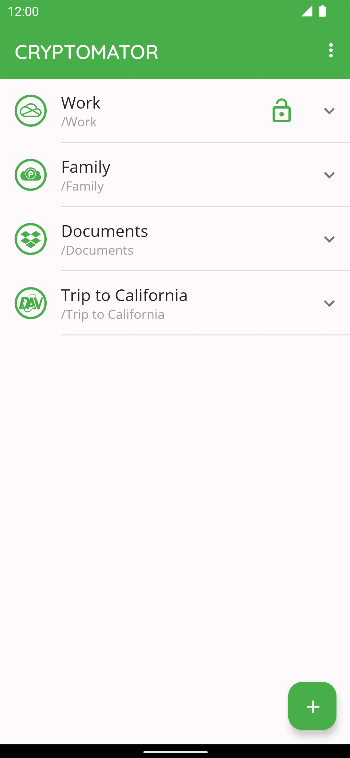
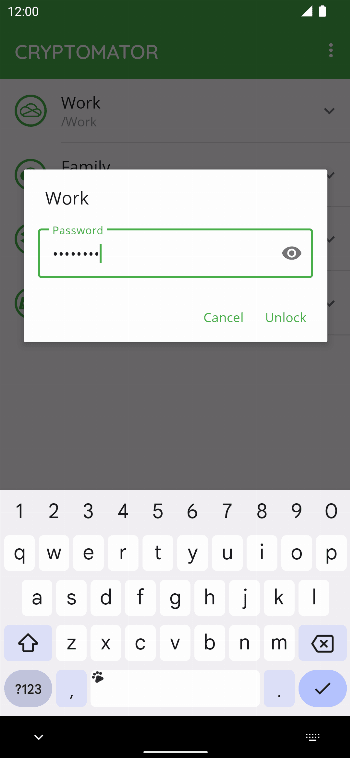
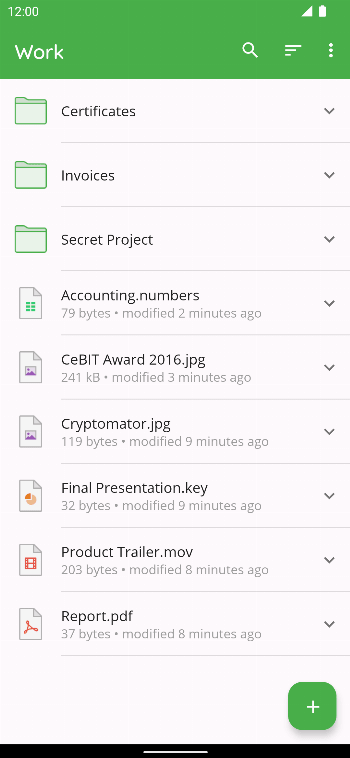
Cryptomator protects what you keep in the cloud by encrypting it before it leaves your device. You create a vault, a folder in your cloud storage protected by a password you choose, and everything you put in it is encrypted on the phone first. The cloud service only ever stores encrypted files with scrambled names. Vaults made with Cryptomator’s desktop app open here too.
Read-only without a license key
Since version 2.0 it also works without a license key, but read-only: you can add an existing vault, browse it and open files. Creating vaults, uploading, renaming, moving and deleting need a license key, bought once on cryptomator.org, or the 30-day trial the app offers.
Cryptomator says the key works with the APK from its website and its F-Droid versions, but not with Google Play, the desktop apps or iOS. A purchase made on Google Play is tied to your Google account and doesn’t carry over to this version. Vaults from a Cryptomator Hub with an active licence stay writable without a key.
What it does
- Encryption: each vault has its own 256-bit keys. File names are encrypted with AES-SIV and contents with AES-GCM, and your password is turned into a key with scrypt, which makes guessing it slow. Cryptomator publishes how all of this works.
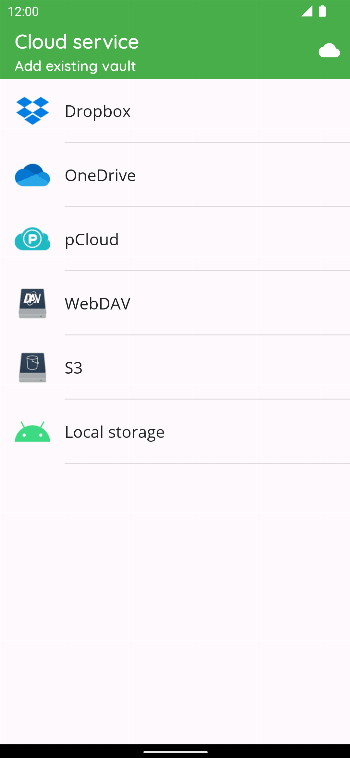
- Cloud services: Dropbox, OneDrive, pCloud, and storage that speaks S3 or WebDAV. A vault can also sit on the phone or an SD card, where a sync app of your choice can upload it.
- Photos: new photos can be uploaded into a vault automatically.
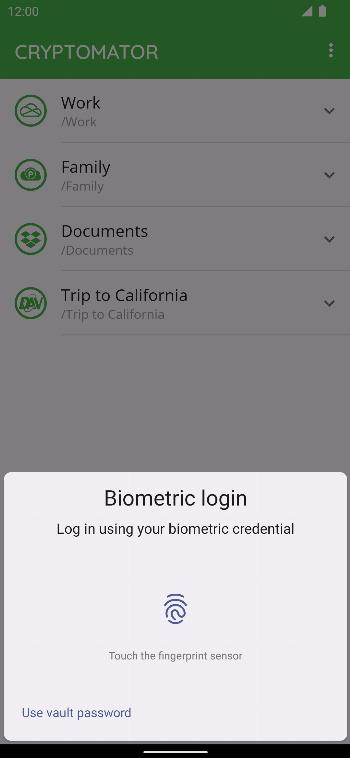
- Locking: fingerprint unlock through Android’s keystore, vaults that lock after a timeout you choose and, by default, when the screen turns off, and screenshots of the app blocked by default.
Google Drive isn’t in this version: Cryptomator leaves it out of its F-Droid versions because it needs proprietary Google code.
About this file
- It is Cryptomator 2.0.0, byte for byte the “fdroid” build that Cryptomator publishes on GitHub and in its own F-Droid repository, signed by Skymatic, the company in Bonn behind Cryptomator, and delivered here through IzzyOnDroid.
- It has no built-in updater; only the version from Cryptomator’s website checks for updates itself.
- IzzyOnDroid flags it NonFreeNet because it connects to commercial services: Dropbox, pCloud, and Microsoft’s cloud and sign-in services.
- The 26.4 MB file has no native code, runs on Android 8.0 and later, and declares 16 permissions.
What’s inside the APK
Trackers
No code matching the Exodus Privacy tracker signatures. Other code in the app refers to OpenTelemetry (OpenCensus, OpenTracing) by name, but none of its classes are in the package; see why that isn’t counted.
Native code
Pure Java/Kotlin, so it runs on any CPU.
Android versions
Built for Android 16 (target API 36).
Permissions
4 of them need your approval first.
Flagged by IzzyOnDroid:
- NonFreeNet: Relies on or promotes a proprietary network service.
Asks you first (4)
Android shows a prompt before the app can use these.
- Show notifications (Android 13+) · POST_NOTIFICATIONS
- Read shared storage (Android 12 and older) · READ_EXTERNAL_STORAGE
- Read photos · READ_MEDIA_IMAGES
- Read videos · READ_MEDIA_VIDEO
You switch these on in Settings (1)
Special app access. Nothing is granted until you turn it on yourself.
- Install unknown apps · REQUEST_INSTALL_PACKAGES
Granted at install (10)
Low-risk permissions Android grants automatically, plus any we have not classified.
- ACCESS_NETWORK_STATE
- ACCESS_WIFI_STATE
- FOREGROUND_SERVICE
- FOREGROUND_SERVICE_SPECIAL_USE
- INTERNET
- NFC
- RECEIVE_BOOT_COMPLETED
- REORDER_TASKS
- USE_BIOMETRIC
- USE_FINGERPRINT
Defined by other apps (1)
Permissions that belong to another app or to this app itself.
- org.cryptomator.DYNAMIC_RECEIVER_NOT_EXPORTED_PERMISSION
More Information
- Package name
- org.cryptomator
- Version
- 2.0.0 (build 3128)
- File size
- 26.4 MB (26,403,624 bytes)
- Requires
- Android 8.0 or later
- Category
- Cloud & Sync
- License
- GPL-3.0-only
- Developer
- Cryptomator
- Source code
- github.com/cryptomator/android
- Released
- Jun 26, 2026
- Signer SHA-256
- f7c3ec3b0d588d3cb52983e9eb1a7421c93d4339a286398e71d7b651e8d8ecdd
- File SHA-256
- 0d443052f55794a5e0156bd3ffdc8f109a1150f6a009cd83d925690a78b89eb4
- Checked
- , against the IzzyOnDroid index · how we check · verify it yourself
Common questions
Is this APK the official Cryptomator release?
Yes. It is the developer’s own release of Cryptomator 2.0.0, byte for byte as IzzyOnDroid distributes it. Its SHA-256 matches IzzyOnDroid’s signed index, and it is signed with the certificate IzzyOnDroid records for the app (SHA-256 f7c3ec3b0d588d3cb52983e9eb1a7421c93d4339a286398e71d7b651e8d8ecdd).
What Android version does Cryptomator need?
Android 8.0 or later (API level 26). Version 2.0.0 is built for Android 16 (target API 36). Pure Java/Kotlin, so it runs on any CPU.
Can Cryptomator access the internet?
Yes. The APK requests Android’s internet permission. In total it declares 16 permissions, and 4 of them need your approval first.
Does Cryptomator contain trackers?
No known trackers: our scan of version 2.0.0 found no code matching the Exodus Privacy tracker signatures. The scan covers known tracker libraries; it doesn’t show what data the app itself sends.
Is Cryptomator open source?
Yes. Cryptomator is released under the GPL-3.0-only licence, and its source code is published at https://github.com/cryptomator/android.