Signal
by Signal Messenger LLC · AGPL-3.0-only · open source
The Signal messenger in the version Signal offers on its website for phones without Google Play: one file for every device, which checks Signal’s server for updates every six hours.
Needs:No root · Android 6.0+ · a phone number
2113 Apps is independent, not affiliated with or endorsed by Signal Messenger LLC. Official sources: signal.org · source code on GitHub.
- Version
- 8.33.2
- Size
- 115.0 MB
- Requires
- Android 6.0+
- Updated
- 2026-10-28
Screenshots
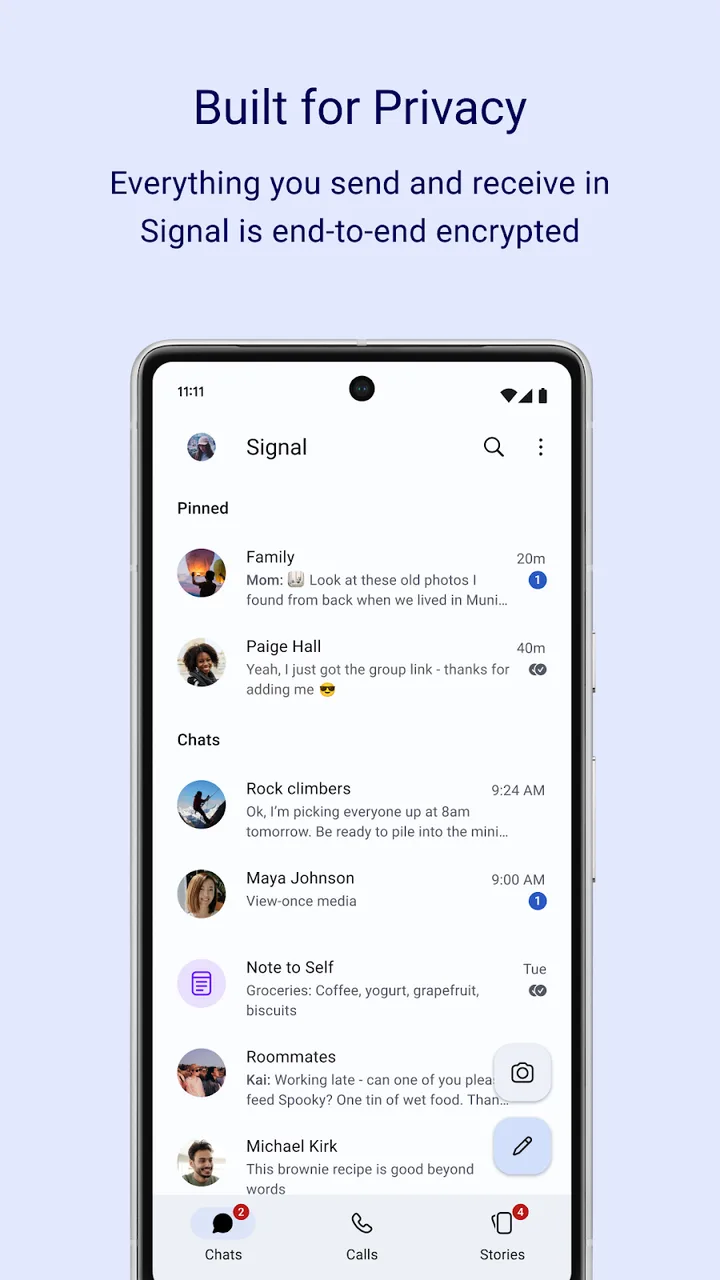
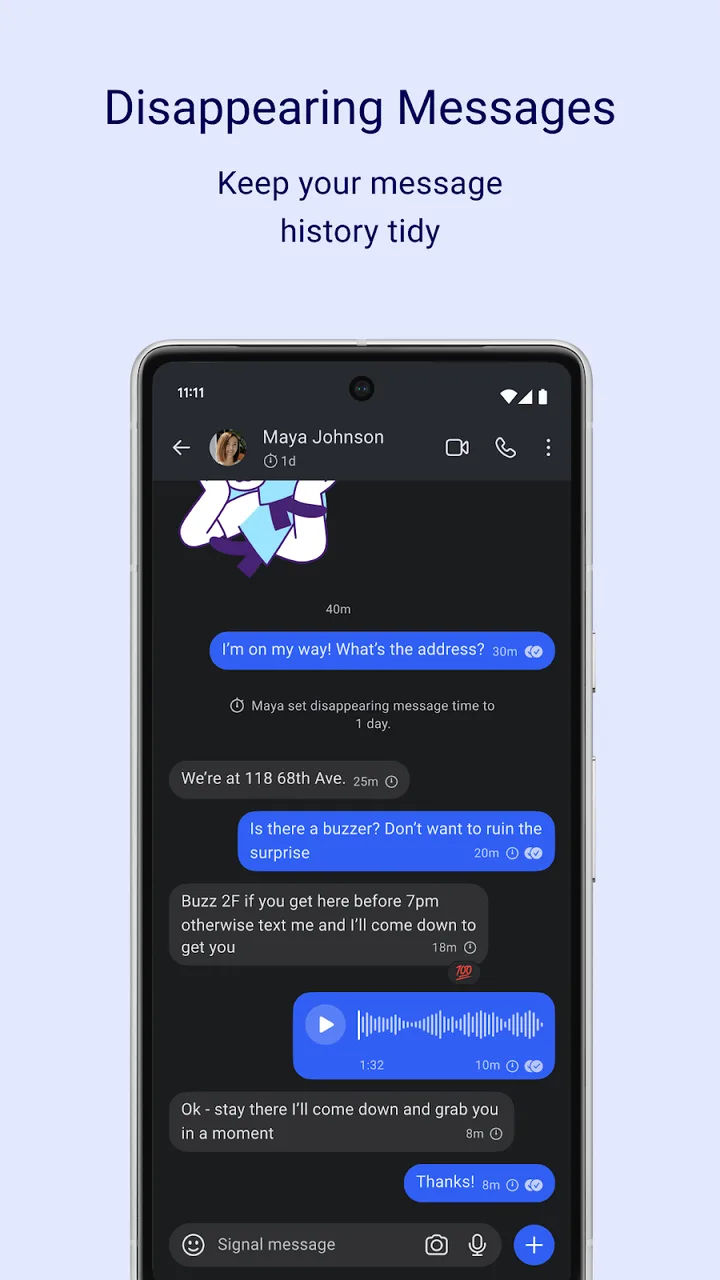
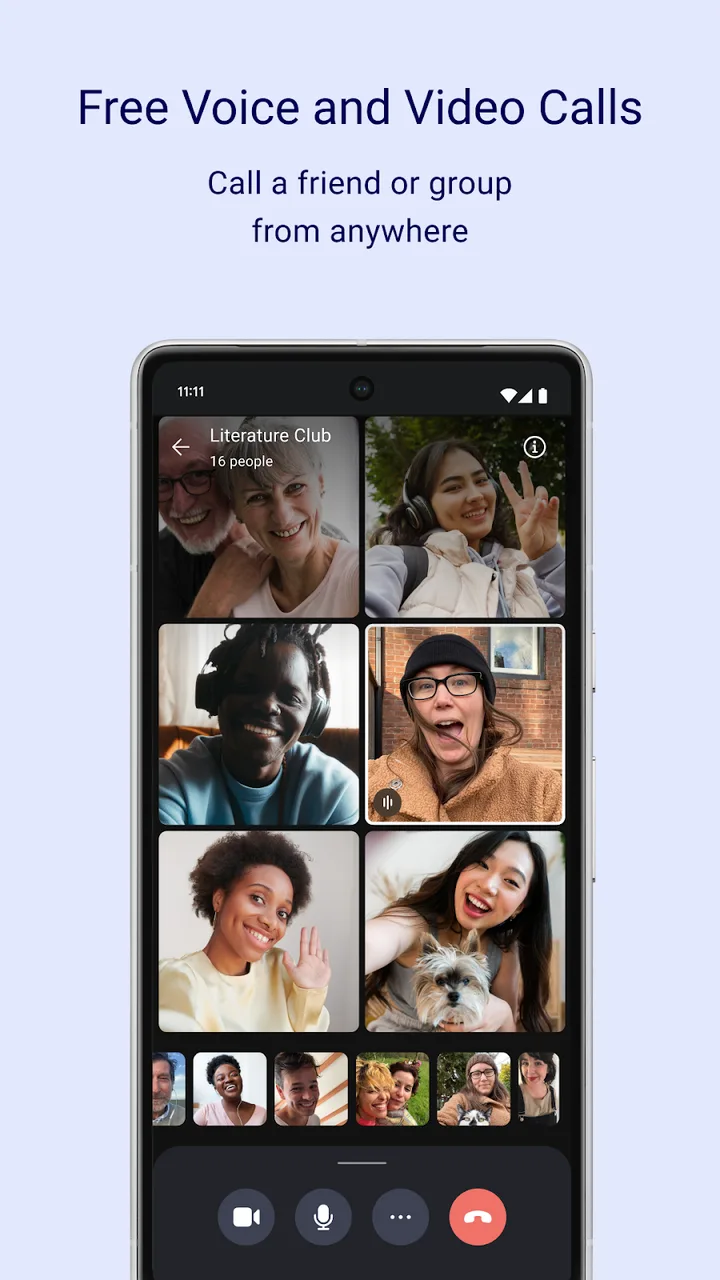
Introduction
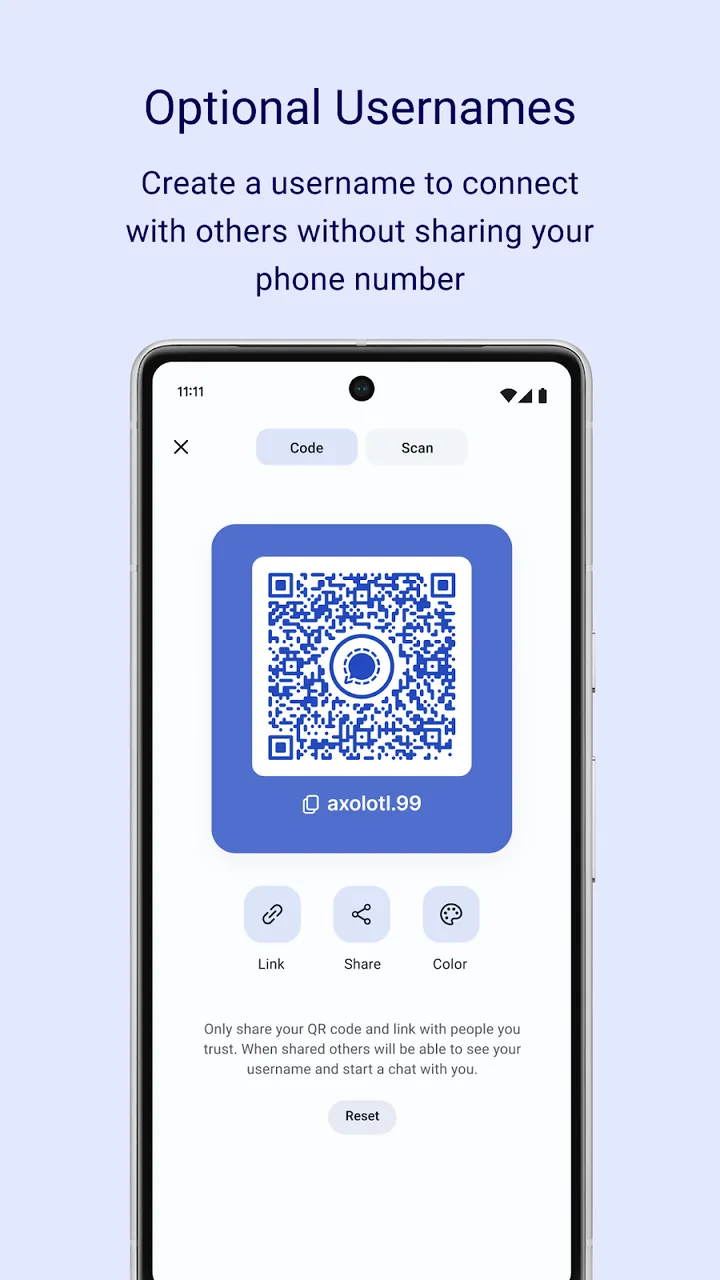
Signal is the messenger of the non-profit Signal Technology Foundation. Its README: “Signal is a simple, powerful, and secure messenger that uses your phone’s data connection (WiFi/4G/5G) to communicate securely.” Its store listing: “Everything you send and receive in Signal is end-to-end encrypted.” You register with a phone number, and can then share a username instead of it. Signal is also testing registration without a number, for a fee (see below).
The website build
Signal publishes its app on Google Play and on a page on signal.org titled “Website distribution build”; its GitHub releases carry another APK, a separate build from the website file. That page puts the download under “Danger zone”: “Advanced users with special needs can download the Signal APK directly. Most users should not do this under normal circumstances.” The project explains why it exists: “For people without access to the Play Store, we provide a version of our app via our website. Unlike our Play Store build, the website APK is a larger “universal” APK so that it’s easy to install on a wide variety of devices.”
It has the same package name as the Google Play version. Signal doesn’t say whether one installs over the other.
Registering without a phone number (beta)
Signal is testing a way to create an account without a phone number, called Signal Login. Its support article, “Phone Numberless Registration for Android beta”, last updated on 8 October 2026: “The latest Signal beta update for Android introduces an optional way to create a Signal account. Signal Login lets you create and use a Signal account without a phone number. Instead, you make a small one-time purchase, and Signal gives you a set of cryptographic keys that serve as your account identity going forward.” Its steps begin “Launch Signal beta version 8.28 or later”, and the fee, $2.99, is paid with Apple Pay or Google Pay. You get a 32-character account ID and a 64-character recovery key: “If you lose both of these keys, Signal has no way to recover your account for you.” Without a username, “other users won’t be able to find or contact you on Signal.”
The code of 8.33.2, the version on signal.org that we host, has this feature switched on, with a “Register without number” button on the phone-number screen. Signal, though, still presents it as a beta feature, and we haven’t checked whether it works in this website build. In the code, buying a Signal Login goes through Google Play billing, which needs Google Play services and a Google account in the Play Store; signing back in with an existing account ID and key involves no payment.
Updates and expiry
This build manages its own updates, which the Play version leaves to Google Play. From the code of this version: every six hours it reads Signal’s update file at updates.signal.org; when there is a newer version, it downloads it over Wi-Fi only, without a progress notification, checks the file’s SHA-256 against the update file, and then asks you to tap to install. There is no setting to turn this off.
Like every Signal build, it expires 90 days after the last source commit embedded in it, or earlier if Signal says so; it then stops sending and receiving messages until you update. A notice warns you in the days before.
Google components
Both builds include Google’s push service, Firebase Cloud Messaging, with its analytics parts excluded, and Google Maps for sharing a location. Without Google Play services, Signal gets messages in other, less efficient ways, as described in the questions below.
What goes online
- Signal’s servers, for messages, calls, contacts and the update check.
- Link previews, which your phone fetches directly from the website you link to. They are optional: Settings › Chats › Generate link previews.
- GIF search, through Signal’s own proxy to GIPHY.
- DNS: your phone’s resolver first, then Cloudflare’s 1.1.1.1, then addresses built into the app.
- Censorship circumvention, routed through Google and Fastly, is on by default only for phone numbers from nine countries; Brazil isn’t one of them. Accounts without a phone number never use it. Since 8.31, while it is on, downloads of attachments and storage requests go directly to Signal’s servers when the chat connection itself works directly.
- Google for push notifications and maps, as above.
About this file
- This is the file signal.org offers for download, byte for byte: version 8.33.2. It matches the SHA-256 hash in Signal’s update file, and it is signed with both certificates whose fingerprints the download page publishes: a 4096-bit one for Android 13 and later and the original 1024-bit one for older versions.
- Signal’s 8.33 release note highlights a redesigned keyboard for emoji, stickers and animated GIFs. The 8.33.2 patch specifically fixes a crash when opening a conversation in single-pane mode; the registration without a number described above stays switched on.
- The 115.0 MB file runs on Android 6.0 and later, on ARM and x86, 32- and 64-bit, and declares 77 permissions: contacts, the camera and microphone, location for sharing it, photos and videos, notifications, calls through Android’s phone interface, battery-optimisation and exact-alarm permissions, installing its own updates, Google’s push service, and 17 for unread badges on various launchers.
- Signal is licensed under the AGPL-3.0; Google’s push-service, maps and billing libraries in it are not open source. It bundles emoji images in Apple’s style and several fonts, for which the project gives no licence or origin.
- The app is translated into Brazilian Portuguese: Signal Settings › Appearance › Language.
- The screenshots are Signal’s own promotional images from its Google Play listing.
What’s inside the APK
Trackers
No code matching the Exodus Privacy tracker signatures.
Native code
Runs on 64-bit and older 32-bit ARM phones.
Android versions
Built for Android 16 (target API 36).
Permissions
17 of them need your approval first.
CPU types in this build: arm64-v8a (64-bit ARM, almost every phone since 2017); armeabi-v7a (32-bit ARM, older and budget phones); x86 (32-bit Intel, emulators); x86_64 (64-bit Intel, emulators and Chromebooks).
Asks you first (17)
Android shows a prompt before the app can use these.
- Approximate location · ACCESS_COARSE_LOCATION
- Precise location · ACCESS_FINE_LOCATION
- Connect to paired Bluetooth devices · BLUETOOTH_CONNECT
- Use the camera · CAMERA
- See the accounts on the device · GET_ACCOUNTS
- Find nearby Wi-Fi devices · NEARBY_WIFI_DEVICES
- Show notifications (Android 13+) · POST_NOTIFICATIONS
- Read your contacts · READ_CONTACTS
- Read shared storage (Android 12 and older) · READ_EXTERNAL_STORAGE
- Read photos · READ_MEDIA_IMAGES
- Read videos · READ_MEDIA_VIDEO
- Read only the photos and videos you pick · READ_MEDIA_VISUAL_USER_SELECTED
- Read your phone number · READ_PHONE_NUMBERS
- Read phone status and identity · READ_PHONE_STATE
- Record audio with the microphone · RECORD_AUDIO
- Change your contacts · WRITE_CONTACTS
- Write shared storage (Android 10 and older) · WRITE_EXTERNAL_STORAGE
You switch these on in Settings (2)
Special app access. Nothing is granted until you turn it on yourself.
- Install unknown apps · REQUEST_INSTALL_PACKAGES
- Alarms and reminders · SCHEDULE_EXACT_ALARM
Granted at install (38)
Low-risk permissions Android grants automatically, plus any we have not classified.
- ACCESS_NETWORK_STATE
- ACCESS_NOTIFICATION_POLICY
- ACCESS_WIFI_STATE
- AUTHENTICATE_ACCOUNTS
- BLUETOOTH
- BROADCAST_STICKY
- CHANGE_NETWORK_STATE
- CHANGE_WIFI_STATE
- DISABLE_KEYGUARD
- DOWNLOAD_WITHOUT_NOTIFICATION
- FOREGROUND_SERVICE
- FOREGROUND_SERVICE_CAMERA
- FOREGROUND_SERVICE_CONNECTED_DEVICE
- FOREGROUND_SERVICE_DATA_SYNC
- FOREGROUND_SERVICE_MEDIA_PLAYBACK
- FOREGROUND_SERVICE_MEDIA_PROJECTION
- FOREGROUND_SERVICE_MICROPHONE
- FOREGROUND_SERVICE_PHONE_CALL
- FOREGROUND_SERVICE_REMOTE_MESSAGING
- INSTALL_SHORTCUT
- INTERNET
- MANAGE_OWN_CALLS
- MODIFY_AUDIO_SETTINGS
- RAISED_THREAD_PRIORITY
- READ_APP_BADGE
- READ_CALL_STATE
- READ_PROFILE
- READ_SYNC_SETTINGS
- RECEIVE_BOOT_COMPLETED
- REQUEST_IGNORE_BATTERY_OPTIMIZATIONS
- UPDATE_PACKAGES_WITHOUT_USER_ACTION
- USE_BIOMETRIC
- USE_CREDENTIALS
- USE_FINGERPRINT
- USE_FULL_SCREEN_INTENT
- VIBRATE
- WAKE_LOCK
- WRITE_SYNC_SETTINGS
Defined by other apps (20)
Permissions that belong to another app or to this app itself.
- com.anddoes.launcher.permission.UPDATE_COUNT
- com.android.launcher.permission.INSTALL_SHORTCUT
- com.android.vending.BILLING
- com.google.android.c2dm.permission.RECEIVE
- com.htc.launcher.permission.READ_SETTINGS
- com.htc.launcher.permission.UPDATE_SHORTCUT
- com.huawei.android.launcher.permission.CHANGE_BADGE
- com.huawei.android.launcher.permission.READ_SETTINGS
- com.huawei.android.launcher.permission.WRITE_SETTINGS
- com.majeur.launcher.permission.UPDATE_BADGE
- com.oppo.launcher.permission.READ_SETTINGS
- com.oppo.launcher.permission.WRITE_SETTINGS
- com.sec.android.provider.badge.permission.READ
- com.sec.android.provider.badge.permission.WRITE
- com.sonyericsson.home.permission.BROADCAST_BADGE
- com.sonymobile.home.permission.PROVIDER_INSERT_BADGE
- me.everything.badger.permission.BADGE_COUNT_READ
- me.everything.badger.permission.BADGE_COUNT_WRITE
- org.thoughtcrime.securesms.ACCESS_SECRETS
- org.thoughtcrime.securesms.DYNAMIC_RECEIVER_NOT_EXPORTED_PERMISSION
More Information
- Package name
- org.thoughtcrime.securesms
- Version
- 8.33.2 (build 177201)
- File size
- 115.0 MB (115,038,476 bytes)
- Requires
- Android 6.0 or later
- Category
- Productivity
- License
- AGPL-3.0-only
- Developer
- Signal Messenger LLC
- Source code
- github.com/signalapp/Signal-Android
- Released
- Oct 28, 2026
- Signer SHA-256
- 29f34e5f27f211b424bc5bf9d67162c0eafba2da35af35c16416fc446276ba26
- File SHA-256
- 5e2efd0bb9f937e2cd3c7c912e8069ba7fa8aac220a64b180b10f0982157b512
- Checked
- , against the download on signal.org · how we check · verify it yourself
Common questions
Is this APK the official Signal release?
Yes. It is the file signal.org offers for download, byte for byte, and it matches the SHA-256 checksum signal.org publishes for it. It is signed with the certificate we recorded when we first checked Signal (SHA-256 29f34e5f27f211b424bc5bf9d67162c0eafba2da35af35c16416fc446276ba26), which matches the fingerprint signal.org publishes; a release signed with a different key would not be published here.
What Android version does Signal need?
Android 6.0 or later (API level 23). Version 8.33.2 is built for Android 16 (target API 36). Runs on 64-bit and older 32-bit ARM phones.
Can Signal access the internet?
Yes. The APK requests Android’s internet permission. In total it declares 77 permissions, and 17 of them need your approval first.
Does Signal contain trackers?
No known trackers: our scan of version 8.33.2 found no code matching the Exodus Privacy tracker signatures. The scan covers known tracker libraries; it doesn’t show what data the app itself sends.
Is Signal open source?
Its code is. The source code of Signal is released under the AGPL-3.0-only licence and published at https://github.com/signalapp/Signal-Android. Not everything it bundles is covered: Google’s push-service, maps and billing libraries are not open source, and the emoji images in Apple’s style and the fonts have no licence statement in the project.
Should I use this or the Google Play version?
Signal recommends Google Play: “The safest and easiest way to install Signal for Android is through the Google Play Store.” It lists the website build under “Danger zone”, for “Advanced users with special needs”, such as phones without Google Play. If you use it, let it update itself.
How does it update?
Every six hours it checks Signal’s update file. A new version is downloaded over Wi-Fi only, checked against the hash in that file, and then a notification says: “A new version of Signal is available. Tap to update.” This version has no setting to turn the check off.
Why would it stop working?
Signal builds expire 90 days after the last source commit embedded in the build, or earlier if Signal retires a version. The app then says: “You can view your message history but you won’t be able to send or receive messages until you update.” By our calculation, 8.33.2 expires at 01:32 Hong Kong time on 25 January 2027 at the latest.
Do notifications work without Google Play services?
Yes, but Signal’s support page warns that without Google’s push service “Signal has to rely on less efficient methods to check for new messages, which can mean delayed notifications or increased battery use.”