Neo Store
by Antonios Hazim · GPL-3.0-or-later · open source
An alternative app for browsing and installing open-source apps from F-Droid, IzzyOnDroid and other repositories, with filters, download statistics and silent updates through root or Shizuku.
Needs:No root · Android 8.0+
2113 Apps is independent, not affiliated with or endorsed by Antonios Hazim. Official sources: source code on Codeberg.
- Version
- 1.3.2
- Size
- 5.9 MB
- Requires
- Android 8.0+
- Updated
- 2026-10-02
Screenshots
Introduction
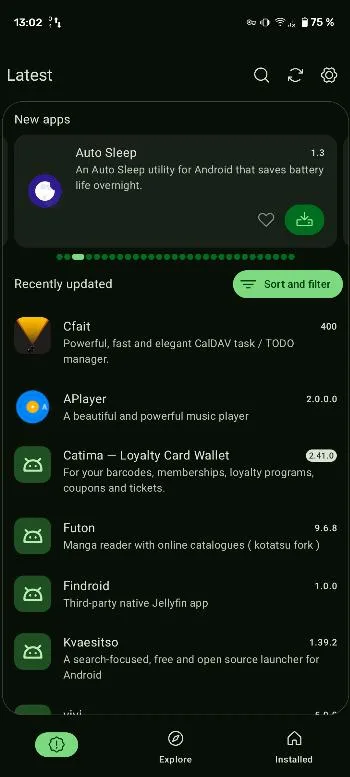
Neo Store is an open-source client for F-Droid-style repositories: an app for finding, installing and updating open-source apps. Its README calls it “the modern and feature-rich F-Droid client for everyone!”. It started as a modification of Foxy-Droid; Droid-ify is a fork by a developer who used to work on it.
What it does
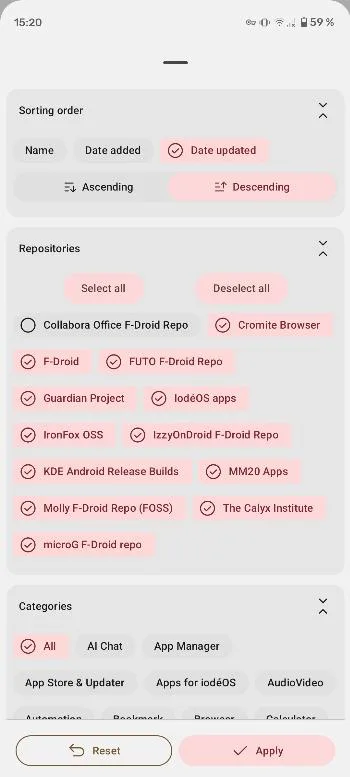
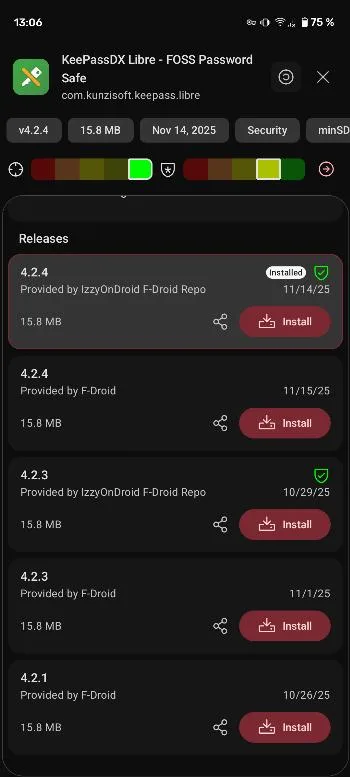
- Many repositories. It comes with a long list of preset repositories, around 100 according to the README. On first start it offers to sync three of them: F-Droid, IzzyOnDroid and the Guardian Project’s. You can add others yourself, including through fdroid.link links since version 1.3.0.
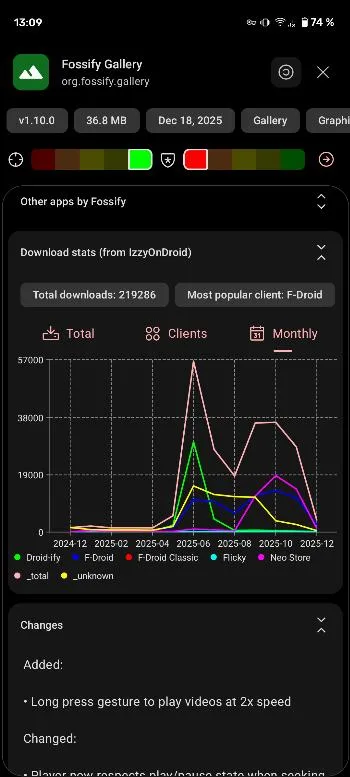
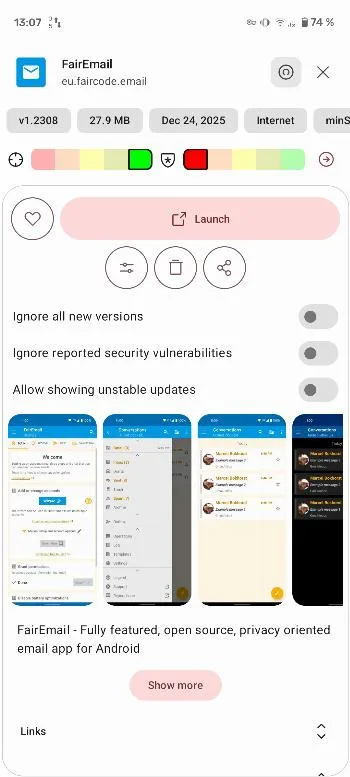
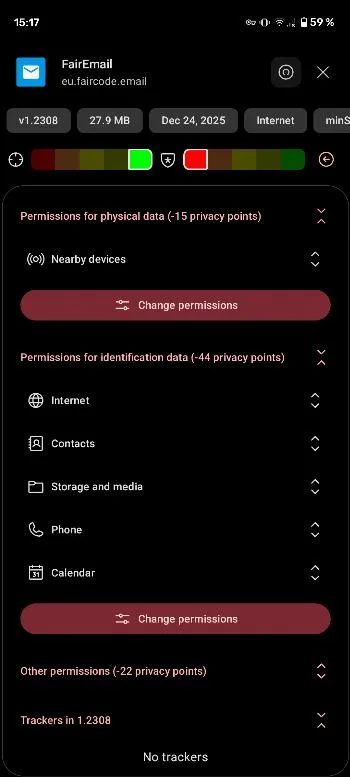
- Finding apps. Filters and sorting, a list of top downloaded apps, labels for apps whose builds are reproducible, and a privacy panel.
- Six ways to install: the default session installer, root, Shizuku, a legacy installer the app labels “compatible with MIUI”, App Manager, and a system installer.
- An app blocklist in the settings, also new in 1.3.0.
Version 1.3.0 also removed the Exodus privacy reports, after Neo Store’s access to the Exodus service was revoked, and dropped Android 7.
What goes online
Neo Store downloads repository indexes and APKs from the repositories you enable. By default it also fetches monthly download statistics from IzzyOnDroid, which is why the top-apps list covers only IzzyOnDroid’s apps; you can choose no provider in the settings. It can route its downloads through an HTTP or SOCKS proxy. Our scan found no tracker libraries.
About this file
- This is the developer’s own build, from IzzyOnDroid, signed with the developer’s key (SHA-256 fingerprint starting C5:86:01:46). F-Droid signs its own build with F-Droid’s key, so the two can’t update each other.
- Neo Store isn’t on Google Play.
- The 5.9 MB file runs on Android 8.0 and later, on ARM and x86, 32- and 64-bit, and declares 22 permissions, 3 of which need your approval. Installing and deleting apps are among them; that is what an app store needs.
- Neo Store is licensed under GPL-3.0 or later.
What’s inside the APK
Trackers
No code matching the Exodus Privacy tracker signatures.
Native code
Runs on 64-bit and older 32-bit ARM phones.
Android versions
Built for Android 16 (target API 36).
Permissions
3 of them need your approval first.
Shizuku API. Uses the Shizuku API, so it can do ADB-level work without root once Shizuku is running. (rikka.shizuku.Shizuku$$ExternalSyntheticLambda0)
libsu (root shell). Bundles libsu, a library for running commands in a root shell. (com.topjohnwu.superuser.NoShellException)
CPU types in this build: arm64-v8a (64-bit ARM, almost every phone since 2017); armeabi-v7a (32-bit ARM, older and budget phones); x86 (32-bit Intel, emulators); x86_64 (64-bit Intel, emulators and Chromebooks).
Asks you first (3)
Android shows a prompt before the app can use these.
- Show notifications (Android 13+) · POST_NOTIFICATIONS
- Read shared storage (Android 12 and older) · READ_EXTERNAL_STORAGE
- Write shared storage (Android 10 and older) · WRITE_EXTERNAL_STORAGE
You switch these on in Settings (1)
Special app access. Nothing is granted until you turn it on yourself.
- Install unknown apps · REQUEST_INSTALL_PACKAGES
System-level (2)
Reserved for system apps. A normal install does not get these; they only take effect through root, ADB or Shizuku, if at all.
- DELETE_PACKAGES
- INSTALL_PACKAGES
Granted at install (14)
Low-risk permissions Android grants automatically, plus any we have not classified.
- ACCESS_NETWORK_STATE
- DOWNLOAD_WITHOUT_NOTIFICATION
- ENFORCE_UPDATE_OWNERSHIP
- FOREGROUND_SERVICE
- FOREGROUND_SERVICE_DATA_SYNC
- INTERNET
- QUERY_ALL_PACKAGES
- RECEIVE_BOOT_COMPLETED
- REQUEST_DELETE_PACKAGES
- REQUEST_IGNORE_BATTERY_OPTIMIZATIONS
- UPDATE_PACKAGES_WITHOUT_USER_ACTION
- USE_BIOMETRIC
- USE_FINGERPRINT
- WAKE_LOCK
Defined by other apps (2)
Permissions that belong to another app or to this app itself.
- com.machiav3lli.fdroid.DYNAMIC_RECEIVER_NOT_EXPORTED_PERMISSION
- moe.shizuku.manager.permission.API_V23
More Information
- Package name
- com.machiav3lli.fdroid
- Version
- 1.3.2 (build 1303)
- File size
- 5.9 MB (5,924,118 bytes)
- Requires
- Android 8.0 or later
- Category
- System Tools
- License
- GPL-3.0-or-later
- Developer
- Antonios Hazim
- Source code
- codeberg.org/NeoApplications/Neo-Store
- Released
- Oct 2, 2026
- Signer SHA-256
- c5860146138b7799bb9d0617c398c1e5241550f558252a3f97b2a51f15263ef7
- File SHA-256
- 87a3d6f553f7ce0e9fe1858748f94c83aa2bc3e54e25410e31a317a2cb93cc3b
- Checked
- , against the IzzyOnDroid index · how we check · verify it yourself
Common questions
Is this APK the official Neo Store release?
Yes. It is the developer’s own release of Neo Store 1.3.2, byte for byte as IzzyOnDroid distributes it. Its SHA-256 matches IzzyOnDroid’s signed index, and it is signed with the certificate IzzyOnDroid records for the app (SHA-256 c5860146138b7799bb9d0617c398c1e5241550f558252a3f97b2a51f15263ef7).
What Android version does Neo Store need?
Android 8.0 or later (API level 26). Version 1.3.2 is built for Android 16 (target API 36). Runs on 64-bit and older 32-bit ARM phones.
Can Neo Store access the internet?
Yes. The APK requests Android’s internet permission. In total it declares 22 permissions, and 3 of them need your approval first.
Does Neo Store contain trackers?
No known trackers: our scan of version 1.3.2 found no code matching the Exodus Privacy tracker signatures. The scan covers known tracker libraries; it doesn’t show what data the app itself sends.
Is Neo Store open source?
Yes. Neo Store is released under the GPL-3.0-or-later licence, and its source code is published at https://codeberg.org/NeoApplications/Neo-Store.
Can I update Neo Store from F-Droid?
Not this copy. F-Droid builds Neo Store itself and signs it with F-Droid’s key, while this file, from IzzyOnDroid, carries the developer’s own key. Android won’t update one with the other, so stay with one source or uninstall before switching.
Which installer should I pick in Neo Store?
The default session installer works without special rights, with Android’s usual install prompts. With root or Shizuku, the root and Shizuku installers can update apps in the background. There is also a legacy installer the app labels as compatible with MIUI, one that hands installs to App Manager, and a system installer for when Neo Store is itself installed as a system app.
Recent releases
| Version | Released | Size | Requires |
|---|---|---|---|
| v1.3.2 · this download | Oct 2, 2026 | 5.9 MB | Android 8.0+ |
| v1.3.1 | Sep 30, 2026 | 5.9 MB | Android 8.0+ |
| v1.3.0 | Sep 20, 2026 | 5.9 MB | Android 8.0+ |
Versions currently kept in the IzzyOnDroid repository. We host and check only the newest one. Full changelog.