App Lock
by Pranav Purwar · MIT · open source
Put a PIN, pattern, password or your fingerprint in front of the apps you choose. Open source and fully offline: the app doesn’t even ask for internet access.
Needs:No root · Android 8.0+ · Shizuku optional
2113 Apps is independent, not affiliated with or endorsed by Pranav Purwar. Official sources: source code on GitHub.
- Version
- 2.5.1
- Size
- 2.3 MB
- Requires
- Android 8.0+
- Updated
- 2026-07-11
Screenshots
Introduction
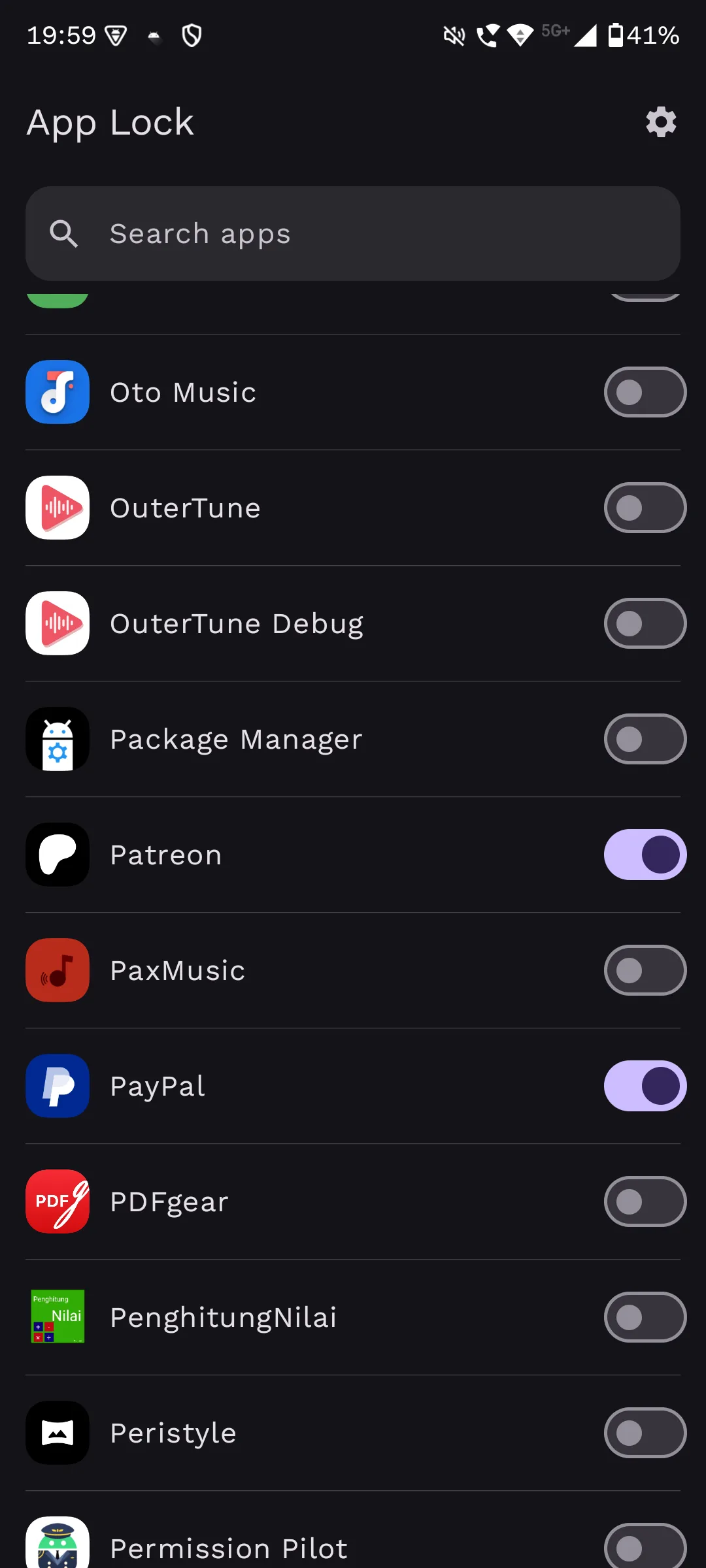
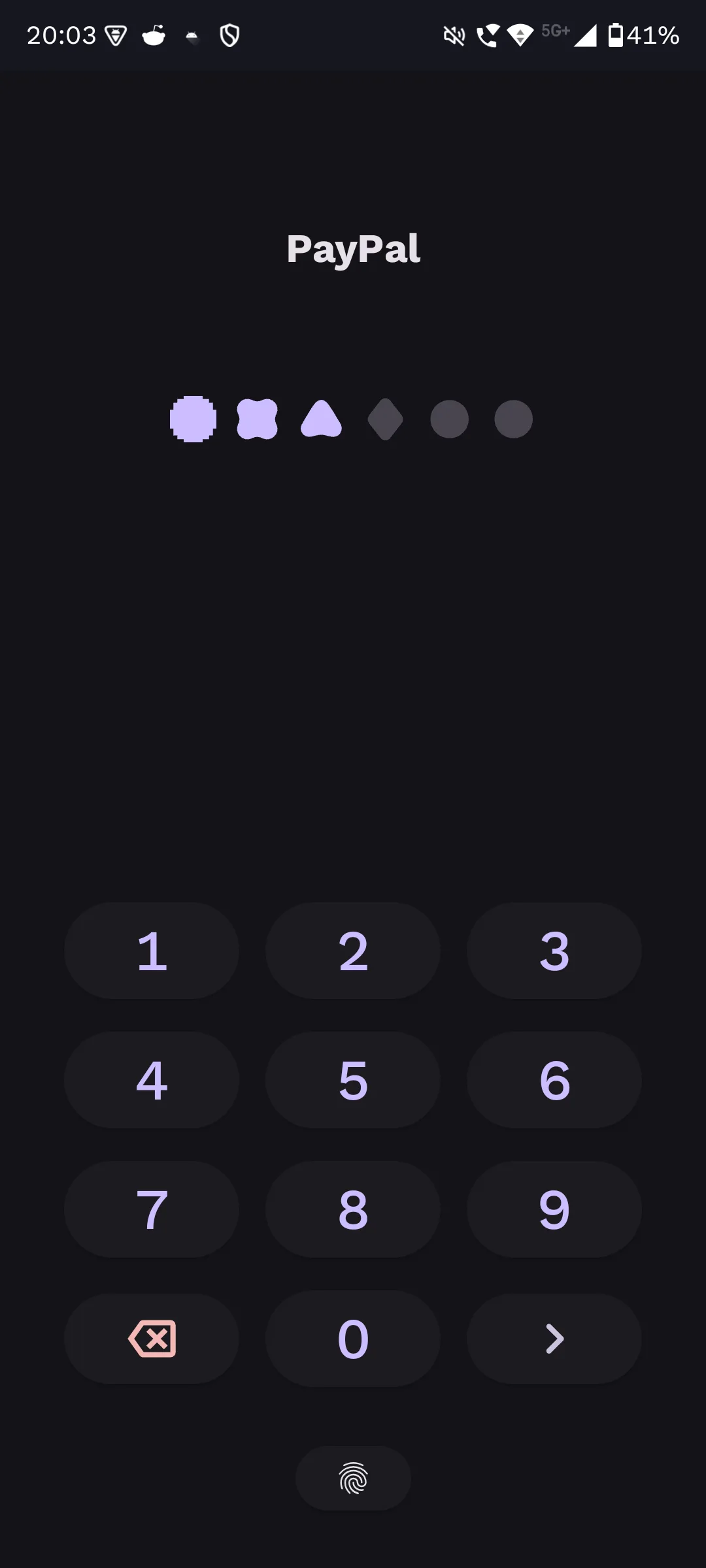
App Lock is “a modern, open-source Android app locker” by Pranav Purwar. You pick the apps to protect, and when one of them opens, App Lock asks for your PIN, pattern, password or fingerprint first. It needs no root.
How it works
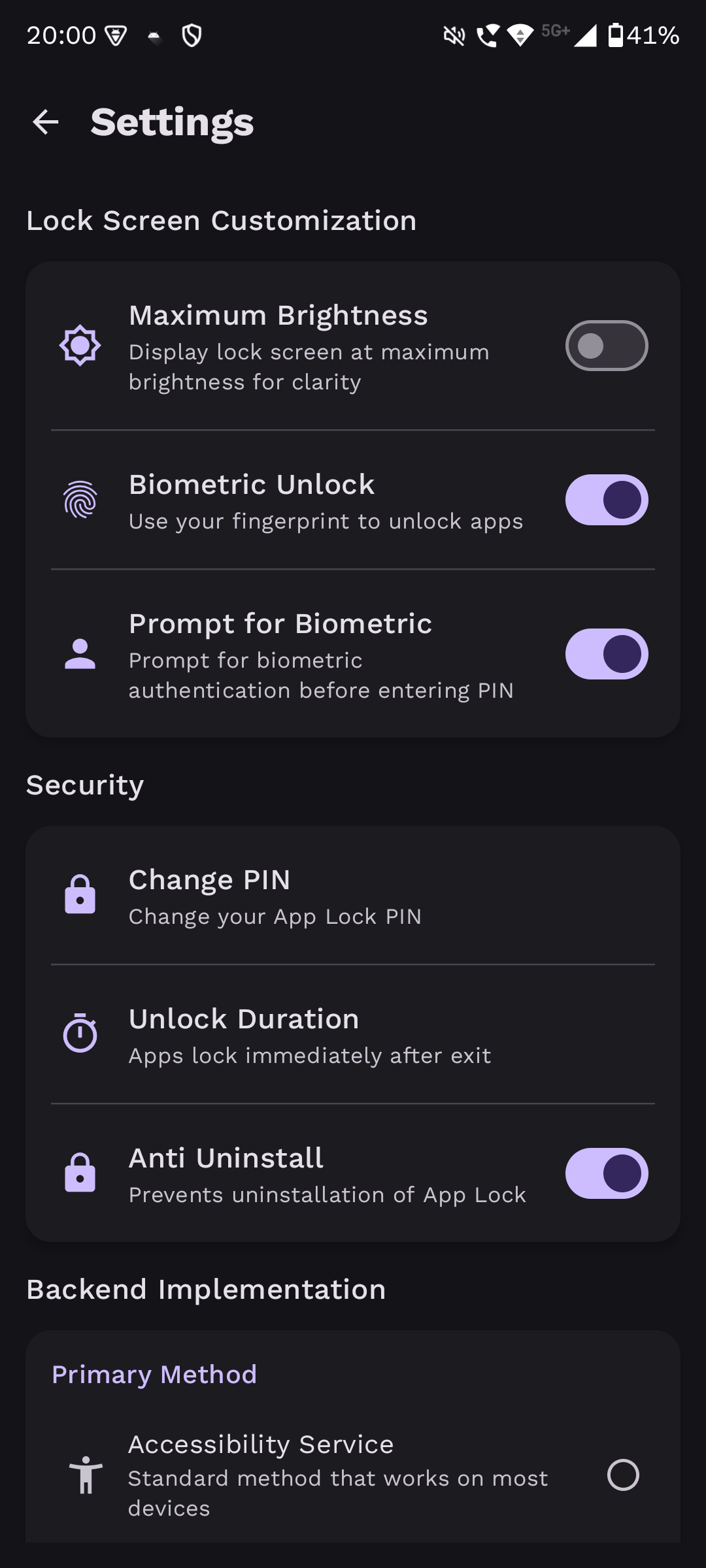
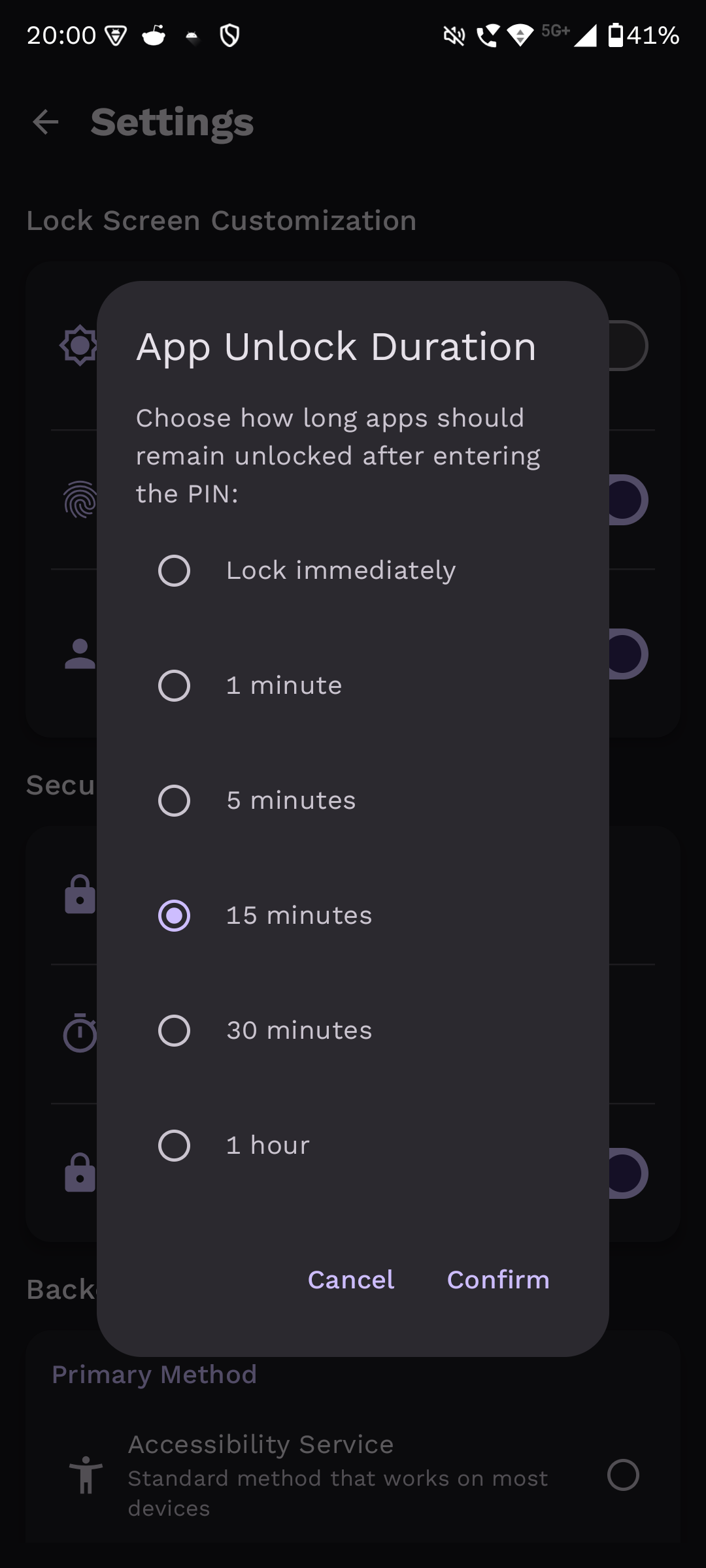
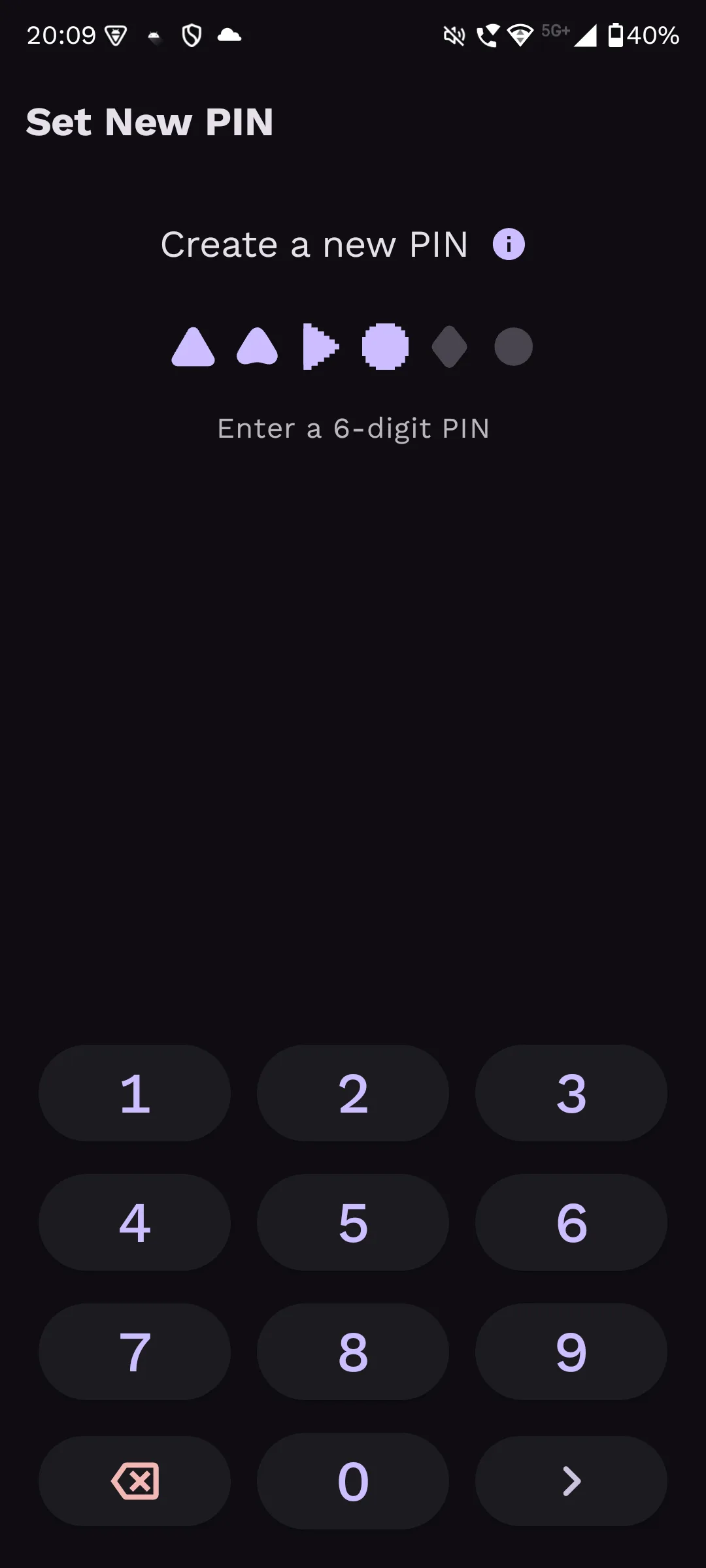
- Unlock methods: fingerprint, face unlock and PIN, plus a pattern (added in 2.0.0) and an alphanumeric password (2.5.0). PINs and passwords need at least 4 characters.
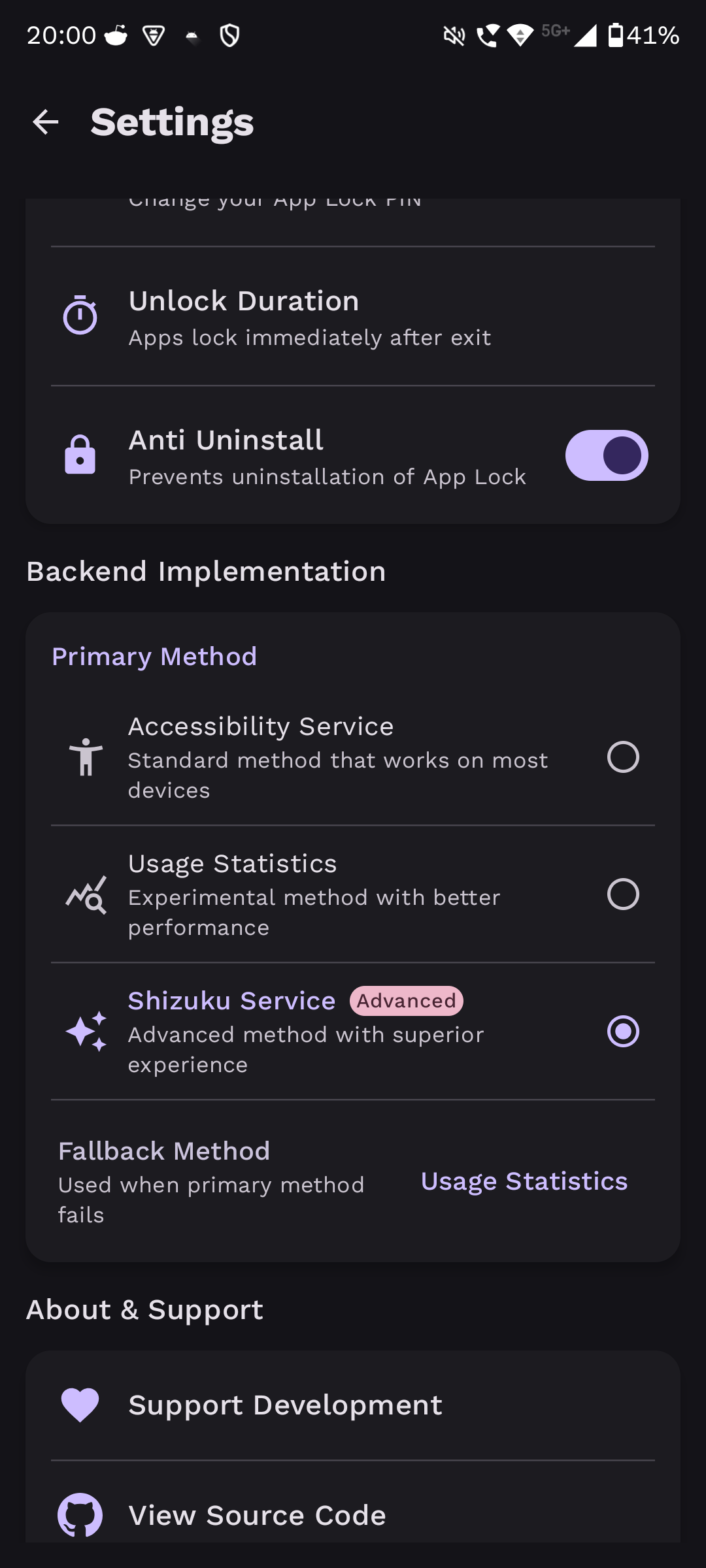
- Detection: an accessibility service (the default), usage statistics (experimental) or Shizuku (the developer’s pick for performance). Our scan found the Shizuku library in the APK.
- Anti-uninstall: stops the app from being removed without your password. It needs both Device Administrator and Accessibility Service access, and can protect other apps from being uninstalled through Shizuku.
- Background: it starts with the phone, and the app asks you to turn off battery optimisation for it so the lock keeps working.
Before you install
- The developer warns that Google Play Protect blocks some people from installing or updating App Lock because it uses the overlay permission, which lets it draw over other apps.
- If Android shows a “Restricted setting” message when you turn on its accessibility service, the app’s instructions are to open Settings › Apps › App Lock, tap the menu in the top right corner and choose Allow restricted settings.
What goes online
Nothing. The APK doesn’t request internet access; links such as donation and Discord open in your browser. F-Droid’s description calls it “100% offline: No ads, no trackers, no data collection”, and our scan found no trackers.
About this file
- This is the developer’s own build, distributed through F-Droid, which checked that it matches the source before publishing it. It is byte for byte the
app-release.apkon the project’s GitHub release, and IzzyOnDroid serves the same developer key, so you can update between these three sources without reinstalling. App Lock isn’t on Google Play. - The project now lives at github.com/aload0/AppLock; the old PranavPurwar/AppLock repository points there.
- The code is under the MIT licence. The app is in English and Arabic.
- The 2.3 MB file runs on Android 8.0 and later, on ARM and x86, 32- and 64-bit, and declares 17 permissions, including the accessibility service, usage access, drawing over other apps and biometric login.
What’s inside the APK
Trackers
No code matching the Exodus Privacy tracker signatures.
Native code
Runs on 64-bit and older 32-bit ARM phones.
Android versions
Built for Android 17 (target API 37).
Permissions
1 of them need your approval first.
Shizuku API. Uses the Shizuku API, so it can do ADB-level work without root once Shizuku is running. (rikka.shizuku.ShizukuProvider)
CPU types in this build: arm64-v8a (64-bit ARM, almost every phone since 2017); armeabi-v7a (32-bit ARM, older and budget phones); x86 (32-bit Intel, emulators); x86_64 (64-bit Intel, emulators and Chromebooks).
Asks you first (1)
Android shows a prompt before the app can use these.
- Show notifications (Android 13+) · POST_NOTIFICATIONS
You switch these on in Settings (4)
Special app access. Nothing is granted until you turn it on yourself.
- Accessibility service · BIND_ACCESSIBILITY_SERVICE
- Usage access · PACKAGE_USAGE_STATS
- Alarms and reminders · SCHEDULE_EXACT_ALARM
- Display over other apps · SYSTEM_ALERT_WINDOW
Granted at install (10)
Low-risk permissions Android grants automatically, plus any we have not classified.
- FOREGROUND_SERVICE
- FOREGROUND_SERVICE_SPECIAL_USE
- FOREGROUND_SERVICE_SYSTEM_EXEMPTED
- HIDE_OVERLAY_WINDOWS
- QUERY_ALL_PACKAGES
- RECEIVE_BOOT_COMPLETED
- REQUEST_IGNORE_BATTERY_OPTIMIZATIONS
- USE_BIOMETRIC
- USE_FINGERPRINT
- VIBRATE
Defined by other apps (2)
Permissions that belong to another app or to this app itself.
- dev.pranav.applock.DYNAMIC_RECEIVER_NOT_EXPORTED_PERMISSION
- moe.shizuku.manager.permission.API_V23
More Information
- Package name
- dev.pranav.applock
- Version
- 2.5.1 (build 251)
- File size
- 2.3 MB (2,342,730 bytes)
- Requires
- Android 8.0 or later
- Category
- System Tools
- License
- MIT
- Developer
- Pranav Purwar
- Source code
- github.com/aload0/AppLock
- Released
- Jul 11, 2026
- Signed by
- The developer. F-Droid publishes a developer-signed APK only when its own build from the source code reproduces it.
- Signer SHA-256
- af7f36023c6a7750847252e5d4d14a992b621364600705e1d8b0fe44d1ac8c81
- File SHA-256
- 1cc169e34303ab749155bea025597f6474279a37614fb9cffcb6024685866566
- Checked
- , against the F-Droid index · how we check · verify it yourself
Common questions
Is this APK the official App Lock release?
Yes. It is the developer-signed release of App Lock 2.5.1 that F-Droid distributes, which F-Droid publishes only when its own build from the source code reproduces it. Its SHA-256 matches F-Droid’s signed index, and it is signed with the developer’s certificate (SHA-256 af7f36023c6a7750847252e5d4d14a992b621364600705e1d8b0fe44d1ac8c81).
What Android version does App Lock need?
Android 8.0 or later (API level 26). Version 2.5.1 is built for Android 17 (target API 37). Runs on 64-bit and older 32-bit ARM phones.
Can App Lock access the internet?
No. The APK doesn’t request Android’s internet permission, so the app can’t go online by itself. In total it declares 17 permissions, and 1 of them needs your approval first.
Does App Lock contain trackers?
No known trackers: our scan of version 2.5.1 found no code matching the Exodus Privacy tracker signatures. The scan covers known tracker libraries; it doesn’t show what data the app itself sends.
Is App Lock open source?
Yes. App Lock is released under the MIT licence, and its source code is published at https://github.com/aload0/AppLock.
How does App Lock know when a locked app opens?
You choose one of three methods. The accessibility service is the standard one, which “works on most devices” but may react with “slight delays on some OEMs”. Usage stats is marked experimental. Shizuku is described as the advanced method with better performance, and needs the Shizuku app running.
Can it be bypassed?
Several ways around the lock have been reported and fixed over time, through floating windows, split screen, the recent apps screen and usage stats, according to the release notes. Users have opened further bypass reports on GitHub that the developer hasn’t confirmed. Treat it as a privacy screen for casual access, not as protection against someone determined with your unlocked phone.
Recent releases
| Version | Released | Size | Requires |
|---|---|---|---|
| v2.5.1 · this download | Jul 11, 2026 | 2.3 MB | Android 8.0+ |
| v2.5.0 | Jul 10, 2026 | 2.3 MB | Android 8.0+ |
| v2.4.3 | May 28, 2026 | 2.3 MB | Android 8.0+ |
Versions currently kept in the F-Droid repository. We host and check only the newest one.