

FreeOTP
Apache-2.0 · open source
Generate standard two-factor login codes on the phone, add accounts by QR or secret, and make an encrypted backup without signing up for a service.
Needs:Android 6.0+ · a service that supports TOTP or HOTP
2113 Apps is independent, not affiliated with or endorsed by the FreeOTP developers. Official sources: freeotp.github.io · source code on GitHub.
- Version
- 2.0.6
- Size
- 9.3 MB
- Requires
- Android 6.0+
- Updated
- 2026-02-19
Screenshots
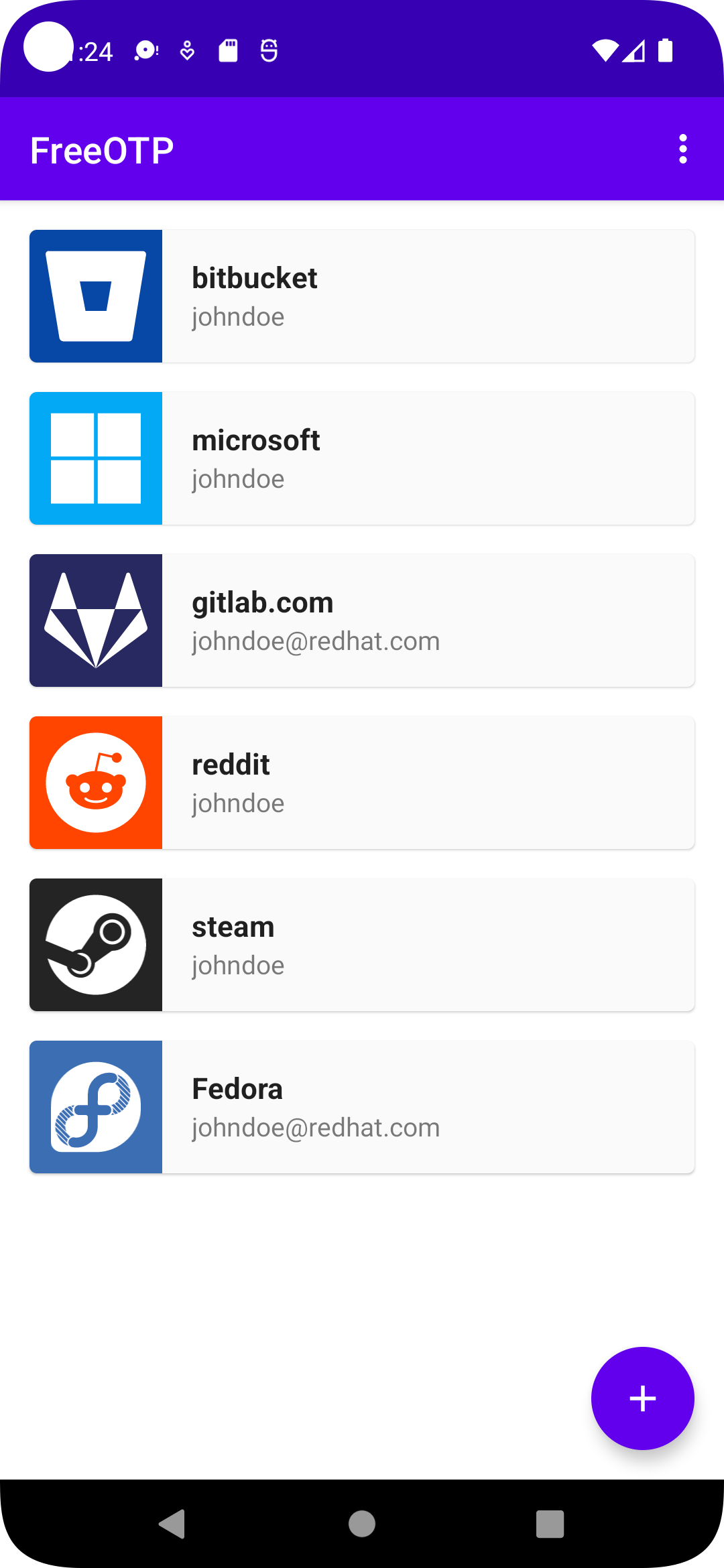
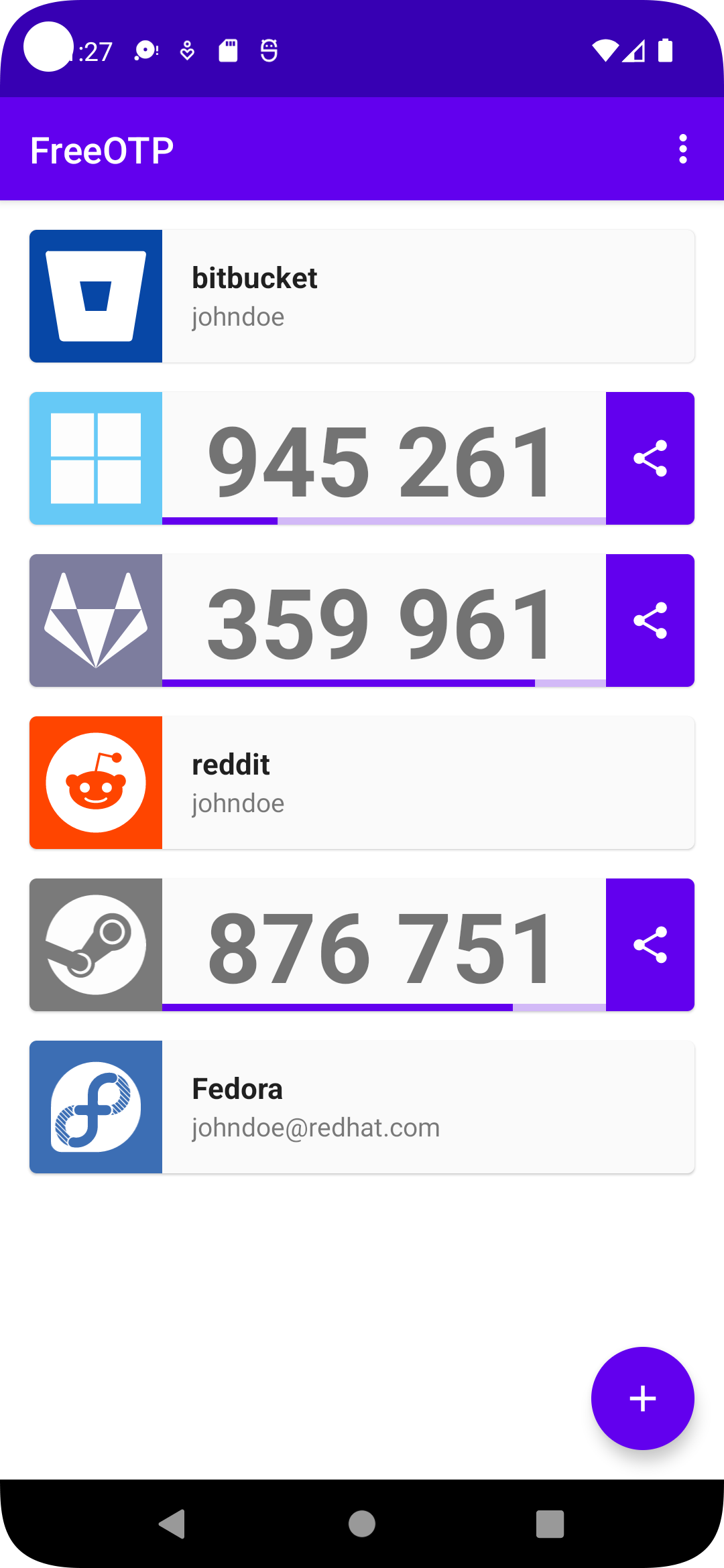
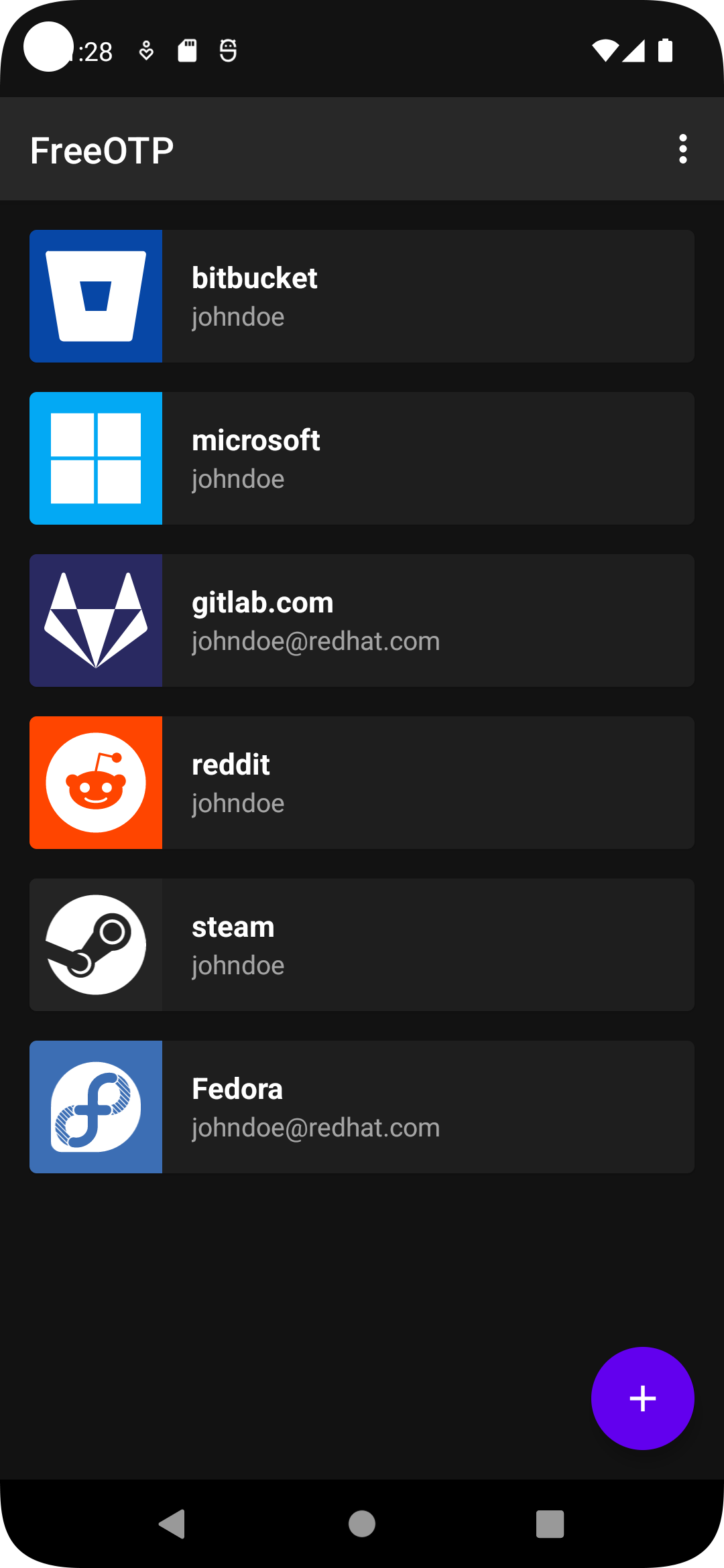
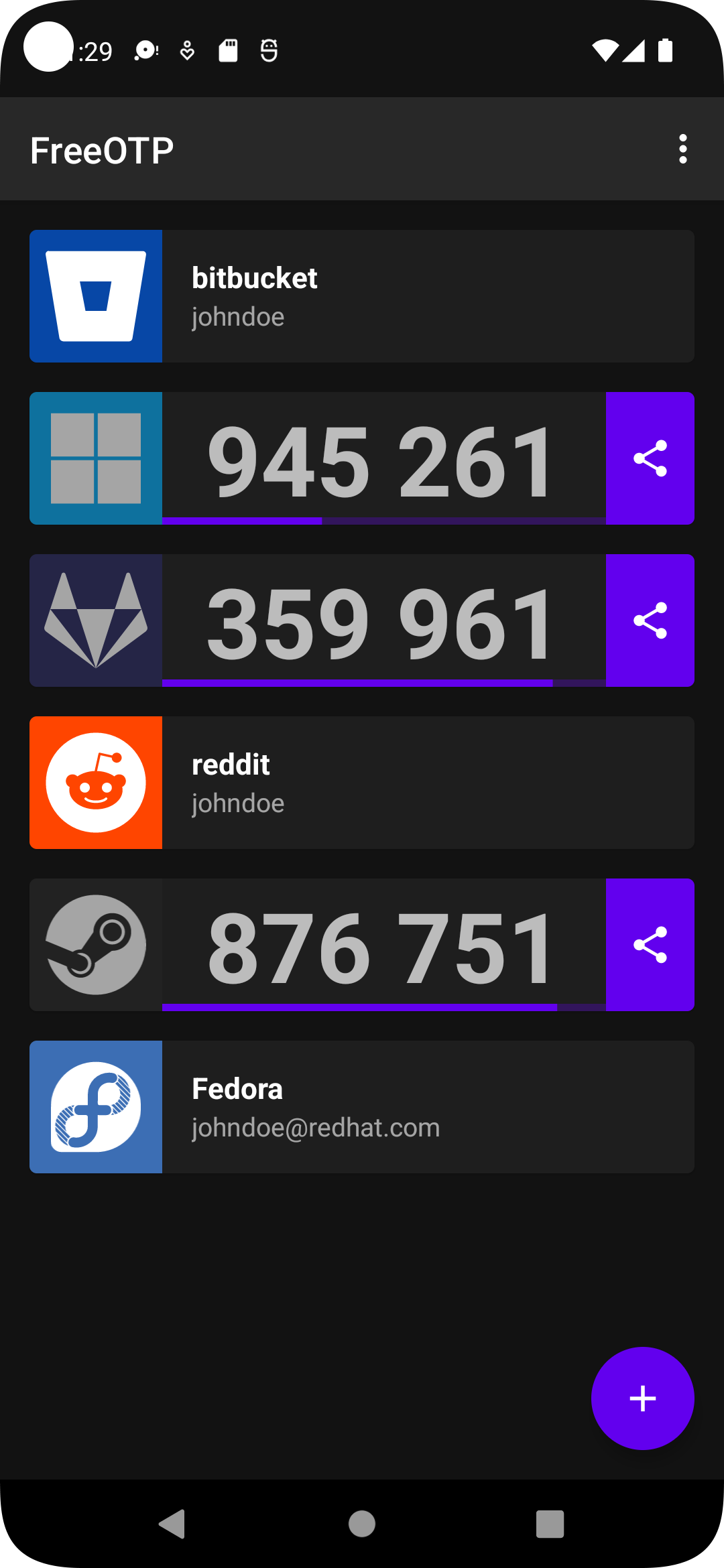
Introduction
FreeOTP is an open-source authenticator for the standard TOTP codes that change with time and HOTP codes that advance with a counter. Scan a website’s QR code or enter the issuer, account and secret manually; the rotating login code is then generated locally.
Storage, backup and transfer
Token secrets are protected with keys in Android Keystore. Individual tokens can require the phone’s biometric or screen-lock authentication before revealing a code. That protection is tied to the device: changing lock settings may invalidate a key, and losing the phone still loses the tokens unless you kept another recovery path.
FreeOTP can create an encrypted backup with a master password and can participate in Android’s automatic backup. That backup contains the token records and must be protected like the original authenticator. Its Bluetooth and clipboard share actions are different: they send only the current one-time code, not the token secret. Keep each service’s recovery codes separately and test a restored backup before removing the original.
What goes online
Code generation needs no network and there is no FreeOTP account. The project says internet permission is used only to obtain token images named by provisioning data. Camera access is for QR codes; Bluetooth and nearby-device permissions are for optionally sending the current displayed code. Our static scan found no recognised tracker SDKs.
About this file
- This is F-Droid’s build of FreeOTP 2.0.6, compiled from source and signed with F-Droid’s key. The project’s release notes list a move to CameraX, inverted-QR support, sorting tokens by most recently used, Android 13 app-language settings, a target-SDK update to 35, and fixes for empty QR codes, manual entry, scrolling, token display and Bluetooth permissions or connections.
- The 9.3 MB file runs on Android 6.0 or later and includes native libraries for ARM and x86, 32- and 64-bit. Its ten permissions cover optional internet images, QR camera access, fingerprint authentication, vibration, Bluetooth sending and coarse location for Bluetooth discovery on older Android versions.
- Our scan found no tracker libraries.
- FreeOTP is licensed under Apache-2.0. F-Droid publishes the corresponding source archive for this build.
What’s inside the APK
Trackers
No code matching the tracker signatures we check, including Exodus Privacy’s list and our published supplements.
Native code
Runs on 64-bit and older 32-bit ARM phones.
Android versions
Built for Android 15 (target API 35).
Permissions
4 of them need your approval first.
CPU types in this build: arm64-v8a (64-bit ARM, almost every phone since 2017); armeabi-v7a (32-bit ARM, older and budget phones); x86 (32-bit Intel, emulators); x86_64 (64-bit Intel, emulators and Chromebooks).
Asks you first (4)
Android shows a prompt before the app can use these.
- Approximate location · ACCESS_COARSE_LOCATION
- Connect to paired Bluetooth devices · BLUETOOTH_CONNECT
- Scan for Bluetooth devices · BLUETOOTH_SCAN
- Use the camera · CAMERA
Granted at install (5)
Low-risk permissions Android grants automatically, plus any we have not classified.
- BLUETOOTH
- BLUETOOTH_ADMIN
- INTERNET
- USE_FINGERPRINT
- VIBRATE
Defined by other apps (1)
Permissions that belong to another app or to this app itself.
- org.fedorahosted.freeotp.DYNAMIC_RECEIVER_NOT_EXPORTED_PERMISSION
More Information
- Package name
- org.fedorahosted.freeotp
- Version
- 2.0.6 (build 48)
- File size
- 9.3 MB (9,340,083 bytes)
- Requires
- Android 6.0 or later
- Category
- Network & Privacy
- License
- Apache-2.0
- Source code
- github.com/freeotp/freeotp-android
- Released
- Feb 19, 2026
- Signed by
- F-Droid, which built this APK from the published source code. Because the key is F-Droid’s, it won’t install over a copy from Google Play or GitHub (or the other way round) without uninstalling first.
- Signer SHA-256
- ec54f194f75c15dd1e466b6e0810c18fba7b6b34e0c3e3dda9845a4618c6957f
- File SHA-256
- 48212d63dd3a3a8a8d6201b8d911f239efb1561f08472057b2c55a65ebb0a94f
- Checked
- , against the F-Droid index · how we check · verify it yourself
Common questions
Is this APK the official FreeOTP release?
It is F-Droid’s build rather than the developer’s own: F-Droid compiled FreeOTP 2.0.6 from the published source code and signed it with its own key. Its SHA-256 matches F-Droid’s signed index. Because the key is F-Droid’s, it won’t install over a copy from Google Play or GitHub without uninstalling first.
What Android version does FreeOTP need?
Android 6.0 or later (API level 23). Version 2.0.6 is built for Android 15 (target API 35). Runs on 64-bit and older 32-bit ARM phones.
Can FreeOTP access the internet?
Yes. The APK requests Android’s internet permission. In total it declares 10 permissions, and 4 of them need your approval first.
Does FreeOTP contain trackers?
No known trackers: our scan of version 2.0.6 found no code matching the tracker signatures it checks. Those include Exodus Privacy’s list and the published local supplements described on How We Check; the scan doesn’t show what data the app itself sends.
Is FreeOTP open source?
Yes. FreeOTP is released under the Apache-2.0 licence, and its source code is published at https://github.com/freeotp/freeotp-android.
Does FreeOTP need an account or internet connection?
No. HOTP and TOTP codes are calculated on the phone. Internet access is used only when a token provisioning record supplies a remote image; normal code generation works offline.
Where are the token secrets stored?
FreeOTP protects them with Android Keystore keys. A token may also require device authentication. Changing or removing the phone’s lock settings can invalidate a key, so keep the service’s recovery codes outside the phone.
Can I back up FreeOTP?
Yes. It can export an encrypted backup protected by a master password, and it has an Android automatic-backup option. Test a restore before relying on it; the app warns that an encrypted backup’s password cannot be changed later.
Why does it ask for Bluetooth or location?
Those permissions let you send the currently displayed one-time code to a nearby Bluetooth device; the feature does not transfer the token secret or provisioning record. Older Android versions tie Bluetooth scanning to coarse location permission even when an app is looking for devices rather than coordinates. QR scanning uses the camera separately.
Recent releases
| Version | Released | Size | Requires |
|---|---|---|---|
| v2.0.6 · this download | Feb 19, 2026 | 9.3 MB | Android 6.0+ |
| v2.0.5 | Feb 6, 2025 | 7.1 MB | Android 6.0+ |
| v2.0.4 | Jun 17, 2024 | 6.6 MB | Android 6.0+ |
Versions currently kept in the F-Droid repository. We host and check only the newest one.
Alternatives and related apps
-
 Aegis Authenticator Adds a password-encrypted vault, groups, icons and broad import support while remaining Android-first.Download
-
 Ente Auth Offers end-to-end encrypted cross-device sync and a web viewer in addition to local codes.Download
-
 Proton Authenticator Combines local automatic backups with optional encrypted Proton account sync.Download