

RustDesk
GPL-3.0-only · open source
Control a computer or another phone remotely, or let someone help you with yours. RustDesk is open source and can run entirely on a server you host yourself.
Needs:No root · Android 5.1+ · 6.0+ to share the screen
2113 Apps is independent, not affiliated with or endorsed by the RustDesk developers. Official sources: rustdesk.com · source code on GitHub.
- Version
- 1.4.9
- Size
- 26.8 MB
- Requires
- Android 5.1+
- Updated
- 2026-07-16
Screenshots
Introduction
Scam warning. Remote access apps are a favourite tool of phone scammers. RustDesk’s own warning, shown in the app before you can share your screen, is clear: if someone you don’t know and trust asks you on the phone to use RustDesk and start the service, don’t, and hang up. The developers removed the app from Google Play in September 2023 for this reason.
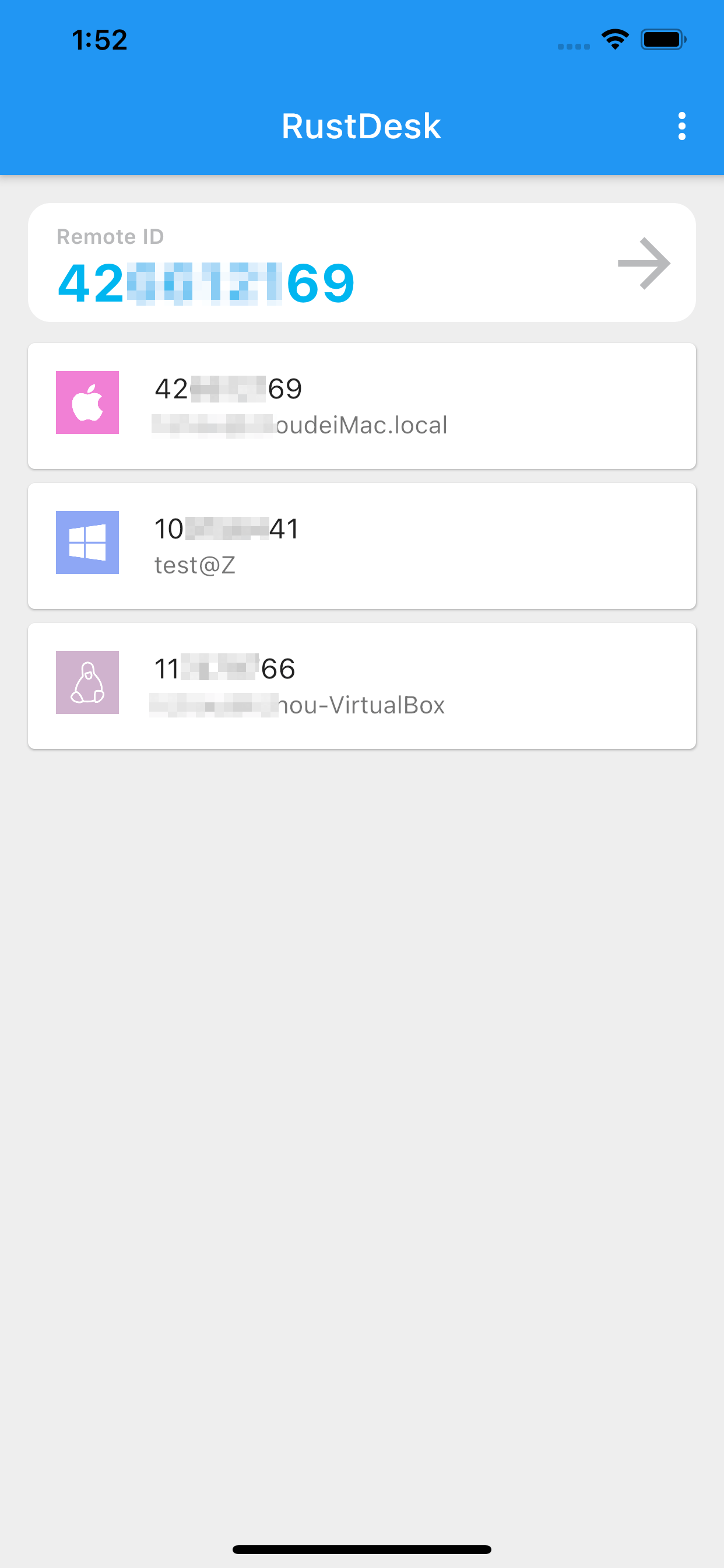
RustDesk is an open-source remote desktop app, often described as an open-source TeamViewer alternative. It connects devices by their RustDesk ID through a rendezvous server, which can also relay the connection.
Using your phone as the remote control
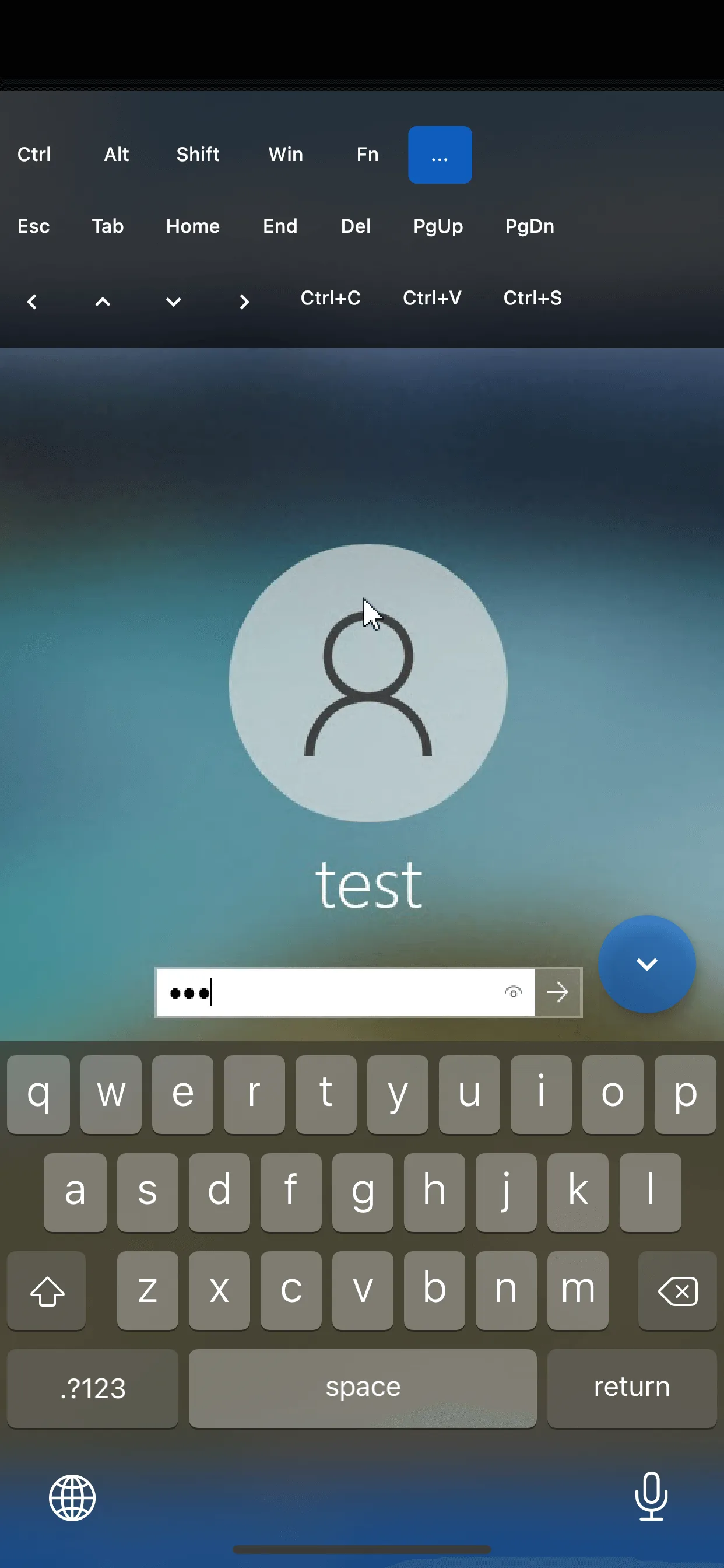
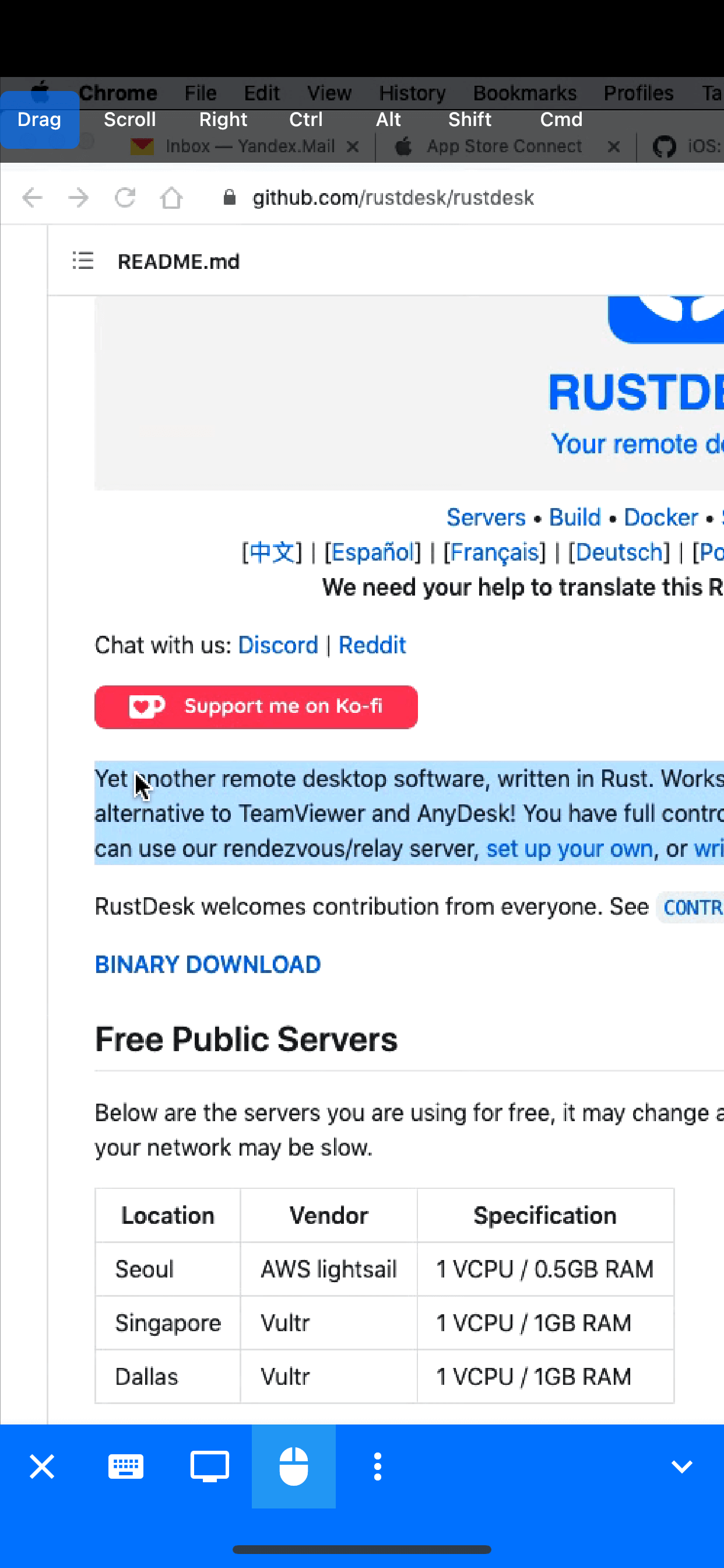
Enter the ID of the other device to see and control it. There are two input modes: mouse mode and touch mode.
Letting someone control your phone
- Sharing the screen needs Android 6.0 or later; sharing the phone’s own audio needs Android 10.
- Each time you start RustDesk you grant screen capture and input control again. Input control works through an accessibility service that you switch on.
- When you start the service, the app first shows the scam warning above, with a 12-second countdown.
Servers and privacy
RustDesk can use the developers’ public server or one you run yourself. The project says it is designed to be self-hosted, and describes the public server as meant for demonstration and testing, not for production or sensitive work. On the public server, the controlling side needs a free account.
F-Droid flags this build for tracking: according to RustDesk’s privacy policy, the app contacts rustdesk.com when it starts and sends the start time, the device’s IP address, device information, session times and durations, and RustDesk IDs. The project doesn’t say whether that still happens when you use your own server.
About this file
This is F-Droid’s build of version 1.4.9, for 64-bit ARM, signed with F-Droid’s key. It won’t update a RustDesk installed from the project’s GitHub releases, or the other way round, without uninstalling first. A 1.5.0 pre-release is available on GitHub.
What’s inside the APK
Trackers
No code matching the Exodus Privacy tracker signatures.
Native code
Needs a 64-bit ARM phone; 32-bit-only devices are not supported.
Android versions
Built for Android 13 (target API 33).
Permissions
5 of them need your approval first.
Flagged by F-Droid:
- Tracking: IzzyOnDroid flags this app for tracking or reporting user activity.
CPU types in this build: arm64-v8a (64-bit ARM, almost every phone since 2017).
Asks you first (5)
Android shows a prompt before the app can use these.
- Use the camera · CAMERA
- Show notifications (Android 13+) · POST_NOTIFICATIONS
- Read shared storage (Android 12 and older) · READ_EXTERNAL_STORAGE
- Record audio with the microphone · RECORD_AUDIO
- Write shared storage (Android 10 and older) · WRITE_EXTERNAL_STORAGE
You switch these on in Settings (2)
Special app access. Nothing is granted until you turn it on yourself.
- All files access · MANAGE_EXTERNAL_STORAGE
- Display over other apps · SYSTEM_ALERT_WINDOW
Granted at install (6)
Low-risk permissions Android grants automatically, plus any we have not classified.
- ACCESS_NETWORK_STATE
- FOREGROUND_SERVICE
- INTERNET
- RECEIVE_BOOT_COMPLETED
- REQUEST_IGNORE_BATTERY_OPTIMIZATIONS
- WAKE_LOCK
Defined by other apps (1)
Permissions that belong to another app or to this app itself.
- com.carriez.flutter_hbb.DYNAMIC_RECEIVER_NOT_EXPORTED_PERMISSION
More Information
- Package name
- com.carriez.flutter_hbb
- Version
- 1.4.9 (build 104090002)
- File size
- 26.8 MB (26,793,207 bytes)
- Requires
- Android 5.1 or later
- Category
- System Tools
- License
- GPL-3.0-only
- Source code
- github.com/rustdesk/rustdesk
- Released
- Jul 15, 2026
- Signed by
- F-Droid, which built this APK from the published source code. Because the key is F-Droid’s, it won’t install over a copy from Google Play or GitHub (or the other way round) without uninstalling first.
- Signer SHA-256
- 85366b10ecadff33e10c53250444a125203908285363c27fc62a561f9660fa48
- File SHA-256
- c5f3ba33501ceecf14c7b30ba7a659286c87a464b7a62f2e958e120487bd1ada
- Checked
- , against the F-Droid index · how we check · verify it yourself
Common questions
Is this APK the official RustDesk release?
It is F-Droid’s build rather than the developer’s own: F-Droid compiled RustDesk 1.4.9 from the published source code and signed it with its own key. Its SHA-256 matches F-Droid’s signed index. Because the key is F-Droid’s, it won’t install over a copy from Google Play or GitHub without uninstalling first.
What Android version does RustDesk need?
Android 5.1 or later (API level 22). Version 1.4.9 is built for Android 13 (target API 33). Needs a 64-bit ARM phone; 32-bit-only devices are not supported.
Can RustDesk access the internet?
Yes. The APK requests Android’s internet permission. In total it declares 14 permissions, and 5 of them need your approval first.
Does RustDesk contain trackers?
No known trackers: our scan of version 1.4.9 found no code matching the Exodus Privacy tracker signatures. The scan covers known tracker libraries; it doesn’t show what data the app itself sends.
Is RustDesk open source?
Yes. RustDesk is released under the GPL-3.0-only licence, and its source code is published at https://github.com/rustdesk/rustdesk.
Recent releases
| Version | Released | Size | Requires |
|---|---|---|---|
| v1.4.9 · this download | Jul 15, 2026 | 26.8 MB | Android 5.1+ |
| v1.4.7 | Jun 3, 2026 | 26.2 MB | Android 5.1+ |
| v1.4.6 | Mar 21, 2026 | 26.0 MB | Android 5.1+ |
Versions currently kept in the F-Droid repository. We host and check only the newest one. Full changelog.