

SAI (Split APKs Installer)
by Aefyr · GPL-3.0-only · open source
An installer for apps that come as several APK files, such as .apks, .xapk and .apkm downloads, with optional root or Shizuku installs and APK backups of installed apps.
Needs:No root · Android 5.0+ · root or Shizuku optional
2113 Apps is independent, not affiliated with or endorsed by Aefyr. Official sources: source code on GitHub.
- Version
- 4.5
- Size
- 4.5 MB
- Requires
- Android 5.0+
- Updated
- 2021-03-06
Screenshots
Introduction
SAI (Split APKs Installer) installs apps that are delivered as several APK files instead of one. Many apps on Google Play are built as Android App Bundles, and copies of them saved from Play or downloaded from APK sites come as a set: a base APK plus split APKs for your screen density, language and processor. Android can’t install such a set by tapping a file. SAI can, from .apks, .xapk, .apkm and .zip files.
It was written by a developer known as Aefyr, and it is no longer developed. The README says: “SAI is kinda dead cause I have no motivation for continuing its development.” The last release, 4.5, came out on 25 February 2021, issues are closed automatically after 60 days without activity, and we found no reply from the developer in recent ones. We host it because many guides still point to it and it doesn’t go online at all; for something maintained, see Universal Installer.
How it installs
From the code of version 4.5, SAI has three ways to install:
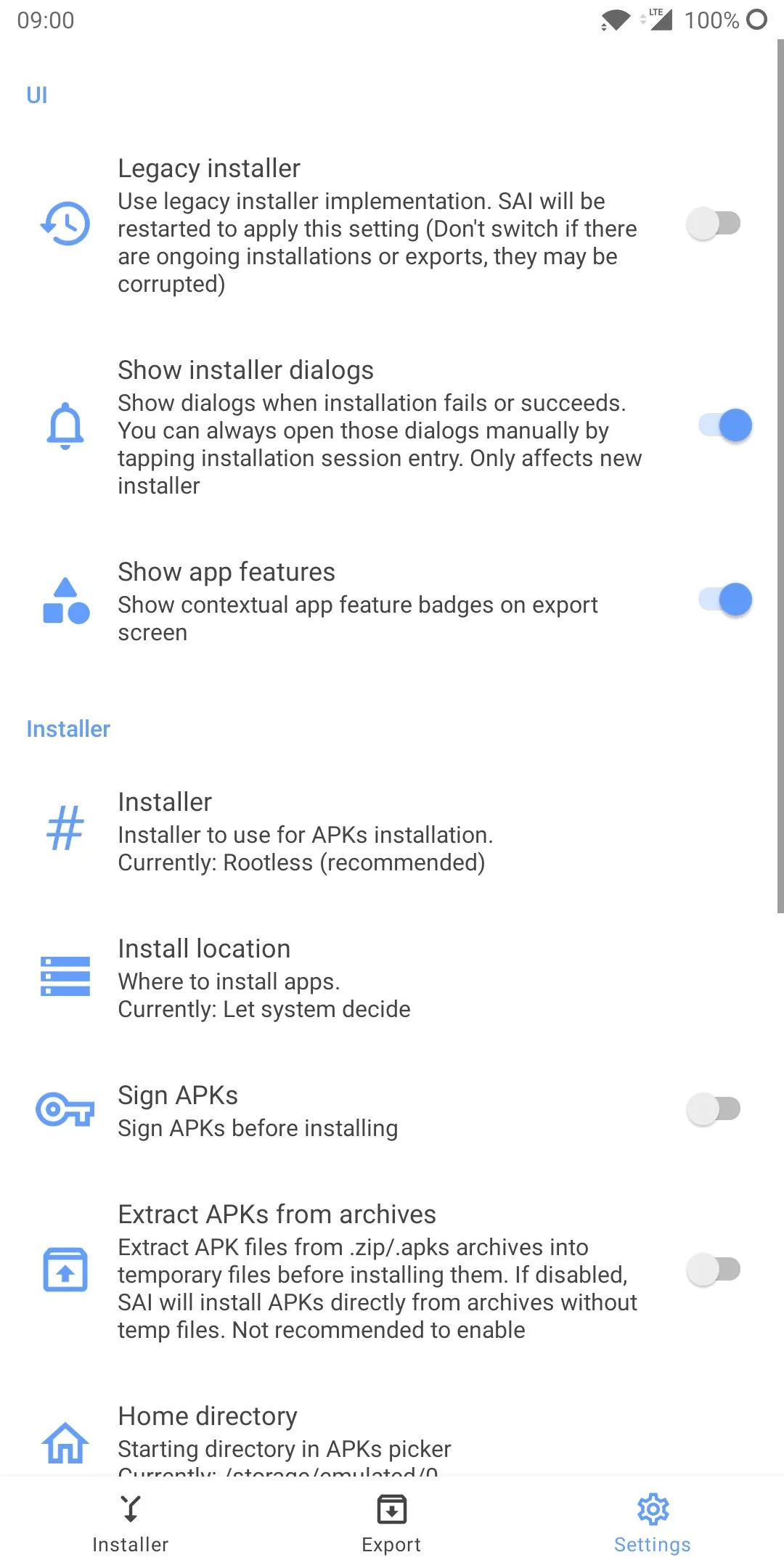
- Rootless, the default and the one SAI recommends. It uses Android’s own package installer session, so Android shows its usual install confirmation. You need to allow SAI to install unknown apps.
- Rooted, which runs Android’s
pminstaller throughsu. - Shizuku, which runs the same
pmcommands through Shizuku, on Android 6.0 and later; version 4.4 added Sui, the Magisk-based variant.
Pro mode is on by default: before installing, SAI lists the parts of the set so you can leave out languages or screen sizes you don’t need. SAI calls it “experimental”.
Two warnings are built in. On MIUI, “a lot of SAI users have reported installations failing” and turning off MIUI optimizations in developer settings usually helps. For apps over 150 megabytes, SAI warns that a hung installation can leave space taken that you “won’t be able to reclaim without using root or doing factory reset”.
File formats
| File | Opens in SAI | Notes |
|---|---|---|
.apks |
Yes, also from other apps | SAI’s own backups use this extension; see our guide to split APK formats |
.xapk |
From SAI’s file picker | Installs the APKs; OBB game data has to be copied by hand |
.apkm |
Yes, also from other apps | Only unencrypted files |
.zip |
From SAI’s file picker | A ZIP of APK files, which SAI suggests renaming to .apks |
.apk |
Yes, also from other apps | On by default; since 4.5 a setting turns it off |
Backups
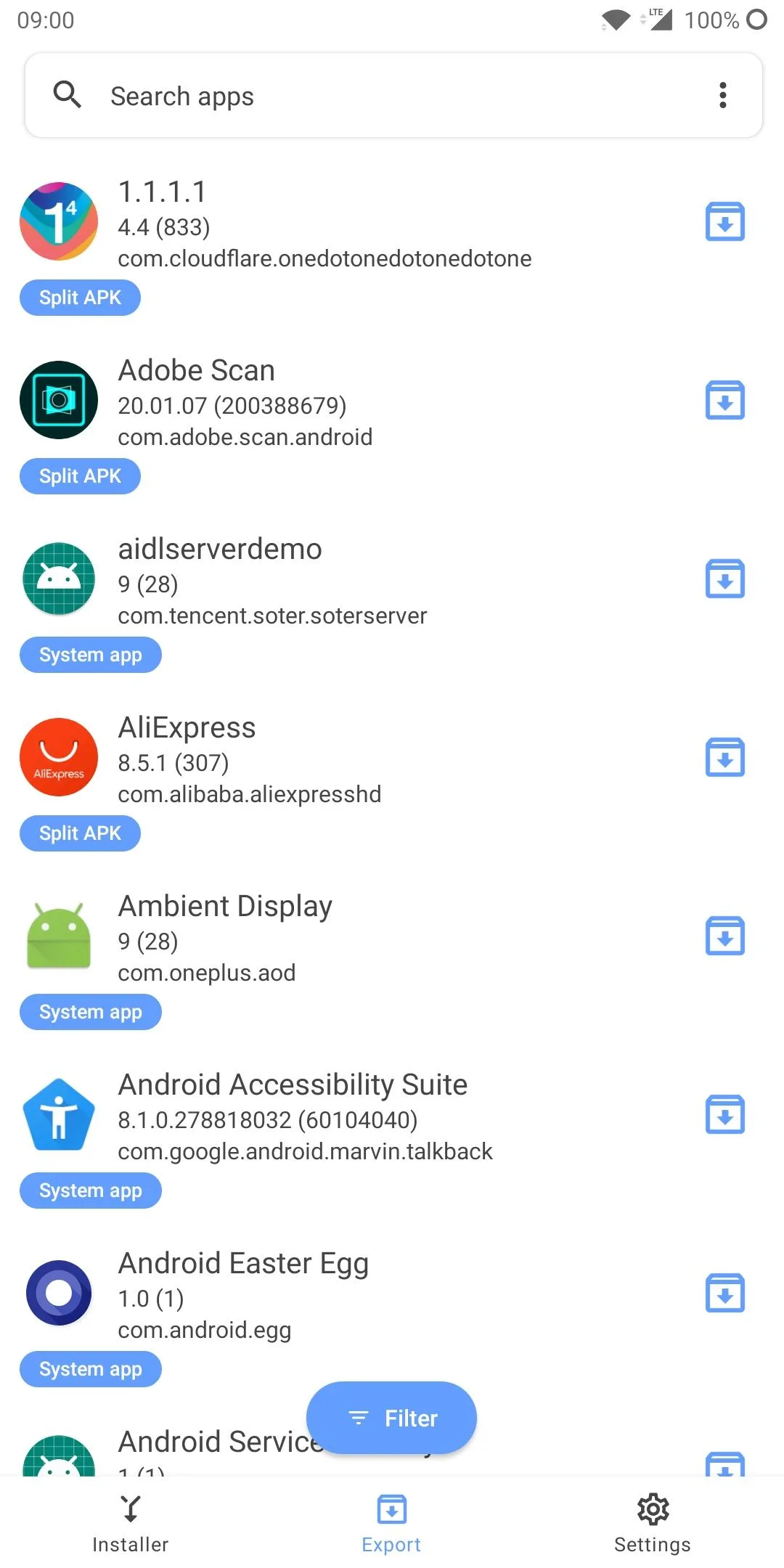
The Backup tab lists your installed apps and saves any of them as an .apks file in a folder you choose, named after the app, package and version by default. Only the APK files are saved, not data or OBB files, and SAI describes managed backups as “in beta”. You can also export a single part of an app as an .apk.
What goes online
Nothing. This F-Droid build doesn’t request internet access at all. In its source, the analytics switch is hidden because the F-Droid version doesn’t support data collection, and crash reporting is a stub (“No Crashlytics in fdroid version, oof”). F-Droid also strips the Google, Firebase and Play billing libraries before building. The only web addresses in the app, the licence, GitHub page and donation links, open in your browser when you tap them.
That is a real difference from the other SAI you may find. The GitHub and former Google Play build, com.aefyr.sai, contains Firebase Analytics and Crashlytics, and its analytics switch is on by default; its privacy policy lists device information, unique identifiers, “User gender, age and country” and app usage events.
Before you use it
- Leave “Sign APKs” off. This setting, off by default, re-signs apps before installing them with a key that comes inside SAI. We compared it: it is Android’s public AOSP test key, whose private half anyone can download. An app re-signed this way can’t be updated by the developer’s own releases, and the signature no longer tells you who made it.
- Other “SAI” apps on Google Play aren’t this one. The original Play listing is gone; users in the project’s issue tracker report rebranded copies by another publisher, with ads.
- Newer Android versions are untested by the developer. SAI targets Android 10, which is above the minimum that Android 14 (target 23) and Android 15 (target 24) require for installing an app, and the behaviour-change notes for Android 16 and 17 add no new minimum. Reports from users on Android 14 and later contradict each other, and we haven’t tried it ourselves.
About this file
- This is F-Droid’s build of version 4.5, compiled from the source and signed with F-Droid’s key. Its package name,
com.aefyr.sai.fdroid, differs from the developer’s builds, so it installs next to them rather than over them. In the F-Droid build the donation-only theme is unlocked and the donation prompt is skipped. - The 4.5 MB file runs on Android 5.0 and later and declares 6 permissions: storage access for its file picker and backups, installing and removing apps, a foreground service for backups, and Shizuku. There is no native code.
- SAI is licensed under the GPL-3.0. The third-party icons and font it bundles, Google’s Material icons and Roboto, are under the Apache License.
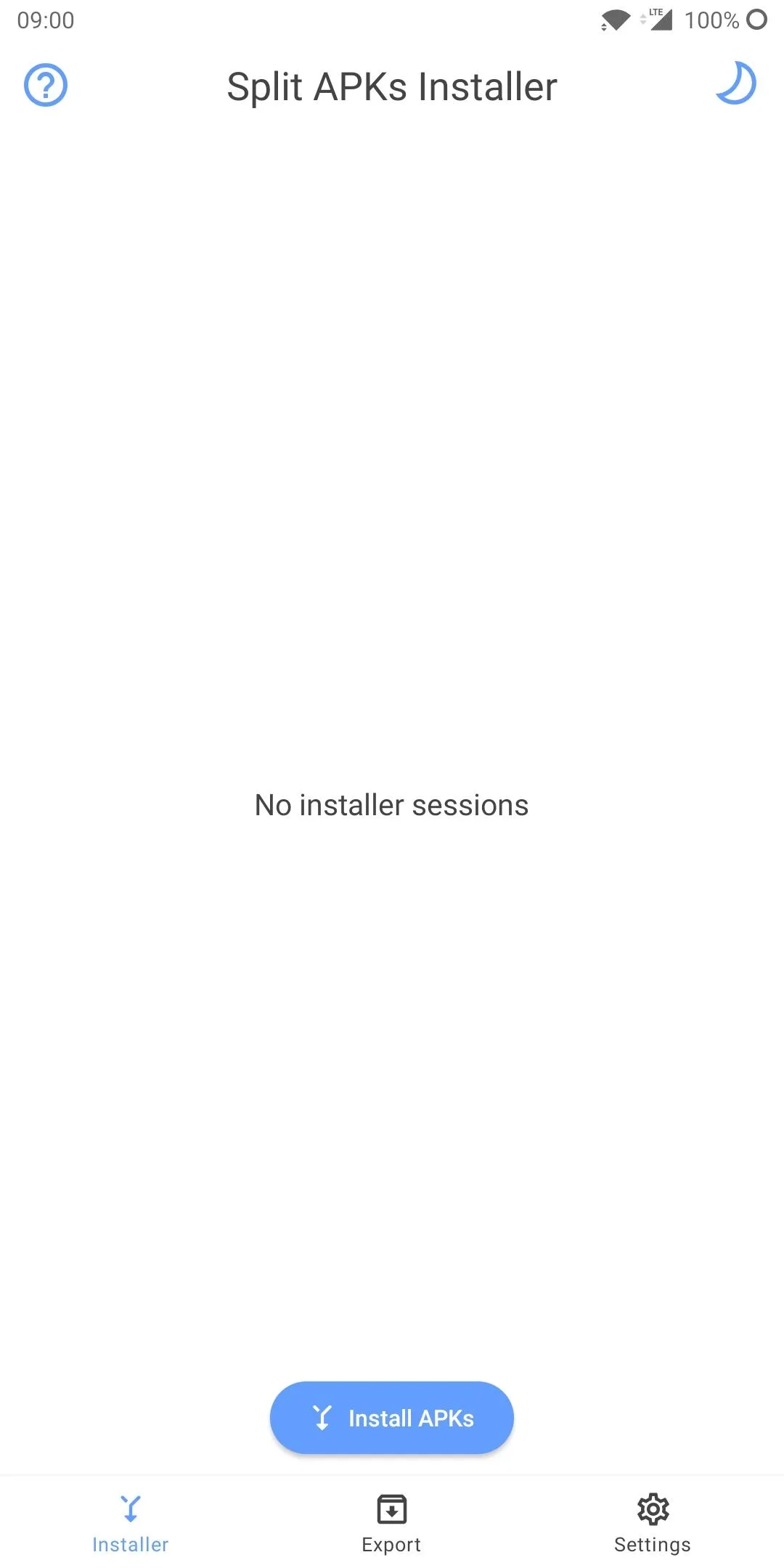
- The screenshots, from the project, date from early 2020, before version 4.0; the tab now called Backup still reads Export in them.
What’s inside the APK
Trackers
No code matching the Exodus Privacy tracker signatures.
Native code
Pure Java/Kotlin, so it runs on any CPU.
Android versions
Built for Android 10 (target API 29).
Permissions
2 of them need your approval first.
Shizuku API. Uses the Shizuku API, so it can do ADB-level work without root once Shizuku is running. (rikka.shizuku.-$$Lambda$Shizuku$6MxFi86n6dr3F1Td4am0IVU0YFE)
Asks you first (2)
Android shows a prompt before the app can use these.
- Read shared storage (Android 12 and older) · READ_EXTERNAL_STORAGE
- Write shared storage (Android 10 and older) · WRITE_EXTERNAL_STORAGE
You switch these on in Settings (1)
Special app access. Nothing is granted until you turn it on yourself.
- Install unknown apps · REQUEST_INSTALL_PACKAGES
Granted at install (2)
Low-risk permissions Android grants automatically, plus any we have not classified.
- FOREGROUND_SERVICE
- REQUEST_DELETE_PACKAGES
Defined by other apps (1)
Permissions that belong to another app or to this app itself.
- moe.shizuku.manager.permission.API_V23
More Information
- Package name
- com.aefyr.sai.fdroid
- Version
- 4.5 (build 60)
- File size
- 4.5 MB (4,513,049 bytes)
- Requires
- Android 5.0 or later
- Category
- System Tools
- License
- GPL-3.0-only
- Developer
- Aefyr
- Source code
- github.com/Aefyr/SAI
- Released
- Mar 6, 2021
- Signed by
- F-Droid, which built this APK from the published source code. Because the key is F-Droid’s, it won’t install over a copy from Google Play or GitHub (or the other way round) without uninstalling first.
- Signer SHA-256
- b8f6faa69e3b3f9fa62543243582e03e35d2f2d84e62d8d086e883849dce006d
- File SHA-256
- cb96838c9a64b401bfff8c604b10712cdc7a1d96ea09b6a445cfd5b35702fc72
- Checked
- , against the F-Droid index · how we check · verify it yourself
Common questions
Is this APK the official SAI (Split APKs Installer) release?
It is F-Droid’s build rather than the developer’s own: F-Droid compiled SAI (Split APKs Installer) 4.5 from the published source code and signed it with its own key. Its SHA-256 matches F-Droid’s signed index. Because the key is F-Droid’s, it won’t install over a copy from Google Play or GitHub without uninstalling first.
What Android version does SAI (Split APKs Installer) need?
Android 5.0 or later (API level 21). Version 4.5 is built for Android 10 (target API 29). Pure Java/Kotlin, so it runs on any CPU.
Can SAI (Split APKs Installer) access the internet?
No. The APK doesn’t request Android’s internet permission, so the app can’t go online by itself. In total it declares 6 permissions, and 2 of them need your approval first.
Does SAI (Split APKs Installer) contain trackers?
No known trackers: our scan of version 4.5 found no code matching the Exodus Privacy tracker signatures. The scan covers known tracker libraries; it doesn’t show what data the app itself sends.
Is SAI (Split APKs Installer) open source?
Yes. SAI (Split APKs Installer) is released under the GPL-3.0-only licence, and its source code is published at https://github.com/Aefyr/SAI.
Can SAI install .xapk files that include OBB game data?
It installs the APKs inside, but not the game data. SAI’s own message: “SAI doesn’t support extracting obb from XAPK, you’ll have to do that manually.” Universal Installer can copy OBB files into place.
Can it open .apkm files from APKMirror?
Only unencrypted ones. The 4.3 release notes say “APKM support (only for the unencrypted .apkm files)”, and version 4.5 contains no decryption code. Older .apkm downloads were encrypted.
Do SAI backups include app data?
No. SAI’s help text: “Currently SAI backups only apps APK files (no data/obb/etc)”. A backup is an .apks file that SAI can install again, without your settings or saved data.
Will this update the SAI I installed from Google Play or GitHub?
No. This F-Droid build has its own package name, com.aefyr.sai.fdroid, and F-Droid’s signature. The Play and GitHub versions are com.aefyr.sai with the developer’s key, so the two install side by side as separate apps.
Recent releases
| Version | Released | Size | Requires |
|---|---|---|---|
| v4.5 · this download | Mar 6, 2021 | 4.5 MB | Android 5.0+ |
| v4.3 | Feb 3, 2021 | 4.5 MB | Android 5.0+ |
| v4.2 | Jun 20, 2020 | 3.9 MB | Android 5.0+ |
Versions currently kept in the F-Droid repository. We host and check only the newest one. Full changelog.
Alternatives and related apps
-
 Universal Installer Maintained, opens the same formats and also copies OBB game data from XAPK files into place.Download
-
 Install with Options Installs split APKs through Shizuku, with ADB-only options such as downgrades and test-only apps.Download