
Unexpected Keyboard
GPL-3.0-only · open source
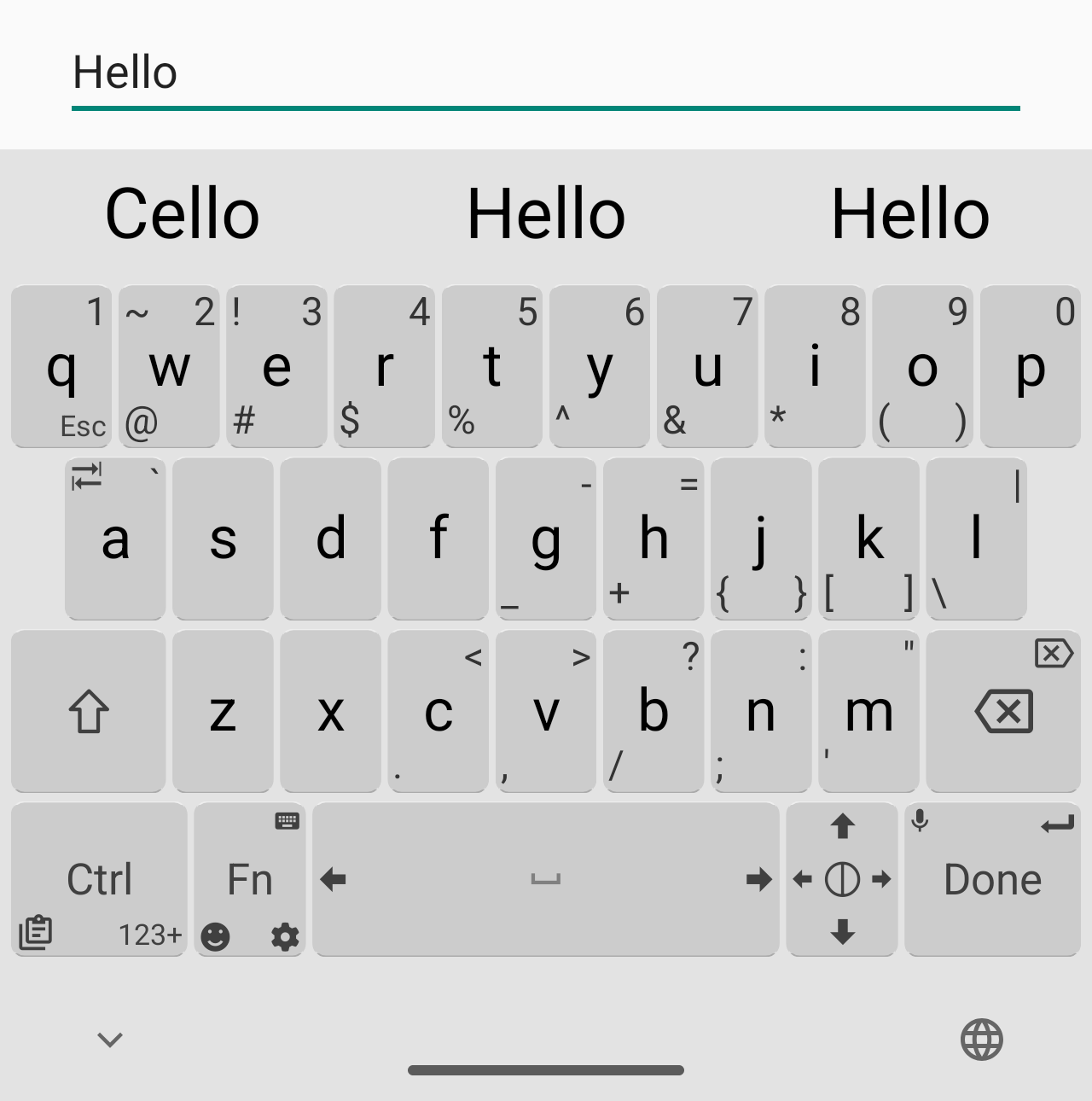
A small on-screen keyboard where you swipe a key toward one of its corners to type the symbol printed there, so more characters fit on one page. Designed for programmers using Termux.
Needs:No root · Android 5.0+
2113 Apps is independent, not affiliated with or endorsed by the Unexpected Keyboard developers. Official sources: source code on GitHub.
- Version
- 2.1.0
- Size
- 1.1 MB
- Requires
- Android 5.0+
- Updated
- 2026-09-09
Screenshots
Introduction
Unexpected Keyboard is an open-source keyboard by Jules Aguillon. Its README describes it as a “lightweight and privacy-conscious virtual keyboard for Android” and gives its main feature: “you can type more characters by swiping the keys towards the corners.” It “was originally designed for programmers using Termux”.
What it does
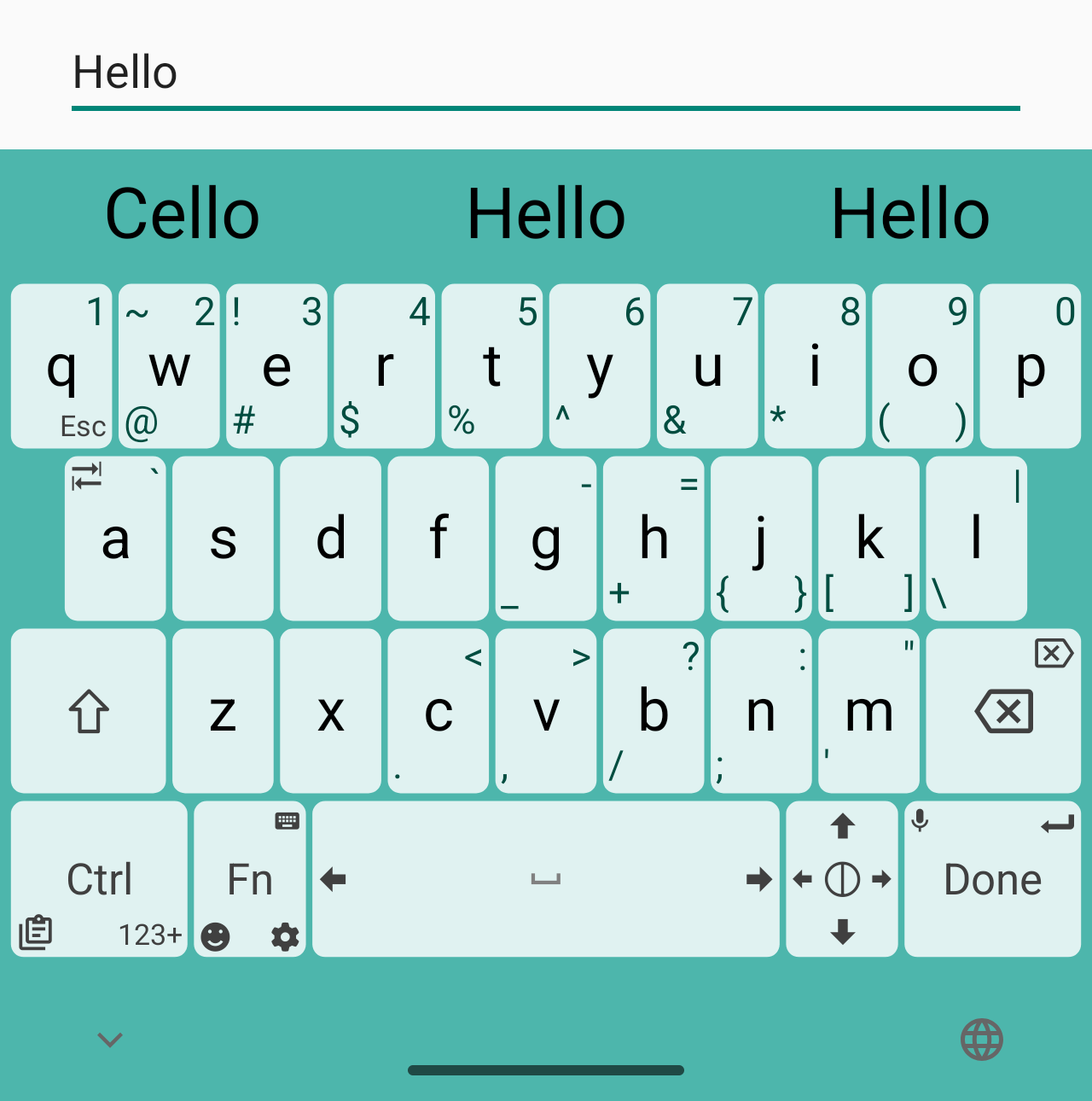
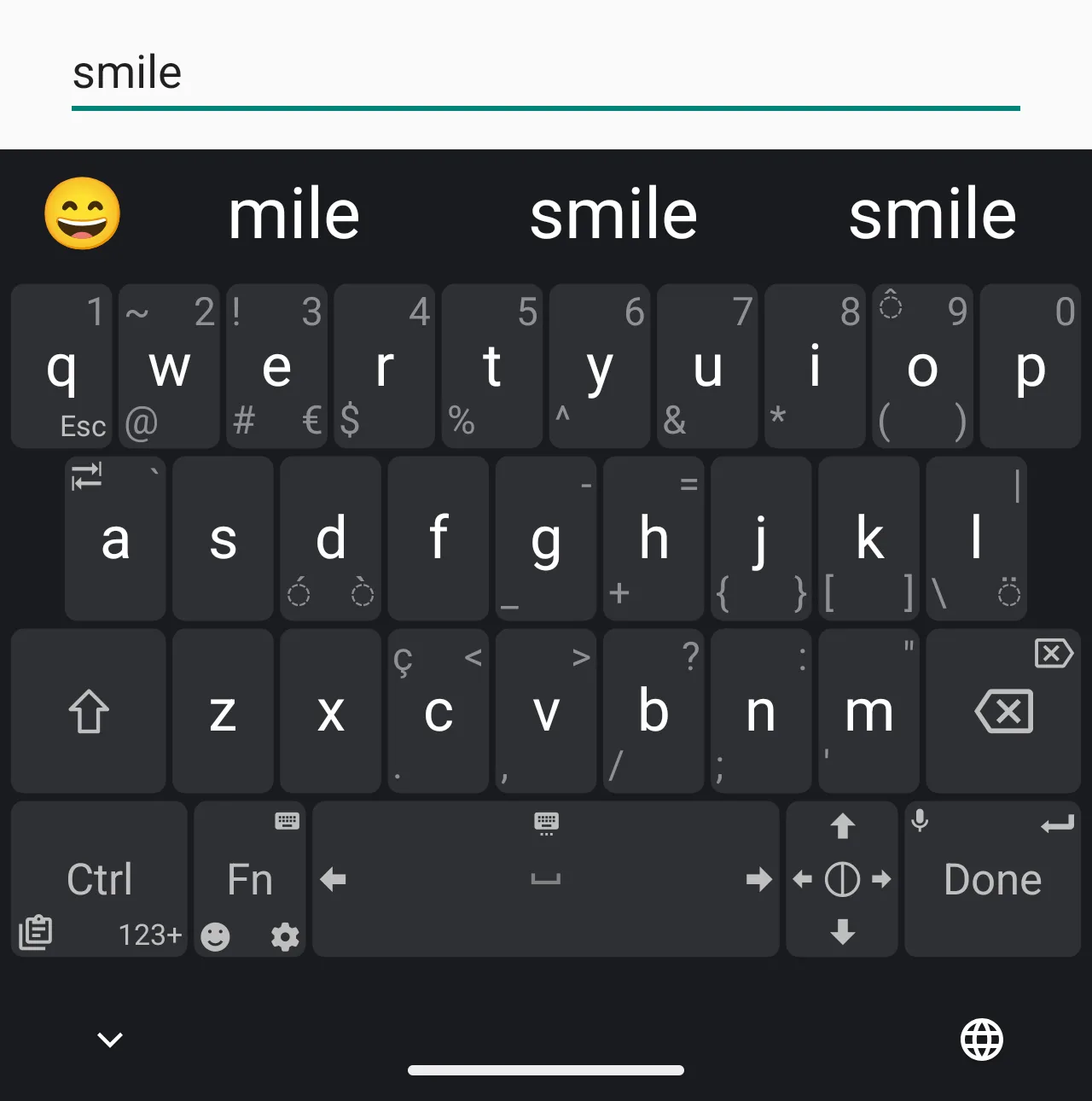
- Swipe to the corners. Keys show extra symbols around their edges; slide toward one to type it. That keeps digits, punctuation and symbols on the main page.
- Built for code and terminals. The programming layouts, QWERTY, Dvorak and Colemak, “must contain all ASCII characters”, and the keyboard has Ctrl and Meta modifier keys and a Compose key that combines characters with Linux-style shortcuts.
- Around 90 layouts in version 2.1.0, from AZERTY and BÉPO to Cyrillic, Arabic, Hebrew, Devanagari and Hangul. There is a Brazilian QWERTY adapted from the ABNT NBR 10346 standard. You can also write your own layout in XML, inside the app or with a web-based editor.
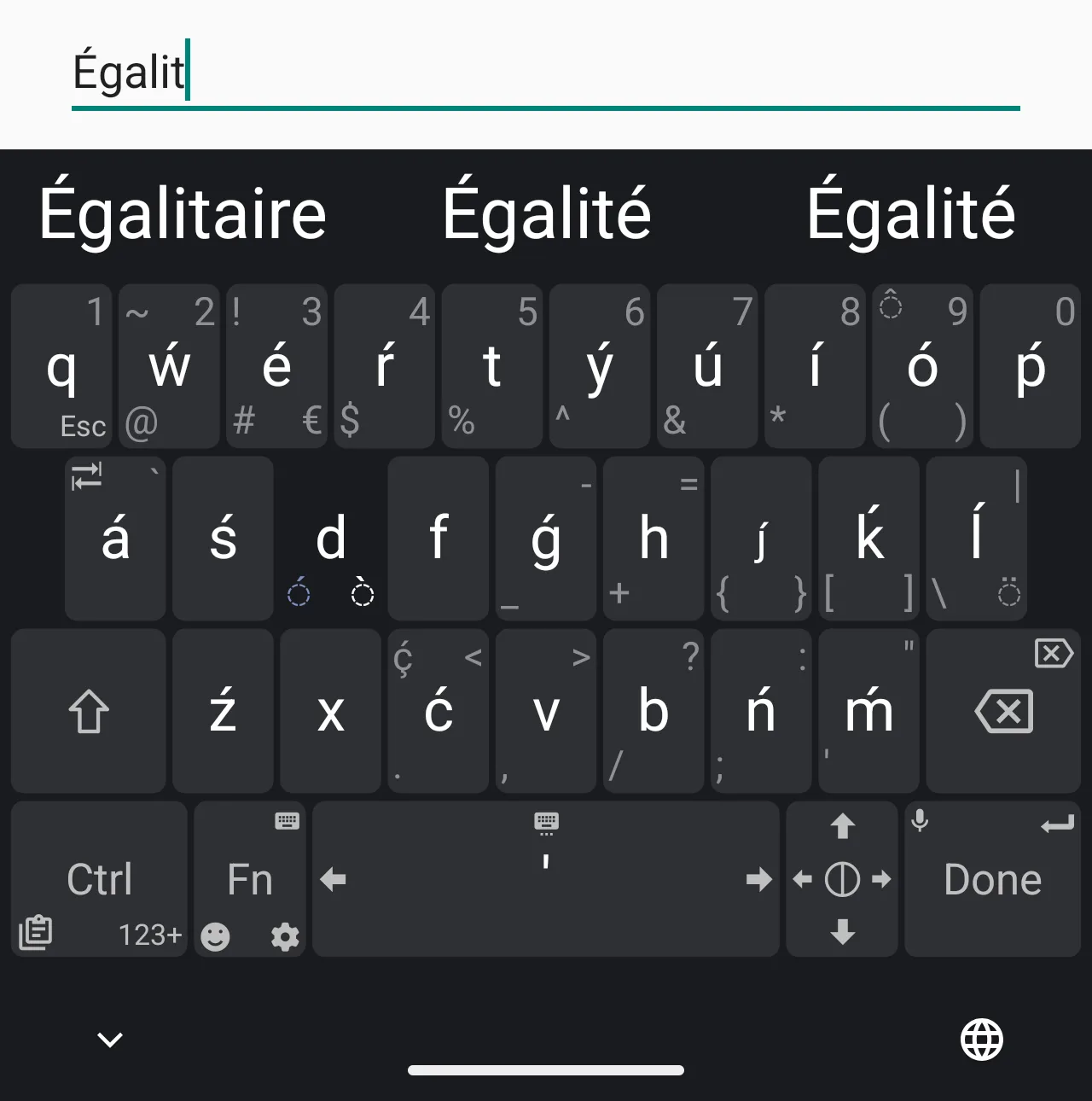
- Word suggestions and spell checking, new in 2.0 and on by default, with 88 downloadable dictionaries, Brazilian Portuguese among them. The README credits the NLnet foundation with funding the work. Completing a word with the space bar is off by default.
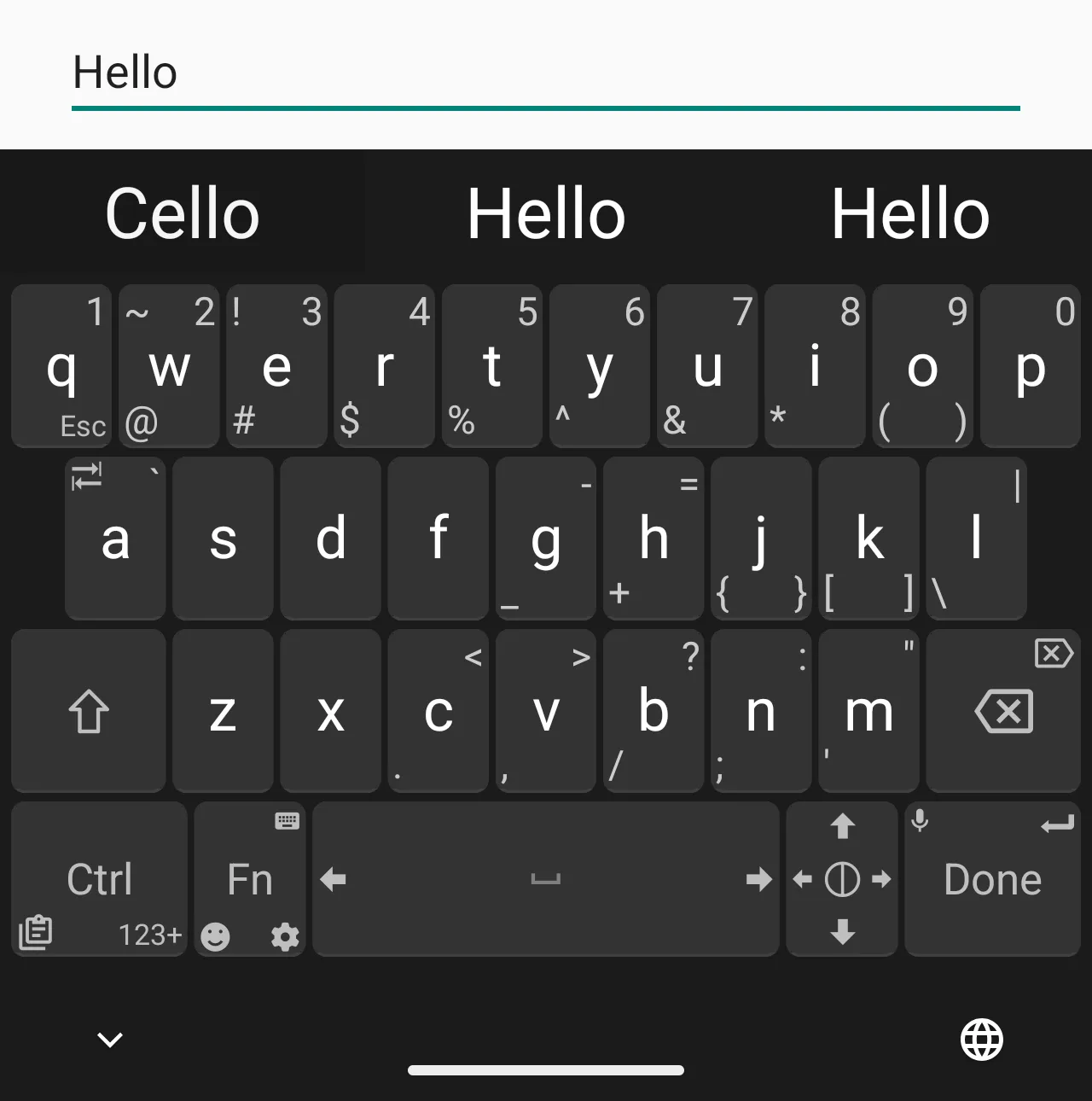
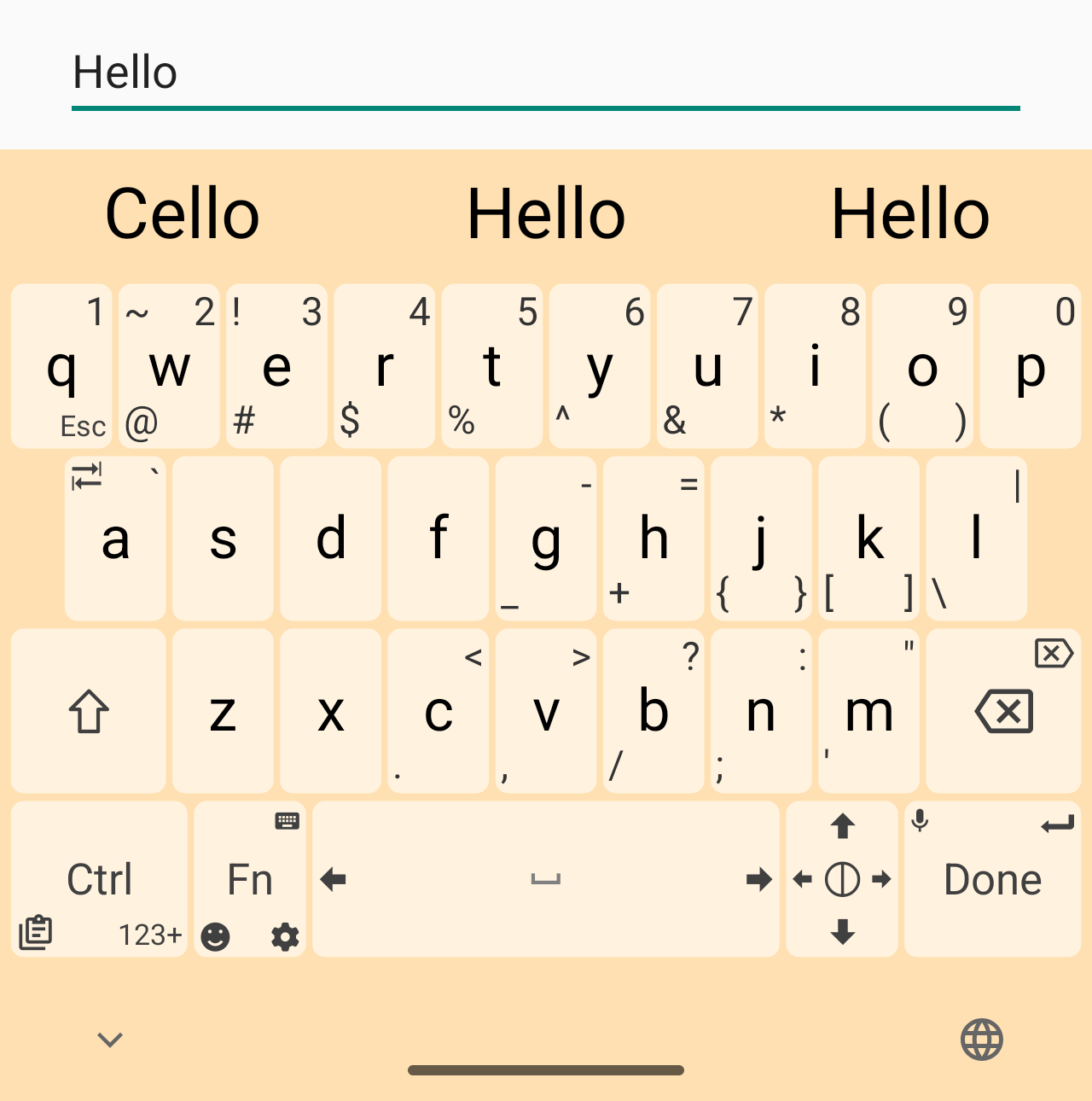
- Version 2.1.0 added a split layout on tablets and in landscape, a button to change dictionary, and new themes.
Dictionaries and the internet
The dictionaries aren’t inside the app. When you tap download, it fetches one from the developer’s dictionary repository on GitHub, which is the only web address we found in the app’s code. The word lists are the same ones HeliBoard uses. Without a dictionary, the keyboard works as before, without suggestions.
About this file
- This is the developer’s own build, signed with the developer’s key (SHA-256 fingerprint starting 0F:D9:6D:AF). It is the same file as the GitHub release 2.1.0 and the developer-signed copy on F-Droid. F-Droid also offers a copy signed with its own key; that one can’t update this one, or the other way round.
- Google Play has Unexpected Keyboard from the same developer; we couldn’t check whether that version is signed with the same key.
- The 1.1 MB file runs on Android 5.0 and later, on ARM and x86, 32- and 64-bit. Its only native code is a small dictionary library. It declares 5 permissions, none of which needs your approval, and our scan found no tracker libraries.
- Unexpected Keyboard is licensed under GPL-3.0; most of its layouts are public domain (CC0), so other projects can reuse them.
What’s inside the APK
Trackers
No code matching the Exodus Privacy tracker signatures.
Native code
Runs on 64-bit and older 32-bit ARM phones.
Android versions
Built for Android 16 (target API 36).
Permissions
0 of them need your approval first.
CPU types in this build: arm64-v8a (64-bit ARM, almost every phone since 2017); armeabi-v7a (32-bit ARM, older and budget phones); x86 (32-bit Intel, emulators); x86_64 (64-bit Intel, emulators and Chromebooks).
Granted at install (4)
Low-risk permissions Android grants automatically, plus any we have not classified.
- ACCESS_NETWORK_STATE
- INTERNET
- RECEIVE_BOOT_COMPLETED
- VIBRATE
Defined by other apps (1)
Permissions that belong to another app or to this app itself.
- juloo.keyboard2.DYNAMIC_RECEIVER_NOT_EXPORTED_PERMISSION
More Information
- Package name
- juloo.keyboard2
- Version
- 2.1.0 (build 56)
- File size
- 1.1 MB (1,104,032 bytes)
- Requires
- Android 5.0 or later
- Category
- Productivity
- License
- GPL-3.0-only
- Source code
- github.com/Julow/Unexpected-Keyboard
- Released
- Sep 9, 2026
- Signed by
- The developer. F-Droid publishes a developer-signed APK only when its own build from the source code reproduces it.
- Signer SHA-256
- 0fd96daf7a70981edc7af42d14a20ff19e90514c9966de93abb7af251453efc4
- File SHA-256
- d68353621aa2a23968469c657d006a82d4c099d0fce43b4bc9157a728d6f91ad
- Checked
- , against the F-Droid index · how we check · verify it yourself
Common questions
Is this APK the official Unexpected Keyboard release?
Yes. It is the developer-signed release of Unexpected Keyboard 2.1.0 that F-Droid distributes, which F-Droid publishes only when its own build from the source code reproduces it. Its SHA-256 matches F-Droid’s signed index, and it is signed with the developer’s certificate (SHA-256 0fd96daf7a70981edc7af42d14a20ff19e90514c9966de93abb7af251453efc4).
What Android version does Unexpected Keyboard need?
Android 5.0 or later (API level 21). Version 2.1.0 is built for Android 16 (target API 36). Runs on 64-bit and older 32-bit ARM phones.
Can Unexpected Keyboard access the internet?
Yes. The APK requests Android’s internet permission. In total it declares 5 permissions, and none of them needs your approval first.
Does Unexpected Keyboard contain trackers?
No known trackers: our scan of version 2.1.0 found no code matching the Exodus Privacy tracker signatures. The scan covers known tracker libraries; it doesn’t show what data the app itself sends.
Is Unexpected Keyboard open source?
Yes. Unexpected Keyboard is released under the GPL-3.0-only licence, and its source code is published at https://github.com/Julow/Unexpected-Keyboard.
Why does Unexpected Keyboard need internet access?
To download dictionaries for word suggestions, and only when you tap the download button. The developer says “it’s not used for anything else and no user data is transferred”, and that the only domain involved is raw.githubusercontent.com. The permission came with spell checking in version 2.0; the developer has said he would like to remove it again.
Does Unexpected Keyboard have swipe typing?
No. Swiping in Unexpected Keyboard means flicking a key toward one of its corners to type the symbol shown there; you can’t glide across a whole word. Since version 2.0 it suggests words and checks spelling instead, with dictionaries you download in the app.
Can I update my Unexpected Keyboard with this file?
If it came from GitHub or is F-Droid’s developer-signed build, yes: we checked that those carry the same key as this file. Builds signed with F-Droid’s own key can’t be updated with it; uninstall first, and note that layouts edited inside the app are lost then. For Google Play, the developer wrote that from 2.1.0 the sources “should match signature”, but we couldn’t check Play’s certificate, so that isn’t guaranteed.
Recent releases
| Version | Released | Size | Requires |
|---|---|---|---|
| v2.1.0 · this download | Sep 9, 2026 | 1.1 MB | Android 5.0+ |
| v2.0.4 | Jul 1, 2026 | 1.1 MB | Android 5.0+ |
| v1.32.1 | Jul 15, 2025 | 0.9 MB | Android 5.0+ |
| v1.32.0 | Jul 6, 2025 | 0.9 MB | Android 5.0+ |
Versions currently kept in the F-Droid repository. We host and check only the newest one.
Alternatives and related apps
-
 HeliBoard A full-featured offline keyboard with themes and clipboard history, using the same word lists for its dictionaries.Download
 -
 AnySoftKeyboard Offers gesture typing and extra languages as separate packs.Download