
HeliBoard
by Helium314 · GPL-3.0-only · open source
An on-screen keyboard that works fully offline: word suggestions from dictionaries you add, typing in several languages at once, themes, clipboard history, and one-handed and split modes.
Needs:No root · Android 5.0+
2113 Apps is independent, not affiliated with or endorsed by Helium314. Official sources: source code on GitHub.
- Version
- 4.1
- Size
- 22.4 MB
- Requires
- Android 5.0+
- Updated
- 2026-08-30
Screenshots
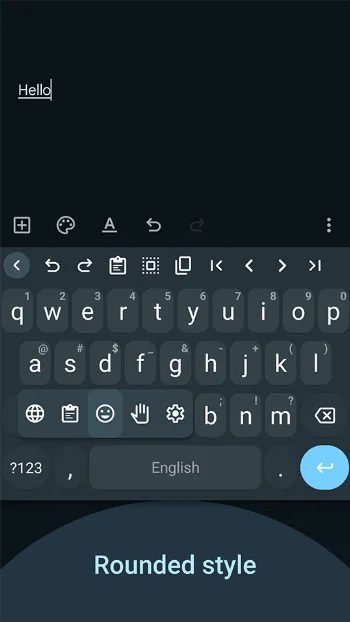
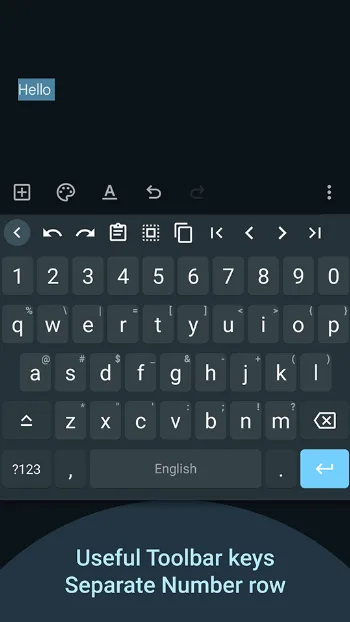
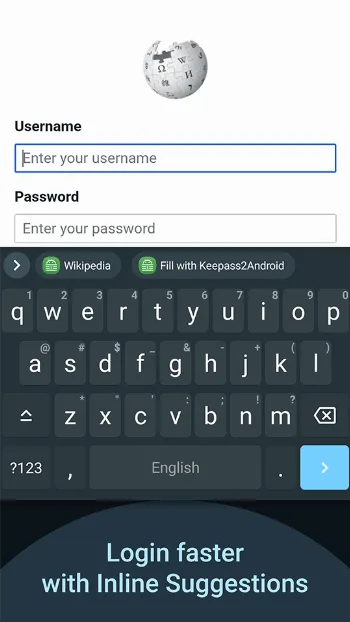
Introduction
HeliBoard is an open-source keyboard built on the keyboard from the Android Open Source Project, by way of OpenBoard. Its README calls it “privacy-conscious and customizable” and points out that it “does not use internet permission, and thus is 100% offline”.
What it does
From the project’s README:
- Word suggestions and spell check come from dictionaries you add: build your own, or download them from the project’s dictionary collection, where, it warns, quality may vary. Extra dictionaries can suggest emoji or scientific symbols as you type.
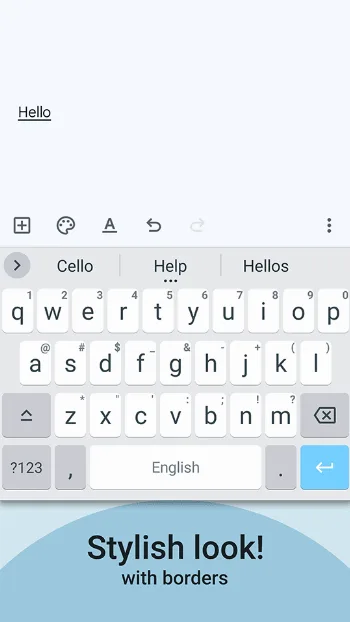
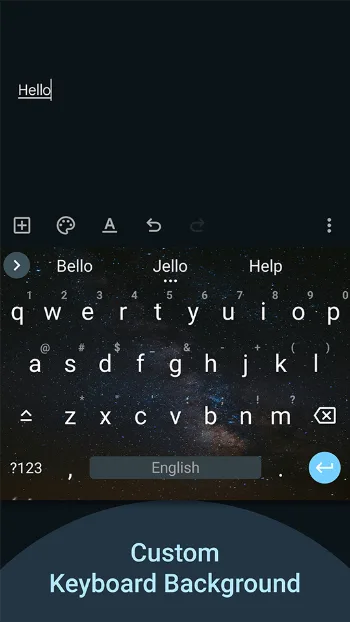
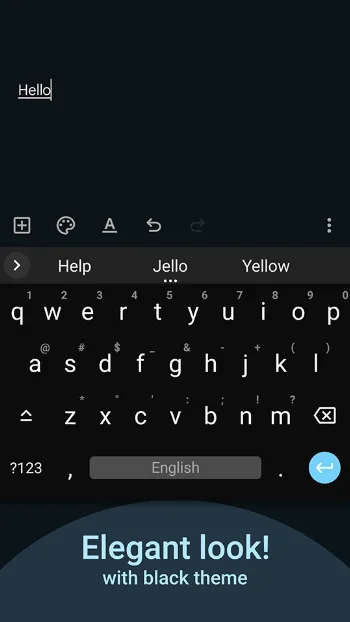
- Themes: style, colors and a background image. The keyboard can follow the system’s day and night setting on Android 10 and later, and the wallpaper colors on Android 12 and later.
- Layouts you can change, down to the symbols, number and function-key rows. Custom layouts appear only after you turn off use system languages.
- Several languages at once, a clipboard history, a one-handed mode, a split keyboard and a number pad.
- Backup and restore of your settings and the words it has learned.
- No glide typing out of the box. It works only with a closed-source library that isn’t included (see the questions below).
It can also look up contact names for suggestions and corrections, which is why it asks for access to your contacts, the only permission you are asked to approve.
About this file
- This is the developer’s own build, from IzzyOnDroid, signed with the developer’s key (SHA-256 fingerprint starting 5E:C0:A5:31). F-Droid ships the same developer-signed file.
- Our scan found no tracker libraries. HeliBoard isn’t on Google Play.
- The 22.4 MB file runs on Android 5.0 and later, on ARM and x86, 32- and 64-bit, and declares 6 permissions, 1 of which needs your approval.
- HeliBoard is licensed under GPL-3.0. Its icon is by Fabian OvrWrt with contributions from The Eclectic Dyslexic, under CC BY-SA 4.0.
What’s inside the APK
Trackers
No code matching the Exodus Privacy tracker signatures.
Native code
Runs on 64-bit and older 32-bit ARM phones.
Android versions
Built for Android 16 (target API 36).
Permissions
1 of them need your approval first.
CPU types in this build: arm64-v8a (64-bit ARM, almost every phone since 2017); armeabi-v7a (32-bit ARM, older and budget phones); x86 (32-bit Intel, emulators); x86_64 (64-bit Intel, emulators and Chromebooks).
Asks you first (1)
Android shows a prompt before the app can use these.
- Read your contacts · READ_CONTACTS
Granted at install (4)
Low-risk permissions Android grants automatically, plus any we have not classified.
- READ_USER_DICTIONARY
- RECEIVE_BOOT_COMPLETED
- VIBRATE
- WRITE_USER_DICTIONARY
Defined by other apps (1)
Permissions that belong to another app or to this app itself.
- helium314.keyboard.DYNAMIC_RECEIVER_NOT_EXPORTED_PERMISSION
More Information
- Package name
- helium314.keyboard
- Version
- 4.1 (build 4101)
- File size
- 22.4 MB (22,413,693 bytes)
- Requires
- Android 5.0 or later
- Category
- Productivity
- License
- GPL-3.0-only
- Developer
- Helium314
- Source code
- github.com/HeliBorg/HeliBoard
- Released
- Aug 30, 2026
- Signer SHA-256
- 5ec0a5313aa43558ee75b20b58ccd8194cdbf066df94a43ba288d933d60b86ce
- File SHA-256
- eb9c06685ebd5b7307491da9ef15fb5e29694077a934a8699b9b6772c6f76075
- Checked
- , against the IzzyOnDroid index · how we check · verify it yourself
Common questions
Is this APK the official HeliBoard release?
Yes. It is the developer’s own release of HeliBoard 4.1, byte for byte as IzzyOnDroid distributes it. Its SHA-256 matches IzzyOnDroid’s signed index, and it is signed with the certificate IzzyOnDroid records for the app (SHA-256 5ec0a5313aa43558ee75b20b58ccd8194cdbf066df94a43ba288d933d60b86ce).
What Android version does HeliBoard need?
Android 5.0 or later (API level 21). Version 4.1 is built for Android 16 (target API 36). Runs on 64-bit and older 32-bit ARM phones.
Can HeliBoard access the internet?
No. The APK doesn’t request Android’s internet permission, so the app can’t go online by itself. In total it declares 6 permissions, and 1 of them needs your approval first.
Does HeliBoard contain trackers?
No known trackers: our scan of version 4.1 found no code matching the Exodus Privacy tracker signatures. The scan covers known tracker libraries; it doesn’t show what data the app itself sends.
Is HeliBoard open source?
Yes. HeliBoard is released under the GPL-3.0-only licence, and its source code is published at https://github.com/HeliBorg/HeliBoard.
Why doesn’t glide typing work in HeliBoard?
Glide typing needs a closed-source library that HeliBoard doesn’t include, because, as its README says, no compatible open-source one exists. The settings have a Load gesture typing library option for people who supply that file themselves. We don’t host it: it isn’t open source.
Does HeliBoard need internet access?
No. The APK we checked declares no internet permission, which the project says makes it “100% offline”. The dictionaries for word suggestions and spell check are separate files that you download and add yourself.
Can F-Droid update this version of HeliBoard?
Yes. F-Droid’s metadata for HeliBoard accepts only the developer’s signing key, the same one this file carries, so F-Droid ships the developer-signed APK and the two can update each other.
Alternatives and related apps
-
 AnySoftKeyboard Has gesture typing built in, and offers extra languages as separate packs.Download
 -
 Fossify Keyboard A plainer offline keyboard with 44 layouts and pinned clips, but no word suggestions.Download