
LibreOffice
MPL-2.0 · open source
The Document Foundation’s Android app for reading office documents: Word, Excel and PowerPoint files, OpenDocument and more, rendered by LibreOffice itself, with an optional experimental editing mode.
Needs:No root · Android 5.0+ · 64-bit ARM
2113 Apps is independent, not affiliated with or endorsed by the LibreOffice developers. Official sources: libreoffice.org · source code on git.libreoffice.org.
- Version
- 26.2.6.3
- Size
- 87.7 MB
- Requires
- Android 5.0+
- Updated
- 2026-09-07
Screenshots
Introduction
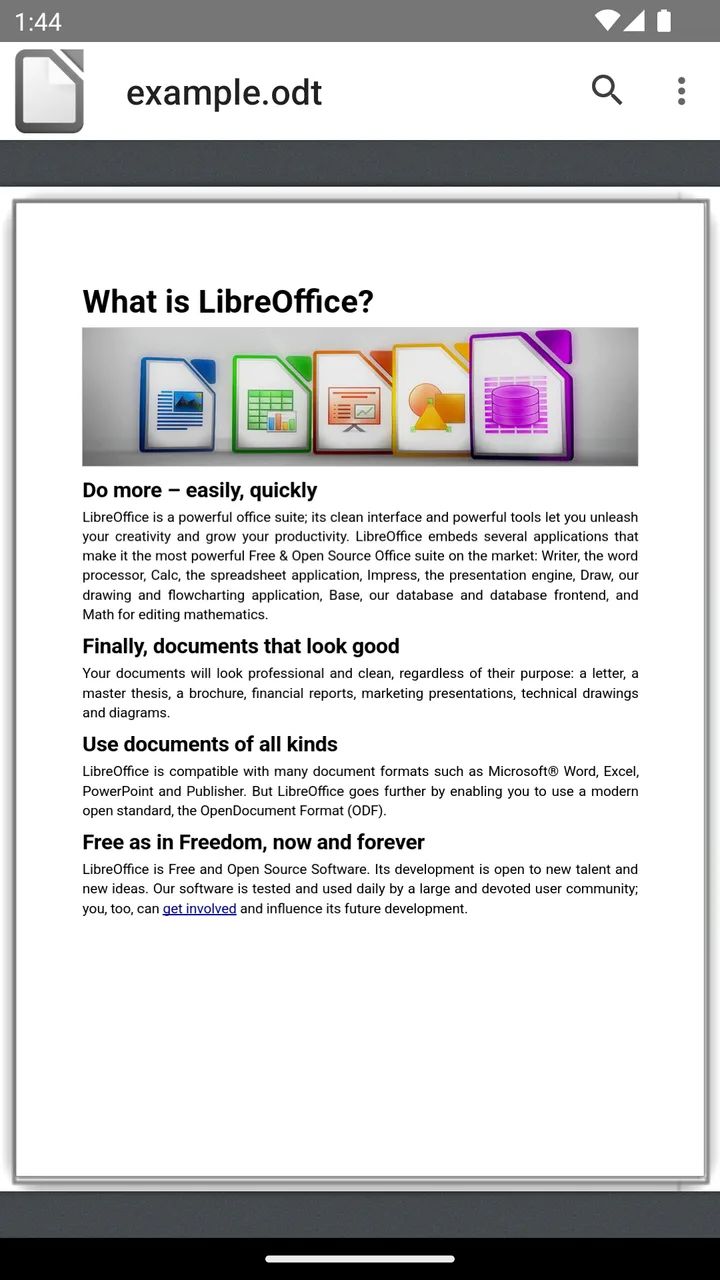
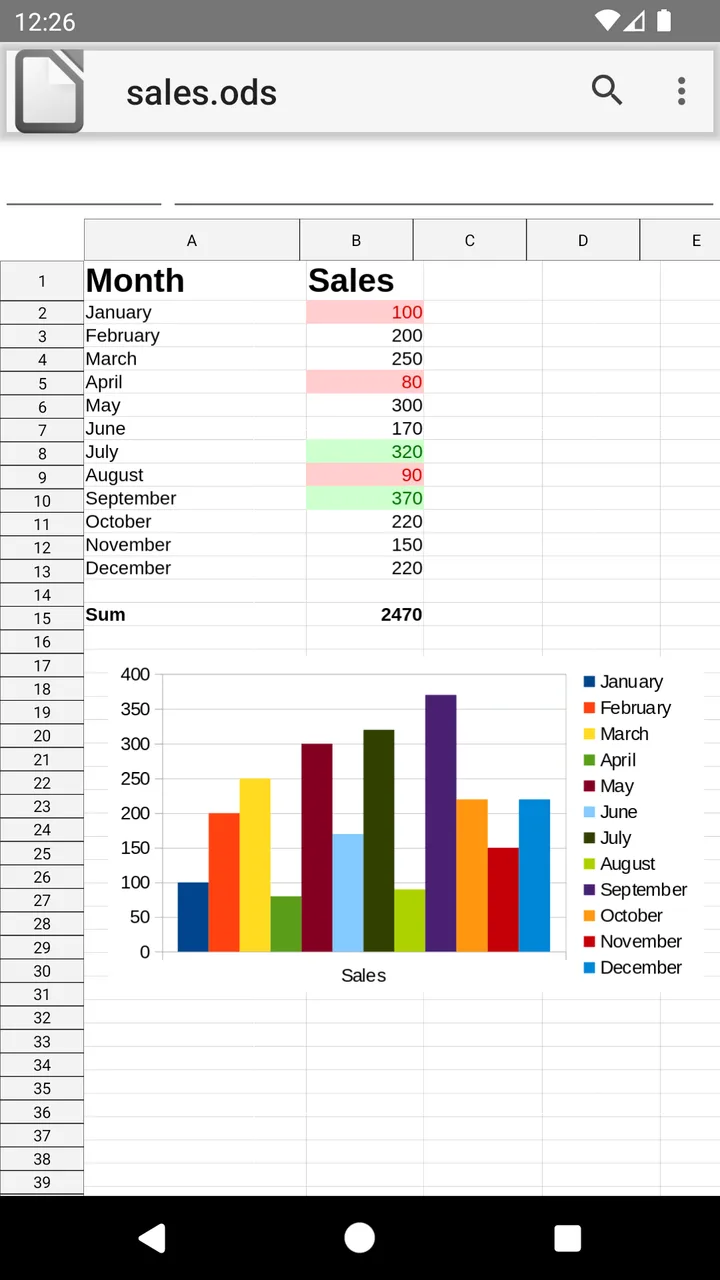
LibreOffice® Viewer is the Android app of The Document Foundation, the organisation behind LibreOffice. Its own description: “LibreOffice Viewer is a document viewer based on LibreOffice.” The whole LibreOffice core is built into the app as one native library, so documents are laid out the way LibreOffice on a computer lays them out. The Document Foundation lists F-Droid next to Google Play on its download page; we aren’t affiliated with it.
The app is maintained, keeping up with new Android versions and translations, but has changed little for users lately: the release notes for the last few LibreOffice versions list no changes to the Android viewer. The foundation’s wiki calls it a beta product.
What it does
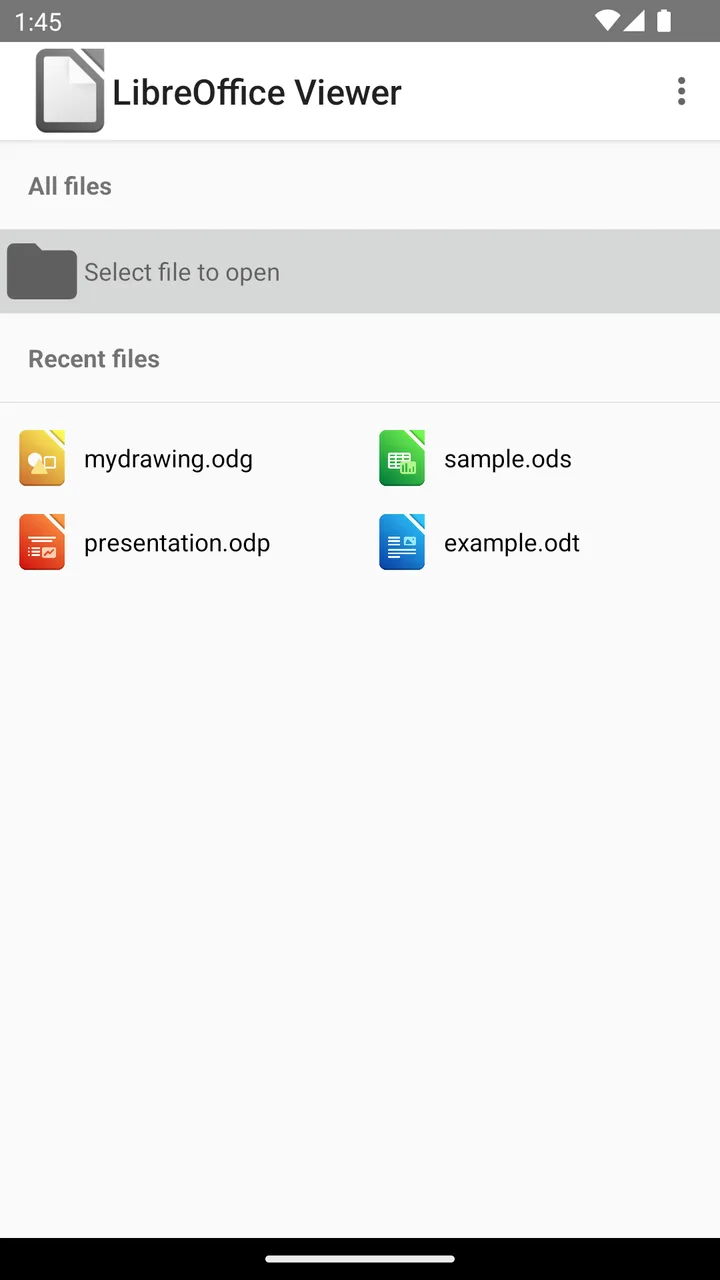
- Opens documents through Android’s file picker or Open with from other apps, and keeps a list of recent files.
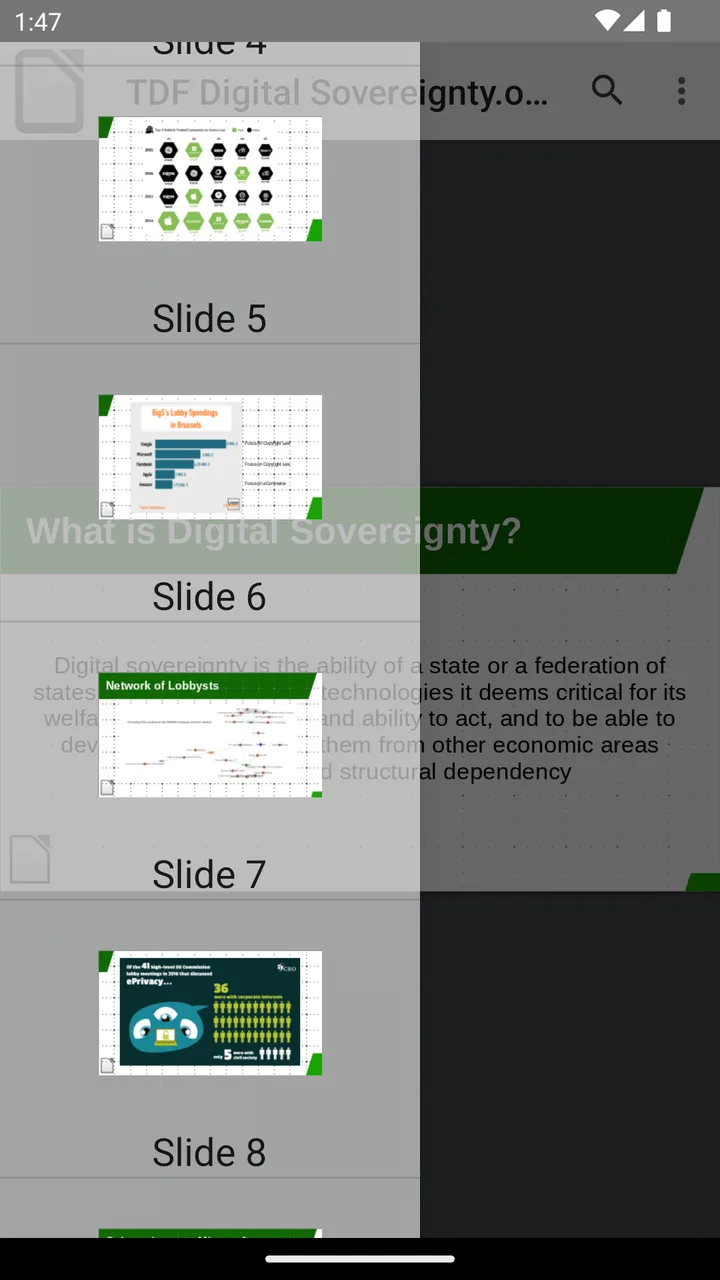
- Reading: zoom and scroll, search within the document, the list of slides or sheets, and a slide show for presentations.
- Export to PDF and print, through Android’s file and print dialogs.
- Links inside a document open in your browser.
The experimental editing mode
Editing is built into this build but switched off. In the settings, Experimental Mode is described as “Enable the experimental editing mode. Use at your own risk”, and the store text adds that the editing features “are not yet suited to production use”. With it on, you can type in documents, create new ones, save over the original when the app that opened it allows writing, and save copies in the OpenDocument format. A second option, Developer Mode, lets you send LibreOffice commands directly.
What goes online
Nothing from the app itself: it declares no internet permission, and we found no analytics, crash reporting or update check. Links you tap in documents open in your browser, and printing hands the document to Android’s print service.
About this file
- This is F-Droid’s build of version 26.2.6.3, compiled from The Document Foundation’s tagged source with editing compiled in, and signed with F-Droid’s key; its About box says “This release was supplied by F-Droid.” LibreOffice on computers is at 26.8 already; F-Droid updates this app by hand.
- The 87.7 MB file runs on Android 5.0 and later on 64-bit ARM phones, and needs OpenGL ES 2.0. It declares no permissions apart from one AndroidX adds for internal use; files reach it through the file picker.
- LibreOffice is licensed under the MPL-2.0, and the app carries the full licence and notice texts. It bundles the Liberation, Carlito, Caladea and Gentium fonts, under the Open Font License or the Apache-2.0, LibreOffice’s own OpenSymbol font, and Liberation Sans Narrow, which is under the GPL-2.0 with a font exception; its source is part of F-Droid’s source archive for this build and of LibreOffice’s source code. The icons are the Colibre set, released under CC0.
- LibreOffice and The Document Foundation are registered trademarks of their owners.
- F-Droid has no screenshots of this app; ours come from The Document Foundation’s Google Play listing.
What’s inside the APK
Trackers
No code matching the Exodus Privacy tracker signatures.
Native code
Needs a 64-bit ARM phone; 32-bit-only devices are not supported.
Android versions
Built for Android 15 (target API 35).
Permissions
0 of them need your approval first.
CPU types in this build: arm64-v8a (64-bit ARM, almost every phone since 2017).
Defined by other apps (1)
Permissions that belong to another app or to this app itself.
- org.documentfoundation.libreoffice.DYNAMIC_RECEIVER_NOT_EXPORTED_PERMISSION
More Information
- Package name
- org.documentfoundation.libreoffice
- Version
- 26.2.6.3 (build 131)
- File size
- 87.7 MB (87,682,841 bytes)
- Requires
- Android 5.0 or later
- Category
- Productivity
- License
- MPL-2.0
- Source code
- git.libreoffice.org/core
- Released
- Sep 7, 2026
- Signed by
- F-Droid, which built this APK from the published source code. Because the key is F-Droid’s, it won’t install over a copy from Google Play or GitHub (or the other way round) without uninstalling first.
- Signer SHA-256
- af71ba344cab259fa625f079ff520f511d17a372bb2e8fa27532791bd5fea8cb
- File SHA-256
- 751ac3836890b79a56801bf6d9a2788cda3761ab5131a4f0b6abfbad822bb475
- Checked
- , against the F-Droid index · how we check · verify it yourself
Common questions
Is this APK the official LibreOffice release?
It is F-Droid’s build rather than the developer’s own: F-Droid compiled LibreOffice 26.2.6.3 from the published source code and signed it with its own key. Its SHA-256 matches F-Droid’s signed index. Because the key is F-Droid’s, it won’t install over a copy from Google Play or GitHub without uninstalling first.
What Android version does LibreOffice need?
Android 5.0 or later (API level 21). Version 26.2.6.3 is built for Android 15 (target API 35). Needs a 64-bit ARM phone; 32-bit-only devices are not supported.
Can LibreOffice access the internet?
No. The APK doesn’t request Android’s internet permission, so the app can’t go online by itself. In total it declares 1 permission, and none of them needs your approval first.
Does LibreOffice contain trackers?
No known trackers: our scan of version 26.2.6.3 found no code matching the Exodus Privacy tracker signatures. The scan covers known tracker libraries; it doesn’t show what data the app itself sends.
Is LibreOffice open source?
Yes. LibreOffice is released under the MPL-2.0 licence, and its source code is published at https://git.libreoffice.org/core.
Can I edit and save documents?
Only in an experimental mode, which is off by default; its setting warns “Use at your own risk.” Once on, Save writes back to the original file if the app that opened it allowed writing, and Save As always saves in the OpenDocument format. Export to PDF and printing are available too.
Which files does it open?
Microsoft Office files old and new (.doc, .docx, .xls, .xlsx, .ppt, .pptx and their templates), OpenDocument files, RTF and CSV, and, from the app’s code, Visio, Publisher, Keynote, AbiWord, Works and PageMaker documents and some vector images. PDF files are not among them.
Is this the same as LibreOffice on a computer?
It uses the same LibreOffice core to render documents, but it is a viewer, not the full office suite. For editing on Android, LibreOffice’s own website points to Collabora Office, a separate app from one of its partner companies.
Can I switch between this copy and the Google Play version?
Not without uninstalling. This file is built and signed by F-Droid, while The Document Foundation publishes the Play version with its own signature, so neither installs over the other.
Recent releases
| Version | Released | Size | Requires |
|---|---|---|---|
| v26.2.6.3 · this download | Sep 7, 2026 | 87.7 MB | Android 5.0+ |
| v26.2.5.2 | Jul 31, 2026 | 87.6 MB | Android 5.0+ |
| v25.8.7.3 | May 21, 2026 | 85.3 MB | Android 5.0+ |
Versions currently kept in the F-Droid repository. We host and check only the newest one. Full changelog.