
Simple Keyboard
Apache-2.0 · open source
Raimondas Rimkus’s deliberately small keyboard gives you keys, layouts and a few optional gestures—not prediction, emoji, GIFs or a network connection.
Needs:No root · Android 7.0+
2113 Apps is independent, not affiliated with or endorsed by the Simple Keyboard developers. Official sources: source code on GitHub.
- Version
- 6.8
- Size
- 0.7 MB
- Requires
- Android 7.0+
- Updated
- 2026-10-27
Screenshots
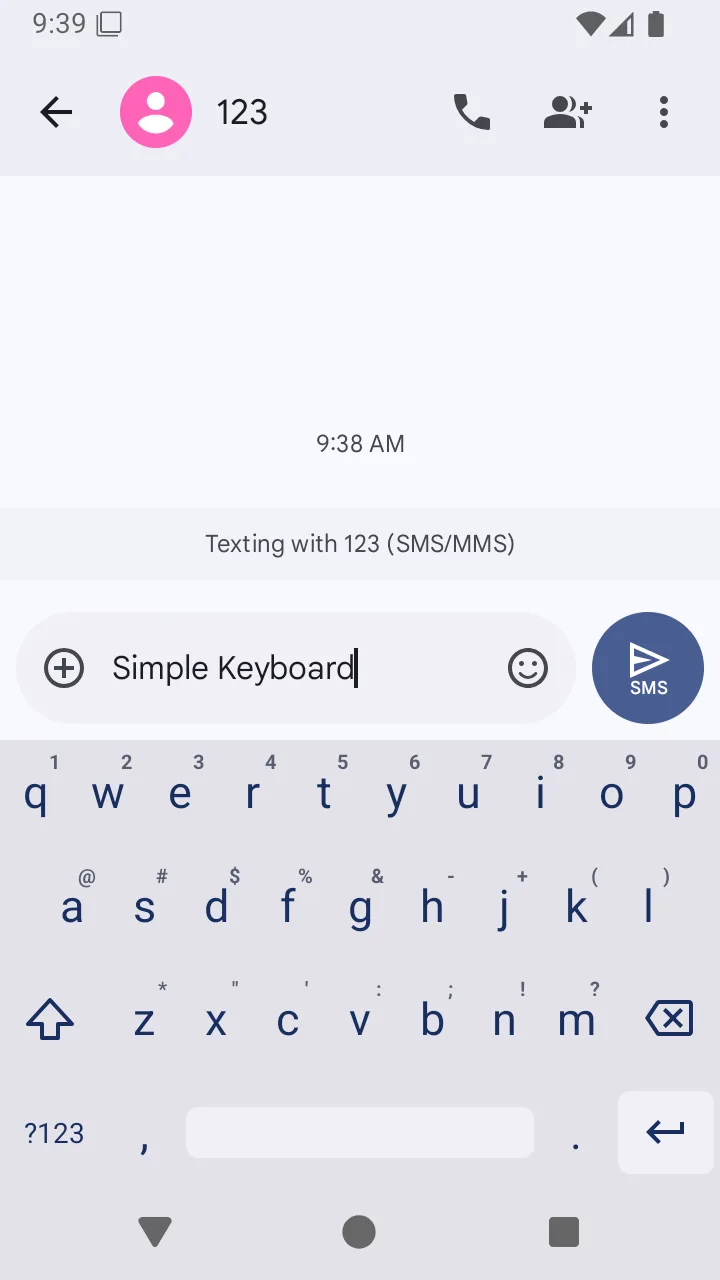
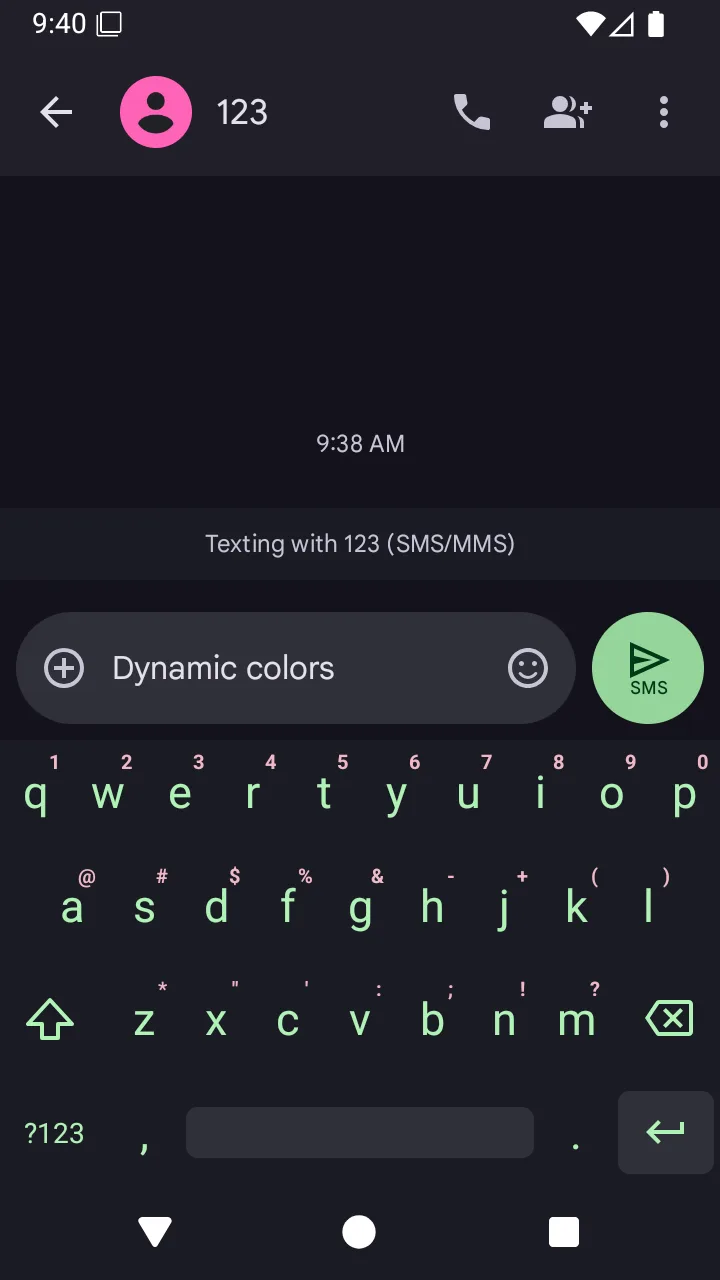
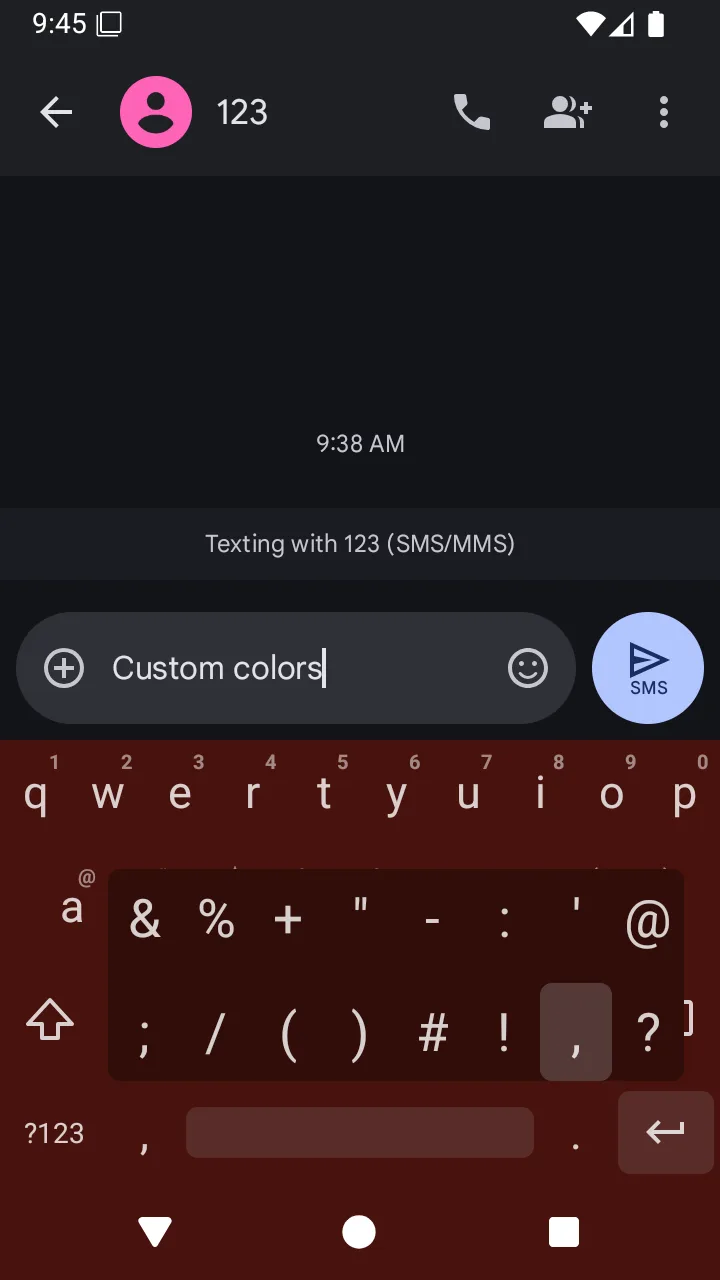
Introduction
Simple Keyboard is an open-source input method by Raimondas Rimkus (rkkr), based on Android’s AOSP LatinIME keyboard. It is not the separate Simple Mobile Tools app also called Simple Keyboard, which Fossify later forked as Fossify Keyboard. The rkkr project describes its app as one “for those who only need a keyboard and nothing more”. Version 6.8 is a 0.7 MB F-Droid build, small enough that its purpose is clear: local typing without a suggestion engine, account, advertising SDK or online service.
What it includes
- A familiar keyboard. It has ordinary alphabet, number and symbol pages rather than Thumb-Key’s gesture grid or Unexpected Keyboard’s corner labels.
- Layouts and languages. It includes QWERTY, QWERTZ, AZERTY, Dvorak, Colemak, Workman and other layouts, plus many language-specific key labels and long-press characters. Version 6.7 adds a Tajik keyboard and corrects Ukrainian and Sakha layout details.
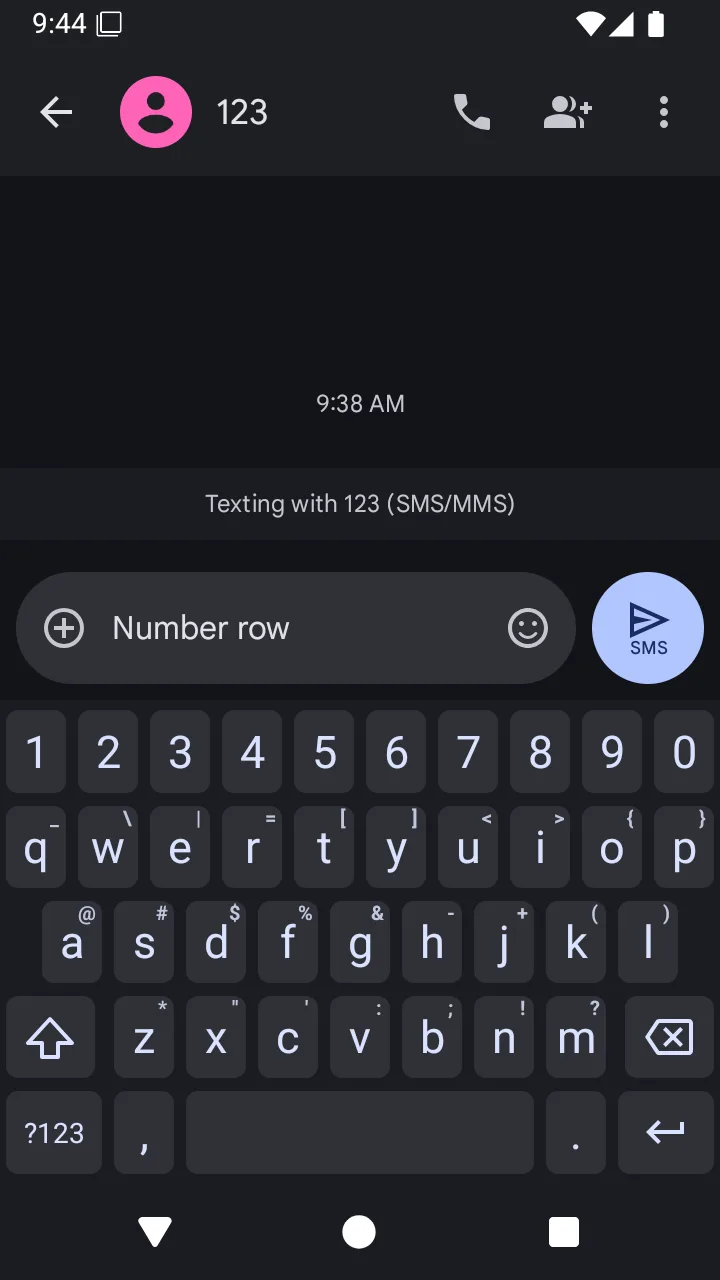
- A number row and extra characters. The number row is off by default; extra characters on the alphabet keyboard are on. Both are settings rather than separate builds.
- Small gestures. You can turn on swiping across the space bar to move the cursor and swiping from delete to remove more text. Both are off by default, so installing the app does not silently change how those keys behave.
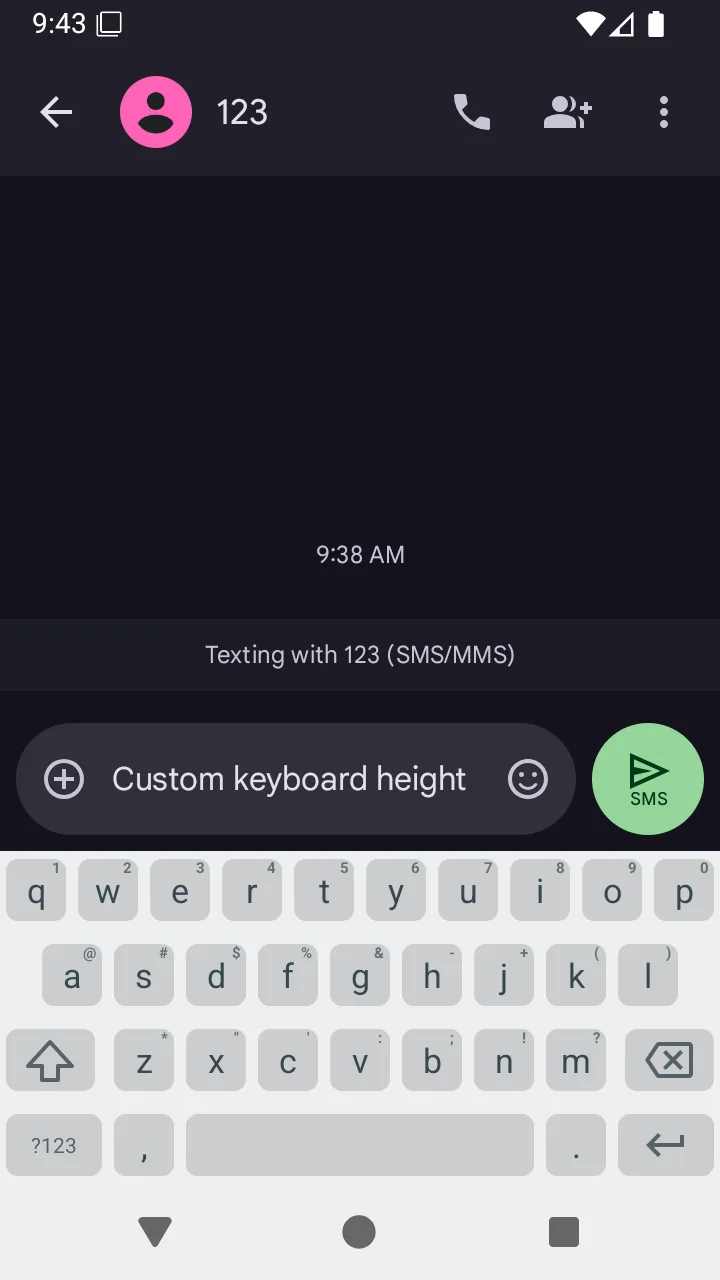
- Appearance and feedback. Keyboard height, bottom spacing in portrait, key borders, colours, sound and vibration are configurable. Automatic capitalisation is on by default.
The omissions are just as important. Simple Keyboard has no word predictions, autocorrect dictionaries, spell checker, voice input, emoji panel, GIF search or glide typing. Some receiving apps provide their own emoji picker, and you can paste emoji copied elsewhere, but this keyboard does not provide an emoji panel itself.
Privacy and backup boundary
Our manifest scan found one requested permission: vibration, used for key-press feedback. There is no internet permission, and our static scan found no tracker code. That means the keyboard cannot make its own network requests. It does not, however, control what happens after it puts text into another app: a browser, messenger or notes service can process that text according to that app’s own permissions and policy.
The app allows Android’s standard app backup. That can preserve settings such as layout and appearance through the device’s configured backup service; it is not an online keyboard-sync feature, and the source has no account or typing-history service.
About this file
- This is F-Droid’s build of version 6.8 (version code 149), from the project’s 22 October 2026 release and signed with F-Droid’s key. Its release note describes this update as “Managed Configuration bug fixes”; version 6.7’s Tajik and layout changes described above remain in it.
- The 0.7 MB APK needs Android 7.0 or later. It contains no native libraries, so there is no separate ARM or x86 download.
- Our static scan found no trackers. The app is licensed under Apache-2.0 and credits AOSP LatinIME as its base.
- The five listing screenshots come from F-Droid and were replaced in December 2025 around version 6.0, before version 6.7, so small labels or settings may differ from the current build. We omit F-Droid’s remaining screenshot because it is an older 5.12 image that the project has since removed.
What’s inside the APK
Trackers
No code matching the Exodus Privacy tracker signatures.
Native code
Pure Java/Kotlin, so it runs on any CPU.
Android versions
Built for Android 17 (target API 37).
Permissions
0 of them need your approval first.
Granted at install (1)
Low-risk permissions Android grants automatically, plus any we have not classified.
- VIBRATE
More Information
- Package name
- rkr.simplekeyboard.inputmethod
- Version
- 6.8 (build 149)
- File size
- 0.7 MB (666,818 bytes)
- Requires
- Android 7.0 or later
- Category
- Productivity
- License
- Apache-2.0
- Source code
- github.com/rkkr/simple-keyboard
- Released
- Oct 27, 2026
- Signed by
- F-Droid, which built this APK from the published source code. Because the key is F-Droid’s, it won’t install over a copy from Google Play or GitHub (or the other way round) without uninstalling first.
- Signer SHA-256
- 9bf99d5cbac7ae0169c8aae03e2b0979464a0787842e3e14d2b5e1fdf6c4680c
- File SHA-256
- a6224924010bd4f169d2317064ccd0c307b9560bc7d8f500551d179d4f94918a
- Checked
- , against the F-Droid index · how we check · verify it yourself
Common questions
Is this APK the official Simple Keyboard release?
It is F-Droid’s build rather than the developer’s own: F-Droid compiled Simple Keyboard 6.8 from the published source code and signed it with its own key. Its SHA-256 matches F-Droid’s signed index. Because the key is F-Droid’s, it won’t install over a copy from Google Play or GitHub without uninstalling first.
What Android version does Simple Keyboard need?
Android 7.0 or later (API level 24). Version 6.8 is built for Android 17 (target API 37). Pure Java/Kotlin, so it runs on any CPU.
Can Simple Keyboard access the internet?
No. The APK doesn’t request Android’s internet permission, so the app can’t go online by itself. In total it declares 1 permission, and none of them needs your approval first.
Does Simple Keyboard contain trackers?
No known trackers: our scan of version 6.8 found no code matching the Exodus Privacy tracker signatures. The scan covers known tracker libraries; it doesn’t show what data the app itself sends.
Is Simple Keyboard open source?
Yes. Simple Keyboard is released under the Apache-2.0 licence, and its source code is published at https://github.com/rkkr/simple-keyboard.
Does Simple Keyboard send what I type to the internet?
The 6.8 APK has no internet permission. Its only requested Android permission is vibration, so the keyboard itself cannot open a network connection. As with any keyboard, the app or website receiving the text may still send that text under its own permissions.
Does it have autocorrect, emoji or swipe typing?
No. The project explicitly lists emoji, GIFs, spell checking and swipe typing as features it does not have and probably never will. Its optional cursor and delete-key gestures are different; both are off by default.
Can I add a number row or change the size?
Yes. The settings include an optional number row, adjustable keyboard height and portrait bottom spacing, sound and vibration, custom colours, and optional space-bar and delete-key swipes.
How do I start using it?
Open Simple Keyboard, enable it in Android’s on-screen keyboard settings, then select it with Android’s keyboard switcher. Android shows its standard warning when any third-party input method is enabled; the important file-level difference here is that this APK has no internet permission.
Recent releases
| Version | Released | Size | Requires |
|---|---|---|---|
| v6.8 · this download | Oct 27, 2026 | 0.7 MB | Android 7.0+ |
| v6.7 | Sep 14, 2026 | 0.7 MB | Android 7.0+ |
| v6.6 | Aug 19, 2026 | 0.7 MB | Android 7.0+ |
Versions currently kept in the F-Droid repository. We host and check only the newest one. Full changelog.
Alternatives and related apps
-
 HeliBoard A conventional offline keyboard with suggestions, spell check and dictionaries, features Simple Keyboard intentionally leaves out.Download
-
 Fossify Keyboard The fork of Simple Mobile Tools’ separate Simple Keyboard, with an emoji picker and clipboard but no suggestions.Download
-
 Unexpected Keyboard A compact keyboard for programming symbols and swipe-to-corner characters; it requests internet access for optional dictionary downloads.Download