AVNC
by Gaurav Ujjwal · GPL-3.0-or-later · open source
Control a computer from your phone: AVNC connects to any VNC server, on your network or through an SSH tunnel, with touch gestures, a bar of extra keys and clipboard sync.
Needs:No root · Android 5.0+ · a VNC server
2113 Apps is independent, not affiliated with or endorsed by Gaurav Ujjwal. Official sources: source code on GitHub.
- Version
- 3.3.1
- Size
- 7.3 MB
- Requires
- Android 5.0+
- Updated
- 2026-08-10
Screenshots
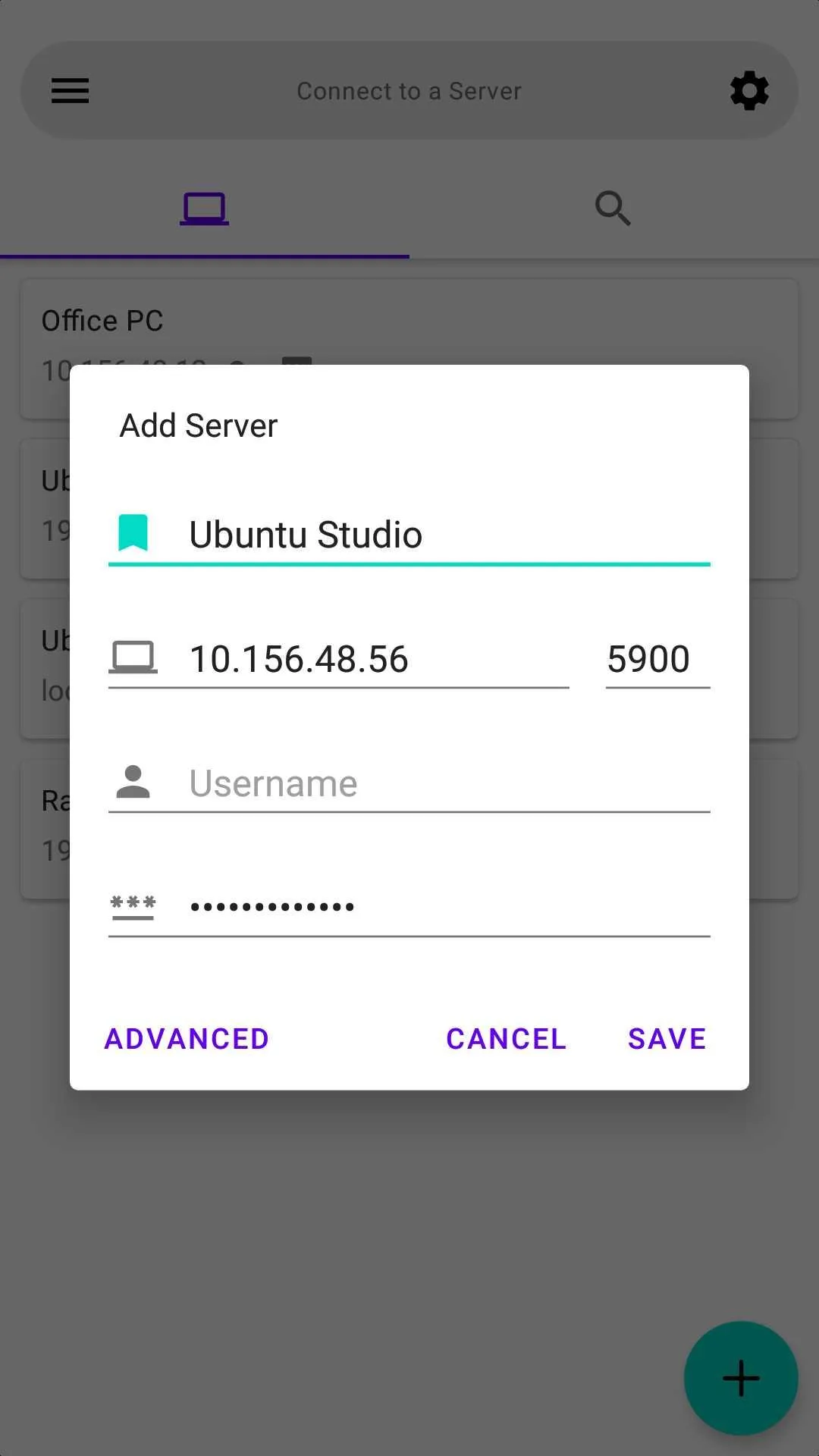
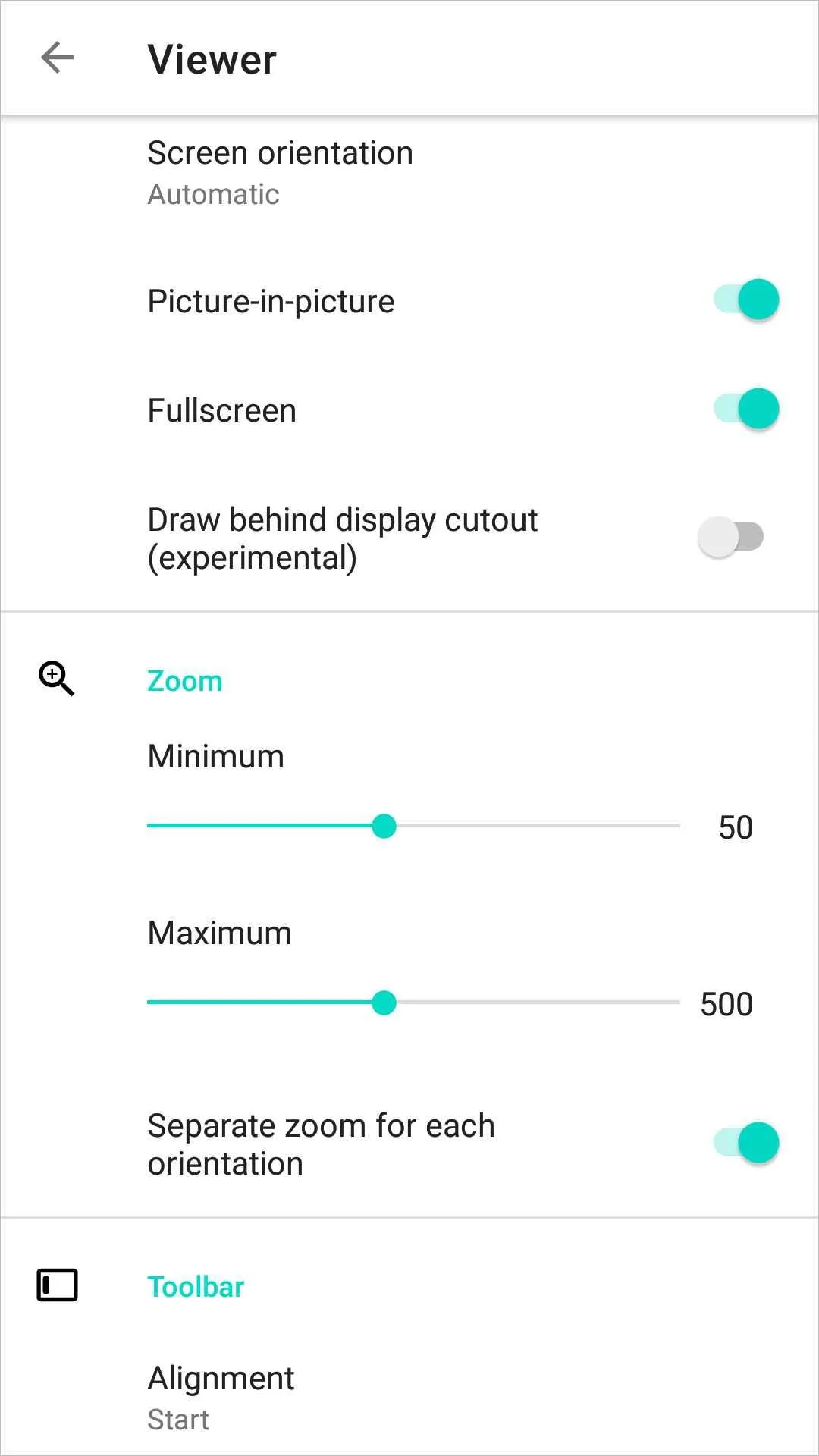
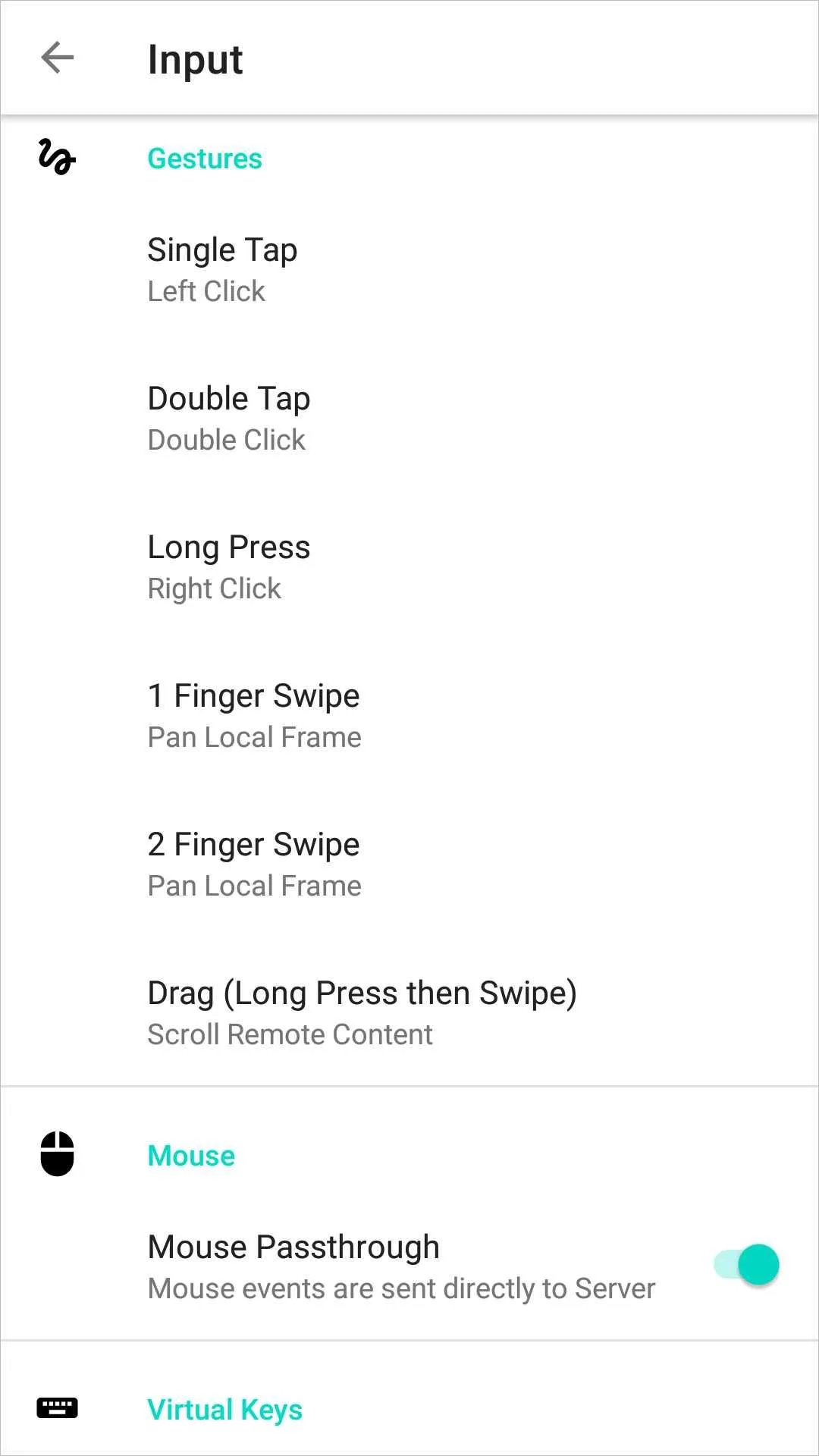
Introduction
AVNC is a VNC client, the counterpart of a VNC server such as TightVNC, TigerVNC, RealVNC or the screen sharing built into macOS and many Linux desktops. The project describes it plainly: “AVNC is an open source VNC client for Android. It allows you to remotely control any device running a VNC server.” It is developed by Gaurav Ujjwal, began in 2020 and reached version 3.3.1 in August 2026. The connection itself is handled by a fork of LibVNCClient, with wolfSSL for encryption and ConnectBot’s SSH library for tunnels.
Connecting
- Security types: Automatic, None, VncAuth, AnonTLS, VeNCrypt, including certificates, and macOS. UltraVNC’s MS-Logon is supported too.
- SSH tunnel: with a private key, the default, or a password. AVNC shows the host key’s fingerprint the first time and remembers it, warning if it changes.
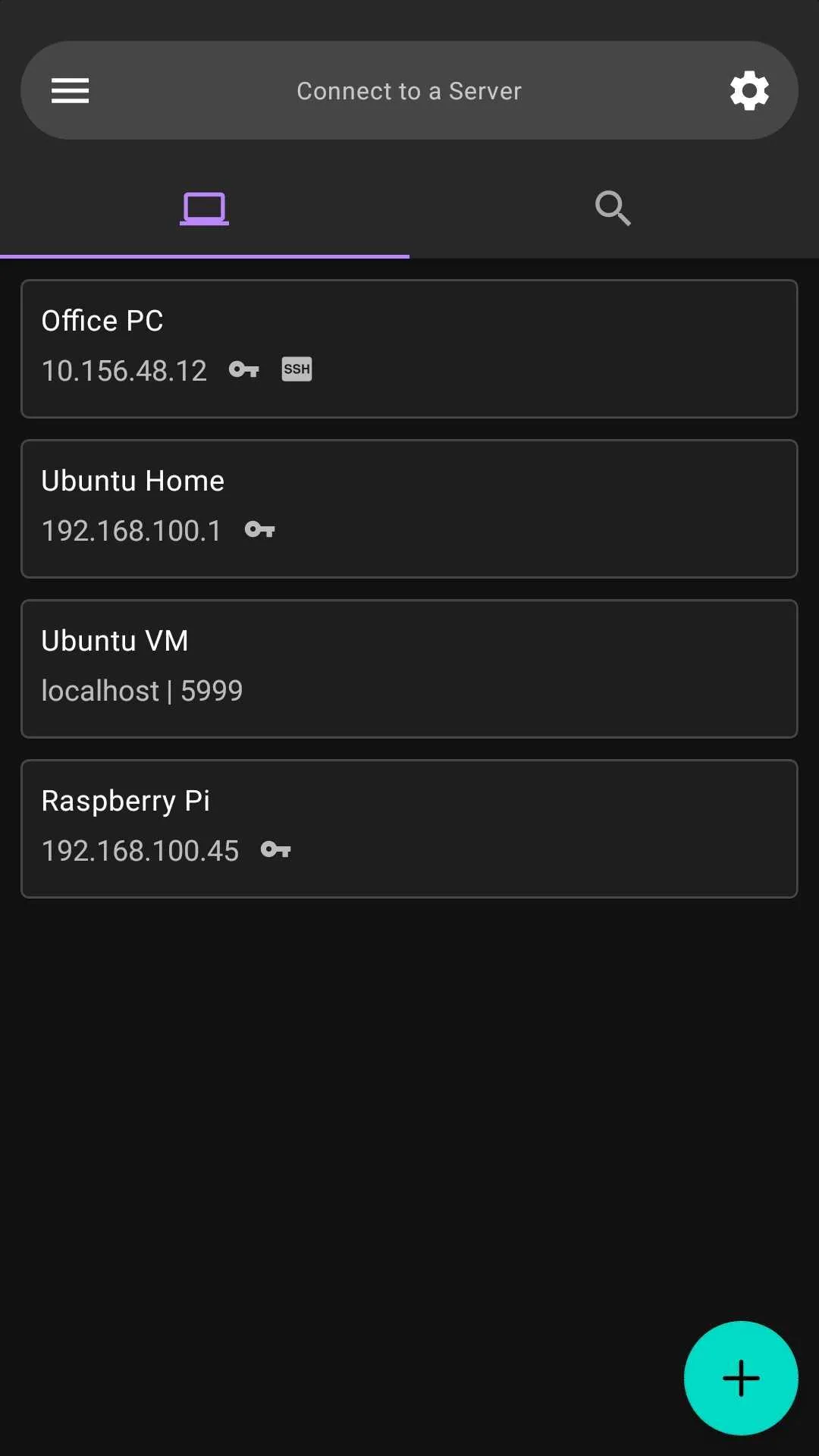
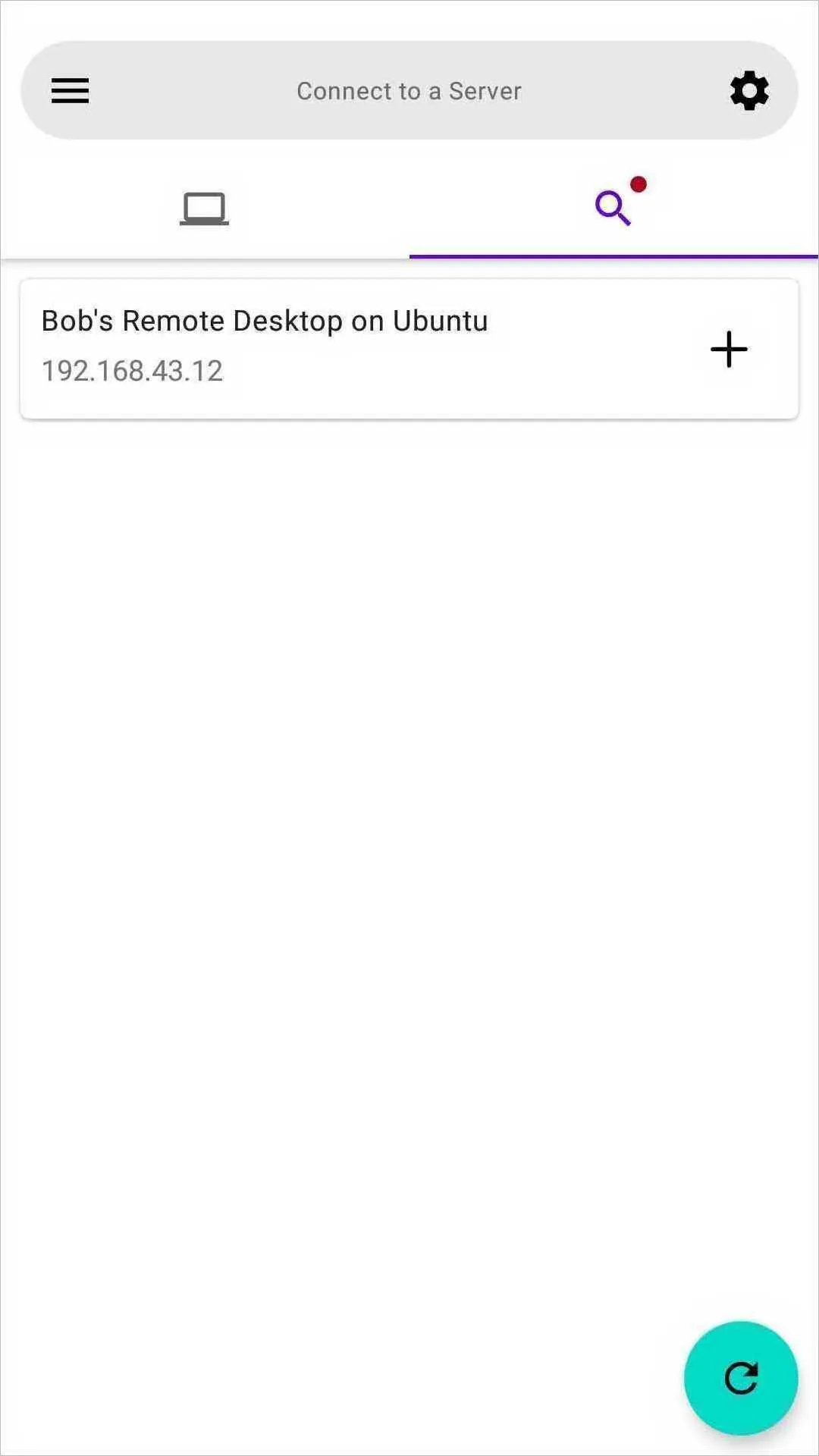
- Discovery: on the home screen it looks for VNC servers that announce themselves on the local network.
- Repeater for UltraVNC repeaters, Wake-on-LAN before connecting, and
vnc://links from other apps. - Port numbers below 100 count as display numbers, so 1 means port 5901.
Controls
From the default settings of this version:
| Gesture | Does |
|---|---|
| Tap | left click |
| Double tap | double click |
| Long press | right click |
| Two-finger tap | opens the keyboard |
| Swipe | moves the view |
| Double tap and swipe | drags on the remote screen |
| Pinch | zooms, from 50% to 500% |
Gestures act where you touch; a touchpad style that moves a pointer instead is one setting away. A bar of virtual keys has Esc, Tab, Ctrl, Alt, Super, Home, End, Page Up and Down and the arrows, and can be extended with Insert, Delete and F1 to F12. Mice and physical keyboards work, and a server can be opened view-only or with video switched off, as a remote control.
Defaults to check
- Clipboard sync is on, in both directions: text copied on the computer lands in your phone’s clipboard, and your phone’s clipboard is sent when you connect.
- Saved passwords and SSH keys are stored in the app’s database without encryption. Unless you turn on Lock saved servers, which asks for your fingerprint or screen lock, the login dialog also suggests passwords saved for your other servers.
- Fullscreen and keeping the screen on are on; picture-in-picture and automatic reconnecting are off.
What goes online
Only the servers you connect to, through SSH if you set it up, plus the discovery queries on your local network and Wake-on-LAN broadcasts when you use them. There are no analytics, crash reports or update check. The privacy policy: “All information saved in AVNC (e.g. VNC servers, settings) is stored locally on your device only.”
About this file
- This is F-Droid’s build of version 3.3.1, compiled from the tagged source and signed with F-Droid’s key. The developer’s APK on GitHub and the Google Play version, free, are signed with a different key, so neither updates the other.
- The 7.3 MB file runs on Android 5.0 and later, on ARM and x86, 32- and 64-bit, and declares 5 permissions: internet, Wi-Fi multicast for finding servers, fingerprint and biometrics for the lock, and one AndroidX adds for internal use.
- AVNC is licensed under the GPL-3.0 or later; its VNC library under the GPL-2.0 or later, wolfSSL under the GPL-3.0, and libjpeg-turbo and the SSH library under BSD licences.
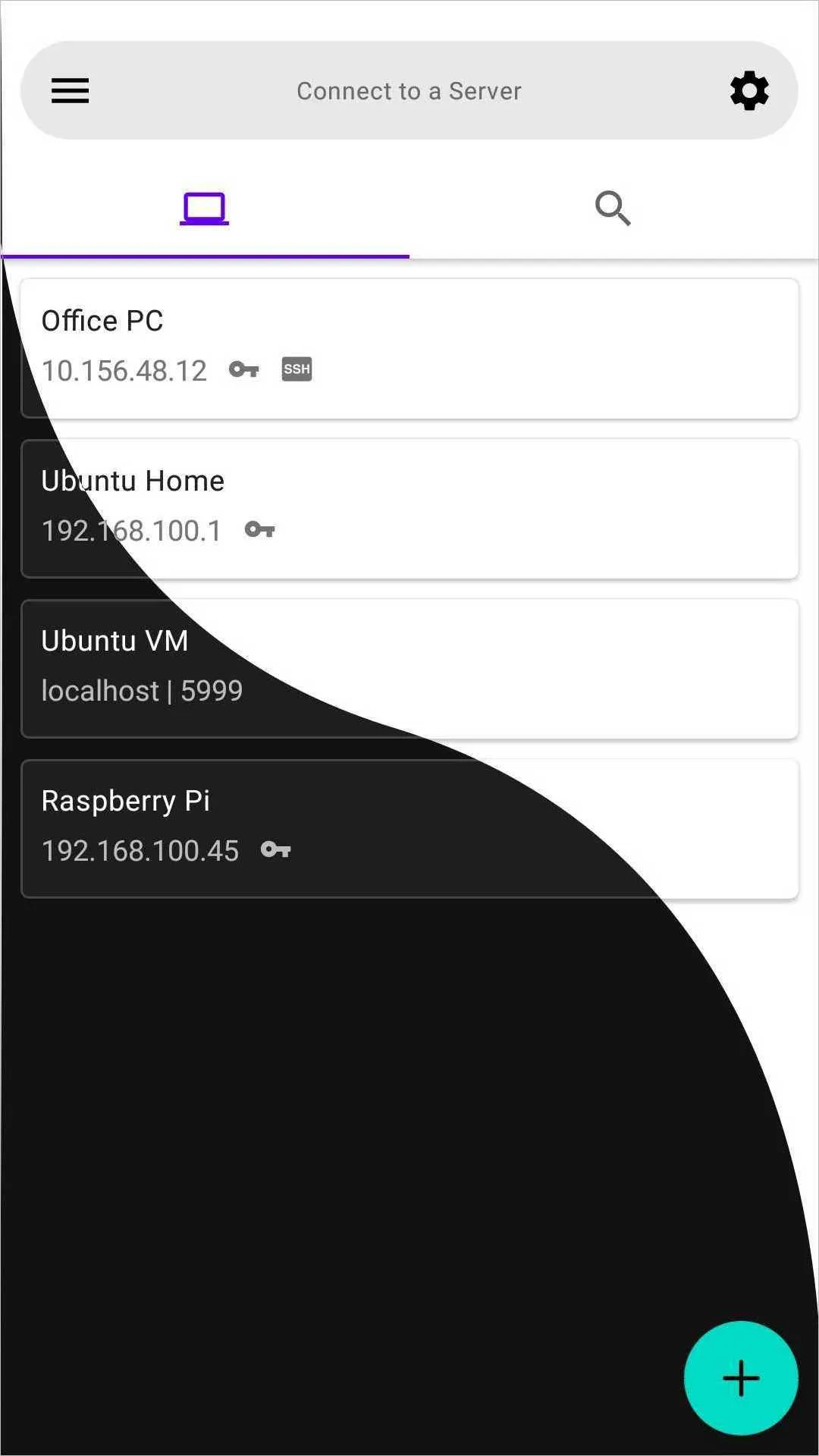
- The screenshots are the project’s own, from November 2022, around version 2.0; a few settings in them have since changed.
What’s inside the APK
Trackers
No code matching the Exodus Privacy tracker signatures.
Native code
Runs on 64-bit and older 32-bit ARM phones.
Android versions
Built for Android 16 (target API 36).
Permissions
0 of them need your approval first.
CPU types in this build: arm64-v8a (64-bit ARM, almost every phone since 2017); armeabi-v7a (32-bit ARM, older and budget phones); x86 (32-bit Intel, emulators); x86_64 (64-bit Intel, emulators and Chromebooks).
Granted at install (4)
Low-risk permissions Android grants automatically, plus any we have not classified.
- CHANGE_WIFI_MULTICAST_STATE
- INTERNET
- USE_BIOMETRIC
- USE_FINGERPRINT
Defined by other apps (1)
Permissions that belong to another app or to this app itself.
- com.gaurav.avnc.DYNAMIC_RECEIVER_NOT_EXPORTED_PERMISSION
More Information
- Package name
- com.gaurav.avnc
- Version
- 3.3.1 (build 53)
- File size
- 7.3 MB (7,330,062 bytes)
- Requires
- Android 5.0 or later
- Category
- System Tools
- License
- GPL-3.0-or-later
- Developer
- Gaurav Ujjwal
- Source code
- github.com/gujjwal00/avnc
- Released
- Aug 10, 2026
- Signed by
- F-Droid, which built this APK from the published source code. Because the key is F-Droid’s, it won’t install over a copy from Google Play or GitHub (or the other way round) without uninstalling first.
- Signer SHA-256
- e509b18797b5175d41fe8c8c556d2448cb38b36409f3967ef11a400d563cc414
- File SHA-256
- 9f06fbf28707f6dfdb8e02e49549a727720930e8cd83df54d0baee2f8e894972
- Checked
- , against the F-Droid index · how we check · verify it yourself
Common questions
Is this APK the official AVNC release?
It is F-Droid’s build rather than the developer’s own: F-Droid compiled AVNC 3.3.1 from the published source code and signed it with its own key. Its SHA-256 matches F-Droid’s signed index. Because the key is F-Droid’s, it won’t install over a copy from Google Play or GitHub without uninstalling first.
What Android version does AVNC need?
Android 5.0 or later (API level 21). Version 3.3.1 is built for Android 16 (target API 36). Runs on 64-bit and older 32-bit ARM phones.
Can AVNC access the internet?
Yes. The APK requests Android’s internet permission. In total it declares 5 permissions, and none of them needs your approval first.
Does AVNC contain trackers?
No known trackers: our scan of version 3.3.1 found no code matching the Exodus Privacy tracker signatures. The scan covers known tracker libraries; it doesn’t show what data the app itself sends.
Is AVNC open source?
Yes. AVNC is released under the GPL-3.0-or-later licence, and its source code is published at https://github.com/gujjwal00/avnc.
Is my connection encrypted?
That depends on the security type. The default, Automatic, takes the first type the server offers that AVNC supports, which can be None or the classic VNC password, both unencrypted. AnonTLS encrypts without checking the server’s identity; VeNCrypt with certificates and SSH tunnels ask you to trust the server the first time. The app doesn’t show which kind a session uses.
Does it work with RealVNC servers?
Only if the server also allows a standard security type. RealVNC’s own encryption and the newer RSA-AES type aren’t supported; when a server offered only those, the developer replied that “none of the security types offered by server is currently supported”.
Can I connect to a Mac?
Yes. Besides the standard types, AVNC supports Apple’s own security type, listed as macOS in the settings, and on Mac servers it maps the Alt key to Command.
Can I switch to the Google Play or GitHub version?
Not without uninstalling. This file is F-Droid’s build, signed with F-Droid’s key; the GitHub and Play versions use another key. Export your servers to a file first; passwords and keys are only included if you tick that option.
Recent releases
| Version | Released | Size | Requires |
|---|---|---|---|
| v3.3.1 · this download | Aug 10, 2026 | 7.3 MB | Android 5.0+ |
| v3.3.0 | Jul 29, 2026 | 7.3 MB | Android 5.0+ |
| v3.2.2 | Mar 22, 2026 | 7.0 MB | Android 5.0+ |
Versions currently kept in the F-Droid repository. We host and check only the newest one. Full changelog.