
Clock
Apache-2.0 · open source
Set alarms for a date or time zone, dismiss them with buttons, motion or a math task, and keep timers, a stopwatch, world clocks and widgets in one offline app.
Needs:Android 6.0+ · notification, battery and full-screen access
2113 Apps is independent, not affiliated with or endorsed by the Clock developers. Official sources: source code on GitHub.
- Version
- 2.34
- Size
- 7.3 MB
- Requires
- Android 6.0+
- Updated
- 2026-10-22
Screenshots



Introduction
Clock is an AOSP-derived alarm and time app with substantially more control than a basic desk clock. It combines dated alarms, world clocks, multiple timers, a stopwatch, screensaver modes, quick-settings tiles and configurable widgets. Version 2.34 adds alarm categories, locked alarms and alarm-specific time zones alongside reliability fixes.
This page is based on the 2.34 source tag and a static inspection of the F-Droid APK. We did not leave alarms running overnight on different phone brands, so device-specific reliability remains an upstream claim rather than a result of our own hardware test.
Alarm controls beyond a weekly schedule
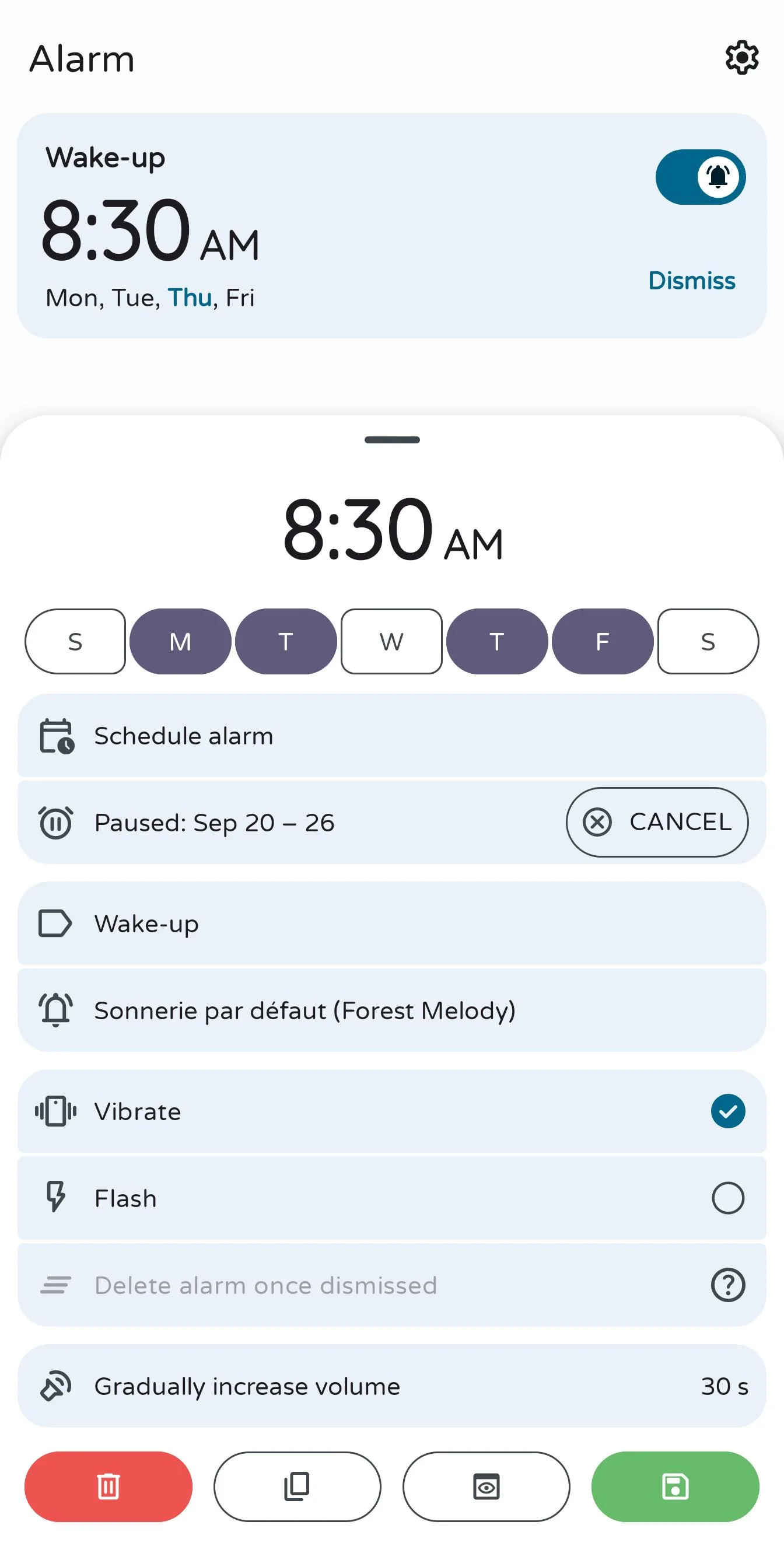
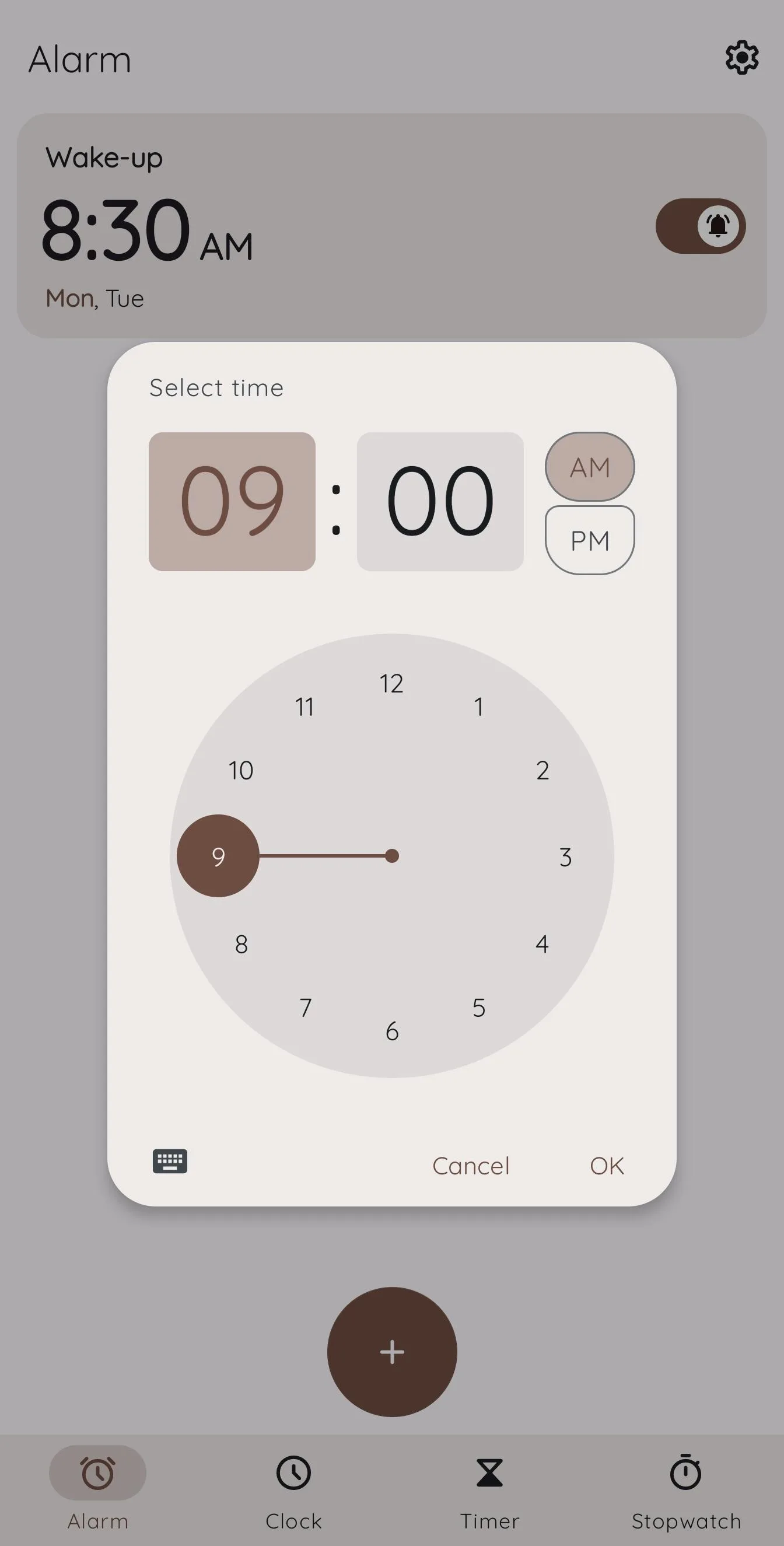
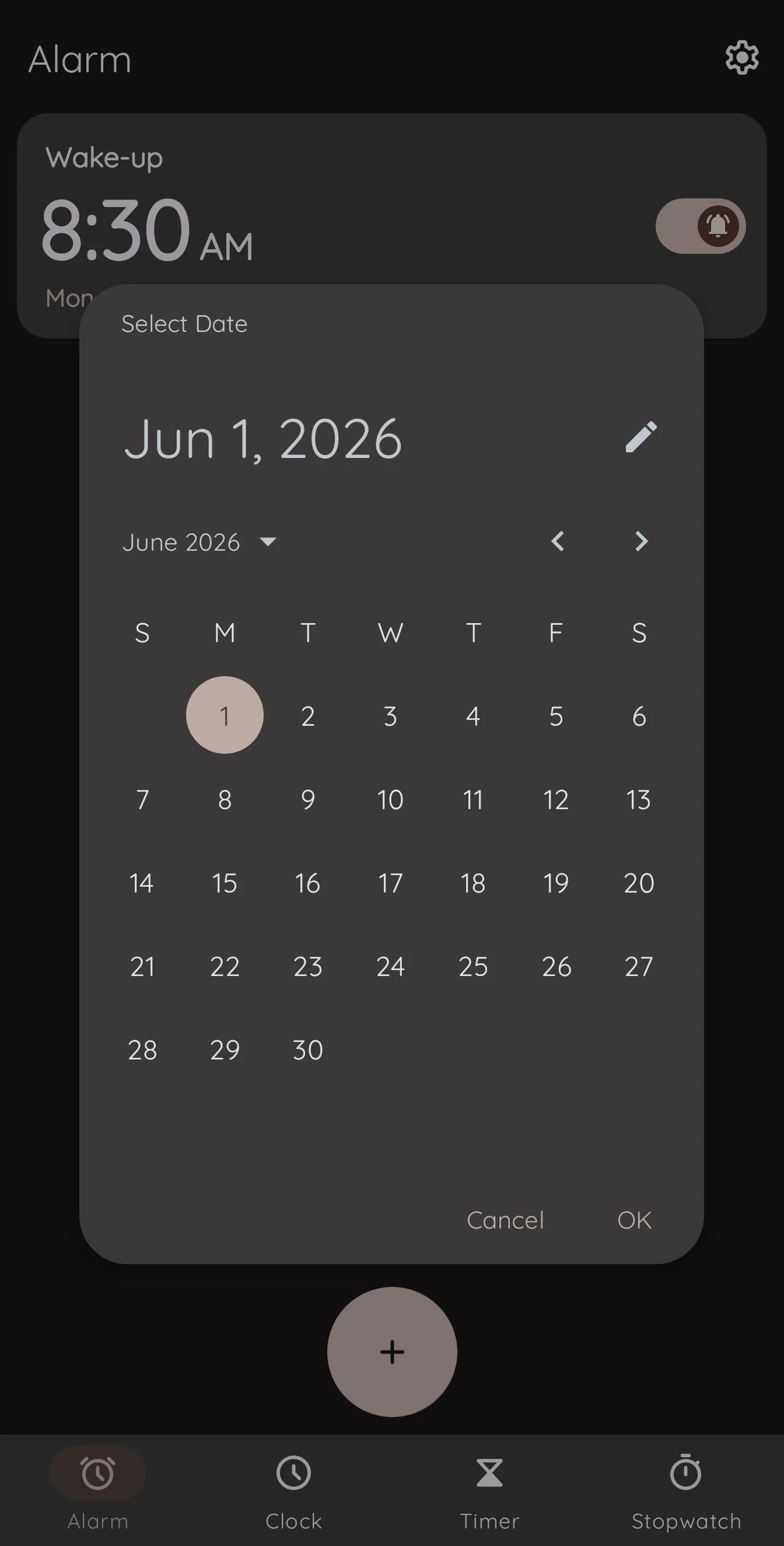
An alarm can target a specific date or time zone instead of only repeating on selected weekdays. Version 2.34 can group alarms into user-created categories, assign an alarm to more than one category and lock selected alarms against editing or swipe deletion. Alarm categories start disabled until enabled in settings. The release also adds a snooze interval measured in days, up to 31.
When an alarm sounds, optional dismissal or snooze actions include flipping or shaking the device, pressing the power or volume buttons, or solving a math problem. Titles, backgrounds and ringtones are configurable. Random mode chooses either from all system alarm sounds or from all custom ringtones the user has added; it does not create smaller selectable groups.
On relevant Android versions, the app’s required-access screen checks notifications, exemption from battery optimisation and, on Android 14 or later, full-screen notification access. Exact alarms use USE_EXACT_ALARM, which Android grants at installation; the older special-access permission is declared only through Android 12L, so the user does not need a separate exact-alarm approval for this build. Android vendors can still impose their own background restrictions. The developer specifically documents extra setup for MIUI and ZTE devices. First launch also shows a “Keep Android Open” notice that can only be acknowledged with OK.
Clocks, timers and local data
The clock tab supports digital or analogue layouts, multiple cities and a separate home-time display while travelling. Timers and the stopwatch keep notifications while running; on Android 16 and later, version 2.34 can optionally use live-update notifications. Stopwatch results can be shared as text. Android backup is disabled, so moving data between installations requires the app’s own exported ZIP; custom ringtone files are not included.
The APK declares no internet permission, and our scan found no known tracker SDKs. Its 16 declared permissions instead cover alarm delivery, vibration, audio control, notifications, boot recovery, an optional flashing-light alert and device-specific power-off-alarm handling. The latter has no app switch: Clock automatically sends the next alarm time to the Qualcomm power-off-alarm component when that component exists. It is limited to some Snapdragon phones and is not guaranteed even on a supported-looking device.
Version 2.34 also fixes an issue where an alarm might not stop after dismissal or snooze on affected devices, a timer crash when its ringtone is missing, and crashes in the screensaver. Those are the developer’s release notes, not evidence that every manufacturer’s alarm restrictions have been tested.
About this file
- Version 2.34, build 2038, is 7.3 MB, needs Android 6.0 or later and contains no native CPU-specific libraries.
- Its SHA-256 is
631e4bbfd28225da87c768dfb2062a0b3efc717e1e132d60a1e0408da308f7ff, matching F-Droid’s signed index. F-Droid signs this build; it is not byte-identical to the developer-signed GitHub APK. - The repository declares Clock GPL-3.0, while AOSP-derived source files carry Apache-2.0 in their headers; F-Droid’s metadata labels the package Apache-2.0. Both licence files are present upstream. The bundled
clock.ttfname table says “All rights reserved”; an accompanying note attributes its icon glyphs to Apache-2.0 Material Icons, but the repository gives the font itself no separate licence.
What’s inside the APK
Trackers
No code matching the Exodus Privacy tracker signatures.
Native code
Pure Java/Kotlin, so it runs on any CPU.
Android versions
Built for Android 17 (target API 37).
Permissions
1 of them need your approval first.
Asks you first (1)
Android shows a prompt before the app can use these.
- Show notifications (Android 13+) · POST_NOTIFICATIONS
You switch these on in Settings (1)
Special app access. Nothing is granted until you turn it on yourself.
- Alarms and reminders · SCHEDULE_EXACT_ALARM
Granted at install (12)
Low-risk permissions Android grants automatically, plus any we have not classified.
- FLASHLIGHT
- FOREGROUND_SERVICE
- FOREGROUND_SERVICE_SPECIAL_USE
- MODIFY_AUDIO_SETTINGS
- POST_PROMOTED_NOTIFICATIONS
- RECEIVE_BOOT_COMPLETED
- REQUEST_IGNORE_BATTERY_OPTIMIZATIONS
- TURN_SCREEN_ON
- USE_EXACT_ALARM
- USE_FULL_SCREEN_INTENT
- VIBRATE
- WAKE_LOCK
Defined by other apps (2)
Permissions that belong to another app or to this app itself.
- com.best.deskclock.DYNAMIC_RECEIVER_NOT_EXPORTED_PERMISSION
- org.codeaurora.permission.POWER_OFF_ALARM
More Information
- Package name
- com.best.deskclock
- Version
- 2.34 (build 2038)
- File size
- 7.3 MB (7,285,551 bytes)
- Requires
- Android 6.0 or later
- Category
- Productivity
- License
- Apache-2.0
- Source code
- github.com/BlackyHawky/Clock
- Released
- Oct 22, 2026
- Signed by
- F-Droid, which built this APK from the published source code. Because the key is F-Droid’s, it won’t install over a copy from Google Play or GitHub (or the other way round) without uninstalling first.
- Signer SHA-256
- 91aec64808918f21cfec27339cc5bd3f529759fc79ac32ba4379531595bd375c
- File SHA-256
- 631e4bbfd28225da87c768dfb2062a0b3efc717e1e132d60a1e0408da308f7ff
- Checked
- , against the F-Droid index · how we check · verify it yourself
Common questions
Is this APK the official Clock release?
It is F-Droid’s build rather than the developer’s own: F-Droid compiled Clock 2.34 from the published source code and signed it with its own key. Its SHA-256 matches F-Droid’s signed index. Because the key is F-Droid’s, it won’t install over a copy from Google Play or GitHub without uninstalling first.
What Android version does Clock need?
Android 6.0 or later (API level 23). Version 2.34 is built for Android 17 (target API 37). Pure Java/Kotlin, so it runs on any CPU.
Can Clock access the internet?
No. The APK doesn’t request Android’s internet permission, so the app can’t go online by itself. In total it declares 16 permissions, and 1 of them needs your approval first.
Does Clock contain trackers?
No known trackers: our scan of version 2.34 found no code matching the Exodus Privacy tracker signatures. The scan covers known tracker libraries; it doesn’t show what data the app itself sends.
Is Clock open source?
Its code is. The source code of Clock is released under the Apache-2.0 licence and published at https://github.com/BlackyHawky/Clock. The repository declares Clock GPL-3.0; AOSP-derived files retain Apache-2.0 in their source headers, while F-Droid labels the package Apache-2.0.
Does Clock need internet access?
No. Version 2.34 does not declare Android’s internet permission. Its city list, alarms, timers, stopwatch and settings work from local app data.
Can an alarm ring while the phone is powered off?
Only on some Snapdragon devices with the required Qualcomm system component, and the developer warns that it can still fail on supported-looking phones. Treat this as a device-specific extra, not a general Android feature.
Recent releases
| Version | Released | Size | Requires |
|---|---|---|---|
| v2.34 · this download | Oct 22, 2026 | 7.3 MB | Android 6.0+ |
| v2.33 | Sep 27, 2026 | 7.2 MB | Android 6.0+ |
| v2.32 | Sep 17, 2026 | 7.2 MB | Android 6.0+ |
Versions currently kept in the F-Droid repository. We host and check only the newest one.
Alternatives and related apps
-
 Fossify Clock A simpler open-source alarm, world-clock, timer and stopwatch app derived from Simple Clock.Download