

Etar
GPL-3.0-only · open source
A calendar app that shows whatever calendars your phone already has, Google, CalDAV or offline ones kept only on the phone, in month, week, day and agenda views, without ever going online itself.
Needs:No root · Android 6.0+
2113 Apps is independent, not affiliated with or endorsed by the Etar developers. Official sources: source code on GitHub.
- Version
- 1.0.57
- Size
- 9.2 MB
- Requires
- Android 6.0+
- Updated
- 2026-07-31
Screenshots
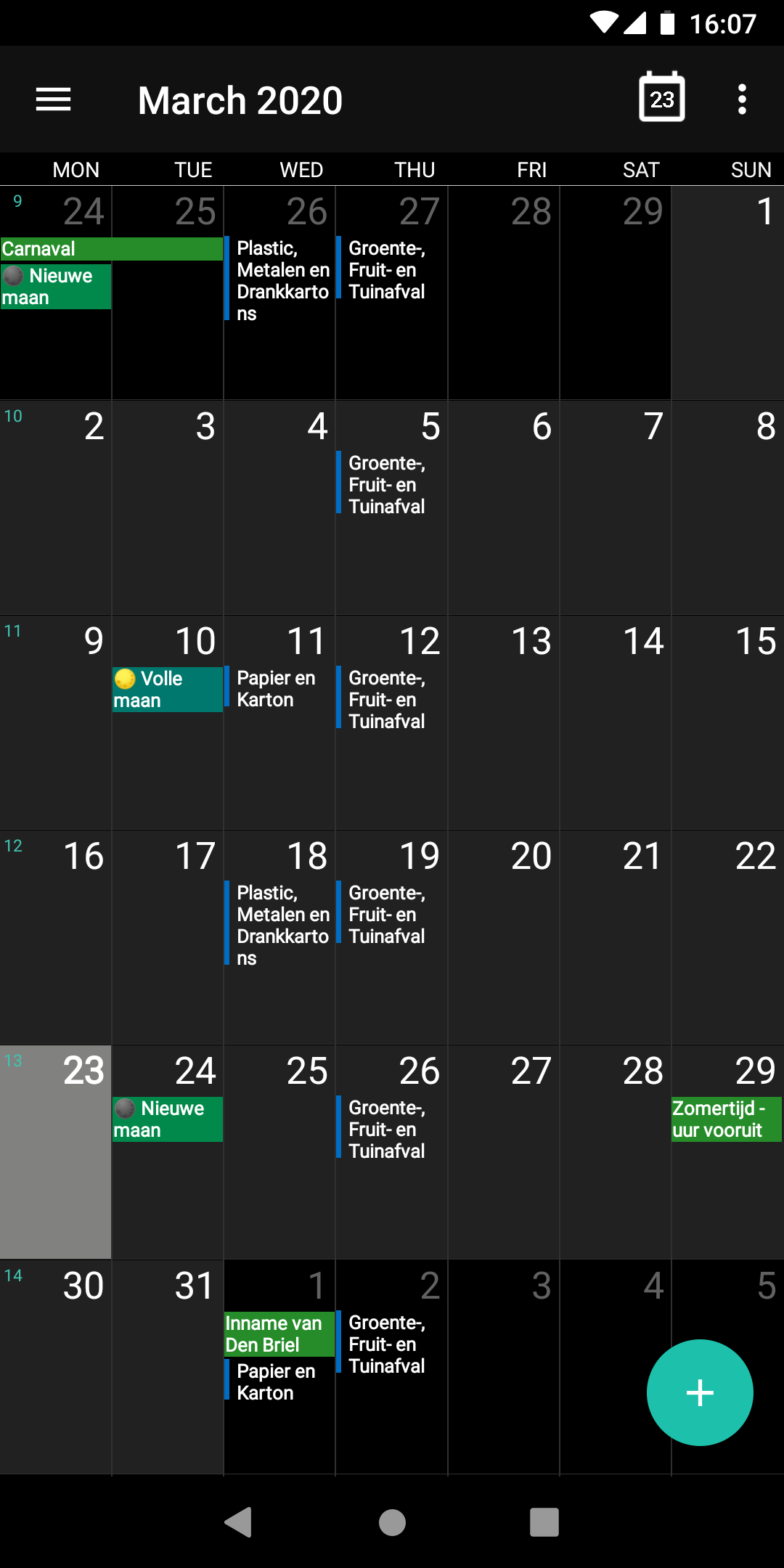
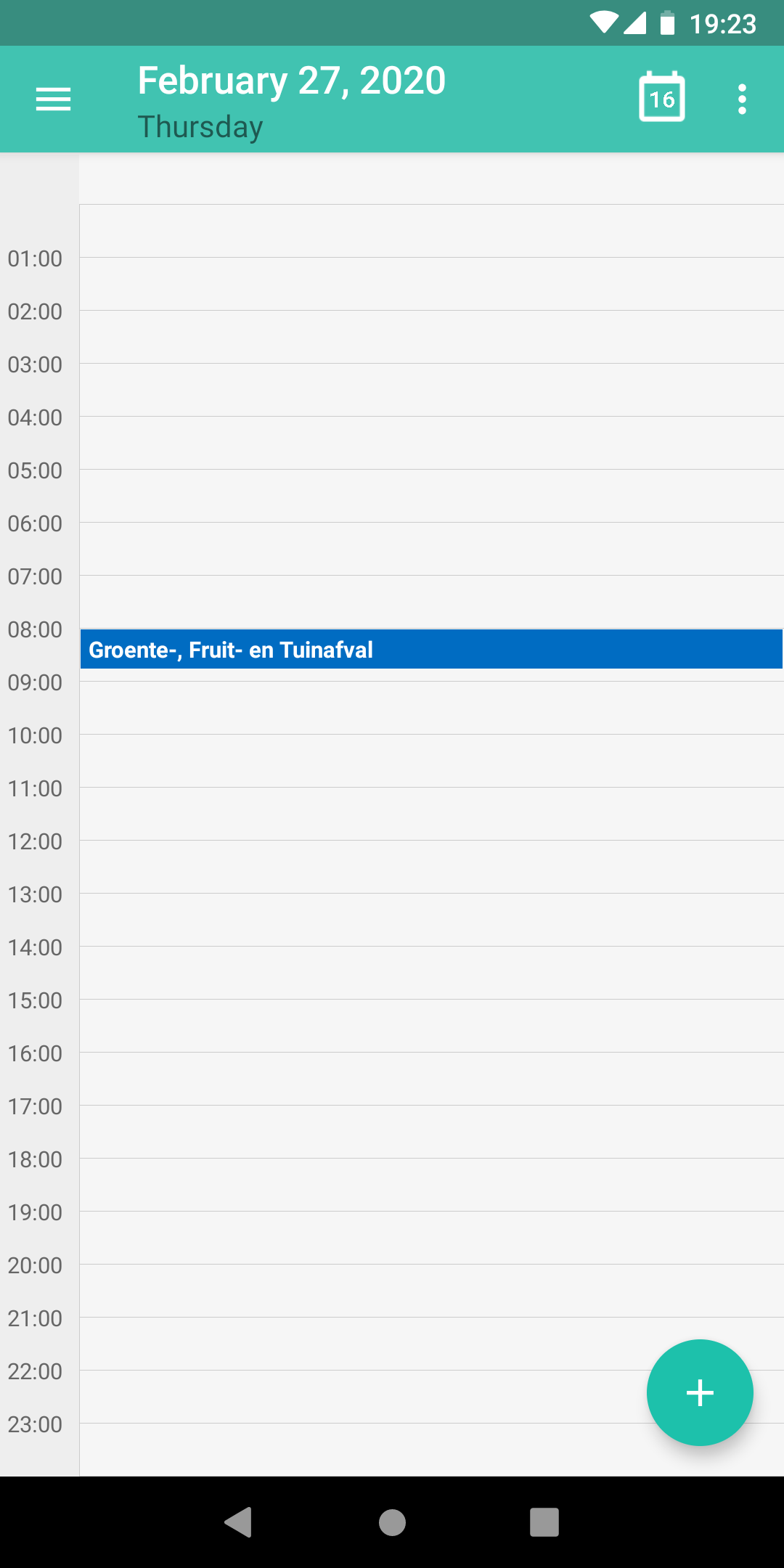
Introduction
Etar is a calendar app started by Suhail Alkowaileet and now maintained by a small team of volunteers. Its README: “Etar … is an open source material designed calendar made for everyone!”, and, about where it comes from, “The application is an enhanced version of AOSP Calendar”, the calendar app in Android’s open-source code. The name comes from Arabic. It is actively maintained: version 1.0.57 came out in July 2026, after a switch to Material 3 the year before.
How it works
Etar doesn’t keep a calendar database of its own. It reads and writes the events in Android’s calendar storage, the system component that other calendar apps and sync apps also use. In the README’s words, it “Uses Android calendar storage to show all synchronized calendars.” So:
- A Google account on the phone: its calendars appear in Etar, kept in sync by Google’s services, not by Etar.
- Nextcloud and other CalDAV servers: a sync app such as DAVx⁵ syncs them into the calendar storage, and Etar shows them. Its settings have shortcuts to add a CalDAV or an EteSync calendar.
- Offline calendars: Etar creates them itself, on the phone only; the app explains that they “are NOT synchronized to a cloud service and only available on your phone.”
You can choose which calendars are shown and which one new events go into.
What it does
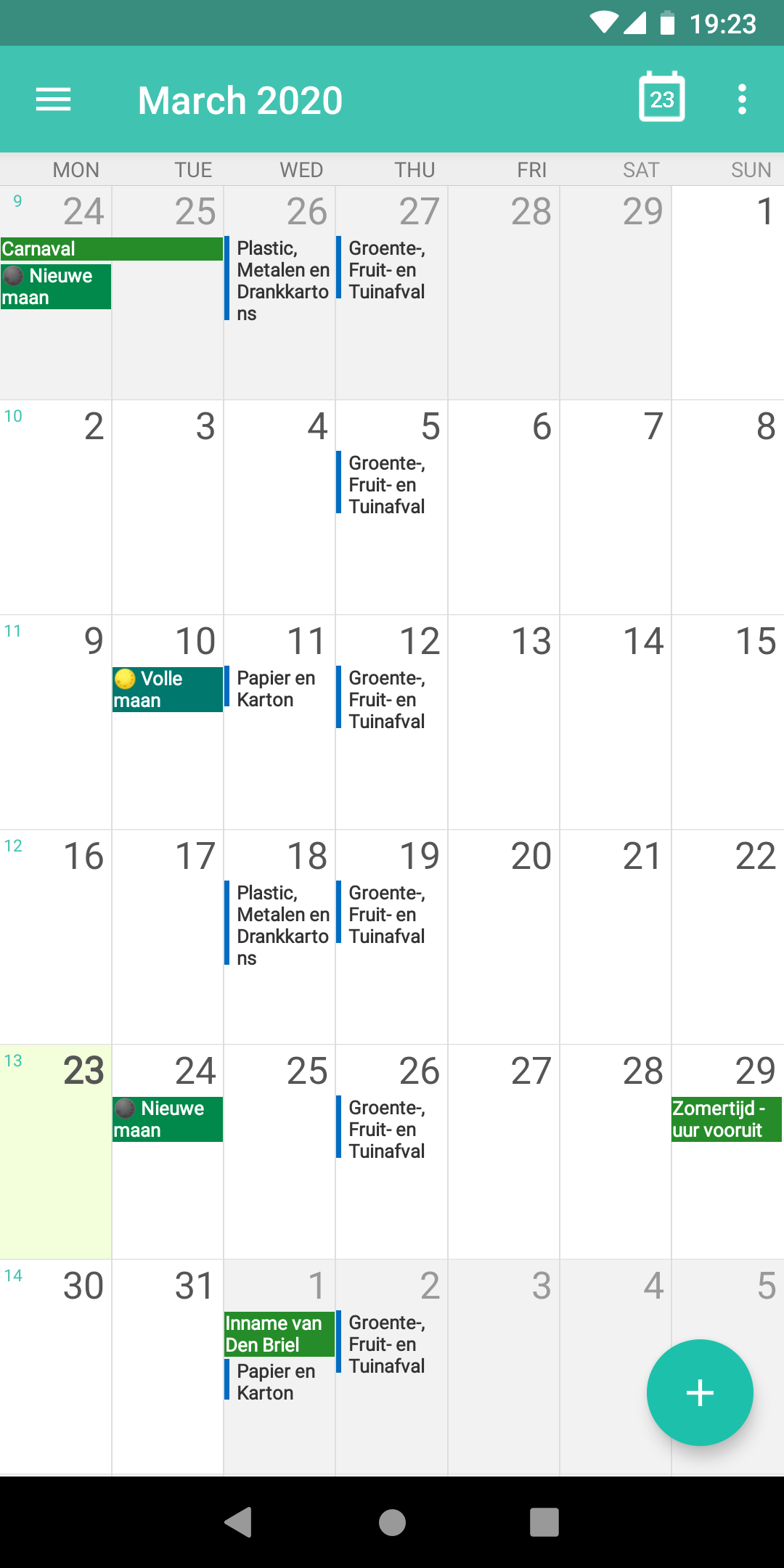
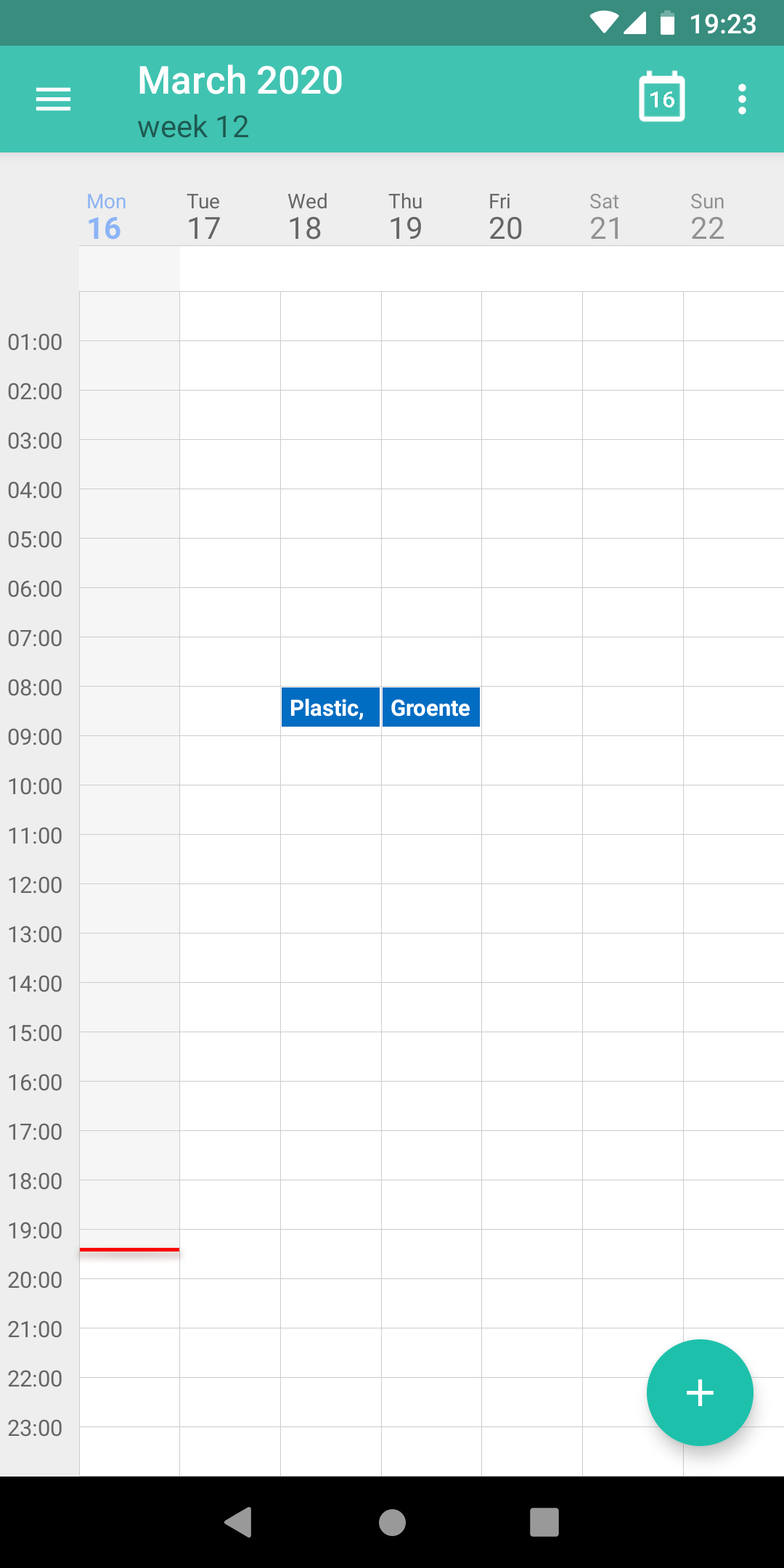
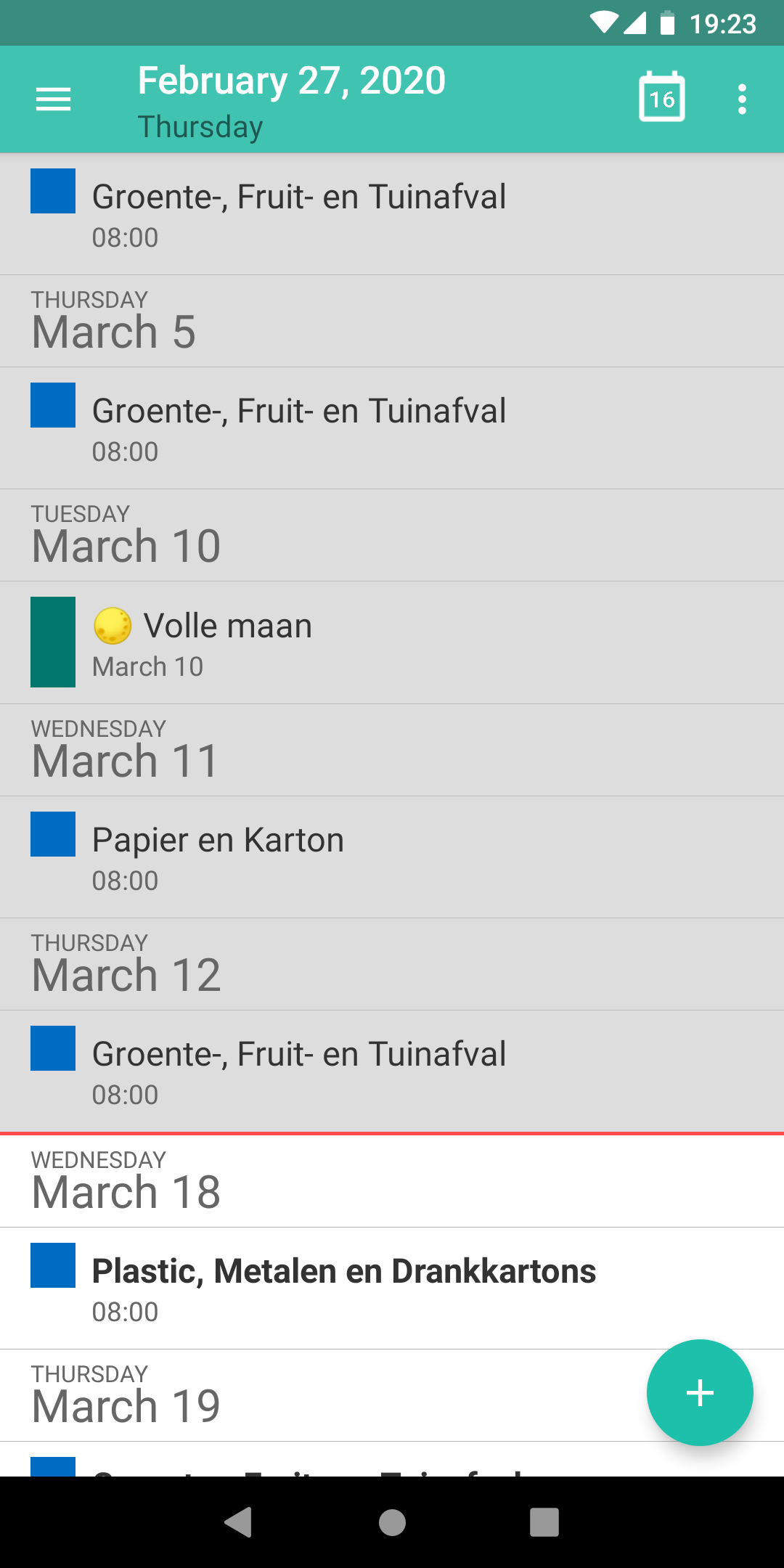
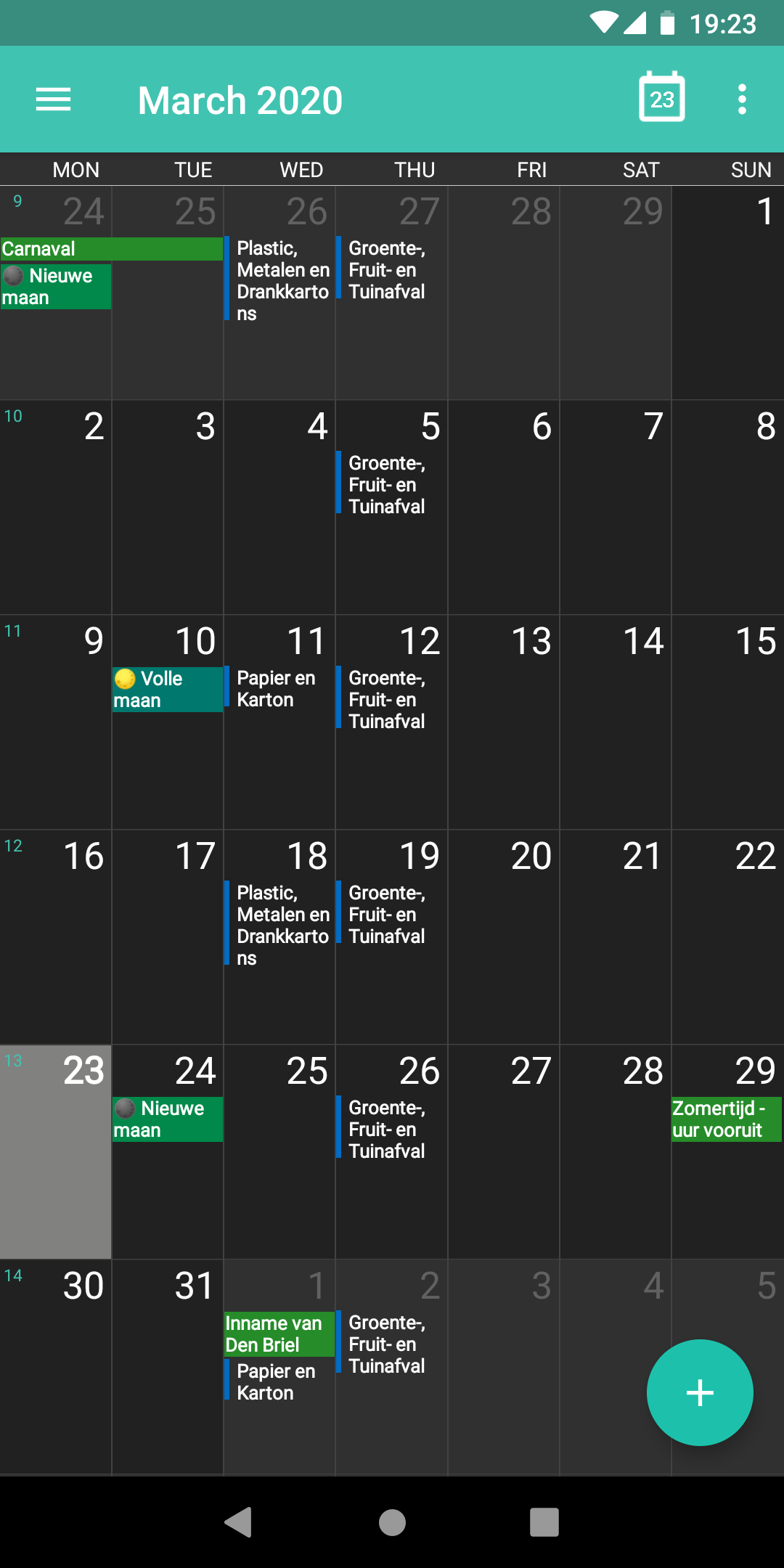
- Month, week, day and agenda views, light and dark themes, and an agenda widget for the home screen.
- Reminders as notifications.
- Sharing an event as an .ics file, and importing .ics files, with the warning above.
- Overlapping events in a staggered layout, an option added in 1.0.57 and off by default.
- Places in events open in your maps app.
Offline
Etar declares no internet permission, so Android doesn’t let it open network connections. Its privacy policy says the same: “Etar does not use the Internet permission at all.” There are no weather forecasts, holiday lists or update checks. When you tap refresh, Etar asks the phone’s sync accounts to sync; any going online is done by those apps.
The permissions it asks for
Fifteen. Calendar read and write are the core. Contacts is optional and asked for the first time you create an event; the README says it “can be rejected. But then search and location suggestions no longer work.” Accounts is for the refresh, and exact alarms, notifications, vibration and a foreground service are for reminders. After you grant calendar access it also asks to be exempted from battery optimisation, so that reminders arrive on time; a setting turns that check off, with the warning “Use at your own risk!”. The network-state, start-at-boot and wake-lock permissions come from Android’s WorkManager library, which schedules the reminders, and one is added by AndroidX for internal use.
About this file
- This is F-Droid’s build of version 1.0.57, compiled from the source and signed with F-Droid’s key. The project doesn’t publish APKs on GitHub; a maintainer: “We don’t provide apks.”
- LineageOS includes its own copy of Etar under a different package name, org.lineageos.etar, so this one installs next to it.
- The 9.2 MB file runs on Android 6.0 and later and has no native code, so it works on any processor. Our scan found no trackers.
- Etar is licensed under the GPL-3.0; the parts that come from AOSP Calendar are under the Apache-2.0.
- The screenshots come from the project’s F-Droid listing and show the interface from 2020, before the Material 3 redesign.
What’s inside the APK
Trackers
No code matching the Exodus Privacy tracker signatures.
Native code
Pure Java/Kotlin, so it runs on any CPU.
Android versions
Built for Android 17 (target API 37).
Permissions
5 of them need your approval first.
Asks you first (5)
Android shows a prompt before the app can use these.
- See the accounts on the device · GET_ACCOUNTS
- Show notifications (Android 13+) · POST_NOTIFICATIONS
- Read calendar events · READ_CALENDAR
- Read your contacts · READ_CONTACTS
- Change calendar events · WRITE_CALENDAR
You switch these on in Settings (1)
Special app access. Nothing is granted until you turn it on yourself.
- Alarms and reminders · SCHEDULE_EXACT_ALARM
Granted at install (8)
Low-risk permissions Android grants automatically, plus any we have not classified.
- ACCESS_NETWORK_STATE
- FOREGROUND_SERVICE
- FOREGROUND_SERVICE_SYSTEM_EXEMPTED
- READ_SYNC_SETTINGS
- RECEIVE_BOOT_COMPLETED
- REQUEST_IGNORE_BATTERY_OPTIMIZATIONS
- VIBRATE
- WAKE_LOCK
Defined by other apps (1)
Permissions that belong to another app or to this app itself.
- ws.xsoh.etar.DYNAMIC_RECEIVER_NOT_EXPORTED_PERMISSION
More Information
- Package name
- ws.xsoh.etar
- Version
- 1.0.57 (build 57)
- File size
- 9.2 MB (9,226,697 bytes)
- Requires
- Android 6.0 or later
- Category
- Productivity
- License
- GPL-3.0-only
- Source code
- github.com/Etar-Group/Etar-Calendar
- Released
- Jul 31, 2026
- Signed by
- F-Droid, which built this APK from the published source code. Because the key is F-Droid’s, it won’t install over a copy from Google Play or GitHub (or the other way round) without uninstalling first.
- Signer SHA-256
- 3f3176c3ce189c98054ff9e1d32daecf00a41572f4c7bd2b2f80607252ddb06e
- File SHA-256
- dae01d93c8920aa63845868db2190bcc4aa6ff8410b1289de1ce27b1bb89c599
- Checked
- , against the F-Droid index · how we check · verify it yourself
Common questions
Is this APK the official Etar release?
It is F-Droid’s build rather than the developer’s own: F-Droid compiled Etar 1.0.57 from the published source code and signed it with its own key. Its SHA-256 matches F-Droid’s signed index. Because the key is F-Droid’s, it won’t install over a copy from Google Play or GitHub without uninstalling first.
What Android version does Etar need?
Android 6.0 or later (API level 23). Version 1.0.57 is built for Android 17 (target API 37). Pure Java/Kotlin, so it runs on any CPU.
Can Etar access the internet?
No. The APK doesn’t request Android’s internet permission, so the app can’t go online by itself. In total it declares 15 permissions, and 5 of them need your approval first.
Does Etar contain trackers?
No known trackers: our scan of version 1.0.57 found no code matching the Exodus Privacy tracker signatures. The scan covers known tracker libraries; it doesn’t show what data the app itself sends.
Is Etar open source?
Yes. Etar is released under the GPL-3.0-only licence, and its source code is published at https://github.com/Etar-Group/Etar-Calendar.
Can I use it without a Google account?
Yes. Etar can create offline calendars on the phone, and a maintainer wrote in 2019 that “It works perfectly fine without a Google account.” It does need Android’s own calendar storage, which is part of the system; on a phone where it has been removed, Etar doesn’t work.
How do I sync it with Nextcloud or another server?
Through a sync app. Etar has no CalDAV client of its own; its README says “you need yet another app, e. g. DAVx5”. The “Add CalDAV calendar” option in Etar’s settings opens DAVx⁵’s login screen, or its store page if DAVx⁵ isn’t installed.
Why can’t I find it on Google Play?
In October 2026 the Play listing returns “not found”. Asked why, a maintainer replied: “Because the Play Store maintainer did not do the developer verification.” The old Play version was signed by its original developer, not by F-Droid, so switching to this file means uninstalling first.
Can I export a whole calendar?
No, only single events: each event can be shared as an .ics file, and the request for exporting a whole calendar is still open. Importing .ics files works, but the README warns that “The import feature is unstable”.
Recent releases
| Version | Released | Size | Requires |
|---|---|---|---|
| v1.0.57 · this download | Jul 31, 2026 | 9.2 MB | Android 6.0+ |
| v1.0.56 | Jun 9, 2026 | 8.8 MB | Android 6.0+ |
| v1.0.55 | Apr 21, 2026 | 8.8 MB | Android 6.0+ |
Versions currently kept in the F-Droid repository. We host and check only the newest one. Full changelog.
Alternatives and related apps
-
 Fossify Calendar Keeps events in its own database, with built-in public holidays; it shows the phone’s other calendars only when you turn on its CalDAV sync option.Download
-
 DAVx⁵ Not a calendar to look at but the sync app Etar relies on to connect to Nextcloud and other CalDAV servers.Download