

Delta Chat
GPL-3.0-or-later · open source
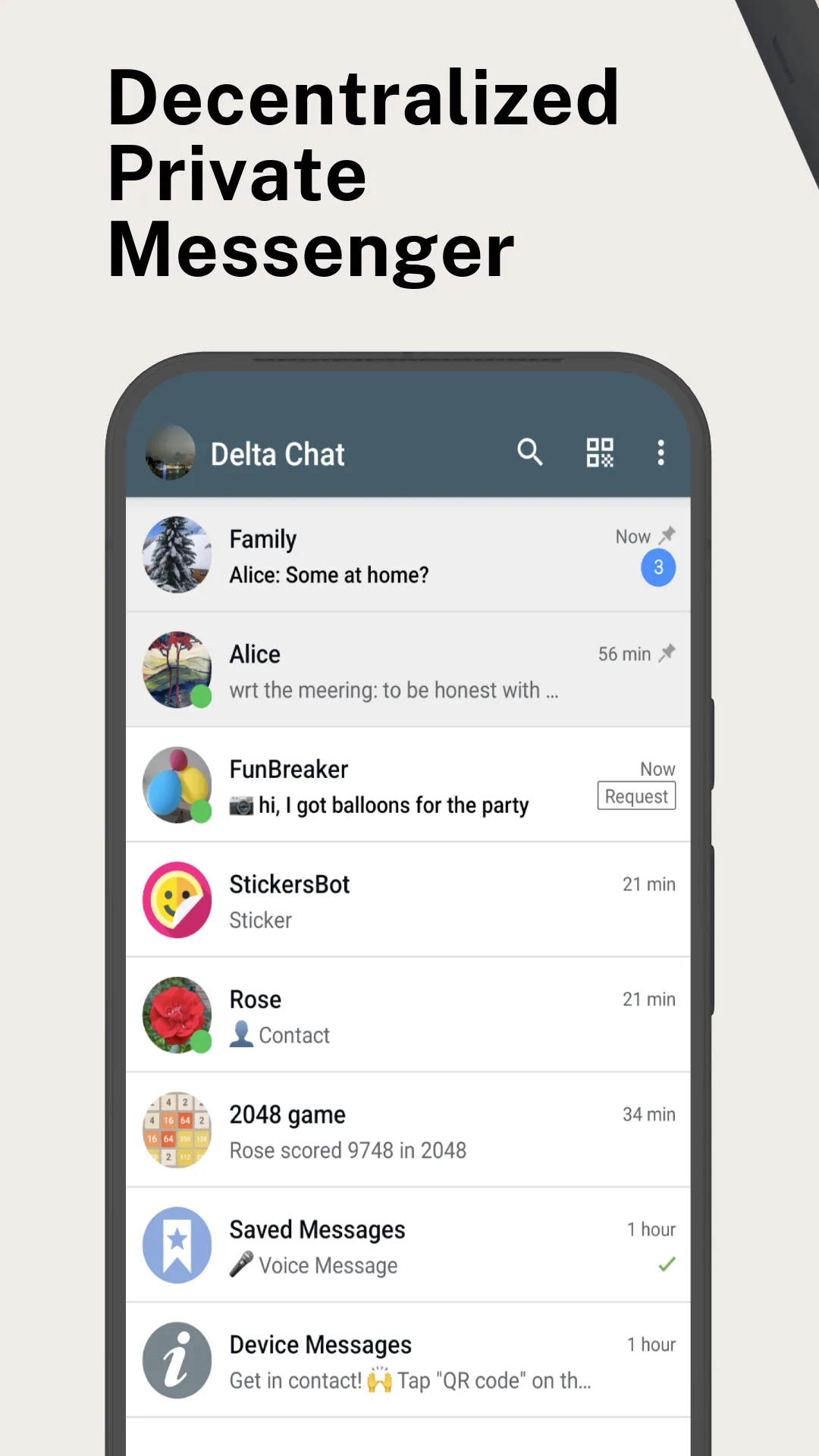
Message through interoperable chatmail relays without a phone number, scan an invite QR code to add contacts, and run small WebXDC apps inside chats.
Needs:Android 5.0+ · 64-bit ARM · chatmail or e-mail account
2113 Apps is independent, not affiliated with or endorsed by the Delta Chat developers. Official sources: delta.chat · source code on GitHub.
- Version
- 2.64.0
- Size
- 27.0 MB
- Requires
- Android 5.0+
- Updated
- 2026-10-31
Screenshots
Introduction
Delta Chat looks like a conventional messenger, but its transport is based on interoperable chatmail and e-mail protocols rather than a single company’s private messaging network. A new user can accept the automatically selected chatmail relay, choose another, or configure a compatible e-mail account. No phone number is required.
This page covers Android version 2.64.0 and the help bundled with that exact source release. We did not create an account on a public relay or test calls across different network conditions.
Chatmail first, classic e-mail as an option
With the default setup, the app creates a chatmail profile and discovers relays from a fixed list of 17 community-operated candidates. During setup it opens TCP connections to their port 443 endpoints and takes the first response; an invitation can add the inviter’s relay too. The client later adds randomly selected relays until the profile has three. Messages can arrive through all configured relays, so setup exposes the connecting IP to multiple independent operators rather than only one. Relays hold messages temporarily while recipients are offline. Contact names, avatars and group state live on the devices rather than as a permanent public profile on a central social network.
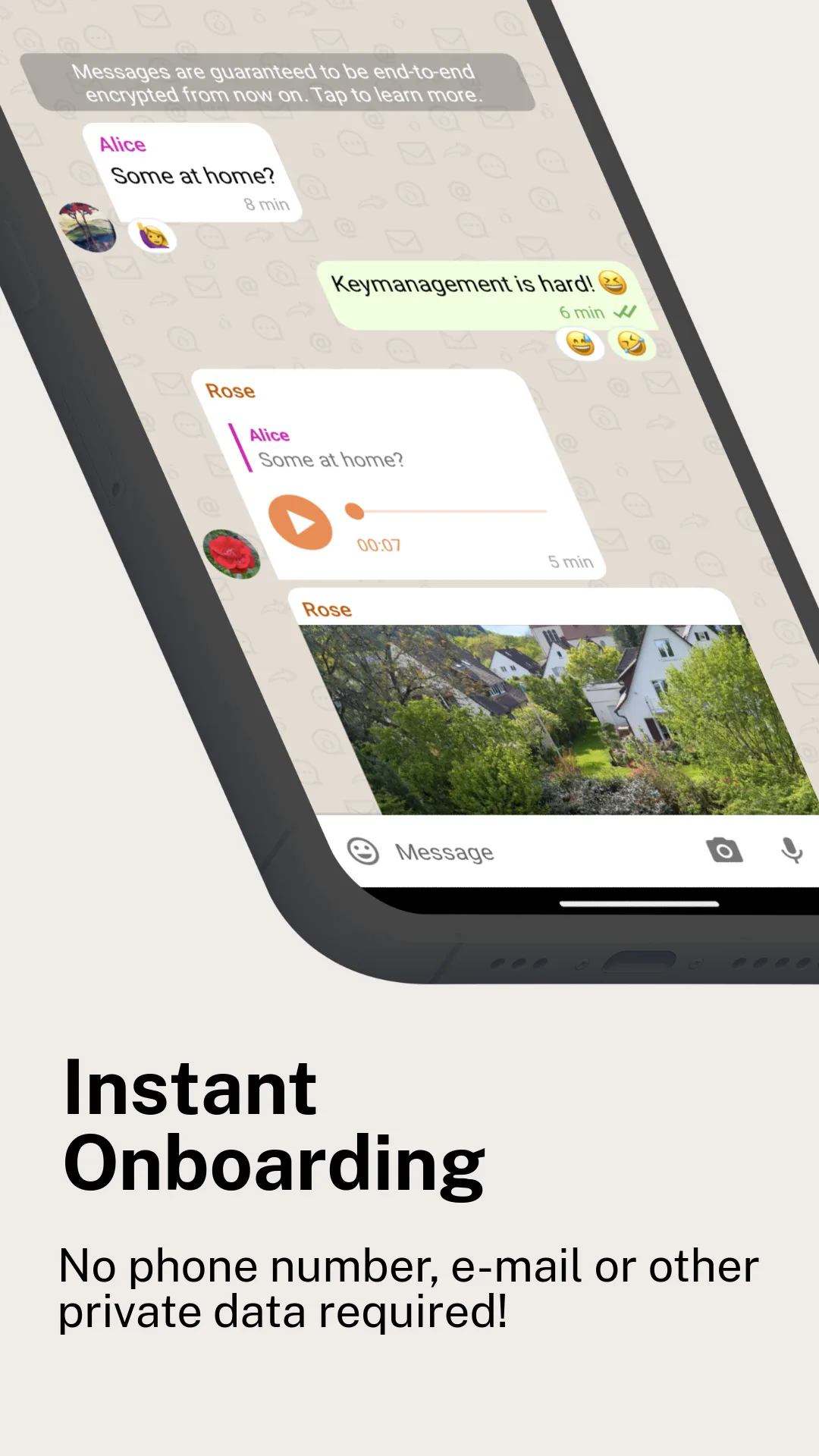
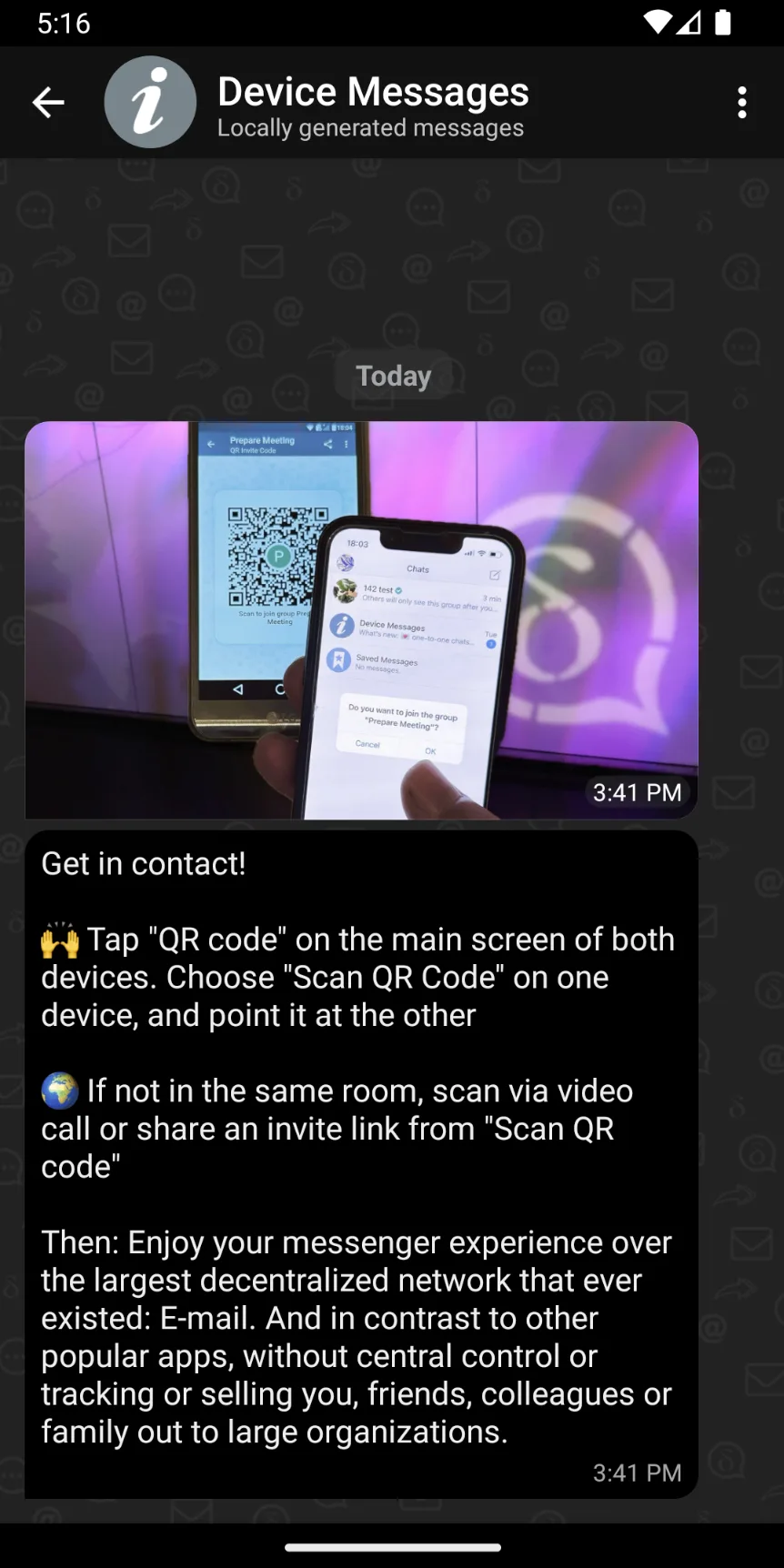
Adding a contact normally means scanning an invitation QR code or opening an invitation link. That verified setup establishes encryption for the chat. Current Delta Chat clients on default chatmail profiles send end-to-end encrypted messages.
Classic e-mail compatibility changes that boundary. If you configure a traditional e-mail account, Delta Chat can receive or send ordinary mail to people using other mail apps, and those messages may be unencrypted; Delta Chat marks them with an e-mail icon. The bundled help says simultaneous use of that address in another mail client is not supported, rather than merely discouraged.
More than text messages
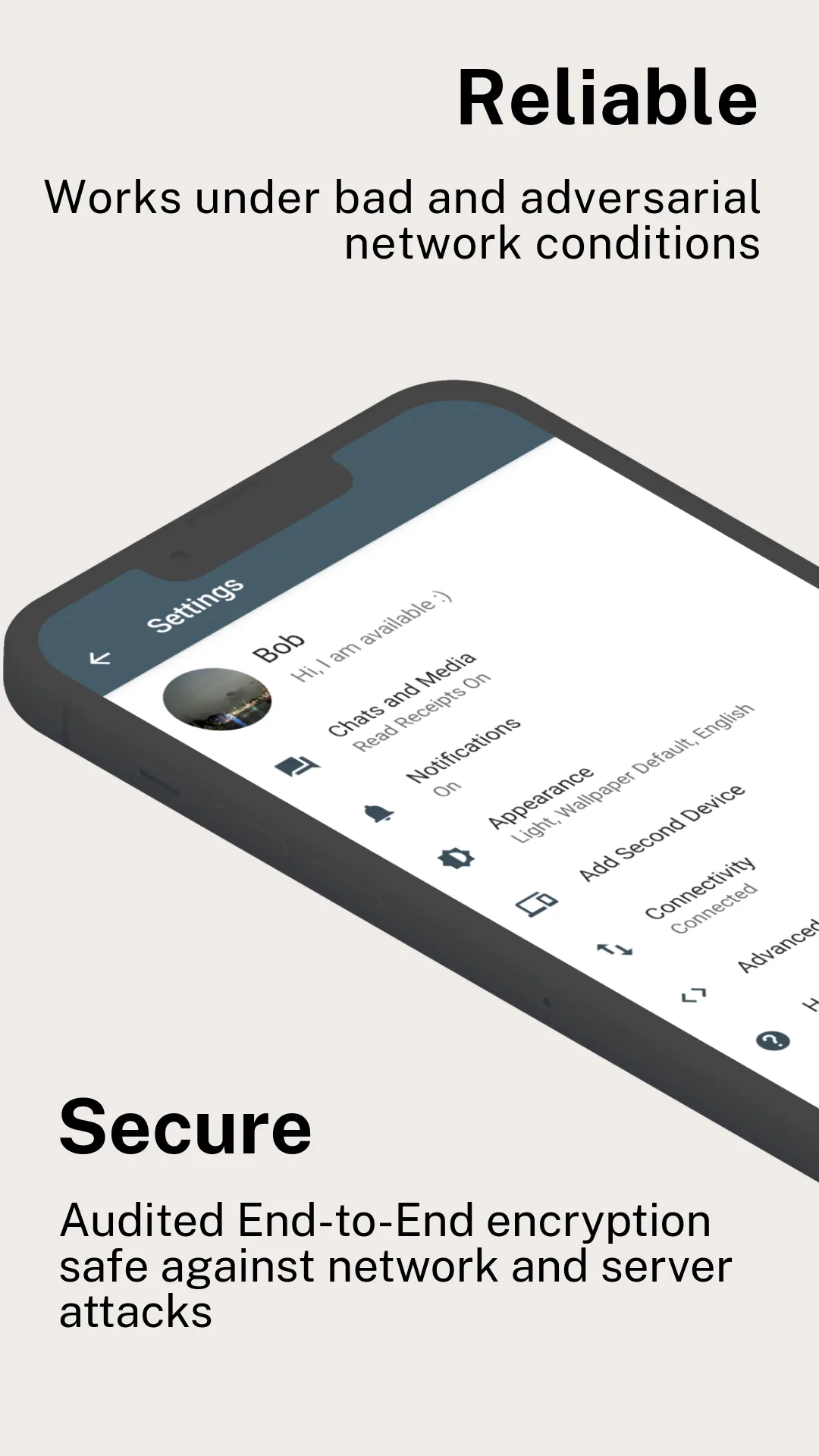
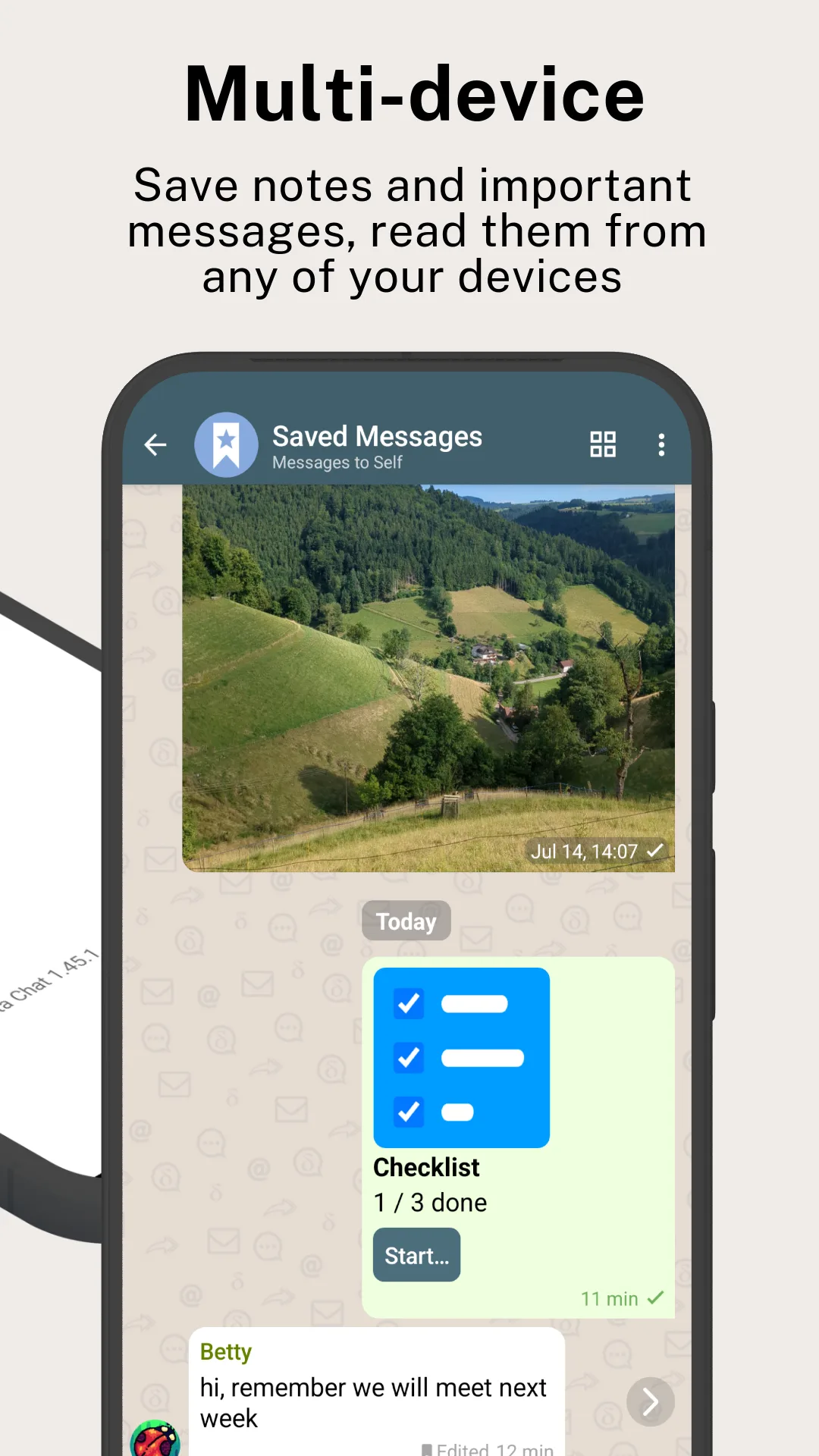
Delta Chat supports groups, disappearing messages and multiple devices. A second device can be added by QR code over the local network, or through a manual backup. Voice and video calls are offered only in one-to-one encrypted chats on Android 8.0 or later. WebRTC uses all ICE transport types, so a peer can learn the device’s IP address; if a chosen relay supplies no TURN server, the client falls back to turn.delta.chat.
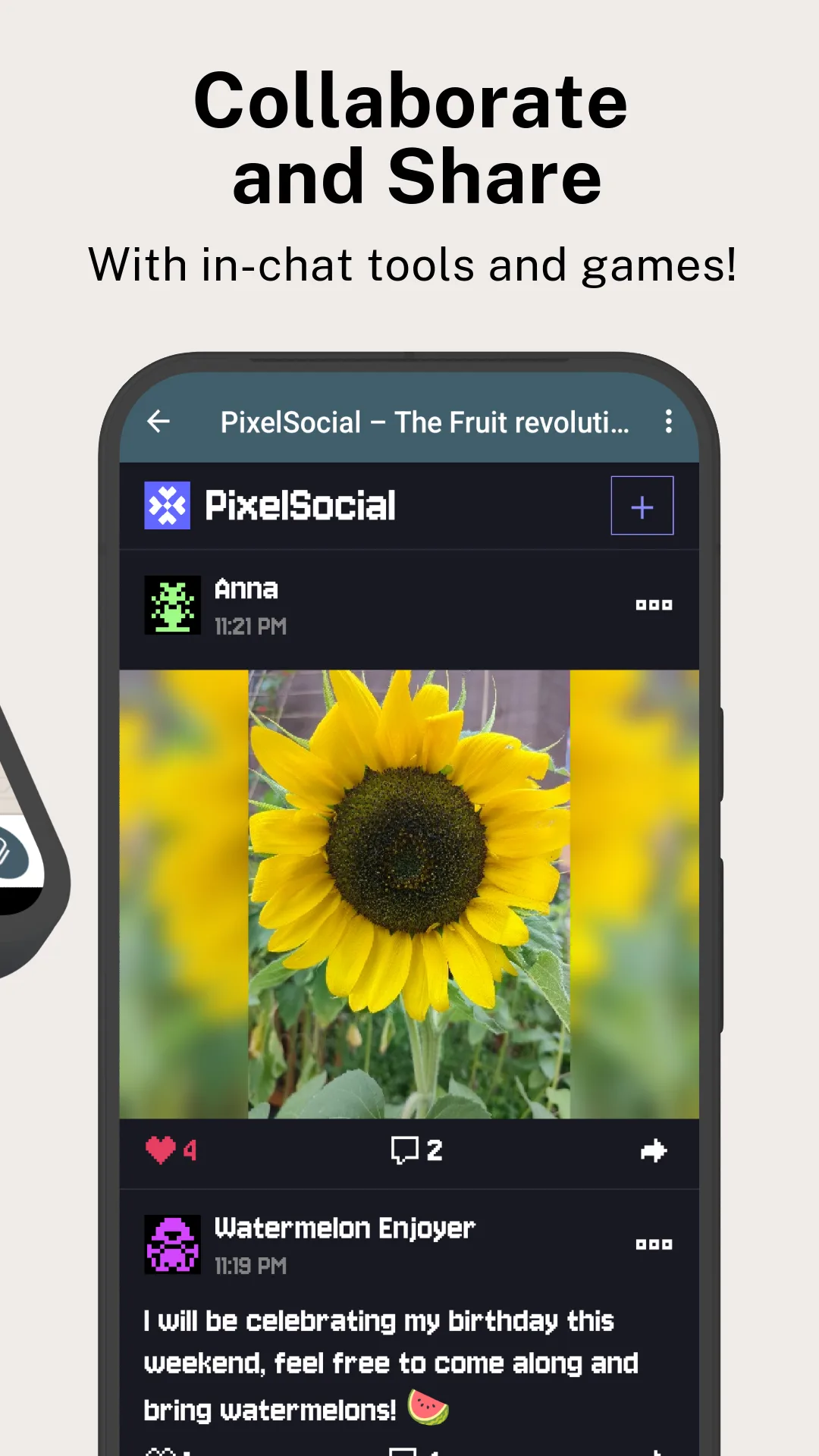
Location streaming is an experimental feature under Advanced settings and starts disabled. Its bundled maps.xdc viewer is allowed to load map tiles from OpenStreetMap. WebXDC apps shared inside ordinary chats—for example, a game, editor or poll—otherwise do not receive general network access.
Version 2.64 added pinned messages, a “Sending…” notification that lets large messages continue in the background, and an app gallery flow. It also improved relay selection and fixed rotated video and animated WebP files. These are upstream release notes, not claims from our own call or media testing.
Weekly statistics are optional and sent only after the user enables them, but they are pseudonymous, not anonymous: the report carries a persistent stats_id, is sent as a chat message to self_reporting@testrun.org, and can include contacts’ last-online values. Our APK scan found no known tracker SDKs.
Permissions and this particular build
The manifest is broad because the same app covers camera images, calls, audio, location sharing, local-network device transfer, files and notifications. Android still asks for sensitive runtime permissions when the relevant feature is used. REQUEST_INSTALL_PACKAGES lets the app hand an APK received in a chat to Android’s installer; this F-Droid flavour does not enable the Google Play flavour’s self-updater.
This F-Droid flavour has no Google push service. It therefore enables a foreground “reliable service” by default, with a persistent notification, to keep its network connections available in the background. The Google Play flavour uses package chat.delta, while this file uses com.b44t.messenger, so they can be installed side by side rather than updating one another.
F-Droid distributes Delta Chat as CPU-specific files. The copy here is the 64-bit ARM split, not a universal APK, so it will not install on 32-bit-only or x86 devices even though the upstream project builds other variants.
About this file
- Version 2.64.0, build 7592, is 27.0 MB and needs Android 5.0 or later.
- The APK’s SHA-256 is
1445e1a97e808f4bb0f8581adb77ba4c7c424a686e2fa1f729db5c8144c0122e, matching F-Droid’s signed index. F-Droid signs this build. - The Android client is GPL-3.0-or-later. Delta Chat is a community project, not a service operated by this site.
What’s inside the APK
Trackers
No code matching the Exodus Privacy tracker signatures.
Native code
Needs a 64-bit ARM phone; 32-bit-only devices are not supported.
Android versions
Built for Android 17 (target API 37).
Permissions
10 of them need your approval first.
CPU types in this build: arm64-v8a (64-bit ARM, almost every phone since 2017).
Asks you first (10)
Android shows a prompt before the app can use these.
- Approximate location · ACCESS_COARSE_LOCATION
- Precise location · ACCESS_FINE_LOCATION
- Connect to paired Bluetooth devices · BLUETOOTH_CONNECT
- Use the camera · CAMERA
- Show notifications (Android 13+) · POST_NOTIFICATIONS
- Read shared storage (Android 12 and older) · READ_EXTERNAL_STORAGE
- Read photos · READ_MEDIA_IMAGES
- Read videos · READ_MEDIA_VIDEO
- Record audio with the microphone · RECORD_AUDIO
- Write shared storage (Android 10 and older) · WRITE_EXTERNAL_STORAGE
You switch these on in Settings (1)
Special app access. Nothing is granted until you turn it on yourself.
- Install unknown apps · REQUEST_INSTALL_PACKAGES
Granted at install (23)
Low-risk permissions Android grants automatically, plus any we have not classified.
- ACCESS_LOCAL_NETWORK
- ACCESS_NETWORK_STATE
- ACCESS_WIFI_STATE
- BLUETOOTH
- FOREGROUND_SERVICE
- FOREGROUND_SERVICE_CAMERA
- FOREGROUND_SERVICE_DATA_SYNC
- FOREGROUND_SERVICE_LOCATION
- FOREGROUND_SERVICE_MEDIA_PLAYBACK
- FOREGROUND_SERVICE_MEDIA_PROCESSING
- FOREGROUND_SERVICE_MICROPHONE
- FOREGROUND_SERVICE_PHONE_CALL
- FOREGROUND_SERVICE_SPECIAL_USE
- INSTALL_SHORTCUT
- INTERNET
- MANAGE_OWN_CALLS
- MODIFY_AUDIO_SETTINGS
- RAISED_THREAD_PRIORITY
- RECEIVE_BOOT_COMPLETED
- REQUEST_IGNORE_BATTERY_OPTIMIZATIONS
- USE_FULL_SCREEN_INTENT
- VIBRATE
- WAKE_LOCK
Defined by other apps (2)
Permissions that belong to another app or to this app itself.
- com.android.launcher.permission.INSTALL_SHORTCUT
- com.b44t.messenger.DYNAMIC_RECEIVER_NOT_EXPORTED_PERMISSION
More Information
- Package name
- com.b44t.messenger
- Version
- 2.64.0 (build 7592)
- File size
- 27.0 MB (27,043,733 bytes)
- Requires
- Android 5.0 or later
- Category
- Productivity
- License
- GPL-3.0-or-later
- Source code
- github.com/deltachat/deltachat-android
- Released
- Oct 31, 2026
- Signed by
- F-Droid, which built this APK from the published source code. Because the key is F-Droid’s, it won’t install over a copy from Google Play or GitHub (or the other way round) without uninstalling first.
- Signer SHA-256
- 9db6678ed74c88124b825e8f90502b76cd97c5eccc9aa92f4033027102d9aa9d
- File SHA-256
- 1445e1a97e808f4bb0f8581adb77ba4c7c424a686e2fa1f729db5c8144c0122e
- Checked
- , against the F-Droid index · how we check · verify it yourself
Common questions
Is this APK the official Delta Chat release?
It is F-Droid’s build rather than the developer’s own: F-Droid compiled Delta Chat 2.64.0 from the published source code and signed it with its own key. Its SHA-256 matches F-Droid’s signed index. Because the key is F-Droid’s, it won’t install over a copy from Google Play or GitHub without uninstalling first.
What Android version does Delta Chat need?
Android 5.0 or later (API level 21). Version 2.64.0 is built for Android 17 (target API 37). Needs a 64-bit ARM phone; 32-bit-only devices are not supported.
Can Delta Chat access the internet?
Yes. The APK requests Android’s internet permission. In total it declares 36 permissions, and 10 of them need your approval first.
Does Delta Chat contain trackers?
No known trackers: our scan of version 2.64.0 found no code matching the Exodus Privacy tracker signatures. The scan covers known tracker libraries; it doesn’t show what data the app itself sends.
Is Delta Chat open source?
Yes. Delta Chat is released under the GPL-3.0-or-later licence, and its source code is published at https://github.com/deltachat/deltachat-android.
Does Delta Chat need a phone number?
No. A default chatmail profile uses an address from a chatmail relay, and contacts join through a QR code or invitation link. You can alternatively configure a compatible classic e-mail account.
Is every Delta Chat message end-to-end encrypted?
Messages between current Delta Chat clients on default chatmail profiles are end-to-end encrypted. A classic e-mail account can also exchange ordinary unencrypted mail with non-Delta e-mail users; the app marks those messages with an e-mail icon.
Recent releases
| Version | Released | Size | Requires |
|---|---|---|---|
| v2.64.0 · this download | Oct 31, 2026 | 27.0 MB | Android 5.0+ |
| v2.62.0 | Sep 28, 2026 | 27.9 MB | Android 5.0+ |
| v2.59.1 | Aug 27, 2026 | 27.7 MB | Android 5.0+ |
Versions currently kept in the F-Droid repository. We host and check only the newest one. Full changelog.
Alternatives and related apps
-
 SimpleX Chat A messenger without user identifiers, using separate relay queues for each connection.Download
-
 Signal End-to-end encrypted messaging and calls tied to a phone number.Download