

Package Manager
by sunilpaulmathew · GPL-3.0-or-later · open source
Inspect package files, manifests and certificates, export installed apps, install split bundles, and unlock higher-risk package actions with root or Shizuku.
Needs:Android 7.0+ · root or Shizuku for advanced actions
2113 Apps is independent, not affiliated with or endorsed by sunilpaulmathew. Official sources: smartpack.github.io · source code on GitHub.
- Version
- v8.0
- Size
- 2.9 MB
- Requires
- Android 7.0+
- Updated
- 2026-08-27
Screenshots
Introduction
Package Manager by SmartPack is an open-source Android package utility. It combines a detailed installed-app list with APK export and installation, while placing operations that need package-manager privileges behind optional root or Shizuku access.
This page covers F-Droid’s v8.0 build. We matched the 2.9 MB APK to F-Droid’s signed index, inspected its manifest and checked the fixed v8.0 source tag. We did not execute its root or Shizuku commands on a phone; the descriptions below come from the tagged source and documented command paths.
Inspect and export installed packages
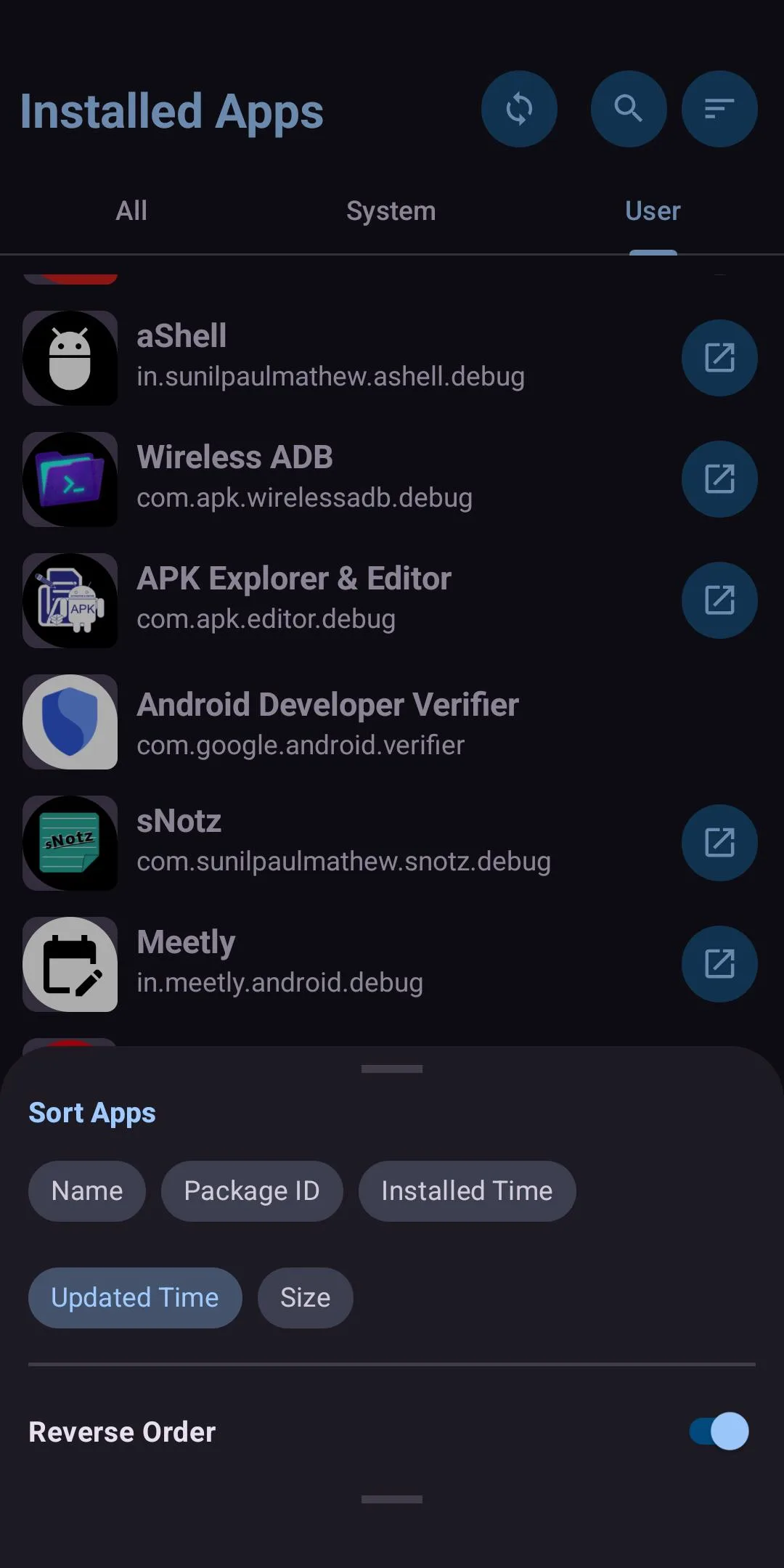
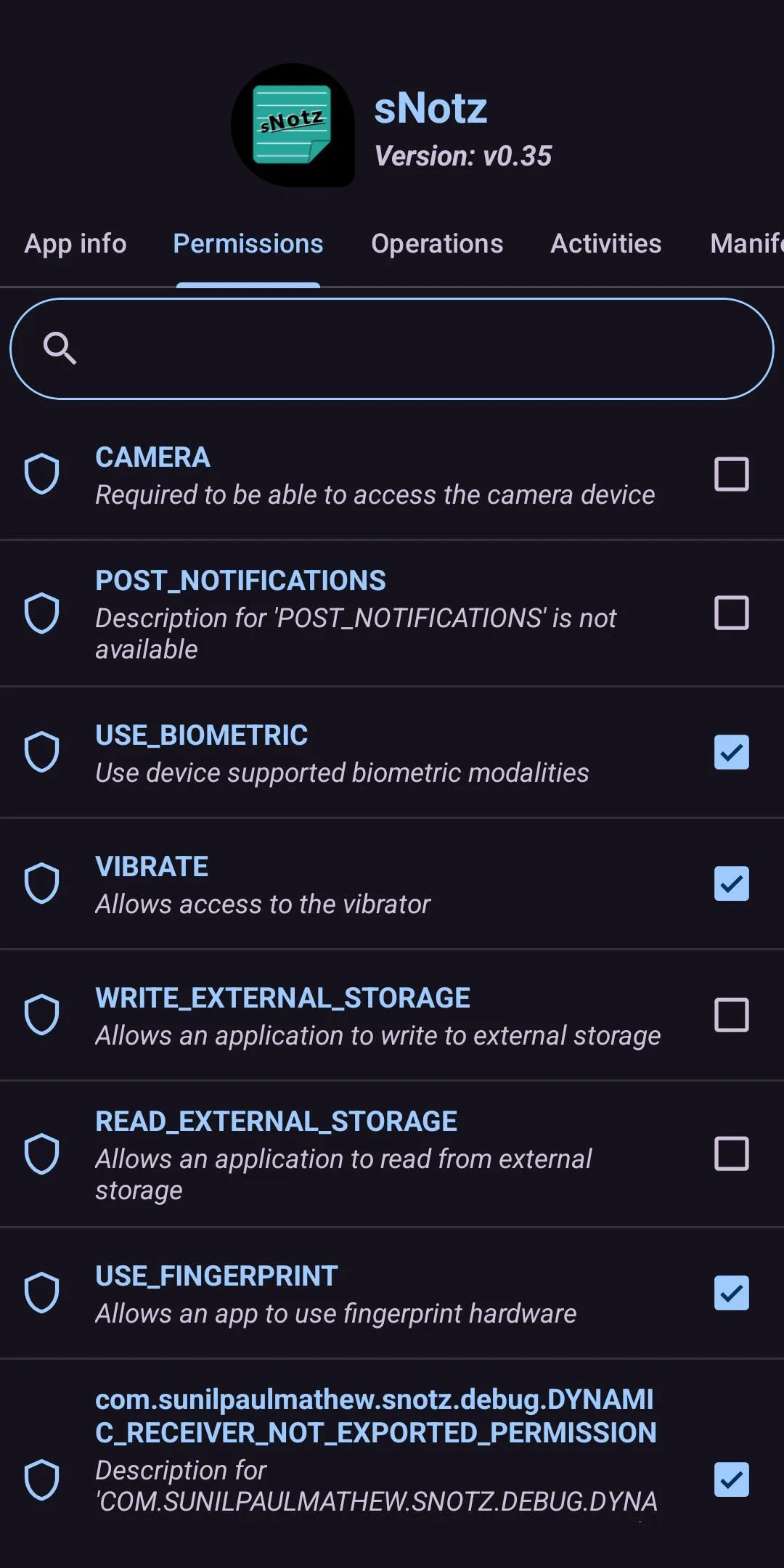
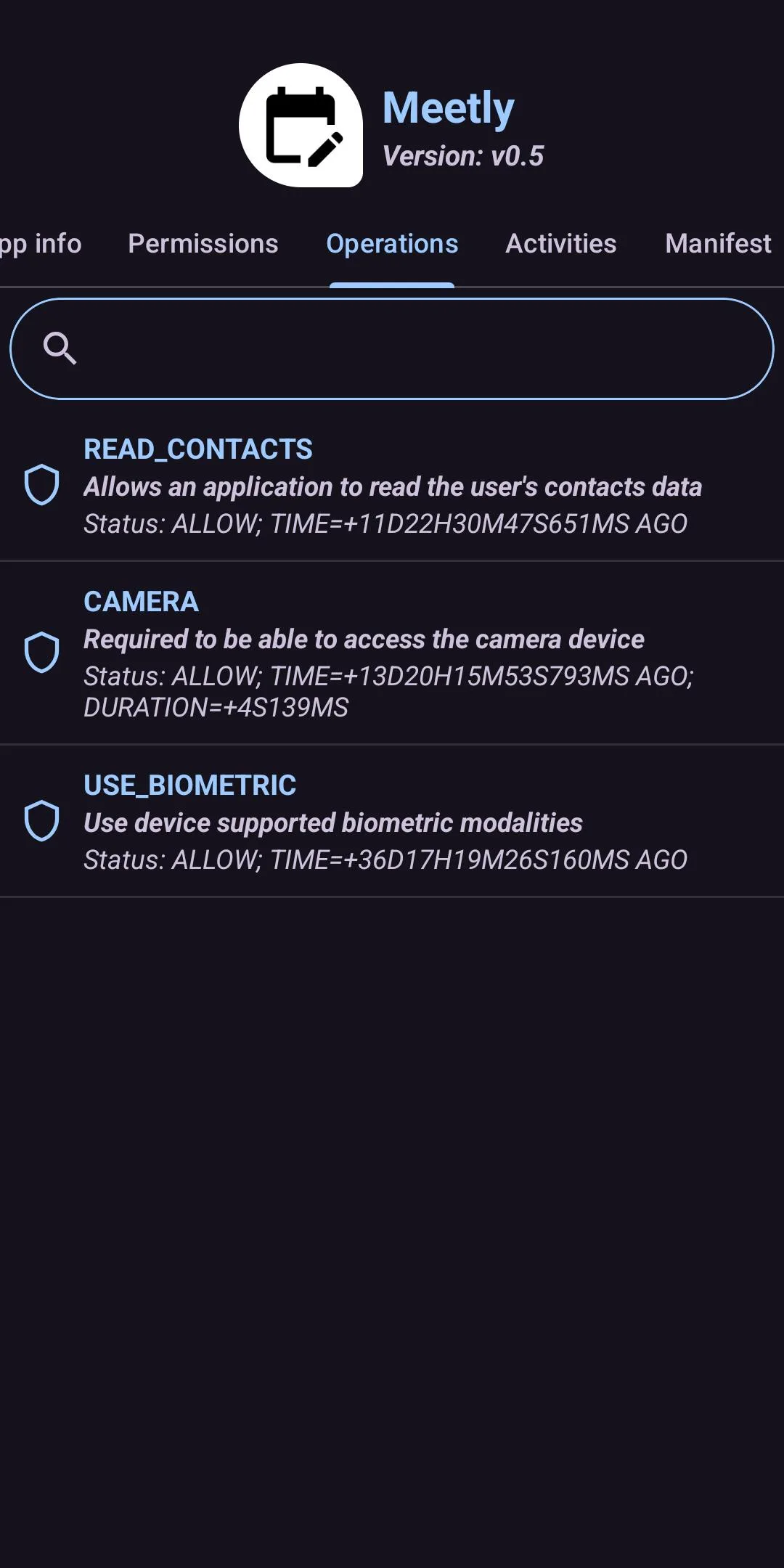
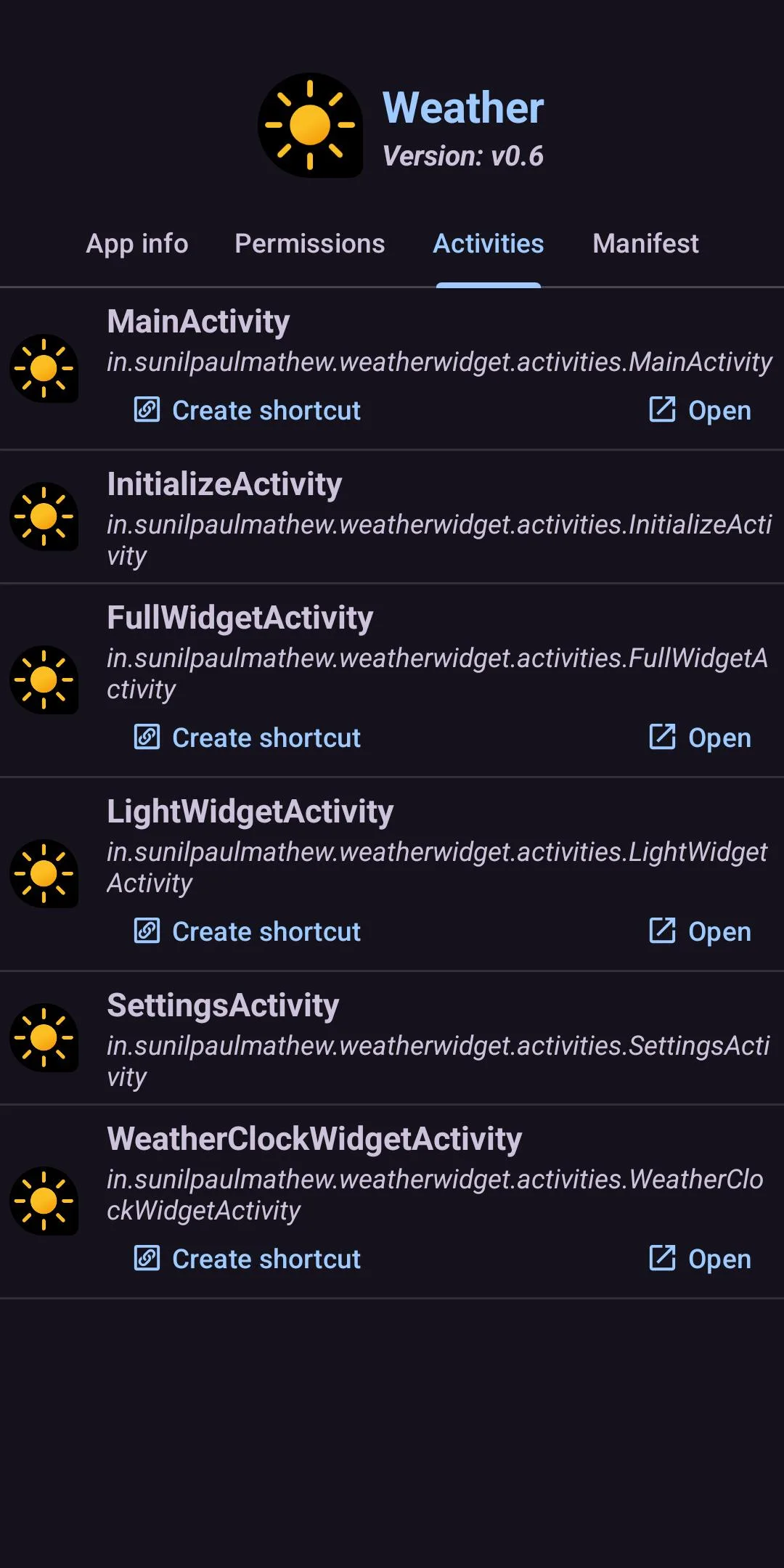
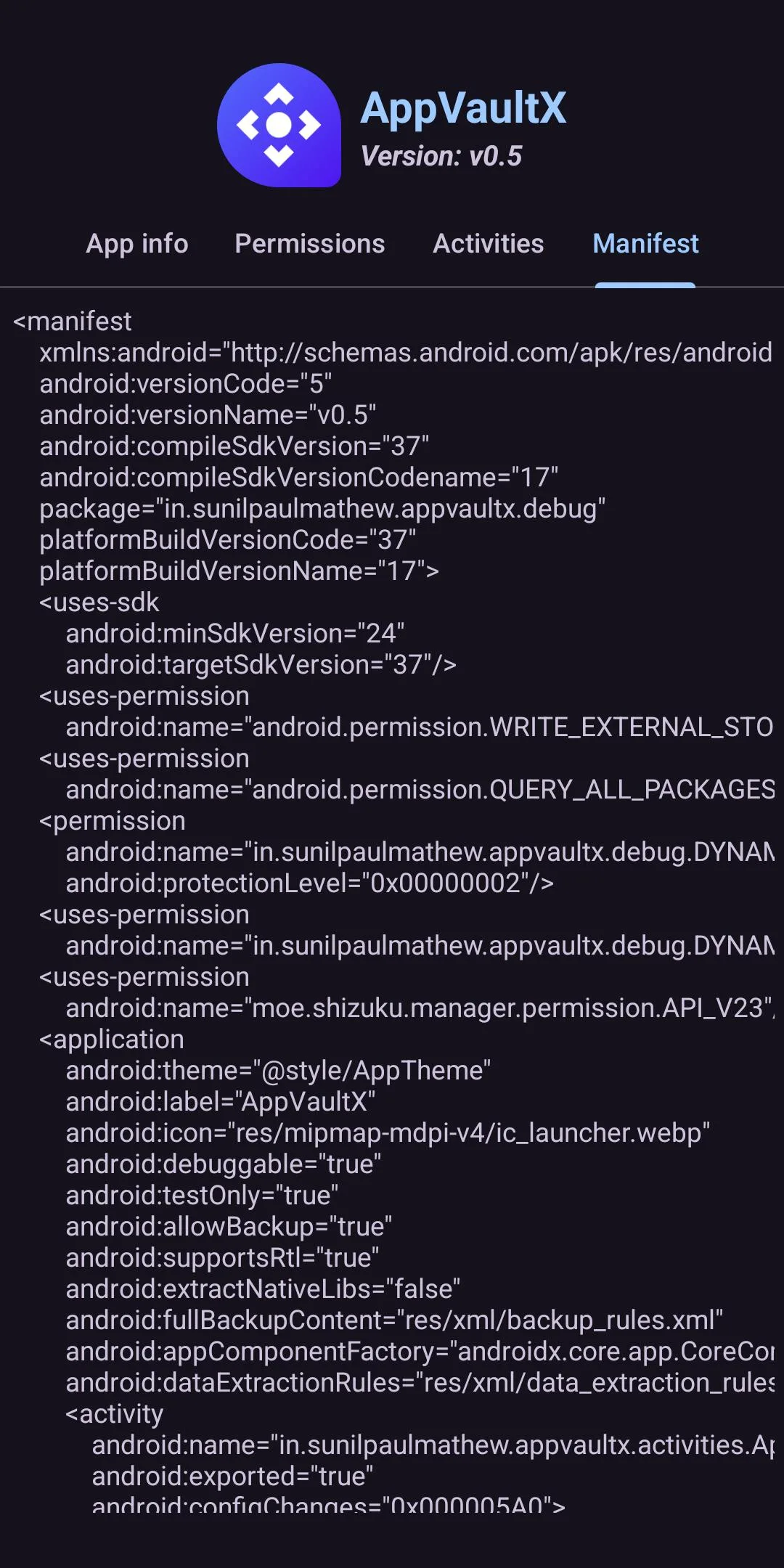
The app separates user and system packages and can display the application label, package name, APK path, install and update dates, data and native-library paths. Its detail views include requested permissions, manifest entries and signing-certificate information. You can launch a package or open its store listing where available. Without root or Shizuku, uninstalling a normal user app goes through Android’s confirmation prompt.
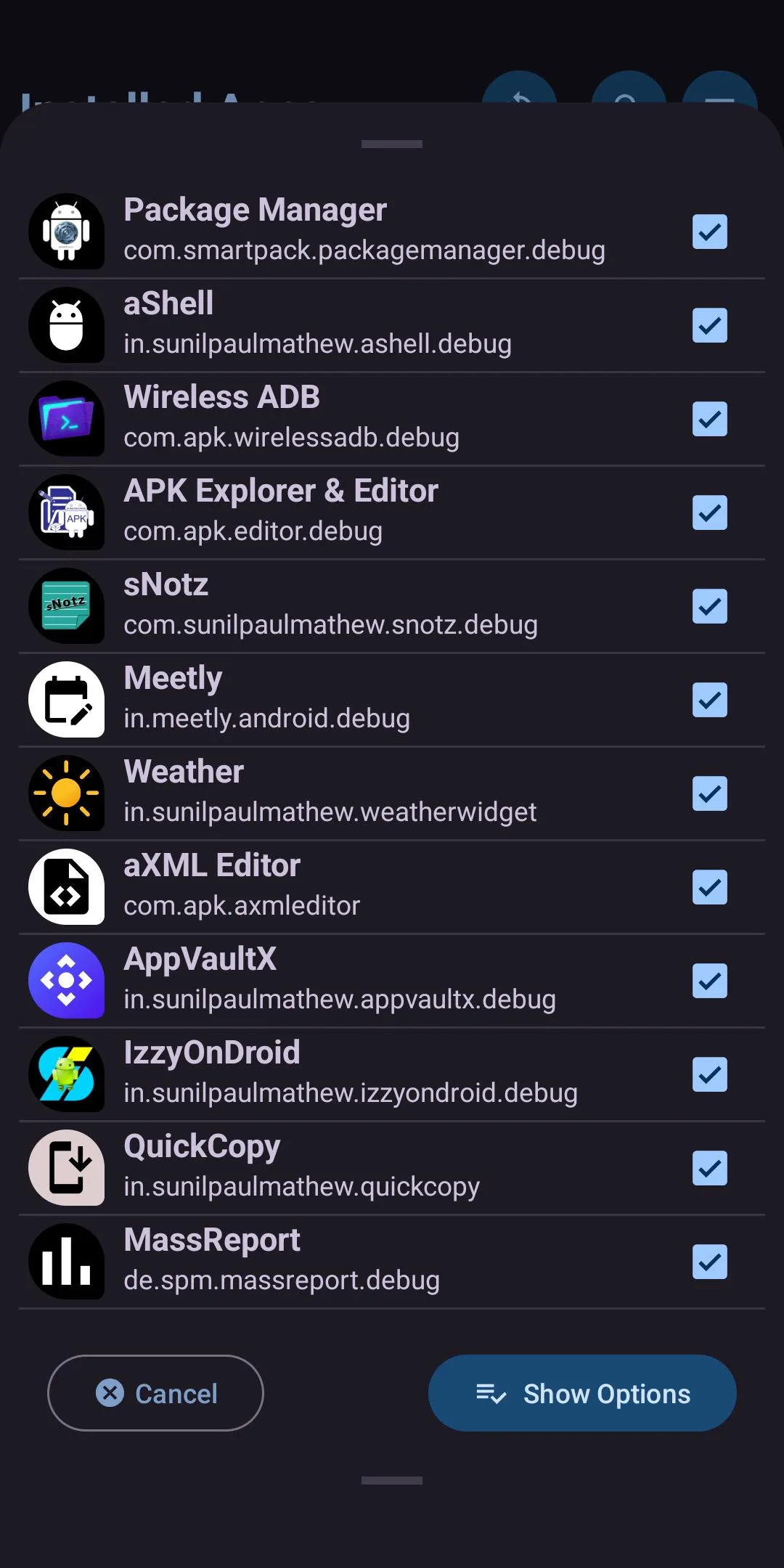
Export copies an installed package into a file you can keep. It supports ordinary single APKs and split-package output; an export is not the same as a full backup. It does not include an app’s private data, accounts or settings, and a protected or split package may not be portable to every device.
Install APKs and split bundles
Package Manager recognises .apk plus common bundle containers such as .apks, .apkm and .xapk. It extracts the full container, preselects the splits it considers compatible with the device, and lets you change that selection before installation. The ordinary path uses Android’s installer session and confirmation; Android must allow this app as an installation source, and signature, version and device-compatibility rules still apply.
The APK-content explorer is labelled experimental upstream. Treat it as a way to inspect archives, not as proof that a modified archive will install or behave safely.
Root and Shizuku operations
With root or an authorised Shizuku UserService, the app can issue Android shell package commands. These include disabling or re-enabling packages, clearing another app’s data, changing selected permissions or app operations, and uninstalling selected user or system packages for the current Android user without the ordinary per-app system prompt.
The distinction matters: uninstall for user does not delete an APK from the system partition. The source uses pm uninstall --user, and its restore path uses cmd package install-existing. Disable uses pm disable-user --user. The command affects only the current Android user; other user profiles are separate, while a firmware update or factory reset can restore the current user’s preinstalled package state.
These controls can break the launcher, System UI, setup, networking or updates if used against a dependency. Shizuku is not a harmless convenience permission; its service can run shell commands with ADB-level authority. Inspect the exact package name, export anything important and avoid copying debloat lists for a different device model.
Offline design and permissions
The measured APK has no internet permission, and our scan found no tracker SDKs. Its eight declarations cover package visibility, requesting installs and deletes, legacy external storage, an old launcher-shortcut interface, optional Shizuku and Android’s generated receiver permission. Newer Android versions mediate or ignore several legacy permissions according to the platform version.
Version v8.0 modernises the interface with bottom-sheet dialogs, swipe navigation and a revised sorting menu. It also adds search inside Permissions and AppOps, introduces new exported-APK naming options, fixes an APK-picker button overlap and updates translations. The release notes do not claim new privileged package commands.
About this file
- This is F-Droid’s source build of v8.0, signed with F-Droid’s key. A differently signed build cannot update it in place.
- The 2.9 MB APK needs Android 7.0 or later and has no native libraries, so it is not limited to one CPU architecture.
- It has no internet permission; package inspection and management are local, although Android’s own installer or store screens may independently use the network.
- Its measured SHA-256 is
6e325c0137d7eecaf10c0f88b83691c3f2cccadeb208406cfc1abb7756b89013, matching the signed F-Droid index. - Package Manager is licensed under GPL-3.0 or later.
What’s inside the APK
Trackers
No code matching the Exodus Privacy tracker signatures.
Native code
Pure Java/Kotlin, so it runs on any CPU.
Android versions
Built for Android 17 (target API 37).
Permissions
2 of them need your approval first.
Shizuku API. Uses the Shizuku API, so it can do ADB-level work without root once Shizuku is running. (rikka.shizuku.ShizukuProvider)
Asks you first (2)
Android shows a prompt before the app can use these.
- Read shared storage (Android 12 and older) · READ_EXTERNAL_STORAGE
- Write shared storage (Android 10 and older) · WRITE_EXTERNAL_STORAGE
You switch these on in Settings (1)
Special app access. Nothing is granted until you turn it on yourself.
- Install unknown apps · REQUEST_INSTALL_PACKAGES
Granted at install (2)
Low-risk permissions Android grants automatically, plus any we have not classified.
- QUERY_ALL_PACKAGES
- REQUEST_DELETE_PACKAGES
Defined by other apps (3)
Permissions that belong to another app or to this app itself.
- com.android.launcher.permission.INSTALL_SHORTCUT
- com.smartpack.packagemanager.DYNAMIC_RECEIVER_NOT_EXPORTED_PERMISSION
- moe.shizuku.manager.permission.API_V23
More Information
- Package name
- com.smartpack.packagemanager
- Version
- v8.0 (build 80)
- File size
- 2.9 MB (2,927,293 bytes)
- Requires
- Android 7.0 or later
- Category
- System Tools
- License
- GPL-3.0-or-later
- Developer
- sunilpaulmathew
- Source code
- github.com/SmartPack/PackageManager
- Released
- Aug 27, 2026
- Signed by
- F-Droid, which built this APK from the published source code. Because the key is F-Droid’s, it won’t install over a copy from Google Play or GitHub (or the other way round) without uninstalling first.
- Signer SHA-256
- ec59d0ae2fecc86d01160caea7fbca5b57cf4e0b2bc82b021fcbc0f94059f5a2
- File SHA-256
- 6e325c0137d7eecaf10c0f88b83691c3f2cccadeb208406cfc1abb7756b89013
- Checked
- , against the F-Droid index · how we check · verify it yourself
Common questions
Is this APK the official Package Manager release?
It is F-Droid’s build rather than the developer’s own: F-Droid compiled Package Manager v8.0 from the published source code and signed it with its own key. Its SHA-256 matches F-Droid’s signed index. Because the key is F-Droid’s, it won’t install over a copy from Google Play or GitHub without uninstalling first.
What Android version does Package Manager need?
Android 7.0 or later (API level 24). Version v8.0 is built for Android 17 (target API 37). Pure Java/Kotlin, so it runs on any CPU.
Can Package Manager access the internet?
No. The APK doesn’t request Android’s internet permission, so the app can’t go online by itself. In total it declares 8 permissions, and 2 of them need your approval first.
Does Package Manager contain trackers?
No known trackers: our scan of version v8.0 found no code matching the Exodus Privacy tracker signatures. The scan covers known tracker libraries; it doesn’t show what data the app itself sends.
Is Package Manager open source?
Yes. Package Manager is released under the GPL-3.0-or-later licence, and its source code is published at https://github.com/SmartPack/PackageManager.
Can Package Manager remove a preinstalled system app?
Its system-app uninstall action runs Android’s `pm uninstall --user` command. That removes the package for the current Android user but does not erase it from the read-only system partition; the restore action uses `cmd package install-existing`. Root or Shizuku is required.
Does installing an APK bundle require root?
No. The app hands ordinary `.apk` files and supported split bundles such as `.apks`, `.apkm` and `.xapk` to Android’s package installer, where you allow the source and approve the prompt. Root or Shizuku is for direct management commands and higher-risk actions such as disabling packages, changing permissions or clearing another app’s data.
Recent releases
| Version | Released | Size | Requires |
|---|---|---|---|
| v8.0 · this download | Aug 27, 2026 | 2.9 MB | Android 7.0+ |
| v7.9 | Jun 9, 2026 | 2.9 MB | Android 7.0+ |
| v7.8 | Apr 23, 2026 | 2.7 MB | Android 7.0+ |
Versions currently kept in the F-Droid repository. We host and check only the newest one. Full changelog.
Alternatives and related apps
-
 LibChecker A read-focused view of components, native ABIs and recognised third-party libraries.Download
-
 App Manager A wider Android package toolbox with privacy reports, backups and advanced component controls.Download