

Open Recorder
by NoneBaiano · GPL-3.0-only · open source
A screen recorder for Android 10 and later that can record the sound of other apps, your microphone or both, saves MP4 files on the phone, and has no way to go online.
Needs:No root · Android 10+
2113 Apps is independent, not affiliated with or endorsed by NoneBaiano. Official sources: source code on GitHub.
- Version
- 1.0.1
- Size
- 2.7 MB
- Requires
- Android 10+
- Updated
- 2026-09-27
Screenshots
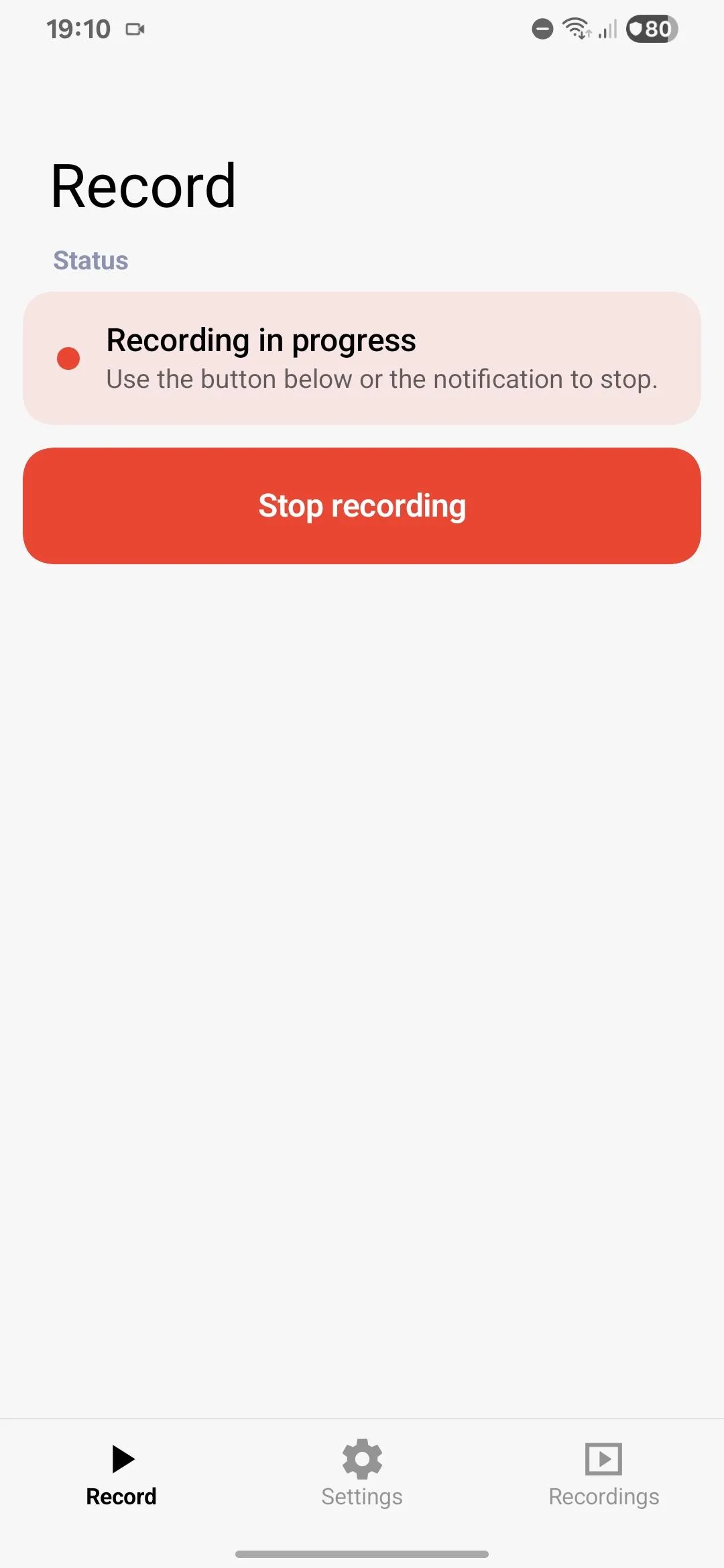
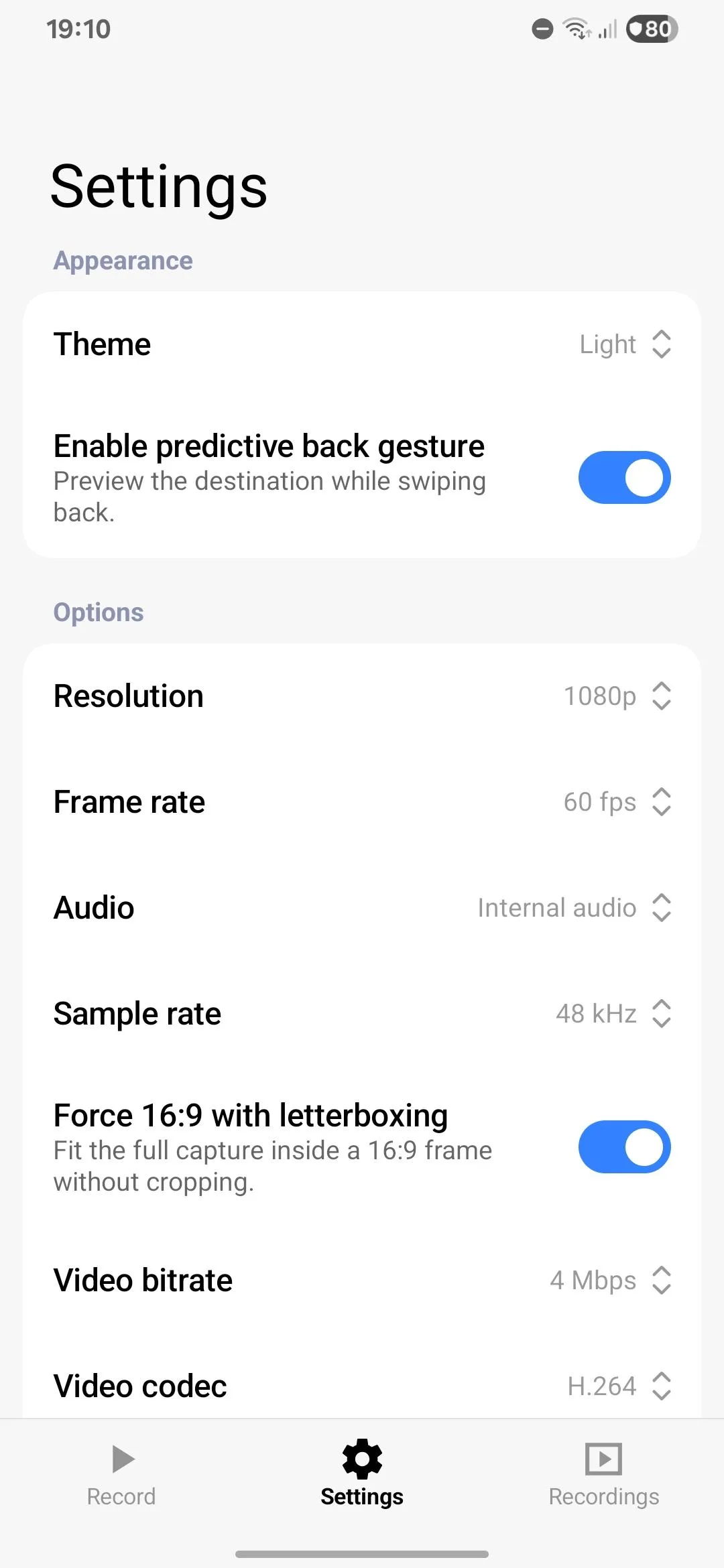
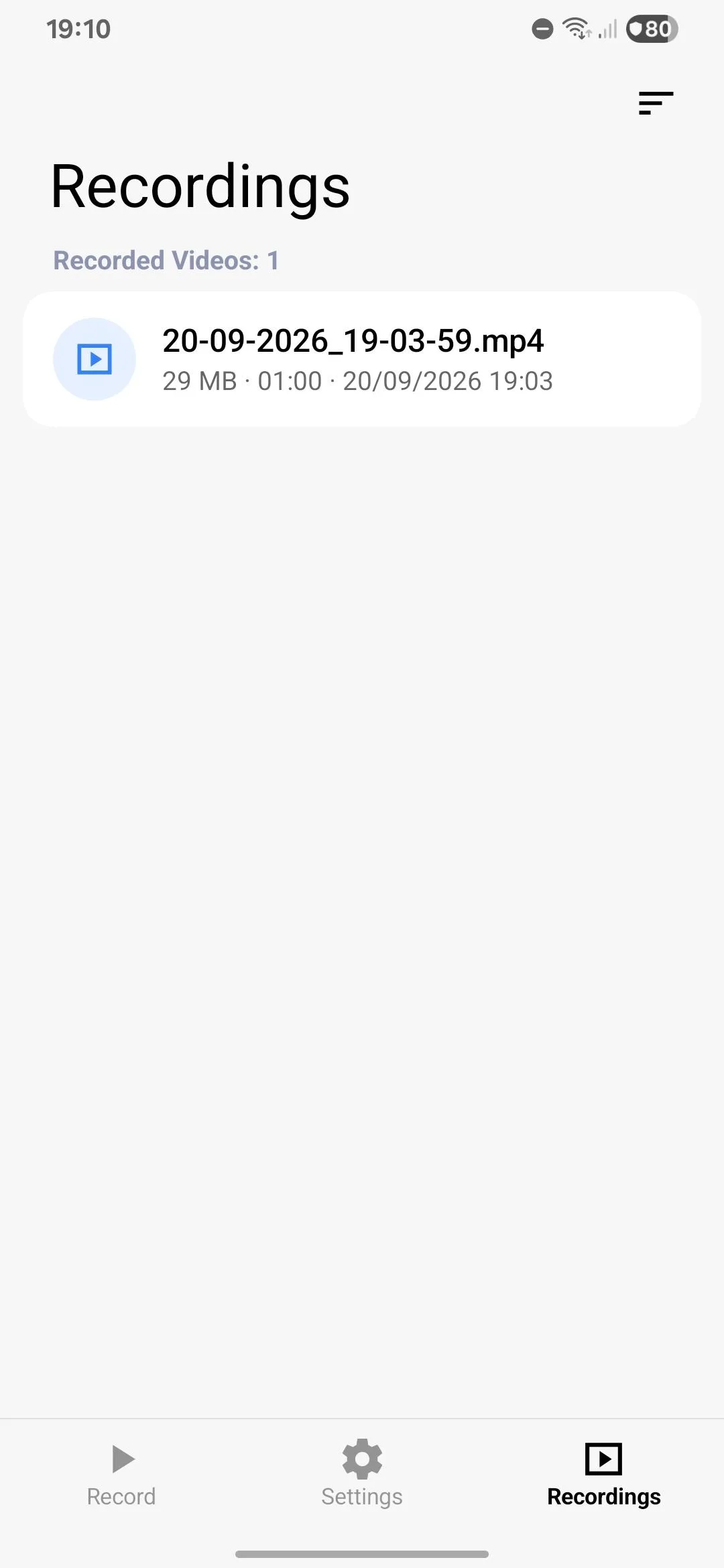
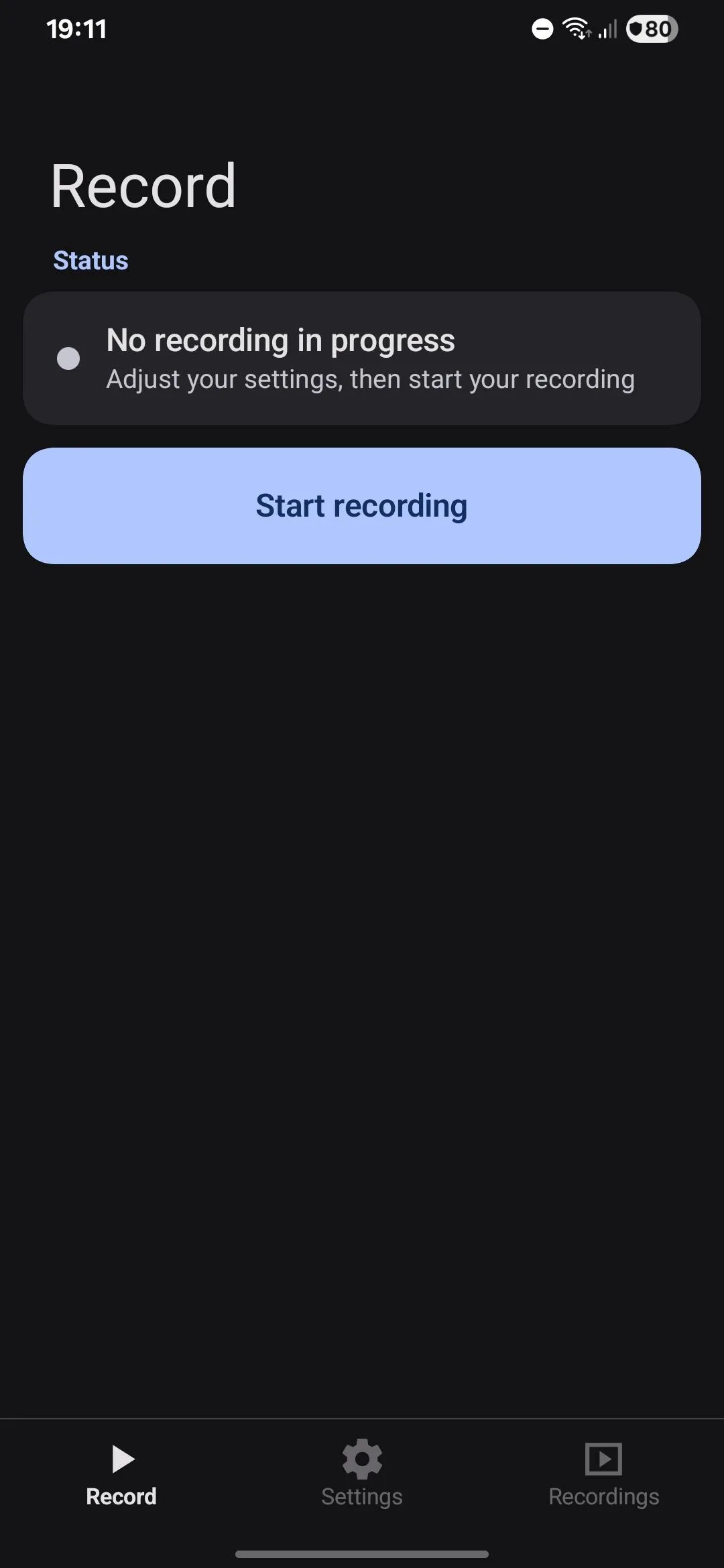
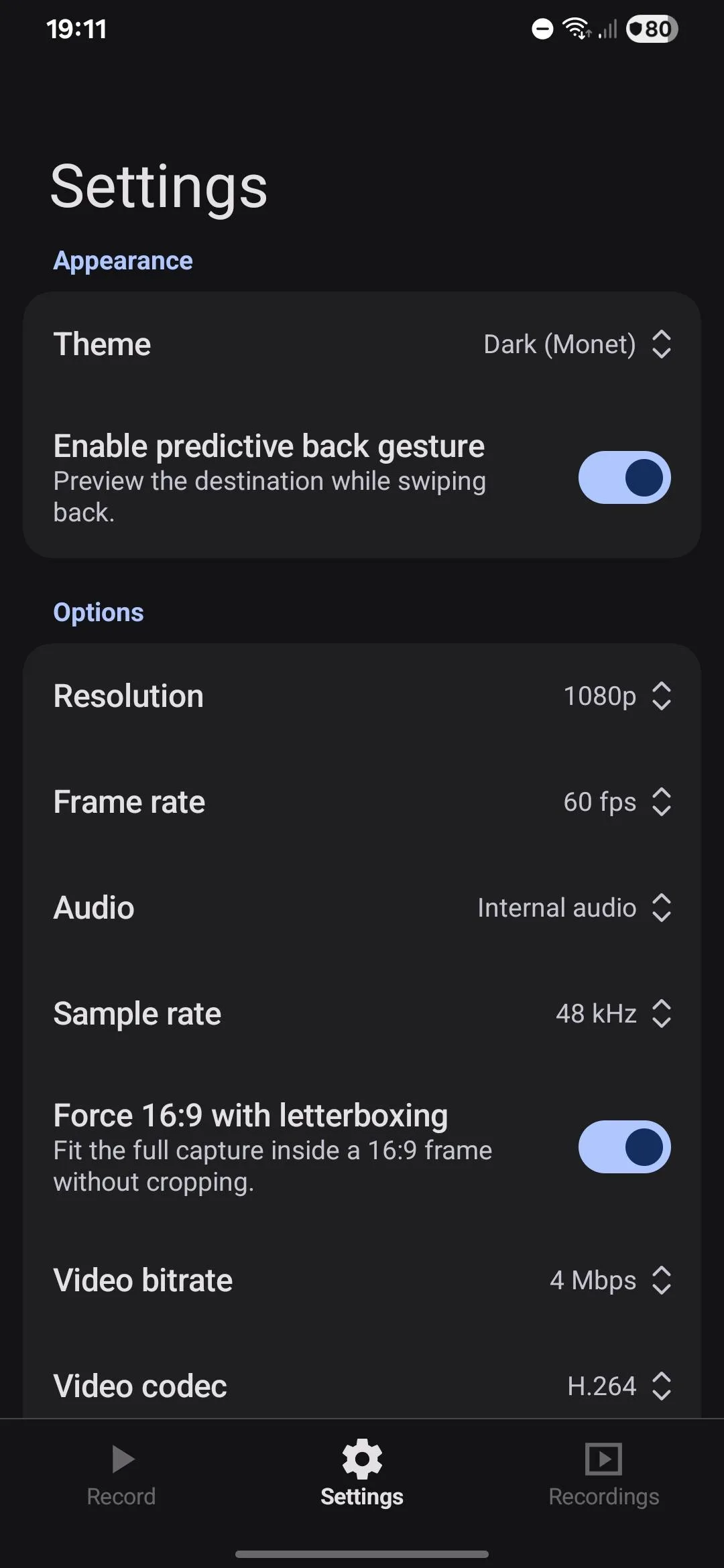
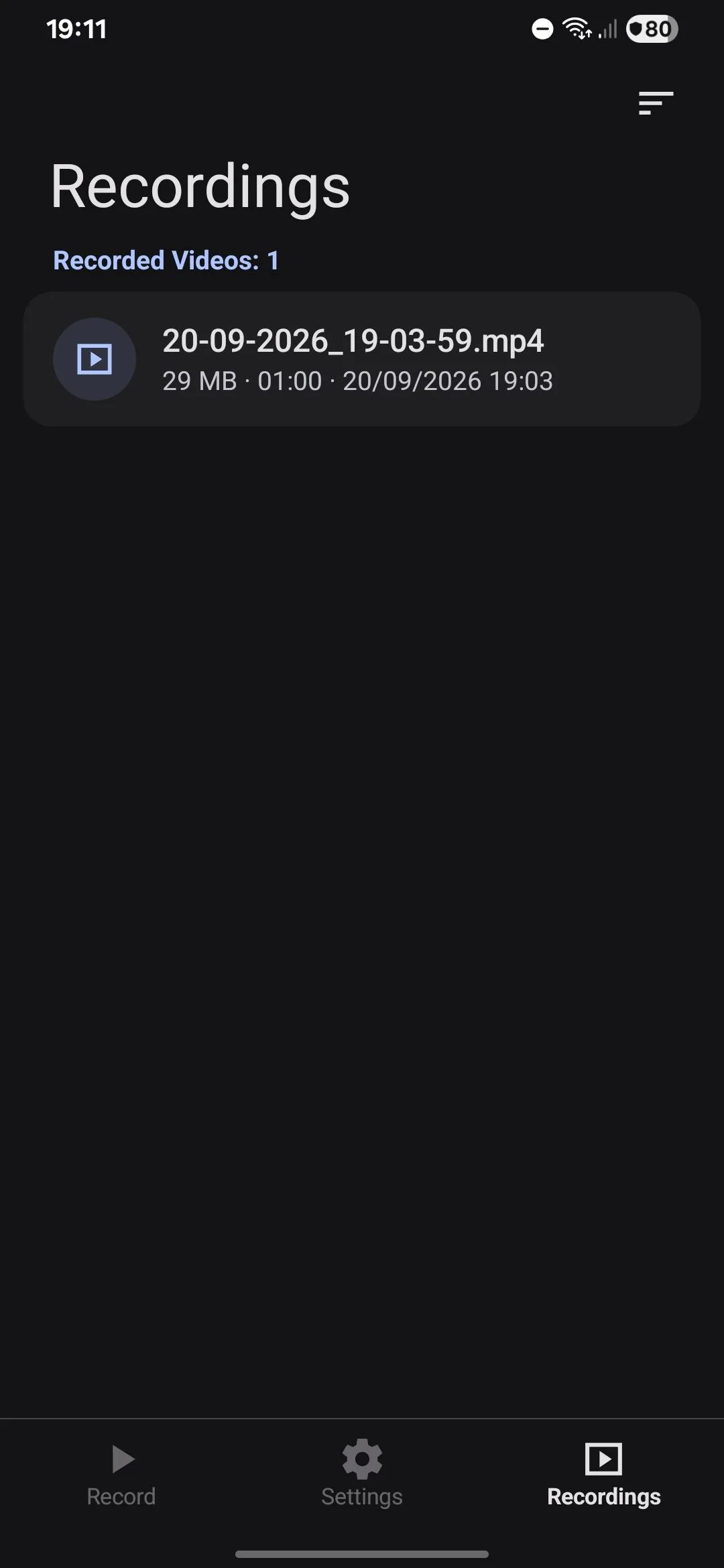
Introduction
Open Recorder is a screen recorder with the sound of other apps, made by a single developer who goes by NoneBaiano on GitHub. Its README: “An open-source screen recorder for Android with internal audio and a modern interface. No ads, no trackers and no internet access.” It is very new: the first commit is from 20 September 2026, version 1.0.0 followed the next day, and F-Droid added it on 27 September. Parts of it come from Android’s own screen recorder in the system UI, and its recordings list from another open-source app, AsteriskNG.
It uses Android’s screen-capture permission, which Android asks you to confirm before every recording; on Android 14 and later you can choose to record a single app instead of the whole screen.
Settings and defaults
From the code of this version:
| Setting | Options | Default |
|---|---|---|
| Sound | none, internal audio, microphone, or both mixed | none |
| Video codec | H.264 or H.265, if the phone has an encoder for it | H.264 |
| Resolution | native, 1080p, 720p, 480p | native |
| Frame rate | automatic, 120, 90, 60 or 30 fps | automatic, up to the screen’s refresh rate |
| Video bitrate | automatic, 4, 8, 16 or 24 Mbps | automatic, at most 24 Mbps |
| Sample rate | 44.1 or 48 kHz | 44.1 kHz |
| Orientation | automatic, portrait, landscape | automatic |
| Countdown | off, 3, 5 or 10 seconds | off |
There is also an option to letterbox the video to 16:9, and a choice of four date formats for file names. Sound is saved as mono AAC at 196 kbps.
While recording
- A notification has Pause, Resume and Stop; after saving, it offers to watch, share or delete the video. If you swipe it away during a recording, it comes back.
- A Quick Settings tile starts and stops recording; on a locked phone, it asks you to unlock first.
- Rotating the phone doesn’t change the video’s size, which is fixed when recording starts.
- Recordings lists your videos, sorted by date, size or length, with bulk delete.
What goes online
Nothing. The app declares no internet permission and contains no analytics, crash reporting or update check; our scan found no trackers. The only links, to the project and its licences, open in your browser when you tap them. It also keeps its settings out of Android’s backups, and blocks other apps from recording its own sound.
About this file
- This is the developer’s own build of version 1.0.1, byte for byte the APK on the project’s GitHub release. F-Droid built the same source, confirmed it matched and distributes the developer-signed file. The project isn’t on Google Play or IzzyOnDroid.
- 1.0.2 is on GitHub, signed with the same key, so it can be installed over this copy. It removes the 60-minute and 5 GB limits and adds the lock-screen option. F-Droid reported on 2 October 2026 that it can’t reproduce that build, and the report had no answer by 13 October.
- The 2.7 MB file runs on Android 10 and later and declares 6 permissions: the microphone, which it asks for only when you choose a sound option, notifications, and the foreground service for screen capture and the microphone.
- Open Recorder is licensed under the GPL-3.0 only; the parts from Android’s system UI and the Miuix interface library are under the Apache-2.0. The About screen in this version still shows “1.0.0”.
- The screenshots are the project’s own, from 20 September 2026, before the first release. The settings screens in them show changed values, not the defaults above.
What’s inside the APK
Trackers
No code matching the Exodus Privacy tracker signatures.
Native code
Runs on 64-bit and older 32-bit ARM phones.
Android versions
Built for Android 16 (target API 36).
Permissions
2 of them need your approval first.
CPU types in this build: arm64-v8a (64-bit ARM, almost every phone since 2017); armeabi-v7a (32-bit ARM, older and budget phones); x86 (32-bit Intel, emulators); x86_64 (64-bit Intel, emulators and Chromebooks).
Asks you first (2)
Android shows a prompt before the app can use these.
- Show notifications (Android 13+) · POST_NOTIFICATIONS
- Record audio with the microphone · RECORD_AUDIO
Granted at install (3)
Low-risk permissions Android grants automatically, plus any we have not classified.
- FOREGROUND_SERVICE
- FOREGROUND_SERVICE_MEDIA_PROJECTION
- FOREGROUND_SERVICE_MICROPHONE
Defined by other apps (1)
Permissions that belong to another app or to this app itself.
- com.openrecorder.app.DYNAMIC_RECEIVER_NOT_EXPORTED_PERMISSION
More Information
- Package name
- com.openrecorder.app
- Version
- 1.0.1 (build 10001)
- File size
- 2.7 MB (2,667,401 bytes)
- Requires
- Android 10 or later
- Category
- Media
- License
- GPL-3.0-only
- Developer
- NoneBaiano
- Source code
- github.com/NoneBaiano/OpenRecorder
- Released
- Sep 27, 2026
- Signed by
- The developer. F-Droid publishes a developer-signed APK only when its own build from the source code reproduces it.
- Signer SHA-256
- f03d10ba67605894e8ee3ae6da3a4eb7b500e3a48fae50929059fe646efc2ef6
- File SHA-256
- d2cc8c623d6cd03a4a25ca61597fd31a73cd14cd48804698a4d736fa4c0959b8
- Checked
- , against the F-Droid index · how we check · verify it yourself
Common questions
Is this APK the official Open Recorder release?
Yes. It is the developer-signed release of Open Recorder 1.0.1 that F-Droid distributes, which F-Droid publishes only when its own build from the source code reproduces it. Its SHA-256 matches F-Droid’s signed index, and it is signed with the developer’s certificate (SHA-256 f03d10ba67605894e8ee3ae6da3a4eb7b500e3a48fae50929059fe646efc2ef6).
What Android version does Open Recorder need?
Android 10 or later (API level 29). Version 1.0.1 is built for Android 16 (target API 36). Runs on 64-bit and older 32-bit ARM phones.
Can Open Recorder access the internet?
No. The APK doesn’t request Android’s internet permission, so the app can’t go online by itself. In total it declares 6 permissions, and 2 of them need your approval first.
Does Open Recorder contain trackers?
No known trackers: our scan of version 1.0.1 found no code matching the Exodus Privacy tracker signatures. The scan covers known tracker libraries; it doesn’t show what data the app itself sends.
Is Open Recorder open source?
Yes. Open Recorder is released under the GPL-3.0-only licence, and its source code is published at https://github.com/NoneBaiano/OpenRecorder.
Why is the recording silent for some apps?
Android only lets apps record the sound of other apps that allow it. Per Android’s documentation, the playing app has to use media, game or unknown audio, and its capture policy has to permit it; apps can opt out, and apps built for Android 9 or older don’t allow it by default. If audio capture fails, Open Recorder saves the video without sound.
Is there a time or size limit?
In this version, yes: recording stops and saves after 60 minutes, at about 5 GB, or when the phone is about to run out of space. Version 1.0.2 on GitHub removed the time and size limits, but F-Droid hasn’t been able to build it yet.
Where are my videos?
In Movies/Open Recorder on the phone’s storage, as MP4 files named by date and time. The app’s Recordings tab lists only the videos it made itself in that folder.
Does it keep recording if I close the app or lock the phone?
Closing the app doesn’t stop it; the recording runs in a notification. Locking is up to Android: since Android 15 QPR1, Android stops screen capture when the screen locks, and Open Recorder then saves the file. A “Stop when lock screen” option arrived in 1.0.2.