
Orbot
by guardianproject · BSD-3-Clause · open source
Route the apps on your phone through Tor, all of them or only the ones you pick, with bridges for places where Tor is blocked. Orbot can also host onion services and help others reach Tor.
Needs:No root · Android 7.0+ · 64-bit ARM phone
2113 Apps is independent, not affiliated with or endorsed by guardianproject. Official sources: source code on GitHub.
- Version
- 17.9.7-RC-1-tor-0.4.9.14-1-g0ea112a4d
- Size
- 35.9 MB
- Requires
- Android 7.0+
- Updated
- 2026-10-09
Screenshots
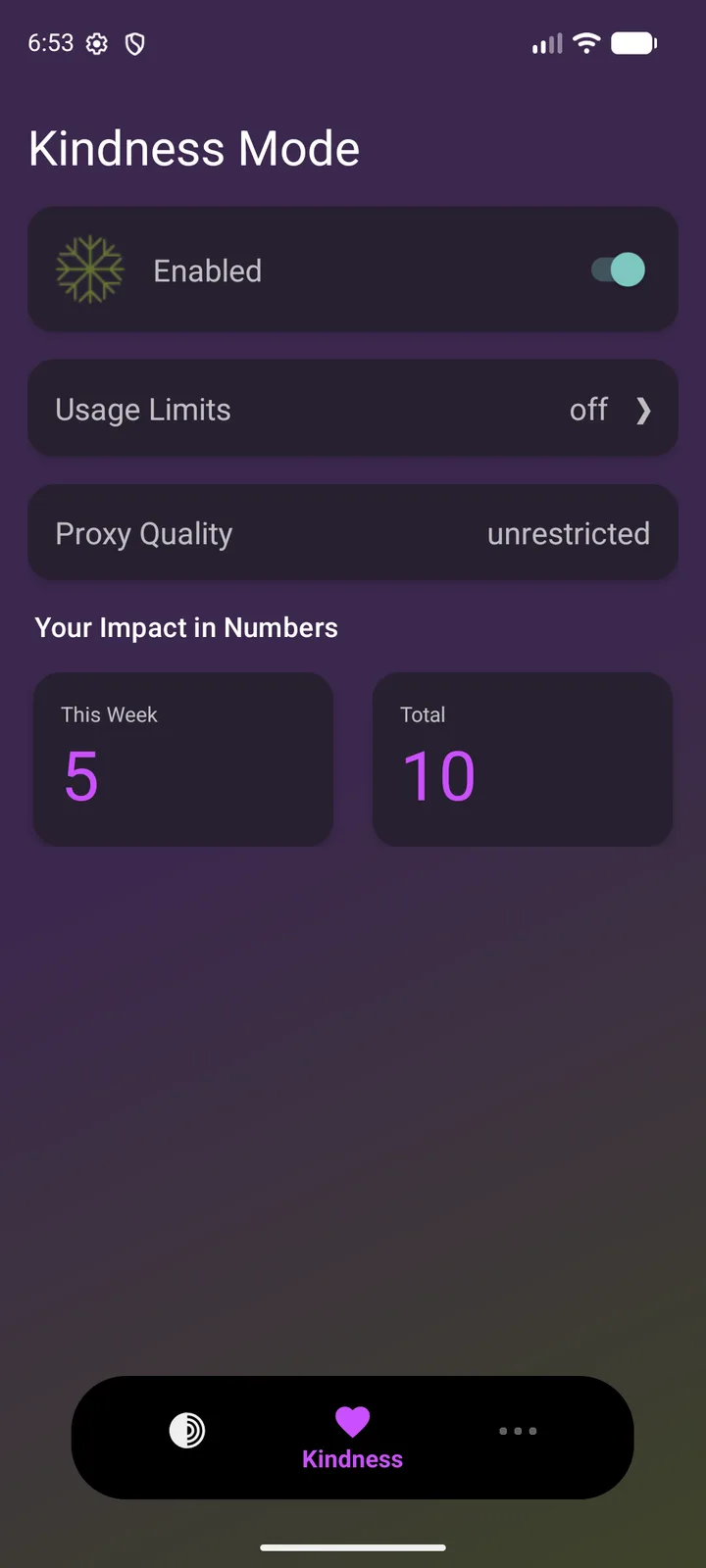
Introduction
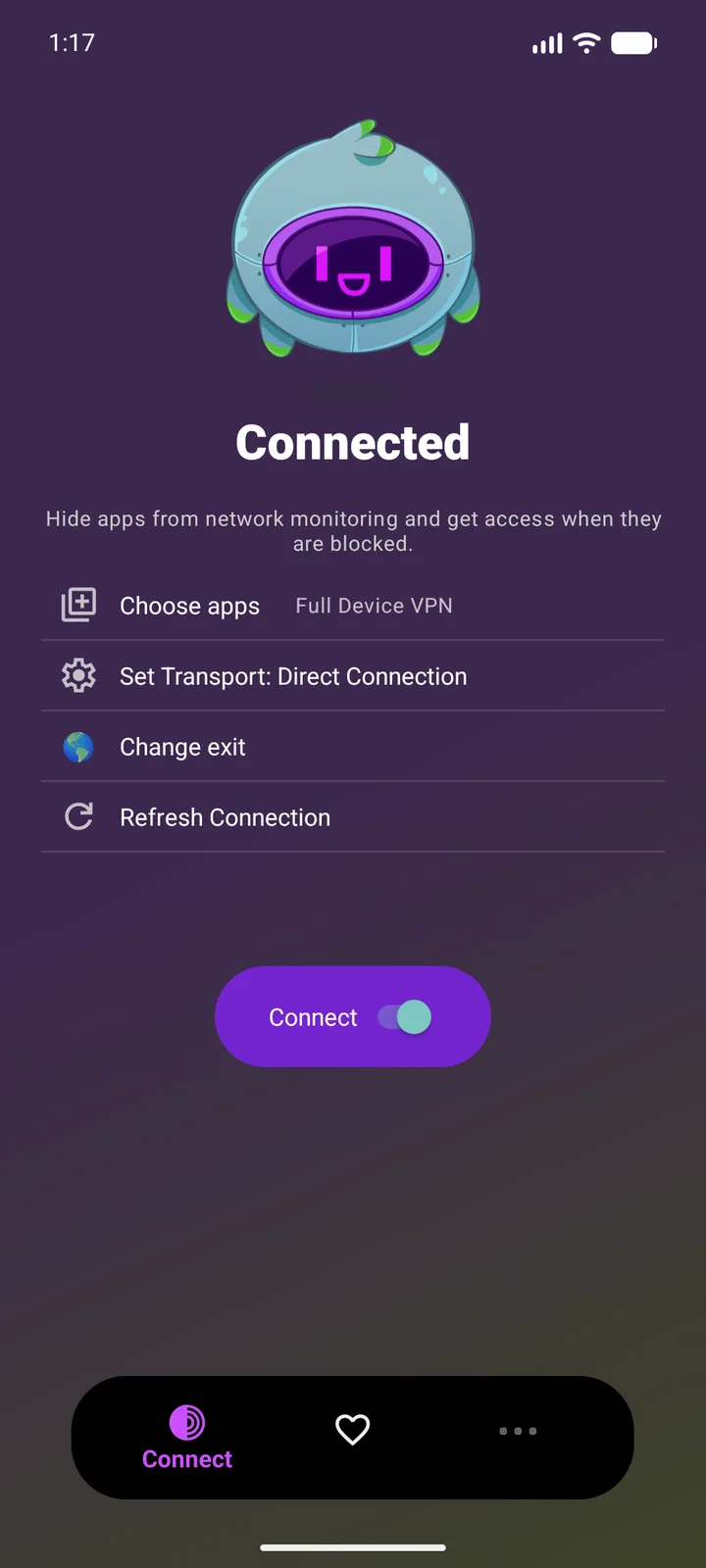
Orbot is the Guardian Project’s app for using the Tor network on Android, which hides from the sites you visit where you are connecting from, and hides from your network what you connect to. The app describes itself: “Orbot is an open-source application that contains Tor, IPtProxy (Lyrebird, Meek, Snowflake), hev-socks5-tunnel and LibEvent. It provides a VPN tunnel, a local HTTP Connect proxy (HTTPS only on port 8118) and a SOCKS proxy (9050) into the Tor network.”
How it routes your apps
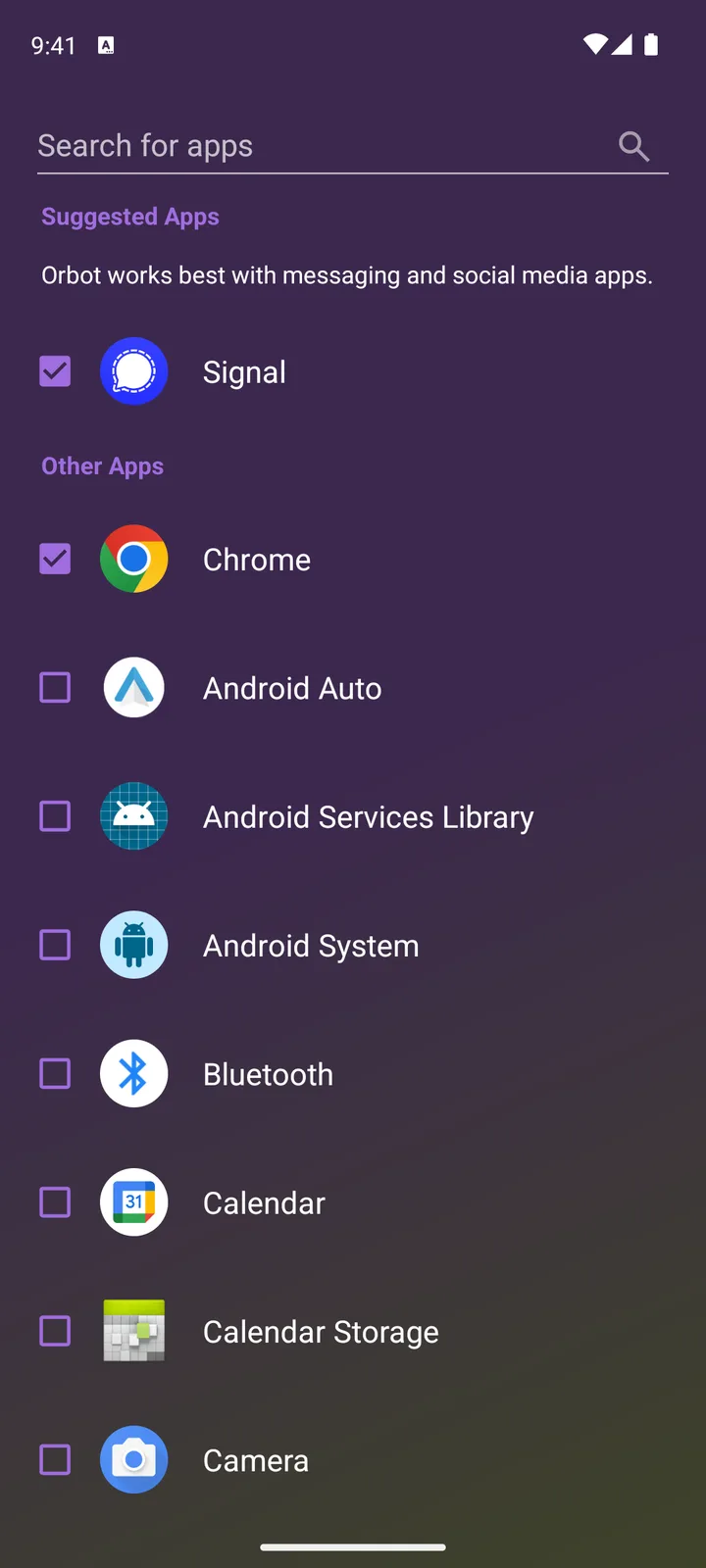
- As a VPN, the default. Until you choose particular apps, every app goes through Tor except Orbot itself and the Tor apps it leaves out to avoid Tor over Tor: Tor Browser, OnionShare, Briar and Cwtch.
- Power User Mode runs Tor as a proxy only, without the VPN, for apps you set up yourself.
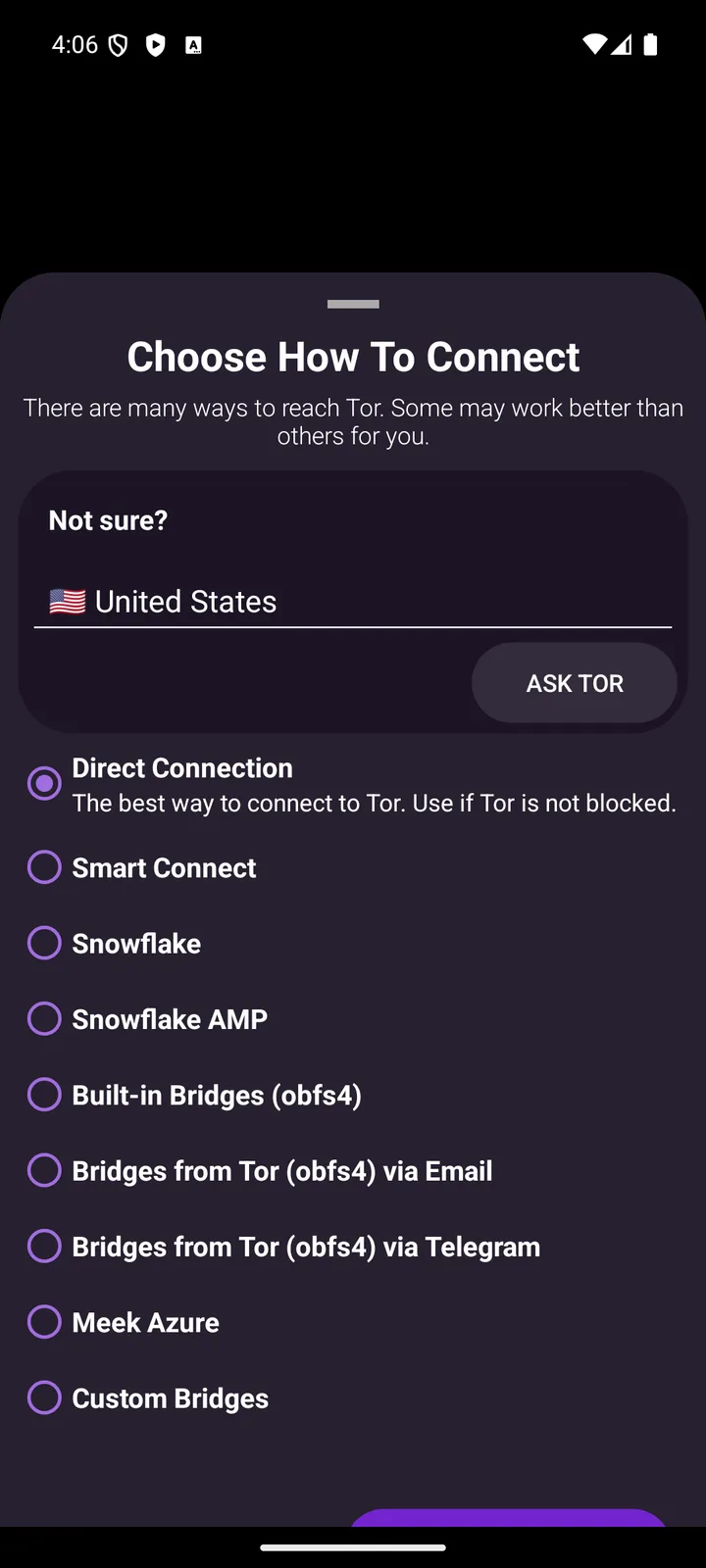
- Bridges for places where Tor is blocked: Snowflake, built-in obfs4 bridges, Meek, bridges from the Tor Project by Telegram or e-mail, and your own. In some heavily censored countries Orbot also offers DNSTT; Brazil isn’t one of them.
- Onion services: you can host your own, with client authorisation.
- Exit country: you can choose the country your traffic leaves Tor from, Brazil among them.
Defaults worth knowing
From the code of this version:
- Orbot connects directly, without a bridge, and Smart Connect is off.
- Tapping Connect starts the VPN, unless you turn on Power User Mode.
- It starts with your phone and connects to Tor.
- Kindness Mode is off.
New in 17.9.7
This release updates Tor to 0.4.9.14, the bundled IPtProxy to 5.7.0 with Snowflake 2.15.1, and Lyrebird, which provides obfs4, to 0.9.0, along with the built-in bridges and the country data Tor uses.
What goes online
- The Tor network, and through it whatever your apps connect to.
- The Tor Project’s and the Guardian Project’s bridge services, only if you use Smart Connect or ask for bridges in the app. These requests are themselves disguised, through a content-delivery network or encrypted DNS.
- The Snowflake broker, when you connect through Snowflake or turn on Kindness Mode.
We found no analytics or update check in the code. The privacy policy: “Orbot does not directly collect any data on user activity. Other than what is built into and tracked by Google Play, Orbot does not utilize any third party analytics.”
About this file
- This is the official GitHub release of version 17.9.7 RC 1, from 9 October 2026, matching the SHA-256 hash GitHub publishes. “RC” is part of every Orbot version name; GitHub marks this release as Latest, not as a pre-release, and Google Play has the same version. It is the 64-bit ARM build, the only one in this release.
- It is signed with the Orbot release key, a certificate in the Tor Project’s name, the same key as the builds in the Guardian Project’s own F-Droid repository, which still offered 17.9.5 on 15 October. The Guardian Project says the apps in its repository are “signed by the same key as the APKs that are released in the Google Play Store”, so a newer version from any of them should install over this one.
- The 35.9 MB file runs on Android 7.0 and later and declares 16 permissions: internet, network and Wi-Fi state, local network access for an open proxy, notifications, the camera for scanning bridge QR codes, the services that keep Tor running, starting at boot, battery-optimisation and exact-alarm permissions, and biometric authentication.
- Orbot is licensed under the BSD-3-Clause, like Tor; the transport and tunnel libraries it bundles are under the MIT and BSD licences. “Orbot” and its logo are trademarks of Nathan Freitas.
- Most of the app is translated into Brazilian Portuguese.
- The screenshots are the project’s own, from its repository.
What’s inside the APK
Trackers
No code matching the Exodus Privacy tracker signatures.
Native code
Needs a 64-bit ARM phone; 32-bit-only devices are not supported.
Android versions
Built for Android 17 (target API 37).
Permissions
2 of them need your approval first.
CPU types in this build: arm64-v8a (64-bit ARM, almost every phone since 2017).
Asks you first (2)
Android shows a prompt before the app can use these.
- Use the camera · CAMERA
- Show notifications (Android 13+) · POST_NOTIFICATIONS
You switch these on in Settings (1)
Special app access. Nothing is granted until you turn it on yourself.
- Alarms and reminders · SCHEDULE_EXACT_ALARM
Granted at install (12)
Low-risk permissions Android grants automatically, plus any we have not classified.
- ACCESS_LOCAL_NETWORK
- ACCESS_NETWORK_STATE
- ACCESS_WIFI_STATE
- FOREGROUND_SERVICE
- FOREGROUND_SERVICE_DATA_SYNC
- FOREGROUND_SERVICE_REMOTE_MESSAGING
- FOREGROUND_SERVICE_SYSTEM_EXEMPTED
- INTERNET
- RECEIVE_BOOT_COMPLETED
- REQUEST_IGNORE_BATTERY_OPTIMIZATIONS
- USE_BIOMETRIC
- USE_FINGERPRINT
Defined by other apps (1)
Permissions that belong to another app or to this app itself.
- org.torproject.android.DYNAMIC_RECEIVER_NOT_EXPORTED_PERMISSION
More Information
- Package name
- org.torproject.android
- Version
- 17.9.7-RC-1-tor-0.4.9.14-1-g0ea112a4d (build 1797300102)
- File size
- 35.9 MB (35,860,127 bytes)
- Requires
- Android 7.0 or later
- Category
- Network & Privacy
- License
- BSD-3-Clause
- Developer
- guardianproject
- Source code
- github.com/guardianproject/orbot-android
- Released
- Oct 9, 2026
- Signer SHA-256
- a454b87a1847a89ed7f5e70fba6bba96f3ef29c26e0981204fe347bf231dfd5b
- File SHA-256
- 97d3a0a5181394e99fbabdda9fefb73027657cac4c7400c64ebf146a7778860b
- Checked
- , against the 17.9.7-RC-1-tor-0.4.9.14 release on GitHub · how we check · verify it yourself
Common questions
Is this APK the official Orbot release?
Yes. It is the file from the project’s 17.9.7-RC-1-tor-0.4.9.14 release on GitHub, byte for byte, and it matches the SHA-256 checksum GitHub publishes for it. It is signed with the certificate we recorded when we first checked Orbot (SHA-256 a454b87a1847a89ed7f5e70fba6bba96f3ef29c26e0981204fe347bf231dfd5b); a release signed with a different key would not be published here.
What Android version does Orbot need?
Android 7.0 or later (API level 24). Version 17.9.7-RC-1-tor-0.4.9.14-1-g0ea112a4d is built for Android 17 (target API 37). Needs a 64-bit ARM phone; 32-bit-only devices are not supported.
Can Orbot access the internet?
Yes. The APK requests Android’s internet permission. In total it declares 16 permissions, and 2 of them need your approval first.
Does Orbot contain trackers?
No known trackers: our scan of version 17.9.7-RC-1-tor-0.4.9.14-1-g0ea112a4d found no code matching the Exodus Privacy tracker signatures. The scan covers known tracker libraries; it doesn’t show what data the app itself sends.
Is Orbot open source?
Yes. Orbot is released under the BSD-3-Clause licence, and its source code is published at https://github.com/guardianproject/orbot-android.
Do I need Orbot to use Tor Browser?
No. Tor Browser for Android has its own copy of Tor, and Orbot’s VPN deliberately leaves Tor Browser out, along with OnionShare, Briar and Cwtch, so that their traffic doesn’t go through Tor twice. Orbot is for your other apps.
What if Tor is blocked where I am?
Pick another way to connect: Snowflake “Connects through Tor volunteers”, the built-in obfs4 bridges “Cloak your traffic”, and you can request bridges from the Tor Project by Telegram or e-mail or paste your own. Smart Connect, which is off by default, asks the Tor Project which method works in your country.
What is Kindness Mode?
In the app’s words, it “turns your device into a Snowflake Proxy on the Tor network — a bridge to help others connect.” It is off by default. Orbot’s site notes that your IP address “will appear in the central Snowflake "Broker" logs” so that others can find your proxy.
Does Orbot start by itself?
Yes, by default. The setting “Automatically start Orbot and connect Tor when your Android device boots” is on until you turn it off.
Alternatives and related apps
-
 Tor Browser The Tor Project’s own browser, with Tor built in; Orbot leaves it out of its VPN.Download
-
 InviZible Pro Combines Tor with encrypted DNS and a firewall, with or without root.Download