
Termux
by Tarek Sander · GPL-3.0-only · open source
A terminal emulator and Linux environment for Android. Install packages with pkg or apt, then run shells, scripting languages, SSH, Git and much more, without root.
Needs:No root · Android 7.0+
2113 Apps is independent, not affiliated with or endorsed by Tarek Sander. Official sources: termux.com · source code on GitHub.
- Version
- 0.118.3
- Size
- 113.9 MB
- Requires
- Android 7.0+
- Updated
- 2025-05-29
Screenshots
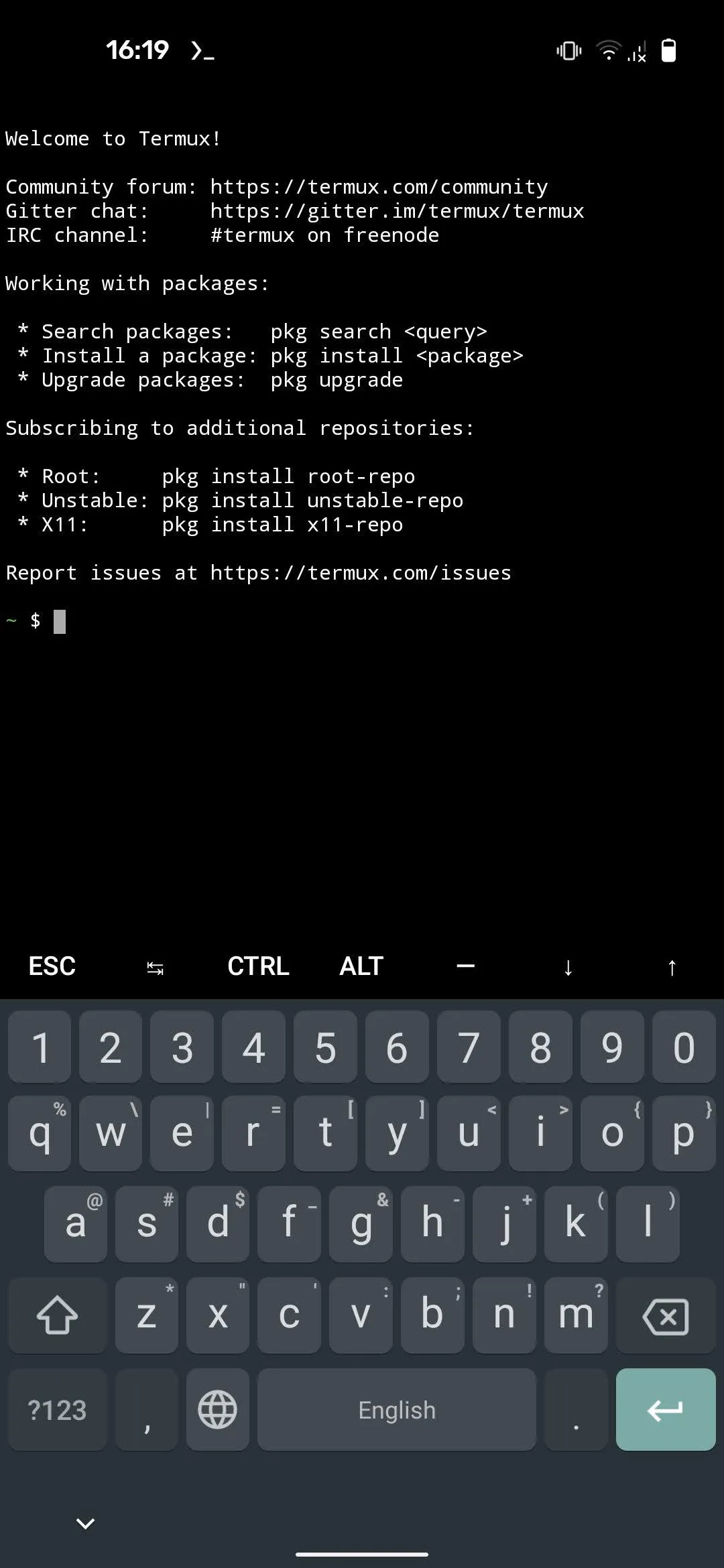
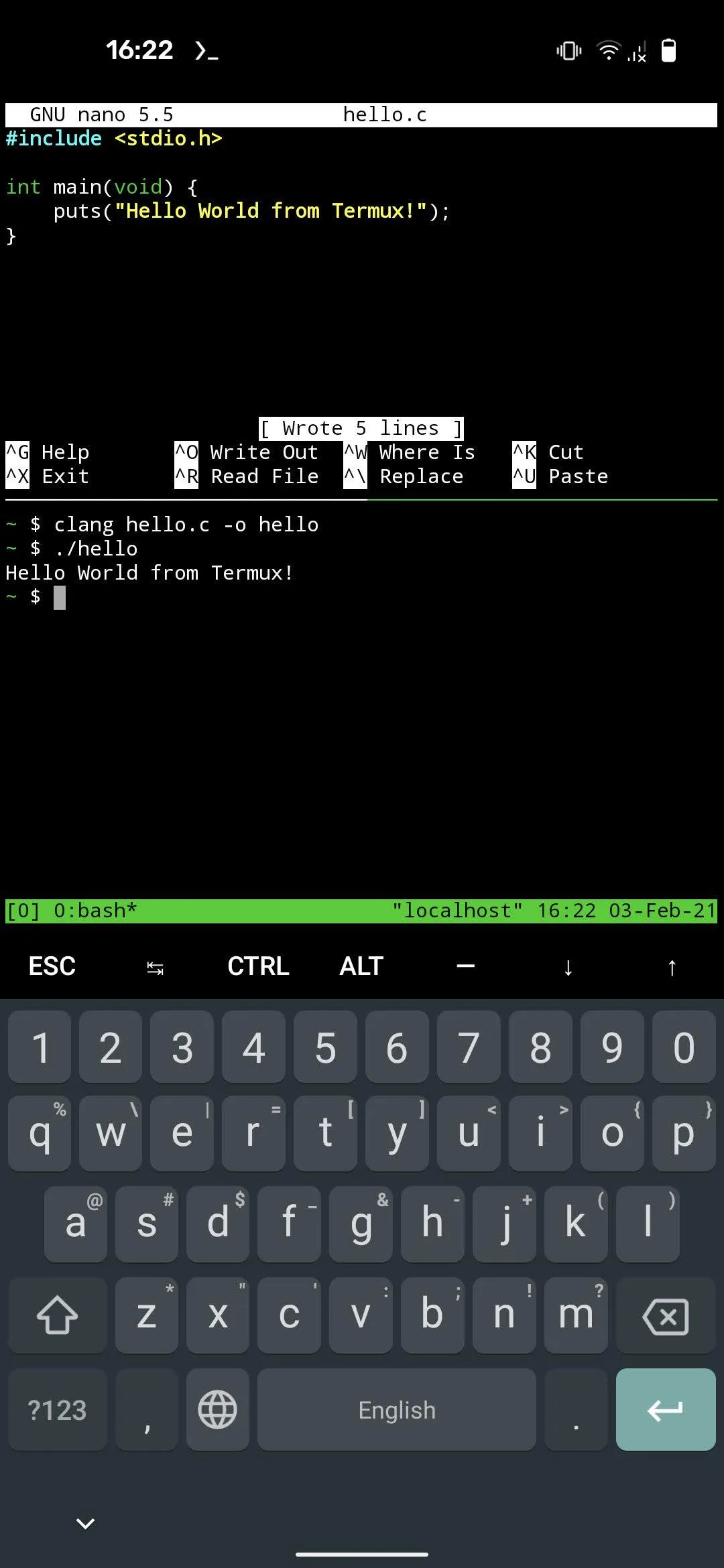
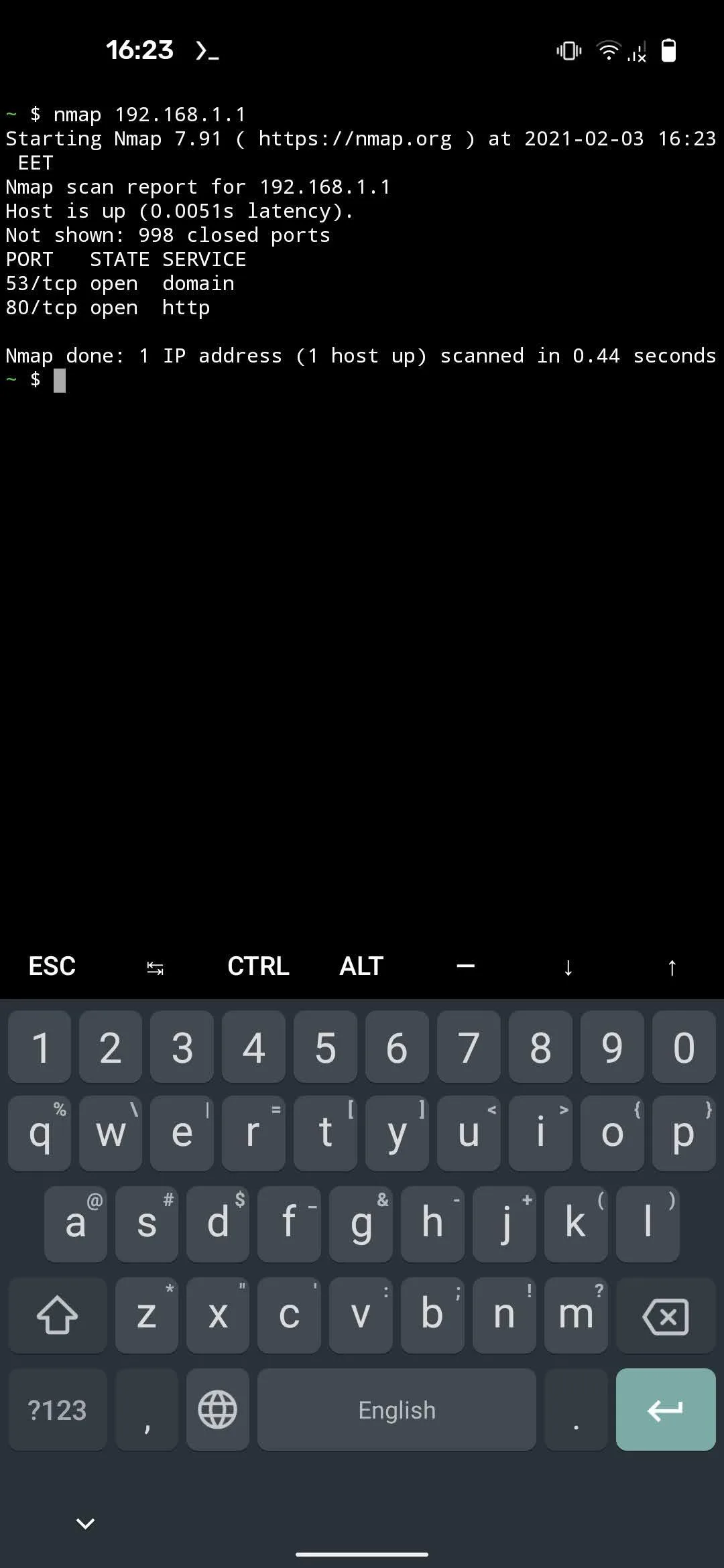
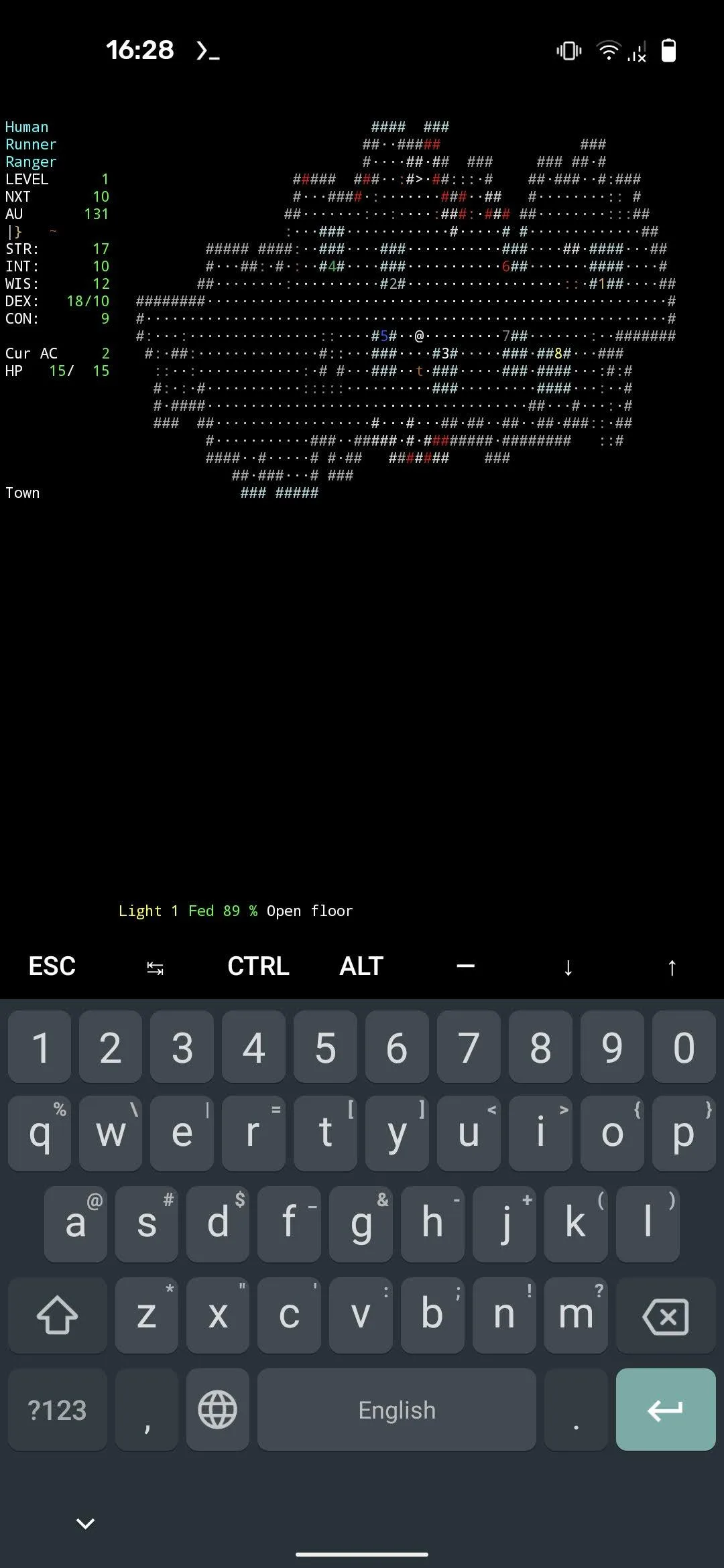
Introduction
Termux gives you a real Linux command line on Android. Out of the box it has a minimal set of tools. After that you install what you need with its package manager (pkg or apt): shells, Python, Node.js, Git, SSH, compilers, text editors and a large catalogue more. None of it needs root. It isn’t an emulator: in the words of its wiki, “Programs are executed natively”, built for Android rather than taken from Debian or Ubuntu. Our Termux commands guide covers what to type once it’s installed.
Which Termux to install
Termux is published in three places, and they are not interchangeable:
| Source | What it is | Signed with |
|---|---|---|
| F-Droid (this file) | Regular releases, built by F-Droid from the project’s source | F-Droid’s key |
| GitHub | The same releases, built as debuggable | A test key the project has made public |
| Google Play | A separate build for Android 11 and later, from its own code base | Not documented |
- F-Droid builds Termux from the source tag of each release and signs it with its own key. The Termux README notes that the maintainers have no control over F-Droid’s builds, and that F-Droid can take a few days, sometimes more than a week, to publish a release after it appears on GitHub.
- GitHub builds have the same package name and version number but are debuggable and signed with a test key whose private half is in the repository. The README warns: “This IS NOT an official developer key and everyone can use it to generate releases for own testing.” Our checks reject APKs signed with keys like that, which is why the file here comes from F-Droid.
- Google Play has carried a maintained Termux since June 2024, listed under Fredrik Fornwall, who started Termux in 2015. It is built from a separate code base that targets current Android, and the Termux README calls it an “Experimental branch” with “missing functionality and bugs” compared with the F-Droid build. It needs Android 11 and has no Termux:API, Termux:Tasker or Termux:Float apps yet, while Termux:Boot and Termux:Widget are built into it. It runs programs through Android’s system linker, which its own documentation says “Statically linked binaries will not work” with.
- termux.com now redirects to the Google Play listing. The site of the F-Droid and GitHub project is termux.dev, and its wiki is at wiki.termux.dev. F-Droid’s page still gives termux.com as the website, so that link leads to Play.
Before you install
- Uninstall any other Termux first. Termux and its plugins share one Android user ID, so every one of them has to come from the same source. If you have Termux or any plugin from Google Play or GitHub, the README says to uninstall all of them before installing from a new source; otherwise you get errors such as “App not installed” or
INSTALL_FAILED_SHARED_USER_INCOMPATIBLE. Uninstalling deletes your Termux home folder and packages. - Plugins such as Termux:API, Termux:Boot and Termux:Widget are separate apps, and they must come from the same source as Termux. We host all seven that F-Droid publishes; our Termux plugins guide explains what each one adds. One exception: the regular APK of Termux:X11, published only on GitHub, doesn’t share the user ID and works with this build; only its “sharedUid” variant needs Termux from GitHub.
- Only on the phone’s main user. Termux refuses to set itself up in a work profile or for a secondary user: “Termux can only be run as the primary user”, because its programs are compiled for one fixed path.
- Size. F-Droid only offers the universal build, 113.9 MB. The README puts the total at around 180 megabytes once the base environment is unpacked, before any packages you add; the wiki warns that 500 megabytes to 5 gigabytes is typical once you install things.
- Phones that use 16-kilobyte memory pages. A Termux maintainer said in June 2026 that “the official releases don’t work with 16kb-pagesize”, and that this will be fixed with the next F-Droid release. Another maintainer expected it to affect only phones that use 16-kilobyte pages by default, “which would be rare”.
The first start
- The base system comes inside the APK. On the first start, Termux shows “Installing bootstrap packages…” and unpacks it. If that fails, it shows “Unable to install bootstrap” with a button to try again. One open report from March 2026 describes this failing straight after a fresh install on Android 16; a maintainer’s advice was to reboot, and the reporter said “After a reboot it worked immediately.”
- Upgrade before installing anything. The bundled packages date from March 2025, while the project rebuilds them every week. Run
pkg upgradefirst; the wiki recommends checking for updates at least once a week, and Termux doesn’t keep old package versions to go back to. - Mirrors. The first time you run
pkg, it tests the package mirrors bundled with Termux and picks a working one at random. The project says mirrors are run “on behalf of maintainers, community members or unaffiliated third parties” and aren’t guaranteed to be available. Ifpkgreports that a repository “is under maintenance or down”, runtermux-change-repoand choose another mirror or group of mirrors.
Files and storage
- Run
termux-setup-storageto reach your phone’s files. It asks for the storage permission and creates~/storagewith links to the shared storage,downloads,dcim,pictures,musicandmovies. - Memory cards and USB drives appear as
external-1and so on, but only Termux’s own folder on them is writable. The wiki: “Full read-write access to external SD cards and USB drives is available only on rooted devices.” - On Android 11, if you get “Permission denied” in shared storage although the permission is granted, the wiki’s fix is to revoke the storage permission in Android’s app settings and grant it again.
- Backups:
termux-backupsaves your installed packages ($PREFIX), not your home folder. Copy your own files elsewhere before uninstalling or clearing the app’s data.
Keeping it running in the background
- Android 12 and later can kill Termux’s processes. The README warns that Android will kill “any (phantom) processes greater than 32 (limit is for all apps combined)” and processes using a lot of CPU, so long-running jobs may end with “[Process completed (signal 9) - press Enter]”. The Termux maintainer’s documented fixes depend on the version:
- Android 14 and later: turn on Developer options › Disable child process restrictions. If you turn Developer options off again, this toggle switches off with it.
- Android 12L and 13: run
adb shell "settings put global settings_enable_monitor_phantom_procs false"once from a computer, or with adb set up inside Termux. - Android 12: no setting stops the CPU kills; a
device_configcommand raises the process limit, which the maintainer says to use at your own risk.
- Battery optimisation. Tap Acquire wakelock in Termux’s notification, or run
termux-wake-lock, to keep the phone from sleeping while a job runs. If Termux isn’t already exempt from battery optimisation, this also opens Android’s request to exempt it.
What goes online
From the 0.118.3 source code:
- Nothing on its own. We found no analytics, crash-reporting or update-checking code in the app. Crash reports are shown on screen, to share, copy or save yourself.
- The Help screen, if you open it from the long-press menu, loads the Termux wiki inside the app.
- Everything else is what you run:
pkgandaptcontact the package mirrors, and the programs you install use the network as they are written to.
The state of the project
- 0.118.3, from May 2025, is the latest stable release. F-Droid also carries 0.119 beta builds, which the F-Droid app only offers if you opt in to beta updates. There is no announced date for 0.119.0; the development branch has hundreds of changes that aren’t in a release yet, and the README says the project is “looking for Termux Android application maintainers”.
- The packages move much faster than the app. They are updated continuously, separately from it, which is why
pkg upgradematters more than app updates. - Termux targets Android 9 (API 28), far below what Google Play requires today, because Android 10 and later block running downloaded programs for apps that target them. The project has said this exemption “may end in some future Android version, which will break Termux completely”, and is working on a way around it with no release date.
- Versions before 0.118.0 had a vulnerability that let any app read Termux’s files, disclosed in 2022. This release isn’t affected.
What’s inside the APK
Trackers
No code matching the tracker signatures we check, including Exodus Privacy’s list and our published supplements.
Native code
Runs on 64-bit and older 32-bit ARM phones.
Android versions
Built for Android 9 (target API 28).
Permissions
1 of them need your approval first.
CPU types in this build: arm64-v8a (64-bit ARM, almost every phone since 2017); armeabi-v7a (32-bit ARM, older and budget phones); x86 (32-bit Intel, emulators); x86_64 (64-bit Intel, emulators and Chromebooks).
Asks you first (1)
Android shows a prompt before the app can use these.
- Write shared storage (Android 10 and older) · WRITE_EXTERNAL_STORAGE
You switch these on in Settings (4)
Special app access. Nothing is granted until you turn it on yourself.
- All files access · MANAGE_EXTERNAL_STORAGE
- Usage access · PACKAGE_USAGE_STATS
- Install unknown apps · REQUEST_INSTALL_PACKAGES
- Display over other apps · SYSTEM_ALERT_WINDOW
System-level (3)
Reserved for system apps. A normal install does not get these; they only take effect through root, ADB or Shizuku, if at all.
- DUMP
- READ_LOGS
- WRITE_SECURE_SETTINGS
Granted at install (6)
Low-risk permissions Android grants automatically, plus any we have not classified.
- ACCESS_NETWORK_STATE
- FOREGROUND_SERVICE
- INTERNET
- REQUEST_IGNORE_BATTERY_OPTIMIZATIONS
- VIBRATE
- WAKE_LOCK
Defined by other apps (1)
Permissions that belong to another app or to this app itself.
- com.android.alarm.permission.SET_ALARM
More Information
- Package name
- com.termux
- Version
- 0.118.3 (build 1002)
- File size
- 113.9 MB (113,880,067 bytes)
- Requires
- Android 7.0 or later
- Category
- System Tools
- License
- GPL-3.0-only
- Developer
- Tarek Sander
- Source code
- github.com/termux/termux-app
- Released
- May 29, 2025
- Signed by
- F-Droid, which built this APK from the published source code. Because the key is F-Droid’s, it won’t install over a copy from Google Play or GitHub (or the other way round) without uninstalling first.
- Signer SHA-256
- 228fb2cfe90831c1499ec3ccaf61e96e8e1ce70766b9474672ce427334d41c42
- File SHA-256
- e6265a57eb5ca363808488e3b01955958bed93bc0c8a0d281849b363b11027ec
- Checked
- , against the F-Droid index · how we check · verify it yourself
Common questions
Is this APK the official Termux release?
It is F-Droid’s build rather than the developer’s own: F-Droid compiled Termux 0.118.3 from the published source code and signed it with its own key. Its SHA-256 matches F-Droid’s signed index. Because the key is F-Droid’s, it won’t install over a copy from Google Play or GitHub without uninstalling first.
What Android version does Termux need?
Android 7.0 or later (API level 24). Version 0.118.3 is built for Android 9 (target API 28). Runs on 64-bit and older 32-bit ARM phones.
Can Termux access the internet?
Yes. The APK requests Android’s internet permission. In total it declares 15 permissions, and 1 of them needs your approval first.
Does Termux contain trackers?
No known trackers: our scan of version 0.118.3 found no code matching the tracker signatures it checks. Those include Exodus Privacy’s list and the published local supplements described on How We Check; the scan doesn’t show what data the app itself sends.
Is Termux open source?
Yes. Termux is released under the GPL-3.0-only licence, and its source code is published at https://github.com/termux/termux-app.
Can I install it over Termux from Google Play?
No. Both use the package name com.termux but are signed with different keys, so Android refuses to install one over the other. Uninstall the Google Play version and its add-ons first, which deletes everything inside Termux. Google Play no longer tries to update the F-Droid build either: since June 2024 F-Droid’s version number is higher than Play’s.
Does Termux download anything when it first starts?
No. The base system is inside the APK and is unpacked on the first start; F-Droid’s description, which says it is downloaded, is out of date. Apart from the Help screen, if you open it, nothing goes online until you run pkg or apt, or another program that uses the network.
Why do my programs stop with “signal 9”?
Since Android 12, Android kills child processes beyond 32 for all apps together, and ones using a lot of CPU. On Android 14 and later, turn on Developer options › “Disable child process restrictions”; it switches off again if you turn Developer options off. Android 12L and 13 need an adb command, and Android 12 has no full fix; see below.
Is Termux available in Portuguese?
No. Termux itself is in English only. Android may list Portuguese among the app’s languages, but those translations are standard buttons and labels from Google’s libraries inside the APK, not Termux’s own text.
Older versions of Termux
| Version | Released | Requires | Download |
|---|---|---|---|
| v0.119.0-beta.3 (beta) | May 29, 2025 | Android 7.0+ | Not hosted |
| v0.118.3 · current | May 29, 2025 | Android 7.0+ | Termux 0.118.3 APK · 113.9 MB |
| v0.119.0-beta.2 (beta) | Apr 5, 2025 | Android 7.0+ | Not hosted |
| v0.118.2 | Apr 5, 2025 | Android 7.0+ | Termux 0.118.2 APK · 113.9 MB |
| v0.118.1 | Jun 21, 2024 | Android 7.0+ | Termux 0.118.1 APK · 106.0 MB |
| v0.118.0 | Jan 11, 2022 | Android 7.0+ | Termux 0.118.0 APK · 101.7 MB |
| v0.117 | Jul 12, 2021 | Android 7.0+ | Termux 0.117 APK · 85.7 MB |
We host the current version and the 4 before it. Each older file matches the checksum in F-Droid’s signed index (the oldest ones come from its archive repository) and is signed with the same key as the current one, so newer versions install over it as normal updates. The permissions and trackers listed above describe the current version. Versions marked “Not hosted” are test releases or builds signed with a different key. Full changelog.