Termux:GUI
by Tarek Sander · GPL-3.0-only · open source
An add-on that lets programs running in Termux draw native Android interfaces, such as windows, dialogs, buttons and home screen widgets, without VNC or an X server.
Needs:Termux from F-Droid · a GUI library · Android 7.0+
2113 Apps is independent, not affiliated with or endorsed by Tarek Sander. Official sources: source code on GitHub.
- Version
- 0.1.6
- Size
- 3.5 MB
- Requires
- Android 7.0+
- Updated
- 2025-02-20
Screenshots
Introduction
Graphical Linux programs on Android usually need an X server or VNC. Termux:GUI takes another route: a program running in Termux talks to this add-on, and the add-on draws native Android views for it. The result looks and behaves like a normal Android app. The catch is that ordinary Linux GUI programs can’t use it; programs have to be written for Termux:GUI.
What it can show
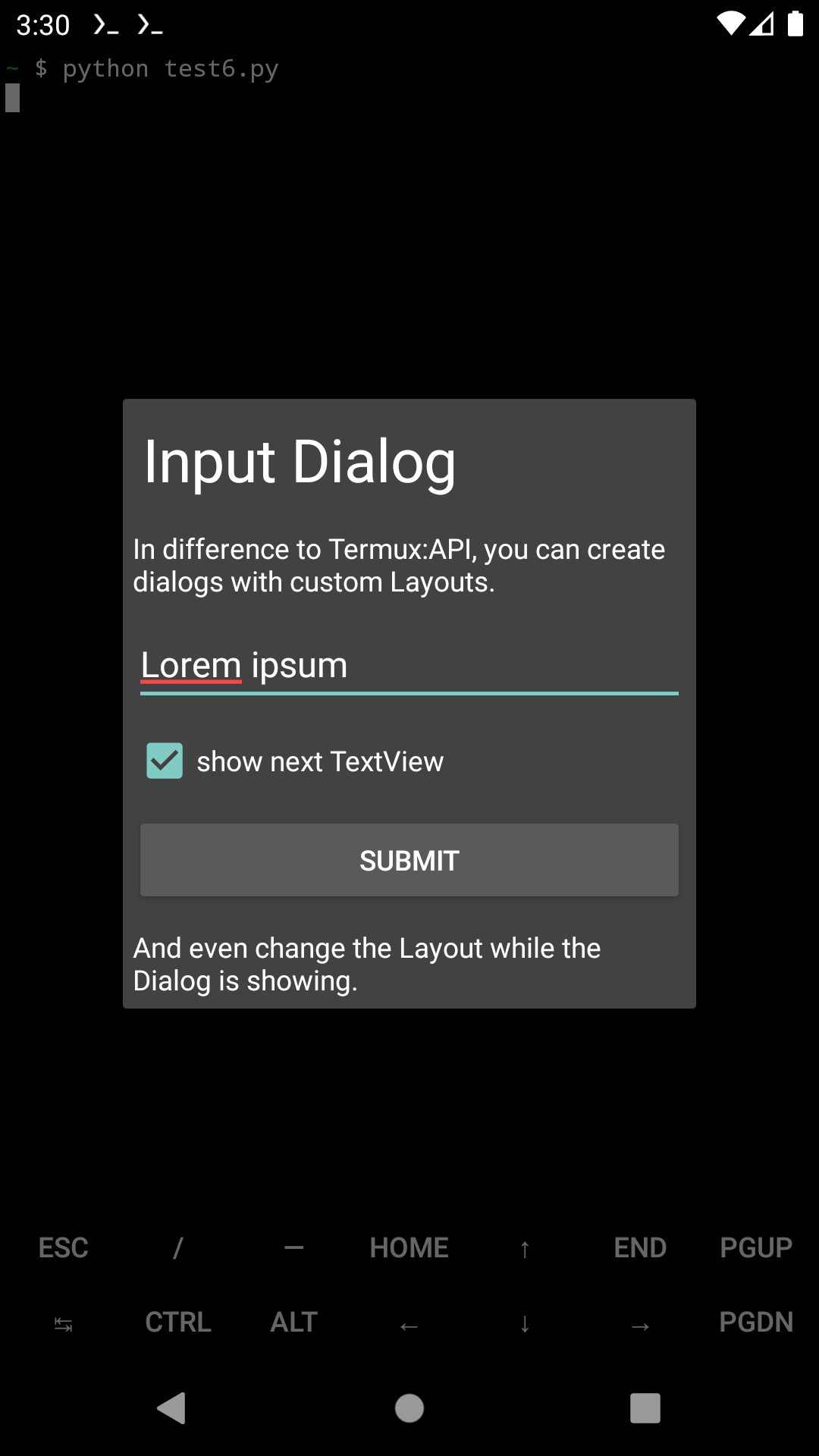
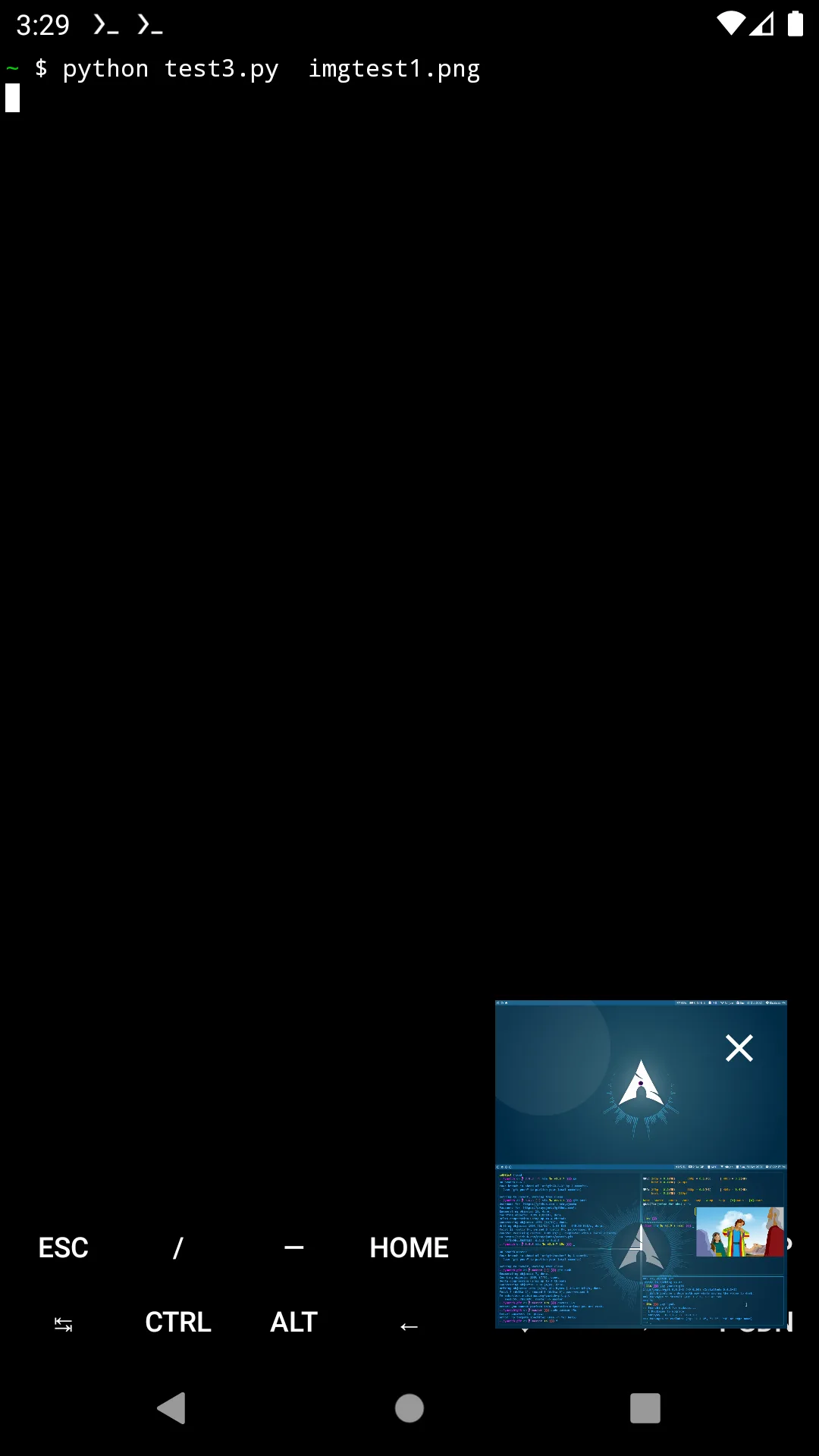
According to the README, programs can open windows with their own back stack, custom dialogs, screens on the lock screen, home screen widgets and picture-in-picture windows. They can also embed a WebView, draw directly into a buffer with GLES2 acceleration, and receive events as the user taps and types.
Getting started
Pick a library for your language inside Termux:
- Python:
pip install termuxgui - Bash:
pkg install termux-gui-bash - C and C++:
pkg install termux-gui-c
There’s also termux-gui-package, a set of ready-made programs that needs Python and the Python library. The protocol between programs and the add-on is documented, so other languages can use it too.
Good to know
- Everything passes between processes, and the README warns that this costs performance compared with a regular app.
- It is early software. Version 0.1.6 came out in April 2023, and every Termux:GUI release on GitHub is marked as a pre-release.
- To show windows over other apps, or open them from the background, turn on Display over other apps for Termux:GUI (the README says to look for it in the advanced section).
- Termux’s own README doesn’t list it among its plugins, but it comes from the same GitHub organization and shares Termux’s user ID, so the same-source rule in our Termux plugins guide applies.
- The 3.5 MB file has native code for ARM and x86, 32- and 64-bit, and declares four permissions.
What’s inside the APK
Trackers
No code matching the Exodus Privacy tracker signatures.
Native code
Runs on 64-bit and older 32-bit ARM phones.
Android versions
Built for Android 13 (target API 33).
Permissions
1 of them need your approval first.
CPU types in this build: arm64-v8a (64-bit ARM, almost every phone since 2017); armeabi-v7a (32-bit ARM, older and budget phones); x86 (32-bit Intel, emulators); x86_64 (64-bit Intel, emulators and Chromebooks).
Asks you first (1)
Android shows a prompt before the app can use these.
- Show notifications (Android 13+) · POST_NOTIFICATIONS
You switch these on in Settings (1)
Special app access. Nothing is granted until you turn it on yourself.
- Display over other apps · SYSTEM_ALERT_WINDOW
Granted at install (2)
Low-risk permissions Android grants automatically, plus any we have not classified.
- FOREGROUND_SERVICE
- WAKE_LOCK
More Information
- Package name
- com.termux.gui
- Version
- 0.1.6 (build 7)
- File size
- 3.5 MB (3,492,051 bytes)
- Requires
- Android 7.0 or later
- Category
- System Tools
- License
- GPL-3.0-only
- Developer
- Tarek Sander
- Source code
- github.com/termux/termux-gui
- Released
- Feb 20, 2025
- Signed by
- F-Droid, which built this APK from the published source code. Because the key is F-Droid’s, it won’t install over a copy from Google Play or GitHub (or the other way round) without uninstalling first.
- Signer SHA-256
- 228fb2cfe90831c1499ec3ccaf61e96e8e1ce70766b9474672ce427334d41c42
- File SHA-256
- f9bcb38c65a193da2b307385a55ab86632c4f9c1abd5250a0e1a8bd21145013f
- Checked
- , against the F-Droid index · how we check · verify it yourself
Common questions
Is this APK the official Termux:GUI release?
It is F-Droid’s build rather than the developer’s own: F-Droid compiled Termux:GUI 0.1.6 from the published source code and signed it with its own key. Its SHA-256 matches F-Droid’s signed index. Because the key is F-Droid’s, it won’t install over a copy from Google Play or GitHub without uninstalling first.
What Android version does Termux:GUI need?
Android 7.0 or later (API level 24). Version 0.1.6 is built for Android 13 (target API 33). Runs on 64-bit and older 32-bit ARM phones.
Can Termux:GUI access the internet?
No. The APK doesn’t request Android’s internet permission, so the app can’t go online by itself. In total it declares 4 permissions, and 1 of them needs your approval first.
Does Termux:GUI contain trackers?
No known trackers: our scan of version 0.1.6 found no code matching the Exodus Privacy tracker signatures. The scan covers known tracker libraries; it doesn’t show what data the app itself sends.
Is Termux:GUI open source?
Yes. Termux:GUI is released under the GPL-3.0-only licence, and its source code is published at https://github.com/termux/termux-gui.