
Tuta Mail
by Tutao GmbH · GPL-3.0-or-later · open source
The Android app for Tuta, formerly Tutanota: encrypted email, contacts and calendar from a German provider, with notifications that work without Google Play services.
Needs:No root · Android 8.0+ · a Tuta account
2113 Apps is independent, not affiliated with or endorsed by Tutao GmbH. Official sources: tutanota.com · source code on GitHub.
- Version
- 360.260922.0
- Size
- 77.3 MB
- Requires
- Android 8.0+
- Updated
- 2026-09-26
Screenshots
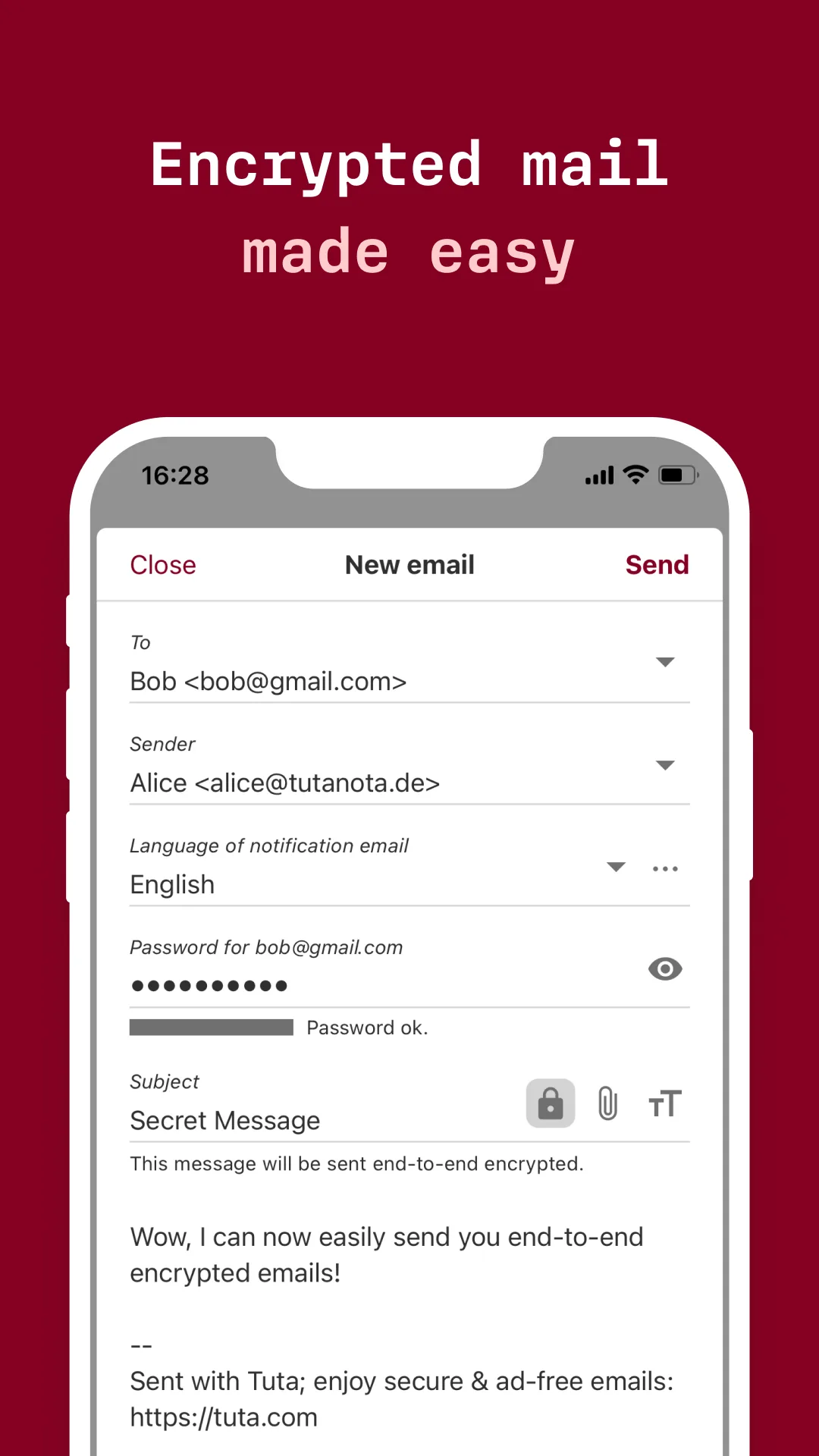
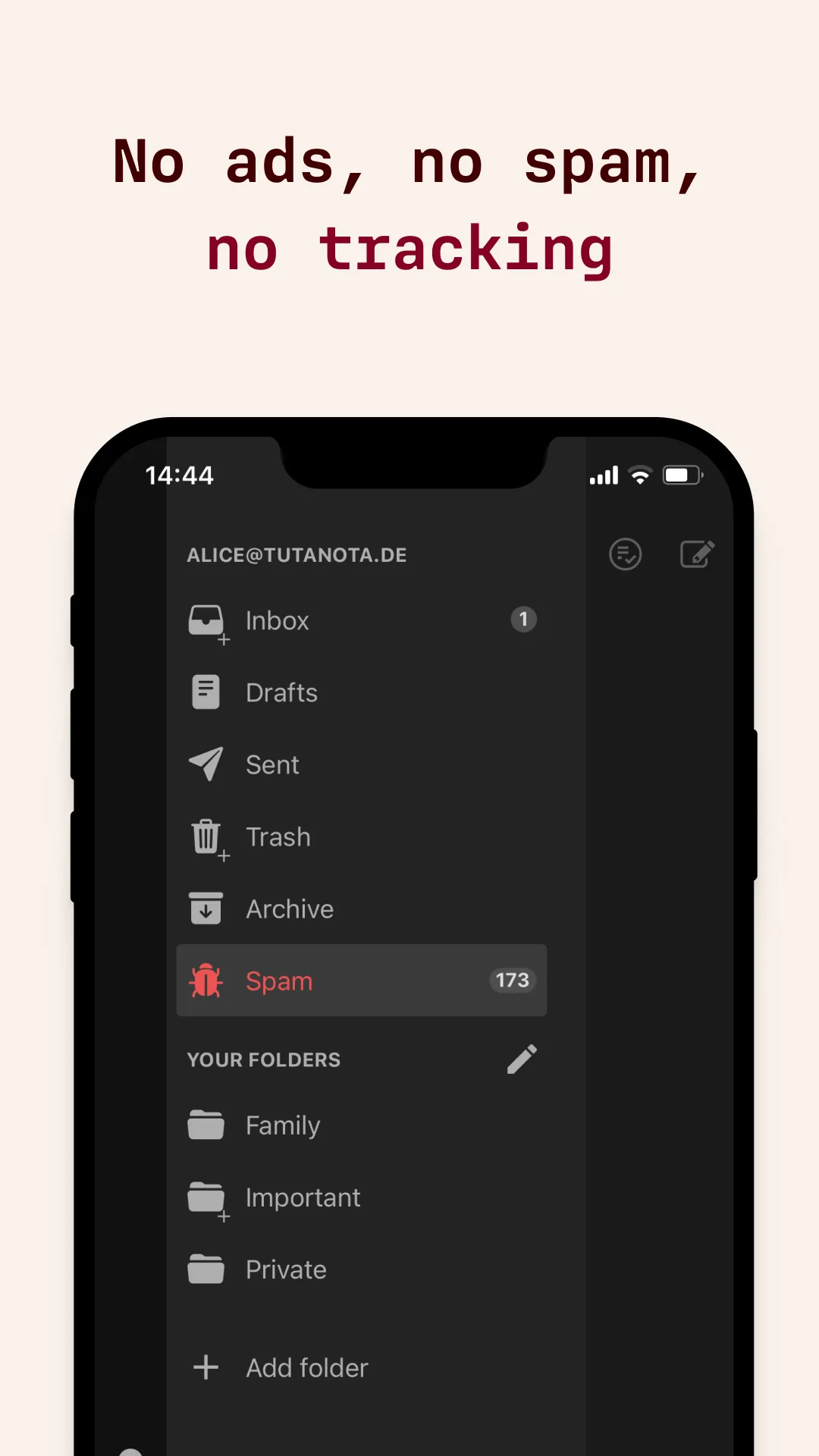
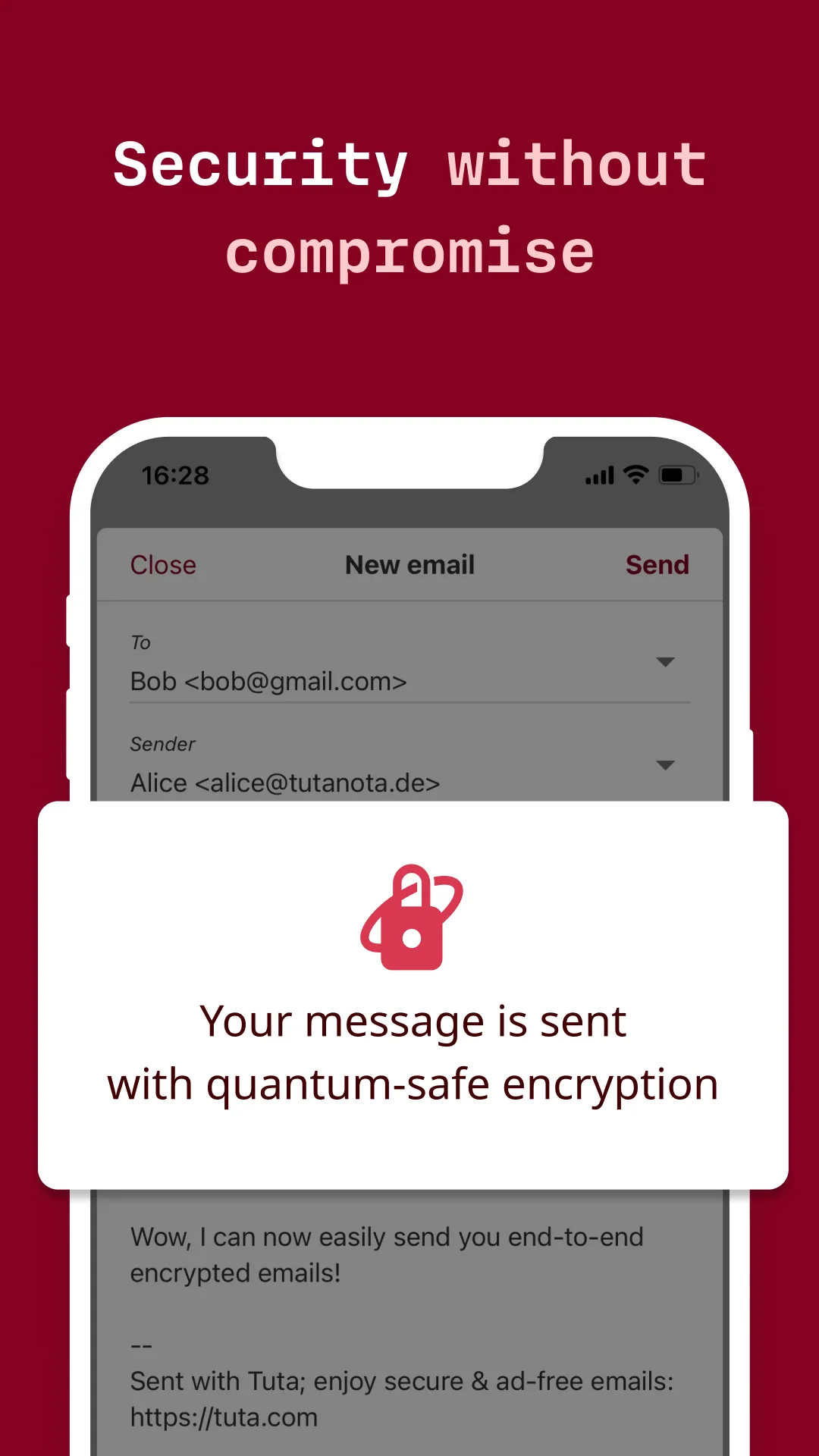
Introduction
Tuta is an e-mail service by Tutao GmbH in Hanover, Germany, launched in 2014 as Tutanota and renamed Tuta in November 2023; the app keeps the old package name. Tuta Mail is its Android app: mail, contacts and a calendar in one, for a free or paid Tuta account. It is not a general e-mail app; F-Droid marks it with the anti-feature “App is tethered to the Tutanota eMail service.”
Technically, the app is Tuta’s web client, shipped inside the APK and shown in Android’s web view, with native parts for notifications, encryption and search.
What Tuta says is encrypted
These are Tuta’s statements about its service, which we can’t check from the app alone:
- End-to-end encrypted: “Emails, including subject lines and all attachments”, the address book and calendars.
- Not encrypted: “The only data that is not encrypted in a Tuta email are the email addresses and the date of an email sent or received.”
- Mail with other providers is “not protected with end-to-end encryption, but are only encrypted once they reach our servers”. To send an encrypted message to someone outside Tuta, you set a password that the recipient needs to open it.
- The protocol, TutaCrypt, combines AES-256, RSA-2048 or x25519 and, as a “quantum-safe” part, Kyber-1024.
In the app
- Mail, contacts and calendar tabs. The free plan has 1 GB, one calendar and three labels; paid plans add more storage and calendars, among other things. Tuta also publishes a separate Tuta Calendar app.
- Images and other content from the web are blocked in messages by default. Per sender you can show them once, always show them or always block them, and the web view refuses cookies.
- Phone contacts: syncing Tuta contacts into the phone’s address book is off by default; with permission, the app suggests recipients from your phone contacts.
- Saved logins are protected by the screen lock, the system password or biometrics, as you choose.
- Paying works through Tuta’s own payment page in this build, since it has no Google Play Billing.
- Not on Android: importing mail, which needs Tuta’s desktop app, and Tuta Drive.
What goes online
- Tuta’s servers, for all mail, contacts and calendar data, and the connection for notifications.
- Usage data: after login only if you agree, when the app asks to “Share anonymous usage data” and stores a random identifier on the phone. From our reading of the code, the sign-up screens can send such usage tests before that question is asked.
- Error reports go to Tuta only when you choose to send one.
- Web content in messages once you allow it, and links, which open in your browser.
Our scan found no trackers, and this build contains no Google Play Billing or Firebase code. Tuta’s own APK of the same version, from GitHub, includes Google Play Billing, and a user reported the GitHub version contacting Google’s Firebase logging server; a Tuta contributor replied that the Google Play version now uses Google Play Billing and that F-Droid’s release removes it.
About this file
- This is F-Droid’s build of version 360.260922.0, compiled from Tuta’s tagged source with Google Play Billing removed, and signed with F-Droid’s key. Tuta’s GitHub APK is signed with Tutao’s own key, so the two can’t update each other; Google Play’s copy we couldn’t check. Tuta released 361.261006.0 on GitHub on 12 October 2026; F-Droid hadn’t built it a day later.
- The 77.3 MB file runs on Android 8.0 and later. It has library folders for seven processor types, but Tuta’s own native library only for ARM, 32- and 64-bit, and 64-bit x86; the others hold a helper library only, and Tuta says it doesn’t support 32-bit x86. The app declares 20 permissions: internet, notifications and restarting them after a reboot, exact alarms for calendar reminders, the battery-optimization request, contacts and Android accounts for the contact sync, the camera for scanning QR codes when verifying a contact’s keys, biometrics, and storage on Android 9 and older.
- Tuta is licensed under the GPL-3.0. The project lists its bundled libraries in a third-party file; one icon set, Icomoon, is used under a custom licence with what the file calls a “confirmation for usage in Open Source project”, and Signal’s search extension, under the AGPL-3.0, is built in without being listed there.
- The screenshots are Tuta’s own store images, on an iPhone frame; we leave out the three that don’t show the app.
What’s inside the APK
Trackers
No code matching the Exodus Privacy tracker signatures.
Native code
Runs on 64-bit and older 32-bit ARM phones.
Android versions
Built for Android 16 (target API 36).
Permissions
6 of them need your approval first.
Flagged by F-Droid:
- NonFreeNet: Relies on or promotes a proprietary network service.
CPU types in this build: arm64-v8a (64-bit ARM, almost every phone since 2017); armeabi; armeabi-v7a (32-bit ARM, older and budget phones); mips; mips64; x86 (32-bit Intel, emulators); x86_64 (64-bit Intel, emulators and Chromebooks).
Asks you first (6)
Android shows a prompt before the app can use these.
- Use the camera · CAMERA
- See the accounts on the device · GET_ACCOUNTS
- Show notifications (Android 13+) · POST_NOTIFICATIONS
- Read your contacts · READ_CONTACTS
- Change your contacts · WRITE_CONTACTS
- Write shared storage (Android 10 and older) · WRITE_EXTERNAL_STORAGE
You switch these on in Settings (1)
Special app access. Nothing is granted until you turn it on yourself.
- Alarms and reminders · SCHEDULE_EXACT_ALARM
Granted at install (12)
Low-risk permissions Android grants automatically, plus any we have not classified.
- ACCESS_NETWORK_STATE
- AUTHENTICATE_ACCOUNTS
- INTERNET
- MANAGE_ACCOUNTS
- RECEIVE_BOOT_COMPLETED
- REQUEST_IGNORE_BATTERY_OPTIMIZATIONS
- USE_BIOMETRIC
- USE_CREDENTIALS
- USE_EXACT_ALARM
- USE_FINGERPRINT
- VIBRATE
- WRITE_SYNC_SETTINGS
Defined by other apps (1)
Permissions that belong to another app or to this app itself.
- de.tutao.tutanota.DYNAMIC_RECEIVER_NOT_EXPORTED_PERMISSION
More Information
- Package name
- de.tutao.tutanota
- Version
- 360.260922.0 (build 396715)
- File size
- 77.3 MB (77,273,530 bytes)
- Requires
- Android 8.0 or later
- Category
- Productivity
- License
- GPL-3.0-or-later
- Developer
- Tutao GmbH
- Source code
- github.com/tutao/tutanota
- Released
- Sep 26, 2026
- Signed by
- F-Droid, which built this APK from the published source code. Because the key is F-Droid’s, it won’t install over a copy from Google Play or GitHub (or the other way round) without uninstalling first.
- Signer SHA-256
- fc1932e08464aefcae82597dc0fc9d04c08b24aa09d1f950df20ea81234f30cb
- File SHA-256
- b586325e6bc80ab3e6e2815ba05019b23d7ef53ee69f4dadfc23fceec5834df7
- Checked
- , against the F-Droid index · how we check · verify it yourself
Common questions
Is this APK the official Tuta Mail release?
It is F-Droid’s build rather than the developer’s own: F-Droid compiled Tuta Mail 360.260922.0 from the published source code and signed it with its own key. Its SHA-256 matches F-Droid’s signed index. Because the key is F-Droid’s, it won’t install over a copy from Google Play or GitHub without uninstalling first.
What Android version does Tuta Mail need?
Android 8.0 or later (API level 26). Version 360.260922.0 is built for Android 16 (target API 36). Runs on 64-bit and older 32-bit ARM phones.
Can Tuta Mail access the internet?
Yes. The APK requests Android’s internet permission. In total it declares 20 permissions, and 6 of them need your approval first.
Does Tuta Mail contain trackers?
No known trackers: our scan of version 360.260922.0 found no code matching the Exodus Privacy tracker signatures. The scan covers known tracker libraries; it doesn’t show what data the app itself sends.
Is Tuta Mail open source?
Yes. Tuta Mail is released under the GPL-3.0-or-later licence, and its source code is published at https://github.com/tutao/tutanota.
Can I use my Tuta address in Thunderbird or another e-mail app?
No. Tuta: “We do not offer IMAP as it would only work if we sent decrypted data to your device.” Your mail is reachable only through Tuta’s own apps and web client.
Do notifications work without Google Play services?
Yes. The app keeps its own connection to Tuta’s servers for new-mail notifications instead of using Google’s push service, and asks to be exempted from battery optimization so Android doesn’t cut that connection.
Can I switch between this file and the APK on Tuta’s GitHub page?
Not without uninstalling: both use the same package name but different signing keys, F-Droid’s and Tutao’s. The two also differ: Tuta’s own build of this version includes Google Play Billing, which F-Droid’s build leaves out.
Can I import my old e-mails on the phone?
No. The app says: “Email import is currently only available in our desktop client.”
Recent releases
| Version | Released | Size | Requires |
|---|---|---|---|
| v360.260922.0 · this download | Sep 26, 2026 | 77.3 MB | Android 8.0+ |
| v360.260921.0 | Sep 22, 2026 | 77.2 MB | Android 8.0+ |
| v359.260904.0 | Sep 11, 2026 | 77.1 MB | Android 8.0+ |
Versions currently kept in the F-Droid repository. We host and check only the newest one. Full changelog.