

Amaze File Manager
by Team Amaze · GPL-3.0-only · open source
An open-source Material Design file manager with tabs, a root explorer, AES file encryption, an app manager that backs up APKs, network shares and a built-in FTP server.
Needs:No root needed · Android 5.0+
2113 Apps is independent, not affiliated with or endorsed by Team Amaze. Official sources: forum.xda-developers.com · source code on GitHub.
- Version
- 3.11.3
- Size
- 12.3 MB
- Requires
- Android 5.0+
- Updated
- 2026-07-30
Screenshots
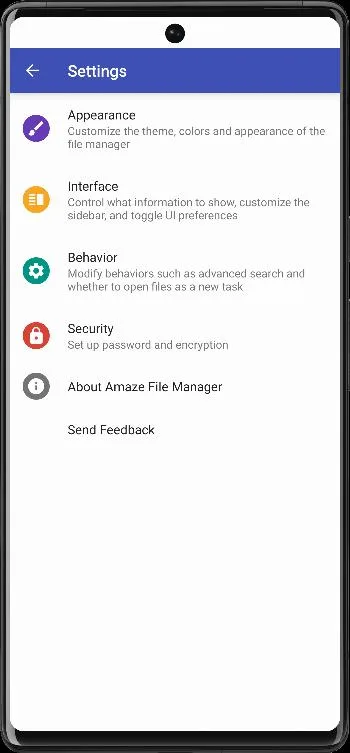
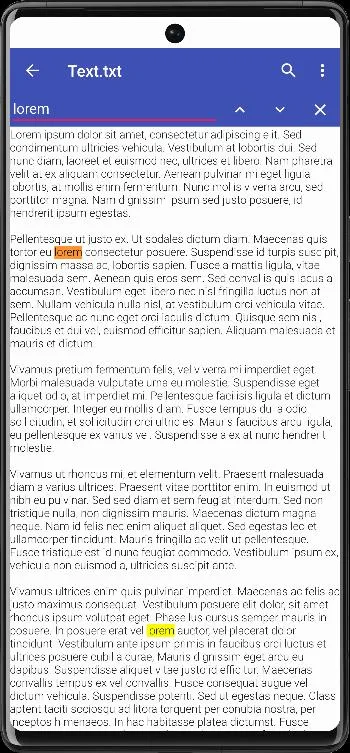
Introduction
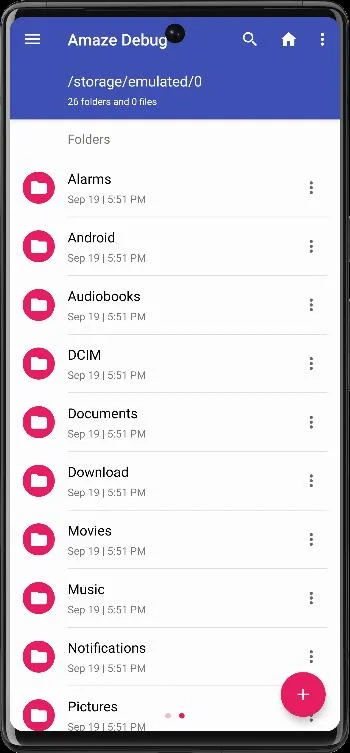
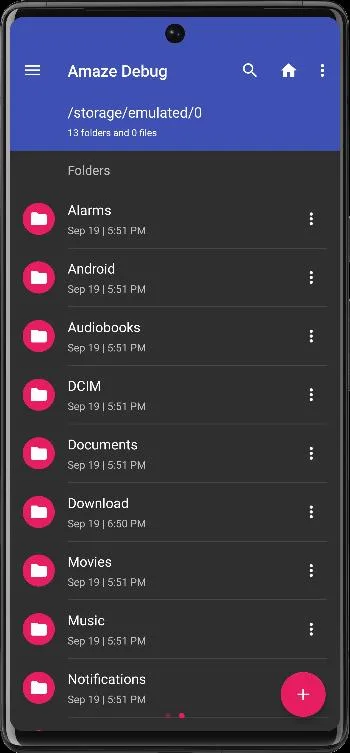
Amaze is an open-source file manager in Material Design, made by Team Amaze. It handles everyday file work and adds several jobs that most built-in file managers leave out.
What it does
From the project’s README:
- Multiple tabs at the same time.
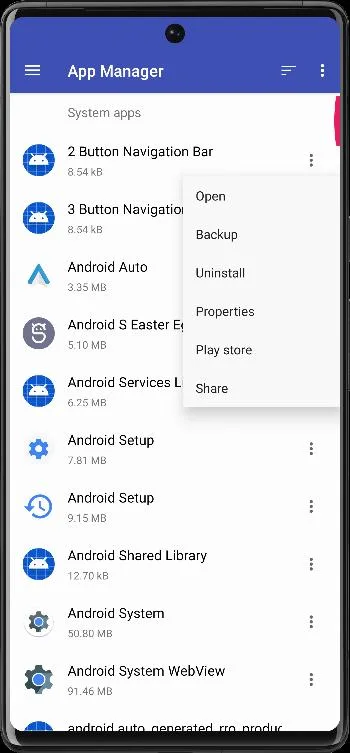
- An app manager “to open, backup, or directly uninstall any app”.
- A root explorer for system files, on rooted phones.
- AES encryption and decryption of files.
- Built-in readers for databases, ZIP archives, APKs and text files.
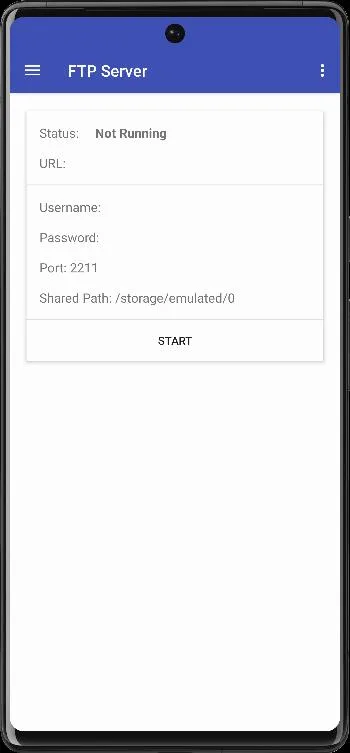
It also reaches other machines: this file contains the libraries for SMB (Windows shares) and SFTP connections, and for running an FTP server on the phone, so a computer on the same network can browse it. Version 3.11.3 lists “Fixes for path traversal vulnerabilities” in its release notes, so update if you have an older version.
About this file
- This is the developer’s own build, from IzzyOnDroid, signed with a certificate in the name of Vishal Nehra. It is the edition the project builds for F-Droid, without the Google Play–only libraries (see the question below).
- Our scan found ACRA, a crash-reporting library. Its code being in the file doesn’t tell us when, or whether, a report is sent. Neither IzzyOnDroid nor F-Droid lists any anti-features for it.
- It needs Android 5.0 or later. The 12.3 MB file runs on ARM and x86, 32- and 64-bit, and declares 18 permissions, 3 of which need your approval. Access to all files is a special permission you turn on in Settings.
What’s inside the APK
Trackers
Code from these SDKs is in the package. That shows it is bundled, not how it is used.
Native code
Runs on 64-bit and older 32-bit ARM phones.
Android versions
Built for Android 15 (target API 35).
Permissions
3 of them need your approval first.
libsu (root shell). Bundles libsu, a library for running commands in a root shell. (com.topjohnwu.superuser.NoShellException)
CPU types in this build: arm64-v8a (64-bit ARM, almost every phone since 2017); armeabi-v7a (32-bit ARM, older and budget phones); x86 (32-bit Intel, emulators); x86_64 (64-bit Intel, emulators and Chromebooks).
Asks you first (3)
Android shows a prompt before the app can use these.
- Show notifications (Android 13+) · POST_NOTIFICATIONS
- Read shared storage (Android 12 and older) · READ_EXTERNAL_STORAGE
- Write shared storage (Android 10 and older) · WRITE_EXTERNAL_STORAGE
You switch these on in Settings (2)
Special app access. Nothing is granted until you turn it on yourself.
- All files access · MANAGE_EXTERNAL_STORAGE
- Install unknown apps · REQUEST_INSTALL_PACKAGES
Granted at install (10)
Low-risk permissions Android grants automatically, plus any we have not classified.
- ACCESS_NETWORK_STATE
- ACCESS_WIFI_STATE
- FOREGROUND_SERVICE
- FOREGROUND_SERVICE_DATA_SYNC
- INTERNET
- QUERY_ALL_PACKAGES
- REQUEST_DELETE_PACKAGES
- USE_BIOMETRIC
- USE_FINGERPRINT
- WAKE_LOCK
Defined by other apps (3)
Permissions that belong to another app or to this app itself.
- com.amaze.cloud.permission.ACCESS_PROVIDER
- com.amaze.filemanager.DYNAMIC_RECEIVER_NOT_EXPORTED_PERMISSION
- com.android.launcher.permission.INSTALL_SHORTCUT
More Information
- Package name
- com.amaze.filemanager
- Version
- 3.11.3 (build 125)
- File size
- 12.3 MB (12,311,594 bytes)
- Requires
- Android 5.0 or later
- Category
- System Tools
- License
- GPL-3.0-only
- Developer
- Team Amaze
- Source code
- github.com/TeamAmaze/AmazeFileManager
- Released
- Jul 30, 2026
- Signer SHA-256
- aff656d7ca84d71254d272c55fb420edf172b2549de14f5ccefd5a82528df554
- File SHA-256
- 864bcec7c1e69bd5a4a6f8613a4ac047e748a598e5a9948f28fba3f3e709d203
- Checked
- , against the IzzyOnDroid index · how we check · verify it yourself
Common questions
Is this APK the official Amaze File Manager release?
Yes. It is the developer’s own release of Amaze File Manager 3.11.3, byte for byte as IzzyOnDroid distributes it. Its SHA-256 matches IzzyOnDroid’s signed index, and it is signed with the certificate IzzyOnDroid records for the app (SHA-256 aff656d7ca84d71254d272c55fb420edf172b2549de14f5ccefd5a82528df554).
What Android version does Amaze File Manager need?
Android 5.0 or later (API level 21). Version 3.11.3 is built for Android 15 (target API 35). Runs on 64-bit and older 32-bit ARM phones.
Can Amaze File Manager access the internet?
Yes. The APK requests Android’s internet permission. In total it declares 18 permissions, and 3 of them need your approval first.
Does Amaze File Manager contain trackers?
Yes. Version 3.11.3 contains code from ACRA, which matches an Exodus Privacy tracker signature. That shows the code is bundled, not how the app uses it.
Is Amaze File Manager open source?
Yes. Amaze File Manager is released under the GPL-3.0-only licence, and its source code is published at https://github.com/TeamAmaze/AmazeFileManager.
Is this the same Amaze File Manager as on Google Play?
Same app and package name, different build. Amaze’s build file adds three libraries only to its Google Play edition: RAR extraction (junrar), cloud storage (CloudRail) and Google Play billing. This file is the edition built for F-Droid: we found no billing code in it and only a few classes from the other two, so expect RAR extraction and cloud storage to be missing. The README says cloud storage needs a separate plug-in bought on Google Play anyway.
Recent releases
| Version | Released | Size | Requires |
|---|---|---|---|
| v3.11.3 · this download | Jul 30, 2026 | 12.3 MB | Android 5.0+ |
| v3.11.2 | Dec 28, 2025 | 12.2 MB | Android 5.0+ |
| v3.11.1 | Dec 3, 2025 | 11.4 MB | Android 5.0+ |
Versions currently kept in the IzzyOnDroid repository. We host and check only the newest one.
Alternatives and related apps
-
 Material Files A similar open-source file manager with archives, FTP, SFTP, SMB and WebDAV, which can also work through Shizuku.Download
 -
 Fossify File Manager Simpler, for everyday files only, and it doesn’t request internet access at all.Download