
APK Extractor
by Parjanya Gala · GPL-3.0-or-later · open source
Copy the APK of any app on your phone to a folder you choose, one app or many at once. Apps that come as split APKs are saved as one .apks archive, so the backup can be reinstalled.
Needs:No root · Android 10+
2113 Apps is independent, not affiliated with or endorsed by Parjanya Gala. Official sources: pgxor.pages.dev · source code on GitHub.
- Version
- 1.0.2
- Size
- 3.2 MB
- Requires
- Android 10+
- Updated
- 2026-08-27
Screenshots
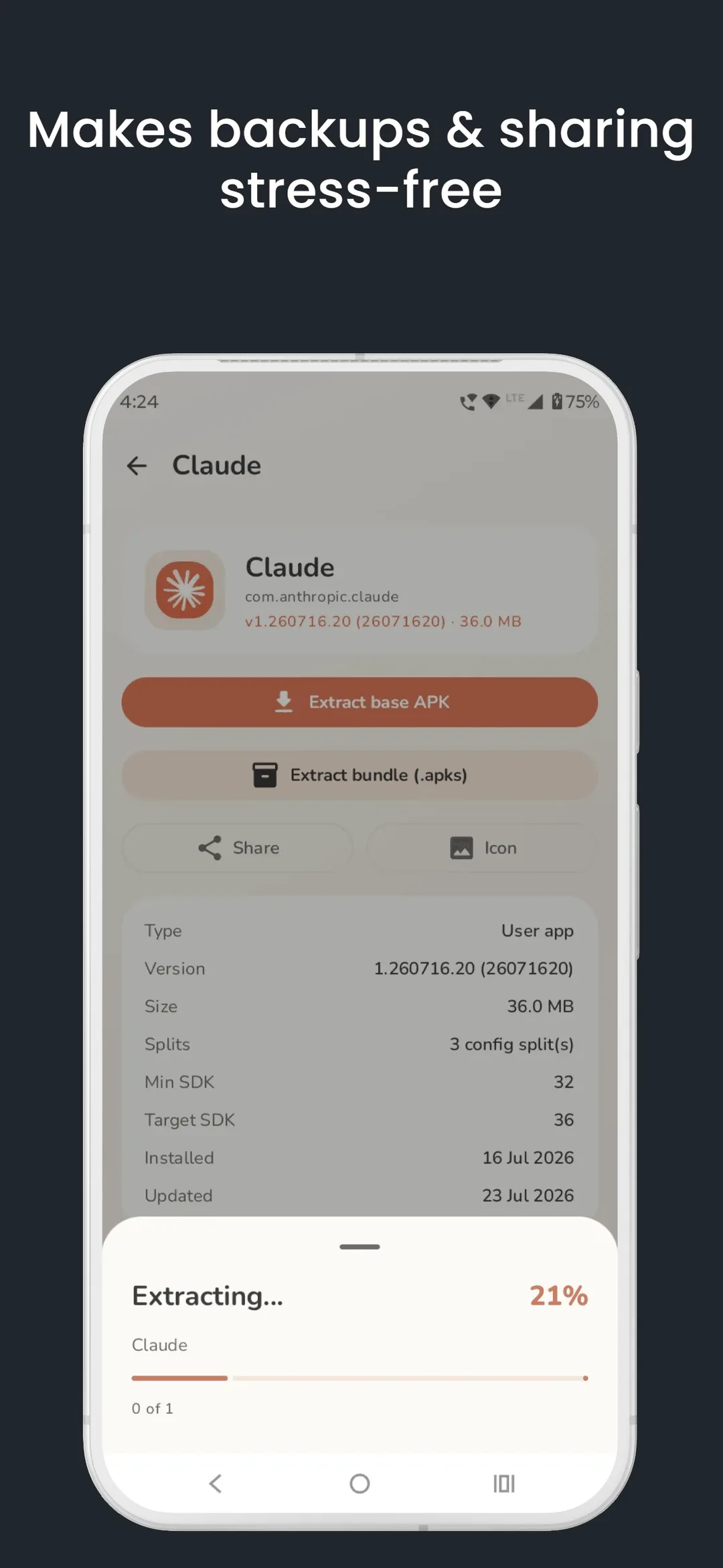
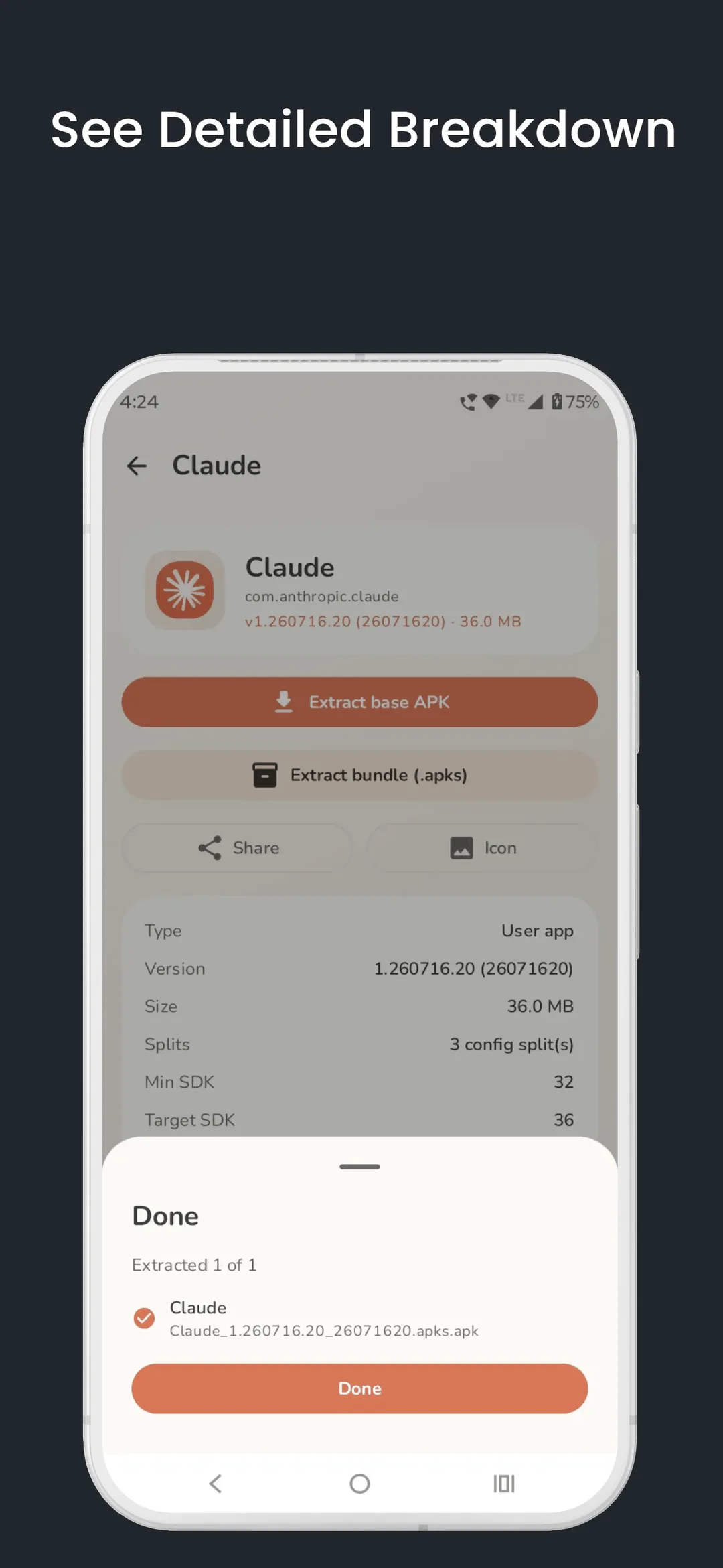
Introduction
Vadhod APK Extractor copies the APK files of the apps installed on your phone, so you can keep a backup, move an app to another device or check a file yourself. Its README: “A beautiful, privacy-first tool to extract and back up the APK of any app on your device — completely offline.” It is a young project by a single developer, Parjanya Gala, started in June 2026.
Split APKs
Many apps from Google Play are no longer one file. As the README explains: “Modern Android apps ship as split APKs — a base APK plus per-density, per-language and per-ABI splits. Most extractors quietly hand you the base APK alone, and the backup won’t reinstall.” This app saves such apps as one .apks archive with the base and every split, without re-signing anything, and saves single-file apps as a plain .apk. In the settings you can switch the default to the base APK alone.
What it does
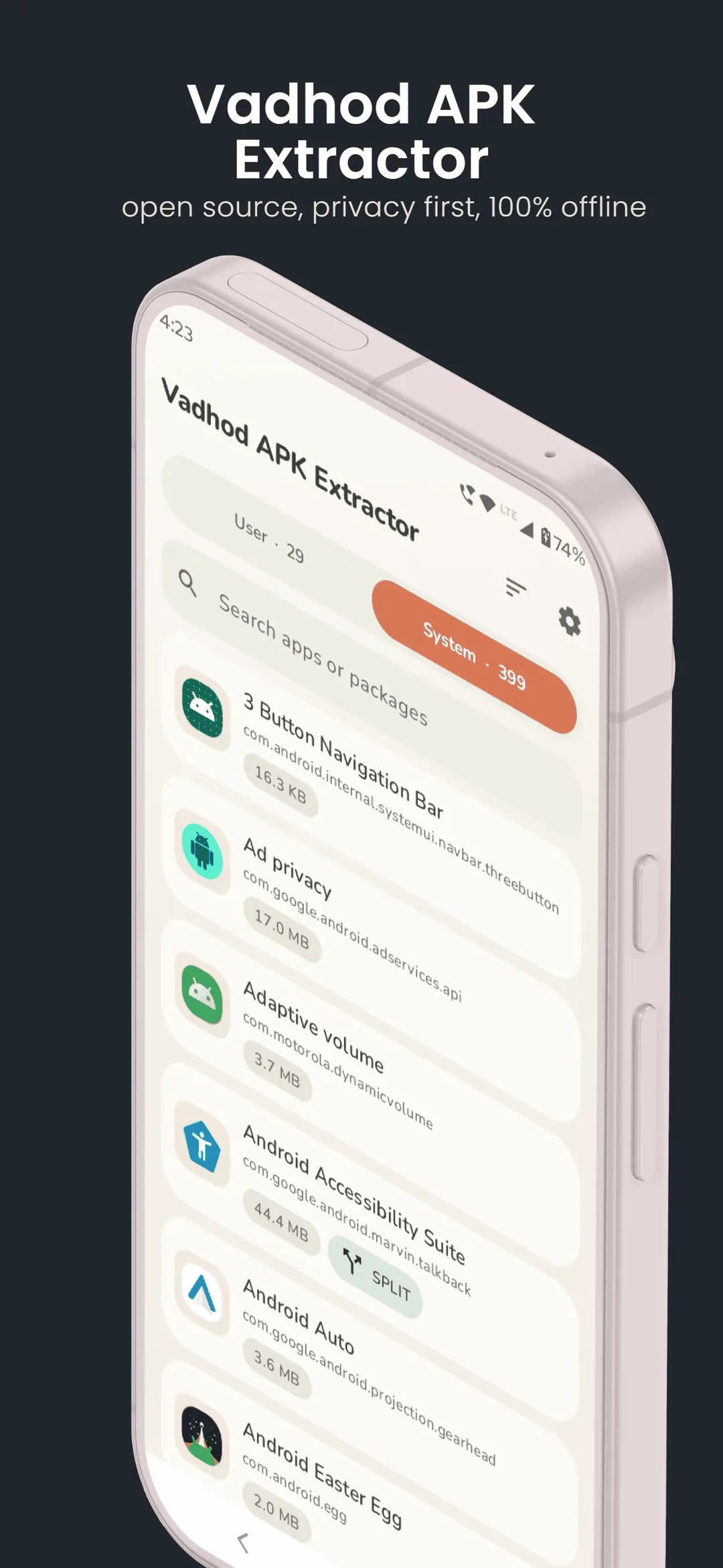
- App list in System and User tabs, with search and sorting by name, size, install date or last update.
- Extract one app or many, with progress for each app and for the whole batch.
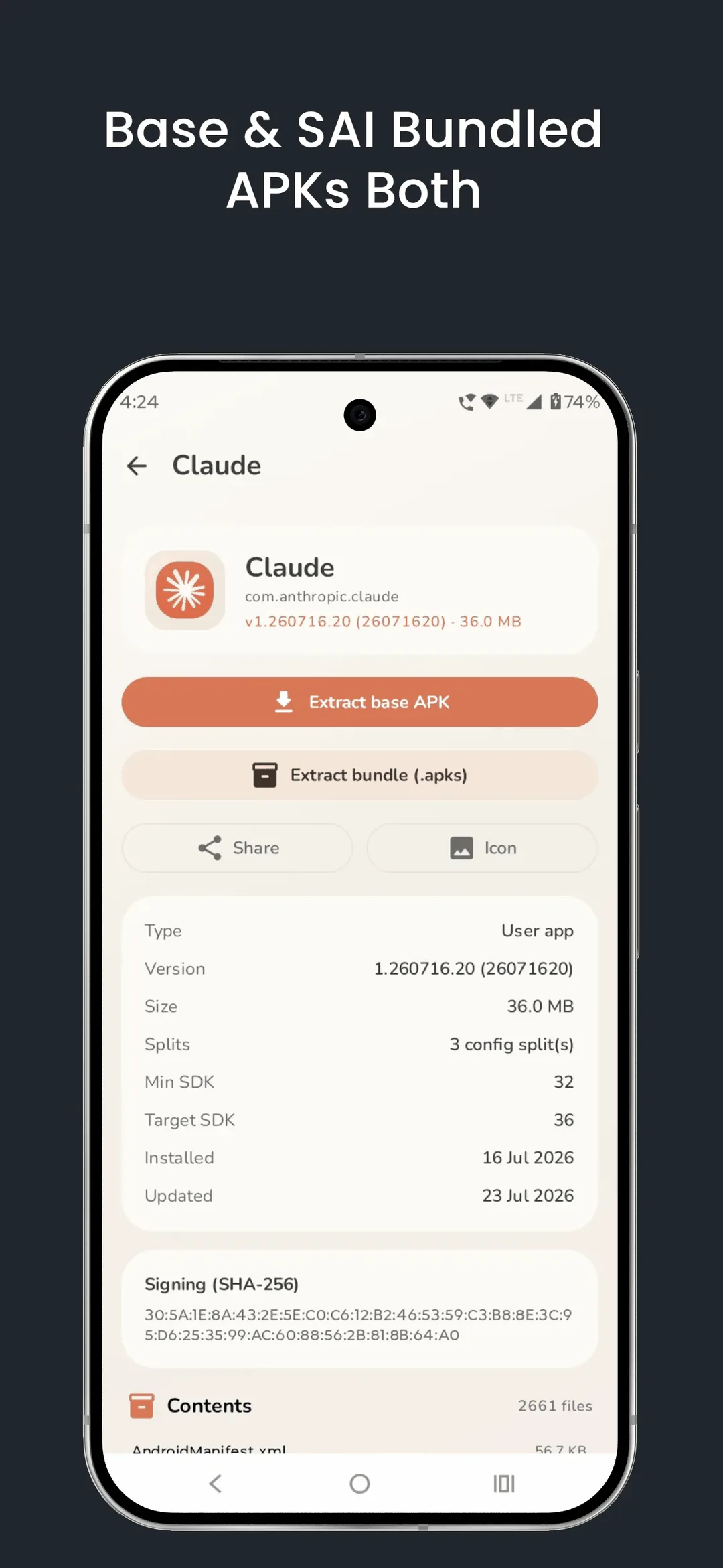
- App details: version, size, minimum and target Android version, install and update dates, the signing certificate’s SHA-256 and a list of the files in the APK.
- Share an extracted APK, or export an app’s icon as a PNG.
- Files are saved through Android’s folder picker, so the app needs no storage permission.
Defaults worth knowing
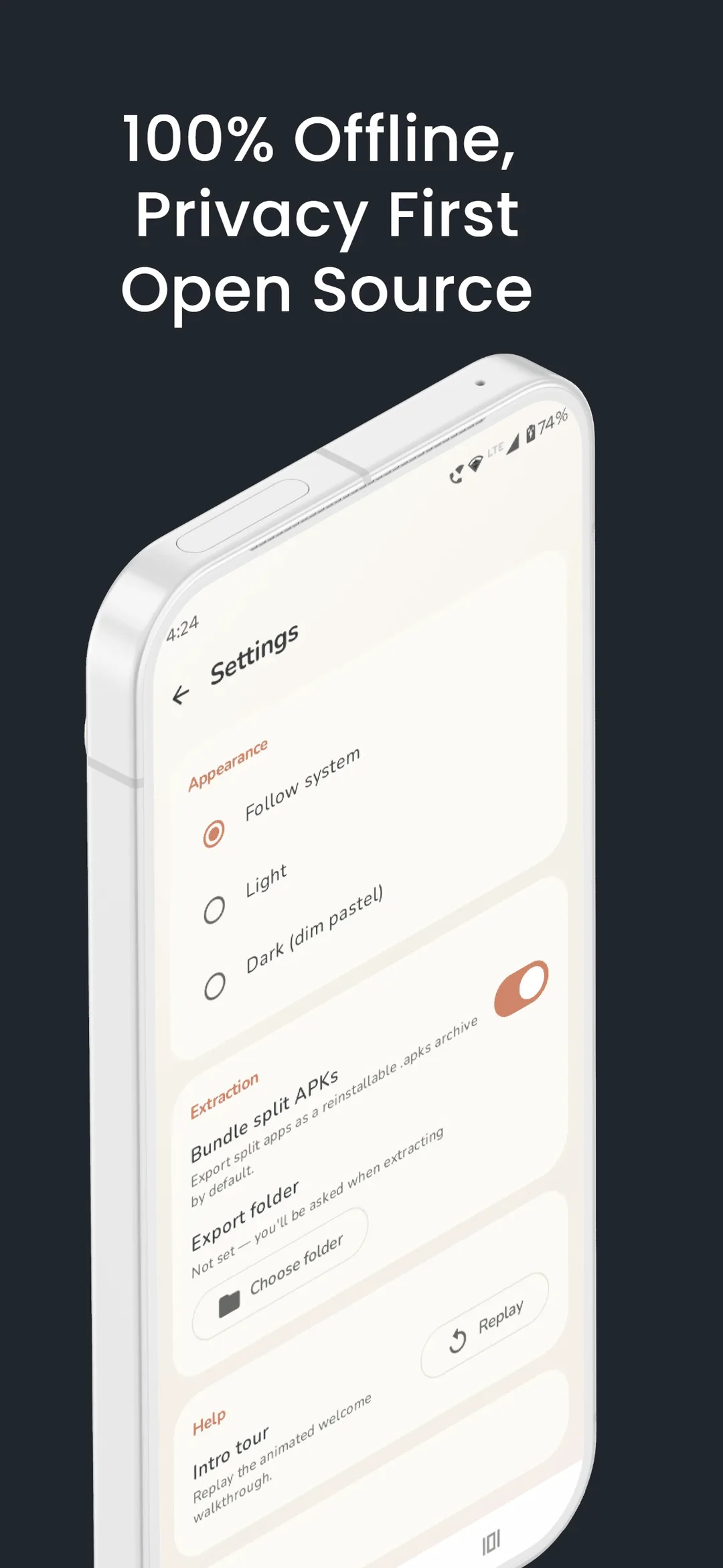
From the code of this version: split apps are bundled into .apks, the list is sorted by name, the theme follows your phone’s, and nothing is saved until you choose a folder.
What goes online
Nothing. The app has no internet permission; the README: “No INTERNET permission, no networking code, no SDKs that phone home.” The project even has a test that fails if the permission is ever added. It also opts out of Android’s own backup.
About this file
- This is the developer’s own build of version 1.0.2, from 25 August 2026, distributed by F-Droid, which builds it from source and publishes the developer’s file when its own build matches. It is byte for byte the APK on the project’s GitHub release, signed with the developer’s key. The README: “The GitHub APK and the Play Store APK are signed with different keys … Pick one source and stay with it, or uninstall first when switching.”
- The 3.2 MB file runs on Android 10 and later, on ARM and x86, 32- and 64-bit, and declares 2 permissions: seeing all installed apps, which is what the app is for, and one AndroidX adds for internal use.
- It is licensed under the GPL-3.0 or later.
- The screenshots are the project’s own, from F-Droid.
What’s inside the APK
Trackers
No code matching the Exodus Privacy tracker signatures.
Native code
Runs on 64-bit and older 32-bit ARM phones.
Android versions
Built for Android 17 (target API 37).
Permissions
0 of them need your approval first.
CPU types in this build: arm64-v8a (64-bit ARM, almost every phone since 2017); armeabi-v7a (32-bit ARM, older and budget phones); x86 (32-bit Intel, emulators); x86_64 (64-bit Intel, emulators and Chromebooks).
Granted at install (1)
Low-risk permissions Android grants automatically, plus any we have not classified.
- QUERY_ALL_PACKAGES
Defined by other apps (1)
Permissions that belong to another app or to this app itself.
- com.vadhod.apkextractor.DYNAMIC_RECEIVER_NOT_EXPORTED_PERMISSION
More Information
- Package name
- com.vadhod.apkextractor
- Version
- 1.0.2 (build 5)
- File size
- 3.2 MB (3,174,012 bytes)
- Requires
- Android 10 or later
- Category
- System Tools
- License
- GPL-3.0-or-later
- Developer
- Parjanya Gala
- Source code
- github.com/pgxor/com.vadhod.apkextractor
- Released
- Aug 27, 2026
- Signed by
- The developer. F-Droid publishes a developer-signed APK only when its own build from the source code reproduces it.
- Signer SHA-256
- 9a7ae254b76d1d77aa91a14b144bfb49ce7ae6734bd3ff64d63296a6c04d918d
- File SHA-256
- 5cd3211e0c0ba57a329bd89cfbfc5b1351eeda7300cd22b59661b131647ddf55
- Checked
- , against the F-Droid index · how we check · verify it yourself
Common questions
Is this APK the official APK Extractor release?
Yes. It is the developer-signed release of APK Extractor 1.0.2 that F-Droid distributes, which F-Droid publishes only when its own build from the source code reproduces it. Its SHA-256 matches F-Droid’s signed index, and it is signed with the developer’s certificate (SHA-256 9a7ae254b76d1d77aa91a14b144bfb49ce7ae6734bd3ff64d63296a6c04d918d).
What Android version does APK Extractor need?
Android 10 or later (API level 29). Version 1.0.2 is built for Android 17 (target API 37). Runs on 64-bit and older 32-bit ARM phones.
Can APK Extractor access the internet?
No. The APK doesn’t request Android’s internet permission, so the app can’t go online by itself. In total it declares 2 permissions, and none of them needs your approval first.
Does APK Extractor contain trackers?
No known trackers: our scan of version 1.0.2 found no code matching the Exodus Privacy tracker signatures. The scan covers known tracker libraries; it doesn’t show what data the app itself sends.
Is APK Extractor open source?
Yes. APK Extractor is released under the GPL-3.0-or-later licence, and its source code is published at https://github.com/pgxor/com.vadhod.apkextractor.
What is an .apks file, and how do I install it?
A zip archive with an app’s base APK and its split APKs, the parts for languages, screen densities and processor types that Android installs together. Android’s own installer can’t open it, so you need a split-APK installer such as SAI. Apps that come as a single APK are saved as a plain .apk.
Is this the APK Extractor from Google Play?
Several apps share that name. This one is Vadhod APK Extractor, open source and first published in 2026; its Google Play version is signed with another key, so the two can’t update each other. The older Apk Extractor by Meher, package com.ext.ui, is closed source, and its Play page no longer loaded when we checked in October 2026.
Can it back up app data or OBB files?
No. It copies the installed APK files only: the base APK and, if the app has them, its splits. Settings, saved games and downloaded game data stay behind.
Is it available in Portuguese?
Not yet. In version 1.0.2 the app’s own text is English only.
Alternatives and related apps
-
 SAI (Split APKs Installer) Installs .apks archives and other split-APK files, the format this app saves split apps in.Download
-
 App Manager Backs up installed apps among many other things, with their data too when it has root.Download