

EinkBro
by Daniel Kao · GPL-3.0-or-later · open source
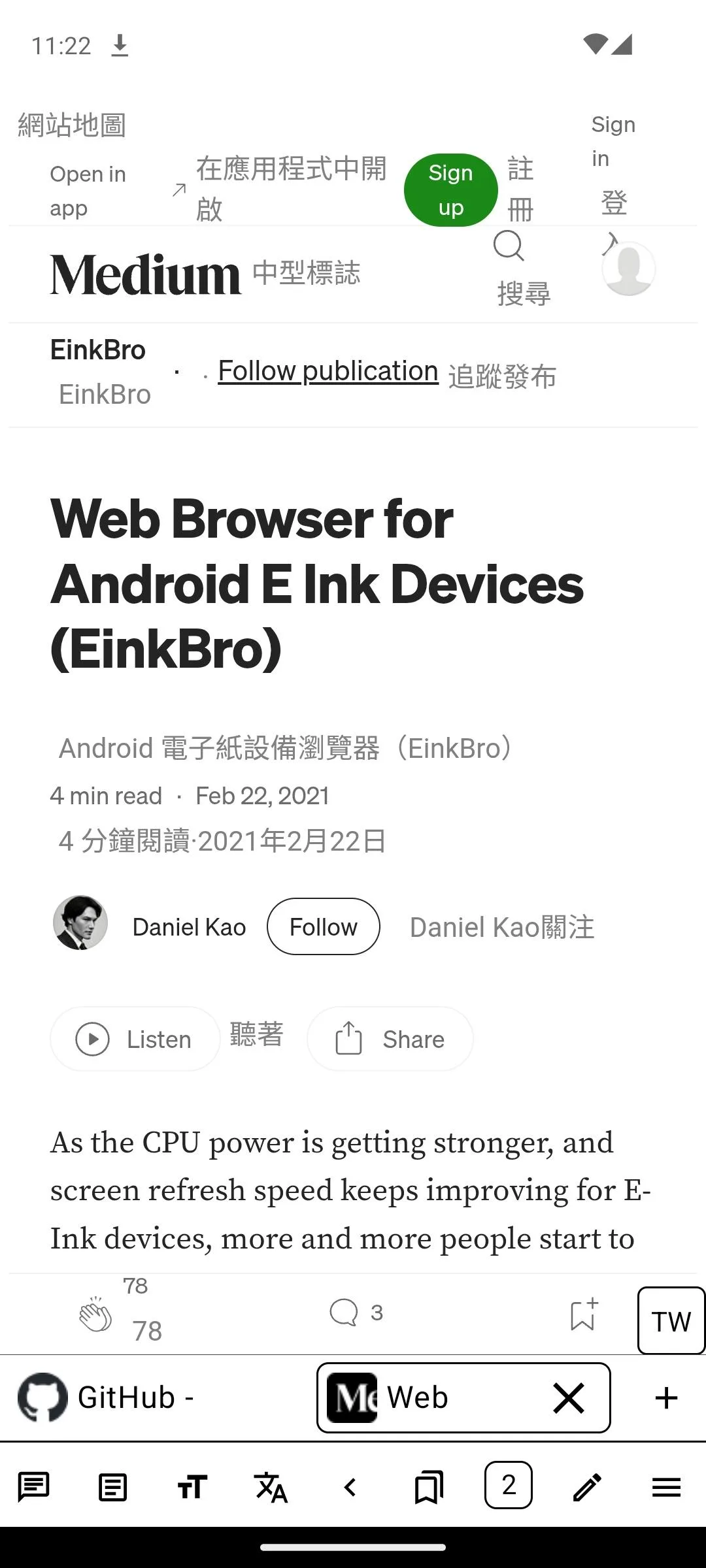
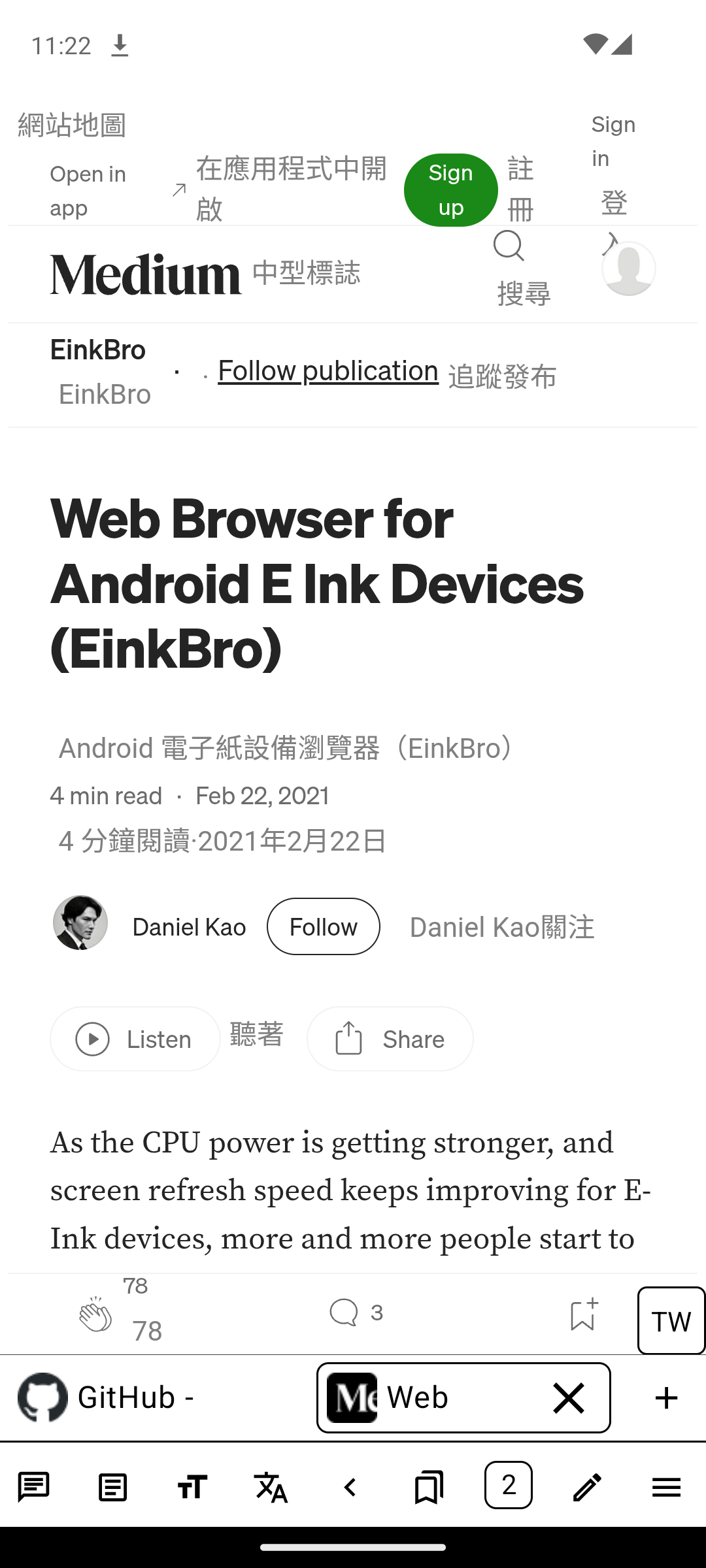
Browse and read on an E-Ink tablet with high-contrast controls, edge taps or volume-key page turns, reader mode, vertical text and ways to save pages as EPUB or PDF.
Needs:Android 7.0+ · WebView · internet access
2113 Apps is independent, not affiliated with or endorsed by Daniel Kao. Official sources: source code on GitHub.
- Version
- 16.7.1
- Size
- 4.8 MB
- Requires
- Android 7.0+
- Updated
- 2026-10-14
Screenshots
Introduction
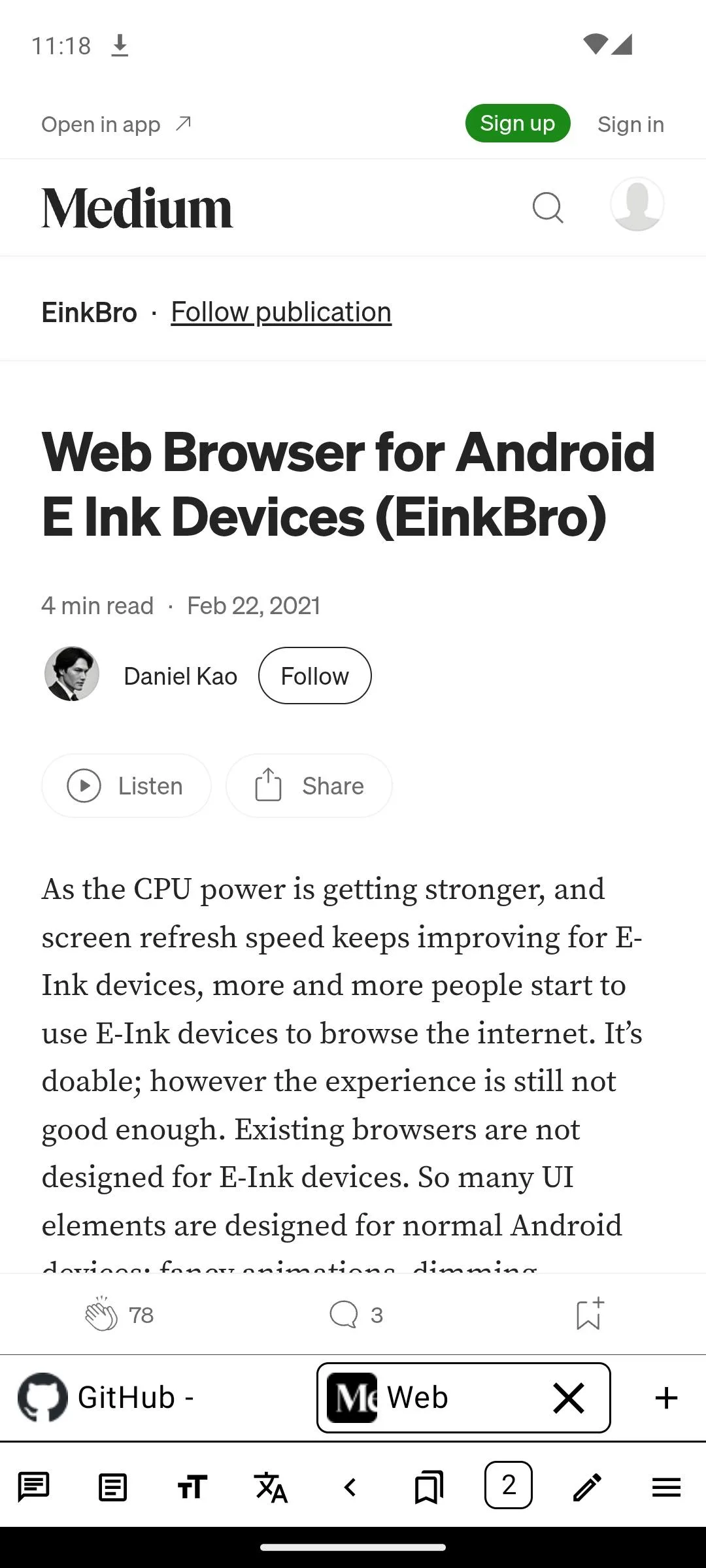
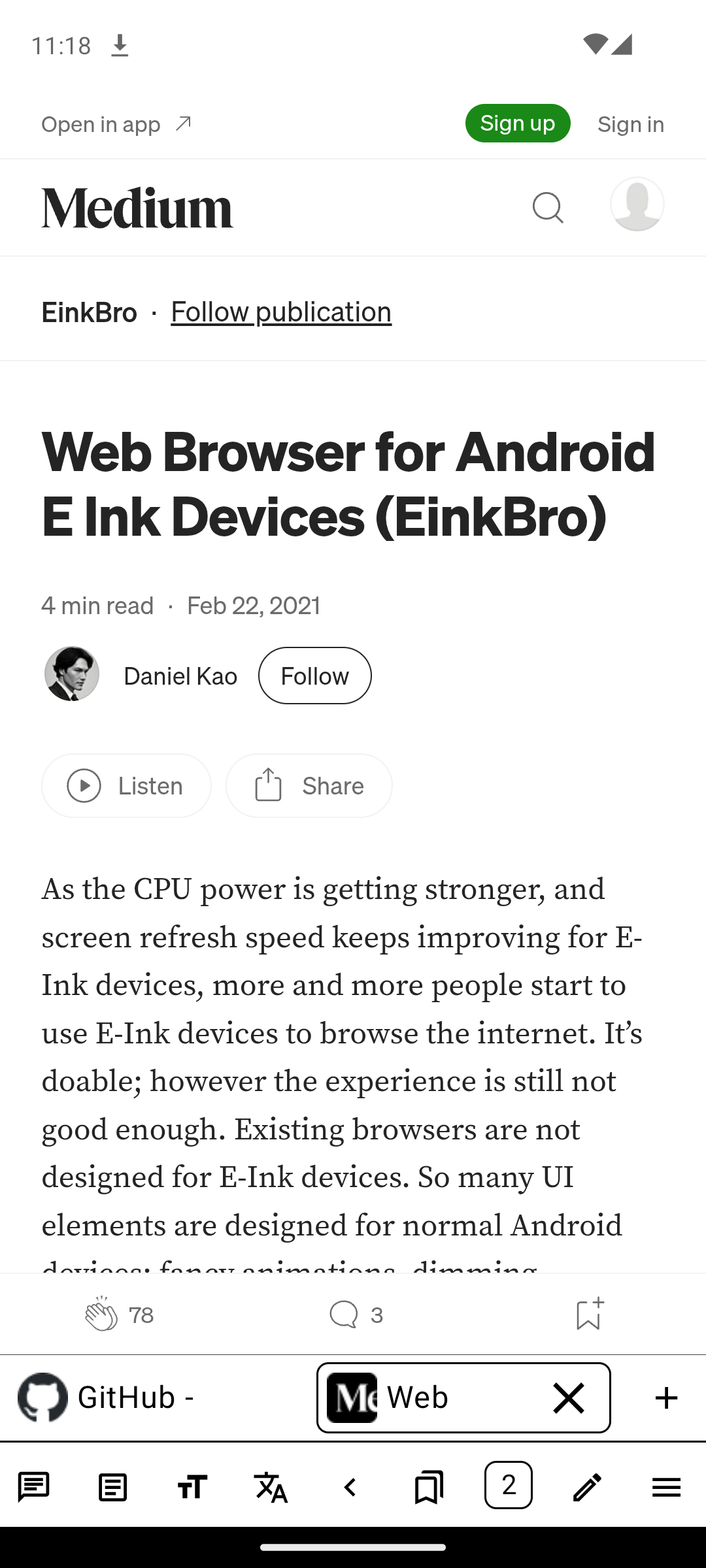
EinkBro is Daniel Kao’s browser for E-Ink readers and note tablets. It began as a fork of FOSS Browser, but now has its own reading, export, translation and userscript features. The interface avoids unnecessary transitions and uses clear black-and-white controls that remain legible after an E-Ink refresh.
Reading tools
- Tap the screen edges or use volume buttons to move by a page instead of smoothly scrolling.
- Reader mode extracts an article, with custom fonts, size and bold controls; vertical layout supports CJK reading.
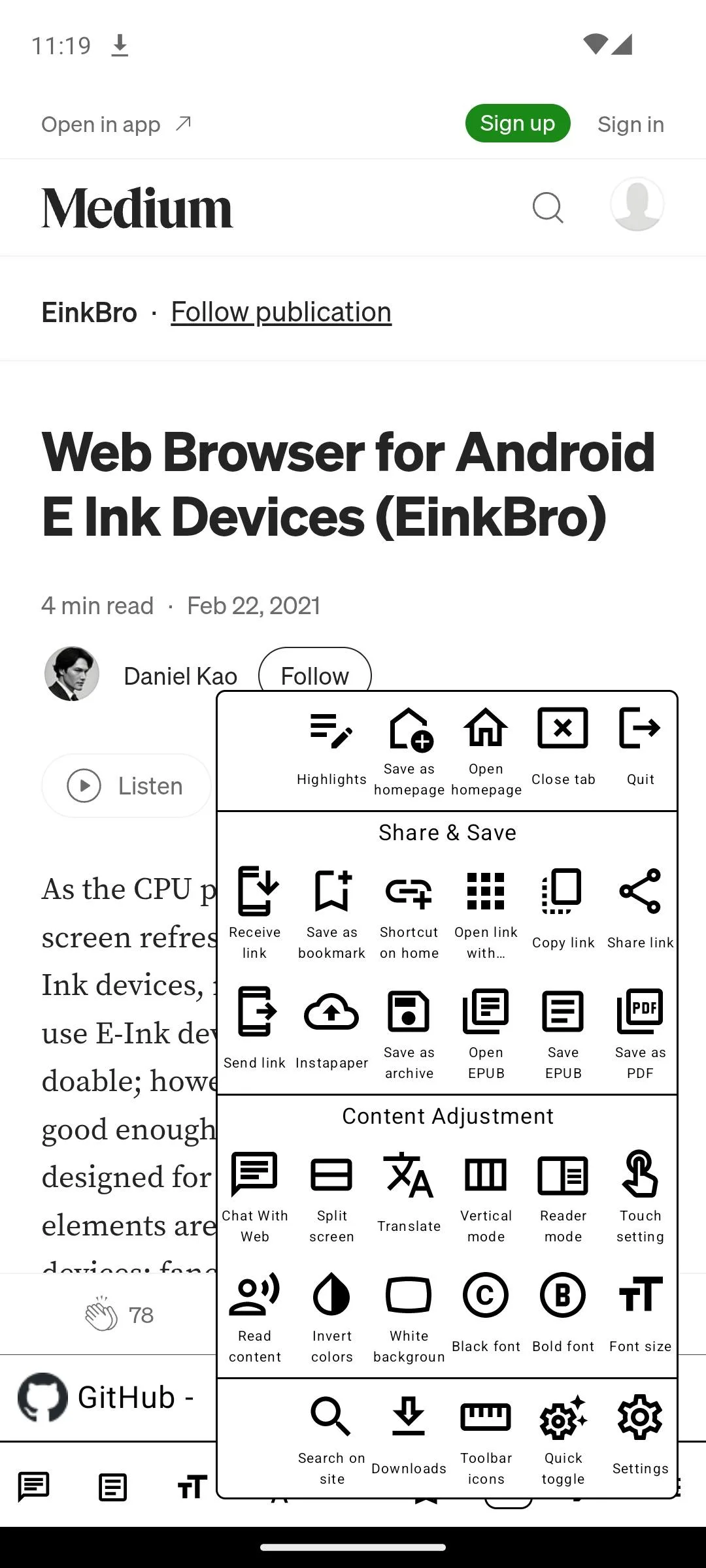
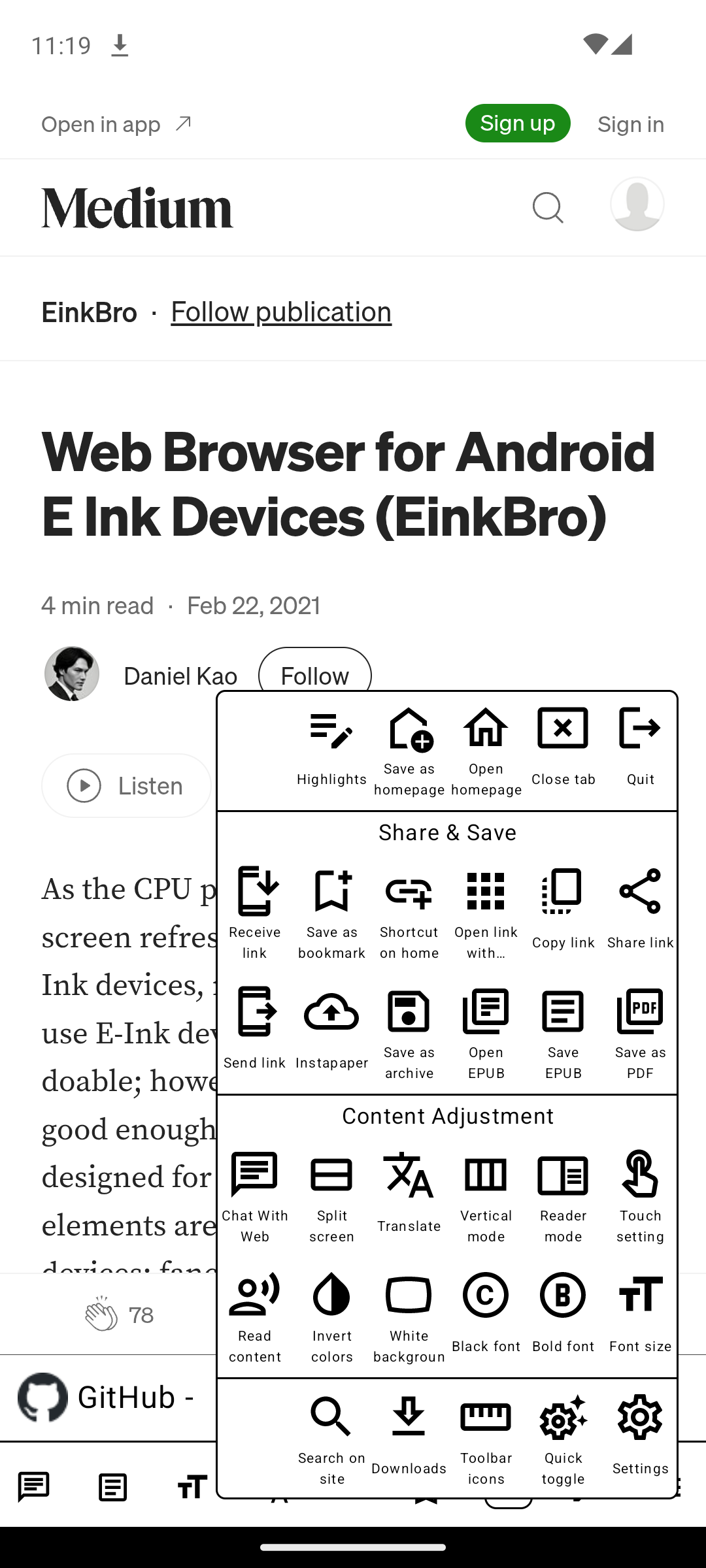
- Turn a web page into an EPUB, append pages to one book, save PDF with a table of contents, archive MHT, or capture a full-page screenshot.
- Split two pages on screen, put the toolbar on an edge, assign more than forty toolbar actions, and keep per-site settings for images, JavaScript, CSS, desktop mode and dark mode.
- A built-in blocker uses filter lists, while URL cleaning removes common campaign parameters.
- A Tampermonkey-style userscript engine implements GM APIs, matching rules, menu commands and updates.
The browser can send a page to Instapaper and integrates with Android dictionaries and text-to-speech. Its optional AI panel can chat with or summarize the current page, translate paragraph by paragraph, and work with OpenAI, Gemini or an OpenAI-compatible server such as Ollama. Those actions send the selected page text or media to the provider you configure; they are not local just because the browser itself is open source.
Version 16.7.1 adds optional Jev smart extraction through TypeSafe’s API, keeps original pages reachable after popups, fixes stale tabs and dictionary translation, and avoids a crash when a custom font document is missing. Smart reader is off until you enable it, and Jev extraction also needs a key.
Permissions and network behavior
The measured APK declares 13 permissions. Internet and network state are fundamental to a browser. When you grant Android location access to EinkBro, its WebView grants subsequent website geolocation requests without a separate per-site prompt; website microphone requests are also granted by the WebView. Storage permissions cover old Android releases, notifications report downloads, and the F-Droid build can hand a downloaded APK to Android’s package installer.
Our scan found no tracker SDK. That does not mean browsing is anonymous: websites receive normal WebView traffic, and search, translation, AI, TTS, Instapaper or filter-list updates contact the provider selected for that feature. Adding an OpenAI key makes OpenAI the default text-to-speech engine; Google Drive backup can upload every selected backup category, including AI settings and keys. The app permits plain HTTP as well as HTTPS because it is a browser.
About this file
- This is F-Droid’s build of version 16.7.1, added on 14 October 2026 and signed with F-Droid’s key. A developer-signed GitHub APK may not update it without uninstalling; stay with one signing source.
- Google Play uses a different package name,
info.plateaukao.einkbro.g, so its build can sit beside this one instead of updating it. - The 4.8 MB file runs on Android 7.0 and later. It contains native ad-blocking code for 32- and 64-bit ARM and x86.
- EinkBro is GPL-3.0-or-later. Its app and language icons include Flaticon artwork credited in the README.
- The six screenshots are current project images distributed in F-Droid’s signed metadata.
What’s inside the APK
Trackers
No code matching the Exodus Privacy tracker signatures.
Native code
Runs on 64-bit and older 32-bit ARM phones.
Android versions
Built for Android 16 (target API 36).
Permissions
6 of them need your approval first.
CPU types in this build: arm64-v8a (64-bit ARM, almost every phone since 2017); armeabi-v7a (32-bit ARM, older and budget phones); x86 (32-bit Intel, emulators); x86_64 (64-bit Intel, emulators and Chromebooks).
Asks you first (6)
Android shows a prompt before the app can use these.
- Approximate location · ACCESS_COARSE_LOCATION
- Precise location · ACCESS_FINE_LOCATION
- Show notifications (Android 13+) · POST_NOTIFICATIONS
- Read shared storage (Android 12 and older) · READ_EXTERNAL_STORAGE
- Record audio with the microphone · RECORD_AUDIO
- Write shared storage (Android 10 and older) · WRITE_EXTERNAL_STORAGE
You switch these on in Settings (1)
Special app access. Nothing is granted until you turn it on yourself.
- Install unknown apps · REQUEST_INSTALL_PACKAGES
Granted at install (4)
Low-risk permissions Android grants automatically, plus any we have not classified.
- ACCESS_NETWORK_STATE
- AUDIO_CAPTURE
- INTERNET
- MODIFY_AUDIO_SETTINGS
Defined by other apps (2)
Permissions that belong to another app or to this app itself.
- com.android.launcher.permission.INSTALL_SHORTCUT
- info.plateaukao.einkbro.DYNAMIC_RECEIVER_NOT_EXPORTED_PERMISSION
More Information
- Package name
- info.plateaukao.einkbro
- Version
- 16.7.1 (build 160701)
- File size
- 4.8 MB (4,819,292 bytes)
- Requires
- Android 7.0 or later
- Category
- Reading & Maps
- License
- GPL-3.0-or-later
- Developer
- Daniel Kao
- Source code
- github.com/plateaukao/einkbro
- Released
- Oct 14, 2026
- Signed by
- F-Droid, which built this APK from the published source code. Because the key is F-Droid’s, it won’t install over a copy from Google Play or GitHub (or the other way round) without uninstalling first.
- Signer SHA-256
- 5ed1905785aef4e02bcaa99f26c76e8f6a78044a033efc3003549e747b6879c1
- File SHA-256
- a4ca2948714fe2ea641aa33d258bdaf02d873840a30e20faa54dc9be2e6cac57
- Checked
- , against the F-Droid index · how we check · verify it yourself
Common questions
Is this APK the official EinkBro release?
It is F-Droid’s build rather than the developer’s own: F-Droid compiled EinkBro 16.7.1 from the published source code and signed it with its own key. Its SHA-256 matches F-Droid’s signed index. Because the key is F-Droid’s, it won’t install over a copy from Google Play or GitHub without uninstalling first.
What Android version does EinkBro need?
Android 7.0 or later (API level 24). Version 16.7.1 is built for Android 16 (target API 36). Runs on 64-bit and older 32-bit ARM phones.
Can EinkBro access the internet?
Yes. The APK requests Android’s internet permission. In total it declares 13 permissions, and 6 of them need your approval first.
Does EinkBro contain trackers?
No known trackers: our scan of version 16.7.1 found no code matching the Exodus Privacy tracker signatures. The scan covers known tracker libraries; it doesn’t show what data the app itself sends.
Is EinkBro open source?
Yes. EinkBro is released under the GPL-3.0-or-later licence, and its source code is published at https://github.com/plateaukao/einkbro.
Is EinkBro only for E-Ink devices?
No. It runs on ordinary Android phones and tablets too, but its page-turn taps, physical-key navigation, high-contrast icons, animation-free interface and image controls are designed around slow-refresh E-Ink screens.
Does its AI work without an account or API key?
The browser itself does. Chat, summarizing, AI translation, OpenAI speech, Gemini video transcription and the optional Jev reader need the matching provider or self-hosted server and a key you supply. Normal browsing and local reader features do not.
Are userscripts safe to install?
Treat them like browser extensions: a userscript can read and change matching pages and may update from its source. Version 16.7.1 enforces @match, @include and @exclude page rules and the @connect network whitelist, but exposes all supported GM APIs even when a script did not name them in @grant.
Where are AI keys kept?
The source stores OpenAI, Gemini and Jev keys in the app’s private SharedPreferences. EinkBro’s backup export can include those AI settings, and its Google Drive sync uploads the selected backup categories, so keep local and Drive backups private and do not import one from someone you do not trust.
Recent releases
| Version | Released | Size | Requires |
|---|---|---|---|
| v16.7.1 · this download | Oct 14, 2026 | 4.8 MB | Android 7.0+ |
| v16.7.0 | Sep 17, 2026 | 4.8 MB | Android 7.0+ |
| v16.6.0 | Sep 3, 2026 | 5.2 MB | Android 7.0+ |
Versions currently kept in the F-Droid repository. We host and check only the newest one. Full changelog.
Alternatives and related apps
-
 Brave A general-purpose browser with stronger mainstream site compatibility and privacy controls, rather than an interface designed around E-Ink page turns.Download
-
 Tor Browser Routes browsing through Tor for network anonymity; it is much heavier and is not optimized for an E-Ink display.Download