Librera Reader
by Ivan Ivanenko · GPL-3.0-or-later · open source
An e-book reader for PDF, EPUB, MOBI, DjVu, FB2, comics and office documents, with read-aloud, dictionaries and online catalogues. This is the ad-free F-Droid edition, Librera FD.
Needs:No root · Android 7.0+
2113 Apps is independent, not affiliated with or endorsed by Ivan Ivanenko. Official sources: librera.mobi · source code on GitHub.
- Version
- 10.0.19-fdroid
- Size
- 125.4 MB
- Requires
- Android 7.0+
- Updated
- 2026-10-31
Screenshots
Introduction
Librera Reader is an e-book reader by the Ukrainian developer Ivan Ivanenko. On Google Play it comes in two versions: a free one with ads, with more than ten million downloads, and Librera PRO, which is paid. This is the third: the F-Droid edition, called Librera FD on your home screen. It is built from the same source code, without the ads.
What it opens
- Books: EPUB, MOBI and Kindle AZW/AZW3, FB2, PDF and XPS, and DjVu, the format of many scanned books.
- Documents: DOC, DOCX (on Android 8.0 and later), RTF, ODT, TXT, Markdown, HTML and MHT.
- Comics: CBZ, and folders of images opened as a book. Not CBR in this edition (see the questions below).
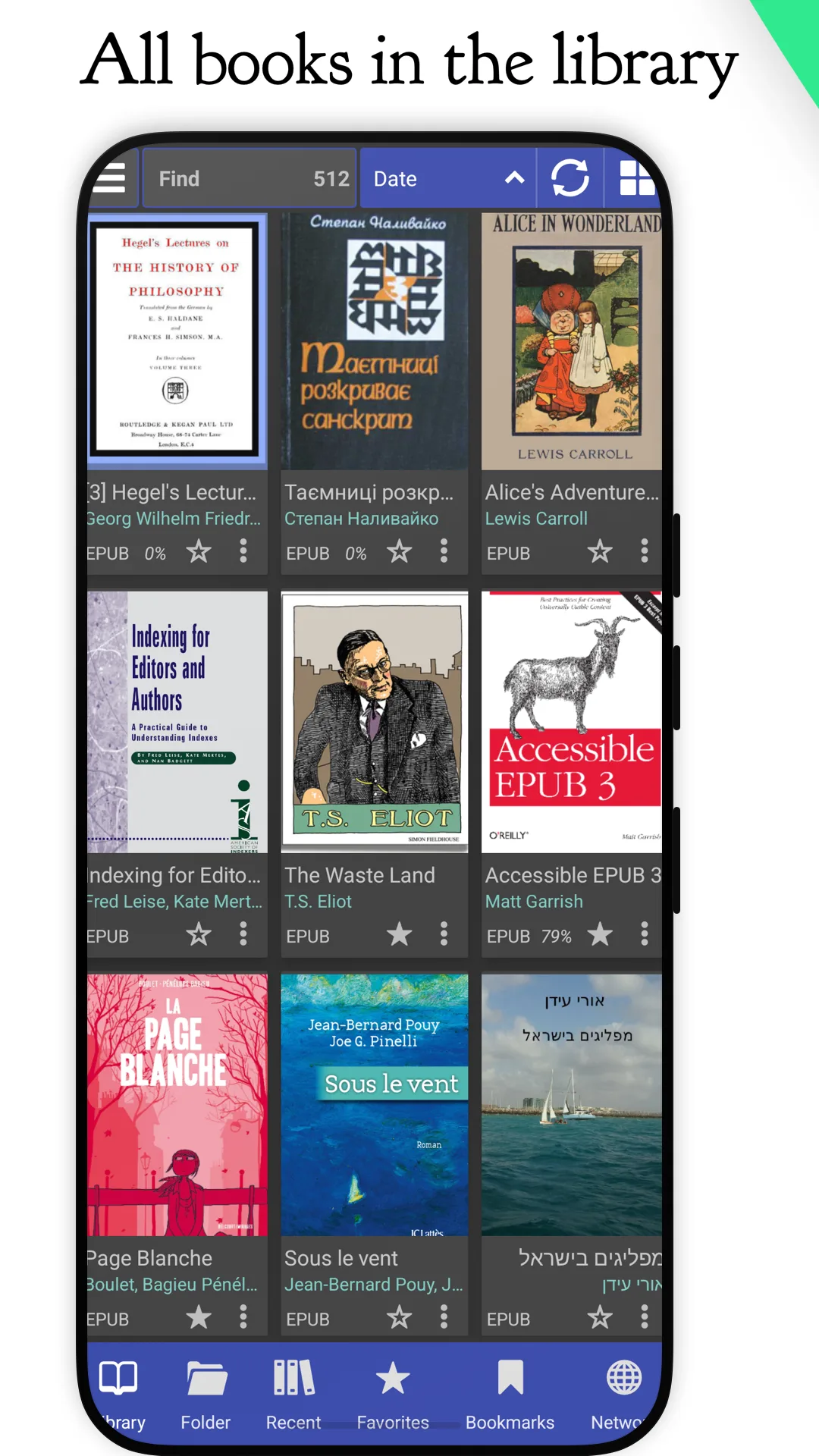
- The library scans your folders for books. CBZ and TXT files aren’t added to it unless you switch them on in the scan settings.
Reading
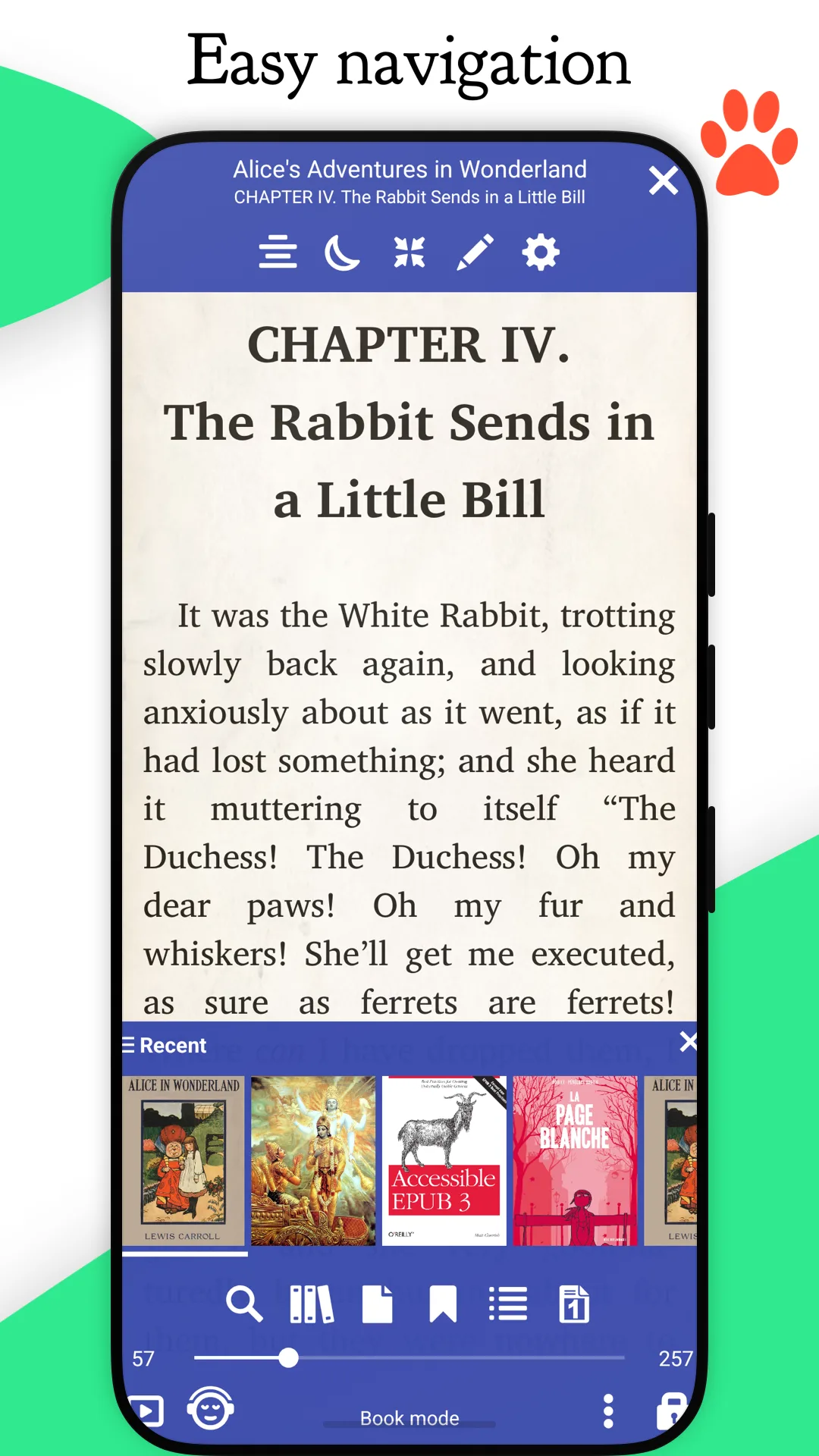
- Page-by-page or continuous scrolling, and a Musician’s mode for sheet music.
- Two engines to choose from, new in 10.0: PDFs can be drawn by MuPDF or PDFium, and EPUB and the other reflowable formats laid out by MuPDF or by foliate-js in a WebView. MuPDF stays the default for both in this edition. EPUB books can now be underlined and highlighted.
- Smart reflow for PDF and DjVu, which rearranges a page’s text to fit a phone screen.
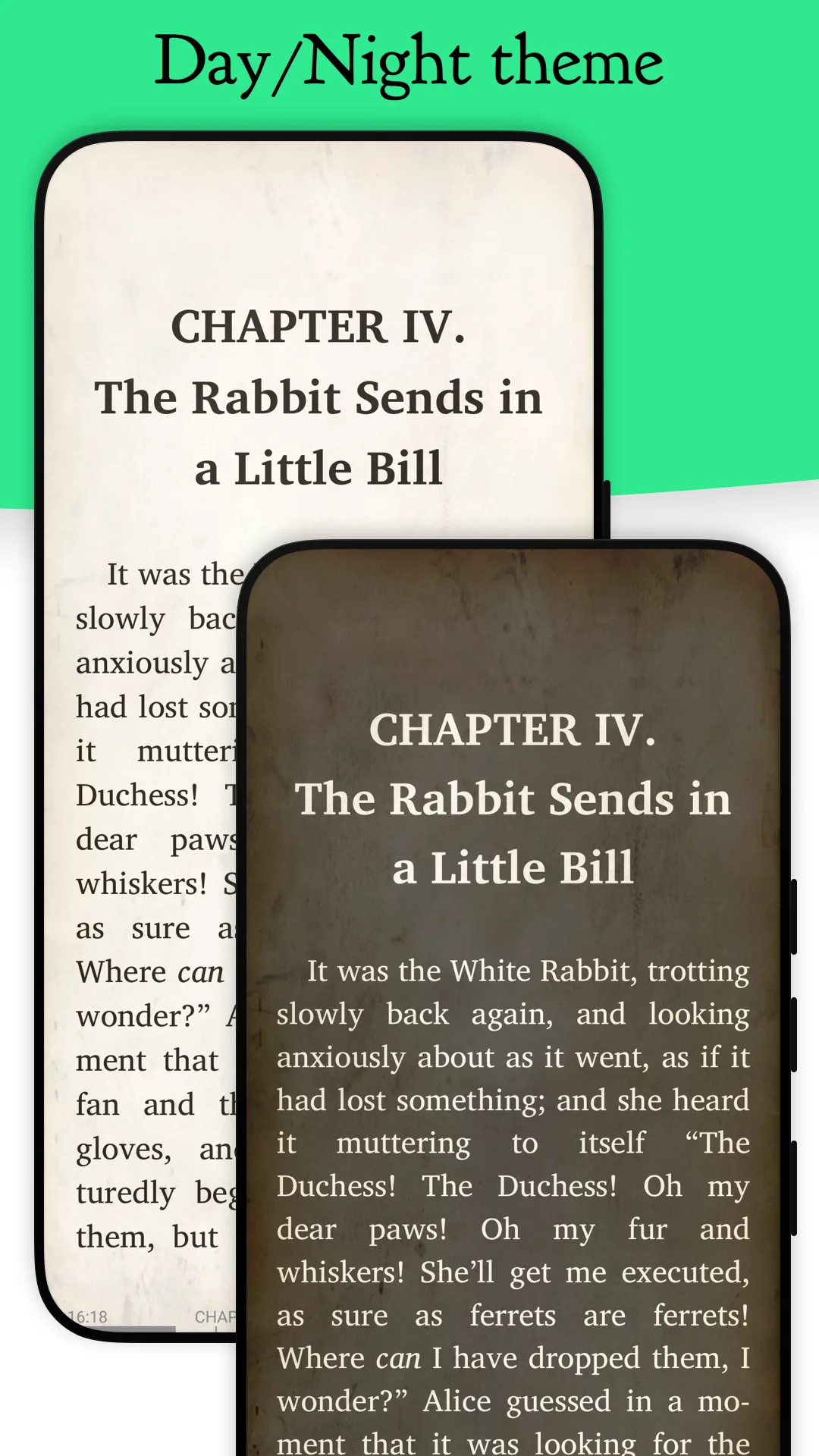
- Bookmarks and notes, day and night modes, your own CSS for e-books, splitting two-page scans into single pages, and a speed-reading mode that shows one word at a time.
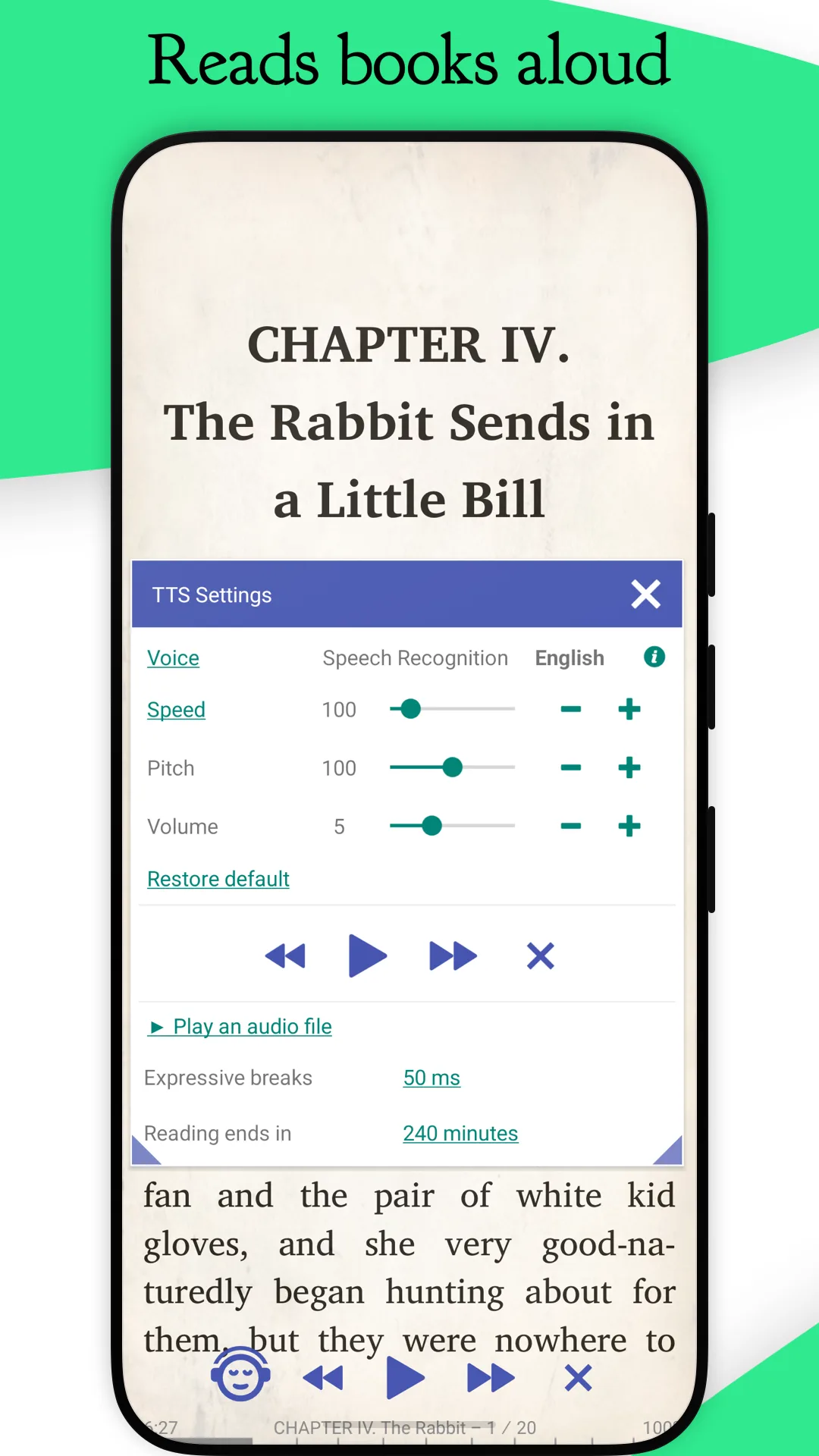
- Read aloud with any text-to-speech engine installed on the phone, with playback in the media notification and in Android Auto, and recording to MP3 or WAV.
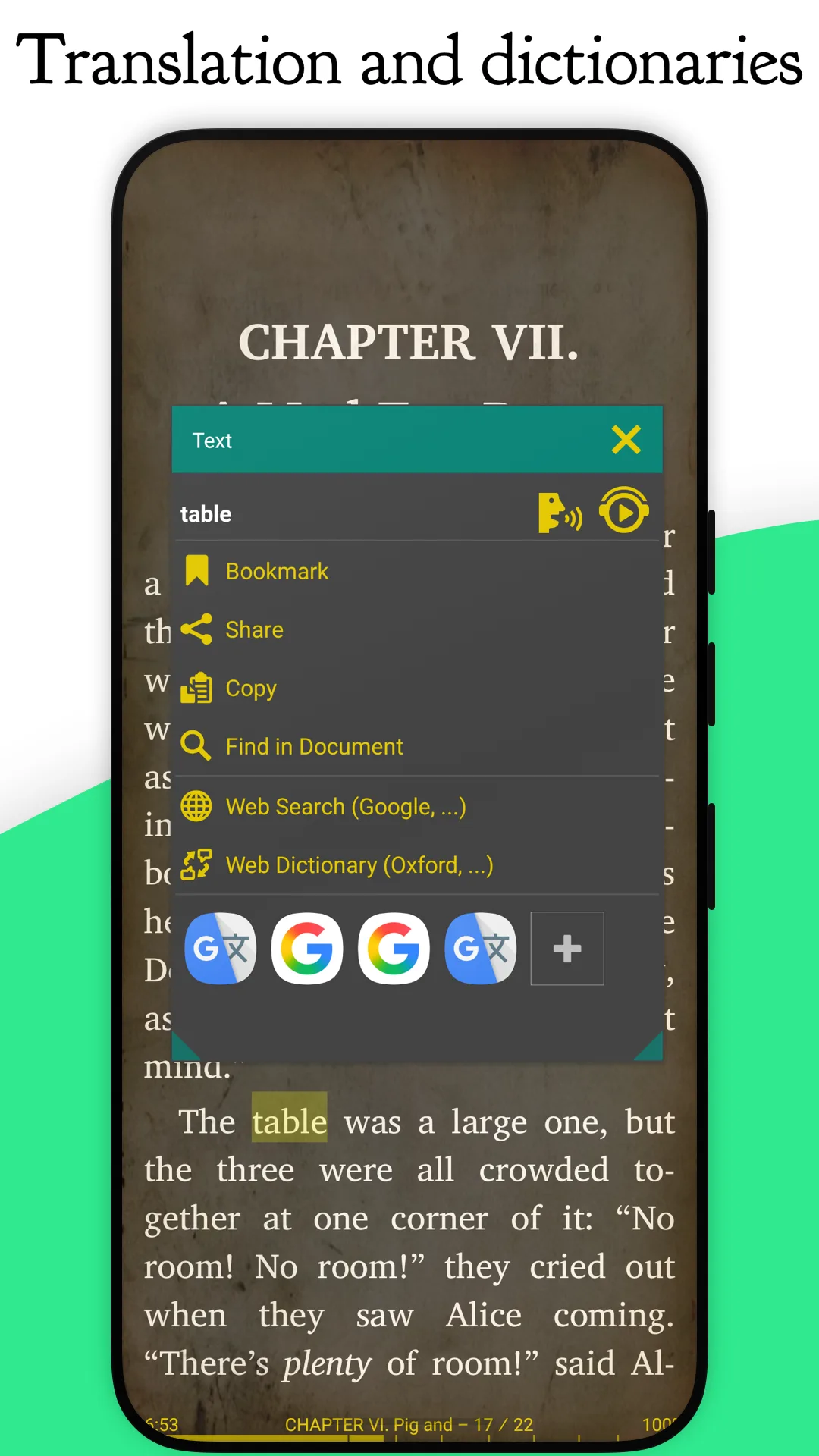
- Dictionaries: offline dictionary apps you install show definitions in a pop-up; the online ones, from Wikipedia to Merriam-Webster, open your browser with the selected word.
- Online catalogues (OPDS): Project Gutenberg and the Internet Archive are set up, and you can add others, including servers without HTTPS or with your own certificates.
What goes online
We found nothing that connects by itself. The network is used only when you open a catalogue, look up a word online, download the optional extra fonts (10 megabytes, from the developer’s GitHub, with a Dropbox copy as a fallback), share a link to Librera, or open the “What’s new” page, which opens in your browser. A maths library is loaded from a public CDN, but only in experimental mode, which is off by default, and only for books that contain formulas.
There are no ad, analytics or crash-reporting services in this edition: the code for them is replaced by empty placeholders, and F-Droid’s build recipe deletes the Google modules before compiling. Crashes are written to a crash.txt file in the Librera folder on the phone, not sent.
What this edition leaves out
The F-Droid description says the only difference from Librera PRO is “the absence of Google Play services and Google Drive book synchronization”. The code shows three:
- No Google Drive sync (see the questions below for another way).
- No CBR comics: the RAR library isn’t included, for licensing reasons.
- No fingerprint lock for the app: the biometric permission is removed in this build.
The same description says Android 4.1 and later; this file needs Android 7.0.
Permissions
- All files access, to scan your folders for books and keep settings in a
Librerafolder. The app asks from a panel in the library rather than at start-up. Since 10.0 the panel also offers “Add a folder with books.”, which uses Android’s folder picker and needs no all-files access; without either, it runs with a limited “Demo” profile in its own storage. - A foreground service and notifications for reading aloud.
- Internet, for the features above.
About this file
- This is F-Droid’s build of version 10.0.19, compiled from the fixed upstream commit and signed with F-Droid’s key. Since 10.0.7 the source added a home-screen widget, TTS controls at the bottom of the reader, direct stream opening, a native libarchive reader, a guarded handoff after a book crashes to LibreraX—the developer’s separate reader, which is not on F-Droid and is linked to a GitHub download from this build’s settings—and fixes for bookmarks, dictionaries, hyphenation, brightness and the interface. The 10.0 engine choices remain: foliate-js and PDFium are available alongside MuPDF in this edition.
- Librera PRO on Google Play and the developer’s own “Librera.Fdroid” APKs on GitHub use the same package name but different signing keys, so none of them updates another (see the questions below).
- The 125.4 MB file contains MuPDF, PDFium and the archive reader for ARM and x86, 32- and 64-bit, and needs Android 7.0 or later. Our scan found no trackers.
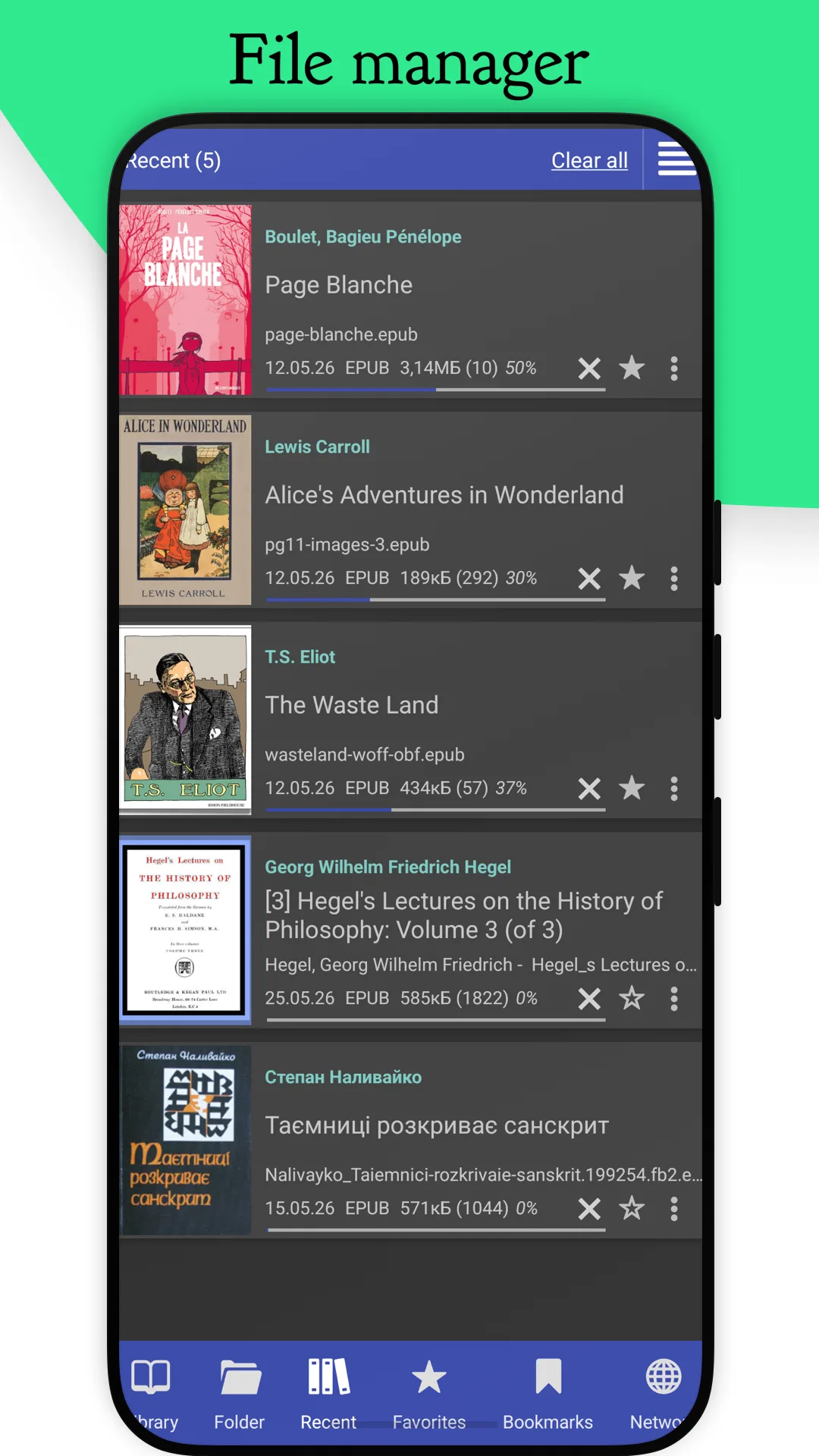
- It includes three public-domain books from Project Gutenberg (Alice’s Adventures in Wonderland, Moby-Dick and The Count of Monte Cristo), which are copied into your library only if a scan finds no books.
- The screenshots are the project’s own, from June 2026, before the redesign in version 9.6.7 that brought rounded tabs and buttons.
- Librera is licensed under the GPL-3.0 or later; MuPDF, its main engine, under the AGPL-3.0; the PDFium wrapper library is under the Apache-2.0 and foliate-js under the MIT licence. The app lists its other libraries and their licences.
What’s inside the APK
Trackers
No code matching the Exodus Privacy tracker signatures.
Native code
Runs on 64-bit and older 32-bit ARM phones.
Android versions
Built for Android 16 (target API 36).
Permissions
2 of them need your approval first.
CPU types in this build: arm64-v8a (64-bit ARM, almost every phone since 2017); armeabi-v7a (32-bit ARM, older and budget phones); x86 (32-bit Intel, emulators); x86_64 (64-bit Intel, emulators and Chromebooks).
Asks you first (2)
Android shows a prompt before the app can use these.
- Show notifications (Android 13+) · POST_NOTIFICATIONS
- Write shared storage (Android 10 and older) · WRITE_EXTERNAL_STORAGE
You switch these on in Settings (1)
Special app access. Nothing is granted until you turn it on yourself.
- All files access · MANAGE_EXTERNAL_STORAGE
Granted at install (7)
Low-risk permissions Android grants automatically, plus any we have not classified.
- ACCESS_NETWORK_STATE
- FOREGROUND_SERVICE
- FOREGROUND_SERVICE_MEDIA_PLAYBACK
- INTERNET
- RECEIVE_BOOT_COMPLETED
- VIBRATE
- WAKE_LOCK
Defined by other apps (1)
Permissions that belong to another app or to this app itself.
- com.foobnix.pro.pdf.reader.DYNAMIC_RECEIVER_NOT_EXPORTED_PERMISSION
More Information
- Package name
- com.foobnix.pro.pdf.reader
- Version
- 10.0.19-fdroid (build 7523)
- File size
- 125.4 MB (125,439,421 bytes)
- Requires
- Android 7.0 or later
- Category
- Reading & Maps
- License
- GPL-3.0-or-later
- Developer
- Ivan Ivanenko
- Source code
- github.com/foobnix/LibreraReader
- Released
- Oct 31, 2026
- Signed by
- F-Droid, which built this APK from the published source code. Because the key is F-Droid’s, it won’t install over a copy from Google Play or GitHub (or the other way round) without uninstalling first.
- Signer SHA-256
- ea0d90df4dde7b9a9e8eaebe2e8aa47ed13f4df9d77aa64bc99c7ed309d2a84d
- File SHA-256
- d545b6119b29fc0830d656980401be4c7de9a02b0012dcc3475db236f78d8b95
- Checked
- , against the F-Droid index · how we check · verify it yourself
Common questions
Is this APK the official Librera Reader release?
It is F-Droid’s build rather than the developer’s own: F-Droid compiled Librera Reader 10.0.19-fdroid from the published source code and signed it with its own key. Its SHA-256 matches F-Droid’s signed index. Because the key is F-Droid’s, it won’t install over a copy from Google Play or GitHub without uninstalling first.
What Android version does Librera Reader need?
Android 7.0 or later (API level 24). Version 10.0.19-fdroid is built for Android 16 (target API 36). Runs on 64-bit and older 32-bit ARM phones.
Can Librera Reader access the internet?
Yes. The APK requests Android’s internet permission. In total it declares 11 permissions, and 2 of them need your approval first.
Does Librera Reader contain trackers?
No known trackers: our scan of version 10.0.19-fdroid found no code matching the Exodus Privacy tracker signatures. The scan covers known tracker libraries; it doesn’t show what data the app itself sends.
Is Librera Reader open source?
Yes. Librera Reader is released under the GPL-3.0-or-later licence, and its source code is published at https://github.com/foobnix/LibreraReader.
Does this version have ads or tracking?
No. The F-Droid edition replaces the ad, analytics and Google Drive libraries with empty placeholders, and F-Droid’s build recipe deletes the Google modules before compiling. It only goes online when you use catalogues, online dictionaries, the optional font download or a link you share to it.
Why won’t my .cbr comics open?
This edition still doesn’t support CBR. Version 10.0.19 added a native libarchive reader, but the fixed source explicitly rejects .cbr paths and hides CBR from the supported types when it is an F-Droid build. CBZ comics work.
Can I sync my books and progress without Google Drive?
Drive sync isn’t in this edition. Librera keeps its settings and reading progress in the Librera folder in your storage; its FAQ suggests syncing that folder with another app. You can also export settings, bookmarks, progress and tags to a .zip file and import it elsewhere.
Can I install this over Librera PRO from Google Play?
Not directly. PRO uses the same package name, com.foobnix.pro.pdf.reader, but this file is signed by F-Droid, so Android won’t accept one as an update of the other. Export your settings first, uninstall, then install this one; your book files stay where they are.
Recent releases
| Version | Released | Size | Requires |
|---|---|---|---|
| v10.0.19-fdroid · this download | Oct 31, 2026 | 125.4 MB | Android 7.0+ |
| v10.0.7-fdroid | Oct 27, 2026 | 126.2 MB | Android 7.0+ |
| v10.0.0-fdroid | Oct 22, 2026 | 127.0 MB | Android 7.0+ |
Versions currently kept in the F-Droid repository. We host and check only the newest one. Full changelog.