
IronFox
by IronFox OSS · MPL-2.0 · open source
A Firefox-based browser set up for privacy out of the box: telemetry and crash reports off, uBlock Origin offered on first start, history cleared on exit, and the JavaScript compiler off for security.
Needs:No root · Android 8.0+ · 64-bit ARM phone
2113 Apps is independent, not affiliated with or endorsed by IronFox OSS. Official sources: ironfoxoss.org · source code on GitLab.
- Version
- 159.0
- Size
- 166.6 MB
- Requires
- Android 8.0+
- Updated
- 2026-10-28
Screenshots
Introduction
IronFox is a web browser built from Mozilla’s Firefox for Android, with its settings changed for privacy and security. It is made by a small team under the name IronFox OSS. In its README: “IronFox is a fork of Divested Computing Group’s Mull Browser, based on Mozilla Firefox. Our goal is to continue the legacy of Mull by providing a free and open source, privacy and security-oriented web browser for daily use.” Version 159.0 is built on Firefox 159.0 and introduces IronFox’s built-in app updater.
What it changes from Firefox
- No telemetry, crash reports or ads code. IronFox switches off Firefox’s data reporting and crash reporter, and removes the Adjust and Sentry libraries and Google’s Firebase push library. In this file, telemetry and health reports are locked off.
- No Google Play Services needed. Push notifications for websites work through UnifiedPush if you install a distributor app and turn it on; for passkeys it carries microG’s open-source replacement for Google’s FIDO library, which needs microG or a separate provider app on the phone.
- DuckDuckGo as the search engine, and Google, Bing, Yahoo and several others removed from the list.
- Encrypted DNS through Quad9’s DNS server, in Firefox’s strictest mode, so lookups don’t fall back to your network’s DNS.
- Strict tracking protection and HTTPS-Only mode are on.
- Google Safe Browsing stays on, “with a proxy to protect the privacy of users” that IronFox runs. You can turn it off under IronFox settings → Security.
Defaults worth knowing
From the settings in this version:
- JavaScript’s just-in-time compiler is off, “in order to improve security”. The FAQ says this “doesn’t cause a noticeable difference on most modern devices” but may slow some down; the switch is in IronFox settings → Security.
- WebGL is off, except on a list of sites IronFox keeps where turning it off breaks them.
- Browsing history isn’t remembered, and history, cache, download history and open tabs are cleared when you close the browser.
- Websites are asked for English and light mode, “to protect against fingerprinting”. Both can be changed in IronFox settings.
- Installing add-ons is off, apart from the uBlock Origin offer on first start.
- DRM video is off: “IronFox does not support Encrypted Media Extensions (EME)”, so services that need it won’t play until you turn it on.
- Fingerprinting protection uses Firefox’s newer protection, not the stricter resistFingerprinting mode, which the FAQ says is “NOT recommended or supported”.
IronFox is open about the limits: “IronFox can not defeat sophisticated fingerprinting. Nothing besides Tor Browser can.” and “Firefox-based web browsers, including IronFox, have security deficiencies when compared to Chromium. This is especially notable on Android.”
What goes online
IronFox publishes a list of the connections it makes at default settings. The updater added in 159.0 is not yet in that list. Besides the sites you visit:
- Mozilla’s servers, for add-on update checks and Remote Settings (block lists and certificate data), both hourly, the content-signature check at every start, and the push service.
- IronFox’s Safe Browsing proxy, at every start and every 30 minutes after.
- IronFox’s update service at releases.ironfoxoss.org, when the browser comes to the foreground and the default one-hour interval has elapsed. A copy installed from this site is not tied to a store IronFox recognises, so it downloads an available update immediately on any connection, including mobile data, then asks before installing. This connection is not yet in IronFox’s published list; both switches are under Settings → IronFox settings → Updates (see the questions below).
- Quad9’s DNS server, for every domain you open. Before 158.0.1 the default was Mullvad’s, which is being discontinued; IronFox says people who chose Mullvad get a notification asking them to switch.
- Mozilla’s add-ons site, once, if you keep uBlock Origin ticked in the first-start setup, and afterwards the filter-list servers uBlock Origin uses. IronFox sets uBlock Origin up with a list of filter sources from its own server, assets.ironfoxoss.org, which its published list leaves out.
Our tracker scan matches Mozilla Telemetry, on class names from Mozilla’s Glean library. IronFox explains that “while it’s untenable to fully remove all references to the Glean library, we do remove the Glean service library, and we stub the Glean library itself at build-time and break/neuter all of its functionality.”
About this file
- This is IronFox 159.0, released on 28 October 2026, the 64-bit ARM build from IronFox’s own F-Droid repository, which it describes as holding “official binaries built by IronFox OSS”. The file is byte for byte the one on IronFox’s release server, whose published SHA-512 it matches. It is signed by IronFox, with the certificate fingerprint IronFox publishes on its download page (C5:E2:91:B5…F9:04). IronFox also makes builds for 32-bit ARM and x86_64.
- IronFox isn’t on Google Play, and not in F-Droid’s main repository by its own choice: “We currently do not support IronFox’s inclusion in F-Droid’s official repository, due to what we feel are significant privacy and security concerns.”
- The 166.6 MB file needs Android 8.0 or later; IronFox’s download page still says Android 5, but the app itself requires 8.0. It declares 30 permissions, among them location, camera and microphone for sites that ask, notifications, and installing downloaded APK files.
- The browser code is Firefox’s, under the Mozilla Public License 2.0; IronFox’s build scripts are under the AGPL-3.0, and the preference settings it uses, from its Phoenix project, under the GPL-3.0. “Mozilla Firefox is a trademark of The Mozilla Foundation.” IronFox notes that it is “in no way affiliated with Mozilla”.
- The app is translated into Brazilian Portuguese.
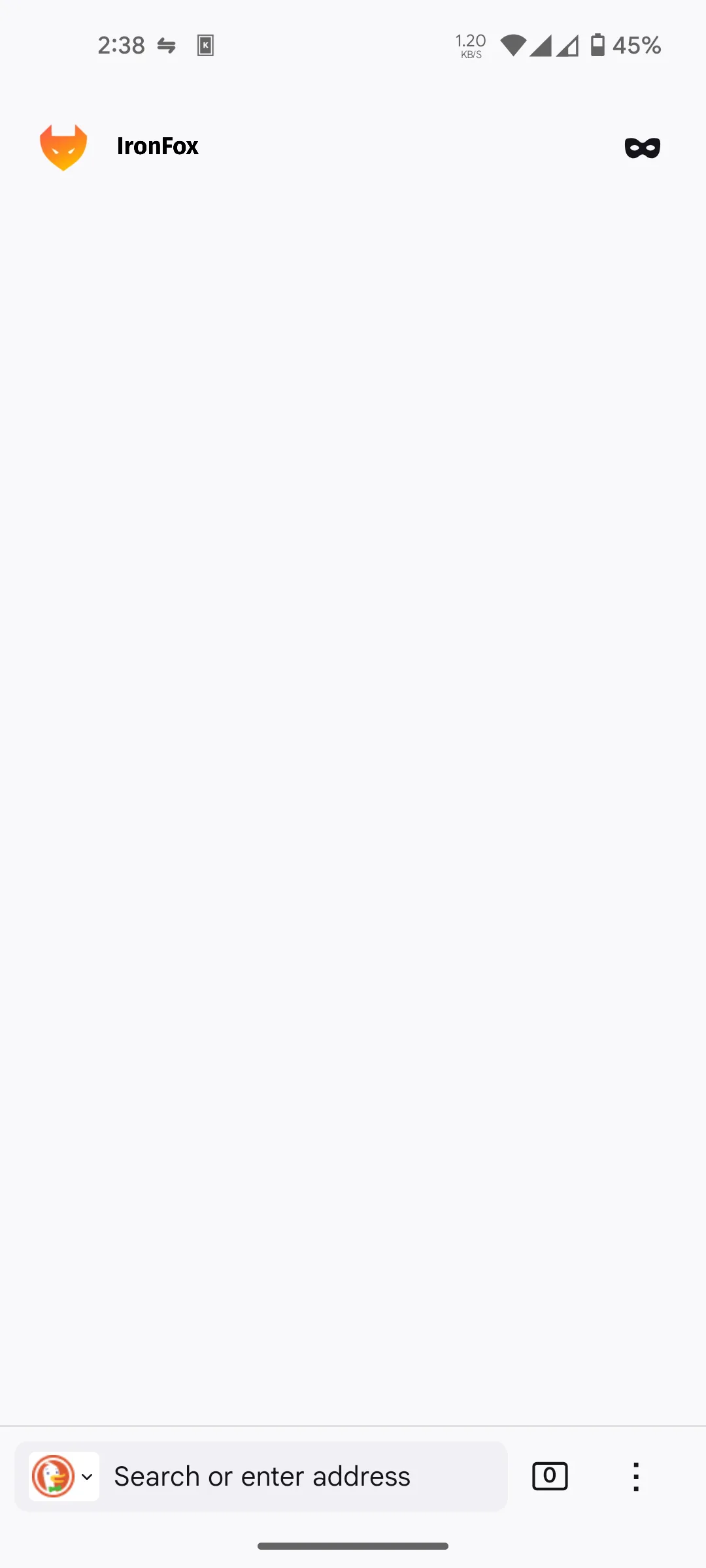
- The screenshot is IronFox’s, from its F-Droid repository.
What’s inside the APK
Trackers
Code from these SDKs is in the package. That shows it is bundled, not how it is used.
Native code
Needs a 64-bit ARM phone; 32-bit-only devices are not supported.
Android versions
Built for Android 17 (target API 37).
Permissions
9 of them need your approval first.
CPU types in this build: arm64-v8a (64-bit ARM, almost every phone since 2017).
Asks you first (9)
Android shows a prompt before the app can use these.
- Approximate location · ACCESS_COARSE_LOCATION
- Precise location · ACCESS_FINE_LOCATION
- Use the camera · CAMERA
- Show notifications (Android 13+) · POST_NOTIFICATIONS
- Read shared storage (Android 12 and older) · READ_EXTERNAL_STORAGE
- Read music and audio files · READ_MEDIA_AUDIO
- Read only the photos and videos you pick · READ_MEDIA_VISUAL_USER_SELECTED
- Record audio with the microphone · RECORD_AUDIO
- Write shared storage (Android 10 and older) · WRITE_EXTERNAL_STORAGE
You switch these on in Settings (1)
Special app access. Nothing is granted until you turn it on yourself.
- Install unknown apps · REQUEST_INSTALL_PACKAGES
Granted at install (17)
Low-risk permissions Android grants automatically, plus any we have not classified.
- ACCESS_LOCAL_NETWORK
- ACCESS_NETWORK_STATE
- CREDENTIAL_MANAGER_QUERY_CANDIDATE_CREDENTIALS
- CREDENTIAL_MANAGER_SET_ORIGIN
- DOWNLOAD_WITHOUT_NOTIFICATION
- FOREGROUND_SERVICE
- FOREGROUND_SERVICE_DATA_SYNC
- FOREGROUND_SERVICE_MEDIA_PLAYBACK
- FOREGROUND_SERVICE_SPECIAL_USE
- INTERNET
- MODIFY_AUDIO_SETTINGS
- QUERY_ALL_PACKAGES
- RECEIVE_BOOT_COMPLETED
- USE_BIOMETRIC
- USE_FINGERPRINT
- VIBRATE
- WAKE_LOCK
Defined by other apps (3)
Permissions that belong to another app or to this app itself.
- com.android.launcher.permission.INSTALL_SHORTCUT
- org.ironfoxoss.ironfox.DYNAMIC_RECEIVER_NOT_EXPORTED_PERMISSION
- org.ironfoxoss.ironfox.permission.RECEIVE_DOWNLOAD_BROADCAST
More Information
- Package name
- org.ironfoxoss.ironfox
- Version
- 159.0 (build 2016192954)
- File size
- 166.6 MB (166,598,098 bytes)
- Requires
- Android 8.0 or later
- Category
- Network & Privacy
- License
- MPL-2.0
- Developer
- IronFox OSS
- Source code
- gitlab.com/ironfox-oss/IronFox
- Released
- Oct 28, 2026
- Signer SHA-256
- c5e291b5a571f9c8cd9a9799c2c94e02ec9703948893f2ca756d67b94204f904
- File SHA-256
- 694e7c0ec4d7c5e193cf8354c8ff8a895511a35d8262e67f52dc40bf600b55d5
- Checked
- , against the IronFox OSS index · how we check · verify it yourself
Common questions
Is this APK the official IronFox release?
Yes. It is the developer’s own release of IronFox 159.0, byte for byte as the IronFox OSS repository distributes it. Its SHA-256 matches that repository’s signed index, and it is signed with the certificate the index records for the app (SHA-256 c5e291b5a571f9c8cd9a9799c2c94e02ec9703948893f2ca756d67b94204f904).
What Android version does IronFox need?
Android 8.0 or later (API level 26). Version 159.0 is built for Android 17 (target API 37). Needs a 64-bit ARM phone; 32-bit-only devices are not supported.
Can IronFox access the internet?
Yes. The APK requests Android’s internet permission. In total it declares 30 permissions, and 9 of them need your approval first.
Does IronFox contain trackers?
Yes. Version 159.0 contains code from Mozilla Telemetry, which matches an Exodus Privacy tracker signature. That shows the code is bundled, not how the app uses it.
Is IronFox open source?
Its code is. The source code of IronFox is released under the MPL-2.0 licence and published at https://gitlab.com/ironfox-oss/IronFox. The default wallpapers come from Fennec F-Droid under the Unsplash licence, which allows free use but isn’t an open-source licence.
Is uBlock Origin built in?
Not in the file. The first-start setup has a box to install it, ticked by default, and IronFox then downloads uBlock Origin from Mozilla’s add-ons site. If you untick it, nothing is installed. Installing other add-ons is switched off until you turn it on in IronFox’s settings.
How do I update it?
For this site’s copy, IronFox’s code treats Android’s installer as unrecognised, so it updates itself. By default, when foregrounded after its one-hour interval, it checks; if a new version exists, it downloads it on any connection, including mobile data (up to roughly two hundred megabytes), then asks before installing. Recognised-store installs return there unless direct downloads are enabled. Both automatic checks and downloads can be turned off. We have not tested this on a device.
Is it the same as Mull?
It started as a fork of Mull, the Firefox-based browser from Divested Computing Group. IronFox says its goal is “to continue the legacy of Mull”, and also that it “is not associated with DivestOS, Divested Computing Group, or Mull in any manner.”
Can I use Firefox Sync?
Yes. Sync is switched on, for when you sign in to a Mozilla account, and since version 157.0.1 there is a switch to turn it off under Settings → IronFox settings → Miscellaneous.
Alternatives and related apps
-
 Tor Browser Also built on Firefox, but sends everything through Tor; the only one that, in IronFox’s words, can defeat sophisticated fingerprinting.Download
-
 Ungoogled Chromium Chromium without Google’s services, for when a site works better in a Chromium browser.Download