
Geto
GPL-3.0-only · open source
Set system settings for one app: Geto applies them when it launches that app and restores them from a notification afterwards. Its author built it to switch developer options off for a banking app.
Needs:Android 7.0+ · adb to grant one permission
2113 Apps is independent, not affiliated with or endorsed by the Geto developers. Official sources: source code on GitHub.
- Version
- 1.17.3
- Size
- 2.3 MB
- Requires
- Android 7.0+
- Updated
- 2026-07-19
Screenshots
Introduction
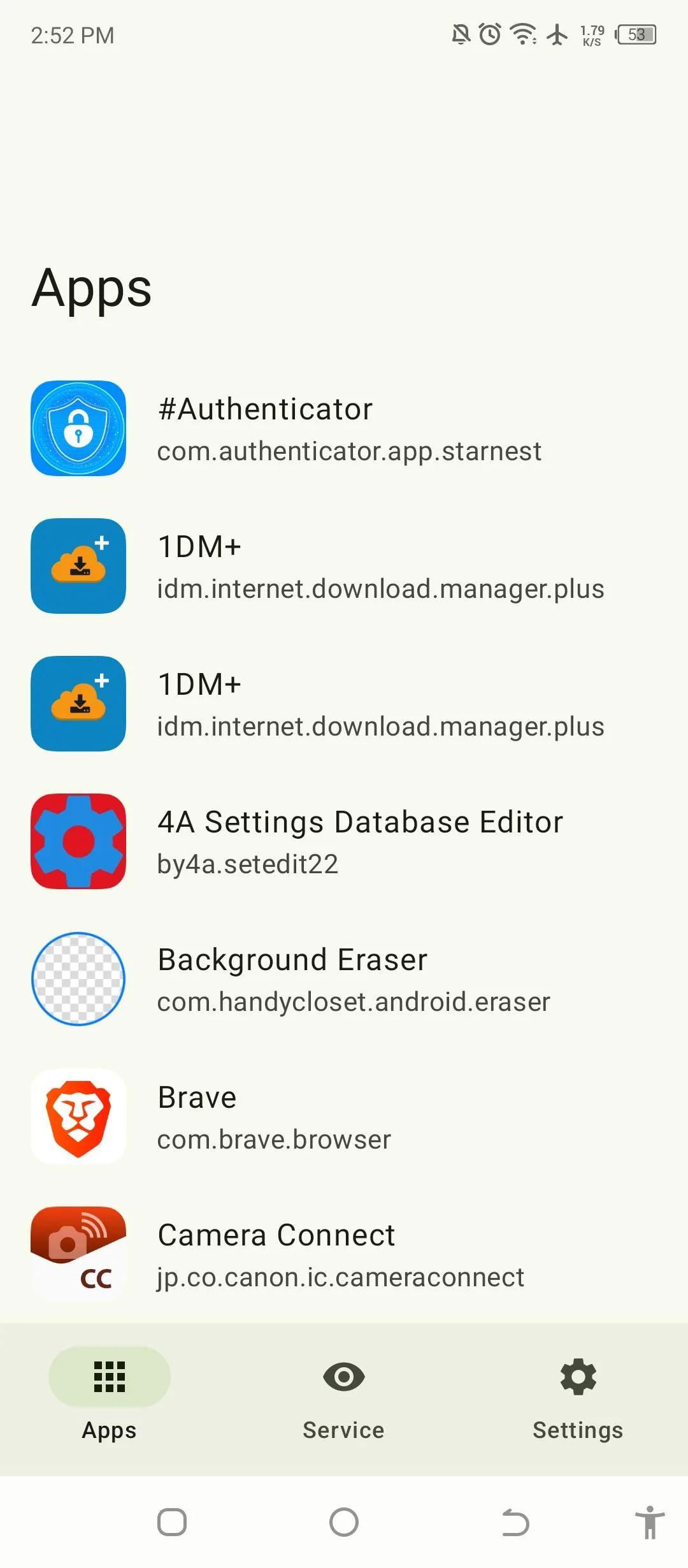
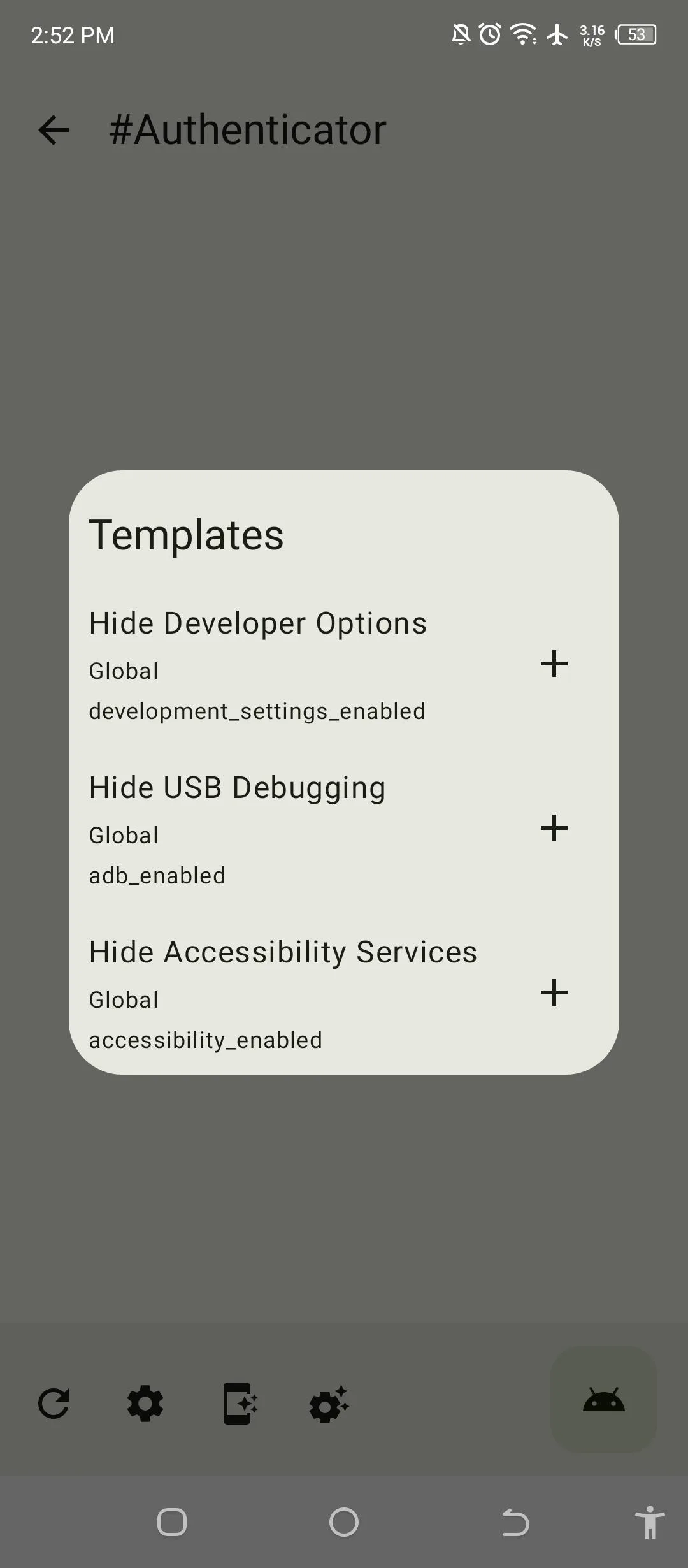
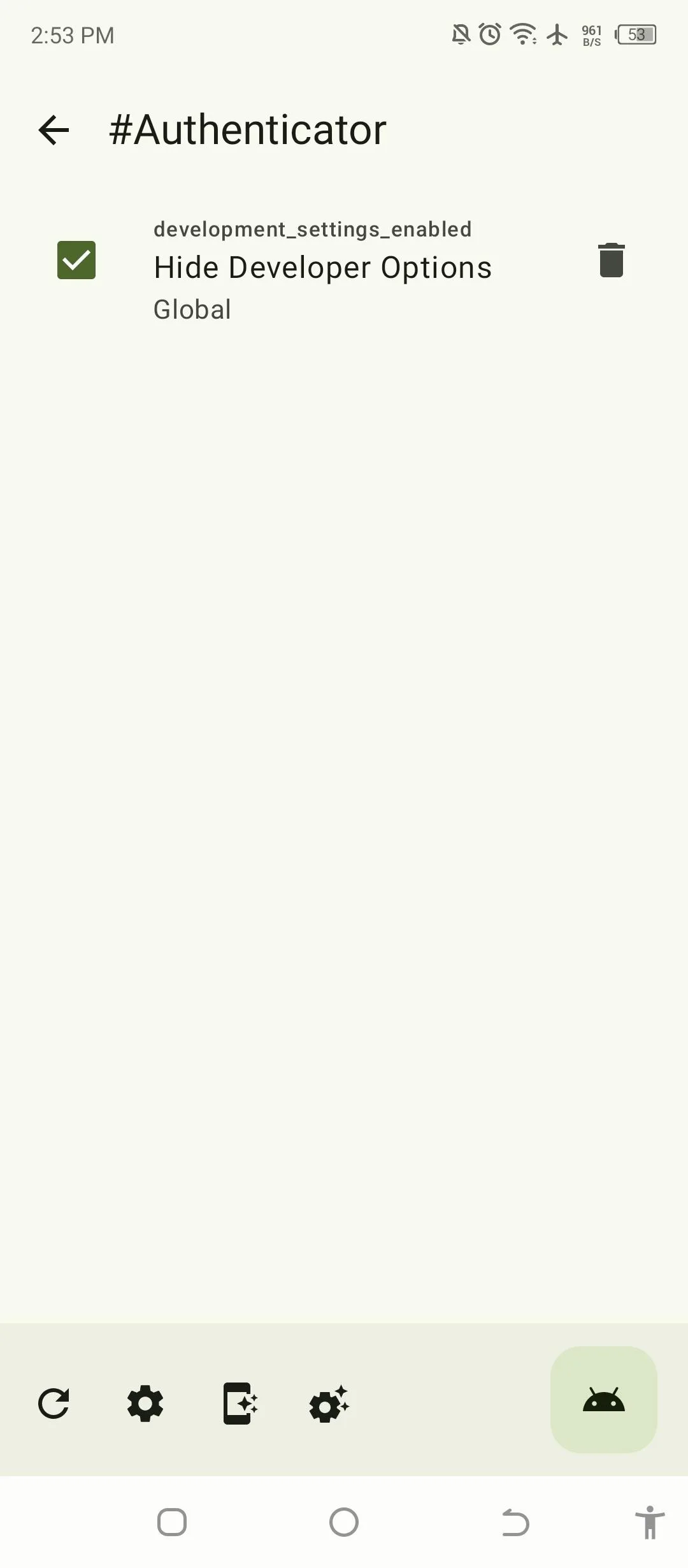
Geto applies Android system settings on a per-app basis. You pick an app, list the settings it should run with and the values to go back to afterwards, and launch the app through Geto. The author explains why it exists: “The only reason I created this app is to turn off that damn Developer Options when using a banking app.” Some banking apps refuse to run while developer options or USB debugging are on, and switching them off by hand resets your developer settings.
How it works
- One permission, granted with adb. Geto changes settings through Android’s
WRITE_SECURE_SETTINGSpermission, which no app can request on screen. The app shows the command to copy:pm grant com.android.geto android.permission.WRITE_SECURE_SETTINGS. It has no other special access and no internet permission. - Three kinds of settings. Each entry names a setting in Android’s System, Secure or Global table, with a “Setting value on launch” and a “Setting value on revert”.
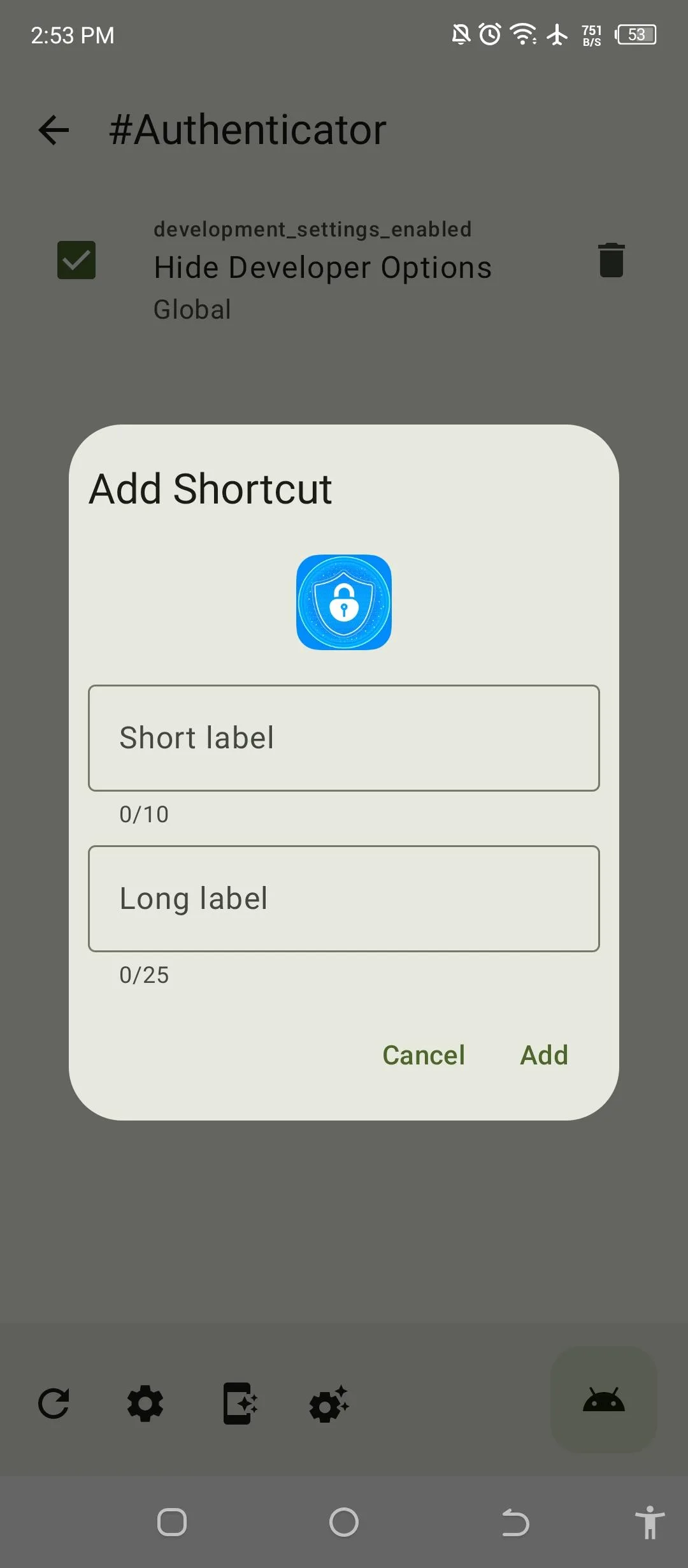
- Launching. Geto writes the launch values and opens the app. You can also add a home-screen shortcut for an app’s settings.
- Restoring. Geto posts a notification with a Revert button that writes the revert values back. Without notification permission there is no way back from inside Geto, so allow it when asked.
Changing Secure and Global settings by hand can switch off things you rely on. Note the original value of a setting before you add it, so the revert value is right.
Things to know
- Despite the
com.android.at the start of its package name, Geto is an ordinary third-party app, not part of Android. - The project moved on GitHub from JackEblan/Geto to T31n/Geto; it is the same author, under a new account name.
- Older guides describe Shizuku support and automatic restoring when you leave an app. Current versions have neither: 1.17.1 removed Shizuku and the usage-stats service, and restoring is done from the notification.
About this file
- This is the developer’s own build of version 1.17.3, signed by Jack Eblan. F-Droid builds Geto from source, checks that the result matches, and publishes the developer-signed file; the APK on the project’s GitHub releases is the same file, so either can update the other.
- The 2.3 MB file runs on ARM and x86, 32- and 64-bit, from Android 7.0. It declares 5 permissions: secure settings, notifications and a foreground service.
- Geto has no internet permission, and our scan found no trackers.
- It is licensed under the GPL-3.0.
What’s inside the APK
Trackers
No code matching the Exodus Privacy tracker signatures.
Native code
Runs on 64-bit and older 32-bit ARM phones.
Android versions
Built for Android 16 (target API 36).
Permissions
1 of them need your approval first.
CPU types in this build: arm64-v8a (64-bit ARM, almost every phone since 2017); armeabi-v7a (32-bit ARM, older and budget phones); x86 (32-bit Intel, emulators); x86_64 (64-bit Intel, emulators and Chromebooks).
Asks you first (1)
Android shows a prompt before the app can use these.
- Show notifications (Android 13+) · POST_NOTIFICATIONS
System-level (1)
Reserved for system apps. A normal install does not get these; they only take effect through root, ADB or Shizuku, if at all.
- WRITE_SECURE_SETTINGS
Granted at install (2)
Low-risk permissions Android grants automatically, plus any we have not classified.
- FOREGROUND_SERVICE
- FOREGROUND_SERVICE_DATA_SYNC
Defined by other apps (1)
Permissions that belong to another app or to this app itself.
- com.android.geto.DYNAMIC_RECEIVER_NOT_EXPORTED_PERMISSION
More Information
- Package name
- com.android.geto
- Version
- 1.17.3 (build 173)
- File size
- 2.3 MB (2,325,560 bytes)
- Requires
- Android 7.0 or later
- Category
- System Tools
- License
- GPL-3.0-only
- Source code
- github.com/JackEblan/Geto
- Released
- Jul 19, 2026
- Signed by
- The developer. F-Droid publishes a developer-signed APK only when its own build from the source code reproduces it.
- Signer SHA-256
- 94a9d87cc8f0c33191a233ac74ed5c9e4e1afd556a9d916ac533bc50083a8dff
- File SHA-256
- 8bf453ce79521ee1f1306c86df5751a99df0a8cca59d2447307a9705b205ae22
- Checked
- , against the F-Droid index · how we check · verify it yourself
Common questions
Is this APK the official Geto release?
Yes. It is the developer-signed release of Geto 1.17.3 that F-Droid distributes, which F-Droid publishes only when its own build from the source code reproduces it. Its SHA-256 matches F-Droid’s signed index, and it is signed with the developer’s certificate (SHA-256 94a9d87cc8f0c33191a233ac74ed5c9e4e1afd556a9d916ac533bc50083a8dff).
What Android version does Geto need?
Android 7.0 or later (API level 24). Version 1.17.3 is built for Android 16 (target API 36). Runs on 64-bit and older 32-bit ARM phones.
Can Geto access the internet?
No. The APK doesn’t request Android’s internet permission, so the app can’t go online by itself. In total it declares 5 permissions, and 1 of them needs your approval first.
Does Geto contain trackers?
No known trackers: our scan of version 1.17.3 found no code matching the Exodus Privacy tracker signatures. The scan covers known tracker libraries; it doesn’t show what data the app itself sends.
Is Geto open source?
Yes. Geto is released under the GPL-3.0-only licence, and its source code is published at https://github.com/JackEblan/Geto.
How do I grant the permission without a computer?
Geto shows the command to run: pm grant com.android.geto android.permission.WRITE_SECURE_SETTINGS. Any adb shell works, including an on-device terminal connected to your phone’s own wireless debugging; the author suggests such an app (aShell) in the project’s issues. Android’s wireless debugging needs Android 11 or later.
Does Geto still work with Shizuku?
No. Version 1.17.1 removed it: the release notes say “Removed Shizuku API”, and the author explained that “It is unstable on many Android versions.” The F-Droid description still mentions Shizuku; granting the permission with the shell command, normally through adb, is now the way.
Why weren’t my settings restored after I closed the app?
Restoring is manual. The author’s answer to a user: “You need to revert the settings by clicking the notification”, which has a Revert button. Geto therefore needs notification permission. Version 1.16.3 had added restoring when an app is closed, but current versions don’t do it (1.17.1 also removed a usage-stats service, “as it is too unstable”).
Recent releases
| Version | Released | Size | Requires |
|---|---|---|---|
| v1.17.3 · this download | Jul 19, 2026 | 2.3 MB | Android 7.0+ |
| v1.17.2 | Jul 16, 2026 | 2.3 MB | Android 7.0+ |
| v1.17.1 | Jun 9, 2026 | 2.1 MB | Android 7.0+ |
Versions currently kept in the F-Droid repository. We host and check only the newest one. Full changelog.