
Key Mapper
by sds100 · GPL-3.0-only · open source
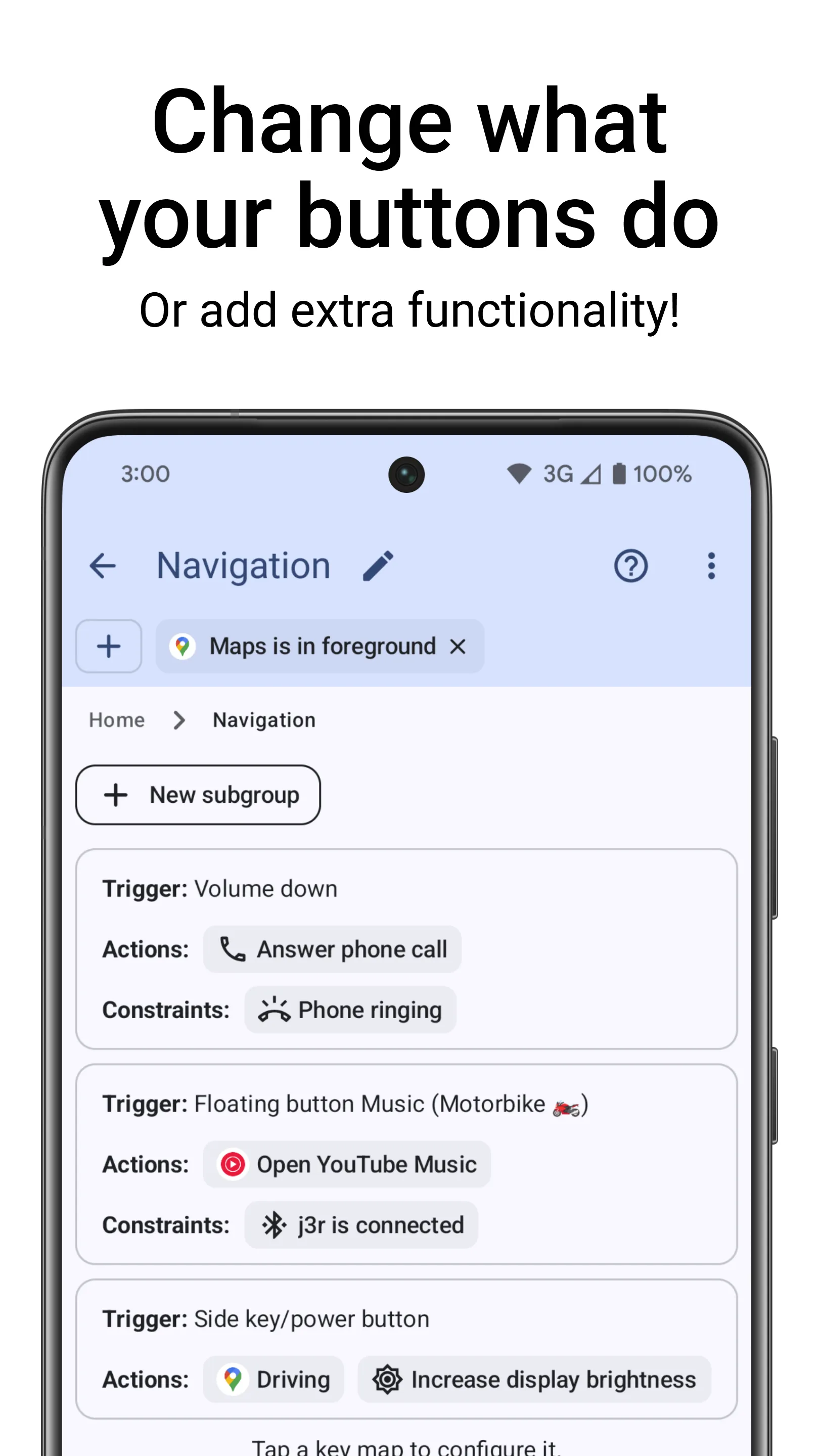
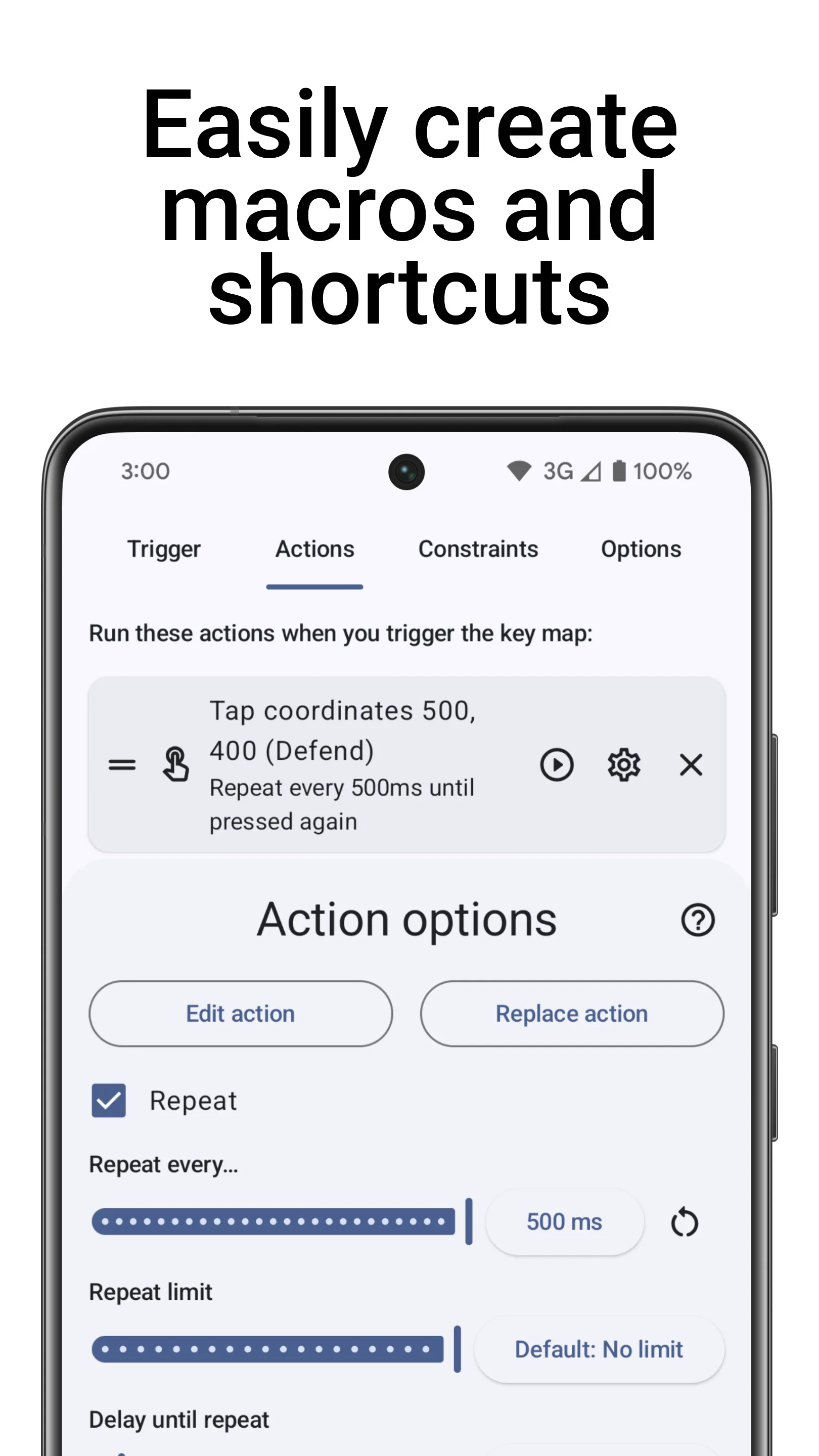
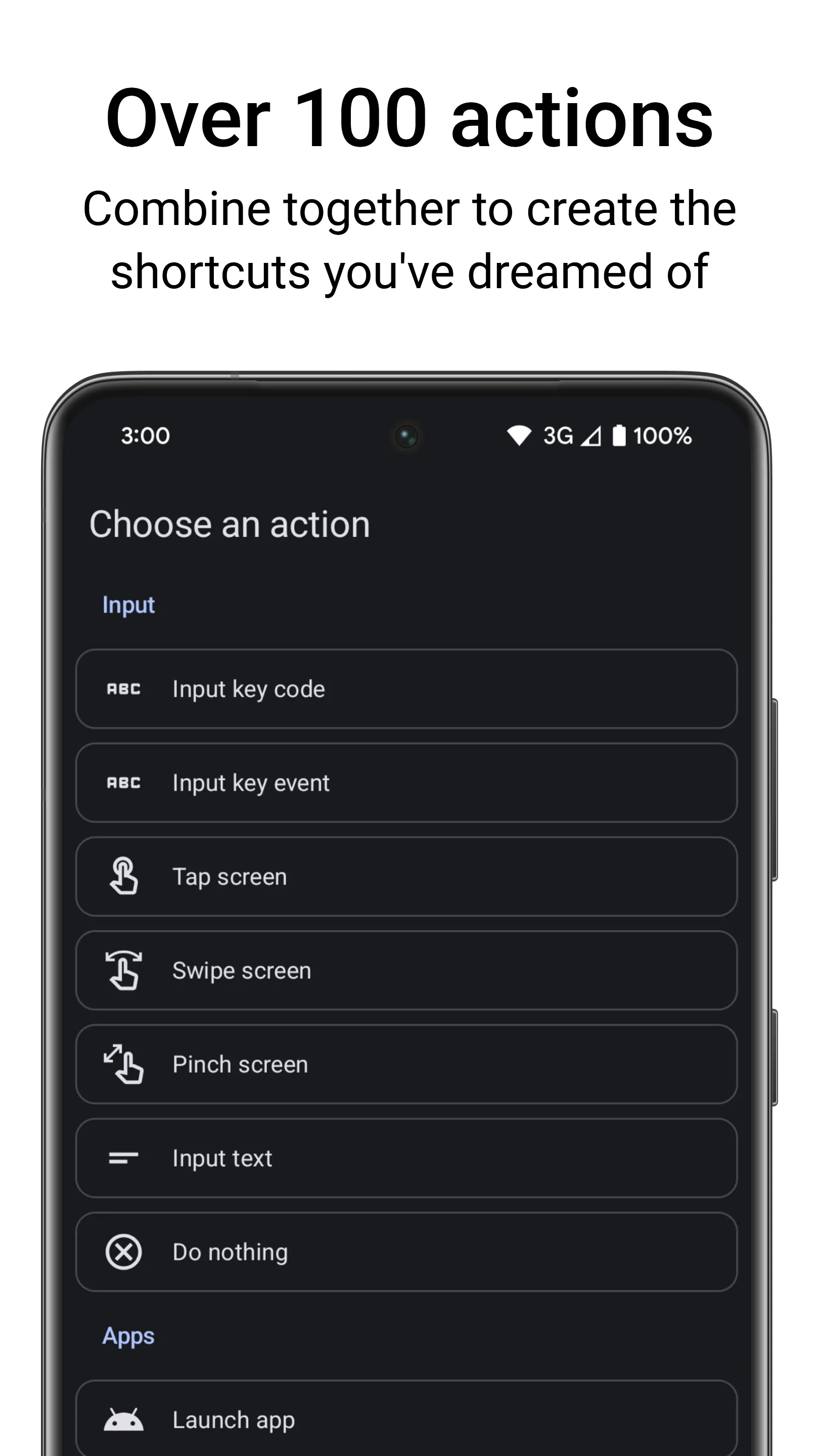
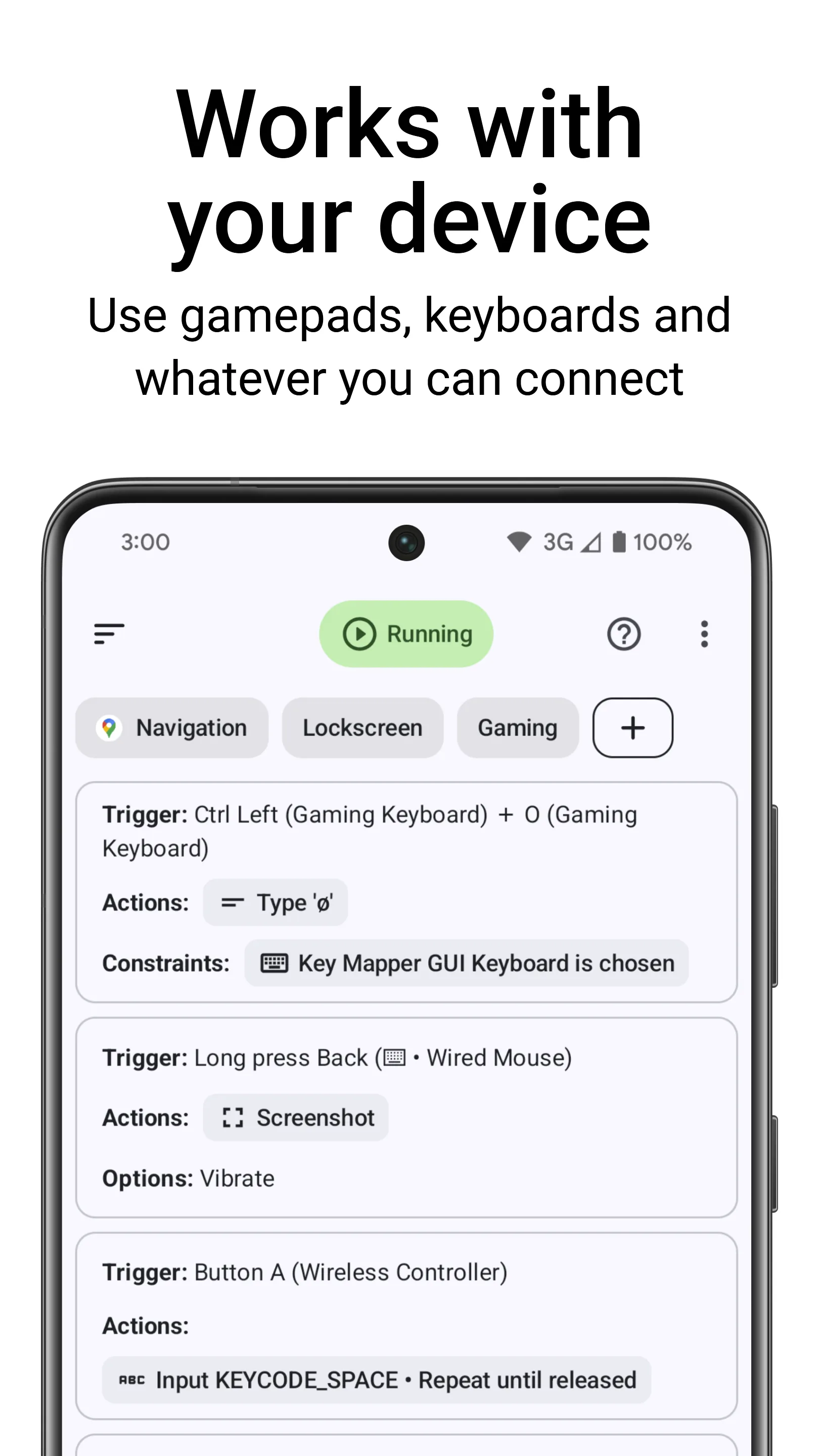
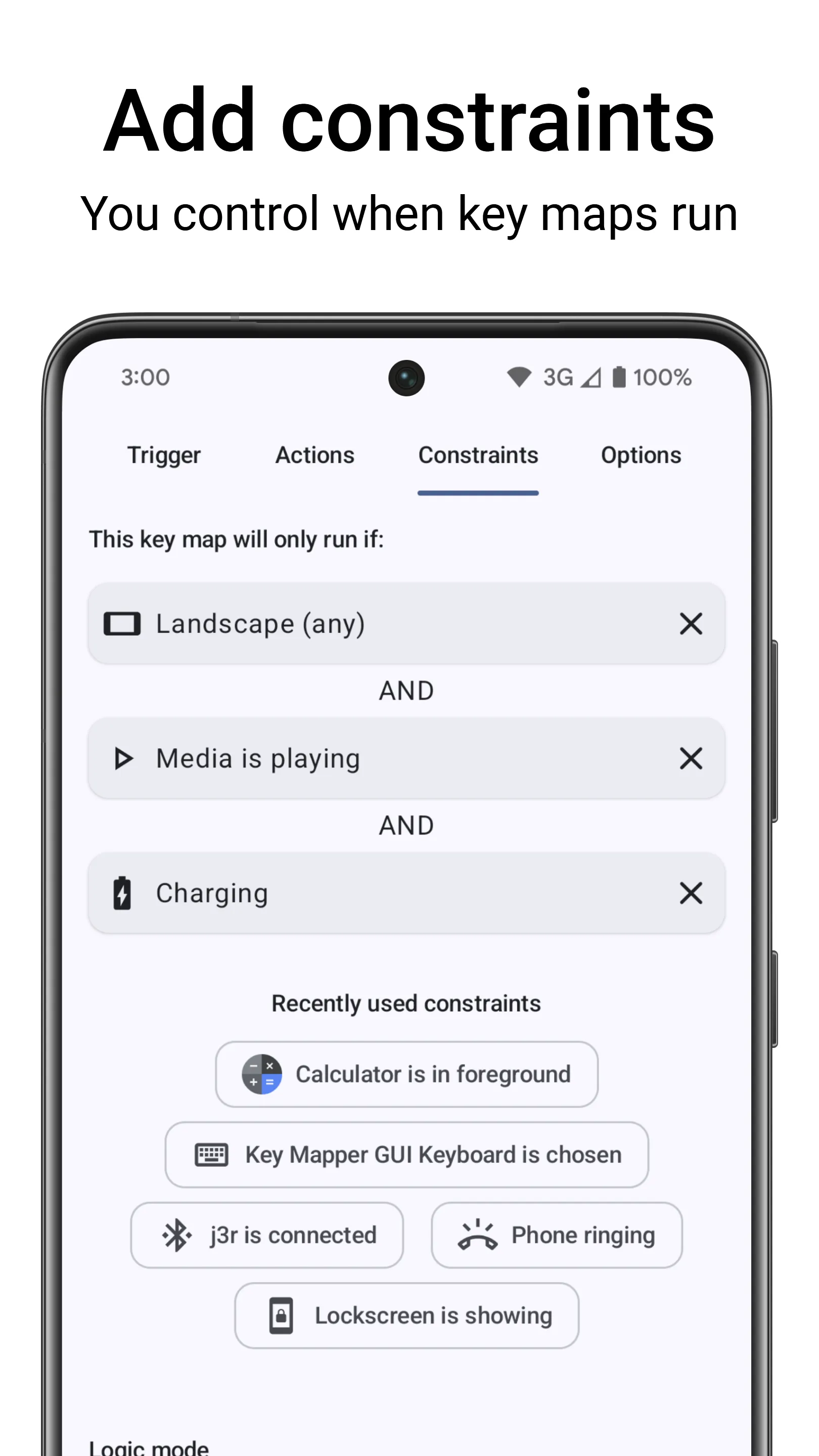
Turn almost any button into a shortcut: volume and side keys, gamepads, keyboards and headset buttons can trigger more than 100 actions, even with the screen off in Expert Mode.
Needs:No root · accessibility service · Android 8.0+
2113 Apps is independent, not affiliated with or endorsed by sds100. Official sources: keymapper.app · source code on GitHub.
- Version
- 4.5.0-foss
- Size
- 15.0 MB
- Requires
- Android 8.0+
- Updated
- 2026-09-22
Screenshots
Introduction
Key Mapper intercepts button presses and lets you decide what they do. Its core is free and open source; a few special features are paid add-ons, and those aren’t in this build (see below).
What you can remap
From the README: all your phone’s buttons, including the volume and side keys, game controller buttons such as the D-pad and ABXY, keyboards, headset and headphone buttons, and the fingerprint sensor. Each can trigger any of more than 100 actions. Gamepad joysticks and triggers (LT and RT) aren’t supported.
Setting it up
- It uses an accessibility service to see and change button presses while you’re in other apps.
- Because this APK doesn’t come from Google Play, Android may block that service until you allow restricted settings for the app. The project’s guide shows how.
- For the volume buttons, the FAQ says to give it Do Not Disturb access.
Shizuku and Expert Mode
With Shizuku, Key Mapper can send key events without switching to its own keyboard, make its “open menu” action work in more apps, and grant itself the WRITE_SECURE_SETTINGS permission without a computer. Shizuku can also start Expert Mode, which remaps buttons through the ADB shell so that triggers work even with the screen off. The app warns that remapping buttons wrongly in Expert Mode can stop them working. We found the Shizuku library in the APK.
This is the FOSS build
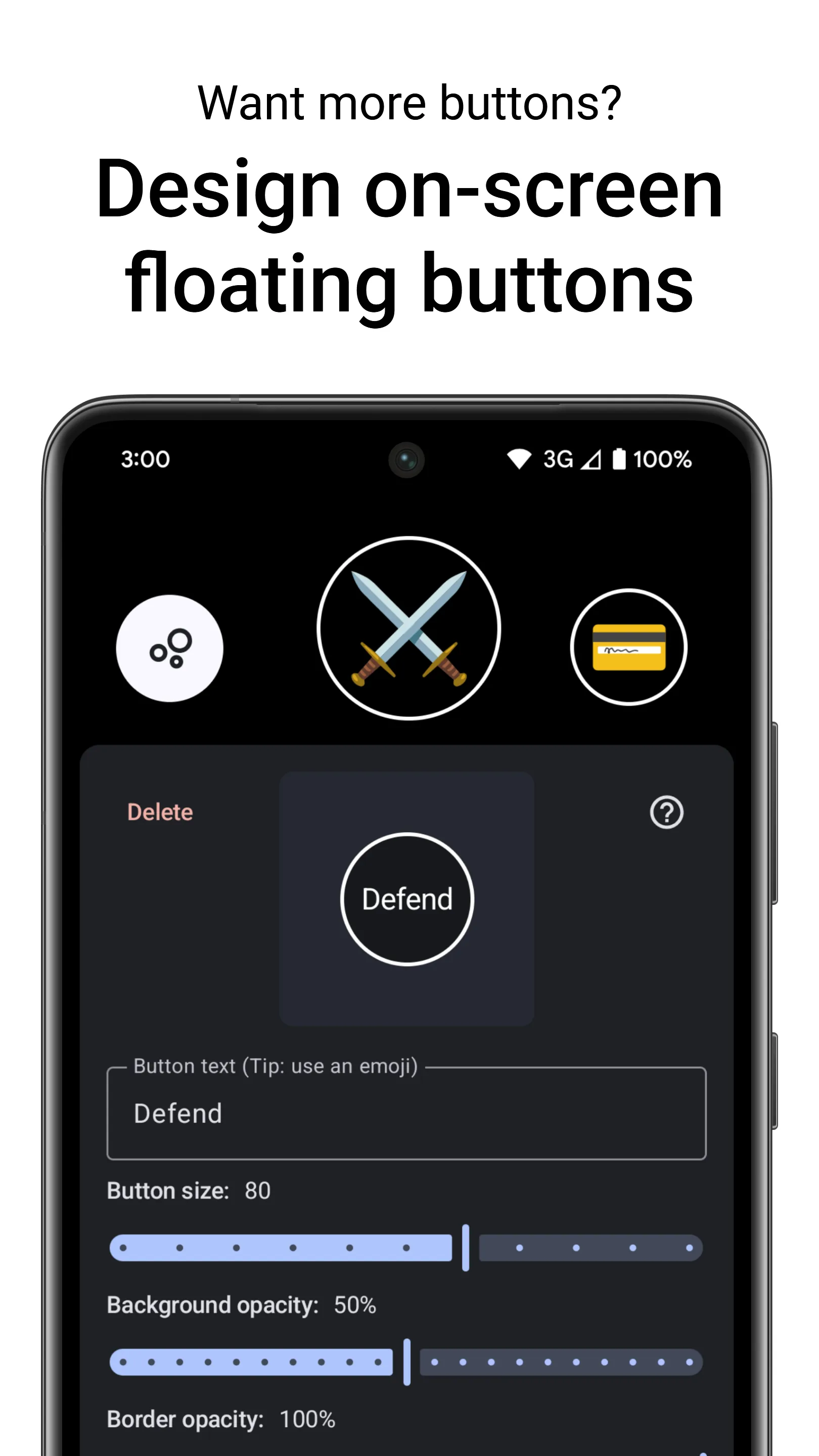
- F-Droid’s build, whose version ends in “-foss”, leaves out the closed-source parts: floating buttons, the assistant trigger and the paid advanced triggers are only in the Google Play version, which is called Key Mapper & Floating Buttons there.
- F-Droid flags it for ads, because the app promotes the paid Play version.
- It asks for access to all files only in this build; the app explains that Google Play restricts that permission to file managers.
- It is signed with F-Droid’s key, so it won’t update a Key Mapper installed from Google Play, or the other way round, without uninstalling first.
- The 15.0 MB file has native code for ARM and x86, 32- and 64-bit, and declares 33 permissions.
What’s inside the APK
Trackers
No code matching the Exodus Privacy tracker signatures.
Native code
Runs on 64-bit and older 32-bit ARM phones.
Android versions
Built for Android 17 (target API 37).
Permissions
10 of them need your approval first.
Shizuku API. Uses the Shizuku API, so it can do ADB-level work without root once Shizuku is running. (rikka.shizuku.ShizukuProvider)
Flagged by F-Droid:
- Ads: Shows advertising.
CPU types in this build: arm64-v8a (64-bit ARM, almost every phone since 2017); armeabi-v7a (32-bit ARM, older and budget phones); x86 (32-bit Intel, emulators); x86_64 (64-bit Intel, emulators and Chromebooks).
Asks you first (10)
Android shows a prompt before the app can use these.
- Precise location · ACCESS_FINE_LOCATION
- Answer incoming calls · ANSWER_PHONE_CALLS
- Connect to paired Bluetooth devices · BLUETOOTH_CONNECT
- Place phone calls directly · CALL_PHONE
- Use the camera · CAMERA
- Show notifications (Android 13+) · POST_NOTIFICATIONS
- Read shared storage (Android 12 and older) · READ_EXTERNAL_STORAGE
- Read phone status and identity · READ_PHONE_STATE
- Send text messages · SEND_SMS
- Write shared storage (Android 10 and older) · WRITE_EXTERNAL_STORAGE
You switch these on in Settings (2)
Special app access. Nothing is granted until you turn it on yourself.
- All files access · MANAGE_EXTERNAL_STORAGE
- Modify system settings · WRITE_SETTINGS
System-level (2)
Reserved for system apps. A normal install does not get these; they only take effect through root, ADB or Shizuku, if at all.
- READ_LOGS
- WRITE_SECURE_SETTINGS
Granted at install (16)
Low-risk permissions Android grants automatically, plus any we have not classified.
- ACCESS_LOCAL_NETWORK
- ACCESS_NETWORK_STATE
- ACCESS_NOTIFICATION_POLICY
- ACCESS_WIFI_STATE
- BLUETOOTH
- BLUETOOTH_ADMIN
- CHANGE_WIFI_STATE
- EXPAND_STATUS_BAR
- INTERNET
- MODIFY_AUDIO_SETTINGS
- QUERY_ALL_PACKAGES
- RECEIVE_BOOT_COMPLETED
- REORDER_TASKS
- REQUEST_IGNORE_BATTERY_OPTIMIZATIONS
- USE_FINGERPRINT
- VIBRATE
Defined by other apps (3)
Permissions that belong to another app or to this app itself.
- com.termux.permission.RUN_COMMAND
- io.github.sds100.keymapper.DYNAMIC_RECEIVER_NOT_EXPORTED_PERMISSION
- moe.shizuku.manager.permission.API_V23
More Information
- Package name
- io.github.sds100.keymapper
- Version
- 4.5.0-foss (build 271)
- File size
- 15.0 MB (15,034,751 bytes)
- Requires
- Android 8.0 or later
- Category
- System Tools
- License
- GPL-3.0-only
- Developer
- sds100
- Source code
- github.com/keymapperorg/KeyMapper
- Released
- Sep 22, 2026
- Signed by
- F-Droid, which built this APK from the published source code. Because the key is F-Droid’s, it won’t install over a copy from Google Play or GitHub (or the other way round) without uninstalling first.
- Signer SHA-256
- f4d753302710c9a7a40885c891aebdb1a0f275122fdcdb7c2f45a202b213f373
- File SHA-256
- 9896a5d9b7ad976cc14f8f6d88ab4f57952b44f9bc32f68c87b03e1987204806
- Checked
- , against the F-Droid index · how we check · verify it yourself
Common questions
Is this APK the official Key Mapper release?
It is F-Droid’s build rather than the developer’s own: F-Droid compiled Key Mapper 4.5.0-foss from the published source code and signed it with its own key. Its SHA-256 matches F-Droid’s signed index. Because the key is F-Droid’s, it won’t install over a copy from Google Play or GitHub without uninstalling first.
What Android version does Key Mapper need?
Android 8.0 or later (API level 26). Version 4.5.0-foss is built for Android 17 (target API 37). Runs on 64-bit and older 32-bit ARM phones.
Can Key Mapper access the internet?
Yes. The APK requests Android’s internet permission. In total it declares 33 permissions, and 10 of them need your approval first.
Does Key Mapper contain trackers?
No known trackers: our scan of version 4.5.0-foss found no code matching the Exodus Privacy tracker signatures. The scan covers known tracker libraries; it doesn’t show what data the app itself sends.
Is Key Mapper open source?
Yes. Key Mapper is released under the GPL-3.0-only licence, and its source code is published at https://github.com/keymapperorg/KeyMapper.
Recent releases
| Version | Released | Size | Requires |
|---|---|---|---|
| v4.5.0-foss · this download | Sep 22, 2026 | 15.0 MB | Android 8.0+ |
| v4.4.0-foss | Sep 15, 2026 | 14.8 MB | Android 8.0+ |
| v4.3.1-foss | Aug 13, 2026 | 13.6 MB | Android 8.0+ |
Versions currently kept in the F-Droid repository. We host and check only the newest one. Full changelog.