

Markor
by Gregor Santner · Apache-2.0 · open source
Write notes, lists and documents as plain files in a folder of your own: Markdown with a live preview, todo.txt task lists, quick notes and formats from CSV to YAML, with no account.
Needs:No root · Android 5.0+
2113 Apps is independent, not affiliated with or endorsed by Gregor Santner. Official sources: source code on GitHub.
- Version
- 2026.10.0
- Size
- 11.8 MB
- Requires
- Android 5.0+
- Updated
- 2026-10-29
Screenshots
Introduction
Markor is a text editor by Gregor Santner. Its README: “Markor is a TextEditor for Android… Created files are interoperable with any other plaintext software on any platform.” Your notes stay readable in any editor on any computer, because they are just text files. Version 2026.10.0 is the first release after 2.16.1 from March 2026 and raises the minimum to Android 5.0.
What it does
- Formats, in the README’s words: “Markdown, todo.txt, Zim/WikiText, Plaintext, csv, ics, ini, json, toml, vcf, yaml”, plus AsciiDoc and Org-Mode. Org-Mode has syntax highlighting and a rendered view powered by the bundled org-js converter.
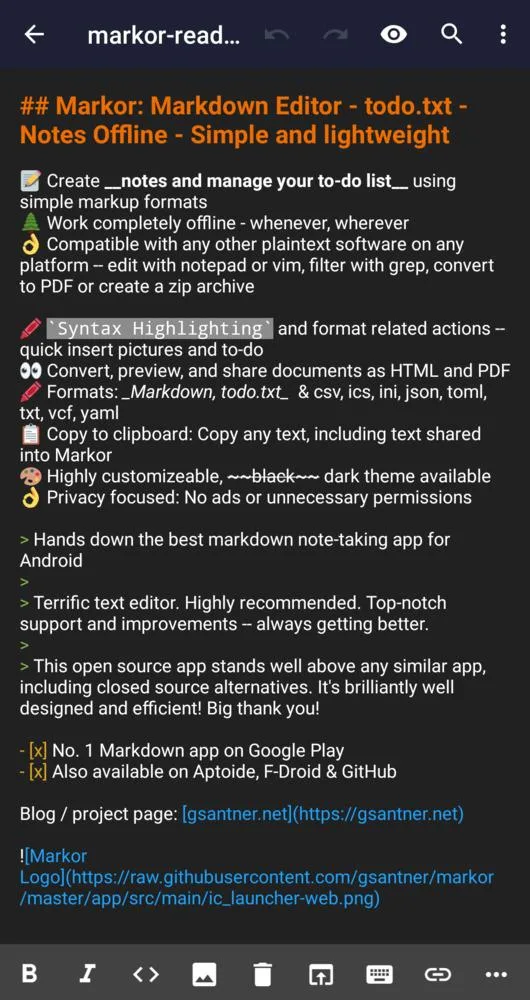
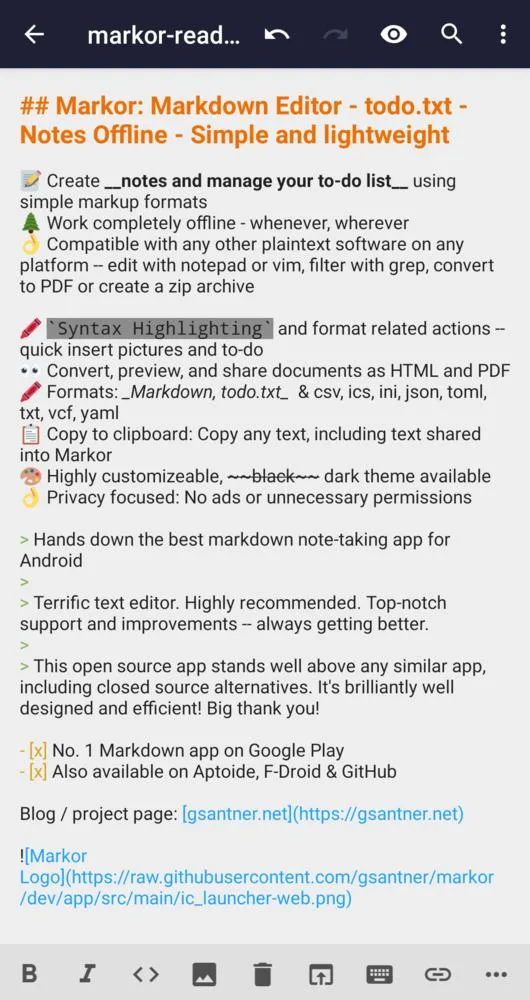
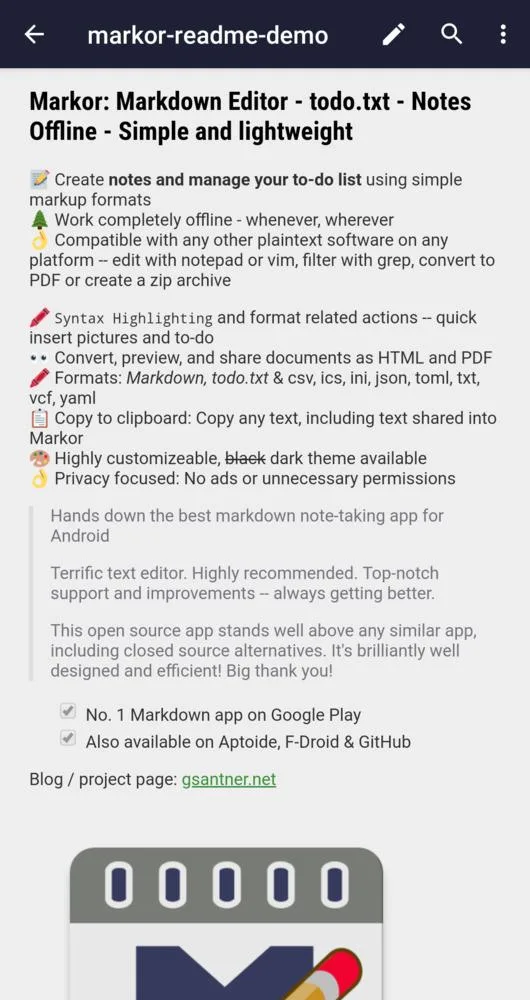
- Markdown with highlighting while you type and a rendered preview, including maths, diagrams and code highlighting, all bundled in the app.
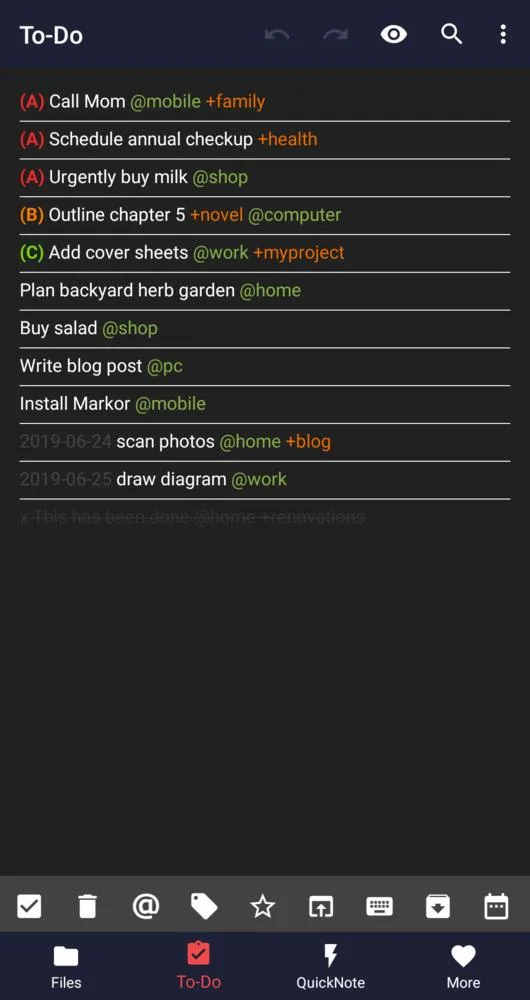
- todo.txt task lists, with priorities, contexts and projects.
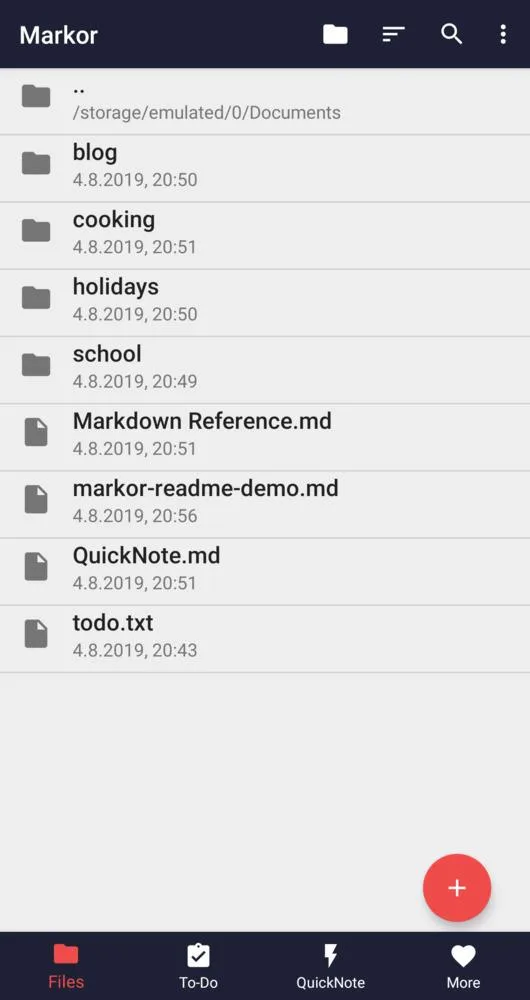
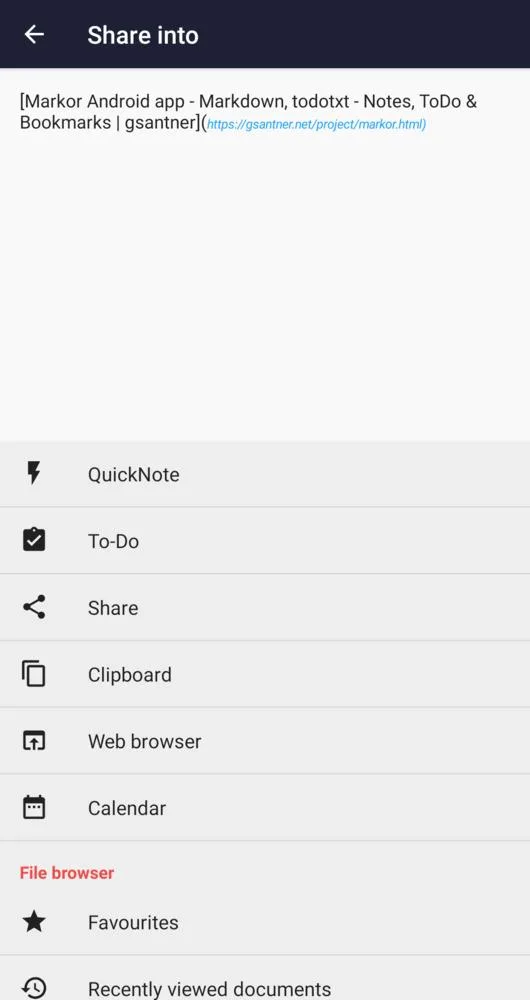
- QuickNote and a to-do list one tap away, a file browser, and shortcuts to files and folders on your home screen.
- Encryption of individual files with AES-256.
What goes online
Markor makes no requests of its own: from the 2026.10.0 code, there is no update check, no analytics and no crash reporting. The README gives the reason for the internet permission: “In user-generated content data can be loaded from the internet.” So when a note’s preview includes images or embedded media from the web, they load from their sites; we found no setting to block that. The optional Markdown reference template, offered when you create a file, embeds a YouTube video, a PeerTube video and an audio file, so previewing that template connects to those sites.
The permissions it asks for
Seven: all-files access on Android 11 and later, and the older storage permissions, to read and write files in any folder; internet, for web content in previews; installing apps, only to hand an .apk you tap in its file browser to Android’s installer; adding shortcuts to the home screen; and one that AndroidX adds for internal use.
About this file
- This is F-Droid’s build of version 2026.10.0, compiled from the source and signed with F-Droid’s key. The maintainer has said that “the main installation source of Markor is F-Droid”. The APKs on GitHub and the Google Play build are signed with the developer’s own key, so they can’t update this file.
- This release adds a
markor://deep-link scheme, many keyboard shortcuts, checkbox toggles directly in Markdown view mode that update and save the file, link-address viewing, app-appearance controls, natural filename sorting and file-browser auto-refresh. It also updates Mermaid and search and replace, and adds a warning that opening a file above its built-in large-file threshold may take a while. - The 11.8 MB file has no native code, so it runs on any processor, on Android 5.0 and later.
- Markor is licensed under the Apache-2.0, and its translations and sample files under CC0. Two sample pictures in its templates have no source or licence stated. The screenshots come from its F-Droid listing and date from 2019, so the current interface looks somewhat different.
What’s inside the APK
Trackers
No code matching the Exodus Privacy tracker signatures.
Native code
Pure Java/Kotlin, so it runs on any CPU.
Android versions
Built for Android 15 (target API 35).
Permissions
2 of them need your approval first.
Asks you first (2)
Android shows a prompt before the app can use these.
- Read shared storage (Android 12 and older) · READ_EXTERNAL_STORAGE
- Write shared storage (Android 10 and older) · WRITE_EXTERNAL_STORAGE
You switch these on in Settings (2)
Special app access. Nothing is granted until you turn it on yourself.
- All files access · MANAGE_EXTERNAL_STORAGE
- Install unknown apps · REQUEST_INSTALL_PACKAGES
Granted at install (1)
Low-risk permissions Android grants automatically, plus any we have not classified.
- INTERNET
Defined by other apps (2)
Permissions that belong to another app or to this app itself.
- com.android.launcher.permission.INSTALL_SHORTCUT
- net.gsantner.markor.DYNAMIC_RECEIVER_NOT_EXPORTED_PERMISSION
More Information
- Package name
- net.gsantner.markor
- Version
- 2026.10.0 (build 164)
- File size
- 11.8 MB (11,849,016 bytes)
- Requires
- Android 5.0 or later
- Category
- Productivity
- License
- Apache-2.0
- Developer
- Gregor Santner
- Source code
- github.com/gsantner/markor
- Released
- Oct 29, 2026
- Signed by
- F-Droid, which built this APK from the published source code. Because the key is F-Droid’s, it won’t install over a copy from Google Play or GitHub (or the other way round) without uninstalling first.
- Signer SHA-256
- 9c70033237dc46fe5052e420c665708de8b3105b89842843818981826b7eec9c
- File SHA-256
- c29412e02d03e4f0511746a1bcef48c6b73fc1f70c1024fbf04903b0b3f4c485
- Checked
- , against the F-Droid index · how we check · verify it yourself
Common questions
Is this APK the official Markor release?
It is F-Droid’s build rather than the developer’s own: F-Droid compiled Markor 2026.10.0 from the published source code and signed it with its own key. Its SHA-256 matches F-Droid’s signed index. Because the key is F-Droid’s, it won’t install over a copy from Google Play or GitHub without uninstalling first.
What Android version does Markor need?
Android 5.0 or later (API level 21). Version 2026.10.0 is built for Android 15 (target API 35). Pure Java/Kotlin, so it runs on any CPU.
Can Markor access the internet?
Yes. The APK requests Android’s internet permission. In total it declares 7 permissions, and 2 of them need your approval first.
Does Markor contain trackers?
No known trackers: our scan of version 2026.10.0 found no code matching the Exodus Privacy tracker signatures. The scan covers known tracker libraries; it doesn’t show what data the app itself sends.
Is Markor open source?
Yes. Markor is released under the Apache-2.0 licence, and its source code is published at https://github.com/gsantner/markor.
Where are my notes, and how do I sync them?
As ordinary files, by default in the Documents/markor folder of your phone’s storage, including the QuickNote.md and todo.txt files; you can change the folder. Markor has no sync of its own. The FAQ: “It works with sync apps… The project recommendation is Syncthing”.
Can it encrypt notes?
Yes, with AES-256, but with limits the README spells out: it needs Android 6.0 or later, and “only the text is encrypted not pictures or attachments”.
Why does it ask to install apps?
Only so that tapping an .apk file in its file browser can hand the file to Android’s installer. Markor doesn’t install anything by itself.
Can I update it with the APK from GitHub?
No. This is F-Droid’s build, signed with F-Droid’s key, and the GitHub APK is signed by the developer with the same version code. The maintainer: “you might need to uninstall first to switch to f-droid signing key based installation”.
Recent releases
| Version | Released | Size | Requires |
|---|---|---|---|
| v2026.10.0 · this download | Oct 29, 2026 | 11.8 MB | Android 5.0+ |
| v2.16.1 | Mar 20, 2026 | 12.1 MB | Android 4.3+ |
| v2.16.0 | Mar 11, 2026 | 12.0 MB | Android 4.3+ |
Versions currently kept in the F-Droid repository. We host and check only the newest one. Full changelog.
Alternatives and related apps
-
 Fossify Notes Simpler notes kept inside the app, with no internet permission, rather than as files in a folder.Download
-
 Joplin Notes with its own sync and end-to-end encryption, where Markor leaves syncing to other apps.Download
-
 Logseq Also keeps Markdown files in a folder, but as an outliner and knowledge base rather than a text editor.Download