
Pengeek
by MonwF · GPL-3.0 · open source
A large set of system tweaks for Xiaomi phones on HyperOS, and the successor to CustoMIUIzer.
Needs:HyperOS · Android 15+ · root + Vector or LSPosed 2
2113 Apps is independent, not affiliated with or endorsed by MonwF. Official sources: source code on GitHub.
- Version
- 25.09.25
- Size
- 2.8 MB
- Requires
- Android 15+
- Updated
- 2025-09-25
Screenshots
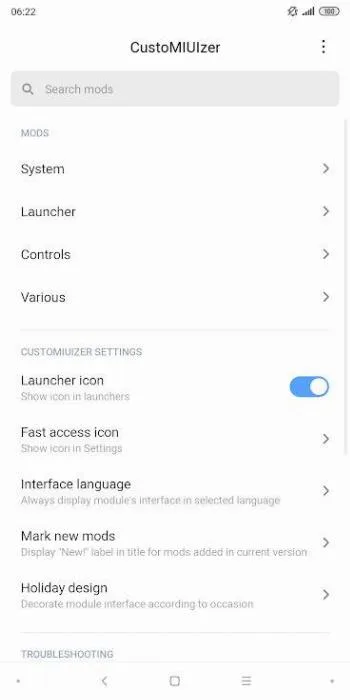
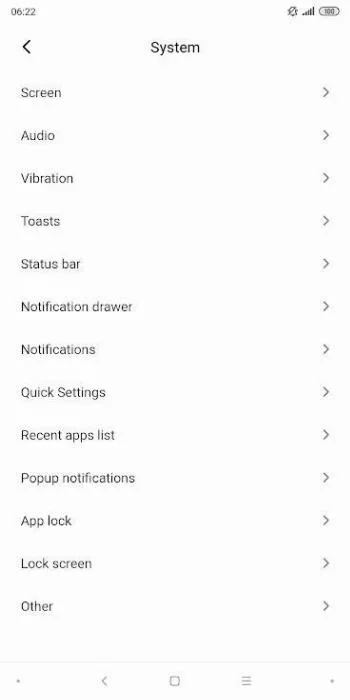
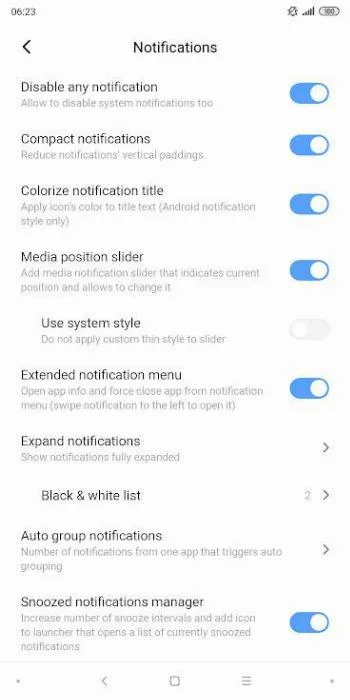
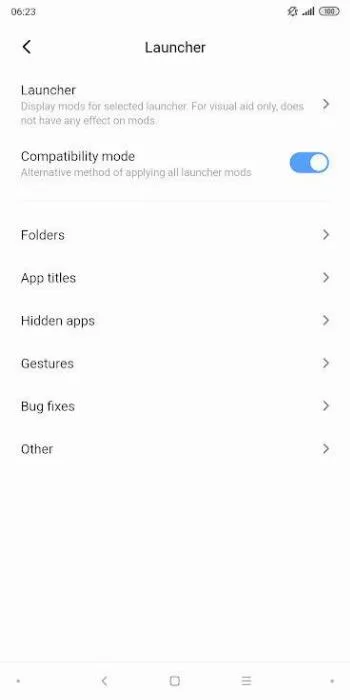
Introduction
Pengeek is a collection of Xposed mods for Xiaomi phones running HyperOS. It is the continuation of CustoMIUIzer, a long-running tweak module for MIUI, and the package name still carries the old name (name.monwf.customiuizer). If you are looking for CustoMIUIzer for a current Xiaomi phone, this is it.
What it does
It bundles a long list of individual mods for the system UI, launcher, lock screen, status bar and other parts of HyperOS. You switch each one on or off on its own. The list changes often, so the project keeps it in its repository rather than in the app description. Browse it there before installing to see whether the tweak you want is included.
What you need
- A Xiaomi, Redmi or POCO phone on HyperOS.
- Android 15 or newer. This build won’t install on anything earlier. If your phone is on an older Android version, you need an older release.
- Root and a current framework: Vector 2.1 or later, or LSPosed 2.0.1 or later. This file is built for libxposed API 101 (its entry point is
META-INF/xposed/java_init.list), which older frameworks don’t provide. Our guide to installing LSPosed or Vector explains the difference between them. - A 64-bit ARM phone. The build contains native code for arm64-v8a only.
Which file this is
Version 25.09.25, from September 2025, is still the latest release. In April 2026 the developer added a second APK to it, Pengeek-25.09.25-A101.apk, built for libxposed API 101, which was published in March 2026. LSPosed 2.x, since its first release that month, and Vector, since 2.1 in August, refuse modules built only for API 100. We host that A101 file. IzzyOnDroid, where our earlier copy came from, distributes the original one, built for API 100.
The two files have the same version and package name and are signed with the same key, the developer’s (CN=monwf). This one comes straight from the developer’s GitHub release, and its SHA-256 matches the one GitHub publishes for it.
What stands out in the APK
- No trackers.
- 16 permissions. Three of them ask first: precise and approximate location, and connecting to Bluetooth devices. They presumably serve the Wi-Fi and Bluetooth related mods, since Android requires location access for Wi-Fi scanning. Four are system-level ones that Android reserves for system apps: working across user profiles, enabling or disabling app components, switching dark mode and changing animation speed. The rest are ordinary permissions for networking, Wi-Fi state and starting at boot.
- 2.8 MB.
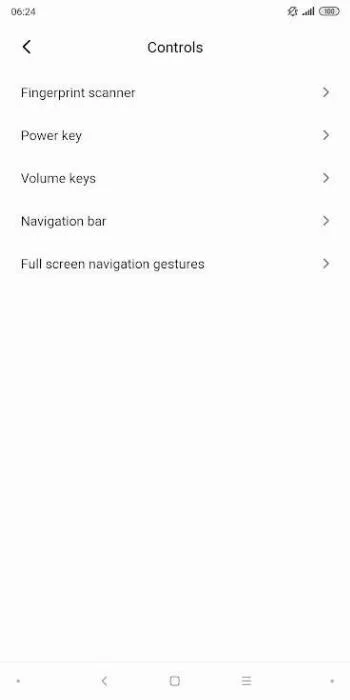
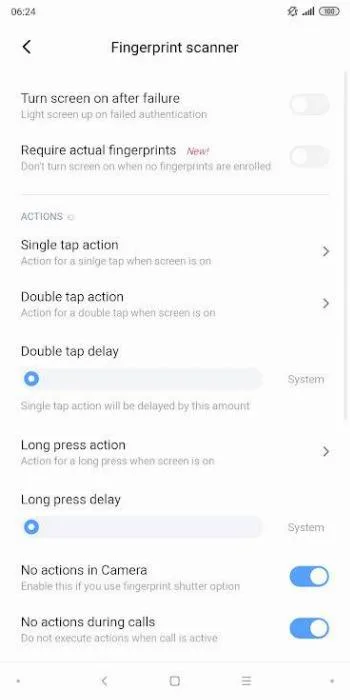
- The screenshots come from the project’s IzzyOnDroid listing and show an older version, still called CustoMIUIzer.
Installing it
- Install the APK and open it once.
- In Vector or LSPosed, enable Pengeek and select the scope. Usually that is the system framework, System UI and the specific system apps whose mods you plan to use.
- Reboot.
- Turn on individual mods in the app. Some need a restart of the affected component, which the app offers to do.
Worth knowing
Tweak modules for manufacturer skins break more easily than generic ones, because they hook code Xiaomi changes with every update. After a HyperOS update, check for a new release before rebooting with the module active.
What’s inside the APK
Trackers
No code matching the tracker signatures we check, including Exodus Privacy’s list and our published supplements.
Native code
Needs a 64-bit ARM phone; 32-bit-only devices are not supported.
Android versions
Built for Android 15 (target API 35).
Permissions
3 of them need your approval first.
Xposed API. Built against the Xposed API. It needs an Xposed framework such as LSPosed, which in turn needs root. (io.github.libxposed.api.XposedInterface$Chain)
CPU types in this build: arm64-v8a (64-bit ARM, almost every phone since 2017).
Asks you first (3)
Android shows a prompt before the app can use these.
- Approximate location · ACCESS_COARSE_LOCATION
- Precise location · ACCESS_FINE_LOCATION
- Connect to paired Bluetooth devices · BLUETOOTH_CONNECT
System-level (4)
Reserved for system apps. A normal install does not get these; they only take effect through root, ADB or Shizuku, if at all.
- CHANGE_COMPONENT_ENABLED_STATE
- INTERACT_ACROSS_USERS
- MODIFY_DAY_NIGHT_MODE
- SET_ANIMATION_SCALE
Granted at install (8)
Low-risk permissions Android grants automatically, plus any we have not classified.
- ACCESS_NETWORK_STATE
- ACCESS_WIFI_STATE
- BLUETOOTH
- CHANGE_WIFI_STATE
- INTERNET
- QUERY_ALL_PACKAGES
- RECEIVE_BOOT_COMPLETED
- VIBRATE
Defined by other apps (1)
Permissions that belong to another app or to this app itself.
- name.monwf.customiuizer.DYNAMIC_RECEIVER_NOT_EXPORTED_PERMISSION
More Information
- Package name
- name.monwf.customiuizer
- Version
- 25.09.25 (build 75)
- File size
- 2.8 MB (2,807,820 bytes)
- Requires
- Android 15 or later
- Category
- Root & Mods
- License
- GPL-3.0
- Developer
- MonwF
- Source code
- github.com/MonwF/customiuizer
- Released
- Sep 25, 2025
- Signer SHA-256
- 0bec108ccfabd380753d2ed68090398ddfe436d47d67bdb0bb50c969b80fc6a1
- File SHA-256
- a4101b8c2cf06925d58e9e5a9c39c6780763fb066fe8d1ed8f5a9a26994a4267
- Checked
- , against the v25.09.25 release on GitHub · how we check · verify it yourself
Common questions
Is this APK the official Pengeek release?
Yes. It is the file from the project’s v25.09.25 release on GitHub, byte for byte, and it matches the SHA-256 checksum GitHub publishes for it. It is signed with the certificate we recorded when we first checked Pengeek (SHA-256 0bec108ccfabd380753d2ed68090398ddfe436d47d67bdb0bb50c969b80fc6a1); a release signed with a different key would not be published here.
What Android version does Pengeek need?
Android 15 or later (API level 35). Version 25.09.25 is built for Android 15 (target API 35). Needs a 64-bit ARM phone; 32-bit-only devices are not supported.
Can Pengeek access the internet?
Yes. The APK requests Android’s internet permission. In total it declares 16 permissions, and 3 of them need your approval first.
Does Pengeek contain trackers?
No known trackers: our scan of version 25.09.25 found no code matching the tracker signatures it checks. Those include Exodus Privacy’s list and the published local supplements described on How We Check; the scan doesn’t show what data the app itself sends.
Is Pengeek open source?
Yes. Pengeek is released under the GPL-3.0 licence, and its source code is published at https://github.com/MonwF/customiuizer.
Why does the release have two APKs?
Both are version 25.09.25 with the same package name and signing key. The file named “A101”, added to the release on 22 April 2026, is built for libxposed API 101, which Vector 2.1 and later and LSPosed 2.x need. The other one is built for API 100, which those frameworks no longer load. We host the A101 file.
My framework is older. Can I still use Pengeek?
Not this file. On Vector 2.0 or older, or JingMatrix’s LSPosed 1.10 and 1.11, use the other APK in the same GitHub release, built for API 100. The original LSPosed 1.9.2 supports Android only up to 14, and Pengeek 25.09.25 needs Android 15.