Global Icon Pack
by RichardLuo · GPL-3.0-only · open source
Applies your icon pack across all of Android, including Settings, Recents and other screens a launcher can’t reach.
Needs:Root + LSPosed
2113 Apps is independent, not affiliated with or endorsed by RichardLuo. Official sources: source code on GitHub.
- Version
- 0.6.1
- Size
- 2.2 MB
- Requires
- Android 8.1+
- Updated
- 2026-09-21
Screenshots
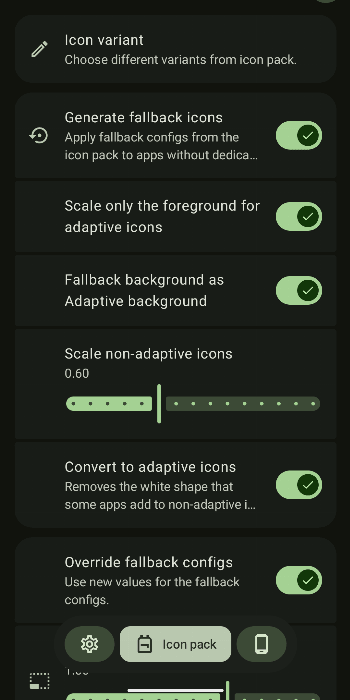
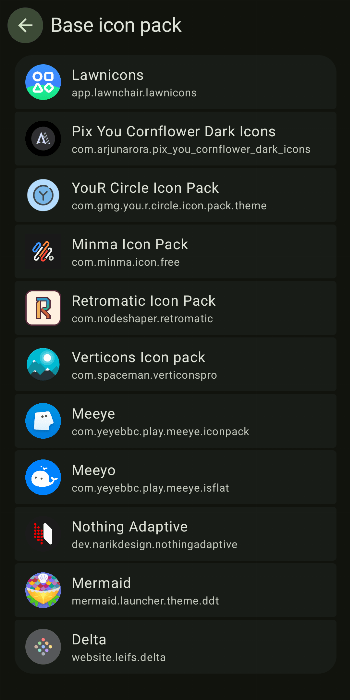
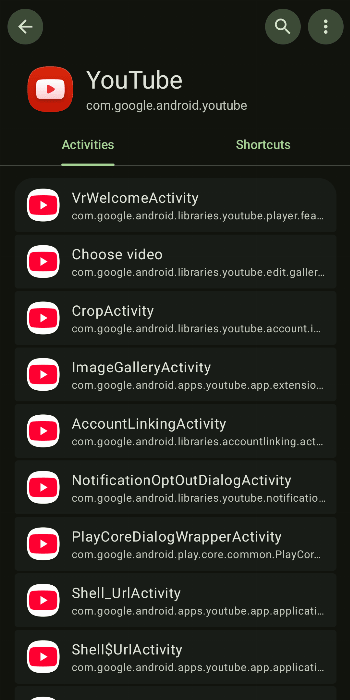
Introduction
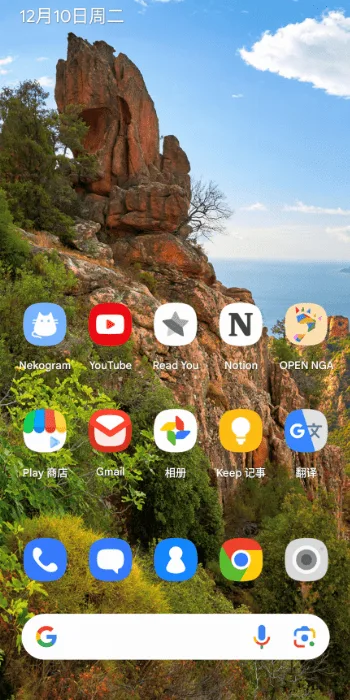
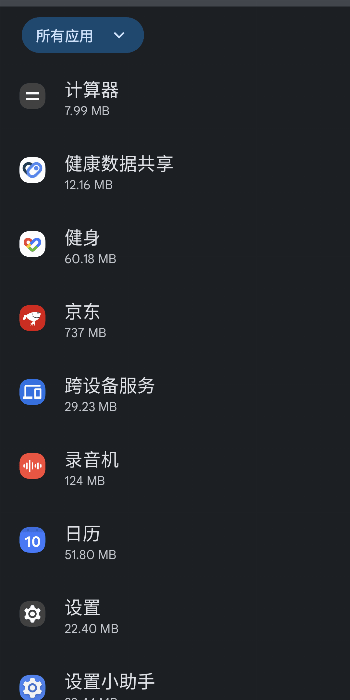
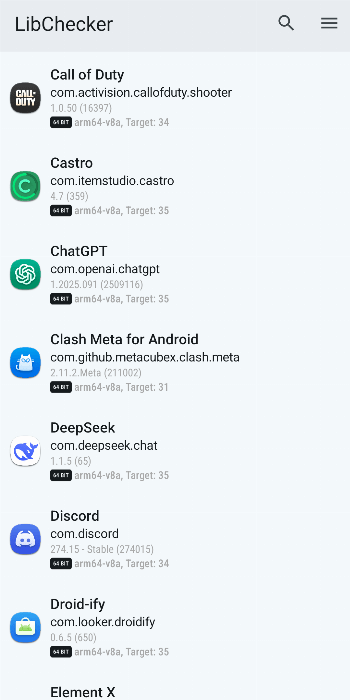
Launchers like Lawnchair can apply an icon pack, but only to the home screen and app drawer. Open Settings, the Recents screen or the share sheet and you are back to the default icons. Global Icon Pack is an Xposed module that extends your icon pack to the rest of the system.
What you need
- Root and LSPosed. The APK includes both a classic Xposed entry point and one for the newer libxposed API.
- Android 8.1 or newer. The developer tested on Android 14 and 15, and a contributor on 10 and 12L.
- An AOSP-like ROM for some features. Heavily customised manufacturer skins may not get every feature.
- An icon pack app, of course.
Setting it up
- Install the APK.
- In LSPosed, enable Global Icon Pack and select the apps it should reach: your launcher, Settings, System UI and any others you want.
- Open Global Icon Pack and choose your icon pack.
- In the three-dot menu, tap each Restart… entry so the selected apps reload with the new icons.
If you use a Launcher3-based launcher the module doesn’t recognise, it lets you enter the launcher’s package name.
Modes
- Share mode: the recommended default.
- Provider mode: a fallback if share mode doesn’t work on your ROM.
- Local mode: meant for testing, and doesn’t support icon variants.
What stands out in the APK
- No trackers.
- Six permissions. Only notifications asks first. The rest let it run a foreground service, start at boot and see your installed apps, which it needs in order to map icons to them.
Two things to know before you install
- Uninstalling in share mode leaves a database behind at
/data/misc/com.richardluo.globalIconPack/iconPack.db. Delete it with a root file manager. - System updates can reset its permissions. If icons revert after an update, deselect the apps in LSPosed, select them again, open Global Icon Pack once, and run the Restart entries.
More ways to change how Android looks are in our customization picks.
What’s inside the APK
Trackers
No code matching the Exodus Privacy tracker signatures.
Native code
Runs on 64-bit and older 32-bit ARM phones.
Android versions
Built for Android 17 (target API 37).
Permissions
1 of them need your approval first.
Xposed API. Built against the Xposed API. It needs an Xposed framework such as LSPosed, which in turn needs root. (io.github.libxposed.api.XposedInterface$Chain)
CPU types in this build: arm64-v8a (64-bit ARM, almost every phone since 2017); armeabi-v7a (32-bit ARM, older and budget phones); x86 (32-bit Intel, emulators); x86_64 (64-bit Intel, emulators and Chromebooks).
Asks you first (1)
Android shows a prompt before the app can use these.
- Show notifications (Android 13+) · POST_NOTIFICATIONS
Granted at install (4)
Low-risk permissions Android grants automatically, plus any we have not classified.
- FOREGROUND_SERVICE
- FOREGROUND_SERVICE_SPECIAL_USE
- QUERY_ALL_PACKAGES
- RECEIVE_BOOT_COMPLETED
Defined by other apps (1)
Permissions that belong to another app or to this app itself.
- com.richardluo.globalIconPack.DYNAMIC_RECEIVER_NOT_EXPORTED_PERMISSION
More Information
- Package name
- com.richardluo.globalIconPack
- Version
- 0.6.1 (build 601)
- File size
- 2.2 MB (2,160,302 bytes)
- Requires
- Android 8.1 or later
- Category
- Customization
- License
- GPL-3.0-only
- Developer
- RichardLuo
- Source code
- github.com/RichardLuo0/global-icon-pack-android
- Released
- Sep 21, 2026
- Signer SHA-256
- 4b285259d29e7fe0e5ac7ca0e0987445992d8feaa48e3054e579d97005d616b3
- File SHA-256
- 53a9a2dfaa801ff045ba8bd8ee1d6714f59ce4228ee48e7234052fa99ff66f4c
- Checked
- , against the IzzyOnDroid index · how we check · verify it yourself
Common questions
Is this APK the official Global Icon Pack release?
Yes. It is the developer’s own release of Global Icon Pack 0.6.1, byte for byte as IzzyOnDroid distributes it. Its SHA-256 matches IzzyOnDroid’s signed index, and it is signed with the certificate IzzyOnDroid records for the app (SHA-256 4b285259d29e7fe0e5ac7ca0e0987445992d8feaa48e3054e579d97005d616b3).
What Android version does Global Icon Pack need?
Android 8.1 or later (API level 27). Version 0.6.1 is built for Android 17 (target API 37). Runs on 64-bit and older 32-bit ARM phones.
Can Global Icon Pack access the internet?
No. The APK doesn’t request Android’s internet permission, so the app can’t go online by itself. In total it declares 6 permissions, and 1 of them needs your approval first.
Does Global Icon Pack contain trackers?
No known trackers: our scan of version 0.6.1 found no code matching the Exodus Privacy tracker signatures. The scan covers known tracker libraries; it doesn’t show what data the app itself sends.
Is Global Icon Pack open source?
Yes. Global Icon Pack is released under the GPL-3.0-only licence, and its source code is published at https://github.com/RichardLuo0/global-icon-pack-android.
Recent releases
| Version | Released | Size | Requires |
|---|---|---|---|
| v0.6.1 · this download | Sep 21, 2026 | 2.2 MB | Android 8.1+ |
| v0.6.0 | Sep 18, 2026 | 2.2 MB | Android 8.1+ |
| v0.5.12 | Aug 25, 2026 | 2.1 MB | Android 8.1+ |
Versions currently kept in the IzzyOnDroid repository. We host and check only the newest one.