

DuckDuckGo
by DuckDuckGo · Apache-2.0 · open source
DuckDuckGo’s web browser for Android: its private search, tracker blocking, a Fire Button that clears your data, and optional tracker blocking for your other apps.
Needs:Android 9+
2113 Apps is independent, not affiliated with or endorsed by DuckDuckGo. Official sources: duckduckgo.com · source code on GitHub.
- Version
- 5.299.0
- Size
- 97.4 MB
- Requires
- Android 9+
- Updated
- 2026-11-01
Screenshots
Introduction
DuckDuckGo’s browser for Android shows web pages with Android’s built-in WebView and adds DuckDuckGo’s protections on top. Search goes to DuckDuckGo, and there is no setting to choose another search engine; F-Droid marks the app for that, as it “Uses DuckDuckGo as the exclusive search engine, which is not libre.” DuckDuckGo’s own help pages list F-Droid among the official places to get the browser.
What it protects against
From DuckDuckGo’s list of protections for the Android browser:
- Trackers on websites: “3rd-party scripts on our list blocked from loading”, third-party cookies blocked, first-party cookies set by other scripts limited to seven days, and tracking parameters removed from links.
- Fingerprinting: browser features on its list are overridden, “except in iframes, where JavaScript injection is unsupported by the Android WebView API”.
- Global Privacy Control, on by default, which tells sites not to sell or share your data.
- Cookie pop-ups on its list are answered and closed, where the WebView allows it.
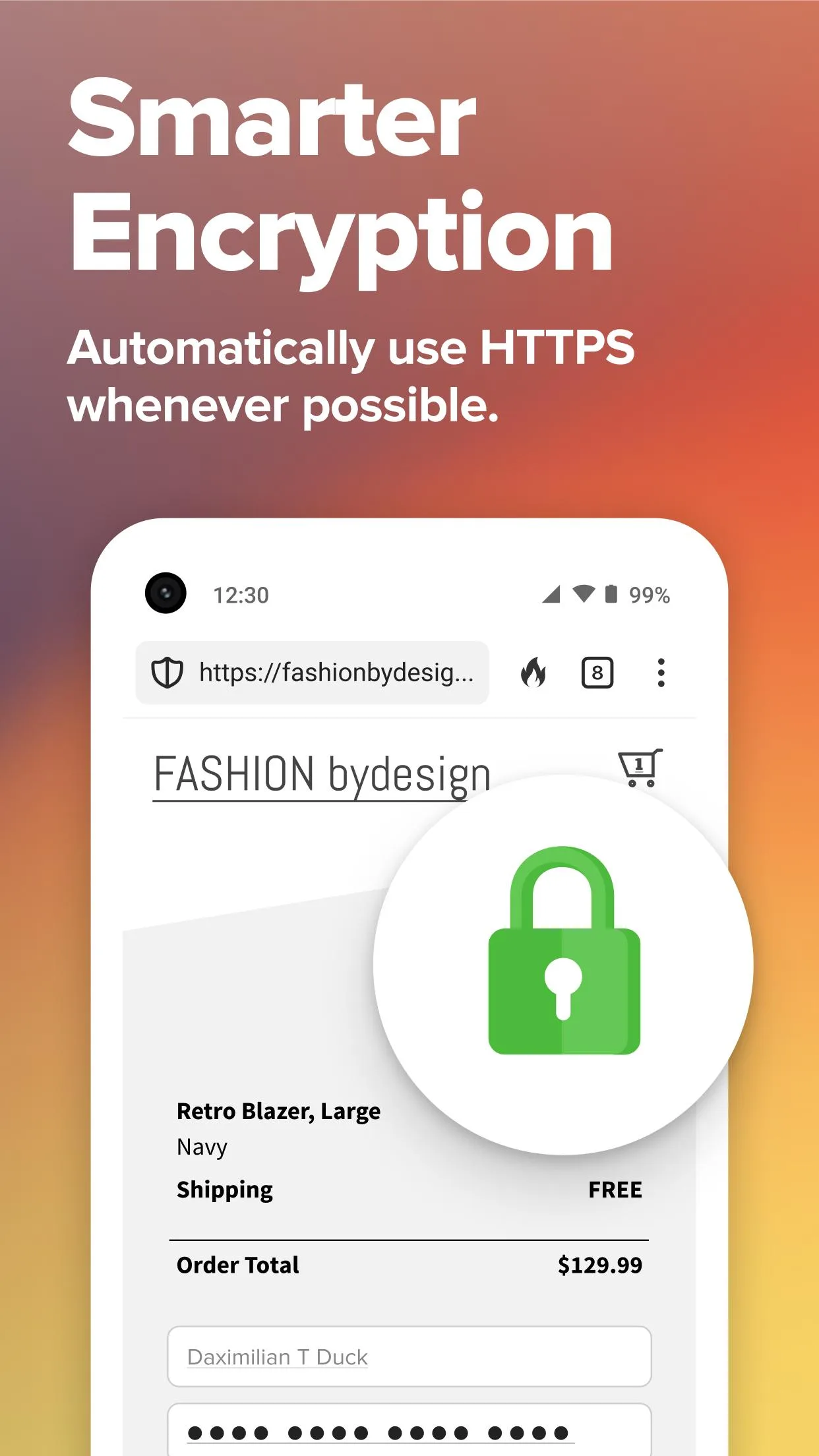
- HTTPS upgrades for a list of sites covering “approximately 90% of search engine clicks”. In this build the list is downloaded after installation rather than built in.
DuckDuckGo notes some exceptions, such as leaving some sites temporarily unprotected when the protections break them.
Fire Button and other features
- Fire Button: one tap deletes the browsing data of all tabs, or only of the current one; Fire Tabs are kept apart from your other browsing data, which, in the app’s words, “is burned when you close them all”; they are offered only where the phone’s WebView supports separate profiles. Bookmarks, downloads and sites you mark as Fireproof are kept.
- App Tracking Protection: blocks trackers on DuckDuckGo’s list inside your other apps, “even when you’re not using them”, through a local VPN on the phone. It’s off until you turn it on. DuckDuckGo leaves browsers and other apps that load websites out of it, and doesn’t block trackers that belong to the app’s own parent company. It can’t run alongside another VPN app.
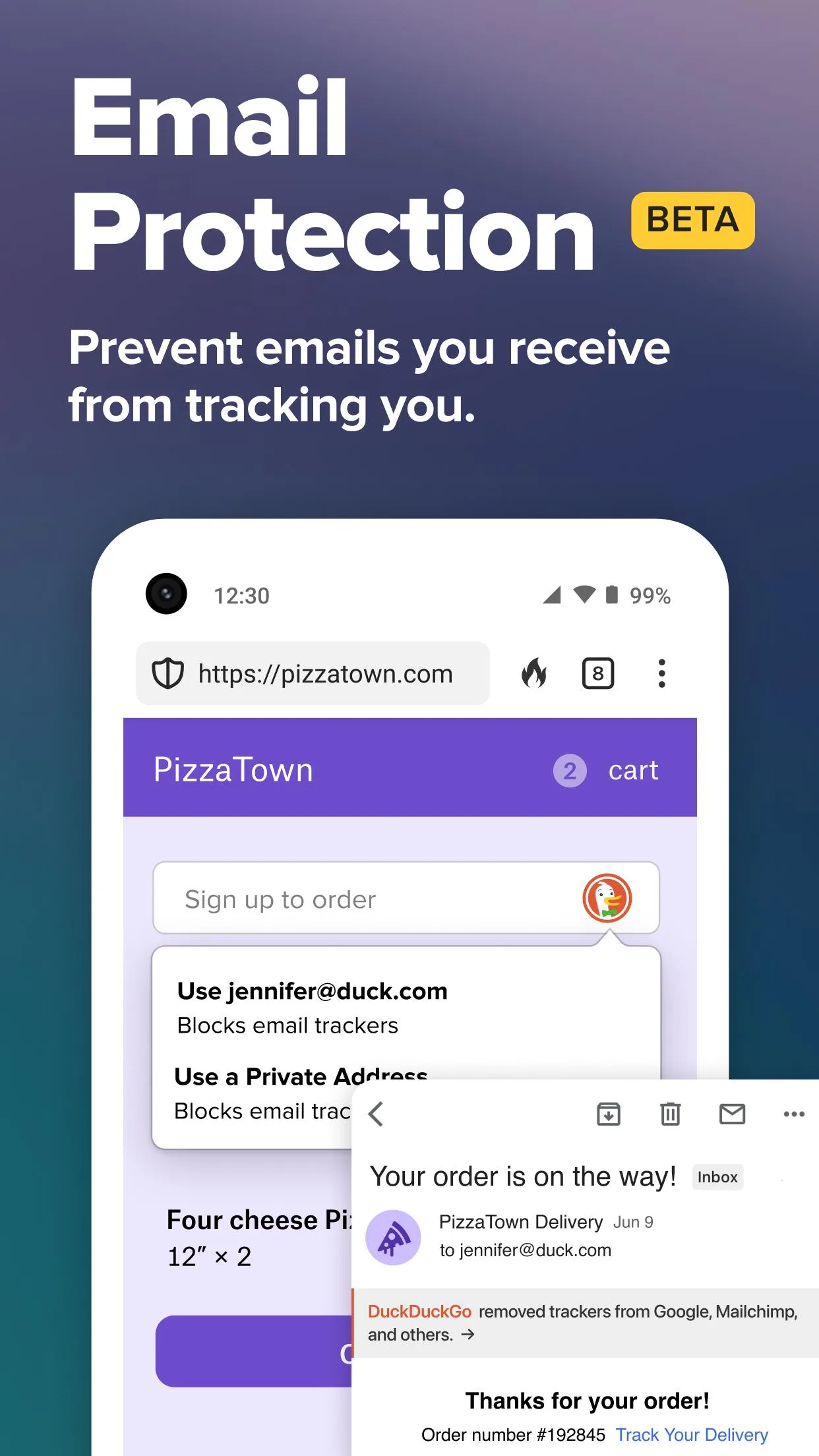
- Email Protection: free @duck.com addresses that forward mail to you with trackers removed.
- Passwords and autofill, stored on the phone and protected by your screen lock, with no account needed.
- Sync & Backup, end-to-end encrypted, for bookmarks, passwords and Duck.ai chats.
- Duck.ai, an AI chat with a free tier, which can be switched off in the settings.
What this F-Droid build leaves out
The F-Droid build is made from a version of the source that DuckDuckGo prepared for it, without Google’s libraries:
- No subscription: the VPN, Personal Information Removal and the paid Duck.ai models can’t be bought or signed in to.
- No phishing and malware warnings, as far as we can tell from the code: DuckDuckGo’s Scam Blocker is switched off in F-Droid builds (“MSP is disabled in F-Droid builds, as we can’t download datasets”), and the browser turns off Android’s own Safe Browsing in every build.
- Restoring Sync automatically from a Google backup isn’t available; setting up Sync by hand works.
- DuckDuckGo’s own Duck Sans font isn’t included; the app uses the system font.
What goes online
From the 5.299.0 source code and DuckDuckGo’s help pages:
- Search suggestions as you type, sent to duckduckgo.com; on by default, switchable under Search Suggestions.
- Install and activity counts: requests DuckDuckGo calls ATB, which it uses to “count approximately how many devices accessed DuckDuckGo without knowing anything about those devices”. On Android 11 and later the app also creates a DuckDuckGo folder in Downloads to recognise a reinstall; DuckDuckGo says you can delete it.
- Usage events (“pixels”) to improving.duckduckgo.com. DuckDuckGo says these requests “cannot be associated with any individual. We do not create unique cookies or store IP addresses.” We found no setting to turn them off.
- Crash reports, sent automatically: after a crash, a report with the error and stack trace goes out later. For crashes in native code, version 5.299.0 uses a handler based on Google’s Crashpad: each app process announces at start that the handler is registered, and after a native crash the next start sends a short report with the app and WebView versions, both to DuckDuckGo’s improving.duckduckgo.com over HTTPS. From our reading of the code, the crash dumps themselves stay on the phone. The older native handler and its plain-HTTP start-up message were removed in 5.299.0.
- Settings and lists from DuckDuckGo’s servers: its remote configuration every hour, which can switch features on or off without an app update, tracker lists every 12 hours, and in-app messages every hour.
- Website icons straight from each website.
Our tracker scan found no third-party tracking libraries; the events above go to DuckDuckGo itself.
About this file
- This is F-Droid’s build of version 5.299.0, released by DuckDuckGo on 19 October 2026 and added by F-Droid on 1 November, signed with F-Droid’s key. F-Droid’s builds trail DuckDuckGo’s and can skip releases. DuckDuckGo’s release notes say only “Bug fixes and other improvements”.
- At 97.4 MB the file is smaller than the previous build we measured; it still carries native code for four CPU types. Since 5.296.0 DuckDuckGo has stored its native code compressed, making the APK smaller than before.
- It runs on Android 9 and later and declares 22 permissions, among them location, camera and microphone for websites that ask, the VPN for App Tracking Protection, and the list of installed apps, which DuckDuckGo says it uses for app links, its search widget and App Tracking Protection.
- The screenshots are from DuckDuckGo’s F-Droid listing, promotional images from 2024 with an older interface; we left out the ones showing other companies’ sites and logos.
- DuckDuckGo’s browser is licensed under the Apache-2.0. One part isn’t: the App Tracking Protection engine, which DuckDuckGo started from the firewall NetGuard with its owner’s permission, is offered “solely for reuse as-is (without modification), in connection with DuckDuckGo apps, and for noncommercial purposes only”. F-Droid distributes the app with it. Since 5.296.0 the app also includes DuckDuckGo’s crash-handling library android-crashkit, which Maven Central lists under the Apache-2.0 but whose source repository isn’t public. The source of this version is at https://github.com/duckduckgo/Android/tree/5.299.0.
What’s inside the APK
Trackers
No code matching the Exodus Privacy tracker signatures.
Native code
Runs on 64-bit and older 32-bit ARM phones.
Android versions
Built for Android 16 (target API 36).
Permissions
7 of them need your approval first.
Flagged by F-Droid:
- NonFreeNet: Relies on or promotes a proprietary network service.
CPU types in this build: arm64-v8a (64-bit ARM, almost every phone since 2017); armeabi-v7a (32-bit ARM, older and budget phones); x86 (32-bit Intel, emulators); x86_64 (64-bit Intel, emulators and Chromebooks).
Asks you first (7)
Android shows a prompt before the app can use these.
- Approximate location · ACCESS_COARSE_LOCATION
- Precise location · ACCESS_FINE_LOCATION
- Use the camera · CAMERA
- Show notifications (Android 13+) · POST_NOTIFICATIONS
- Read phone status and identity · READ_PHONE_STATE
- Record audio with the microphone · RECORD_AUDIO
- Write shared storage (Android 10 and older) · WRITE_EXTERNAL_STORAGE
You switch these on in Settings (1)
Special app access. Nothing is granted until you turn it on yourself.
- Install unknown apps · REQUEST_INSTALL_PACKAGES
Granted at install (12)
Low-risk permissions Android grants automatically, plus any we have not classified.
- ACCESS_NETWORK_STATE
- CREDENTIAL_MANAGER_SET_ORIGIN
- FOREGROUND_SERVICE
- FOREGROUND_SERVICE_MICROPHONE
- FOREGROUND_SERVICE_SPECIAL_USE
- INTERNET
- MODIFY_AUDIO_SETTINGS
- QUERY_ALL_PACKAGES
- RECEIVE_BOOT_COMPLETED
- USE_BIOMETRIC
- USE_FINGERPRINT
- WAKE_LOCK
Defined by other apps (2)
Permissions that belong to another app or to this app itself.
- com.android.launcher.permission.INSTALL_SHORTCUT
- com.duckduckgo.mobile.android.DYNAMIC_RECEIVER_NOT_EXPORTED_PERMISSION
More Information
- Package name
- com.duckduckgo.mobile.android
- Version
- 5.299.0 (build 52990000)
- File size
- 97.4 MB (97,367,536 bytes)
- Requires
- Android 9 or later
- Category
- Network & Privacy
- License
- Apache-2.0
- Developer
- DuckDuckGo
- Source code
- github.com/duckduckgo/Android
- Released
- Nov 1, 2026
- Signed by
- F-Droid, which built this APK from the published source code. Because the key is F-Droid’s, it won’t install over a copy from Google Play or GitHub (or the other way round) without uninstalling first.
- Signer SHA-256
- f0707d021c0bf3e6f8dcc11ba3f5700425d597dca301a31e210556934ebb1b0a
- File SHA-256
- 6bee18a1b385f954ba9fc88960ec0b81dcebca045c40fc5e0a4e9b797f5171ba
- Checked
- , against the F-Droid index · how we check · verify it yourself
Common questions
Is this APK the official DuckDuckGo release?
It is F-Droid’s build rather than the developer’s own: F-Droid compiled DuckDuckGo 5.299.0 from the published source code and signed it with its own key. Its SHA-256 matches F-Droid’s signed index. Because the key is F-Droid’s, it won’t install over a copy from Google Play or GitHub without uninstalling first.
What Android version does DuckDuckGo need?
Android 9 or later (API level 28). Version 5.299.0 is built for Android 16 (target API 36). Runs on 64-bit and older 32-bit ARM phones.
Can DuckDuckGo access the internet?
Yes. The APK requests Android’s internet permission. In total it declares 22 permissions, and 7 of them need your approval first.
Does DuckDuckGo contain trackers?
No known trackers: our scan of version 5.299.0 found no code matching the Exodus Privacy tracker signatures. The scan covers known tracker libraries; it doesn’t show what data the app itself sends.
Is DuckDuckGo open source?
Its code is. The source code of DuckDuckGo is released under the Apache-2.0 licence and published at https://github.com/duckduckgo/Android. One part isn’t open source: the App Tracking Protection engine may be reused only as-is, in connection with DuckDuckGo apps and for non-commercial purposes.
Can I install this over the Play Store or GitHub version?
No. All three use the same package name, but this file is signed with F-Droid’s key and DuckDuckGo’s own builds with DuckDuckGo’s, and Android only installs an update signed with the same key. Uninstall first, after setting up Sync & Backup or exporting your bookmarks and passwords: the app opts out of Android’s own backup.
Can I use DuckDuckGo’s subscription or VPN with this build?
No. The F-Droid build swaps the subscription module for an empty one, so you can’t buy or sign in to it, and the VPN, Personal Information Removal and the paid Duck.ai models stay unavailable. App Tracking Protection, Email Protection, Sync & Backup and the free Duck.ai aren’t part of the subscription and work.
Does it send anything to DuckDuckGo by default?
Yes, though DuckDuckGo describes it as anonymous: search suggestions as you type, counts of installs and active use, usage events and crash reports, plus regular downloads of its tracker lists and settings. We found no setting to turn the usage events or crash reports off. Details are under What goes online.
Can App Tracking Protection run together with another VPN?
No. DuckDuckGo: “App Tracking Protection is only compatible with the DuckDuckGo VPN. Because Android only allows one active VPN connection per device, App Tracking Protection won’t work with other VPNs.” That includes firewalls such as NetGuard or Rethink, which also use Android’s VPN slot.
Recent releases
| Version | Released | Size | Requires |
|---|---|---|---|
| v5.299.0 · this download | Nov 1, 2026 | 97.4 MB | Android 9+ |
| v5.298.1 | Oct 27, 2026 | 137.0 MB | Android 9+ |
| v5.297.1 | Oct 25, 2026 | 142.4 MB | Android 9+ |
Versions currently kept in the F-Droid repository. We host and check only the newest one. Full changelog.
Alternatives and related apps
-
 Brave A privacy browser on its own Chromium engine, with ad blocking, rewards and a wallet, and a choice of search engine.Download
-
 Rethink: DNS + Firewall + VPN Blocks trackers for every app through a local VPN and firewall, which can’t run alongside DuckDuckGo’s App Tracking Protection.Download
-
 NetGuard The firewall whose code DuckDuckGo’s App Tracking Protection engine started from, with per-app blocking.Download