
µLauncher
by Josia Pietsch · MIT · open source
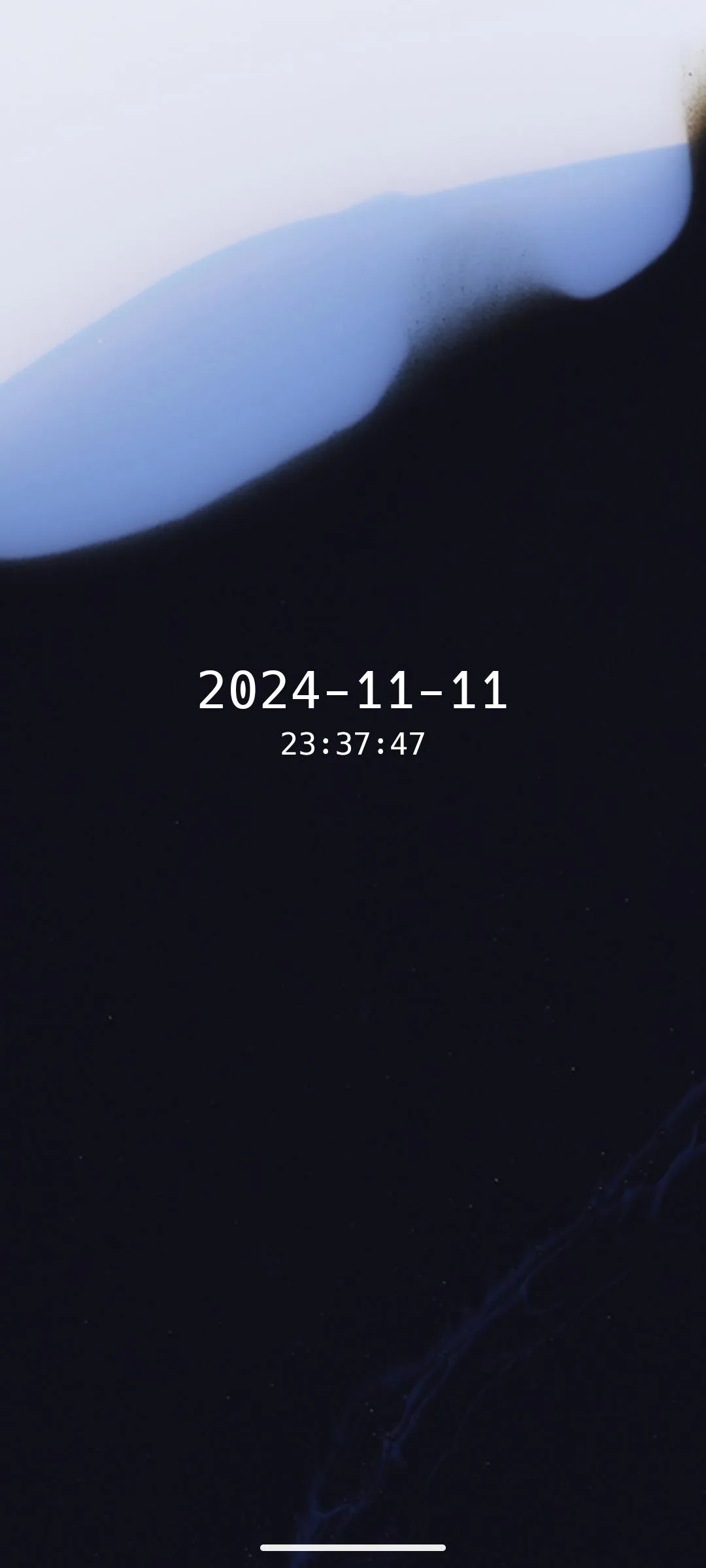
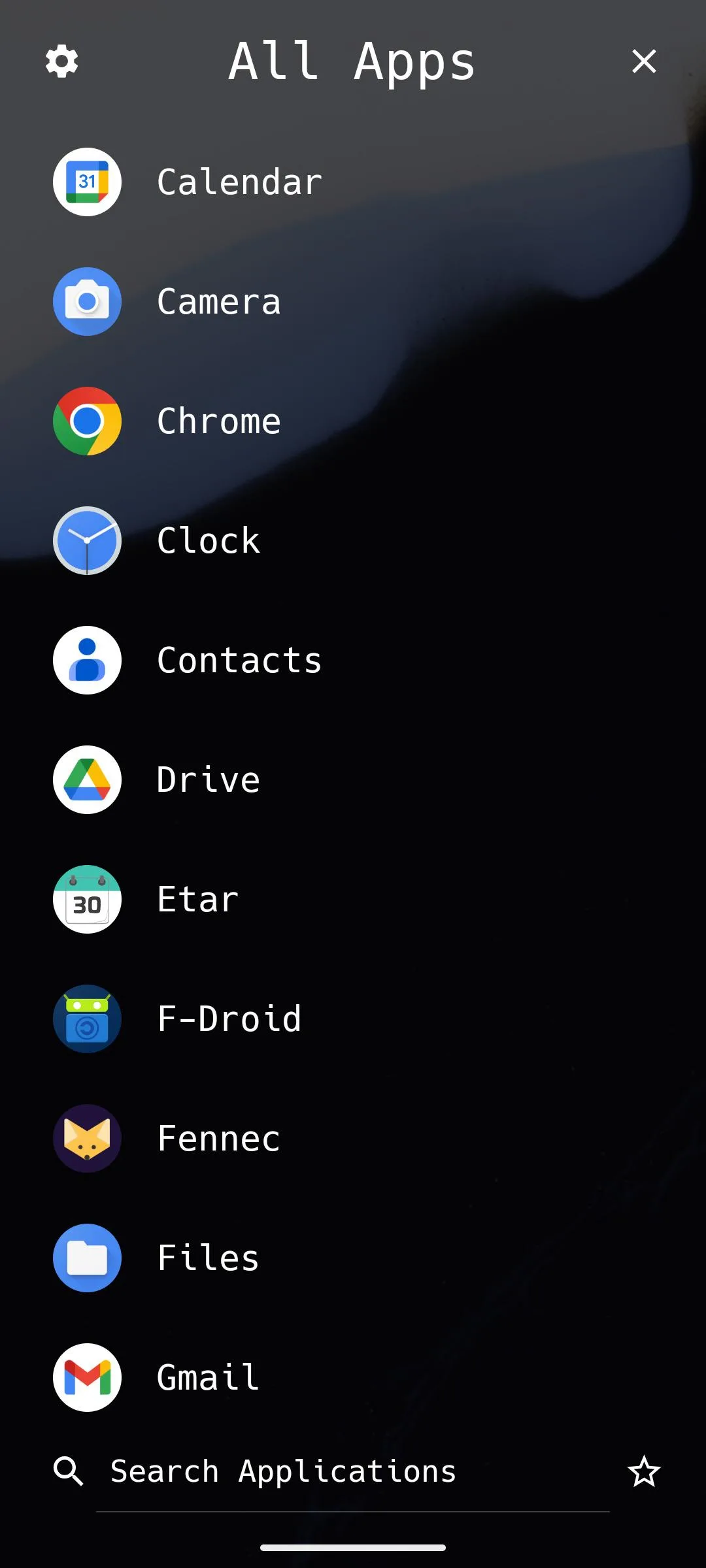
A home screen with just the date, the time and your wallpaper. Apps open with swipes, taps, drawn shapes or the volume keys, and everything else is a searchable list.
Needs:Android 5.0+
2113 Apps is independent, not affiliated with or endorsed by Josia Pietsch. Official sources: launcher.jrpie.de · source code on GitHub.
- Version
- 0.2.12
- Size
- 4.1 MB
- Requires
- Android 5.0+
- Updated
- 2026-06-25
Screenshots
Introduction
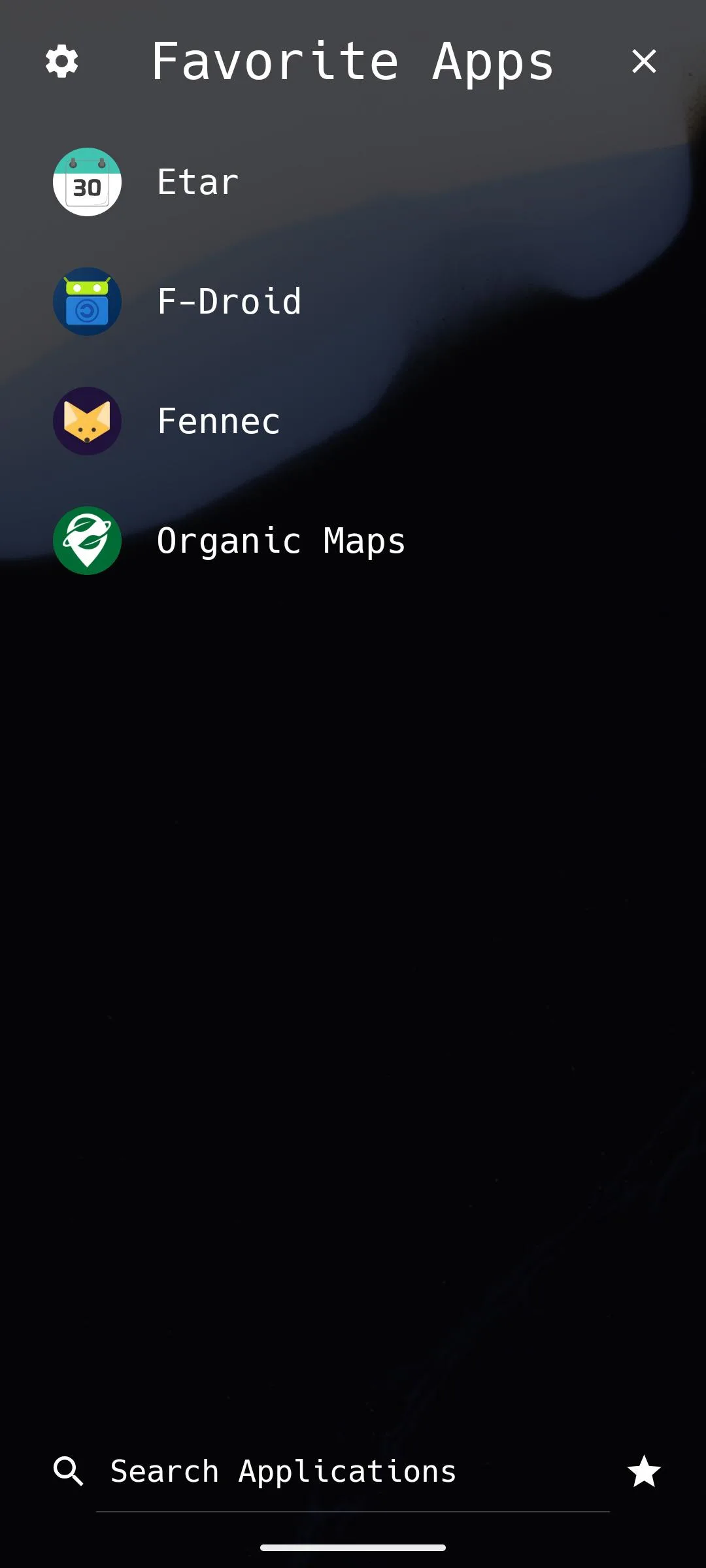
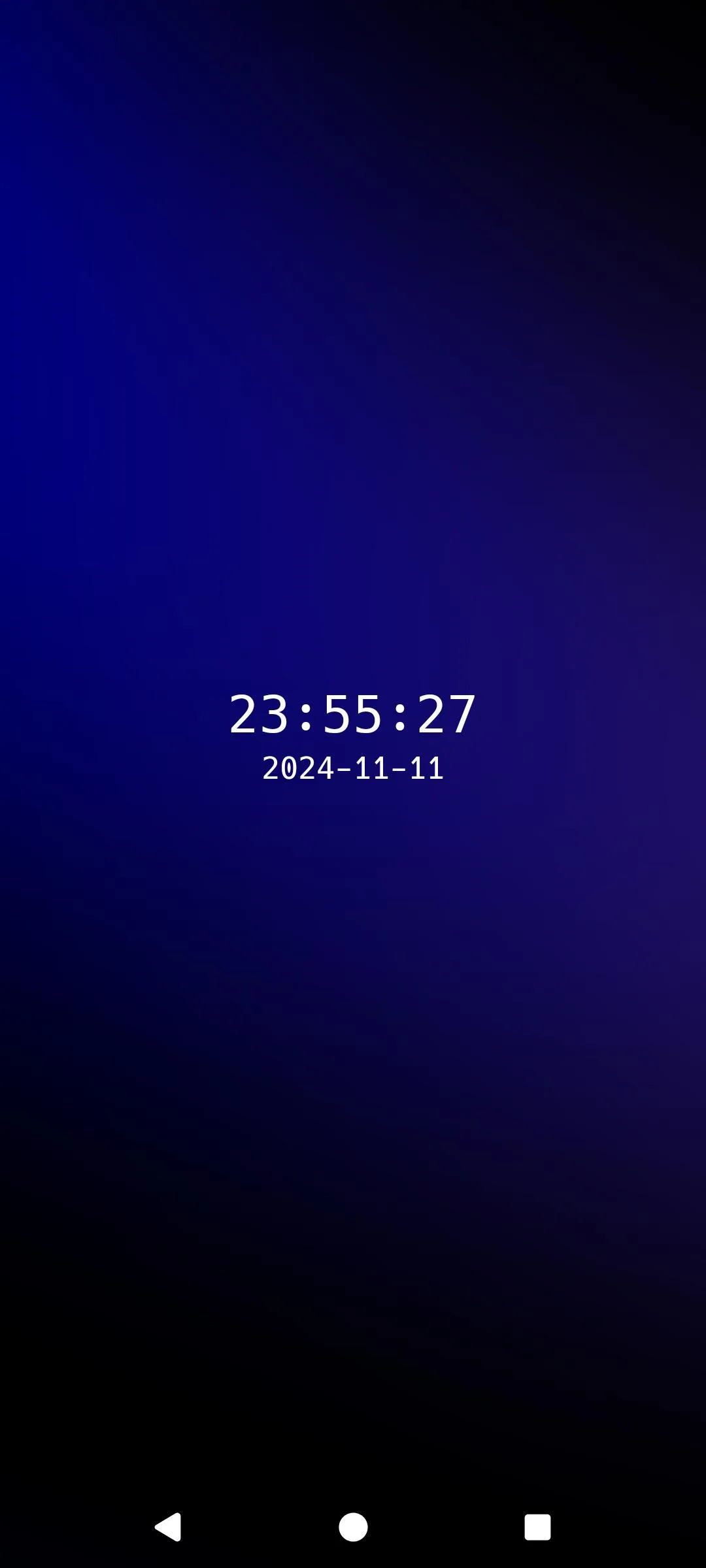
µLauncher is a home screen app by Josia Pietsch, a fork of Finn Glas’s Launcher. Its own description: it “lets you launch apps using swipe gestures and button presses. It is minimal, efficient and free of distraction.” The home screen shows only the date, the time and your wallpaper; everything you open, you open with a gesture or from the app list.
Gestures and actions
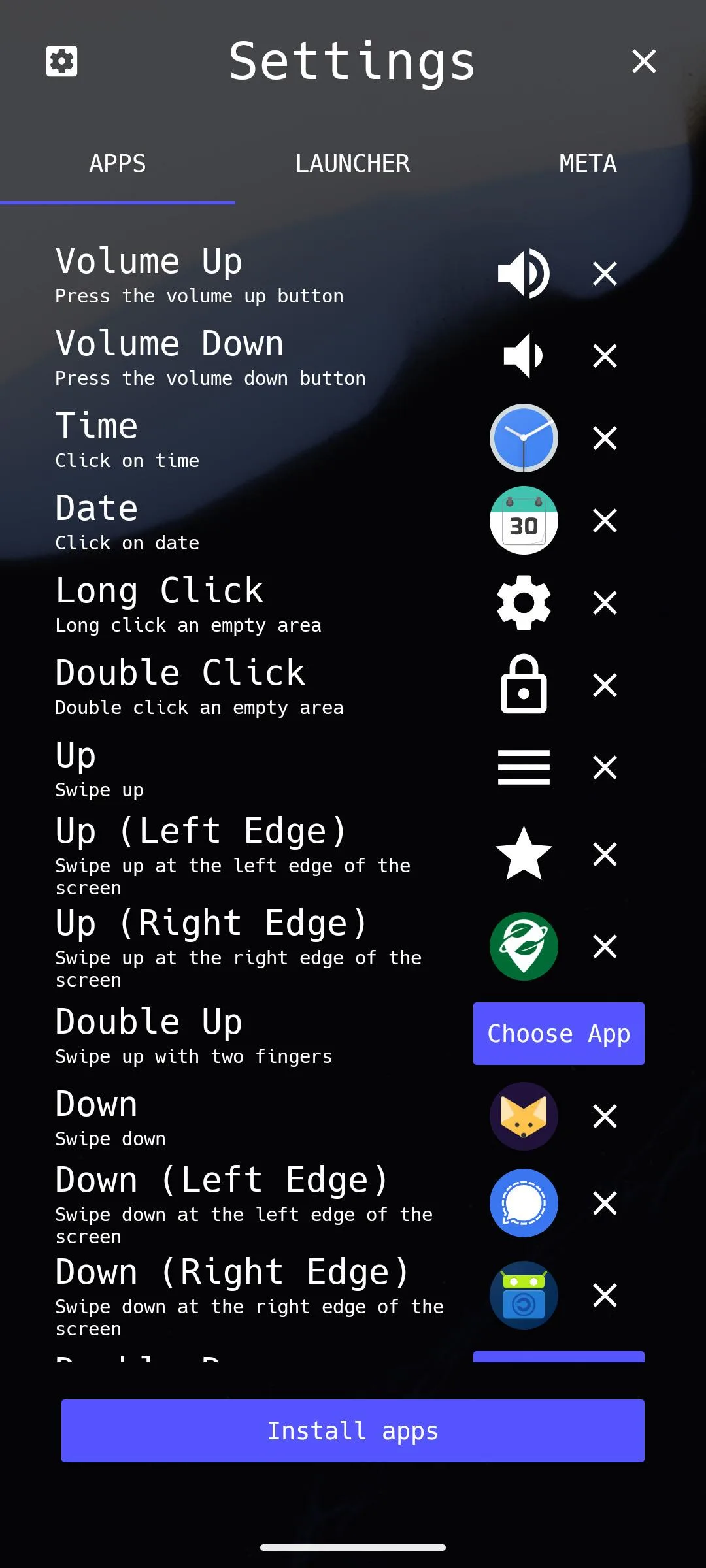
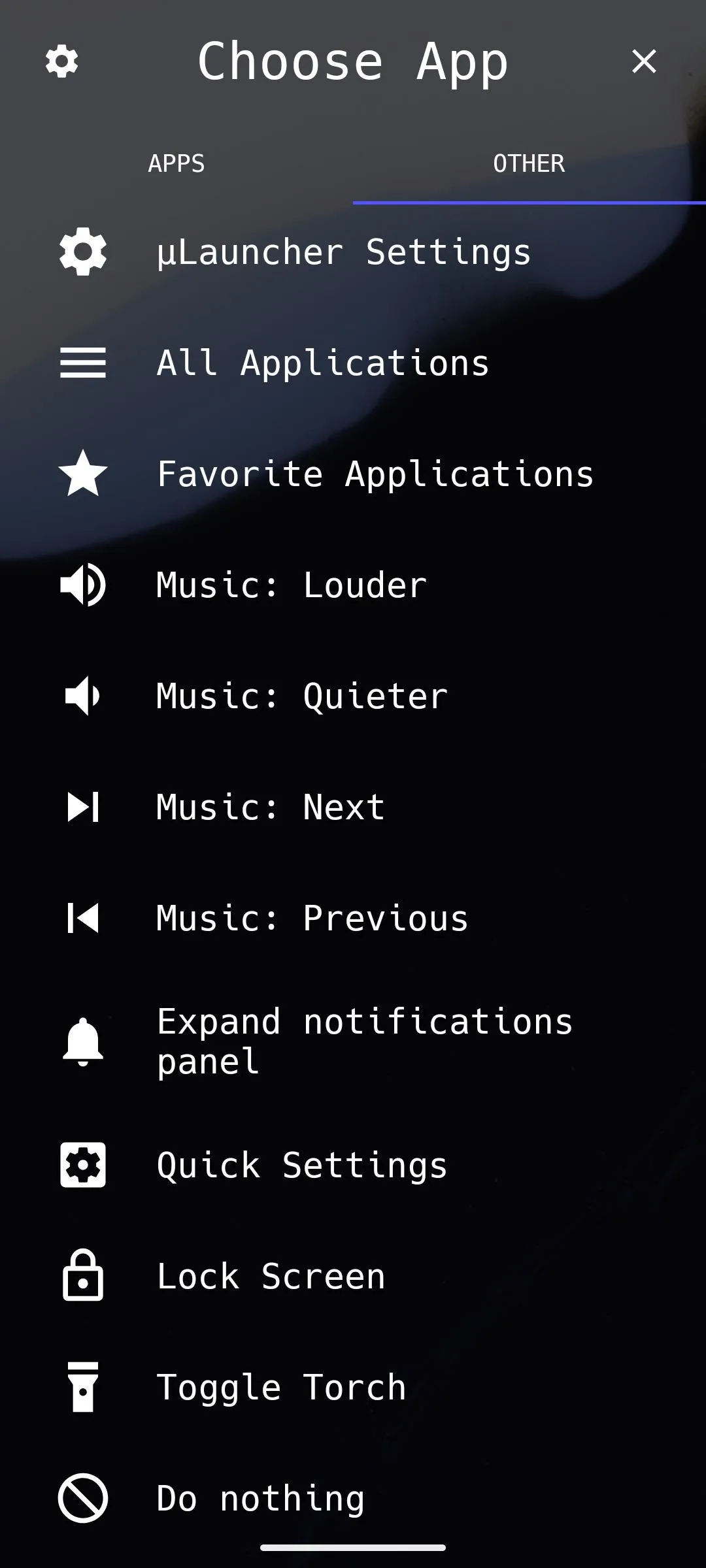
- Gestures: swipes in four directions, with two fingers, along the screen edges and diagonally; drawn shapes (<, >, V, Λ); taps on the date or time; double tap and long press; the back button; and the volume keys. Diagonal swipes are off by default.
- What a gesture can do: open an app, the full app list, your favourites or the private space list; control music; open the notification shade or Quick Settings; turn on the torch; lock the screen; or open a panel of widgets.
- Out of the box: back or swipe up opens the app list, double tap locks the screen, a long press opens the settings, and some gestures are pre-assigned to the first matching app you have installed, such as a browser for swipe down.
- Widgets can sit on the home screen or in separate widget panels. They don’t respond to touches unless you allow it.
Work profile and private space
Apps from a work profile appear in the normal list (the documentation mentions Shelter), and on Android 15 and later µLauncher can lock and unlock the private space with a dedicated action. For that it has to be your default home screen; Android requires it. One limit in this version: Android’s setting to hide the private space while locked can’t be read by third-party launchers, so µLauncher can’t honour it. The developer has since added a way round this, but not in a release yet.
Locking the screen
There are two ways, and the documentation admits that “both have downsides”:
- Device admin (the default) “doesn’t work with unlocking by fingerprint or face recognition”: after locking this way, you need your PIN, pattern or password.
- Accessibility service “requires excessive privileges”; µLauncher says it uses them “only for locking the screen”, and the service’s configuration doesn’t let it read window contents or watch any app. Enabling it asks you to confirm four statements first. The documentation also warns that on some devices, turning on an accessibility service stops the start-up PIN being used to encrypt data until you set it again.
What it connects to
Nothing. µLauncher has no internet permission, and its documentation states: “µLauncher does not connect to the internet. Functionality that would require an internet connection will not be implemented. In particular, µLauncher contains no ads and no trackers.” An optional web search, off by default, hands what you typed to your browser.
If µLauncher crashes, it posts a notification instead of sending a report: “For privacy reasons, µLauncher does not collect crash reports automatically”. That is what the notification permission is for; you can then copy the report, e-mail it or open a GitHub issue yourself.
The permissions it asks for
- Query all packages: “In order to launch apps, µLauncher obtains a list of all apps installed on the device”, including those in other profiles.
- Hidden profiles: Android 15’s permission for launchers to see the private space.
- Expand status bar: for the actions that open notifications or Quick Settings.
- Request uninstall: the Uninstall item in an app’s long-press menu.
About this file
- This is the developer’s own build of version 0.2.12, signed by Josia Pietsch. F-Droid distributes the same developer-signed file, and it is also identical to the APK on the project’s GitHub releases. The developer’s published fingerprint covers the F-Droid, GitHub and Google Play builds, so a Play installation can be updated with this file; the README adds of Google Play, “I don’t recommend that.”
- New in 0.2.12: improved widget configuration, widgets from other profiles, and an adjustable clock size.
- The screenshots date from late 2024 and don’t show the newer widget panels or diagonal gestures.
- The 4.1 MB file has no native code, needs Android 5.0 or later and declares 6 permissions. Our scan found no trackers.
- µLauncher is licensed under the MIT licence.
What’s inside the APK
Trackers
No code matching the Exodus Privacy tracker signatures.
Native code
Pure Java/Kotlin, so it runs on any CPU.
Android versions
Built for Android 16 (target API 36).
Permissions
1 of them need your approval first.
Asks you first (1)
Android shows a prompt before the app can use these.
- Show notifications (Android 13+) · POST_NOTIFICATIONS
Granted at install (4)
Low-risk permissions Android grants automatically, plus any we have not classified.
- ACCESS_HIDDEN_PROFILES
- EXPAND_STATUS_BAR
- QUERY_ALL_PACKAGES
- REQUEST_DELETE_PACKAGES
Defined by other apps (1)
Permissions that belong to another app or to this app itself.
- de.jrpie.android.launcher.DYNAMIC_RECEIVER_NOT_EXPORTED_PERMISSION
More Information
- Package name
- de.jrpie.android.launcher
- Version
- 0.2.12 (build 57)
- File size
- 4.1 MB (4,099,556 bytes)
- Requires
- Android 5.0 or later
- Category
- Customization
- License
- MIT
- Developer
- Josia Pietsch
- Source code
- github.com/jrpie/Launcher
- Released
- Jun 25, 2026
- Signed by
- The developer. F-Droid publishes a developer-signed APK only when its own build from the source code reproduces it.
- Signer SHA-256
- 0b5ee04000b2abf0b2c3f82cda9d9a3f615f3643bb917ff4e516270ab5dcaf12
- File SHA-256
- f67124dad5009016dd1fce379d79b20ea93a46cefb5759002f3fa149d50b018f
- Checked
- , against the F-Droid index · how we check · verify it yourself
Common questions
Is this APK the official µLauncher release?
Yes. It is the developer-signed release of µLauncher 0.2.12 that F-Droid distributes, which F-Droid publishes only when its own build from the source code reproduces it. Its SHA-256 matches F-Droid’s signed index, and it is signed with the developer’s certificate (SHA-256 0b5ee04000b2abf0b2c3f82cda9d9a3f615f3643bb917ff4e516270ab5dcaf12).
What Android version does µLauncher need?
Android 5.0 or later (API level 21). Version 0.2.12 is built for Android 16 (target API 36). Pure Java/Kotlin, so it runs on any CPU.
Can µLauncher access the internet?
No. The APK doesn’t request Android’s internet permission, so the app can’t go online by itself. In total it declares 6 permissions, and 1 of them needs your approval first.
Does µLauncher contain trackers?
No known trackers: our scan of version 0.2.12 found no code matching the Exodus Privacy tracker signatures. The scan covers known tracker libraries; it doesn’t show what data the app itself sends.
Is µLauncher open source?
Yes. µLauncher is released under the MIT licence, and its source code is published at https://github.com/jrpie/Launcher.
Why does the back gesture sometimes trigger my long-press action?
It’s a limitation of Android’s gesture navigation. The developer explains that when the system decides a touch is a navigation gesture, it “just stops forwarding MotionEvents”, so the launcher can’t tell it apart from a finger held still, which looks like a long press. The issue is still open.
Can it show shortcuts or web apps I added in another launcher?
No. In the developer’s words, “shortcuts / PWAs are a contract between a specific launcher and an app, they are not installed globally”, so “it is impossible to access shortcuts installed to a different launcher.”
An app I installed doesn’t appear in the list. Where is it?
Check the setting “Don’t show apps that are bound to a gesture in the app list”. Apps you have assigned to a gesture can be hidden from the list that way; a user reported exactly this on version 0.2.12, and the developer agreed the option is confusing.
Recent releases
| Version | Released | Size | Requires |
|---|---|---|---|
| v0.2.12 · this download | Jun 25, 2026 | 4.1 MB | Android 5.0+ |
| v0.2.11 | Mar 11, 2026 | 4.0 MB | Android 5.0+ |
| v0.2.10 | Mar 2, 2026 | 4.0 MB | Android 5.0+ |
Versions currently kept in the F-Droid repository. We host and check only the newest one. Full changelog.
Alternatives and related apps
-
 KISS Launcher Another fast, minimal launcher, built around a search bar rather than gestures.Download
-
 Kvaesitso A search-focused launcher with widgets and a richer home screen, if µLauncher feels too bare.Download