

Binary Eye
by Markus Fisch · MIT · open source
A barcode scanner without ads: point the camera at a QR code, barcode or Data Matrix, see exactly what it contains, then open, copy or act on it, or create codes of your own.
Needs:No root · Android 5.0+ · a camera
2113 Apps is independent, not affiliated with or endorsed by Markus Fisch. Official sources: source code on GitHub.
- Version
- 1.75.6
- Size
- 7.5 MB
- Requires
- Android 5.0+
- Updated
- 2026-10-31
Screenshots
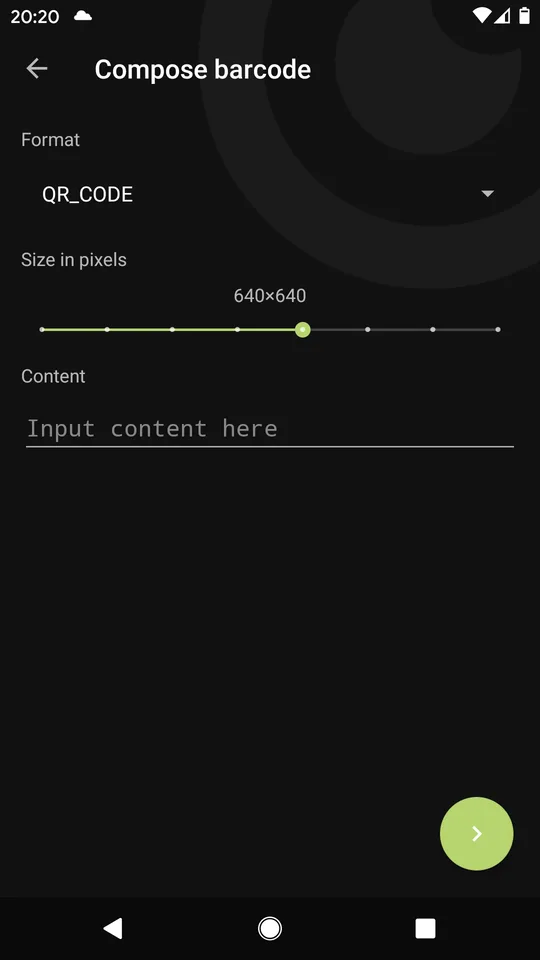
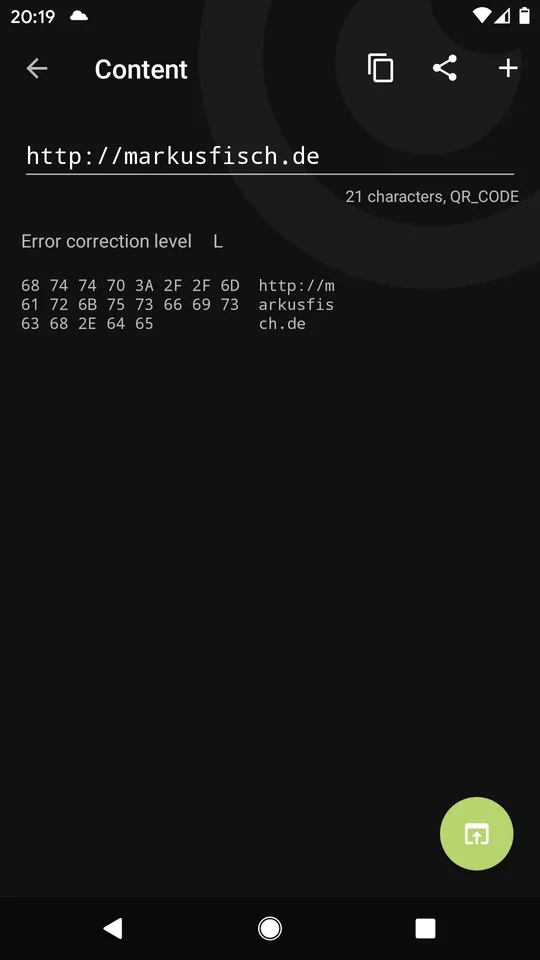
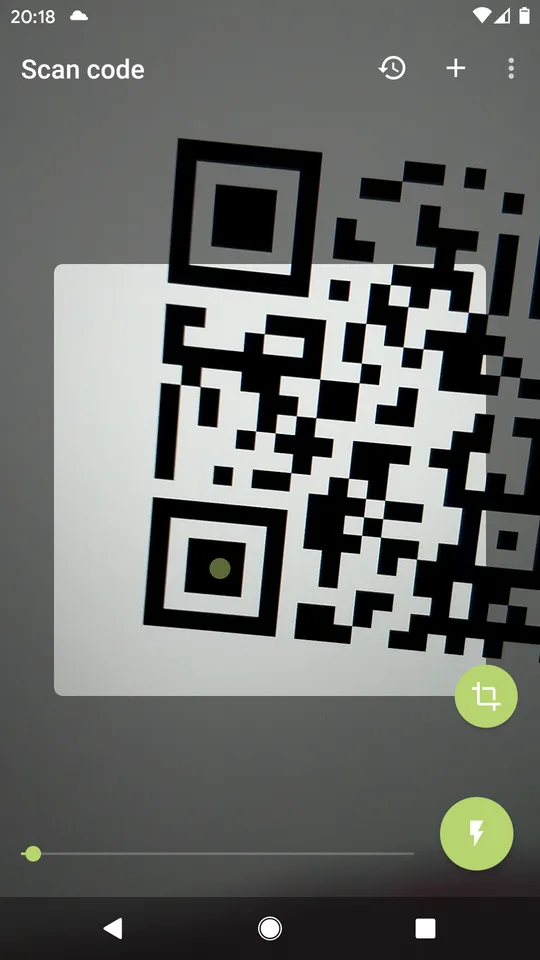
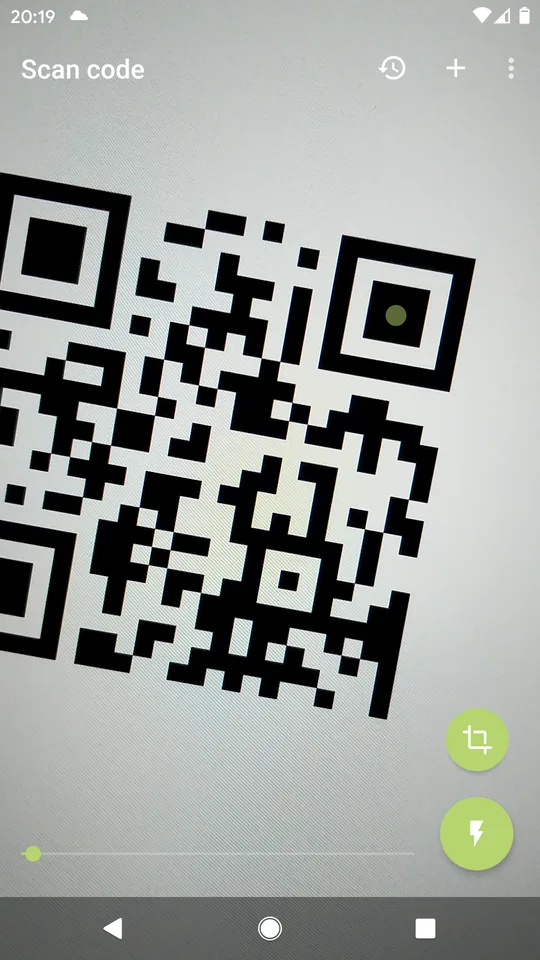
Introduction
Binary Eye is a barcode scanner by Markus Fisch, a developer in Germany, who has kept it going since 2017. Its README opens with a shrug, “Yet another barcode scanner for Android. As if there weren’t enough”, then the point: “This one is free, without any ads, and open source.” It reads codes with ZXing-C++, the C++ version of the well-known ZXing library. Version 1.75.6 came out in October 2026.
What it reads and creates
- Reads 21 formats, according to the README: QR Code, Micro QR and rMQR, Data Matrix, Aztec, PDF417, MaxiCode (partly), the EAN, UPC and RSS families, Code 39, 93 and 128, Codabar, ITF, Telepen and DX film-edge codes. It also reads inverted (light-on-dark) codes and works in portrait and landscape.
- Creates 11 formats, including QR Code, Data Matrix, Aztec, PDF417, EAN and Code 128.
- Bulk mode for scanning one code after another, and profiles for saving different settings.
- Shows what is inside: the raw content, a hex dump and details about the code, before you decide what to do with it (in the Advanced profile).
What it does with a code
From the 1.75.6 code, it recognises Wi-Fi network codes, contact cards, calendar events, email, text message and phone links, otpauth links for two-factor apps and FIDO links. Each gets a matching button: add the Wi-Fi network, open the contact or event in your contacts or calendar app, and so on. Anything else it offers to open or search for.
Links are cleaned by default: the setting that removes tracking parameters, such as utm_source, fbclid and gclid, is on from the start.
It also decodes the digital seals printed on some German official documents and checks their signatures against a list of certificates that comes inside the app, without going online.
What goes online
Binary Eye makes no internet requests of its own unless you set it up to. From the code and its privacy note (“Binary Eye does not collect any personal information.”):
- Sending scans to a web address of your choice is the only feature that uses the internet. It is off, with no address set, until you configure it. On Android 17 (API 37), version 1.75.6 asks for local-network access before the first in-app forwarding attempt or address test, whether the configured address is public or on your LAN; denying it still does not block public destinations.
- Forwarding scans to a Bluetooth device or through KDE Connect is also off by default.
- Opening and searching hands the link or text to your browser. The Simple profile searches Google for text that isn’t a link; you can change the search address in the settings.
There are no ads, analytics or crash reports, and our scan found no trackers.
The permissions it asks for
Twelve, several of them only for older Android versions: location and storage (for saving created codes) only up to Android 9, and the older Bluetooth permissions only up to Android 11; from Android 12, Bluetooth forwarding uses the newer “nearby devices” permission. The others are the camera, internet and the new local-network permission for testing and sending to an address you configure, vibration, Wi-Fi state and changes for adding networks, and one that the AndroidX library adds for internal use.
About this file
- This is F-Droid’s build of version 1.75.6, compiled from the source and signed with F-Droid’s key.
- The developer also attaches his own signed APK to each GitHub release. It has the same version code, 181, but a different key, so it and F-Droid’s file can’t update each other.
- Google Play has the same package name, with over 100,000 downloads. We can’t check the signing key Play uses, so we can’t say whether the Play version will install over this file.
- The 7.5 MB file runs on Android 5.0 and later, on ARM and x86, 32- and 64-bit. Our scan found no trackers.
- Binary Eye is licensed under the MIT licence. A country-code table inside the APK is an unchanged copy of a Creative Commons BY-SA 4.0 dataset (lukes/ISO-3166-Countries-with-Regional-Codes), which the app doesn’t credit.
- The screenshots come from the project’s F-Droid listing and were last updated in 2023.
What’s inside the APK
Trackers
No code matching the Exodus Privacy tracker signatures.
Native code
Runs on 64-bit and older 32-bit ARM phones.
Android versions
Built for Android 17 (target API 37).
Permissions
4 of them need your approval first.
CPU types in this build: arm64-v8a (64-bit ARM, almost every phone since 2017); armeabi-v7a (32-bit ARM, older and budget phones); x86 (32-bit Intel, emulators); x86_64 (64-bit Intel, emulators and Chromebooks).
Asks you first (4)
Android shows a prompt before the app can use these.
- Precise location · ACCESS_FINE_LOCATION
- Connect to paired Bluetooth devices · BLUETOOTH_CONNECT
- Use the camera · CAMERA
- Write shared storage (Android 10 and older) · WRITE_EXTERNAL_STORAGE
Granted at install (7)
Low-risk permissions Android grants automatically, plus any we have not classified.
- ACCESS_LOCAL_NETWORK
- ACCESS_WIFI_STATE
- BLUETOOTH
- BLUETOOTH_ADMIN
- CHANGE_WIFI_STATE
- INTERNET
- VIBRATE
Defined by other apps (1)
Permissions that belong to another app or to this app itself.
- de.markusfisch.android.binaryeye.DYNAMIC_RECEIVER_NOT_EXPORTED_PERMISSION
More Information
- Package name
- de.markusfisch.android.binaryeye
- Version
- 1.75.6 (build 181)
- File size
- 7.5 MB (7,517,176 bytes)
- Requires
- Android 5.0 or later
- Category
- System Tools
- License
- MIT
- Developer
- Markus Fisch
- Source code
- github.com/markusfisch/BinaryEye
- Released
- Oct 31, 2026
- Signed by
- F-Droid, which built this APK from the published source code. Because the key is F-Droid’s, it won’t install over a copy from Google Play or GitHub (or the other way round) without uninstalling first.
- Signer SHA-256
- 9ecdbf0677dd50609c76c2ba05dbe362232327b10a1c37cd58722993d9fe5d57
- File SHA-256
- fd1e1e5ab753063e0b7f44774cf2d6d3893980ddd9e5bebfecbacdbf669fc2ce
- Checked
- , against the F-Droid index · how we check · verify it yourself
Common questions
Is this APK the official Binary Eye release?
It is F-Droid’s build rather than the developer’s own: F-Droid compiled Binary Eye 1.75.6 from the published source code and signed it with its own key. Its SHA-256 matches F-Droid’s signed index. Because the key is F-Droid’s, it won’t install over a copy from Google Play or GitHub without uninstalling first.
What Android version does Binary Eye need?
Android 5.0 or later (API level 21). Version 1.75.6 is built for Android 17 (target API 37). Runs on 64-bit and older 32-bit ARM phones.
Can Binary Eye access the internet?
Yes. The APK requests Android’s internet permission. In total it declares 12 permissions, and 4 of them need your approval first.
Does Binary Eye contain trackers?
No known trackers: our scan of version 1.75.6 found no code matching the Exodus Privacy tracker signatures. The scan covers known tracker libraries; it doesn’t show what data the app itself sends.
Is Binary Eye open source?
Yes. Binary Eye is released under the MIT licence, and its source code is published at https://github.com/markusfisch/BinaryEye.
Does it keep a history of what I scan?
Not unless you turn it on. Both starting profiles, Simple and Advanced, leave the history off. With it on, codes on its exclusion list are still left out; since version 1.75.4 that list includes otpauth (two-factor setup) and FIDO codes by default.
What is the difference between Simple and Advanced?
The first screen asks you to pick one. Simple, “I just want to read barcodes and have them opened immediately”, copies each result, opens it straight away and searches Google for anything that isn’t a link. Advanced, “I would like to check the read content and open it manually”, shows the content and details first.
Why does it list a location permission?
Only for Android 9 and older: adding a Wi-Fi network from a QR code needed it there. The permission is limited to those versions, and the privacy note says that on Android 10 and later it “is not requested nor required”.
Can other apps use it to scan?
Yes. Apps that call the standard ZXing scan intent can use it, and the link binaryeye://scan opens the scanner; with a “ret” parameter, the result is passed back in a web address you give.
Recent releases
| Version | Released | Size | Requires |
|---|---|---|---|
| v1.75.6 · this download | Oct 31, 2026 | 7.5 MB | Android 5.0+ |
| v1.75.5 | Oct 12, 2026 | 8.7 MB | Android 5.0+ |
| v1.75.4 | Sep 12, 2026 | 8.7 MB | Android 5.0+ |
Versions currently kept in the F-Droid repository. We host and check only the newest one. Full changelog.
Alternatives and related apps
-
 ImageToolbox Reads and creates QR codes and barcodes as one of many image tools, next to OCR, document scanning and photo editing.Download