

ImageToolbox
by T8RIN · Apache-2.0 · open source
A huge open-source image toolkit: batch resizing and conversion, hundreds of filters, EXIF editing, background removal, text recognition and PDF tools. This build has no Google services.
Needs:Android 7.0+ · 64-bit ARM
2113 Apps is independent, not affiliated with or endorsed by T8RIN. Official sources: source code on GitHub.
- Version
- 4.2.0-foss
- Size
- 107.8 MB
- Requires
- Android 7.0+
- Updated
- 2026-09-04
Screenshots
Introduction
Image Toolbox is an image editor and converter by T8RIN (Malik Mukhametzyanov), with about 15,000 stars on GitHub. Its package name, ru.tech.imageresizershrinker, is left over from its start as an image resizer; today the README’s feature list runs to dozens of tools. This is the FOSS build of version 4.2.0, which leaves out Google’s libraries; we read its source code for this page.
What it does
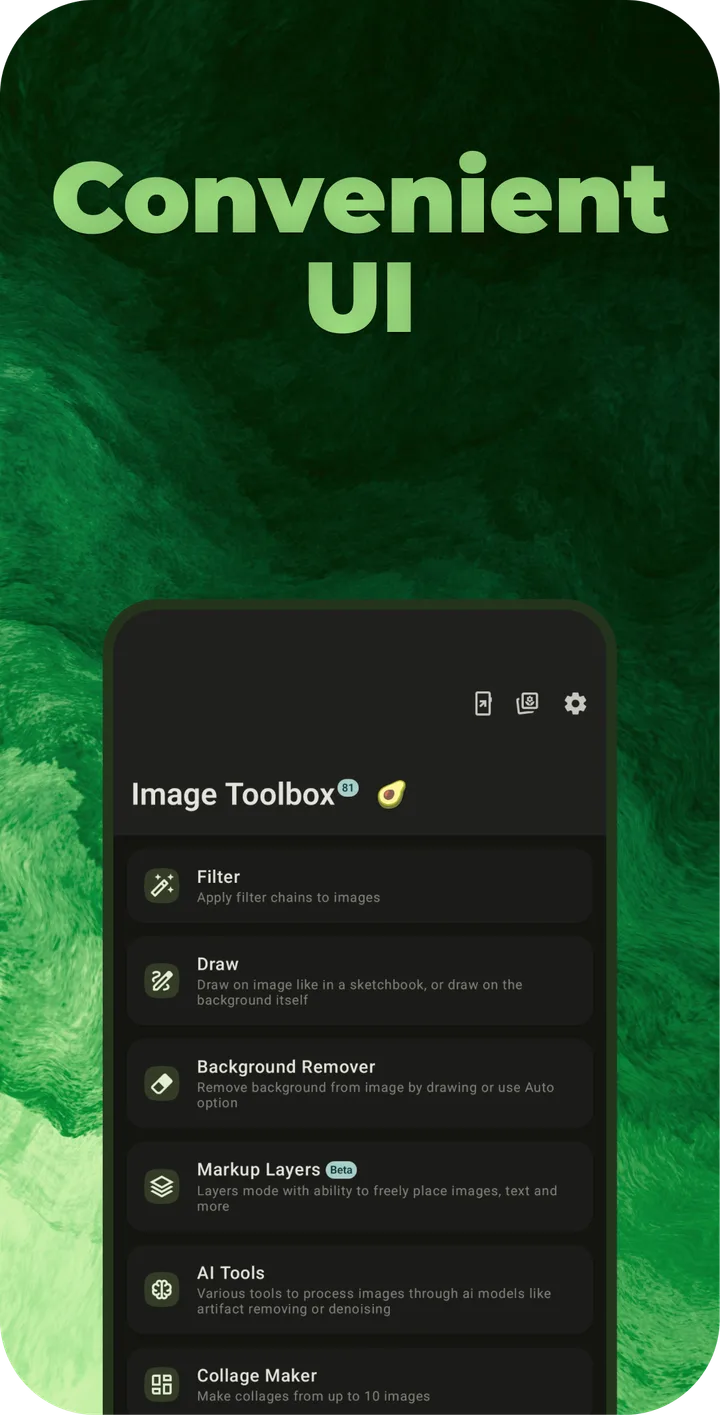
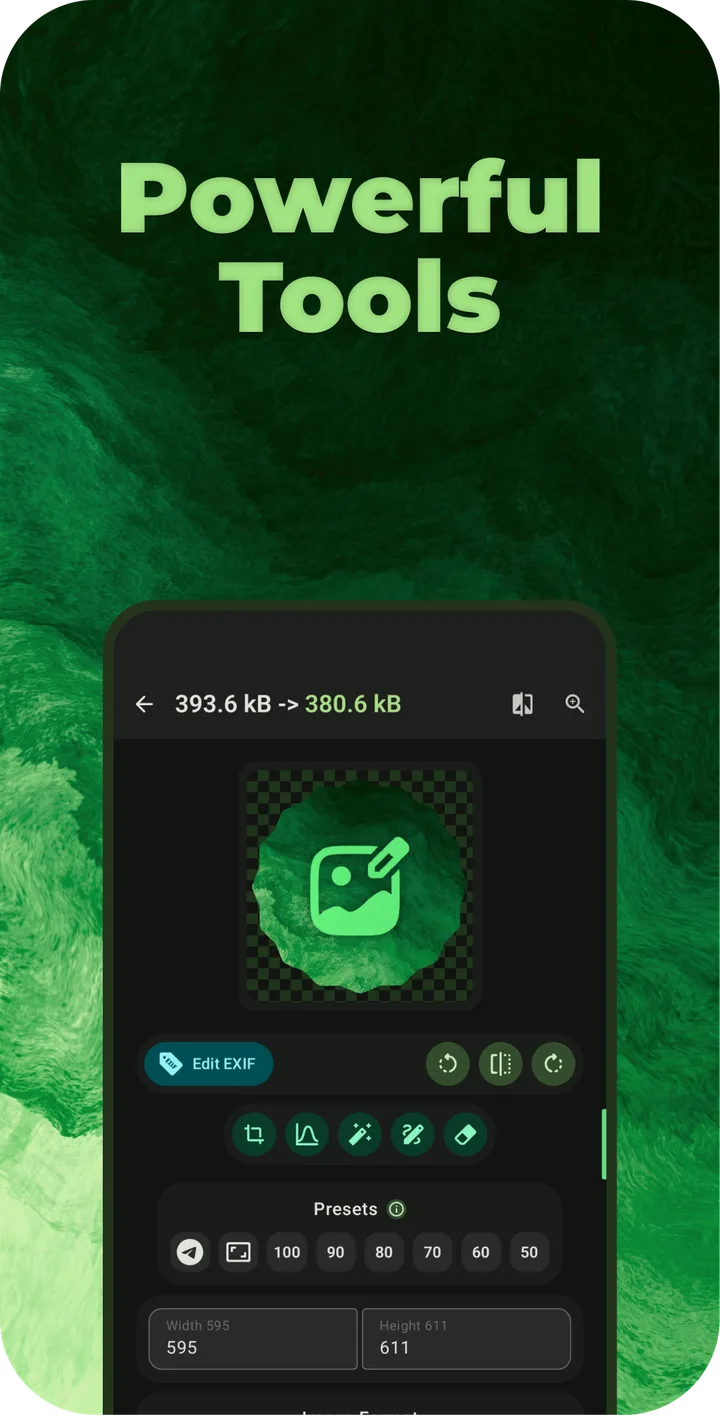
- Resize, compress, crop and convert single images or whole batches, including WebP, AVIF, JXL, GIF and APNG, with options to delete the originals or save next to them (both off by default).
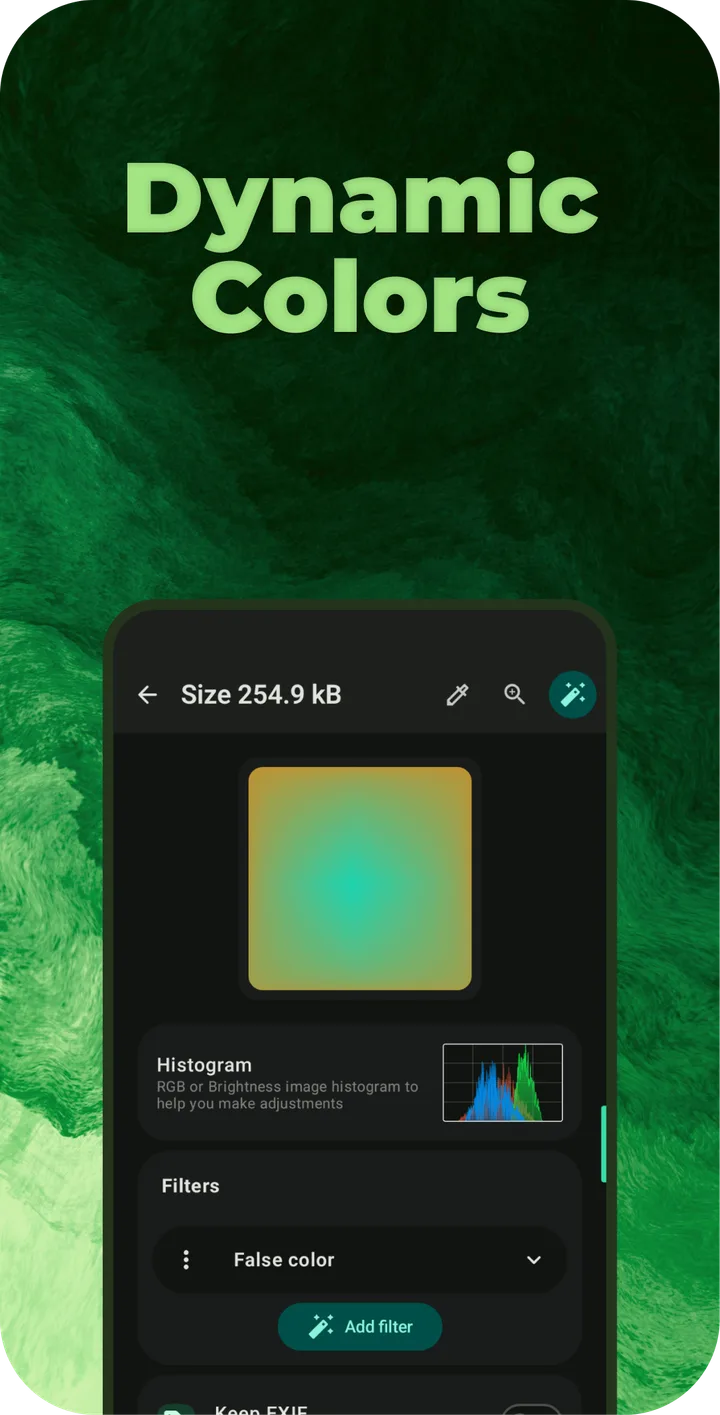
- Filters: the README counts more than 500. Version 4.2.0 added the G’MIC filter engine and, per the release notes, “167 new filters based on new engine”.
- EXIF metadata viewing, editing and removal.
- Background removal, drawing, watermarks, stickers and text, collages, stitching and splitting images.
- Text recognition (OCR) with Tesseract or PaddleOCR, QR and barcode reading and creation, document scanning, and PDF tools.
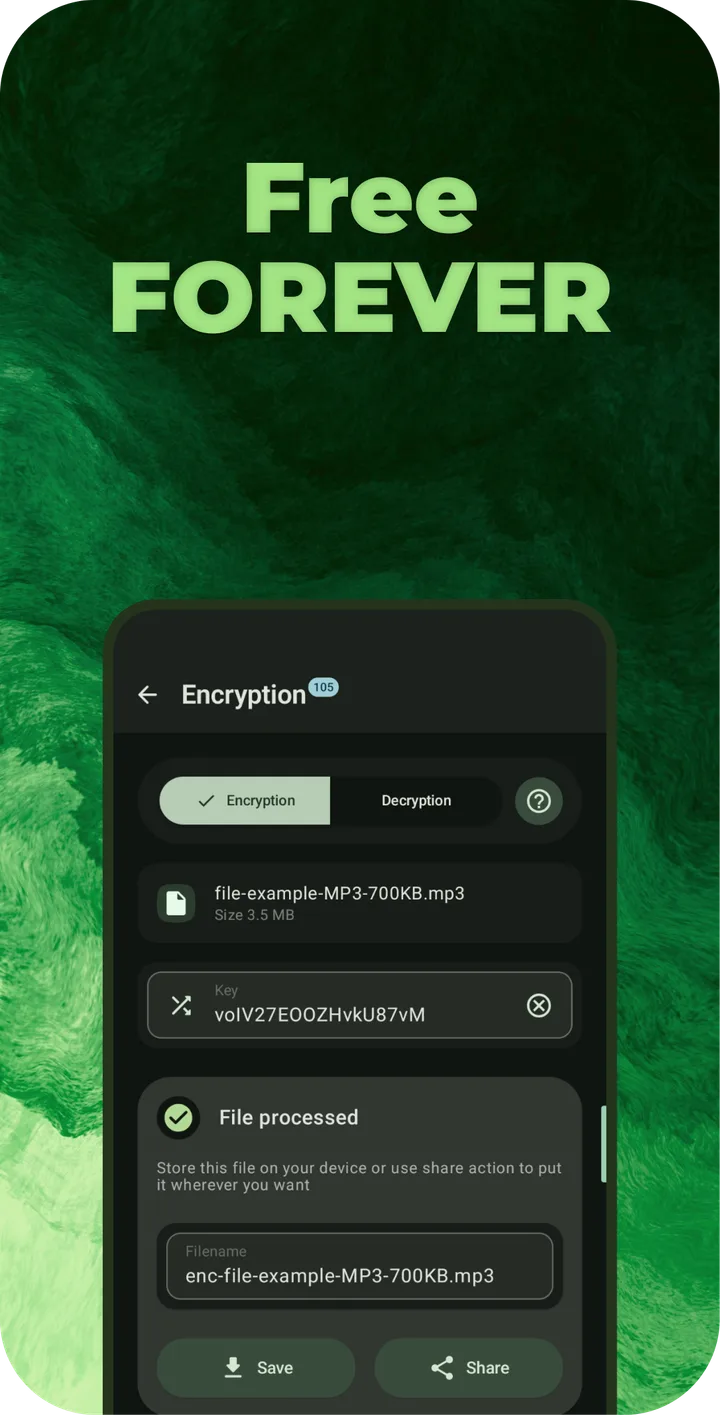
- Extras: file encryption, tracing images to SVG, a colour library and palette tools, fractal and texture generators, and Quick Settings tiles such as a colour picker and a screenshot editor. New in 4.2.0 are a duplicate finder and a batch rename tool.
AI tools and other downloads
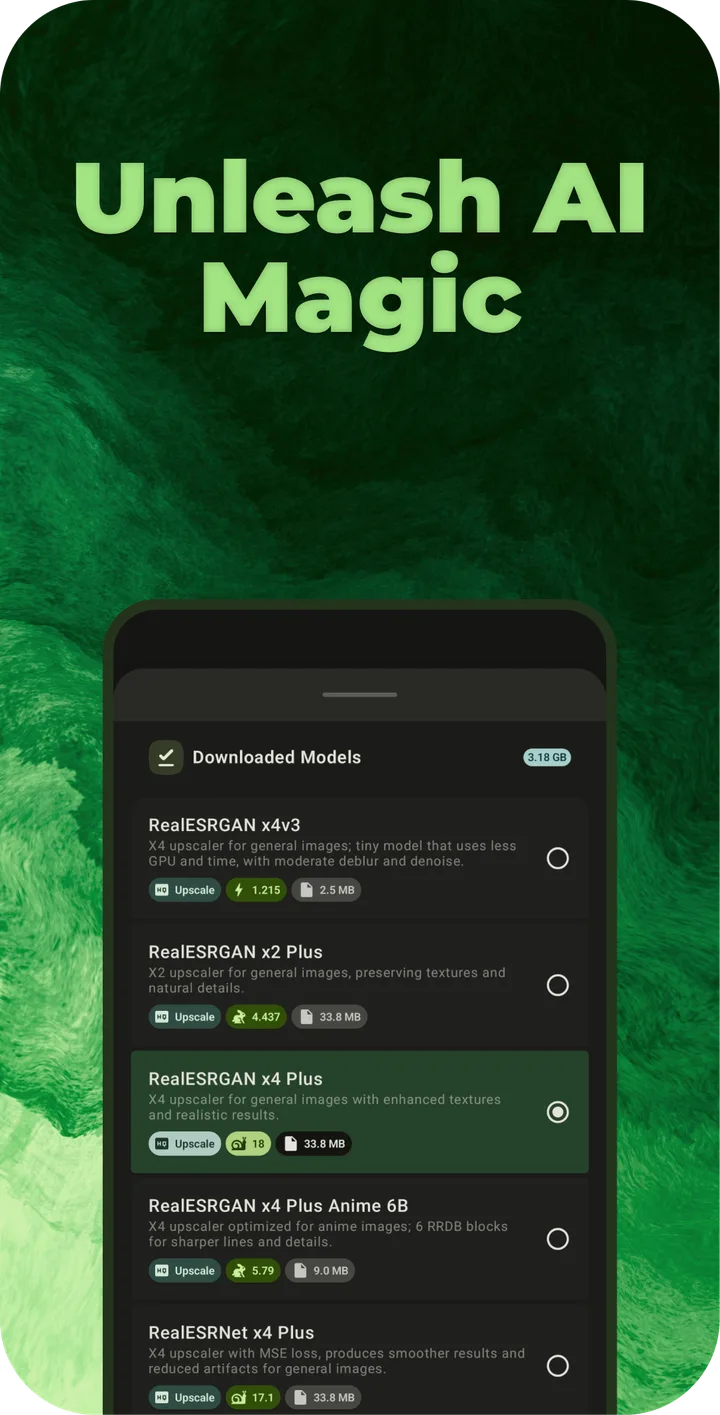
The FOSS build includes one small background-removal model (U2NetP, under five megabytes) that works offline. Everything else that needs extra data downloads it from the developer’s or the projects’ repositories:
- AI models (upscaling, background removal, colourising, enhancement and more): over a hundred, from under a megabyte to nearly 1 GB each, downloaded from the developer’s Hugging Face repository when you choose one. In the background eraser, picking a model that isn’t on the phone yet starts its download straight away, without asking.
- Text recognition: Tesseract’s language data comes from the Tesseract project on GitHub, and PaddleOCR’s models from Hugging Face, each after the app asks you.
- Cube LUTs for colour grading download after a confirmation.
What it connects to
The developer’s summary: “the app doesn’t connect to anything without requesting it to do so”. In the FOSS build’s code that is mostly true; there are two exceptions with the default settings.
- Update check: off by default in the FOSS build. The first-start dialog explains that it “will connect to GitHub in reason of checking if there is a new update available” and lets you turn it on. It reads the release feed on GitHub and doesn’t install anything itself.
- Link previews: on by default. When recognised text or a scanned QR code contains a link, the app fetches that page to show a preview. You can turn this off under Links Preview in the settings.
- Mesh gradients: opening this tool downloads any new gradient packs from the developer’s GitHub repository each time, without asking.
- Images from the web: the Load image from internet tool fetches the address you enter, identifying itself as desktop Chrome.
Our scan found no trackers. In the FOSS build’s code the analytics functions are empty stubs, and Crashlytics isn’t included.
The permissions it asks for
Image Toolbox declares 15 permissions. At first start it asks for access to photos, to the location stored in photos (for EXIF) and to notifications. The others are used when you reach the feature: the camera for document and QR scanning, contacts for QR codes, screen capture for the screenshot tile, and a foreground service to keep long saves and downloads running. All-files access is optional (see the questions below).
About this file
- This is the developer’s own build of version 4.2.0, the FOSS variant for 64-bit ARM (
image-toolbox-4.2.0-foss-arm64-v8a.apk), from the project’s GitHub release. It is signed by T8RIN with the certificate whose SHA-256 the README publishes (20d7689d…). GitHub also has FOSS builds for 32-bit ARM, x86_64 and a universal one, and Market builds without the “foss” suffix. - The 107.8 MB file needs Android 7.0 or later and declares 15 permissions.
- After your first save, and every tenth save after that, the app asks you to star the project on GitHub; from the 30th save on, the request has a button to stop it for good.
- Image Toolbox is licensed under the Apache-2.0.
What’s inside the APK
Trackers
No code matching the Exodus Privacy tracker signatures.
Native code
Needs a 64-bit ARM phone; 32-bit-only devices are not supported.
Android versions
Built for Android 17 (target API 37).
Permissions
6 of them need your approval first.
CPU types in this build: arm64-v8a (64-bit ARM, almost every phone since 2017).
Asks you first (6)
Android shows a prompt before the app can use these.
- Use the camera · CAMERA
- Show notifications (Android 13+) · POST_NOTIFICATIONS
- Read your contacts · READ_CONTACTS
- Read shared storage (Android 12 and older) · READ_EXTERNAL_STORAGE
- Read photos · READ_MEDIA_IMAGES
- Write shared storage (Android 10 and older) · WRITE_EXTERNAL_STORAGE
You switch these on in Settings (1)
Special app access. Nothing is granted until you turn it on yourself.
- All files access · MANAGE_EXTERNAL_STORAGE
Granted at install (7)
Low-risk permissions Android grants automatically, plus any we have not classified.
- ACCESS_MEDIA_LOCATION
- ACCESS_NETWORK_STATE
- FOREGROUND_SERVICE
- FOREGROUND_SERVICE_DATA_SYNC
- FOREGROUND_SERVICE_MEDIA_PROJECTION
- INTERNET
- PROJECT_MEDIA
Defined by other apps (1)
Permissions that belong to another app or to this app itself.
- ru.tech.imageresizershrinker.DYNAMIC_RECEIVER_NOT_EXPORTED_PERMISSION
More Information
- Package name
- ru.tech.imageresizershrinker
- Version
- 4.2.0-foss (build 267)
- File size
- 107.8 MB (107,826,476 bytes)
- Requires
- Android 7.0 or later
- Category
- Media
- License
- Apache-2.0
- Developer
- T8RIN
- Source code
- github.com/T8RIN/ImageToolbox
- Released
- Sep 4, 2026
- Signer SHA-256
- 20d7689de0874f00015ea3e31fa067c15c03457d362d41d5e793db3a864fa534
- File SHA-256
- 7df1317a461dd46fba91225b098e4fb24b69118e3bedd641f8072e26aecd3c30
- Checked
- , against the 4.2.0 release on GitHub · how we check · verify it yourself
Common questions
Is this APK the official ImageToolbox release?
Yes. It is the file from the project’s 4.2.0 release on GitHub, byte for byte, and it matches the SHA-256 checksum GitHub publishes for it. It is signed with the certificate we recorded when we first checked ImageToolbox (SHA-256 20d7689de0874f00015ea3e31fa067c15c03457d362d41d5e793db3a864fa534); a release signed with a different key would not be published here.
What Android version does ImageToolbox need?
Android 7.0 or later (API level 24). Version 4.2.0-foss is built for Android 17 (target API 37). Needs a 64-bit ARM phone; 32-bit-only devices are not supported.
Can ImageToolbox access the internet?
Yes. The APK requests Android’s internet permission. In total it declares 15 permissions, and 6 of them need your approval first.
Does ImageToolbox contain trackers?
No known trackers: our scan of version 4.2.0-foss found no code matching the Exodus Privacy tracker signatures. The scan covers known tracker libraries; it doesn’t show what data the app itself sends.
Is ImageToolbox open source?
Yes. ImageToolbox is released under the Apache-2.0 licence, and its source code is published at https://github.com/T8RIN/ImageToolbox.
What is the difference between the FOSS and Market versions?
The README’s comparison: the FOSS build uses ZXing for QR codes, an ONNX model for automatic background removal and OpenCV for document scanning, where the Market build uses Google’s ML Kit. Market also has Firebase Analytics, Crashlytics and other Google libraries; all other features are the same. This page hosts the FOSS build.
Can I update the Google Play version with this APK?
Don’t count on it. Google Play carries the Market build, and the developer says Play “also have own signature which is applied by google when posting update, so there can be conflicts”. Back up your settings in the app, uninstall the Play version, then install this one.
Why are the F-Droid and IzzyOnDroid versions older?
When we checked in October 2026, both still had 4.1.0, while the developer had published 4.2.0 on GitHub in September. The developer has said that F-Droid “is not updated by me”. We take the file straight from the GitHub release; F-Droid’s and IzzyOnDroid’s copies are signed with the same developer key, so they can update each other.
Why does it ask for contacts and all-files access?
Contacts are for filling in a contact, phone number or SMS when you create a QR code, and only when you pick one. All-files access is optional; the developer explains it is “used to read jxl and qoi files, which are not images according to the android system”. It is also used for saving to the original folder.
Recent releases
| Version | Released | Size |
|---|---|---|
| v4.2.0 · this download | Sep 4, 2026 | 107.8 MB |
| v4.1.0 | Jul 5, 2026 | 89.3 MB |
Recent releases on the project’s GitHub. We host and check only the newest one. Full changelog.
Alternatives and related apps
-
 Fossify Gallery A plain open-source gallery with basic editing, if you mostly want to view and crop photos.Download