

FUTO Keyboard
by FUTO · FUTO Source First License 1.1-kb · source available
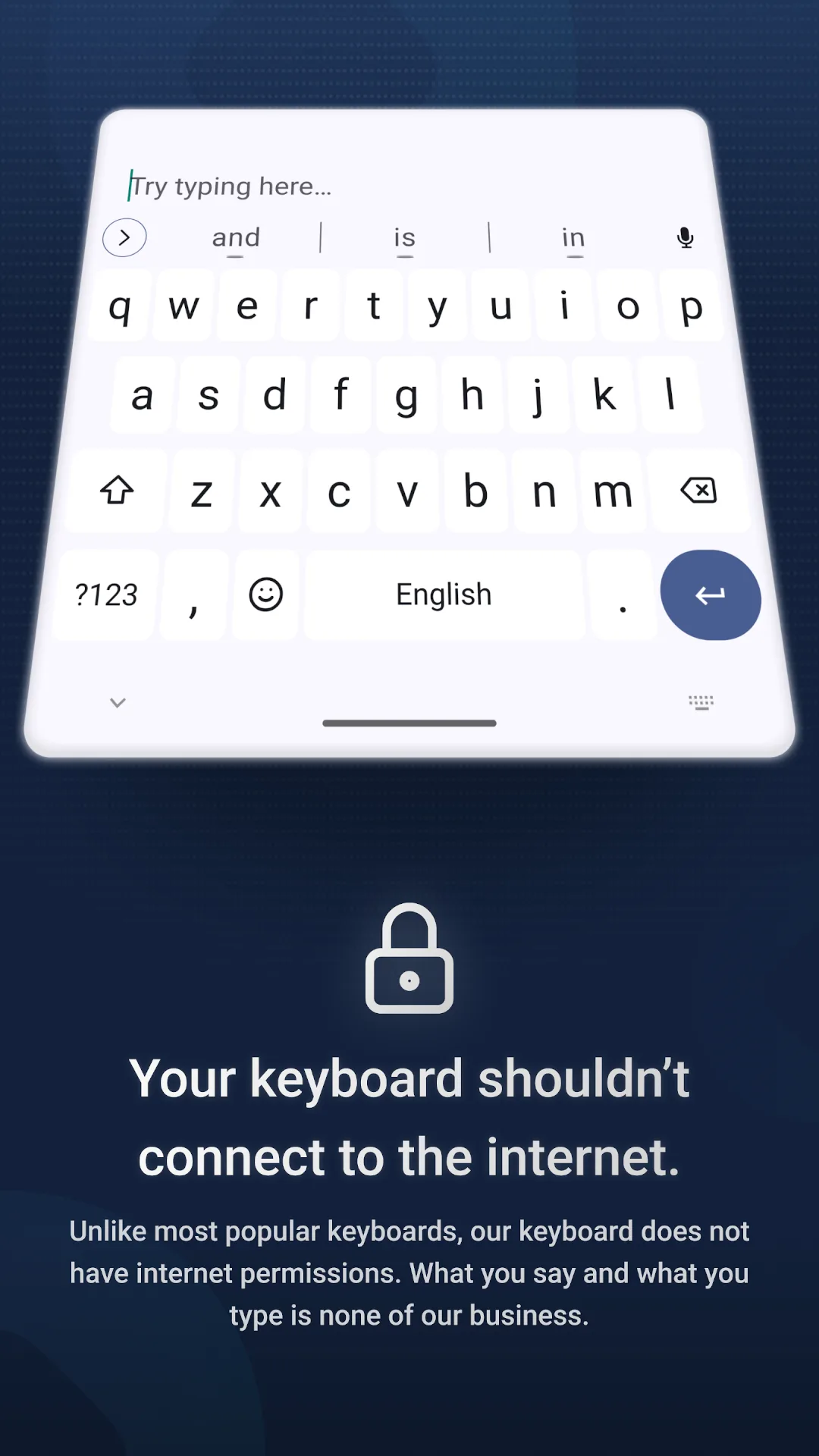
A keyboard that never goes online: swipe typing, autocorrect with a small language model, and voice typing with Whisper, all running on the phone. The app doesn’t even ask Android for internet access.
Needs:No root · Android 7.0+
2113 Apps is independent, not affiliated with or endorsed by FUTO. Official sources: keyboard.futo.org · source code on gitlab.futo.org.
- Version
- 0.1.30
- Size
- 140.2 MB
- Requires
- Android 7.0+
- Updated
- 2026-08-06
Screenshots
Introduction
FUTO Keyboard is a keyboard app by FUTO, the company behind Grayjay. Its README sets the goal: “The goal is to make a good modern keyboard that stays offline and doesn’t spy on you. This keyboard is a fork of LatinIME, The Android Open-Source Keyboard, with significant changes made to it.” FUTO’s website says it “is still under active development, and you may experience missing features or languages.”
What it does
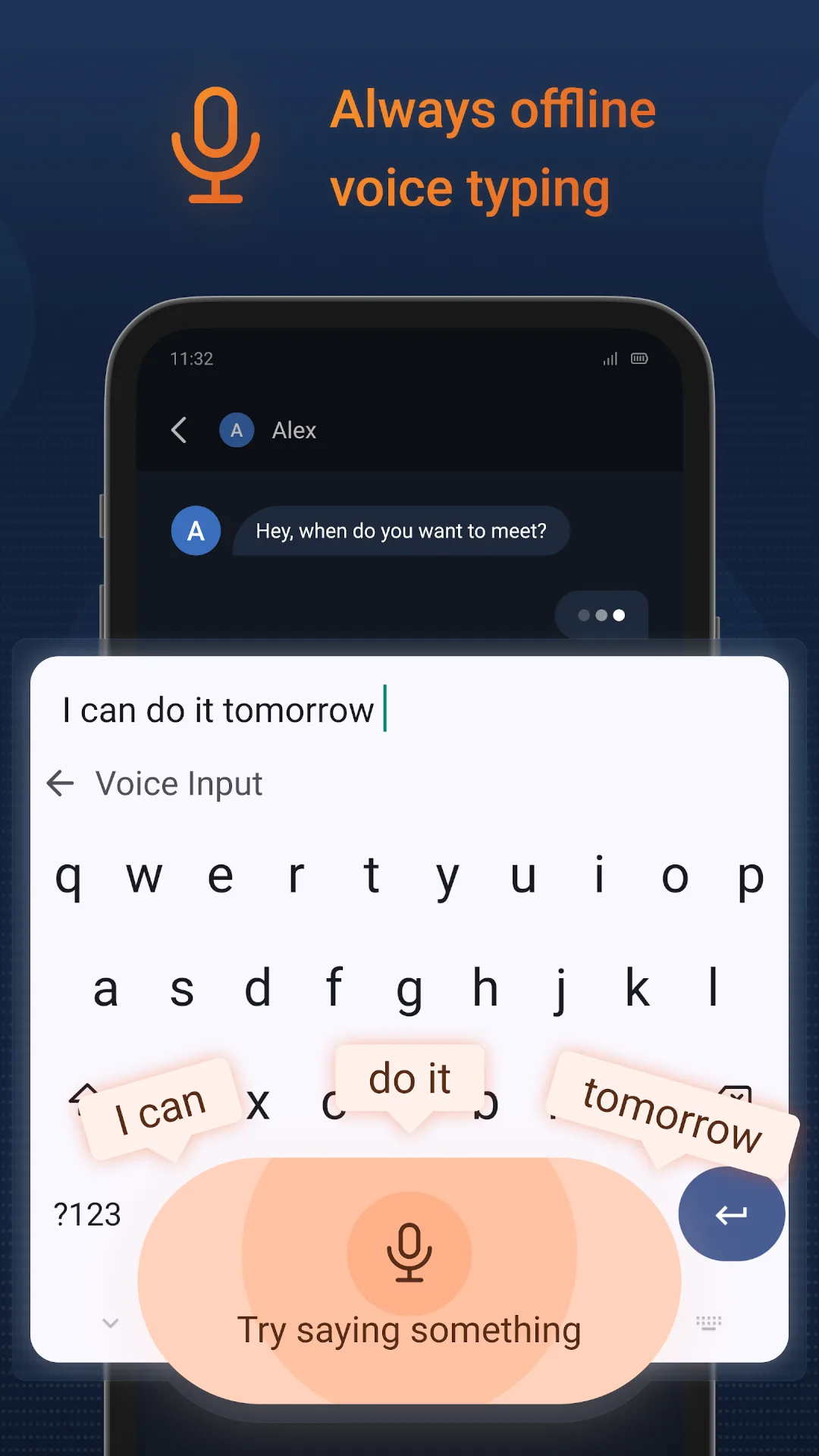
- Voice typing on the phone, with OpenAI’s Whisper speech model fine-tuned by FUTO. A small English model is built in; English models of other sizes and multilingual models are downloads.
- Swipe typing with FUTO’s own models, which work on any layout for reading the gesture; the part that turns it into words is English and QWERTY only.
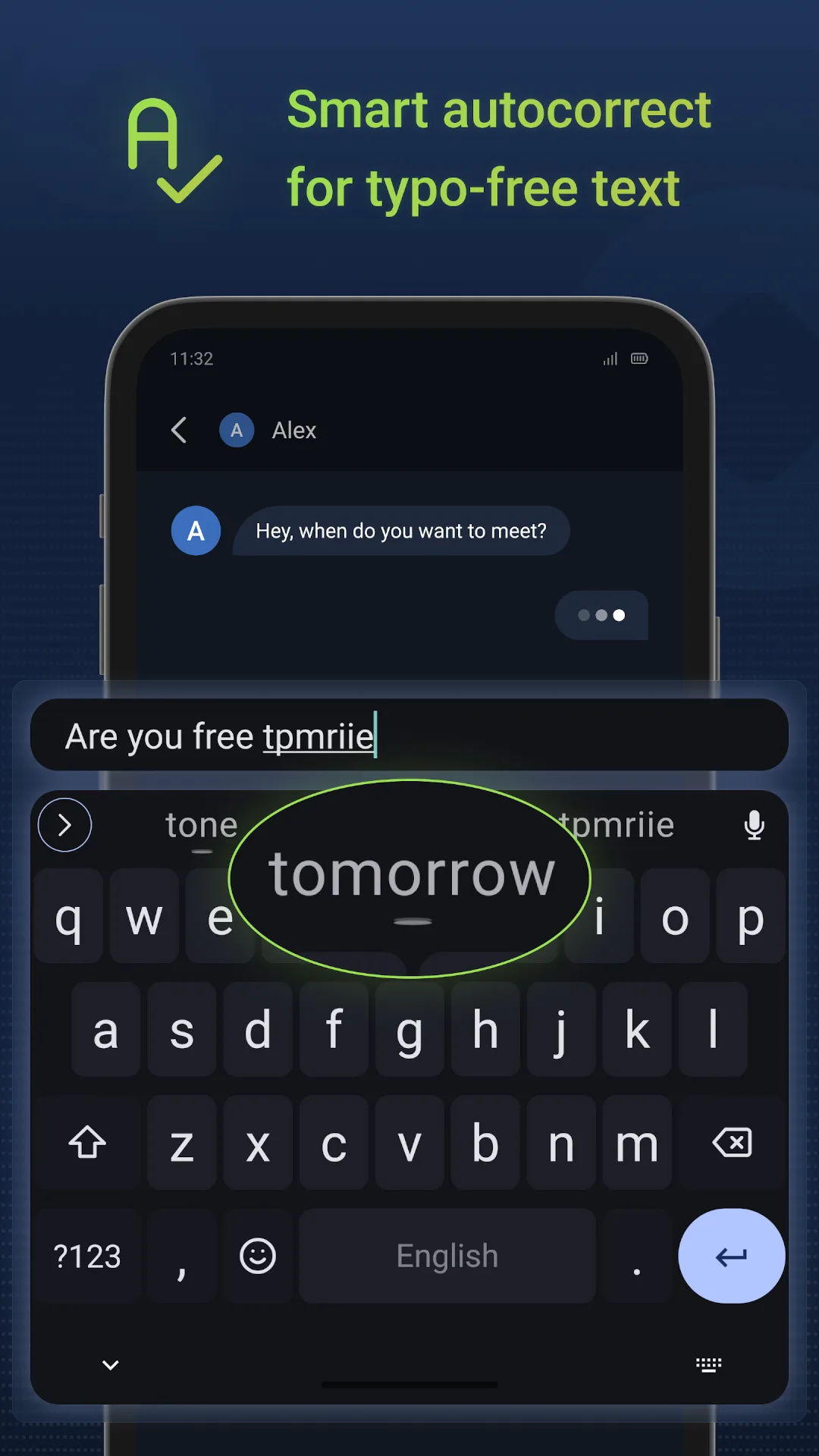
- Next-word prediction and autocorrect with a small transformer language model, on by default, for English. FUTO’s docs say: “On low-end devices, the Transformer LM may run too slowly.” Training the model on your own typing is a separate setting, off by default.
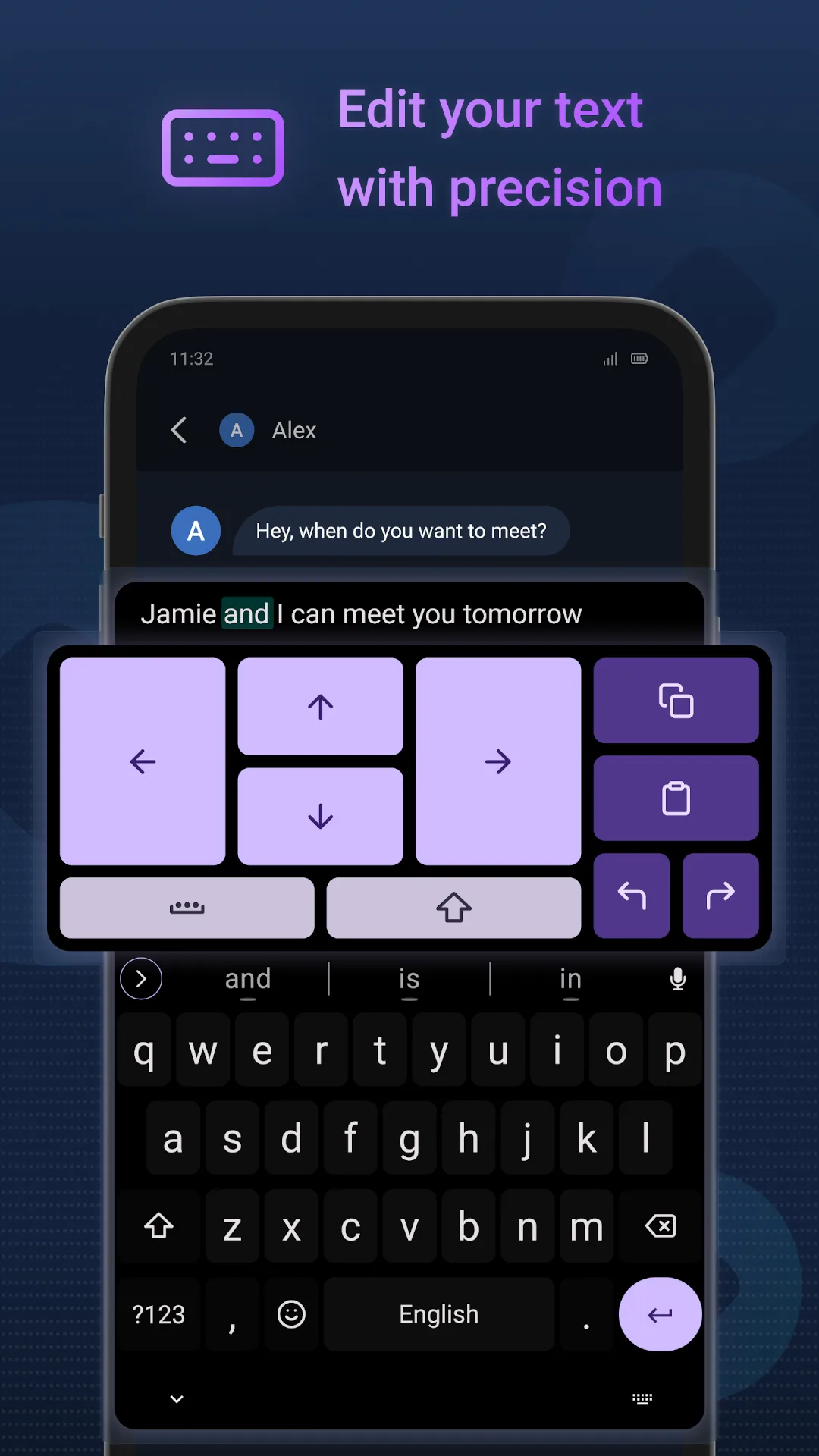
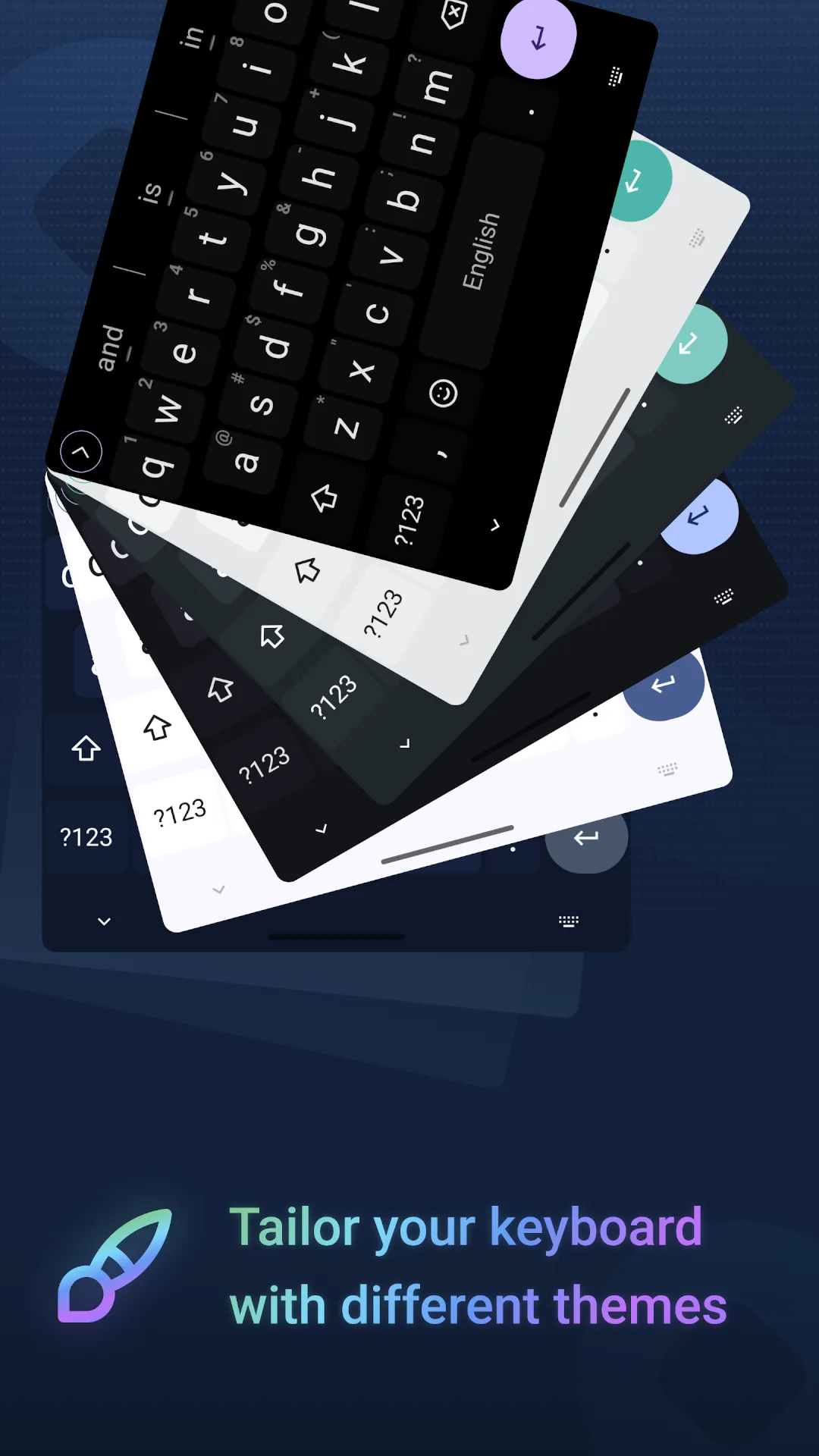
- Japanese and Chinese input, built on the open-source Mozc and RIME engines, a clipboard history, a text-editing panel and themes. Version 0.1.30 added themes you can create and share as files, a new layout for swiping in English called KASROZ, and clearer visual and haptic feedback for the optional swipe gesture that switches languages.
Why it is so big
The models are in the file. From our look inside it: the built-in English voice model is 43.6 megabytes and the English language model 30.7 megabytes; the swipe models add about 10 megabytes, and there are dictionaries for English, German, Spanish, French, Italian, Brazilian Portuguese and Russian, emoji names, and native code for four processor types.
The licence
FUTO Keyboard’s source code is published, but under the FUTO Source First License 1.1-kb, which isn’t an open-source licence. “You may use the software for any purpose.” Changing it is allowed “only for non-commercial purposes”, and “You may distribute the software or any part of its source code only if you do so free of charge for non-commercial purposes.” Distributors must not remove the payment features, and “You must ensure that anyone who gets a copy of any part of the software from you also gets a copy of these terms.” We host the app unchanged and free of charge, with a word-for-word copy of the licence file from version 0.1.30 linked under the download button. It differs from the licence of FUTO’s Grayjay, which limits use to non-commercial purposes too.
Parts of the app have their own terms: the word lists are “© Lexiteria LLC. Used by permission.”, a permission FUTO has, and the swipe models come under FUTO’s model weights licence, which asks products using them to say they are “powered by “FUTO Swipe” technology”. The original Android keyboard code it started from is under the Apache License 2.0.
About this file
- This is version 0.1.30, released on 4 August 2026, from FUTO’s own F-Droid repository. It is byte for byte the APK on FUTO’s GitHub releases page, and signed with the key whose fingerprint FUTO’s README gives “for all versions except Google Play” (74:3F:AD:58…F9:95).
- The 140.2 MB file runs on ARM and x86, 32- and 64-bit, and needs Android 7.0 or later. It declares 12 permissions, among them the microphone for voice typing, your personal dictionary, and pictures, which the clipboard manager uses to read screenshots. There is no internet permission.
- Our tracker scan matches ACRA, the crash-reporting library. In this build it only offers to send a report by e-mail, as described above; its upload code is commented out.
- About every ten weeks the keyboard shows a reminder to check for updates, since it can’t check by itself; tapping it opens FUTO’s update page with your version number. FUTO points to F-Droid or Obtainium for automatic updates.
- Known problems in 0.1.30 include missing long-press symbols on the new KASROZ and ClearFlow layouts (issue #2196).
- The screenshots are FUTO’s, from its F-Droid repository.
What’s inside the APK
Trackers
Code from these SDKs is in the package. That shows it is bundled, not how it is used.
Native code
Runs on 64-bit and older 32-bit ARM phones.
Android versions
Built for Android 15 (target API 35).
Permissions
4 of them need your approval first.
CPU types in this build: arm64-v8a (64-bit ARM, almost every phone since 2017); armeabi-v7a (32-bit ARM, older and budget phones); x86 (32-bit Intel, emulators); x86_64 (64-bit Intel, emulators and Chromebooks).
Asks you first (4)
Android shows a prompt before the app can use these.
- Show notifications (Android 13+) · POST_NOTIFICATIONS
- Read shared storage (Android 12 and older) · READ_EXTERNAL_STORAGE
- Read photos · READ_MEDIA_IMAGES
- Record audio with the microphone · RECORD_AUDIO
Granted at install (7)
Low-risk permissions Android grants automatically, plus any we have not classified.
- FOREGROUND_SERVICE
- FOREGROUND_SERVICE_SPECIAL_USE
- READ_USER_DICTIONARY
- RECEIVE_BOOT_COMPLETED
- VIBRATE
- WAKE_LOCK
- WRITE_USER_DICTIONARY
Defined by other apps (1)
Permissions that belong to another app or to this app itself.
- org.futo.inputmethod.latin.DYNAMIC_RECEIVER_NOT_EXPORTED_PERMISSION
More Information
- Package name
- org.futo.inputmethod.latin
- Version
- 0.1.30 (build 11751)
- File size
- 140.2 MB (140,230,562 bytes)
- Requires
- Android 7.0 or later
- Category
- Productivity
- License
- FUTO Source First License 1.1-kb
- Developer
- FUTO
- Source code
- gitlab.futo.org/alex/latinime
- Released
- Aug 6, 2026
- Signer SHA-256
- 743fad5864abc426500b2dc2c47c8ad324cbcd16033f8016994841356374f995
- File SHA-256
- 0f7bca8365a13cea1cb2c21fb3c96b6fd73fbd64c3b7bd247b764f3e11ed8eba
- Checked
- , against the FUTO index · how we check · verify it yourself
Common questions
Is this APK the official FUTO Keyboard release?
Yes. It is the developer’s own release of FUTO Keyboard 0.1.30, byte for byte as the FUTO repository distributes it. Its SHA-256 matches that repository’s signed index, and it is signed with the certificate the index records for the app (SHA-256 743fad5864abc426500b2dc2c47c8ad324cbcd16033f8016994841356374f995).
What Android version does FUTO Keyboard need?
Android 7.0 or later (API level 24). Version 0.1.30 is built for Android 15 (target API 35). Runs on 64-bit and older 32-bit ARM phones.
Can FUTO Keyboard access the internet?
No. The APK doesn’t request Android’s internet permission, so the app can’t go online by itself. In total it declares 12 permissions, and 4 of them need your approval first.
Does FUTO Keyboard contain trackers?
Yes. Version 0.1.30 contains code from ACRA, which matches an Exodus Privacy tracker signature. That shows the code is bundled, not how the app uses it.
Is FUTO Keyboard open source?
No. Its source code is published at https://gitlab.futo.org/alex/latinime, but under the FUTO Source First License 1.1-kb, which isn’t an open-source licence. The licence allows sharing the app only “free of charge for non-commercial purposes”, and anyone who gets a copy must also get its terms, which are linked under the download button. Its word lists are “© Lexiteria LLC. Used by permission.”
Does it really never go online?
The app declares no internet permission, so Android won’t let it connect to anything, and FUTO’s release build is set to fail if that permission appears. Checking for updates, downloading other voice models or dictionaries, themes and paying all open FUTO’s website in your browser when you tap them. After a crash it offers to e-mail a report, which also contains your keyboard settings, and only does so if you accept.
Do I have to pay?
No. FUTO asks $6.99 through its own payment page, “Pay for it if you like it.” Nothing is locked: after 30 days a reminder appears on the settings screen, which you can snooze, and paying or tapping I already paid only removes it. There is no licence check; FUTO says it can’t have one because the app is offline.
Can I type in Portuguese?
Yes. The interface is translated into Brazilian Portuguese and a Brazilian Portuguese dictionary is built in. Voice typing comes with an English-only model; for Portuguese you download a multilingual one from FUTO’s site and open it with the keyboard. Next-word prediction with the language model and the swipe model work in English only for now.
Is it the same as the Google Play version?
It is the same keyboard, but Play has it as a separate app, org.futo.inputmethod.latin.playstore, and FUTO’s published signing fingerprint covers “all versions except Google Play”. The two install side by side as two keyboards, and neither updates the other.
Recent releases
| Version | Released | Size | Requires |
|---|---|---|---|
| v0.1.30 · this download | Aug 6, 2026 | 140.2 MB | Android 7.0+ |
| v0.1.29.1 | Jun 22, 2026 | 140.4 MB | Android 7.0+ |
Versions currently kept in the FUTO repository. We host and check only the newest one.
Alternatives and related apps
-
 HeliBoard An open-source keyboard based on the same Android keyboard code, also offline, with swipe typing through an optional library.Download
-
 Fossify Keyboard A simple open-source keyboard without voice input or word prediction models.Download