
Activity Manager
by Yuriy Mysochenko · Apache-2.0 · open source
Inspect every activity an installed app declares, launch exported screens, build custom intents and use root or Shizuku when a non-exported screen really is required.
Needs:Android 6.0+ · root or Shizuku 7.0+ for restricted screens
2113 Apps is independent, not affiliated with or endorsed by Yuriy Mysochenko. Official sources: source code on GitHub.
- Version
- 5.5.3
- Size
- 5.3 MB
- Requires
- Android 6.0+
- Updated
- 2026-10-14
Screenshots
Introduction
Activity Manager is an open-source launcher and inspector for Android activities. An activity is usually one screen or entry point inside an app. Some are exposed for other apps to open; others are internal implementation details that the developer never intended to place in the launcher.
This page covers F-Droid’s 5.5.3 build. We matched the APK to F-Droid’s signed index, inspected its manifest and read the source at the exact commit used by the recipe. We did not execute its root or Shizuku launch path on a phone.
Browse apps, activities and manifests
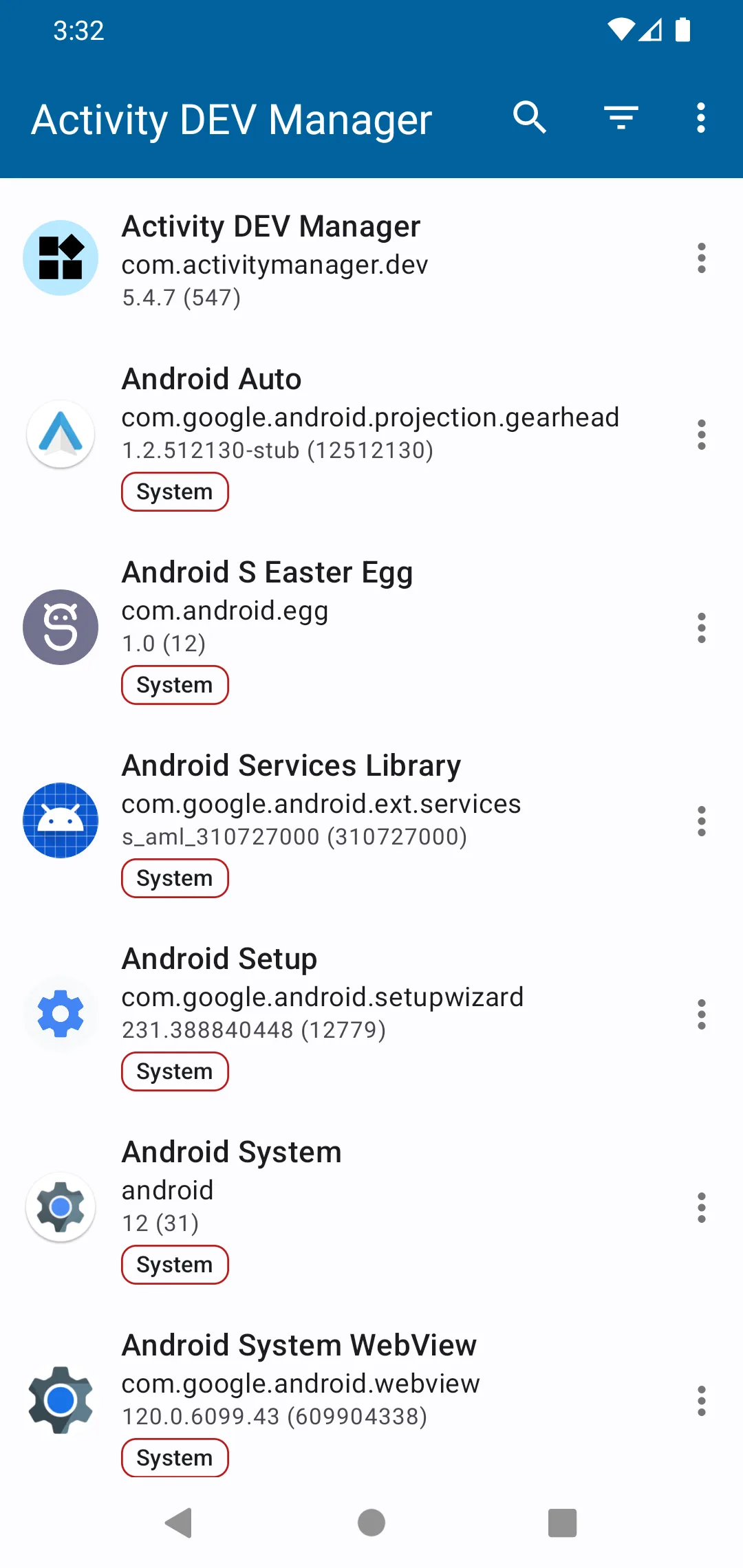
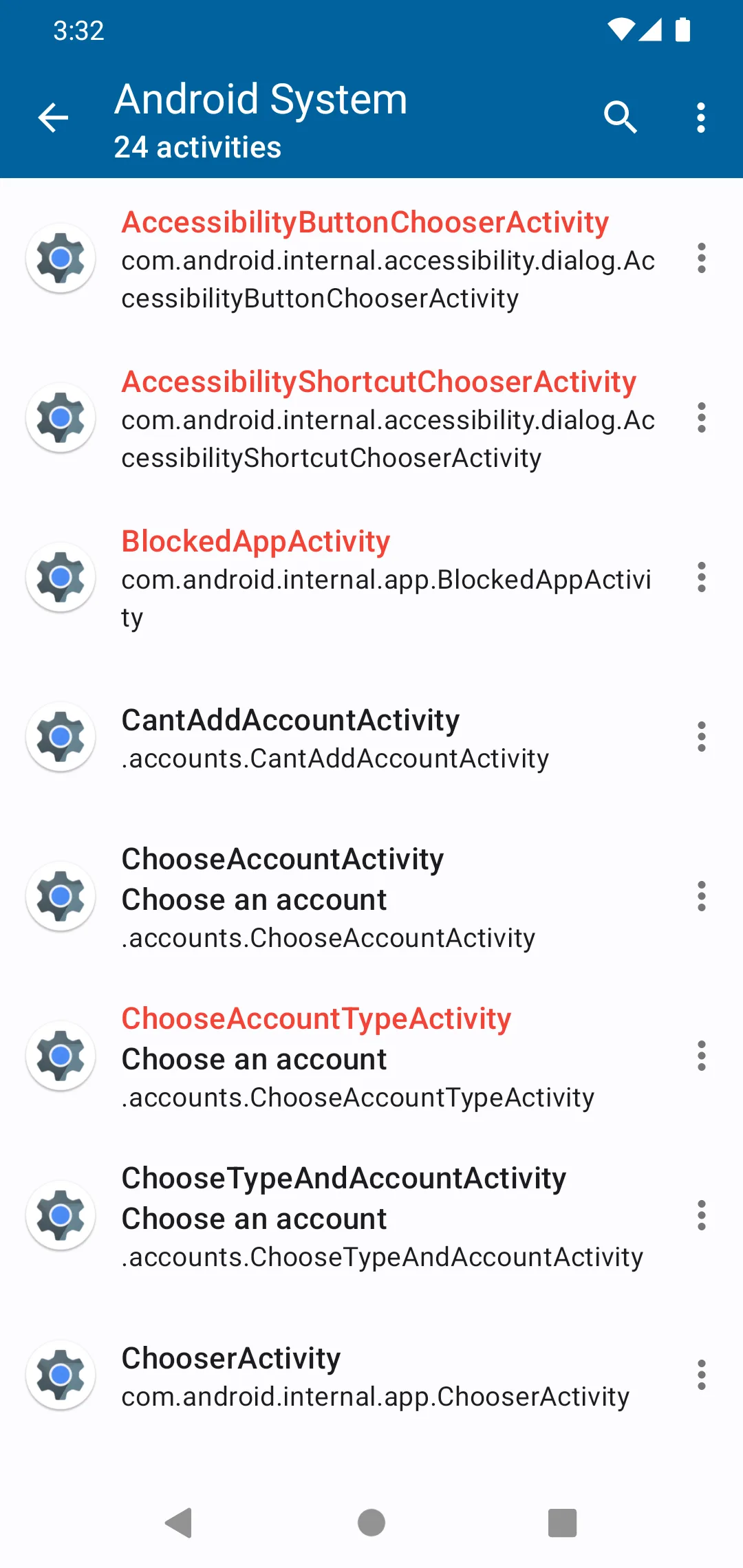
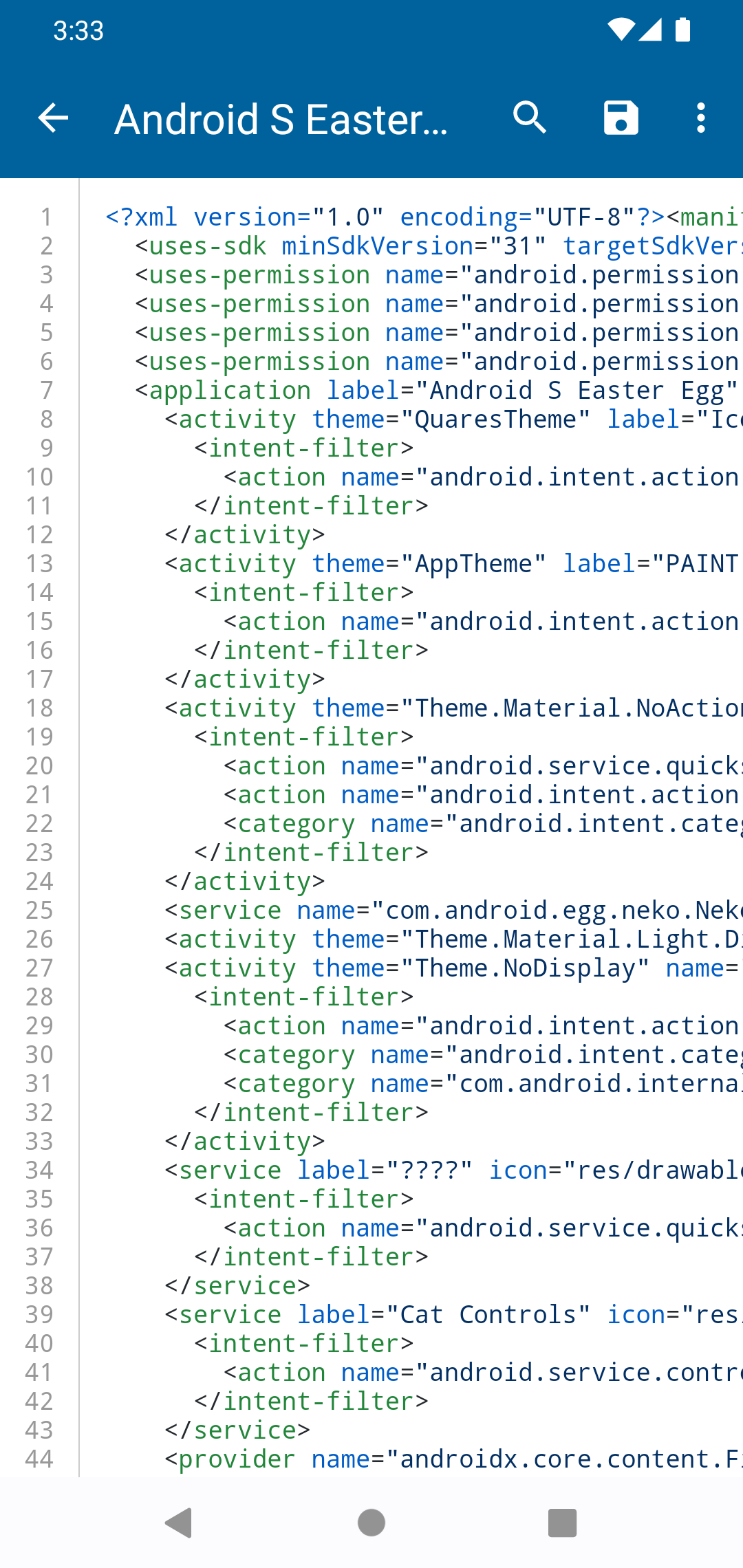
The main list opens each installed package and shows its declared activities. Activity Manager can start ordinary exported activities without special access. Its Manifest Viewer exposes the application manifest in a searchable view, which is useful when you need the exact component name or want to understand an intent filter rather than guess from a screen label.
You can pin apps to the top and clear and rebuild the app cache while keeping those pins. Version 5.5.3 adds an experimental card layout for app and activity lists; the preceding 5.5.2 release added the tablet version of that layout. These are presentation changes, not new privileged powers.
Intent Builder, shortcuts and interception
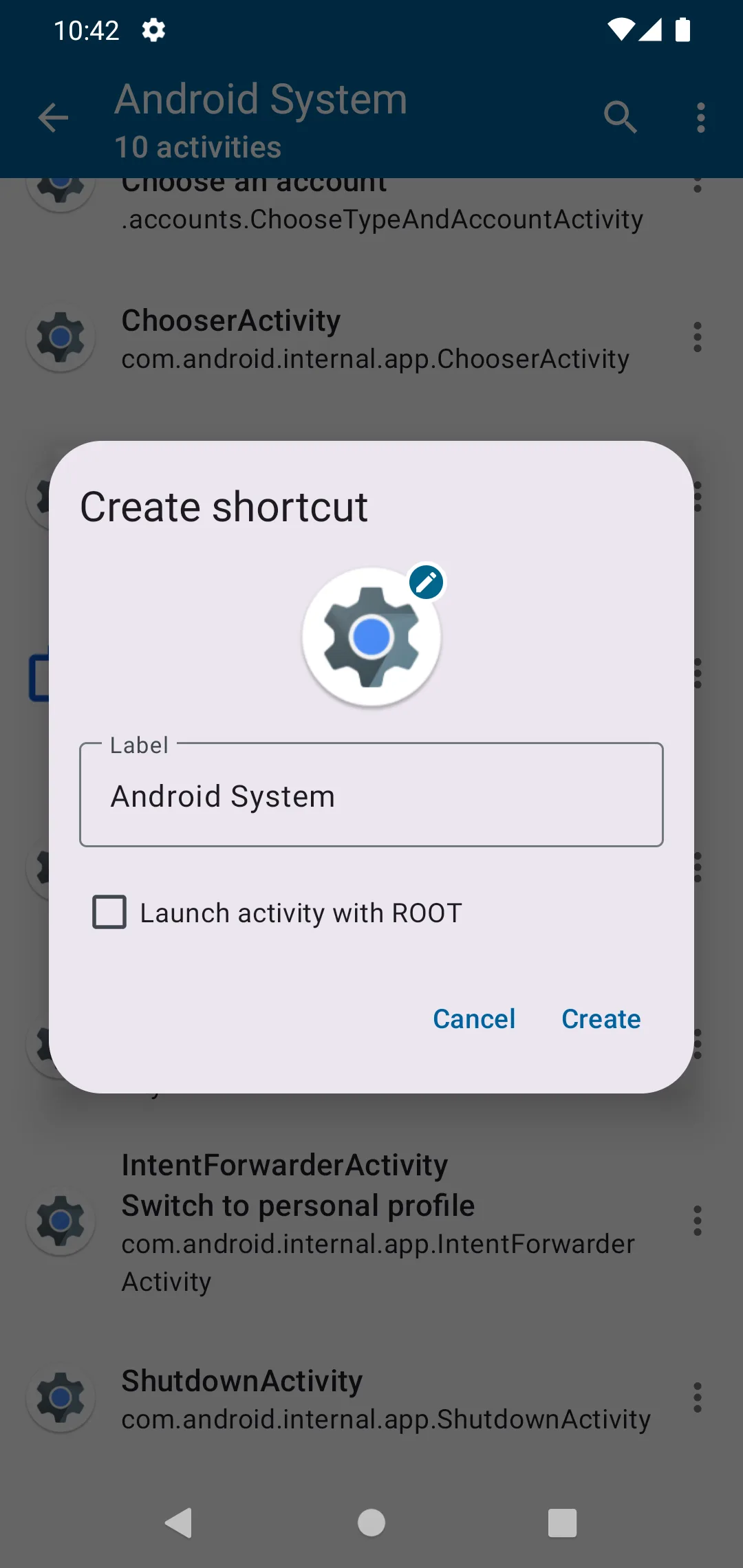
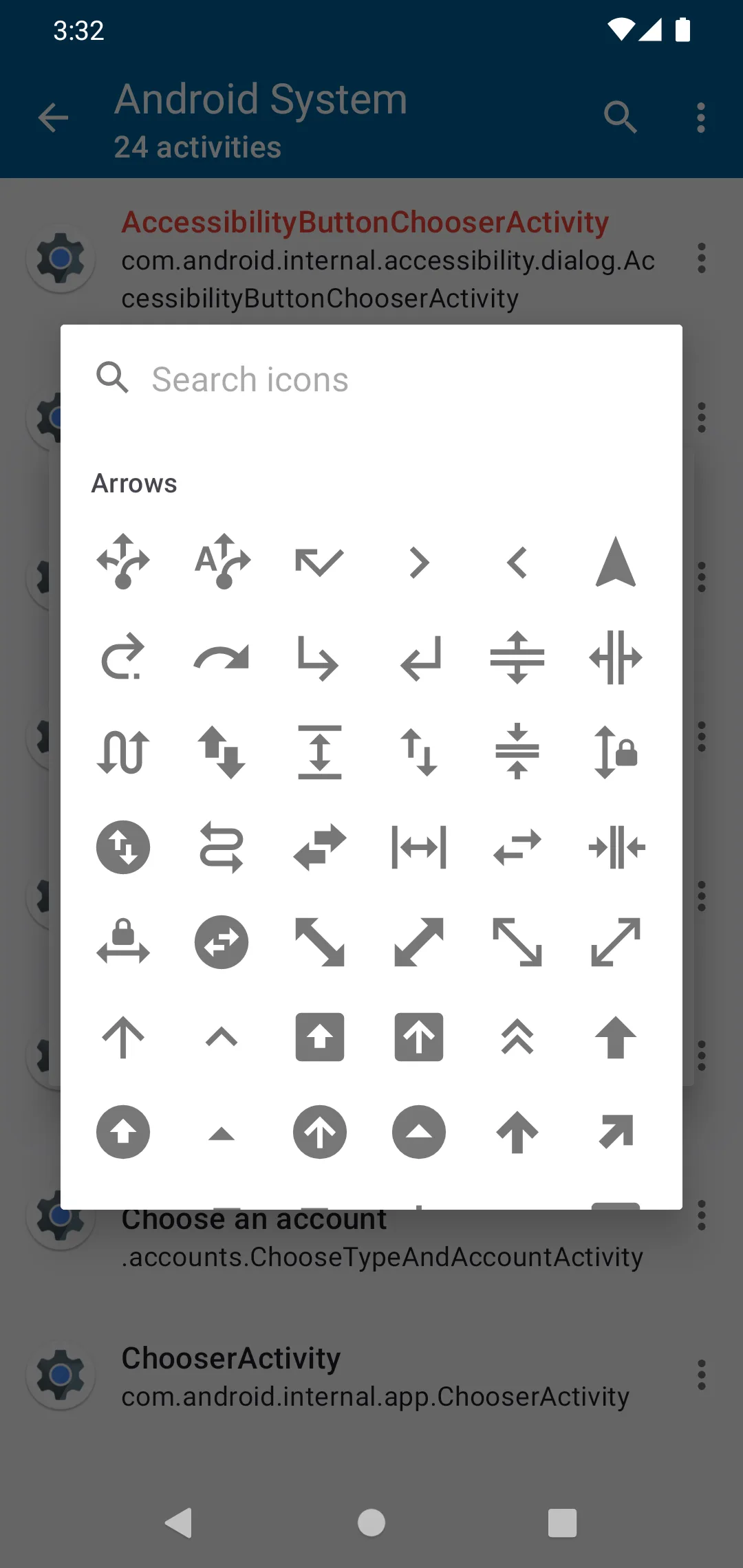
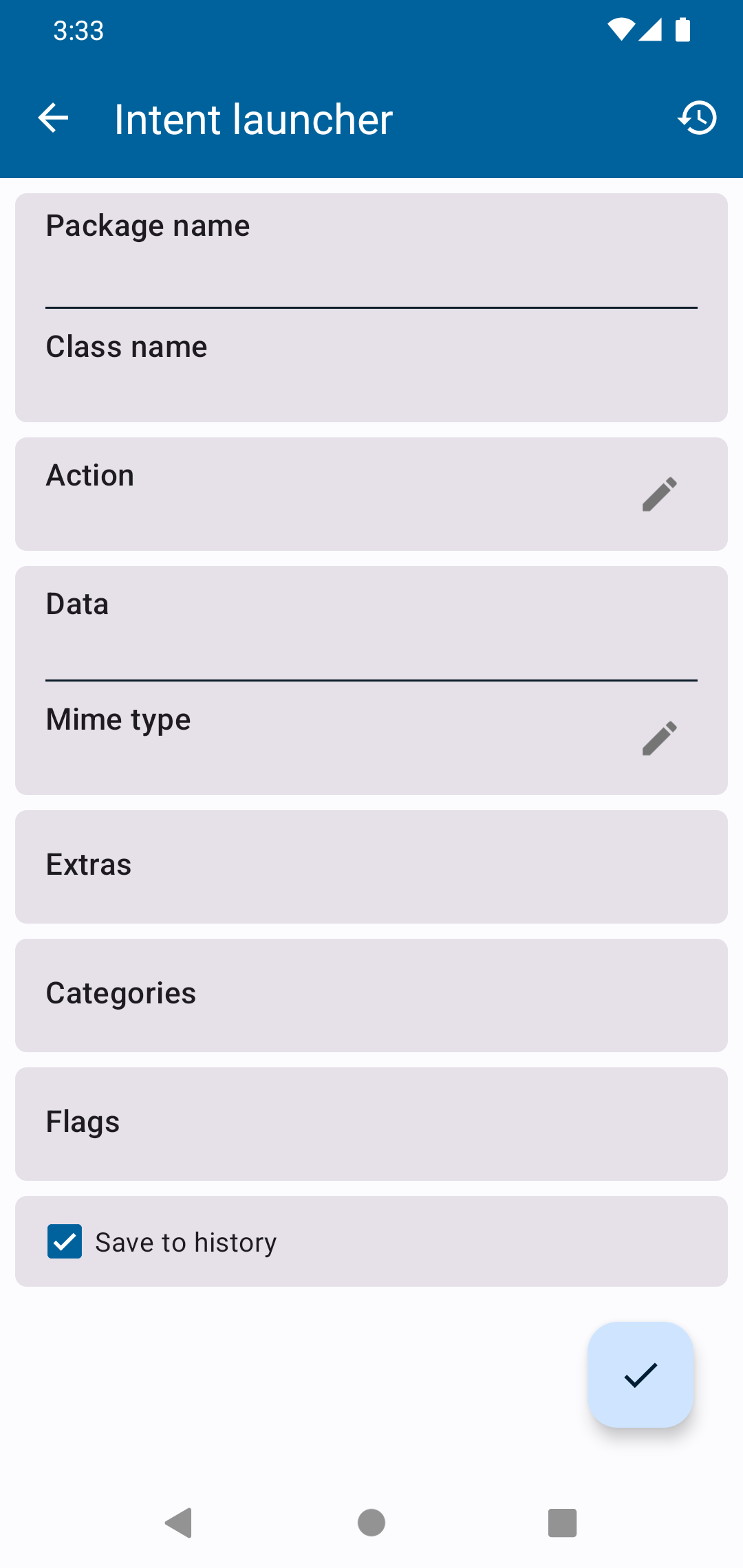
Intent Builder creates a custom Android intent instead of opening a component with empty defaults. It can set the action, data or other supported fields and start the result; using its elevated launch action requires root. The separate History screen can export an equivalent shell command. You can also create home-screen shortcuts for an activity or built intent. Its “app” shortcut opens that package’s activity list inside Activity Manager rather than launching the target app itself.
Since 5.5.1, the app includes a system-wide intent interceptor for examining shared content, links and other intents. Its manifest ships that interceptor disabled; enabling it adds Activity Manager to compatible Android chooser flows. That is better treated as a debugging switch than a permanent default, since it can make chooser lists busier and can expose the metadata of content you deliberately send to it.
What root or Shizuku changes
Android normally prevents one app from launching another package’s non-exported activity, and an exported activity can still require a protected permission. Activity Manager has two different ways around those checks. If root is available, it takes priority and runs am start -n through su. With Shizuku, it does not ask the ADB shell to start the target directly: it grants itself WRITE_SECURE_SETTINGS, backs up the current assistant and voice_interaction_service settings, temporarily makes the target activity the assistant, clears the voice-interaction service and injects the Assist key so Android opens it as the system user.
The Shizuku path waits two seconds and restores both assistant settings. If the process dies in that window, restoration is deferred until Activity Manager next starts. Its onboarding automatically runs pm grant once Shizuku is ready, and that WRITE_SECURE_SETTINGS grant remains until it is revoked or the app is uninstalled. Shizuku support needs Android 7.0 or later, so Android 6.0 devices have only the root route. Grant either route only when needed, verify the package and activity name, and avoid firing unfamiliar intents at system packages. Exported activities that need no special permission, manifest reading and ordinary shortcuts do not require it.
The measured APK includes the Shizuku provider and declares seven permissions. They cover listing installed packages, legacy launcher shortcuts, Shizuku and WRITE_SECURE_SETTINGS. REORDER_TASKS is also present because an AndroidX test dependency was included in the release; the fixed source does not use it as an Activity Manager feature. A normal install does not receive WRITE_SECURE_SETTINGS merely because it appears in the manifest, but this app’s Shizuku onboarding explicitly grants it.
Privacy and compatibility
Activity Manager has no internet permission, and our scan found no known tracker SDKs. App labels, manifests, pinned entries, history and custom intents stay on the device unless you explicitly copy or share them. The manifest allows Android system backup, so the local database may also be included in a device backup. Android or a target app can of course perform network activity after you launch it.
The app supports phones, tablets and Android TV and needs Android 6.0 or later. Its native libraries cover 32- and 64-bit ARM and x86 devices.
About this file
- This is F-Droid’s source build of 5.5.3, signed with F-Droid’s key. A developer-signed GitHub build cannot update it in place.
- The 5.3 MB APK needs Android 6.0 or later and contains native libraries for
arm64-v8a,armeabi-v7a,x86andx86_64. - It declares no internet permission; our static scan found the Shizuku API and no known trackers.
- Its measured SHA-256 is
fb5c15c994239cae33c501338f9f865240cf41ca550ee0273401da7566f0c633, matching F-Droid’s signed index. - Activity Manager is licensed under Apache-2.0.
What’s inside the APK
Trackers
No code matching the Exodus Privacy tracker signatures.
Native code
Runs on 64-bit and older 32-bit ARM phones.
Android versions
Built for Android 16 (target API 36).
Permissions
0 of them need your approval first.
Shizuku API. Uses the Shizuku API, so it can do ADB-level work without root once Shizuku is running. (rikka.shizuku.ShizukuProvider)
CPU types in this build: arm64-v8a (64-bit ARM, almost every phone since 2017); armeabi-v7a (32-bit ARM, older and budget phones); x86 (32-bit Intel, emulators); x86_64 (64-bit Intel, emulators and Chromebooks).
System-level (1)
Reserved for system apps. A normal install does not get these; they only take effect through root, ADB or Shizuku, if at all.
- WRITE_SECURE_SETTINGS
Granted at install (2)
Low-risk permissions Android grants automatically, plus any we have not classified.
- QUERY_ALL_PACKAGES
- REORDER_TASKS
Defined by other apps (4)
Permissions that belong to another app or to this app itself.
- com.activitymanager.DYNAMIC_RECEIVER_NOT_EXPORTED_PERMISSION
- com.android.launcher.permission.INSTALL_SHORTCUT
- com.android.permission.GET_INSTALLED_APPS
- moe.shizuku.manager.permission.API_V23
More Information
- Package name
- com.activitymanager
- Version
- 5.5.3 (build 567)
- File size
- 5.3 MB (5,291,724 bytes)
- Requires
- Android 6.0 or later
- Category
- System Tools
- License
- Apache-2.0
- Developer
- Yuriy Mysochenko
- Source code
- github.com/sdex/ActivityManager
- Released
- Oct 14, 2026
- Signed by
- F-Droid, which built this APK from the published source code. Because the key is F-Droid’s, it won’t install over a copy from Google Play or GitHub (or the other way round) without uninstalling first.
- Signer SHA-256
- 2ca62fd35eb47e4a59c62c5f7d705f967057d55190088aa51d46b5983df8200e
- File SHA-256
- fb5c15c994239cae33c501338f9f865240cf41ca550ee0273401da7566f0c633
- Checked
- , against the F-Droid index · how we check · verify it yourself
Common questions
Is this APK the official Activity Manager release?
It is F-Droid’s build rather than the developer’s own: F-Droid compiled Activity Manager 5.5.3 from the published source code and signed it with its own key. Its SHA-256 matches F-Droid’s signed index. Because the key is F-Droid’s, it won’t install over a copy from Google Play or GitHub without uninstalling first.
What Android version does Activity Manager need?
Android 6.0 or later (API level 23). Version 5.5.3 is built for Android 16 (target API 36). Runs on 64-bit and older 32-bit ARM phones.
Can Activity Manager access the internet?
No. The APK doesn’t request Android’s internet permission, so the app can’t go online by itself. In total it declares 7 permissions, and none of them needs your approval first.
Does Activity Manager contain trackers?
No known trackers: our scan of version 5.5.3 found no code matching the Exodus Privacy tracker signatures. The scan covers known tracker libraries; it doesn’t show what data the app itself sends.
Is Activity Manager open source?
Yes. Activity Manager is released under the Apache-2.0 licence, and its source code is published at https://github.com/sdex/ActivityManager.
Why does an activity fail even when Activity Manager can see it?
A manifest entry only proves that the component exists. It may be non-exported, disabled, protected by a permission, expect extras from its own app or be unavailable in the current state. Root can start some restricted components directly; the Shizuku path temporarily sets the target activity as the system assistant so Android opens it. Neither route can make every internal screen work safely.
Does Activity Manager need internet access?
No. The measured 5.5.3 APK has no internet permission and our static scan found no tracker SDKs. Links you deliberately open can still be handed to a browser or another app.
Recent releases
| Version | Released | Size | Requires |
|---|---|---|---|
| v5.5.3 · this download | Oct 14, 2026 | 5.3 MB | Android 6.0+ |
| v5.5.2 | Oct 4, 2026 | 5.3 MB | Android 6.0+ |
| v5.5.1 | Oct 1, 2026 | 5.3 MB | Android 6.0+ |
Versions currently kept in the F-Droid repository. We host and check only the newest one.
Alternatives and related apps
-
 App Manager A much broader package inspector with component controls, backups and privacy reports.Download
-
 Package Manager Inspects manifests and certificates and adds APK export and split-bundle installation.Download